Unnamed: 0,id,type,created_at,repo,repo_url,action,title,labels,body,index,text_combine,label,text,binary_label
8789,27172251148.0,IssuesEvent,2023-02-17 20:35:53,OneDrive/onedrive-api-docs,https://api.github.com/repos/OneDrive/onedrive-api-docs,closed,"UnknownError appears sometimes, using File upload method",status:investigating automation:Closed,"#### Category
- [ ] Question
- [ ] Documentation issue
- [x] Bug
#### Expected or Desired Behavior
The file must be uploaded correctly
#### Observed Behavior
`""error"": {
""code"": ""UnknownError"",
""message"": """",
""innerError"": {
""request-id"": ""040f518d-56c9-49b4-9b3e-81cc2e21aa06"",
""date"": ""2020-03-02T08:45:40""
}
}`
#### Steps to Reproduce
Well I can't reproduce the error. It appeared randomly. But if the SAME request is executed again, sometimes, it works.
Thank you.
",1.0,"UnknownError appears sometimes, using File upload method - #### Category
- [ ] Question
- [ ] Documentation issue
- [x] Bug
#### Expected or Desired Behavior
The file must be uploaded correctly
#### Observed Behavior
`""error"": {
""code"": ""UnknownError"",
""message"": """",
""innerError"": {
""request-id"": ""040f518d-56c9-49b4-9b3e-81cc2e21aa06"",
""date"": ""2020-03-02T08:45:40""
}
}`
#### Steps to Reproduce
Well I can't reproduce the error. It appeared randomly. But if the SAME request is executed again, sometimes, it works.
Thank you.
",1,unknownerror appears sometimes using file upload method category question documentation issue bug expected or desired behavior the file must be uploaded correctly observed behavior error code unknownerror message innererror request id date steps to reproduce well i can t reproduce the error it appeared randomly but if the same request is executed again sometimes it works thank you ,1
8733,27172183522.0,IssuesEvent,2023-02-17 20:31:55,OneDrive/onedrive-api-docs,https://api.github.com/repos/OneDrive/onedrive-api-docs,closed,accessToken is missing in the json response,area:Picker automation:Closed,"#### Category
- [ ] Question
- [ ] Documentation issue
- [X] Bug
#### Expected or Desired Behavior
When using the parameter ""endpointHint"" to specify a full path to a Sharepoint library, it is expected to retreive in the json response the accessToken and the apiEndpoint. You can read the info in the section 4 of the documentation [here](https://docs.microsoft.com/en-us/onedrive/developer/controls/file-pickers/js-v72/open-file?view=odsp-graph-online).
#### Observed Behavior
When populating the parameter ""endpointHint"" with a full URL to a SharePoint document library, the returned json response is missing accessToken and apiEndpoint.
#### Steps to Reproduce
**Here an example of code to use to reproduce the bug.**
var odOptions = {
clientId: oneDriveApplicationId,
action: ""query"",
multiSelect: false,
openInNewWindow: false,
advanced: {
endpointHint: ""https://xxxxxxx.sharepoint.com/sites/TestServicesRequests1/TestServicesRequests/"",
redirectUri: ""http://127.0.0.1:5500/DoSomething.html""
},
success: function (files) {
resolve(files);
},
cancel: function () { resolve(null); },
error: function (e) { reject(e); }
};
OneDrive.open(odOptions);
**Here the result returned when you point directly to a sharePoint site:**
Object:
value: Array(1)
0: {id: ""01KFYDXCCSPIM52FIDDVHKD477Y6VSID5M"", parentReference: {…}, sharePoint: {…}, endpoint: ""https://idscollabdev.sharepoint.com/_api/v2.0""}
length: 1
proto: Array(0)
webUrl: null",1.0,"accessToken is missing in the json response - #### Category
- [ ] Question
- [ ] Documentation issue
- [X] Bug
#### Expected or Desired Behavior
When using the parameter ""endpointHint"" to specify a full path to a Sharepoint library, it is expected to retreive in the json response the accessToken and the apiEndpoint. You can read the info in the section 4 of the documentation [here](https://docs.microsoft.com/en-us/onedrive/developer/controls/file-pickers/js-v72/open-file?view=odsp-graph-online).
#### Observed Behavior
When populating the parameter ""endpointHint"" with a full URL to a SharePoint document library, the returned json response is missing accessToken and apiEndpoint.
#### Steps to Reproduce
**Here an example of code to use to reproduce the bug.**
var odOptions = {
clientId: oneDriveApplicationId,
action: ""query"",
multiSelect: false,
openInNewWindow: false,
advanced: {
endpointHint: ""https://xxxxxxx.sharepoint.com/sites/TestServicesRequests1/TestServicesRequests/"",
redirectUri: ""http://127.0.0.1:5500/DoSomething.html""
},
success: function (files) {
resolve(files);
},
cancel: function () { resolve(null); },
error: function (e) { reject(e); }
};
OneDrive.open(odOptions);
**Here the result returned when you point directly to a sharePoint site:**
Object:
value: Array(1)
0: {id: ""01KFYDXCCSPIM52FIDDVHKD477Y6VSID5M"", parentReference: {…}, sharePoint: {…}, endpoint: ""https://idscollabdev.sharepoint.com/_api/v2.0""}
length: 1
proto: Array(0)
webUrl: null",1,accesstoken is missing in the json response category question documentation issue bug expected or desired behavior when using the parameter endpointhint to specify a full path to a sharepoint library it is expected to retreive in the json response the accesstoken and the apiendpoint you can read the info in the section of the documentation observed behavior when populating the parameter endpointhint with a full url to a sharepoint document library the returned json response is missing accesstoken and apiendpoint steps to reproduce here an example of code to use to reproduce the bug var odoptions clientid onedriveapplicationid action query multiselect false openinnewwindow false advanced endpointhint redirecturi success function files resolve files cancel function resolve null error function e reject e onedrive open odoptions here the result returned when you point directly to a sharepoint site object value array id parentreference … sharepoint … endpoint length proto array weburl null,1
8605,27171979886.0,IssuesEvent,2023-02-17 20:20:49,OneDrive/onedrive-api-docs,https://api.github.com/repos/OneDrive/onedrive-api-docs,closed,upload.createSession fails with 404 for special folders,type:bug automation:Closed,"Making a POST request to the endpoint:
`/drive/special/approot:/newfile.txt:/upload.createSession`
fails with the following response:
Status: 404
Body:
```
{
""error"": {
""code"": ""itemNotFound"",
""message"": ""The resource could not be found.""
}
}
```
This is the v2.0 endpoint for OneDrive for Business, and I get the same response for all of the special folders.
`HEAD /drive/special/approot` gives the expected response.
This appears to be similar to https://github.com/OneDrive/onedrive-api-docs/issues/67
",1.0,"upload.createSession fails with 404 for special folders - Making a POST request to the endpoint:
`/drive/special/approot:/newfile.txt:/upload.createSession`
fails with the following response:
Status: 404
Body:
```
{
""error"": {
""code"": ""itemNotFound"",
""message"": ""The resource could not be found.""
}
}
```
This is the v2.0 endpoint for OneDrive for Business, and I get the same response for all of the special folders.
`HEAD /drive/special/approot` gives the expected response.
This appears to be similar to https://github.com/OneDrive/onedrive-api-docs/issues/67
",1,upload createsession fails with for special folders making a post request to the endpoint drive special approot newfile txt upload createsession fails with the following response status body error code itemnotfound message the resource could not be found this is the endpoint for onedrive for business and i get the same response for all of the special folders head drive special approot gives the expected response this appears to be similar to ,1
8758,27172215450.0,IssuesEvent,2023-02-17 20:33:41,OneDrive/onedrive-api-docs,https://api.github.com/repos/OneDrive/onedrive-api-docs,closed,How to set @microsoft.graph.conflictBehavior in this api?,type:bug status:workaround automation:Closed,"I found it always replaces the exist file nomatter I add @microsoft.graph.conflictBehavior to the request body or the query string.
---
#### Document Details
⚠ *Do not edit this section. It is required for docs.microsoft.com ➟ GitHub issue linking.*
* ID: 42443681-dd86-ce0c-587f-2336f965ebaf
* Version Independent ID: abcbaeba-560b-661d-0127-5c44d9089915
* Content: [Upload from a URL - OneDrive API - OneDrive dev center](https://docs.microsoft.com/en-us/onedrive/developer/rest-api/api/driveitem_upload_url?view=odsp-graph-online)
* Content Source: [docs/rest-api/api/driveitem_upload_url.md](https://github.com/OneDrive/onedrive-api-docs/blob/live/docs/rest-api/api/driveitem_upload_url.md)
* Product: **onedrive**
* GitHub Login: @rgregg
* Microsoft Alias: **rgregg**",1.0,"How to set @microsoft.graph.conflictBehavior in this api? - I found it always replaces the exist file nomatter I add @microsoft.graph.conflictBehavior to the request body or the query string.
---
#### Document Details
⚠ *Do not edit this section. It is required for docs.microsoft.com ➟ GitHub issue linking.*
* ID: 42443681-dd86-ce0c-587f-2336f965ebaf
* Version Independent ID: abcbaeba-560b-661d-0127-5c44d9089915
* Content: [Upload from a URL - OneDrive API - OneDrive dev center](https://docs.microsoft.com/en-us/onedrive/developer/rest-api/api/driveitem_upload_url?view=odsp-graph-online)
* Content Source: [docs/rest-api/api/driveitem_upload_url.md](https://github.com/OneDrive/onedrive-api-docs/blob/live/docs/rest-api/api/driveitem_upload_url.md)
* Product: **onedrive**
* GitHub Login: @rgregg
* Microsoft Alias: **rgregg**",1,how to set microsoft graph conflictbehavior in this api i found it always replaces the exist file nomatter i add microsoft graph conflictbehavior to the request body or the query string document details ⚠ do not edit this section it is required for docs microsoft com ➟ github issue linking id version independent id abcbaeba content content source product onedrive github login rgregg microsoft alias rgregg ,1
8635,27172020052.0,IssuesEvent,2023-02-17 20:22:59,OneDrive/onedrive-api-docs,https://api.github.com/repos/OneDrive/onedrive-api-docs,closed,[ODB] how to add permission with special name alias,automation:Closed,"Hello,
All my files have a special permission which is named by Chinese means 'All external users'
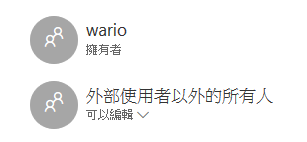
And it is the resp. section
```
{
""grantedTo"": {
""user"": {
""displayName"": ""外部使用者以外的所有人""
}
},
""id"": ""YzowLS5mfHJvbGVtYW5hZ2VyfHNwby1ncmlkLWFsbC11c2Vycy9hYWVmNzIwOC02Njg3LTQzMGQtOWZmOS0xMjQxZTlkMzY5NDU"",
""roles"": [
""read""
]
},
```
How can I add this permission?
Thanks",1.0,"[ODB] how to add permission with special name alias - Hello,
All my files have a special permission which is named by Chinese means 'All external users'

And it is the resp. section
```
{
""grantedTo"": {
""user"": {
""displayName"": ""外部使用者以外的所有人""
}
},
""id"": ""YzowLS5mfHJvbGVtYW5hZ2VyfHNwby1ncmlkLWFsbC11c2Vycy9hYWVmNzIwOC02Njg3LTQzMGQtOWZmOS0xMjQxZTlkMzY5NDU"",
""roles"": [
""read""
]
},
```
How can I add this permission?
Thanks",1, how to add permission with special name alias hello all my files have a special permission which is named by chinese means all external users and it is the resp section grantedto user displayname 外部使用者以外的所有人 id roles read how can i add this permission thanks,1
8643,27172030569.0,IssuesEvent,2023-02-17 20:23:33,OneDrive/onedrive-api-docs,https://api.github.com/repos/OneDrive/onedrive-api-docs,closed,Are the new Converge Apps Backwards Compatible with the Live SDK API?,automation:Closed,"We are currently using the Live SDK API in our integration with OneDrive. However, new customers do not have the ability to create Live SDK Applications, since this is being deprecated. We are working toward migrating to the new Graph API, however, my question is do the new Converged Apps (to be used with the Graph API) still work with the Live SDK API or can only new customers who only have access to Converged Apps use the Graph API?
",1.0,"Are the new Converge Apps Backwards Compatible with the Live SDK API? - We are currently using the Live SDK API in our integration with OneDrive. However, new customers do not have the ability to create Live SDK Applications, since this is being deprecated. We are working toward migrating to the new Graph API, however, my question is do the new Converged Apps (to be used with the Graph API) still work with the Live SDK API or can only new customers who only have access to Converged Apps use the Graph API?
",1,are the new converge apps backwards compatible with the live sdk api we are currently using the live sdk api in our integration with onedrive however new customers do not have the ability to create live sdk applications since this is being deprecated we are working toward migrating to the new graph api however my question is do the new converged apps to be used with the graph api still work with the live sdk api or can only new customers who only have access to converged apps use the graph api ,1
8818,27172293156.0,IssuesEvent,2023-02-17 20:38:35,OneDrive/onedrive-api-docs,https://api.github.com/repos/OneDrive/onedrive-api-docs,closed,Microsoft Graph Drive search API does not work for some file names,status:investigating area:Search automation:Closed,"#### Category
- [ ] Question
- [ ] Documentation issue
- [x] Bug
The[ search for a drive item api ](https://docs.microsoft.com/en-us/graph/api/driveitem-search?view=graph-rest-1.0&tabs=http) does not find some files. I added many files with the same content but different names in my drive.
It tried the following call for all my files:
GET /me/drive/root/search(q='{file_name}')
It works for many files, but not for others.
I tried several times, always get the same result.
I am not able to find a pattern for the file names, but it seems names containing a dash or more than one dot or parentheses are affected. Maybe some characters are not correctly handled?
For instance, this query does not find my file (which is named 04-20-142.pdf):
GET /me/drive/root/search(q='04-20-142.pdf')
However I can find this file with the following requests:
GET /me/drive/root/search(q='04-20-142')
or
GET /me/drive/root/search(q='-142.pdf')
The file extension does not matter, same result with ""04-20-142.txt"".
Also, the file can be at the root of the drive or in a subdirectory, the result is the same.
I did not find any way to find a file by name in a drive other than listing all files in the drive recursively.
I tried in team drives and my drive, with hundreds of file names.
#### Expected or Desired Behavior
There needs to be a way to get a file by name in a drive.
The search drive item should at least return file with the exact name entered.
#### Steps to Reproduce
Add a file named ""04-20-142.pdf"" in your drive and try to find it with
GET /me/drive/root/search(q='04-20-142.pdf')
Same result with beta and v1.0 API versions.
Thank you.
",1.0,"Microsoft Graph Drive search API does not work for some file names - #### Category
- [ ] Question
- [ ] Documentation issue
- [x] Bug
The[ search for a drive item api ](https://docs.microsoft.com/en-us/graph/api/driveitem-search?view=graph-rest-1.0&tabs=http) does not find some files. I added many files with the same content but different names in my drive.
It tried the following call for all my files:
GET /me/drive/root/search(q='{file_name}')
It works for many files, but not for others.
I tried several times, always get the same result.
I am not able to find a pattern for the file names, but it seems names containing a dash or more than one dot or parentheses are affected. Maybe some characters are not correctly handled?
For instance, this query does not find my file (which is named 04-20-142.pdf):
GET /me/drive/root/search(q='04-20-142.pdf')
However I can find this file with the following requests:
GET /me/drive/root/search(q='04-20-142')
or
GET /me/drive/root/search(q='-142.pdf')
The file extension does not matter, same result with ""04-20-142.txt"".
Also, the file can be at the root of the drive or in a subdirectory, the result is the same.
I did not find any way to find a file by name in a drive other than listing all files in the drive recursively.
I tried in team drives and my drive, with hundreds of file names.
#### Expected or Desired Behavior
There needs to be a way to get a file by name in a drive.
The search drive item should at least return file with the exact name entered.
#### Steps to Reproduce
Add a file named ""04-20-142.pdf"" in your drive and try to find it with
GET /me/drive/root/search(q='04-20-142.pdf')
Same result with beta and v1.0 API versions.
Thank you.
",1,microsoft graph drive search api does not work for some file names category question documentation issue bug the does not find some files i added many files with the same content but different names in my drive it tried the following call for all my files get me drive root search q file name it works for many files but not for others i tried several times always get the same result i am not able to find a pattern for the file names but it seems names containing a dash or more than one dot or parentheses are affected maybe some characters are not correctly handled for instance this query does not find my file which is named pdf get me drive root search q pdf however i can find this file with the following requests get me drive root search q or get me drive root search q pdf the file extension does not matter same result with txt also the file can be at the root of the drive or in a subdirectory the result is the same i did not find any way to find a file by name in a drive other than listing all files in the drive recursively i tried in team drives and my drive with hundreds of file names expected or desired behavior there needs to be a way to get a file by name in a drive the search drive item should at least return file with the exact name entered steps to reproduce add a file named pdf in your drive and try to find it with get me drive root search q pdf same result with beta and api versions thank you ,1
8856,27172335379.0,IssuesEvent,2023-02-17 20:41:15,OneDrive/onedrive-api-docs,https://api.github.com/repos/OneDrive/onedrive-api-docs,closed,"Nothing works, weird documentation",area:Picker automation:Closed,"
Nothing in here works. Have you tested this?
---
#### Document Details
⚠ *Do not edit this section. It is required for docs.microsoft.com ➟ GitHub issue linking.*
* ID: efd8a4b3-eb11-087a-2406-5979bd3931b3
* Version Independent ID: 39e9d7ef-e826-0096-2758-f6259741cd91
* Content: [Microsoft File Browser SDK (Preview) - OneDrive dev center](https://docs.microsoft.com/en-us/onedrive/developer/controls/file-pickers/react/?view=odsp-graph-online)
* Content Source: [docs/controls/file-pickers/react/index.md](https://github.com/OneDrive/onedrive-api-docs/blob/live/docs/controls/file-pickers/react/index.md)
* Product: **onedrive**
* GitHub Login: @KevinTCoughlin
* Microsoft Alias: **keco**",1.0,"Nothing works, weird documentation -
Nothing in here works. Have you tested this?
---
#### Document Details
⚠ *Do not edit this section. It is required for docs.microsoft.com ➟ GitHub issue linking.*
* ID: efd8a4b3-eb11-087a-2406-5979bd3931b3
* Version Independent ID: 39e9d7ef-e826-0096-2758-f6259741cd91
* Content: [Microsoft File Browser SDK (Preview) - OneDrive dev center](https://docs.microsoft.com/en-us/onedrive/developer/controls/file-pickers/react/?view=odsp-graph-online)
* Content Source: [docs/controls/file-pickers/react/index.md](https://github.com/OneDrive/onedrive-api-docs/blob/live/docs/controls/file-pickers/react/index.md)
* Product: **onedrive**
* GitHub Login: @KevinTCoughlin
* Microsoft Alias: **keco**",1,nothing works weird documentation nothing in here works have you tested this document details ⚠ do not edit this section it is required for docs microsoft com ➟ github issue linking id version independent id content content source product onedrive github login kevintcoughlin microsoft alias keco ,1
8600,27171464782.0,IssuesEvent,2023-02-17 19:52:43,OneDrive/onedrive-api-docs,https://api.github.com/repos/OneDrive/onedrive-api-docs,closed,When providing top parameter to view.search last page of results is always empty,area:OneDrive Personal automation:Closed,"When using the view.search action in combination with the 'top' query parameter, the last page of the result set is an empty collection. In my opinion, when there are no more results the nextLink parameter should not set, and should no be pointing to an empty collection.
This triggers a exception In my Java OneDrive SDK. There i created an Iterable that iterates over the results and loads the next page automatically When this follows the nextLink but then encounters an empty page I cannot give back an empty element, because this break the Iterator interface contract.
See the understanding trace for more information
Search action with where top=1
```
GET https://api.onedrive.com/v1.0/drive/root:/:/view.search?q=e&top=1
```
NextLink in view.search response
```
@odata.nextLink"":""https://api.onedrive.com/v1.0/drives('me')/items('root%252F')/view.search?q=e&$top=1&$skiptoken=Mg""}
```
GET request of the last page giving back the empty collection
```
5 > GET https://api.onedrive.com/v1.0/drives('me')/items('root%252F')/view.search?q=e&$top=1&$skiptoken=Mg
5 * Client response received on thread main
5 < 200
5 < Content-Length: 41
5 < Content-Type: application/json; odata.metadata=none
5 < Date: Sun, 15 Nov 2015 10:05:36 GMT
5 < OData-Version: 4.0
5 < P3P: CP=""BUS CUR CONo FIN IVDo ONL OUR PHY SAMo TELo""
5 < Server: Microsoft-IIS/8.5 Microsoft-HTTPAPI/2.0
5 < Strict-Transport-Security: max-age=31536000; includeSubDomains
5 < Via: 1.1 BN1301____PAP142 (wls-colorado)
5 < X-AsmVersion: UNKNOWN; 19.32.0.0
5 < X-MSEdge-Ref: Ref A: 5E5711BBBF294C1C8A843D3BB6D430CC Ref B: 03EBE8801E37AD3169BB334719E23FF9 Ref C: Sun Nov 15 02:05:37 2015 PST
5 < X-MSNSERVER: BY3301____PAP126
5 < X-WLSPROXY: BN1301____PAP142
{""@search.approximateCount"":0,""value"":[]}
```
",1.0,"When providing top parameter to view.search last page of results is always empty - When using the view.search action in combination with the 'top' query parameter, the last page of the result set is an empty collection. In my opinion, when there are no more results the nextLink parameter should not set, and should no be pointing to an empty collection.
This triggers a exception In my Java OneDrive SDK. There i created an Iterable that iterates over the results and loads the next page automatically When this follows the nextLink but then encounters an empty page I cannot give back an empty element, because this break the Iterator interface contract.
See the understanding trace for more information
Search action with where top=1
```
GET https://api.onedrive.com/v1.0/drive/root:/:/view.search?q=e&top=1
```
NextLink in view.search response
```
@odata.nextLink"":""https://api.onedrive.com/v1.0/drives('me')/items('root%252F')/view.search?q=e&$top=1&$skiptoken=Mg""}
```
GET request of the last page giving back the empty collection
```
5 > GET https://api.onedrive.com/v1.0/drives('me')/items('root%252F')/view.search?q=e&$top=1&$skiptoken=Mg
5 * Client response received on thread main
5 < 200
5 < Content-Length: 41
5 < Content-Type: application/json; odata.metadata=none
5 < Date: Sun, 15 Nov 2015 10:05:36 GMT
5 < OData-Version: 4.0
5 < P3P: CP=""BUS CUR CONo FIN IVDo ONL OUR PHY SAMo TELo""
5 < Server: Microsoft-IIS/8.5 Microsoft-HTTPAPI/2.0
5 < Strict-Transport-Security: max-age=31536000; includeSubDomains
5 < Via: 1.1 BN1301____PAP142 (wls-colorado)
5 < X-AsmVersion: UNKNOWN; 19.32.0.0
5 < X-MSEdge-Ref: Ref A: 5E5711BBBF294C1C8A843D3BB6D430CC Ref B: 03EBE8801E37AD3169BB334719E23FF9 Ref C: Sun Nov 15 02:05:37 2015 PST
5 < X-MSNSERVER: BY3301____PAP126
5 < X-WLSPROXY: BN1301____PAP142
{""@search.approximateCount"":0,""value"":[]}
```
",1,when providing top parameter to view search last page of results is always empty when using the view search action in combination with the top query parameter the last page of the result set is an empty collection in my opinion when there are no more results the nextlink parameter should not set and should no be pointing to an empty collection this triggers a exception in my java onedrive sdk there i created an iterable that iterates over the results and loads the next page automatically when this follows the nextlink but then encounters an empty page i cannot give back an empty element because this break the iterator interface contract see the understanding trace for more information search action with where top get nextlink in view search response odata nextlink get request of the last page giving back the empty collection get client response received on thread main content length content type application json odata metadata none date sun nov gmt odata version cp bus cur cono fin ivdo onl our phy samo telo server microsoft iis microsoft httpapi strict transport security max age includesubdomains via wls colorado x asmversion unknown x msedge ref ref a ref b ref c sun nov pst x msnserver x wlsproxy search approximatecount value ,1
8674,27172073341.0,IssuesEvent,2023-02-17 20:25:54,OneDrive/onedrive-api-docs,https://api.github.com/repos/OneDrive/onedrive-api-docs,closed,File Picker - Specify Root Folder?,area:Picker Needs: Attention :wave: automation:Closed,"I'm working with the latest (7.2) version of the picker and am able to open a popup to the correct library using the following code:
```js
window.OneDrive.open({
clientId,
action: 'query',
advanced: {
accessToken: user.access_token,
endpointHint: drive.webUrl,
navigation: {
disable: true,
},
},
success: files => {
console.log(files)
},
cancel: () => {},
error: err => {},
})
```
This is good, but what I would now like to add is a way to specify in the options a folder name or id that should function as the root folder (and not allow them to navigate above it).
I thought this might be possible due to this example code on the documentation site:
```js
var odOptions = {
clientId: ""INSERT-APP-ID-HERE"",
action: ""download"",
advanced: {
navigation: {
entryLocation: {
sharePoint: {
sitePath: ""THE-SITE-PATH"",
listPath: ""THE-LIST-PATH"",
itemPath: ""THE-ITEM-PATH""
}
},
sourceTypes: ""Sites"" /* or an array like [""OneDrive"", ""Sites""] */
}
},
success: function(files) { /* success handler */ },
cancel: function() { /* cancel handler */ },
error: function(e) { /* error handler */ }
```
But there is no example of how to use `itemPath`. What is the correct usage of those options? And if I am confused, is there some other way to specify a root folder?
Thanks.",1.0,"File Picker - Specify Root Folder? - I'm working with the latest (7.2) version of the picker and am able to open a popup to the correct library using the following code:
```js
window.OneDrive.open({
clientId,
action: 'query',
advanced: {
accessToken: user.access_token,
endpointHint: drive.webUrl,
navigation: {
disable: true,
},
},
success: files => {
console.log(files)
},
cancel: () => {},
error: err => {},
})
```
This is good, but what I would now like to add is a way to specify in the options a folder name or id that should function as the root folder (and not allow them to navigate above it).
I thought this might be possible due to this example code on the documentation site:
```js
var odOptions = {
clientId: ""INSERT-APP-ID-HERE"",
action: ""download"",
advanced: {
navigation: {
entryLocation: {
sharePoint: {
sitePath: ""THE-SITE-PATH"",
listPath: ""THE-LIST-PATH"",
itemPath: ""THE-ITEM-PATH""
}
},
sourceTypes: ""Sites"" /* or an array like [""OneDrive"", ""Sites""] */
}
},
success: function(files) { /* success handler */ },
cancel: function() { /* cancel handler */ },
error: function(e) { /* error handler */ }
```
But there is no example of how to use `itemPath`. What is the correct usage of those options? And if I am confused, is there some other way to specify a root folder?
Thanks.",1,file picker specify root folder i m working with the latest version of the picker and am able to open a popup to the correct library using the following code js window onedrive open clientid action query advanced accesstoken user access token endpointhint drive weburl navigation disable true success files console log files cancel error err this is good but what i would now like to add is a way to specify in the options a folder name or id that should function as the root folder and not allow them to navigate above it i thought this might be possible due to this example code on the documentation site js var odoptions clientid insert app id here action download advanced navigation entrylocation sharepoint sitepath the site path listpath the list path itempath the item path sourcetypes sites or an array like success function files success handler cancel function cancel handler error function e error handler but there is no example of how to use itempath what is the correct usage of those options and if i am confused is there some other way to specify a root folder thanks ,1
8802,27172265378.0,IssuesEvent,2023-02-17 20:36:48,OneDrive/onedrive-api-docs,https://api.github.com/repos/OneDrive/onedrive-api-docs,closed,Tenant does not have a SPO license while accessing the OneDrive API,type:question Needs: Attention :wave: automation:Closed," ## Category
- [X] Question
- [x] Documentation issue
- [ ] Bug
#### Expected or Desired Behavior
OneDrive API response in return for the OAuth Application authenticated request with the valid access token
#### Observed Behavior
```
curl -H 'Authorization: Bearer [VALID ACCESS TOKEN]' https://graph.microsoft.com/v1.0/drive/recent
{
""error"": {
""code"": ""BadRequest"",
""message"": ""Tenant does not have a SPO license."",
""innerError"": {
""request-id"": ""ce07f480-8ce4-df0eb56b9722"",
""date"": ""2020-04-22T03:46:03""
}
}
}
```
#### Steps to Reproduce
1. Register an application in the https://portal.azure.com/
2. Give an API Permission for the Microsoft Graph API with 'Files.Read.All' as an Application permission (Application permissions - Your application runs as a background service or daemon without a signed-in user.)
3. Grant Admin Consent for the selected API
4. curl the graph API to get an Access Token
5. Use the access token to get the recent drive files **https://graph.microsoft.com/v1.0/drive/recent**
Thank you.
",1.0,"Tenant does not have a SPO license while accessing the OneDrive API - ## Category
- [X] Question
- [x] Documentation issue
- [ ] Bug
#### Expected or Desired Behavior
OneDrive API response in return for the OAuth Application authenticated request with the valid access token
#### Observed Behavior
```
curl -H 'Authorization: Bearer [VALID ACCESS TOKEN]' https://graph.microsoft.com/v1.0/drive/recent
{
""error"": {
""code"": ""BadRequest"",
""message"": ""Tenant does not have a SPO license."",
""innerError"": {
""request-id"": ""ce07f480-8ce4-df0eb56b9722"",
""date"": ""2020-04-22T03:46:03""
}
}
}
```
#### Steps to Reproduce
1. Register an application in the https://portal.azure.com/
2. Give an API Permission for the Microsoft Graph API with 'Files.Read.All' as an Application permission (Application permissions - Your application runs as a background service or daemon without a signed-in user.)
3. Grant Admin Consent for the selected API
4. curl the graph API to get an Access Token
5. Use the access token to get the recent drive files **https://graph.microsoft.com/v1.0/drive/recent**
Thank you.
",1,tenant does not have a spo license while accessing the onedrive api category question documentation issue bug expected or desired behavior onedrive api response in return for the oauth application authenticated request with the valid access token observed behavior curl h authorization bearer error code badrequest message tenant does not have a spo license innererror request id date steps to reproduce register an application in the give an api permission for the microsoft graph api with files read all as an application permission application permissions your application runs as a background service or daemon without a signed in user grant admin consent for the selected api curl the graph api to get an access token use the access token to get the recent drive files thank you ,1
8870,27172350536.0,IssuesEvent,2023-02-17 20:42:13,OneDrive/onedrive-api-docs,https://api.github.com/repos/OneDrive/onedrive-api-docs,closed,Convert file in jpg requires width and height information,Needs: Triage :mag: automation:Closed,"
GET /drive/items/{item-id}/content?format={format}
GET /drive/root:/{path and filename}:/content?format={format}
When using the jpg format as the download format, it requires a width and height. What is the synthax?
{
""error"": {
""code"": ""invalidRequest"",
""message"": ""jpg format requires width and height values"",
""innerError"": {
""date"": ""2021-03-27T02:22:22"",
""request-id"": ""1a56c7fa-5ae5-42f7-a784-1c90d1b2a7a0"",
""client-request-id"": ""4b0d0225-1532-6064-f194-f404a75830dd""
}
}
}
---
#### Document Details
⚠ *Do not edit this section. It is required for docs.microsoft.com ➟ GitHub issue linking.*
* ID: 46acaeca-c7f2-1013-239e-93853818f3d7
* Version Independent ID: 8b42fae5-53c9-f8c3-b88f-f2a087b23f8c
* Content: [Convert to other formats - OneDrive API - OneDrive dev center](https://docs.microsoft.com/en-us/onedrive/developer/rest-api/api/driveitem_get_content_format?view=odsp-graph-online)
* Content Source: [docs/rest-api/api/driveitem_get_content_format.md](https://github.com/OneDrive/onedrive-api-docs/blob/live/docs/rest-api/api/driveitem_get_content_format.md)
* Product: **onedrive**
* GitHub Login: @JeremyKelley
* Microsoft Alias: **JeremyKe**",1.0,"Convert file in jpg requires width and height information -
GET /drive/items/{item-id}/content?format={format}
GET /drive/root:/{path and filename}:/content?format={format}
When using the jpg format as the download format, it requires a width and height. What is the synthax?
{
""error"": {
""code"": ""invalidRequest"",
""message"": ""jpg format requires width and height values"",
""innerError"": {
""date"": ""2021-03-27T02:22:22"",
""request-id"": ""1a56c7fa-5ae5-42f7-a784-1c90d1b2a7a0"",
""client-request-id"": ""4b0d0225-1532-6064-f194-f404a75830dd""
}
}
}
---
#### Document Details
⚠ *Do not edit this section. It is required for docs.microsoft.com ➟ GitHub issue linking.*
* ID: 46acaeca-c7f2-1013-239e-93853818f3d7
* Version Independent ID: 8b42fae5-53c9-f8c3-b88f-f2a087b23f8c
* Content: [Convert to other formats - OneDrive API - OneDrive dev center](https://docs.microsoft.com/en-us/onedrive/developer/rest-api/api/driveitem_get_content_format?view=odsp-graph-online)
* Content Source: [docs/rest-api/api/driveitem_get_content_format.md](https://github.com/OneDrive/onedrive-api-docs/blob/live/docs/rest-api/api/driveitem_get_content_format.md)
* Product: **onedrive**
* GitHub Login: @JeremyKelley
* Microsoft Alias: **JeremyKe**",1,convert file in jpg requires width and height information get drive items item id content format format get drive root path and filename content format format when using the jpg format as the download format it requires a width and height what is the synthax error code invalidrequest message jpg format requires width and height values innererror date request id client request id document details ⚠ do not edit this section it is required for docs microsoft com ➟ github issue linking id version independent id content content source product onedrive github login jeremykelley microsoft alias jeremyke ,1
8845,27172322978.0,IssuesEvent,2023-02-17 20:40:29,OneDrive/onedrive-api-docs,https://api.github.com/repos/OneDrive/onedrive-api-docs,closed,Can not open uploaded ONENOTE file ,Needs: Investigation area:File Storage automation:Closed,"### Category
- [ ] Question
- [ ] Documentation issue
- [x] Bug
#### Expected or Desired Behavior
Uploaded ONENOTE file *.one can open in OneDrive.
#### Observed Behavior
Recently we found a weird problem, ONENOTE file can not be open after we uploaded it **for days.**
It shows following message:
**This section was originally created in an older version of OneNote.**

#### Steps to Reproduce
Step 1. use upload item API to upload OneNote file
`PUT /_api/v2.0/drives/d_id/items/root:/test_123_2.one:/content?%40name.conflictBehavior=replace`
```
Date: Thu, 22 Oct 2020 07:21:48 GMT
SPRequestGuid: c315869f-30f4-b000-7ffd-f6a0d1348000
request-id: c315869f-30f4-b000-7ffd-f6a0d1348000
```
Step 2. after day, the OneNote file fails to open, but works fine at begining.
#### Question
1.Should I do any process or API request after I uploaded ONENOTE file?
2.For ONENOTE file which failed to open, I can download it and then upload it via browser operations to fix it.
Thank you.
",1.0,"Can not open uploaded ONENOTE file - ### Category
- [ ] Question
- [ ] Documentation issue
- [x] Bug
#### Expected or Desired Behavior
Uploaded ONENOTE file *.one can open in OneDrive.
#### Observed Behavior
Recently we found a weird problem, ONENOTE file can not be open after we uploaded it **for days.**
It shows following message:
**This section was originally created in an older version of OneNote.**

#### Steps to Reproduce
Step 1. use upload item API to upload OneNote file
`PUT /_api/v2.0/drives/d_id/items/root:/test_123_2.one:/content?%40name.conflictBehavior=replace`
```
Date: Thu, 22 Oct 2020 07:21:48 GMT
SPRequestGuid: c315869f-30f4-b000-7ffd-f6a0d1348000
request-id: c315869f-30f4-b000-7ffd-f6a0d1348000
```
Step 2. after day, the OneNote file fails to open, but works fine at begining.
#### Question
1.Should I do any process or API request after I uploaded ONENOTE file?
2.For ONENOTE file which failed to open, I can download it and then upload it via browser operations to fix it.
Thank you.
",1,can not open uploaded onenote file category question documentation issue bug expected or desired behavior uploaded onenote file one can open in onedrive observed behavior recently we found a weird problem onenote file can not be open after we uploaded it for days it shows following message this section was originally created in an older version of onenote steps to reproduce step use upload item api to upload onenote file put api drives d id items root test one content conflictbehavior replace date thu oct gmt sprequestguid request id step after day the onenote file fails to open but works fine at begining question should i do any process or api request after i uploaded onenote file for onenote file which failed to open i can download it and then upload it via browser operations to fix it thank you ,1
8768,27172227513.0,IssuesEvent,2023-02-17 20:34:24,OneDrive/onedrive-api-docs,https://api.github.com/repos/OneDrive/onedrive-api-docs,closed,can't get nameAlreadyExists,type:enhancement automation:Closed,"#### Category
- [x] Question
- [ ] Documentation issue
- [ ] Bug
I want to get `nameAlreadyExists` (error response). If file/directory already exists in onedrive.
I create new folder 'zzz' ('zzz' folder is already exists in onedrive).
but I can't get error response.
I think that error, status-code is not 201.
How do I get back nameAlreadyExists?
## case: microsoft.graph.conflictBehavior = replace
```
code:200
res:
{
""@odata.context"":""https://graph.microsoft.com/v1.0/$metadata#drives('9c7f1f894e31f659')/items('9C7F1F894E31F659%21103664')/children/$entity"",
""createdDateTime"":""2019-09-30T04:56:51.377Z"",
snip
}
```
## case: microsoft.graph.conflictBehavior = rename
```
code:200
res:
{
""@odata.context"":""https://graph.microsoft.com/v1.0/$metadata#drives('9c7f1f894e31f659')/items('9C7F1F894E31F659%21103664')/children/$entity"",
""createdDateTime"":""2019-09-30T05:05:25.803Z"",
snip
}
```
## case: microsoft.graph.conflictBehavior = fail
```
code:200
res:
{
""@odata.context"":""https://graph.microsoft.com/v1.0/$metadata#drives('9c7f1f894e31f659')/items('9C7F1F894E31F659%21103664')/children/$entity"",
""createdDateTime"":""2019-09-30T05:26:10.71Z"",
snip
}
```",1.0,"can't get nameAlreadyExists - #### Category
- [x] Question
- [ ] Documentation issue
- [ ] Bug
I want to get `nameAlreadyExists` (error response). If file/directory already exists in onedrive.
I create new folder 'zzz' ('zzz' folder is already exists in onedrive).
but I can't get error response.
I think that error, status-code is not 201.
How do I get back nameAlreadyExists?
## case: microsoft.graph.conflictBehavior = replace
```
code:200
res:
{
""@odata.context"":""https://graph.microsoft.com/v1.0/$metadata#drives('9c7f1f894e31f659')/items('9C7F1F894E31F659%21103664')/children/$entity"",
""createdDateTime"":""2019-09-30T04:56:51.377Z"",
snip
}
```
## case: microsoft.graph.conflictBehavior = rename
```
code:200
res:
{
""@odata.context"":""https://graph.microsoft.com/v1.0/$metadata#drives('9c7f1f894e31f659')/items('9C7F1F894E31F659%21103664')/children/$entity"",
""createdDateTime"":""2019-09-30T05:05:25.803Z"",
snip
}
```
## case: microsoft.graph.conflictBehavior = fail
```
code:200
res:
{
""@odata.context"":""https://graph.microsoft.com/v1.0/$metadata#drives('9c7f1f894e31f659')/items('9C7F1F894E31F659%21103664')/children/$entity"",
""createdDateTime"":""2019-09-30T05:26:10.71Z"",
snip
}
```",1,can t get namealreadyexists category question documentation issue bug i want to get namealreadyexists error response if file directory already exists in onedrive i create new folder zzz zzz folder is already exists in onedrive but i can t get error response i think that error status code is not how do i get back namealreadyexists case microsoft graph conflictbehavior replace code res odata context createddatetime snip case microsoft graph conflictbehavior rename code res odata context createddatetime snip case microsoft graph conflictbehavior fail code res odata context createddatetime snip ,1
8739,27172191273.0,IssuesEvent,2023-02-17 20:32:20,OneDrive/onedrive-api-docs,https://api.github.com/repos/OneDrive/onedrive-api-docs,closed,FileHandler not working in case of sharing links internally or externally,Needs: Attention :wave: area:File Handlers automation:Closed,"FileHandler does not launch nor visible whenever a file is shared via Link. Rather default preview is launched immaterial of whether preview or open url is registered.
---
#### Document Details
⚠ *Do not edit this section. It is required for docs.microsoft.com ➟ GitHub issue linking.*
* ID: 54125c13-f269-89ae-ca8f-b37f2b049c00
* Version Independent ID: 71319f9d-c785-ee02-de6e-718b81bea58c
* Content: [Integrate with OneDrive file handlers - OneDrive dev center](https://docs.microsoft.com/en-us/onedrive/developer/file-handlers/?view=odsp-graph-online#feedback)
* Content Source: [docs/file-handlers/index.md](https://github.com/OneDrive/onedrive-api-docs/blob/live/docs/file-handlers/index.md)
* Product: **onedrive**
* GitHub Login: @rgregg
* Microsoft Alias: **rgregg**",1.0,"FileHandler not working in case of sharing links internally or externally - FileHandler does not launch nor visible whenever a file is shared via Link. Rather default preview is launched immaterial of whether preview or open url is registered.
---
#### Document Details
⚠ *Do not edit this section. It is required for docs.microsoft.com ➟ GitHub issue linking.*
* ID: 54125c13-f269-89ae-ca8f-b37f2b049c00
* Version Independent ID: 71319f9d-c785-ee02-de6e-718b81bea58c
* Content: [Integrate with OneDrive file handlers - OneDrive dev center](https://docs.microsoft.com/en-us/onedrive/developer/file-handlers/?view=odsp-graph-online#feedback)
* Content Source: [docs/file-handlers/index.md](https://github.com/OneDrive/onedrive-api-docs/blob/live/docs/file-handlers/index.md)
* Product: **onedrive**
* GitHub Login: @rgregg
* Microsoft Alias: **rgregg**",1,filehandler not working in case of sharing links internally or externally filehandler does not launch nor visible whenever a file is shared via link rather default preview is launched immaterial of whether preview or open url is registered document details ⚠ do not edit this section it is required for docs microsoft com ➟ github issue linking id version independent id content content source product onedrive github login rgregg microsoft alias rgregg ,1
8852,27172330619.0,IssuesEvent,2023-02-17 20:40:57,OneDrive/onedrive-api-docs,https://api.github.com/repos/OneDrive/onedrive-api-docs,closed,OneDriveSDK Saver doesn't work in Android 11,Needs: Investigation area:SDK automation:Closed,"After updated device to Android 11, OneDriveSDK Saver doesn't work anymore. Picker is still working.
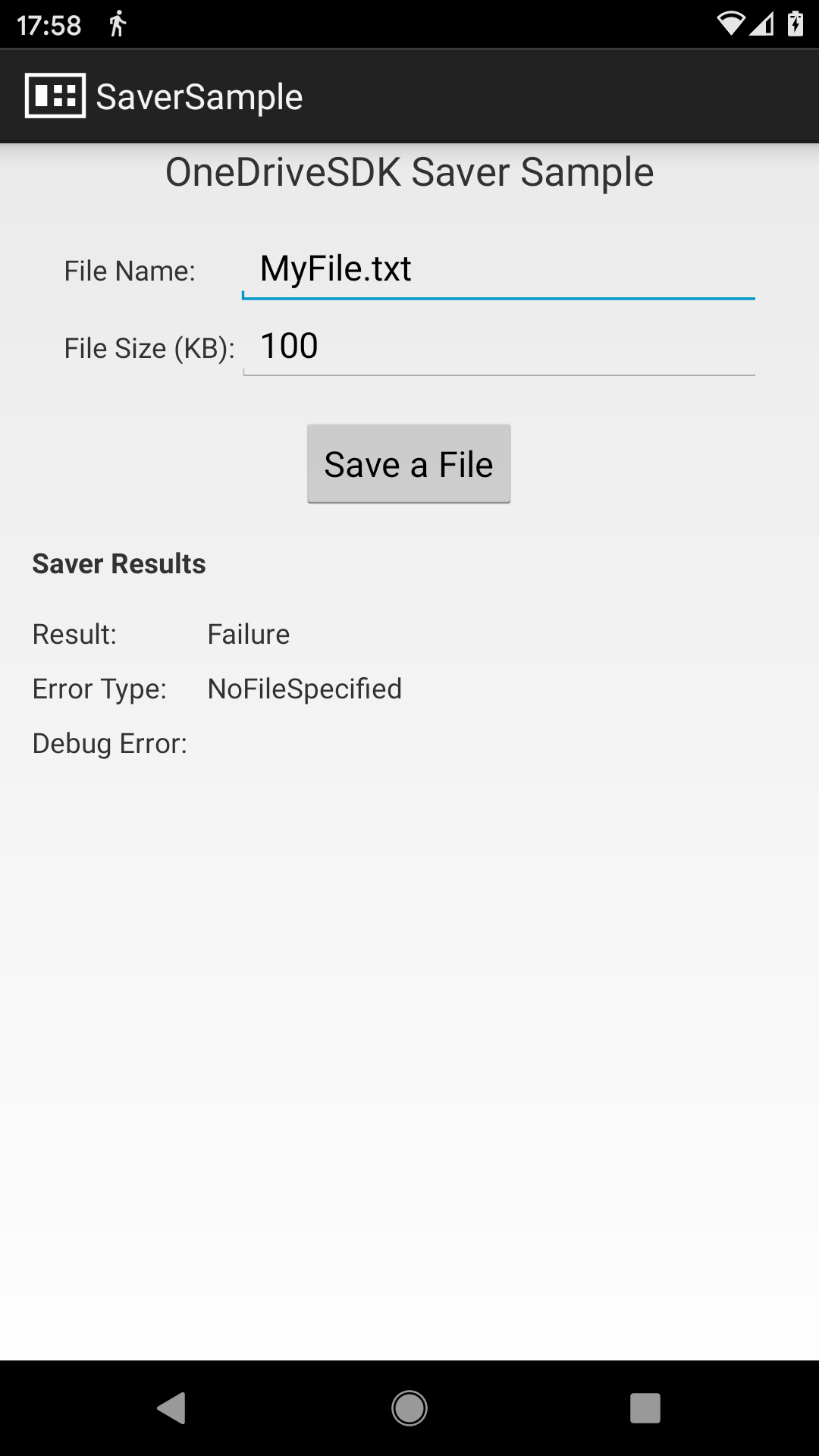
Please help!
Let us know if you need more info.
Thanks
2020-10-17 17:55:39.058 29781-29781/com.example.onedrivesdk.saversample W/System.err: com.microsoft.onedrivesdk.saver.SaverException
2020-10-17 17:55:39.058 29781-29781/com.example.onedrivesdk.saversample W/System.err: at com.microsoft.onedrivesdk.saver.Saver.handleSave(Saver.java:110)
2020-10-17 17:55:39.058 29781-29781/com.example.onedrivesdk.saversample W/System.err: at com.example.onedrivesdk.saversample.SaverMain.onActivityResult(SaverMain.java:121)
2020-10-17 17:55:39.058 29781-29781/com.example.onedrivesdk.saversample W/System.err: at android.app.Activity.dispatchActivityResult(Activity.java:8310)
2020-10-17 17:55:39.059 29781-29781/com.example.onedrivesdk.saversample W/System.err: at android.app.ActivityThread.deliverResults(ActivityThread.java:5008)
2020-10-17 17:55:39.059 29781-29781/com.example.onedrivesdk.saversample W/System.err: at android.app.ActivityThread.handleSendResult(ActivityThread.java:5056)
2020-10-17 17:55:39.059 29781-29781/com.example.onedrivesdk.saversample W/System.err: at android.app.servertransaction.ActivityResultItem.execute(ActivityResultItem.java:51)
2020-10-17 17:55:39.059 29781-29781/com.example.onedrivesdk.saversample W/System.err: at android.app.servertransaction.TransactionExecutor.executeCallbacks(TransactionExecutor.java:135)
2020-10-17 17:55:39.059 29781-29781/com.example.onedrivesdk.saversample W/System.err: at android.app.servertransaction.TransactionExecutor.execute(TransactionExecutor.java:95)
2020-10-17 17:55:39.059 29781-29781/com.example.onedrivesdk.saversample W/System.err: at android.app.ActivityThread$H.handleMessage(ActivityThread.java:2066)
2020-10-17 17:55:39.059 29781-29781/com.example.onedrivesdk.saversample W/System.err: at android.os.Handler.dispatchMessage(Handler.java:106)
2020-10-17 17:55:39.059 29781-29781/com.example.onedrivesdk.saversample W/System.err: at android.os.Looper.loop(Looper.java:223)
2020-10-17 17:55:39.059 29781-29781/com.example.onedrivesdk.saversample W/System.err: at android.app.ActivityThread.main(ActivityThread.java:7656)
2020-10-17 17:55:39.059 29781-29781/com.example.onedrivesdk.saversample W/System.err: at java.lang.reflect.Method.invoke(Native Method)
2020-10-17 17:55:39.059 29781-29781/com.example.onedrivesdk.saversample W/System.err: at com.android.internal.os.RuntimeInit$MethodAndArgsCaller.run(RuntimeInit.java:592)
2020-10-17 17:55:39.059 29781-29781/com.example.onedrivesdk.saversample W/System.err: at com.android.internal.os.ZygoteInit.main(ZygoteInit.java:947)
",1.0,"OneDriveSDK Saver doesn't work in Android 11 - After updated device to Android 11, OneDriveSDK Saver doesn't work anymore. Picker is still working.
Please help!
Let us know if you need more info.
Thanks
2020-10-17 17:55:39.058 29781-29781/com.example.onedrivesdk.saversample W/System.err: com.microsoft.onedrivesdk.saver.SaverException
2020-10-17 17:55:39.058 29781-29781/com.example.onedrivesdk.saversample W/System.err: at com.microsoft.onedrivesdk.saver.Saver.handleSave(Saver.java:110)
2020-10-17 17:55:39.058 29781-29781/com.example.onedrivesdk.saversample W/System.err: at com.example.onedrivesdk.saversample.SaverMain.onActivityResult(SaverMain.java:121)
2020-10-17 17:55:39.058 29781-29781/com.example.onedrivesdk.saversample W/System.err: at android.app.Activity.dispatchActivityResult(Activity.java:8310)
2020-10-17 17:55:39.059 29781-29781/com.example.onedrivesdk.saversample W/System.err: at android.app.ActivityThread.deliverResults(ActivityThread.java:5008)
2020-10-17 17:55:39.059 29781-29781/com.example.onedrivesdk.saversample W/System.err: at android.app.ActivityThread.handleSendResult(ActivityThread.java:5056)
2020-10-17 17:55:39.059 29781-29781/com.example.onedrivesdk.saversample W/System.err: at android.app.servertransaction.ActivityResultItem.execute(ActivityResultItem.java:51)
2020-10-17 17:55:39.059 29781-29781/com.example.onedrivesdk.saversample W/System.err: at android.app.servertransaction.TransactionExecutor.executeCallbacks(TransactionExecutor.java:135)
2020-10-17 17:55:39.059 29781-29781/com.example.onedrivesdk.saversample W/System.err: at android.app.servertransaction.TransactionExecutor.execute(TransactionExecutor.java:95)
2020-10-17 17:55:39.059 29781-29781/com.example.onedrivesdk.saversample W/System.err: at android.app.ActivityThread$H.handleMessage(ActivityThread.java:2066)
2020-10-17 17:55:39.059 29781-29781/com.example.onedrivesdk.saversample W/System.err: at android.os.Handler.dispatchMessage(Handler.java:106)
2020-10-17 17:55:39.059 29781-29781/com.example.onedrivesdk.saversample W/System.err: at android.os.Looper.loop(Looper.java:223)
2020-10-17 17:55:39.059 29781-29781/com.example.onedrivesdk.saversample W/System.err: at android.app.ActivityThread.main(ActivityThread.java:7656)
2020-10-17 17:55:39.059 29781-29781/com.example.onedrivesdk.saversample W/System.err: at java.lang.reflect.Method.invoke(Native Method)
2020-10-17 17:55:39.059 29781-29781/com.example.onedrivesdk.saversample W/System.err: at com.android.internal.os.RuntimeInit$MethodAndArgsCaller.run(RuntimeInit.java:592)
2020-10-17 17:55:39.059 29781-29781/com.example.onedrivesdk.saversample W/System.err: at com.android.internal.os.ZygoteInit.main(ZygoteInit.java:947)

",1,onedrivesdk saver doesn t work in android after updated device to android onedrivesdk saver doesn t work anymore picker is still working please help let us know if you need more info thanks com example onedrivesdk saversample w system err com microsoft onedrivesdk saver saverexception com example onedrivesdk saversample w system err at com microsoft onedrivesdk saver saver handlesave saver java com example onedrivesdk saversample w system err at com example onedrivesdk saversample savermain onactivityresult savermain java com example onedrivesdk saversample w system err at android app activity dispatchactivityresult activity java com example onedrivesdk saversample w system err at android app activitythread deliverresults activitythread java com example onedrivesdk saversample w system err at android app activitythread handlesendresult activitythread java com example onedrivesdk saversample w system err at android app servertransaction activityresultitem execute activityresultitem java com example onedrivesdk saversample w system err at android app servertransaction transactionexecutor executecallbacks transactionexecutor java com example onedrivesdk saversample w system err at android app servertransaction transactionexecutor execute transactionexecutor java com example onedrivesdk saversample w system err at android app activitythread h handlemessage activitythread java com example onedrivesdk saversample w system err at android os handler dispatchmessage handler java com example onedrivesdk saversample w system err at android os looper loop looper java com example onedrivesdk saversample w system err at android app activitythread main activitythread java com example onedrivesdk saversample w system err at java lang reflect method invoke native method com example onedrivesdk saversample w system err at com android internal os runtimeinit methodandargscaller run runtimeinit java com example onedrivesdk saversample w system err at com android internal os zygoteinit main zygoteinit java ,1
8712,27172155967.0,IssuesEvent,2023-02-17 20:30:26,OneDrive/onedrive-api-docs,https://api.github.com/repos/OneDrive/onedrive-api-docs,closed,🐞 Bug with Graph API uploading file to Modern SharePoint library with Date column containing a default value ,type:bug status:investigating automation:Closed,"#### Category
- [ ] Question
- [ ] Documentation issue
- [x] Bug
#### Expected or Desired Behavior
I expect to be able to upload a file to SharePoint via the Graph API (using createUploadSession) irrespective of the SharePoint column configuration. This call fails when the SharePoint document library is a modern document library and contains a Date column with the default value specified as a specific date.
#### Observed Behavior
Call to createUploadSession fails with status code 400 and message “One of the provided arguments is not acceptable”
#### Steps to Reproduce
1. Create modern document library
2. Add Date column (with no default value specified)
3. Use Graph Explorer to create an upload session
- Sign-in to Graph Explorer to access the tenant with the SharePoint library you just created
- Find the drive Id for your SharePoint library and substitute it into this URL to use in Graph Explorer
- POST https://graph.microsoft.com/v1.0/drives/{driveId}/root://test.docx:/createUploadSession
- You should get a Status Code 200 (OK)
4. Go back to SharePoint and edit the Date column to specify a default value
5. Execute exactly the same request in Graph Explorer again now the default value has been specified for the date column
- You should now get a Status Code 400 (Failure) returned
- The error message is “One of the provided arguments is not acceptable”
I've attached a file with the steps to reproduce including screenshots so it's nice and clear :-)
[GraphAPI-CreateUploadSession-Issue-Date-Column-Default.docx](https://github.com/OneDrive/onedrive-api-docs/files/3036110/GraphAPI-CreateUploadSession-Issue-Date-Column-Default.docx)
",1.0,"🐞 Bug with Graph API uploading file to Modern SharePoint library with Date column containing a default value - #### Category
- [ ] Question
- [ ] Documentation issue
- [x] Bug
#### Expected or Desired Behavior
I expect to be able to upload a file to SharePoint via the Graph API (using createUploadSession) irrespective of the SharePoint column configuration. This call fails when the SharePoint document library is a modern document library and contains a Date column with the default value specified as a specific date.
#### Observed Behavior
Call to createUploadSession fails with status code 400 and message “One of the provided arguments is not acceptable”
#### Steps to Reproduce
1. Create modern document library
2. Add Date column (with no default value specified)
3. Use Graph Explorer to create an upload session
- Sign-in to Graph Explorer to access the tenant with the SharePoint library you just created
- Find the drive Id for your SharePoint library and substitute it into this URL to use in Graph Explorer
- POST https://graph.microsoft.com/v1.0/drives/{driveId}/root://test.docx:/createUploadSession
- You should get a Status Code 200 (OK)
4. Go back to SharePoint and edit the Date column to specify a default value
5. Execute exactly the same request in Graph Explorer again now the default value has been specified for the date column
- You should now get a Status Code 400 (Failure) returned
- The error message is “One of the provided arguments is not acceptable”
I've attached a file with the steps to reproduce including screenshots so it's nice and clear :-)
[GraphAPI-CreateUploadSession-Issue-Date-Column-Default.docx](https://github.com/OneDrive/onedrive-api-docs/files/3036110/GraphAPI-CreateUploadSession-Issue-Date-Column-Default.docx)
",1,🐞 bug with graph api uploading file to modern sharepoint library with date column containing a default value category question documentation issue bug expected or desired behavior i expect to be able to upload a file to sharepoint via the graph api using createuploadsession irrespective of the sharepoint column configuration this call fails when the sharepoint document library is a modern document library and contains a date column with the default value specified as a specific date observed behavior call to createuploadsession fails with status code and message “one of the provided arguments is not acceptable” steps to reproduce create modern document library add date column with no default value specified use graph explorer to create an upload session sign in to graph explorer to access the tenant with the sharepoint library you just created find the drive id for your sharepoint library and substitute it into this url to use in graph explorer post you should get a status code ok go back to sharepoint and edit the date column to specify a default value execute exactly the same request in graph explorer again now the default value has been specified for the date column you should now get a status code failure returned the error message is “one of the provided arguments is not acceptable” i ve attached a file with the steps to reproduce including screenshots so it s nice and clear ,1
8647,27172035616.0,IssuesEvent,2023-02-17 20:23:50,OneDrive/onedrive-api-docs,https://api.github.com/repos/OneDrive/onedrive-api-docs,closed,Syncing OneDrive for Business shared items,type:question automation:Closed,"It seems to me it is not possible to track changes of shared items in OneDrive for Business.
I think that to sync shared items I have to:
1. get the list of shared items with `me/drive/sharedWithMe`
2. call `delta` on each of them
3. download changes
However, the [docs](https://github.com/OneDrive/onedrive-api-docs/blob/live/docs/rest-api/api/driveitem_delta.md#remarks) says that it is not possible to call `delta` on any folder except the root and I have verified it (it gives 501 Not Implemented).
How should I sync shared items then?",1.0,"Syncing OneDrive for Business shared items - It seems to me it is not possible to track changes of shared items in OneDrive for Business.
I think that to sync shared items I have to:
1. get the list of shared items with `me/drive/sharedWithMe`
2. call `delta` on each of them
3. download changes
However, the [docs](https://github.com/OneDrive/onedrive-api-docs/blob/live/docs/rest-api/api/driveitem_delta.md#remarks) says that it is not possible to call `delta` on any folder except the root and I have verified it (it gives 501 Not Implemented).
How should I sync shared items then?",1,syncing onedrive for business shared items it seems to me it is not possible to track changes of shared items in onedrive for business i think that to sync shared items i have to get the list of shared items with me drive sharedwithme call delta on each of them download changes however the says that it is not possible to call delta on any folder except the root and i have verified it it gives not implemented how should i sync shared items then ,1
8850,27172328538.0,IssuesEvent,2023-02-17 20:40:50,OneDrive/onedrive-api-docs,https://api.github.com/repos/OneDrive/onedrive-api-docs,closed,How does the custom file handler support the sharing link?,Needs: Triage :mag: automation:Closed,"
[Enter feedback here]
if I created my own file with the custom file handler and created a sharing link.
What's the expected pattern for others to hit that link directly? Does it trigger the ""open"" action specified in manifest?
---
#### Document Details
⚠ *Do not edit this section. It is required for docs.microsoft.com ➟ GitHub issue linking.*
* ID: 815ef941-29d7-1864-6be3-f533dd62da00
* Version Independent ID: 1d566c70-e679-caf2-312a-27aa5e2cc62e
* Content: [Add custom actions to files - OneDrive - OneDrive dev center](https://docs.microsoft.com/en-us/onedrive/developer/file-handlers/define-actions?view=odsp-graph-online)
* Content Source: [docs/file-handlers/define-actions.md](https://github.com/OneDrive/onedrive-api-docs/blob/live/docs/file-handlers/define-actions.md)
* Product: **onedrive**
* GitHub Login: @rgregg
* Microsoft Alias: **rgregg**",1.0,"How does the custom file handler support the sharing link? -
[Enter feedback here]
if I created my own file with the custom file handler and created a sharing link.
What's the expected pattern for others to hit that link directly? Does it trigger the ""open"" action specified in manifest?
---
#### Document Details
⚠ *Do not edit this section. It is required for docs.microsoft.com ➟ GitHub issue linking.*
* ID: 815ef941-29d7-1864-6be3-f533dd62da00
* Version Independent ID: 1d566c70-e679-caf2-312a-27aa5e2cc62e
* Content: [Add custom actions to files - OneDrive - OneDrive dev center](https://docs.microsoft.com/en-us/onedrive/developer/file-handlers/define-actions?view=odsp-graph-online)
* Content Source: [docs/file-handlers/define-actions.md](https://github.com/OneDrive/onedrive-api-docs/blob/live/docs/file-handlers/define-actions.md)
* Product: **onedrive**
* GitHub Login: @rgregg
* Microsoft Alias: **rgregg**",1,how does the custom file handler support the sharing link if i created my own file with the custom file handler and created a sharing link what s the expected pattern for others to hit that link directly does it trigger the open action specified in manifest document details ⚠ do not edit this section it is required for docs microsoft com ➟ github issue linking id version independent id content content source product onedrive github login rgregg microsoft alias rgregg ,1
8644,27172031866.0,IssuesEvent,2023-02-17 20:23:37,OneDrive/onedrive-api-docs,https://api.github.com/repos/OneDrive/onedrive-api-docs,closed,File picker issue,automation:Closed,"I've setup an API account for onedrive file upload and select uploaded files via the file picker.
`var odOptions = {
clientId: ""APP CLIENT ID"",
action: ""download"",
advanced: {
redirectUri: ""redirect url according to app redirect url""
},
multiSelect: false,
openInNewWindow: true,
success: function(files) { / success handler /
},
cancel: function() { / cancel handler / },
error: function() { / error handler / }
}`
But` it is showing a message ""This file couldn't be shared. Please try again later.""
Even clicking on Cancel button the same message shows. How this issue can be fixed?
",1.0,"File picker issue - I've setup an API account for onedrive file upload and select uploaded files via the file picker.
`var odOptions = {
clientId: ""APP CLIENT ID"",
action: ""download"",
advanced: {
redirectUri: ""redirect url according to app redirect url""
},
multiSelect: false,
openInNewWindow: true,
success: function(files) { / success handler /
},
cancel: function() { / cancel handler / },
error: function() { / error handler / }
}`
But` it is showing a message ""This file couldn't be shared. Please try again later.""
Even clicking on Cancel button the same message shows. How this issue can be fixed?
",1,file picker issue i ve setup an api account for onedrive file upload and select uploaded files via the file picker var odoptions clientid app client id action download advanced redirecturi redirect url according to app redirect url multiselect false openinnewwindow true success function files success handler cancel function cancel handler error function error handler but it is showing a message this file couldn t be shared please try again later img src even clicking on cancel button the same message shows how this issue can be fixed ,1
8749,27172204051.0,IssuesEvent,2023-02-17 20:33:03,OneDrive/onedrive-api-docs,https://api.github.com/repos/OneDrive/onedrive-api-docs,closed,Search results have been changed?,Needs: Attention :wave: automation:Closed,"#### Category
- [ ] Question
- [ ] Documentation issue
- [x] Bug
We have a folder structure with a reference number in brackets like [10000], [10001] , [10002], etc.
So far, the search function with my keyword [123456] found exactly the one, desired folder:
https://graph.microsoft.com/v1.0/me/drive/root/search(q='[123456]')?select=name,id,webUrl,folder
Currently the brackets are ignored and the search result also contain all files, that contains in the file name 123456.",1.0,"Search results have been changed? - #### Category
- [ ] Question
- [ ] Documentation issue
- [x] Bug
We have a folder structure with a reference number in brackets like [10000], [10001] , [10002], etc.
So far, the search function with my keyword [123456] found exactly the one, desired folder:
https://graph.microsoft.com/v1.0/me/drive/root/search(q='[123456]')?select=name,id,webUrl,folder
Currently the brackets are ignored and the search result also contain all files, that contains in the file name 123456.",1,search results have been changed category question documentation issue bug we have a folder structure with a reference number in brackets like etc so far the search function with my keyword found exactly the one desired folder select name id weburl folder currently the brackets are ignored and the search result also contain all files that contains in the file name ,1
8729,27172178333.0,IssuesEvent,2023-02-17 20:31:38,OneDrive/onedrive-api-docs,https://api.github.com/repos/OneDrive/onedrive-api-docs,closed,"OneDrive file picker - ""More libraries"" button not working",type:bug area:Picker automation:Closed,"#### Category
- [ ] Question
- [ ] Documentation issue
- [x] Bug
#### Expected or Desired Behavior
I am using OneDrive file picker for JavaScript v7.2.
1) Open picker with the following parameters:
```javascript
{
clientId: '***'
action: 'share',
multiSelect: 'true',
openInNewWindow: true,
advanced: {redirectUri: '***'},
success: ***
}
```
2) login..
3) click on ""More libraries"" button at Shared Libraries section
4) All libraries page should be shown (works in web version of picker [https://dogbob-my.sharepoint.com/personal/msteams_eu_dogbob_onmicrosoft_com/_layouts/15/onedrive.aspx?view=15](https://dogbob-my.sharepoint.com/personal/msteams_eu_dogbob_onmicrosoft_com/_layouts/15/onedrive.aspx?view=15)]
#### Observed Behavior
Nothing happens in picker opened from JavaScript.
Thank you.
",1.0,"OneDrive file picker - ""More libraries"" button not working - #### Category
- [ ] Question
- [ ] Documentation issue
- [x] Bug
#### Expected or Desired Behavior
I am using OneDrive file picker for JavaScript v7.2.
1) Open picker with the following parameters:
```javascript
{
clientId: '***'
action: 'share',
multiSelect: 'true',
openInNewWindow: true,
advanced: {redirectUri: '***'},
success: ***
}
```
2) login..
3) click on ""More libraries"" button at Shared Libraries section
4) All libraries page should be shown (works in web version of picker [https://dogbob-my.sharepoint.com/personal/msteams_eu_dogbob_onmicrosoft_com/_layouts/15/onedrive.aspx?view=15](https://dogbob-my.sharepoint.com/personal/msteams_eu_dogbob_onmicrosoft_com/_layouts/15/onedrive.aspx?view=15)]
#### Observed Behavior
Nothing happens in picker opened from JavaScript.
Thank you.
",1,onedrive file picker more libraries button not working category question documentation issue bug expected or desired behavior i am using onedrive file picker for javascript open picker with the following parameters javascript clientid action share multiselect true openinnewwindow true advanced redirecturi success login click on more libraries button at shared libraries section all libraries page should be shown works in web version of picker observed behavior nothing happens in picker opened from javascript thank you ,1
8885,27172366934.0,IssuesEvent,2023-02-17 20:43:16,OneDrive/onedrive-api-docs,https://api.github.com/repos/OneDrive/onedrive-api-docs,closed,Could not find a property named 'photoStreamPostReactionByCaller' on type 'oneDrive.uploadSession',type:bug area:DriveItem Content automation:Closed,"I'm getting bad request -response with following message when trying to create upload session: **Could not find a property named 'photoStreamPostReactionByCaller' on type 'oneDrive.uploadSession'**. I am not able to find any documentation about this property.
---
#### Document Details
⚠ *Do not edit this section. It is required for docs.microsoft.com ➟ GitHub issue linking.*
* ID: d409f771-fd62-e549-d581-aac009e79e8c
* Version Independent ID: fe646b3a-06f5-a269-47e6-b4ee693e5410
* Content: [Resumable file upload - OneDrive API - OneDrive dev center](https://docs.microsoft.com/en-us/onedrive/developer/rest-api/api/driveitem_createuploadsession?view=odsp-graph-online)
* Content Source: [docs/rest-api/api/driveitem_createuploadsession.md](https://github.com/OneDrive/onedrive-api-docs/blob/live/docs/rest-api/api/driveitem_createuploadsession.md)
* Product: **onedrive**
* GitHub Login: @JeremyKelley
* Microsoft Alias: **JeremyKe**",1.0,"Could not find a property named 'photoStreamPostReactionByCaller' on type 'oneDrive.uploadSession' - I'm getting bad request -response with following message when trying to create upload session: **Could not find a property named 'photoStreamPostReactionByCaller' on type 'oneDrive.uploadSession'**. I am not able to find any documentation about this property.
---
#### Document Details
⚠ *Do not edit this section. It is required for docs.microsoft.com ➟ GitHub issue linking.*
* ID: d409f771-fd62-e549-d581-aac009e79e8c
* Version Independent ID: fe646b3a-06f5-a269-47e6-b4ee693e5410
* Content: [Resumable file upload - OneDrive API - OneDrive dev center](https://docs.microsoft.com/en-us/onedrive/developer/rest-api/api/driveitem_createuploadsession?view=odsp-graph-online)
* Content Source: [docs/rest-api/api/driveitem_createuploadsession.md](https://github.com/OneDrive/onedrive-api-docs/blob/live/docs/rest-api/api/driveitem_createuploadsession.md)
* Product: **onedrive**
* GitHub Login: @JeremyKelley
* Microsoft Alias: **JeremyKe**",1,could not find a property named photostreampostreactionbycaller on type onedrive uploadsession i m getting bad request response with following message when trying to create upload session could not find a property named photostreampostreactionbycaller on type onedrive uploadsession i am not able to find any documentation about this property document details ⚠ do not edit this section it is required for docs microsoft com ➟ github issue linking id version independent id content content source product onedrive github login jeremykelley microsoft alias jeremyke ,1
8841,27172318574.0,IssuesEvent,2023-02-17 20:40:12,OneDrive/onedrive-api-docs,https://api.github.com/repos/OneDrive/onedrive-api-docs,closed,"File Picker ""Save"" button is disabled before selecting a folder",area:Picker Needs: Investigation automation:Closed,"#### Category
- [ ] Question
- [ ] Documentation issue
- [X] Bug
I am using oneDrive file picker to save a file in oneDrive according to this documentation (https://docs.microsoft.com/en-us/onedrive/developer/controls/file-pickers/js-v72/save-file?view=odsp-graph-online).
But after the dialog is opened in specified path the save button is disabled till user select a folder.

Options I used are:
> var odOptions = {
> clientId: clinetID,
> action: ""query"",
> viewType: ""folders"",
> openInNewWindow: true,
> advanced: {
> endpointHint: filePath,
> accessToken: token,
> navigation:{
> disable:false,
> sourceTypes : [""Sites"", ""OneDrive""]
> }
> },
> success: function(files) { onSuccess(files);},
> progress: function(percent) { onProgress(percent); },
> cancel: function() { onCancel(); },
> error: function(error) {onFail(error); }
> }
#### Expected or Desired Behaviour
after the dialog is opened in specified path the save button should be enabled.
Please let me know if you need more information.
Thank you.
[ ]: http://aka.ms/onedrive-api-issues
[x]: http://aka.ms/onedrive-api-issues",1.0,"File Picker ""Save"" button is disabled before selecting a folder - #### Category
- [ ] Question
- [ ] Documentation issue
- [X] Bug
I am using oneDrive file picker to save a file in oneDrive according to this documentation (https://docs.microsoft.com/en-us/onedrive/developer/controls/file-pickers/js-v72/save-file?view=odsp-graph-online).
But after the dialog is opened in specified path the save button is disabled till user select a folder.

Options I used are:
> var odOptions = {
> clientId: clinetID,
> action: ""query"",
> viewType: ""folders"",
> openInNewWindow: true,
> advanced: {
> endpointHint: filePath,
> accessToken: token,
> navigation:{
> disable:false,
> sourceTypes : [""Sites"", ""OneDrive""]
> }
> },
> success: function(files) { onSuccess(files);},
> progress: function(percent) { onProgress(percent); },
> cancel: function() { onCancel(); },
> error: function(error) {onFail(error); }
> }
#### Expected or Desired Behaviour
after the dialog is opened in specified path the save button should be enabled.
Please let me know if you need more information.
Thank you.
[ ]: http://aka.ms/onedrive-api-issues
[x]: http://aka.ms/onedrive-api-issues",1,file picker save button is disabled before selecting a folder category question documentation issue bug i am using onedrive file picker to save a file in onedrive according to this documentation but after the dialog is opened in specified path the save button is disabled till user select a folder options i used are var odoptions clientid clinetid action query viewtype folders openinnewwindow true advanced endpointhint filepath accesstoken token navigation disable false sourcetypes success function files onsuccess files progress function percent onprogress percent cancel function oncancel error function error onfail error expected or desired behaviour after the dialog is opened in specified path the save button should be enabled please let me know if you need more information thank you ,1
8756,27172213132.0,IssuesEvent,2023-02-17 20:33:33,OneDrive/onedrive-api-docs,https://api.github.com/repos/OneDrive/onedrive-api-docs,closed,behavior when @microsoft.graph.conflictBehavior=replace,type:enhancement area:Docs automation:Closed,"It is not mentioned in this document. According to my test, the api call will refresh the folder's fileSystemInfo, not modify the id of the new folder. All files under the new folder are safe.
---
#### Document Details
⚠ *Do not edit this section. It is required for docs.microsoft.com ➟ GitHub issue linking.*
* ID: e8e0c33b-73b9-4086-4fa3-c54b701d9695
* Version Independent ID: 869bb2ba-3e32-36c9-7b4f-3875b6c5c277
* Content: [Create a new folder - OneDrive API - OneDrive dev center](https://docs.microsoft.com/en-us/onedrive/developer/rest-api/api/driveitem_post_children?view=odsp-graph-online)
* Content Source: [docs/rest-api/api/driveitem_post_children.md](https://github.com/OneDrive/onedrive-api-docs/blob/live/docs/rest-api/api/driveitem_post_children.md)
* Product: **onedrive**
* GitHub Login: @rgregg
* Microsoft Alias: **rgregg**",1.0,"behavior when @microsoft.graph.conflictBehavior=replace - It is not mentioned in this document. According to my test, the api call will refresh the folder's fileSystemInfo, not modify the id of the new folder. All files under the new folder are safe.
---
#### Document Details
⚠ *Do not edit this section. It is required for docs.microsoft.com ➟ GitHub issue linking.*
* ID: e8e0c33b-73b9-4086-4fa3-c54b701d9695
* Version Independent ID: 869bb2ba-3e32-36c9-7b4f-3875b6c5c277
* Content: [Create a new folder - OneDrive API - OneDrive dev center](https://docs.microsoft.com/en-us/onedrive/developer/rest-api/api/driveitem_post_children?view=odsp-graph-online)
* Content Source: [docs/rest-api/api/driveitem_post_children.md](https://github.com/OneDrive/onedrive-api-docs/blob/live/docs/rest-api/api/driveitem_post_children.md)
* Product: **onedrive**
* GitHub Login: @rgregg
* Microsoft Alias: **rgregg**",1,behavior when microsoft graph conflictbehavior replace it is not mentioned in this document according to my test the api call will refresh the folder s filesysteminfo not modify the id of the new folder all files under the new folder are safe document details ⚠ do not edit this section it is required for docs microsoft com ➟ github issue linking id version independent id content content source product onedrive github login rgregg microsoft alias rgregg ,1
8760,27172217979.0,IssuesEvent,2023-02-17 20:33:50,OneDrive/onedrive-api-docs,https://api.github.com/repos/OneDrive/onedrive-api-docs,closed,FilePicker JS opens OneDrive app,area:Picker Needs: Investigation automation:Closed,"#### Category
- [ ] Question
- [ ] Documentation issue
- [x] Bug
#### Expected or Desired Behavior
After calling `OneDrive.open(odOptions);` I expect to see the OneDrive Web UI. Allowing me to pick a folder.
#### Observed Behavior
The OneDrive web UI is opened and instantly the OneDrive app is opened as well. There seems to be no connection/callback between FilePicker.js and the OneDrive app. The OneDrive app doesn't show any options to picker a folder.
#### Steps to Reproduce
1. Install OneDrive app on the mobile device (Android in our case)
2. Open browser page in the phone browser. On this page the user should be able to trigger `OneDrive.open(odOptions);`
3. After `OneDrive.open(odOptions);` opens the webpage, the user is instantly redirected to the OneDrive app.",1.0,"FilePicker JS opens OneDrive app - #### Category
- [ ] Question
- [ ] Documentation issue
- [x] Bug
#### Expected or Desired Behavior
After calling `OneDrive.open(odOptions);` I expect to see the OneDrive Web UI. Allowing me to pick a folder.
#### Observed Behavior
The OneDrive web UI is opened and instantly the OneDrive app is opened as well. There seems to be no connection/callback between FilePicker.js and the OneDrive app. The OneDrive app doesn't show any options to picker a folder.
#### Steps to Reproduce
1. Install OneDrive app on the mobile device (Android in our case)
2. Open browser page in the phone browser. On this page the user should be able to trigger `OneDrive.open(odOptions);`
3. After `OneDrive.open(odOptions);` opens the webpage, the user is instantly redirected to the OneDrive app.",1,filepicker js opens onedrive app category question documentation issue bug expected or desired behavior after calling onedrive open odoptions i expect to see the onedrive web ui allowing me to pick a folder observed behavior the onedrive web ui is opened and instantly the onedrive app is opened as well there seems to be no connection callback between filepicker js and the onedrive app the onedrive app doesn t show any options to picker a folder steps to reproduce install onedrive app on the mobile device android in our case open browser page in the phone browser on this page the user should be able to trigger onedrive open odoptions after onedrive open odoptions opens the webpage the user is instantly redirected to the onedrive app ,1
8812,27172286690.0,IssuesEvent,2023-02-17 20:38:09,OneDrive/onedrive-api-docs,https://api.github.com/repos/OneDrive/onedrive-api-docs,closed,I am not able to select Folder while i need to select folder in my use case.,area:Picker Needs: Investigation automation:Closed,"
[Enter feedback here]
---
#### Document Details
⚠ *Do not edit this section. It is required for docs.microsoft.com ➟ GitHub issue linking.*
* ID: 55a64e9d-ae15-46a4-4a4d-3674972d9806
* Version Independent ID: 744d6f1a-4cde-b9aa-4003-209d1d4a527b
* Content: [Open from OneDrive in JavaScript - OneDrive dev center](https://docs.microsoft.com/en-us/onedrive/developer/controls/file-pickers/js-v72/open-file?view=odsp-graph-online#parameters)
* Content Source: [docs/controls/file-pickers/js-v72/open-file.md](https://github.com/OneDrive/onedrive-api-docs/blob/live/docs/controls/file-pickers/js-v72/open-file.md)
* Product: **onedrive**
* GitHub Login: @rgregg
* Microsoft Alias: **rgregg**",1.0,"I am not able to select Folder while i need to select folder in my use case. -
[Enter feedback here]
---
#### Document Details
⚠ *Do not edit this section. It is required for docs.microsoft.com ➟ GitHub issue linking.*
* ID: 55a64e9d-ae15-46a4-4a4d-3674972d9806
* Version Independent ID: 744d6f1a-4cde-b9aa-4003-209d1d4a527b
* Content: [Open from OneDrive in JavaScript - OneDrive dev center](https://docs.microsoft.com/en-us/onedrive/developer/controls/file-pickers/js-v72/open-file?view=odsp-graph-online#parameters)
* Content Source: [docs/controls/file-pickers/js-v72/open-file.md](https://github.com/OneDrive/onedrive-api-docs/blob/live/docs/controls/file-pickers/js-v72/open-file.md)
* Product: **onedrive**
* GitHub Login: @rgregg
* Microsoft Alias: **rgregg**",1,i am not able to select folder while i need to select folder in my use case document details ⚠ do not edit this section it is required for docs microsoft com ➟ github issue linking id version independent id content content source product onedrive github login rgregg microsoft alias rgregg ,1
8722,27172169318.0,IssuesEvent,2023-02-17 20:31:08,OneDrive/onedrive-api-docs,https://api.github.com/repos/OneDrive/onedrive-api-docs,closed,OneDrive File Picker JavaScript SDK v7.2 unable to select documents using the file picker,type:bug area:Picker automation:Closed,"#### Category
- [ ] Question
- [ ] Documentation issue
- [x] Bug
#### Expected or Desired Behavior
On opening the file picker on a iPad you should be able to directly select a file.
#### Observed Behavior
On opening the file picker on a iPad you are not able to select any files. You do get a button (that you don't get in other browsers) to enable file selection (see screenshot). Since where using the file picker it's weird that the user has to click a button first to pick a file.
#### Steps to Reproduce
To reproduce you should open the filepicker on any iPad device. I used below configuration for the filepicker.
```html
```",1.0,"OneDrive File Picker JavaScript SDK v7.2 unable to select documents using the file picker - #### Category
- [ ] Question
- [ ] Documentation issue
- [x] Bug
#### Expected or Desired Behavior
On opening the file picker on a iPad you should be able to directly select a file.
#### Observed Behavior
On opening the file picker on a iPad you are not able to select any files. You do get a button (that you don't get in other browsers) to enable file selection (see screenshot). Since where using the file picker it's weird that the user has to click a button first to pick a file.
#### Steps to Reproduce
To reproduce you should open the filepicker on any iPad device. I used below configuration for the filepicker.
```html
```",1,onedrive file picker javascript sdk unable to select documents using the file picker category question documentation issue bug expected or desired behavior on opening the file picker on a ipad you should be able to directly select a file observed behavior on opening the file picker on a ipad you are not able to select any files you do get a button that you don t get in other browsers to enable file selection see screenshot since where using the file picker it s weird that the user has to click a button first to pick a file img width alt screen shot at am copy src steps to reproduce to reproduce you should open the filepicker on any ipad device i used below configuration for the filepicker html script type text javascript src function launchonedrivepicker var odoptions clientid action query multiselect false advanced filter scopes isconsumeraccount false endpointhint success response console log response error response console log response cancel onedrive open odoptions open from onedrive ,1
8648,27172037107.0,IssuesEvent,2023-02-17 20:23:54,OneDrive/onedrive-api-docs,https://api.github.com/repos/OneDrive/onedrive-api-docs,closed,CompactToken parsing failed with error code: 80049217,automation:Closed,"Hi guys
Currently, I try to use you graph API. I'm not using you ADD authentication library (I try to implement it by using oAuth 2). Here is my issue :
1. I request my authorization code and received it well
2. I request my token with a post on `https://login.microsoftonline.com/common/oauth2/v2.0/token`. Huuuum. Got an error:
```
Failed to load https://login.microsoftonline.com/common/oauth2/v2.0/token: No 'Access-Control-Allow-Origin' header is present on the requested resource. Origin 'http://localhost:8080' is therefore not allowed access. If an opaque response serves your needs, set the request's mode to 'no-cors' to fetch the resource with CORS disabled
```
Fun fact, the request trigger an error but I still received my token.
3. I send a request to `https://graph.microsoft.com/v1.0/me/drive` and adding my token to the headers :
```
headers: {
'Authorization': 'Bearer '
}
```
Weeeeeelll. The response sends me a 401 Unauthorized and a message :
```
{
""error"": {
""code"": ""InvalidAuthenticationToken"",
""message"": ""CompactToken parsing failed with error code: 80049217"",
""innerError"": {
""request-id"": ""5f98f27a-50ba-4ace-963b-60905bf4207c"",
""date"": ""2018-01-29T16:59:44""
}
}
}
```
Hum. I check the authorization in the header request :
```
Authorization:Bearer
```
Weeeeeell. Actually. I'm lost. Can you help me?
Thanks,
SLedunois
",1.0,"CompactToken parsing failed with error code: 80049217 - Hi guys
Currently, I try to use you graph API. I'm not using you ADD authentication library (I try to implement it by using oAuth 2). Here is my issue :
1. I request my authorization code and received it well
2. I request my token with a post on `https://login.microsoftonline.com/common/oauth2/v2.0/token`. Huuuum. Got an error:
```
Failed to load https://login.microsoftonline.com/common/oauth2/v2.0/token: No 'Access-Control-Allow-Origin' header is present on the requested resource. Origin 'http://localhost:8080' is therefore not allowed access. If an opaque response serves your needs, set the request's mode to 'no-cors' to fetch the resource with CORS disabled
```
Fun fact, the request trigger an error but I still received my token.
3. I send a request to `https://graph.microsoft.com/v1.0/me/drive` and adding my token to the headers :
```
headers: {
'Authorization': 'Bearer '
}
```
Weeeeeelll. The response sends me a 401 Unauthorized and a message :
```
{
""error"": {
""code"": ""InvalidAuthenticationToken"",
""message"": ""CompactToken parsing failed with error code: 80049217"",
""innerError"": {
""request-id"": ""5f98f27a-50ba-4ace-963b-60905bf4207c"",
""date"": ""2018-01-29T16:59:44""
}
}
}
```
Hum. I check the authorization in the header request :
```
Authorization:Bearer
```
Weeeeeell. Actually. I'm lost. Can you help me?
Thanks,
SLedunois
",1,compacttoken parsing failed with error code hi guys currently i try to use you graph api i m not using you add authentication library i try to implement it by using oauth here is my issue i request my authorization code and received it well i request my token with a post on huuuum got an error failed to load no access control allow origin header is present on the requested resource origin is therefore not allowed access if an opaque response serves your needs set the request s mode to no cors to fetch the resource with cors disabled fun fact the request trigger an error but i still received my token i send a request to and adding my token to the headers headers authorization bearer weeeeeelll the response sends me a unauthorized and a message error code invalidauthenticationtoken message compacttoken parsing failed with error code innererror request id date hum i check the authorization in the header request authorization bearer weeeeeell actually i m lost can you help me thanks sledunois ,1
8699,27172107006.0,IssuesEvent,2023-02-17 20:27:44,OneDrive/onedrive-api-docs,https://api.github.com/repos/OneDrive/onedrive-api-docs,closed,Cannot update location of DriveItem (jpeg),type:bug automation:Closed,"#### Category
- [ ] Question
- [ ] Documentation issue
- [x] Bug
#### Expected or Desired Behavior
When updating the location of a DriveItem (in my case a jpeg file), it should work. The new coordinate should be saved to the item and when viewing the picture info in the OneDrive browser app, it should show the correct location on the map.
If this is not intended to work (the documentation states this attribute is ""read-only""), I would expect an error when attempting to update the location.
#### Observed Behavior
I update the location with the Microsoft.Graph Nuget library v1.12.0.
`PATCH /v1.0/drive/root:/Bilder/Camera%20Roll/IMG_20190123_173619.jpg`
Request body:
However, in the returned DriveItem, the old location is still present and the new location is not saved to the picture. That makes geotagging images via the API impossible.
#### C#-Code:
```
await GraphClient.Drive.Root.ItemWithPath(pathToJpeg).Request().UpdateAsync(new DriveItem()
{
Location = new GeoCoordinates() { Longitude = 20.0, Latitude = 20.0, Altitude = 0.0 }
});
```
",1.0,"Cannot update location of DriveItem (jpeg) - #### Category
- [ ] Question
- [ ] Documentation issue
- [x] Bug
#### Expected or Desired Behavior
When updating the location of a DriveItem (in my case a jpeg file), it should work. The new coordinate should be saved to the item and when viewing the picture info in the OneDrive browser app, it should show the correct location on the map.
If this is not intended to work (the documentation states this attribute is ""read-only""), I would expect an error when attempting to update the location.
#### Observed Behavior
I update the location with the Microsoft.Graph Nuget library v1.12.0.
`PATCH /v1.0/drive/root:/Bilder/Camera%20Roll/IMG_20190123_173619.jpg`
Request body:

However, in the returned DriveItem, the old location is still present and the new location is not saved to the picture. That makes geotagging images via the API impossible.

#### C#-Code:
```
await GraphClient.Drive.Root.ItemWithPath(pathToJpeg).Request().UpdateAsync(new DriveItem()
{
Location = new GeoCoordinates() { Longitude = 20.0, Latitude = 20.0, Altitude = 0.0 }
});
```
",1,cannot update location of driveitem jpeg category question documentation issue bug expected or desired behavior when updating the location of a driveitem in my case a jpeg file it should work the new coordinate should be saved to the item and when viewing the picture info in the onedrive browser app it should show the correct location on the map if this is not intended to work the documentation states this attribute is read only i would expect an error when attempting to update the location observed behavior i update the location with the microsoft graph nuget library patch drive root bilder camera img jpg request body however in the returned driveitem the old location is still present and the new location is not saved to the picture that makes geotagging images via the api impossible c code await graphclient drive root itemwithpath pathtojpeg request updateasync new driveitem location new geocoordinates longitude latitude altitude ,1
8612,27171989112.0,IssuesEvent,2023-02-17 20:21:19,OneDrive/onedrive-api-docs,https://api.github.com/repos/OneDrive/onedrive-api-docs,closed,OneDrive Client cannot sync (download) OneNote NoteBook files,automation:Closed,"As the title suggests - unable to sync OneNote NoteBook files from OneDrive to local a source using a Linux client (https://github.com/skilion/onedrive) - see https://github.com/skilion/onedrive/issues/110 for further information.
Apigee has removed OneDrive from it's console, so cannot test there at the moment to see what is actually going on, however I suspect the .one files are not being added to the view.delta response when the client is checking for new or updated files.
The expected outcome would be that the OneNote files (.one) are able to be sync'd locally upon request.
Any suggestions on providing more details to help analyse / resolve?
",1.0,"OneDrive Client cannot sync (download) OneNote NoteBook files - As the title suggests - unable to sync OneNote NoteBook files from OneDrive to local a source using a Linux client (https://github.com/skilion/onedrive) - see https://github.com/skilion/onedrive/issues/110 for further information.
Apigee has removed OneDrive from it's console, so cannot test there at the moment to see what is actually going on, however I suspect the .one files are not being added to the view.delta response when the client is checking for new or updated files.
The expected outcome would be that the OneNote files (.one) are able to be sync'd locally upon request.
Any suggestions on providing more details to help analyse / resolve?
",1,onedrive client cannot sync download onenote notebook files as the title suggests unable to sync onenote notebook files from onedrive to local a source using a linux client see for further information apigee has removed onedrive from it s console so cannot test there at the moment to see what is actually going on however i suspect the one files are not being added to the view delta response when the client is checking for new or updated files the expected outcome would be that the onenote files one are able to be sync d locally upon request any suggestions on providing more details to help analyse resolve ,1
8839,27172316044.0,IssuesEvent,2023-02-17 20:40:04,OneDrive/onedrive-api-docs,https://api.github.com/repos/OneDrive/onedrive-api-docs,closed,Move Item fails with Bad Request error when i use special chars in parentReference.path,type:bug area:Copy/Move status:backlogged automation:Closed,"#### Category
- [ ] Question
- [ ] Documentation issue
- [ X] Bug
Here is the request and response for move item.
Request :+1:
https://graph.microsoft.com/v1.0/drives/b!2jIVYv-TmkuIJKAhTCyu6WeVZIBaVEpEmt_D06E9j2ZNSSz7vQgARJphpkDG4raQ/root:/test/text.xml:
{""parentReference"":{""path"":""/drive/root:/@$%^&()_++={}[];1233Asaa""}}
Response :+1:
{
""error"": {
""code"": ""invalidRequest"",
""message"": ""Invalid request"",
""innerError"": {
""date"": ""2020-10-09T14:42:18"",
""request-id"": ""b337c007-2fb5-493b-934f-e1b7dee37222"",
""client-request-id"": ""989068eb-5115-4dc2-4bc9-80b918a6b5c3""
}
}
}
As we are able to create folder using the above special characters, So expecting it to work when we use them in Move Item. Can you please help us understand what special character is causing issue and What all things we need to take care of when we do copy and Move?",1.0,"Move Item fails with Bad Request error when i use special chars in parentReference.path - #### Category
- [ ] Question
- [ ] Documentation issue
- [ X] Bug
Here is the request and response for move item.
Request :+1:
https://graph.microsoft.com/v1.0/drives/b!2jIVYv-TmkuIJKAhTCyu6WeVZIBaVEpEmt_D06E9j2ZNSSz7vQgARJphpkDG4raQ/root:/test/text.xml:
{""parentReference"":{""path"":""/drive/root:/@$%^&()_++={}[];1233Asaa""}}
Response :+1:
{
""error"": {
""code"": ""invalidRequest"",
""message"": ""Invalid request"",
""innerError"": {
""date"": ""2020-10-09T14:42:18"",
""request-id"": ""b337c007-2fb5-493b-934f-e1b7dee37222"",
""client-request-id"": ""989068eb-5115-4dc2-4bc9-80b918a6b5c3""
}
}
}
As we are able to create folder using the above special characters, So expecting it to work when we use them in Move Item. Can you please help us understand what special character is causing issue and What all things we need to take care of when we do copy and Move?",1,move item fails with bad request error when i use special chars in parentreference path category question documentation issue bug here is the request and response for move item request parentreference path drive root response error code invalidrequest message invalid request innererror date request id client request id as we are able to create folder using the above special characters so expecting it to work when we use them in move item can you please help us understand what special character is causing issue and what all things we need to take care of when we do copy and move ,1
8879,27172360363.0,IssuesEvent,2023-02-17 20:42:51,OneDrive/onedrive-api-docs,https://api.github.com/repos/OneDrive/onedrive-api-docs,closed,How to set dynamic redirect URI?,area:Picker Needs: Investigation automation:Closed,"
We are using **OneDrive File Picker JavaScript SDK v7.0** to allow users to pick files from one drive. The page the will use the **File Picker** will have a URL like `http:///upload-policy-page/{ID}` where `{ID}` is dynamic. How can I set this type of redirect URI in app registration?
---
#### Document Details
⚠ *Do not edit this section. It is required for docs.microsoft.com ➟ GitHub issue linking.*
* ID: 1abe8106-640d-2ebc-9536-ff4fa69ebcaa
* Version Independent ID: e06c2570-70ed-b0fd-4f19-239d0b537cab
* Content: [Opening Files with the OneDrive File Picker JavaScript SDK v7.0 - OneDrive dev center](https://docs.microsoft.com/en-us/onedrive/developer/controls/file-pickers/js-v7/open-file?view=odsp-graph-online)
* Content Source: [docs/controls/file-pickers/js-v7/open-file.md](https://github.com/OneDrive/onedrive-api-docs/blob/live/docs/controls/file-pickers/js-v7/open-file.md)
* Product: **onedrive**
* GitHub Login: @JeremyKelley
* Microsoft Alias: **JeremyKe**",1.0,"How to set dynamic redirect URI? -
We are using **OneDrive File Picker JavaScript SDK v7.0** to allow users to pick files from one drive. The page the will use the **File Picker** will have a URL like `http:///upload-policy-page/{ID}` where `{ID}` is dynamic. How can I set this type of redirect URI in app registration?
---
#### Document Details
⚠ *Do not edit this section. It is required for docs.microsoft.com ➟ GitHub issue linking.*
* ID: 1abe8106-640d-2ebc-9536-ff4fa69ebcaa
* Version Independent ID: e06c2570-70ed-b0fd-4f19-239d0b537cab
* Content: [Opening Files with the OneDrive File Picker JavaScript SDK v7.0 - OneDrive dev center](https://docs.microsoft.com/en-us/onedrive/developer/controls/file-pickers/js-v7/open-file?view=odsp-graph-online)
* Content Source: [docs/controls/file-pickers/js-v7/open-file.md](https://github.com/OneDrive/onedrive-api-docs/blob/live/docs/controls/file-pickers/js-v7/open-file.md)
* Product: **onedrive**
* GitHub Login: @JeremyKelley
* Microsoft Alias: **JeremyKe**",1,how to set dynamic redirect uri we are using onedrive file picker javascript sdk to allow users to pick files from one drive the page the will use the file picker will have a url like where id is dynamic how can i set this type of redirect uri in app registration document details ⚠ do not edit this section it is required for docs microsoft com ➟ github issue linking id version independent id content content source product onedrive github login jeremykelley microsoft alias jeremyke ,1
8614,27171991867.0,IssuesEvent,2023-02-17 20:21:27,OneDrive/onedrive-api-docs,https://api.github.com/repos/OneDrive/onedrive-api-docs,closed,filter on the basis of name not working,automation:Closed,"I have implemented search and filter together. the search is working fine but the filter is not. The URL is also being created correctly.
https://tenant/site/_api/v2.0/drives/id/root/view.search?q=test&filter=name%20eq%20'abc.pdf'
but I do not get relevant document filtered.",1.0,"filter on the basis of name not working - I have implemented search and filter together. the search is working fine but the filter is not. The URL is also being created correctly.
https://tenant/site/_api/v2.0/drives/id/root/view.search?q=test&filter=name%20eq%20'abc.pdf'
but I do not get relevant document filtered.",1,filter on the basis of name not working i have implemented search and filter together the search is working fine but the filter is not the url is also being created correctly but i do not get relevant document filtered ,1
8794,27172256610.0,IssuesEvent,2023-02-17 20:36:14,OneDrive/onedrive-api-docs,https://api.github.com/repos/OneDrive/onedrive-api-docs,closed,What is the limit of copy action?,type:bug area:Docs automation:Closed,"I find it can copy some folders but cannot copy other folders. What is the limit of the copy action? The total size or the total file count?
---
#### Document Details
⚠ *Do not edit this section. It is required for docs.microsoft.com ➟ GitHub issue linking.*
* ID: a38d3dcf-49bd-eedc-e4cf-5041af8ed7fe
* Version Independent ID: 8a3d3fed-4e6c-0592-5f7c-8105365698d8
* Content: [Copy a file or folder - OneDrive API - OneDrive dev center](https://docs.microsoft.com/en-us/onedrive/developer/rest-api/api/driveitem_copy?view=odsp-graph-online)
* Content Source: [docs/rest-api/api/driveitem_copy.md](https://github.com/OneDrive/onedrive-api-docs/blob/live/docs/rest-api/api/driveitem_copy.md)
* Product: **onedrive**
* GitHub Login: @rgregg
* Microsoft Alias: **rgregg**",1.0,"What is the limit of copy action? - I find it can copy some folders but cannot copy other folders. What is the limit of the copy action? The total size or the total file count?
---
#### Document Details
⚠ *Do not edit this section. It is required for docs.microsoft.com ➟ GitHub issue linking.*
* ID: a38d3dcf-49bd-eedc-e4cf-5041af8ed7fe
* Version Independent ID: 8a3d3fed-4e6c-0592-5f7c-8105365698d8
* Content: [Copy a file or folder - OneDrive API - OneDrive dev center](https://docs.microsoft.com/en-us/onedrive/developer/rest-api/api/driveitem_copy?view=odsp-graph-online)
* Content Source: [docs/rest-api/api/driveitem_copy.md](https://github.com/OneDrive/onedrive-api-docs/blob/live/docs/rest-api/api/driveitem_copy.md)
* Product: **onedrive**
* GitHub Login: @rgregg
* Microsoft Alias: **rgregg**",1,what is the limit of copy action i find it can copy some folders but cannot copy other folders what is the limit of the copy action the total size or the total file count document details ⚠ do not edit this section it is required for docs microsoft com ➟ github issue linking id eedc version independent id content content source product onedrive github login rgregg microsoft alias rgregg ,1
8725,27172173272.0,IssuesEvent,2023-02-17 20:31:21,OneDrive/onedrive-api-docs,https://api.github.com/repos/OneDrive/onedrive-api-docs,closed,[ODB] GET item report wrong information sometimes,type:bug status:investigating automation:Closed,"#### Category
- [ ] Question
- [ ] Documentation issue
- [x] Bug
Hello,
I use this request would return wrong information sometimes
`GET items/`
Now I have two cases about this issue with headers
1. hash response is wrong
```
""quickXorHash"": ""EOEIyiQUFXTmlRKTQY6JLZ6ufHQ=""
real hash is 'pNiPYTLbq89nUCcISn3+HanoumY='
date →Thu, 16 May 2019 10:39:05 GMT
request-id →6326dd9e-2017-0000-9a0e-dca6f3b2986d
```
2.size response is wrong
```
""size"": 23907174
real size is 22101889
request-id →eb25dd9e-c0dd-0000-9a0e-d1e1278d1f92
date →Thu, 16 May 2019 10:30:56 GMT
```
How can I determine this?
Because I can not reproduce this on different O365 account with files I downloaded from the issued O365 account
All information is correct after I uploaded to another O365 account
Thank you.
",1.0,"[ODB] GET item report wrong information sometimes - #### Category
- [ ] Question
- [ ] Documentation issue
- [x] Bug
Hello,
I use this request would return wrong information sometimes
`GET items/`
Now I have two cases about this issue with headers
1. hash response is wrong
```
""quickXorHash"": ""EOEIyiQUFXTmlRKTQY6JLZ6ufHQ=""
real hash is 'pNiPYTLbq89nUCcISn3+HanoumY='
date →Thu, 16 May 2019 10:39:05 GMT
request-id →6326dd9e-2017-0000-9a0e-dca6f3b2986d
```
2.size response is wrong
```
""size"": 23907174
real size is 22101889
request-id →eb25dd9e-c0dd-0000-9a0e-d1e1278d1f92
date →Thu, 16 May 2019 10:30:56 GMT
```
How can I determine this?
Because I can not reproduce this on different O365 account with files I downloaded from the issued O365 account
All information is correct after I uploaded to another O365 account
Thank you.
",1, get item report wrong information sometimes category question documentation issue bug hello i use this request would return wrong information sometimes get items now i have two cases about this issue with headers hash response is wrong quickxorhash real hash is hanoumy date →thu may gmt request id → size response is wrong size real size is request id → date →thu may gmt how can i determine this because i can not reproduce this on different account with files i downloaded from the issued account all information is correct after i uploaded to another account thank you ,1
8709,27172151925.0,IssuesEvent,2023-02-17 20:30:13,OneDrive/onedrive-api-docs,https://api.github.com/repos/OneDrive/onedrive-api-docs,closed,Non-functional link,area:Docs automation:Closed,"This link: (https://dev.onedrive.com/odx) in the text ""You can try the OneDrive explorer sample app"" does not take the user to a sample app.
---
#### Document Details
⚠ *Do not edit this section. It is required for docs.microsoft.com ➟ GitHub issue linking.*
* ID: 956919d9-c495-4a37-03e7-645e75c65484
* Version Independent ID: 2b7ebb7d-e501-53ae-c5a1-7a2cbced45bc
* Content: [CORS support - OneDrive API - OneDrive dev center](https://docs.microsoft.com/en-us/onedrive/developer/rest-api/concepts/working-with-cors?view=odsp-graph-online#feedback)
* Content Source: [docs/rest-api/concepts/working-with-cors.md](https://github.com/OneDrive/onedrive-api-docs/blob/live/docs/rest-api/concepts/working-with-cors.md)
* Product: **onedrive**
* GitHub Login: @rgregg
* Microsoft Alias: **rgregg**",1.0,"Non-functional link - This link: (https://dev.onedrive.com/odx) in the text ""You can try the OneDrive explorer sample app"" does not take the user to a sample app.
---
#### Document Details
⚠ *Do not edit this section. It is required for docs.microsoft.com ➟ GitHub issue linking.*
* ID: 956919d9-c495-4a37-03e7-645e75c65484
* Version Independent ID: 2b7ebb7d-e501-53ae-c5a1-7a2cbced45bc
* Content: [CORS support - OneDrive API - OneDrive dev center](https://docs.microsoft.com/en-us/onedrive/developer/rest-api/concepts/working-with-cors?view=odsp-graph-online#feedback)
* Content Source: [docs/rest-api/concepts/working-with-cors.md](https://github.com/OneDrive/onedrive-api-docs/blob/live/docs/rest-api/concepts/working-with-cors.md)
* Product: **onedrive**
* GitHub Login: @rgregg
* Microsoft Alias: **rgregg**",1,non functional link this link in the text you can try the onedrive explorer sample app does not take the user to a sample app document details ⚠ do not edit this section it is required for docs microsoft com ➟ github issue linking id version independent id content content source product onedrive github login rgregg microsoft alias rgregg ,1
8640,27172026706.0,IssuesEvent,2023-02-17 20:23:21,OneDrive/onedrive-api-docs,https://api.github.com/repos/OneDrive/onedrive-api-docs,closed,Conflict behavior does not work for copy in ODC,type:bug automation:Closed,"When monitor the copy progress, the get request to `https://api.onedrive.com/v1.0/monitor/{monitorId}` return 500 error ""_at the end_"" when copy item with the same name in the same directory. It works fine with when copying item with different name.
For instance I have img1.png belong to folder1, the monitor progress request worked as expected when copying img1.png to folder2. The monitor request return error with copying another image with the same name img1.png to folder 2.
The copy endpoint that I used is `https://api.onedrive.com/v1.0/drive/items/{itemid}/oneDrive.copy`
Error message from monitor request `{""error"":{""code"":""operationNotFound"",""message"":""The operation does not exist.""}}`
Is there a way to make it auto rename when copying a file with the same name?
Thanks,
Phuong Nguyen",1.0,"Conflict behavior does not work for copy in ODC - When monitor the copy progress, the get request to `https://api.onedrive.com/v1.0/monitor/{monitorId}` return 500 error ""_at the end_"" when copy item with the same name in the same directory. It works fine with when copying item with different name.
For instance I have img1.png belong to folder1, the monitor progress request worked as expected when copying img1.png to folder2. The monitor request return error with copying another image with the same name img1.png to folder 2.
The copy endpoint that I used is `https://api.onedrive.com/v1.0/drive/items/{itemid}/oneDrive.copy`
Error message from monitor request `{""error"":{""code"":""operationNotFound"",""message"":""The operation does not exist.""}}`
Is there a way to make it auto rename when copying a file with the same name?
Thanks,
Phuong Nguyen",1,conflict behavior does not work for copy in odc when monitor the copy progress the get request to return error at the end when copy item with the same name in the same directory it works fine with when copying item with different name for instance i have png belong to the monitor progress request worked as expected when copying png to the monitor request return error with copying another image with the same name png to folder the copy endpoint that i used is error message from monitor request error code operationnotfound message the operation does not exist is there a way to make it auto rename when copying a file with the same name thanks phuong nguyen,1
8705,27172146332.0,IssuesEvent,2023-02-17 20:29:56,OneDrive/onedrive-api-docs,https://api.github.com/repos/OneDrive/onedrive-api-docs,closed,Preview params doesn't work for Excel files,type:question area:Docs automation:Closed,"Is it already a part of stable public API? Preview params (viewer, chromeless, allowEdit, page, zoom) doesn't work for Excel files.
The same method supports these params in Beta API.
---
#### Document Details
⚠ *Do not edit this section. It is required for docs.microsoft.com ➟ GitHub issue linking.*
* ID: abaca550-f44d-455b-ef18-a284dd222dbc
* Version Independent ID: de0dfe46-b10b-5b53-59a1-37967fe2b1ab
* Content: [Get short-lived embeddable link for preview purposes - OneDrive API - OneDrive dev center](https://docs.microsoft.com/en-us/onedrive/developer/rest-api/api/driveitem_preview?view=odsp-graph-online)
* Content Source: [docs/rest-api/api/driveitem_preview.md](https://github.com/OneDrive/onedrive-api-docs/blob/live/docs/rest-api/api/driveitem_preview.md)
* Product: **onedrive**
* GitHub Login: @kevinlam
* Microsoft Alias: **kevinlam**",1.0,"Preview params doesn't work for Excel files - Is it already a part of stable public API? Preview params (viewer, chromeless, allowEdit, page, zoom) doesn't work for Excel files.
The same method supports these params in Beta API.
---
#### Document Details
⚠ *Do not edit this section. It is required for docs.microsoft.com ➟ GitHub issue linking.*
* ID: abaca550-f44d-455b-ef18-a284dd222dbc
* Version Independent ID: de0dfe46-b10b-5b53-59a1-37967fe2b1ab
* Content: [Get short-lived embeddable link for preview purposes - OneDrive API - OneDrive dev center](https://docs.microsoft.com/en-us/onedrive/developer/rest-api/api/driveitem_preview?view=odsp-graph-online)
* Content Source: [docs/rest-api/api/driveitem_preview.md](https://github.com/OneDrive/onedrive-api-docs/blob/live/docs/rest-api/api/driveitem_preview.md)
* Product: **onedrive**
* GitHub Login: @kevinlam
* Microsoft Alias: **kevinlam**",1,preview params doesn t work for excel files is it already a part of stable public api preview params viewer chromeless allowedit page zoom doesn t work for excel files the same method supports these params in beta api document details ⚠ do not edit this section it is required for docs microsoft com ➟ github issue linking id version independent id content content source product onedrive github login kevinlam microsoft alias kevinlam ,1
8773,27172233060.0,IssuesEvent,2023-02-17 20:34:44,OneDrive/onedrive-api-docs,https://api.github.com/repos/OneDrive/onedrive-api-docs,closed,Use of $expand appears to not be supported,area:Docs automation:Closed,"This page suggests that $expand can be used, but when doing a simple expand (e.g. below), the request returns a 400 with the error ""One of the provided arguments is not acceptable.""
https://graph.microsoft.com/v1.0/me/drive/root/delta?$select=id,name,listItem&$expand=listItem
A similar API call on children works fine, but we require the listItem metadata on deltas. Is this possible?
https://graph.microsoft.com/v1.0/me/drive/root/children?$select=id,name,listItem&$expand=listItem
---
#### Document Details
⚠ *Do not edit this section. It is required for docs.microsoft.com ➟ GitHub issue linking.*
* ID: f139d8af-bd5e-3289-daec-a101e7071fbf
* Version Independent ID: 69ddaa8b-120b-14e7-643e-dfa921d196fb
* Content: [Sync the contents of a drive - OneDrive API - OneDrive dev center](https://docs.microsoft.com/en-us/onedrive/developer/rest-api/api/driveitem_delta?view=odsp-graph-online)
* Content Source: [docs/rest-api/api/driveitem_delta.md](https://github.com/OneDrive/onedrive-api-docs/blob/live/docs/rest-api/api/driveitem_delta.md)
* Product: **onedrive**
* GitHub Login: @rgregg
* Microsoft Alias: **rgregg**",1.0,"Use of $expand appears to not be supported - This page suggests that $expand can be used, but when doing a simple expand (e.g. below), the request returns a 400 with the error ""One of the provided arguments is not acceptable.""
https://graph.microsoft.com/v1.0/me/drive/root/delta?$select=id,name,listItem&$expand=listItem
A similar API call on children works fine, but we require the listItem metadata on deltas. Is this possible?
https://graph.microsoft.com/v1.0/me/drive/root/children?$select=id,name,listItem&$expand=listItem
---
#### Document Details
⚠ *Do not edit this section. It is required for docs.microsoft.com ➟ GitHub issue linking.*
* ID: f139d8af-bd5e-3289-daec-a101e7071fbf
* Version Independent ID: 69ddaa8b-120b-14e7-643e-dfa921d196fb
* Content: [Sync the contents of a drive - OneDrive API - OneDrive dev center](https://docs.microsoft.com/en-us/onedrive/developer/rest-api/api/driveitem_delta?view=odsp-graph-online)
* Content Source: [docs/rest-api/api/driveitem_delta.md](https://github.com/OneDrive/onedrive-api-docs/blob/live/docs/rest-api/api/driveitem_delta.md)
* Product: **onedrive**
* GitHub Login: @rgregg
* Microsoft Alias: **rgregg**",1,use of expand appears to not be supported this page suggests that expand can be used but when doing a simple expand e g below the request returns a with the error one of the provided arguments is not acceptable a similar api call on children works fine but we require the listitem metadata on deltas is this possible document details ⚠ do not edit this section it is required for docs microsoft com ➟ github issue linking id daec version independent id content content source product onedrive github login rgregg microsoft alias rgregg ,1
8829,27172304905.0,IssuesEvent,2023-02-17 20:39:22,OneDrive/onedrive-api-docs,https://api.github.com/repos/OneDrive/onedrive-api-docs,closed,Concurrent createUploadSession requests failing,type:bug status:backlogged area:Throttling automation:Closed,"#749
## Category
- [ ] Question
- [ ] Documentation issue
- [X] Bug
#### Expected or Desired Behavior
I have been using `createUploadSessions` in SPO for months now and it has worked perfectly for uploading a large chunk of files. What I normally do is that I spin up 40 concurrent requests, start uploading the file chunks, and start new sessions once any of the previous ones is finished. This has worked fine until now, the sessions were created, chunks were created and finally the files were created in OneDrive.
#### Observed Behavior
What I'm seeing now that I receive an `invalidRequest` response after creating a bunch of requests and it seems like only a handful of files will get uploaded completely. I can make it work by only creating one session, finishing it, and creating another session. However, this is considerably slower that what it used to be when I was able to upload multiple files concurrently.
```
method: 'POST',
path: '/sites/root/drive/root:%2F.pdf:/createUploadSession',
responseBody: '{""error"":{""code"":""invalidRequest"",""message"":""Invalid request"",""innerError"":{""date"":""2020-09-06T14:53:11"",""request-id"":""dff3cfa9-54e8-4eb5-b108-bf0dec0b04e6""}}}'
```
If this is a new rate limit being applied, I believe the error code should be changed to something more meaningful or understandable.
#### Steps to Reproduce
Create a bunch of upload sessions concurrently and start uploading chunks. The specific code I'm using is located here:
https://github.com/turist-cloud/ship/tree/master/packages/ship-board
- `src/upload-files.ts`
- `src/fetch-graph-api.ts`
[ ]: http://aka.ms/onedrive-api-issues
[x]: http://aka.ms/onedrive-api-issues",1.0,"Concurrent createUploadSession requests failing - #749
## Category
- [ ] Question
- [ ] Documentation issue
- [X] Bug
#### Expected or Desired Behavior
I have been using `createUploadSessions` in SPO for months now and it has worked perfectly for uploading a large chunk of files. What I normally do is that I spin up 40 concurrent requests, start uploading the file chunks, and start new sessions once any of the previous ones is finished. This has worked fine until now, the sessions were created, chunks were created and finally the files were created in OneDrive.
#### Observed Behavior
What I'm seeing now that I receive an `invalidRequest` response after creating a bunch of requests and it seems like only a handful of files will get uploaded completely. I can make it work by only creating one session, finishing it, and creating another session. However, this is considerably slower that what it used to be when I was able to upload multiple files concurrently.
```
method: 'POST',
path: '/sites/root/drive/root:%2F.pdf:/createUploadSession',
responseBody: '{""error"":{""code"":""invalidRequest"",""message"":""Invalid request"",""innerError"":{""date"":""2020-09-06T14:53:11"",""request-id"":""dff3cfa9-54e8-4eb5-b108-bf0dec0b04e6""}}}'
```
If this is a new rate limit being applied, I believe the error code should be changed to something more meaningful or understandable.
#### Steps to Reproduce
Create a bunch of upload sessions concurrently and start uploading chunks. The specific code I'm using is located here:
https://github.com/turist-cloud/ship/tree/master/packages/ship-board
- `src/upload-files.ts`
- `src/fetch-graph-api.ts`
[ ]: http://aka.ms/onedrive-api-issues
[x]: http://aka.ms/onedrive-api-issues",1,concurrent createuploadsession requests failing category question documentation issue bug expected or desired behavior i have been using createuploadsessions in spo for months now and it has worked perfectly for uploading a large chunk of files what i normally do is that i spin up concurrent requests start uploading the file chunks and start new sessions once any of the previous ones is finished this has worked fine until now the sessions were created chunks were created and finally the files were created in onedrive observed behavior what i m seeing now that i receive an invalidrequest response after creating a bunch of requests and it seems like only a handful of files will get uploaded completely i can make it work by only creating one session finishing it and creating another session however this is considerably slower that what it used to be when i was able to upload multiple files concurrently method post path sites root drive root pdf createuploadsession responsebody error code invalidrequest message invalid request innererror date request id if this is a new rate limit being applied i believe the error code should be changed to something more meaningful or understandable steps to reproduce create a bunch of upload sessions concurrently and start uploading chunks the specific code i m using is located here src upload files ts src fetch graph api ts ,1
8688,27172091829.0,IssuesEvent,2023-02-17 20:26:54,OneDrive/onedrive-api-docs,https://api.github.com/repos/OneDrive/onedrive-api-docs,closed,"OneDrive Personal throws ""generalException"" when handling filenames ending with ""drive""",type:bug graph automation:Closed,"#### Category
- [ ] Question
- [ ] Documentation issue
- [x] Bug
#### Expected or Desired Behavior
The API should work for the files whose names end with `drive` when they are addressed by their paths.
#### Observed Behavior
The query
```
GET /v1.0/drives/71a96798e7b1d253/root:/test/adrive
```
which is constructed according to the docs ""By file system path using `/drive/root:/path/to/file`""
returns
```
{
""error"": {
""code"": ""generalException"",
""message"": ""Could not find a property named 'quota' on type 'oneDrive.item'."",
""innerError"": {
""request-id"": ""7001728a-4c8d-48d6-96cc-3dfc31de0d18"",
""date"": ""2018-11-03T16:49:46""
}
}
}
```
However, if a trailing colon is added to the original query:
```
GET /v1.0/drives/71a96798e7b1d253/root:/test/adrive:
```
it returns the correct DriveItem.
The date and request ID can be found in the response data sample above, and it seems this only happens for OneDrive Personal.
#### Steps to Reproduce
This bug can be reproduced by the following steps:
1. In OneDrive Personal, create a folder ending with `drive`, for example `adrive`.
1. Send the request `GET /v1.0/me/drive/root:/path/to/adrive:` to confirm the item exists
1. Send the request `GET /v1.0/me/drive/root:/path/to/adrive` to see the `generalException`
This is a summary of a bug from rclone. The original discussions can be found on the rclone [forum](https://forum.rclone.org/t/onedrive-could-not-find-a-property-named-quota-on-type-onedrive-item/7403/6) and in the rclone [issue](https://github.com/ncw/rclone/issues/2720).",1.0,"OneDrive Personal throws ""generalException"" when handling filenames ending with ""drive"" - #### Category
- [ ] Question
- [ ] Documentation issue
- [x] Bug
#### Expected or Desired Behavior
The API should work for the files whose names end with `drive` when they are addressed by their paths.
#### Observed Behavior
The query
```
GET /v1.0/drives/71a96798e7b1d253/root:/test/adrive
```
which is constructed according to the docs ""By file system path using `/drive/root:/path/to/file`""
returns
```
{
""error"": {
""code"": ""generalException"",
""message"": ""Could not find a property named 'quota' on type 'oneDrive.item'."",
""innerError"": {
""request-id"": ""7001728a-4c8d-48d6-96cc-3dfc31de0d18"",
""date"": ""2018-11-03T16:49:46""
}
}
}
```
However, if a trailing colon is added to the original query:
```
GET /v1.0/drives/71a96798e7b1d253/root:/test/adrive:
```
it returns the correct DriveItem.
The date and request ID can be found in the response data sample above, and it seems this only happens for OneDrive Personal.
#### Steps to Reproduce
This bug can be reproduced by the following steps:
1. In OneDrive Personal, create a folder ending with `drive`, for example `adrive`.
1. Send the request `GET /v1.0/me/drive/root:/path/to/adrive:` to confirm the item exists
1. Send the request `GET /v1.0/me/drive/root:/path/to/adrive` to see the `generalException`
This is a summary of a bug from rclone. The original discussions can be found on the rclone [forum](https://forum.rclone.org/t/onedrive-could-not-find-a-property-named-quota-on-type-onedrive-item/7403/6) and in the rclone [issue](https://github.com/ncw/rclone/issues/2720).",1,onedrive personal throws generalexception when handling filenames ending with drive category question documentation issue bug expected or desired behavior the api should work for the files whose names end with drive when they are addressed by their paths observed behavior the query get drives root test adrive which is constructed according to the docs by file system path using drive root path to file returns error code generalexception message could not find a property named quota on type onedrive item innererror request id date however if a trailing colon is added to the original query get drives root test adrive it returns the correct driveitem the date and request id can be found in the response data sample above and it seems this only happens for onedrive personal steps to reproduce this bug can be reproduced by the following steps in onedrive personal create a folder ending with drive for example adrive send the request get me drive root path to adrive to confirm the item exists send the request get me drive root path to adrive to see the generalexception this is a summary of a bug from rclone the original discussions can be found on the rclone and in the rclone ,1
8651,27172040980.0,IssuesEvent,2023-02-17 20:24:07,OneDrive/onedrive-api-docs,https://api.github.com/repos/OneDrive/onedrive-api-docs,closed,Filepicker.js and existing accessToken,automation:Closed,"We're using the JS filepicker (7.2), with the following advanced config:
```
advanced: {
accessToken: someExistingToken,
, endpointHint: 'https://graph.microsoft.com/v1.0/'
, isConsumerAccount:false
}
```
Another (non-file picker related) flow ensures there's a token available in `someExistingToken`. This is a valid token, as we can confirm by calling the Graph API directly using a tool like Postman with the same token.
Filepicker.js sees the `accessToken` and `endpointHint` and (rightly) concludes no oAuth login flow is necessary. It then opens an iFrame with the following URL: `https://graph.microsoft.com/v1.0/?p=2&picker=` where `` constitutes some JSON configuration created by Filepicker.js. However, opening this URL in the iFrame fails (error response from the Graph API) because there's no Authorization header with a bearer token (nor is the `accessToken` passed in the config I talked about earlier, though it does include the clientId).
What's more, if I call this URL from Postman *with* a valid Authorization header, it tells me the request is not valid (it does recognize the `accessToken` passed in the Authorization header thoug). So somehow, the filepicker constructs a Graph API call that's not correct.
How can we make this scenario work? From a config perspective it looked so straightforward: just provide an existing, valid `accessToken` and all should be well. However, in practice, it doesn't work. What am I missing?",1.0,"Filepicker.js and existing accessToken - We're using the JS filepicker (7.2), with the following advanced config:
```
advanced: {
accessToken: someExistingToken,
, endpointHint: 'https://graph.microsoft.com/v1.0/'
, isConsumerAccount:false
}
```
Another (non-file picker related) flow ensures there's a token available in `someExistingToken`. This is a valid token, as we can confirm by calling the Graph API directly using a tool like Postman with the same token.
Filepicker.js sees the `accessToken` and `endpointHint` and (rightly) concludes no oAuth login flow is necessary. It then opens an iFrame with the following URL: `https://graph.microsoft.com/v1.0/?p=2&picker=` where `` constitutes some JSON configuration created by Filepicker.js. However, opening this URL in the iFrame fails (error response from the Graph API) because there's no Authorization header with a bearer token (nor is the `accessToken` passed in the config I talked about earlier, though it does include the clientId).
What's more, if I call this URL from Postman *with* a valid Authorization header, it tells me the request is not valid (it does recognize the `accessToken` passed in the Authorization header thoug). So somehow, the filepicker constructs a Graph API call that's not correct.
How can we make this scenario work? From a config perspective it looked so straightforward: just provide an existing, valid `accessToken` and all should be well. However, in practice, it doesn't work. What am I missing?",1,filepicker js and existing accesstoken we re using the js filepicker with the following advanced config advanced accesstoken someexistingtoken endpointhint isconsumeraccount false another non file picker related flow ensures there s a token available in someexistingtoken this is a valid token as we can confirm by calling the graph api directly using a tool like postman with the same token filepicker js sees the accesstoken and endpointhint and rightly concludes no oauth login flow is necessary it then opens an iframe with the following url where constitutes some json configuration created by filepicker js however opening this url in the iframe fails error response from the graph api because there s no authorization header with a bearer token nor is the accesstoken passed in the config i talked about earlier though it does include the clientid what s more if i call this url from postman with a valid authorization header it tells me the request is not valid it does recognize the accesstoken passed in the authorization header thoug so somehow the filepicker constructs a graph api call that s not correct how can we make this scenario work from a config perspective it looked so straightforward just provide an existing valid accesstoken and all should be well however in practice it doesn t work what am i missing ,1
8775,27172235426.0,IssuesEvent,2023-02-17 20:34:53,OneDrive/onedrive-api-docs,https://api.github.com/repos/OneDrive/onedrive-api-docs,closed,More sites link does not work in v7.2,area:Picker Needs: Investigation automation:Closed,"#### Category
- [ ] Question
- [ ] Documentation issue
- [x] Bug
#### Expected or Desired Behavior
""more sites"" link should work and allow us to browse through SharePoint sites across tenancy. There should be option to search sites too.
#### Observed Behavior
I have implemented File picker V.2 in our application. I have setup the root SharePoint site and opens well. It shows the list of sites on the left navigation pane and has small text link at the bottom which says ""more sites"". ""more sites "" ink does not work at all. We can not really see all the list of sites or browse through other than the 8 sites which are listed.
#### Steps to Reproduce
Try loading i chrome with the below options:
function launchOneDrivePicker(txtTemplateUrl, isDestination) {
loader.show();
var spURl = """";/*Sharepoint url*/
var spToken = """";/*access token*/
var odOptions = {
clientId: ""APP CLIENT ID"",
viewType: 'all',
action: ""query"",
multiSelect: false,
accountSwitchEnabled: false,
advanced: {
endpointHint: spURl,
accessToken: spToken,
navigation: {
sourceTypes: [""onedrive"", ""sites"",""recent"",""shared""],
}
},
success: function (files) {
/*success handle*/
},
cancel: function () { /* cancel handler */ },
error: function (error) { /* error handler */ }
}
OneDrive.open(odOptions);
}
Thank you.
",1.0,"More sites link does not work in v7.2 - #### Category
- [ ] Question
- [ ] Documentation issue
- [x] Bug
#### Expected or Desired Behavior
""more sites"" link should work and allow us to browse through SharePoint sites across tenancy. There should be option to search sites too.
#### Observed Behavior
I have implemented File picker V.2 in our application. I have setup the root SharePoint site and opens well. It shows the list of sites on the left navigation pane and has small text link at the bottom which says ""more sites"". ""more sites "" ink does not work at all. We can not really see all the list of sites or browse through other than the 8 sites which are listed.
#### Steps to Reproduce
Try loading i chrome with the below options:
function launchOneDrivePicker(txtTemplateUrl, isDestination) {
loader.show();
var spURl = """";/*Sharepoint url*/
var spToken = """";/*access token*/
var odOptions = {
clientId: ""APP CLIENT ID"",
viewType: 'all',
action: ""query"",
multiSelect: false,
accountSwitchEnabled: false,
advanced: {
endpointHint: spURl,
accessToken: spToken,
navigation: {
sourceTypes: [""onedrive"", ""sites"",""recent"",""shared""],
}
},
success: function (files) {
/*success handle*/
},
cancel: function () { /* cancel handler */ },
error: function (error) { /* error handler */ }
}
OneDrive.open(odOptions);
}

Thank you.
",1,more sites link does not work in category question documentation issue bug expected or desired behavior more sites link should work and allow us to browse through sharepoint sites across tenancy there should be option to search sites too observed behavior i have implemented file picker v in our application i have setup the root sharepoint site and opens well it shows the list of sites on the left navigation pane and has small text link at the bottom which says more sites more sites ink does not work at all we can not really see all the list of sites or browse through other than the sites which are listed steps to reproduce try loading i chrome with the below options function launchonedrivepicker txttemplateurl isdestination loader show var spurl sharepoint url var sptoken access token var odoptions clientid app client id viewtype all action query multiselect false accountswitchenabled false advanced endpointhint spurl accesstoken sptoken navigation sourcetypes success function files success handle cancel function cancel handler error function error error handler onedrive open odoptions thank you ,1
8689,27172093083.0,IssuesEvent,2023-02-17 20:26:58,OneDrive/onedrive-api-docs,https://api.github.com/repos/OneDrive/onedrive-api-docs,closed,Unable to create a drive item in deeply nested folders,status:investigating automation:Closed,"#### Category
- [ ] Question
- [ ] Documentation issue
- [x] Bug
#### Expected or Desired Behavior
When creating a new `DriveItem` in a submap that is more than 10 level deep (started from the root), the endpoint should create a new `DriveItem` and return the created one.
#### Observed Behavior
When creating a new `DriveItem` (folder or file) in a submap that is more than 10 level deep (started from the root), the endpoint will return an `400` response:
```
{
""error"": {
""code"": ""invalidRequest"",
""message"": ""One of the provided arguments is not acceptable."",
""innerError"": {
""request-id"": ""49763835-4e66-4f35-bbee-536900993f77"",
""date"": ""2018-12-05T16:28:32""
}
}
}
```
#### Steps to Reproduce
1. Create a drive with a 11 level deep map structure (`A/B/C/D/E/F/G/H/I/J/`)
2. Try to create an item in the 11th level (`J`)
3. The endpoint will now return a `400` response",1.0,"Unable to create a drive item in deeply nested folders - #### Category
- [ ] Question
- [ ] Documentation issue
- [x] Bug
#### Expected or Desired Behavior
When creating a new `DriveItem` in a submap that is more than 10 level deep (started from the root), the endpoint should create a new `DriveItem` and return the created one.
#### Observed Behavior
When creating a new `DriveItem` (folder or file) in a submap that is more than 10 level deep (started from the root), the endpoint will return an `400` response:
```
{
""error"": {
""code"": ""invalidRequest"",
""message"": ""One of the provided arguments is not acceptable."",
""innerError"": {
""request-id"": ""49763835-4e66-4f35-bbee-536900993f77"",
""date"": ""2018-12-05T16:28:32""
}
}
}
```
#### Steps to Reproduce
1. Create a drive with a 11 level deep map structure (`A/B/C/D/E/F/G/H/I/J/`)
2. Try to create an item in the 11th level (`J`)
3. The endpoint will now return a `400` response",1,unable to create a drive item in deeply nested folders category question documentation issue bug expected or desired behavior when creating a new driveitem in a submap that is more than level deep started from the root the endpoint should create a new driveitem and return the created one observed behavior when creating a new driveitem folder or file in a submap that is more than level deep started from the root the endpoint will return an response error code invalidrequest message one of the provided arguments is not acceptable innererror request id bbee date steps to reproduce create a drive with a level deep map structure a b c d e f g h i j try to create an item in the level j the endpoint will now return a response,1
8691,27172095678.0,IssuesEvent,2023-02-17 20:27:07,OneDrive/onedrive-api-docs,https://api.github.com/repos/OneDrive/onedrive-api-docs,closed,I think you should mention that the name with special characters are not supported.,area:Docs automation:Closed,"for ex, we can not pass 'file-copy(2).txt' as a name to this request.
And can you also provide the walk-around for this issue? Like escaping some characters, or upload it with temporary name and rename it later?
---
#### Document Details
⚠ *Do not edit this section. It is required for docs.microsoft.com ➟ GitHub issue linking.*
* ID: 350cd850-d19a-ef5c-2761-e342fc3c506c
* Version Independent ID: 5bf3ef39-f20a-6c7f-77f6-3bc7e9d246f4
* Content: [Upload small files - OneDrive API - OneDrive dev center](https://docs.microsoft.com/en-us/onedrive/developer/rest-api/api/driveitem_put_content?view=odsp-graph-online)
* Content Source: [docs/rest-api/api/driveitem_put_content.md](https://github.com/OneDrive/onedrive-api-docs/blob/live/docs/rest-api/api/driveitem_put_content.md)
* Product: **onedrive**
* GitHub Login: @rgregg
* Microsoft Alias: **rgregg**",1.0,"I think you should mention that the name with special characters are not supported. - for ex, we can not pass 'file-copy(2).txt' as a name to this request.
And can you also provide the walk-around for this issue? Like escaping some characters, or upload it with temporary name and rename it later?
---
#### Document Details
⚠ *Do not edit this section. It is required for docs.microsoft.com ➟ GitHub issue linking.*
* ID: 350cd850-d19a-ef5c-2761-e342fc3c506c
* Version Independent ID: 5bf3ef39-f20a-6c7f-77f6-3bc7e9d246f4
* Content: [Upload small files - OneDrive API - OneDrive dev center](https://docs.microsoft.com/en-us/onedrive/developer/rest-api/api/driveitem_put_content?view=odsp-graph-online)
* Content Source: [docs/rest-api/api/driveitem_put_content.md](https://github.com/OneDrive/onedrive-api-docs/blob/live/docs/rest-api/api/driveitem_put_content.md)
* Product: **onedrive**
* GitHub Login: @rgregg
* Microsoft Alias: **rgregg**",1,i think you should mention that the name with special characters are not supported for ex we can not pass file copy txt as a name to this request and can you also provide the walk around for this issue like escaping some characters or upload it with temporary name and rename it later document details ⚠ do not edit this section it is required for docs microsoft com ➟ github issue linking id version independent id content content source product onedrive github login rgregg microsoft alias rgregg ,1
8819,27172294129.0,IssuesEvent,2023-02-17 20:38:39,OneDrive/onedrive-api-docs,https://api.github.com/repos/OneDrive/onedrive-api-docs,closed,Graph API 429 error (activityLimitReached) returned immediately when issuing a query request to https://graph.microsoft.com/beta/sites,status:investigating automation:Closed,"I receive a 429 error response immediately after issuing a Graph API query request to https://graph.microsoft.com/beta/sites, no data is ever returned with the complete response below. This is clearly not a standard Graph API throttling response as it doesn't contain Retry-After. Can this be fixed please?
HTTP/1.1 429
Content-Type: application/json
request-id: xxxxxxxx-xxxx-xxxx-xxxx-xxxxxxxxxxxx
client-request-id: xxxxxxxx-xxxx-xxxx-xxxx-xxxxxxxxxxxx
x-ms-ags-diagnostic: {""ServerInfo"":{""DataCenter"":""North Europe"",""Slice"":""SliceC"",""Ring"":""4"",""ScaleUnit"":""005"",""RoleInstance"":""AGSFE_IN_33""}}
Strict-Transport-Security: max-age=31536000
Date: Wed, 01 Jul 2020 11:08:23 GMT
Content-Length: 271
Cache-Control: private, proxy-revalidate
Connection: Keep-Alive
{
""error"": {
""code"": ""activityLimitReached"",
""message"": ""The request has been throttled"",
""innerError"": {
""code"": ""throttledRequest"",
""date"": ""2020-07-01T11:08:23"",
""request-id"": ""xxxxxxxx-xxxx-xxxx-xxxx-xxxxxxxxxxxx""
}
}
}",1.0,"Graph API 429 error (activityLimitReached) returned immediately when issuing a query request to https://graph.microsoft.com/beta/sites - I receive a 429 error response immediately after issuing a Graph API query request to https://graph.microsoft.com/beta/sites, no data is ever returned with the complete response below. This is clearly not a standard Graph API throttling response as it doesn't contain Retry-After. Can this be fixed please?
HTTP/1.1 429
Content-Type: application/json
request-id: xxxxxxxx-xxxx-xxxx-xxxx-xxxxxxxxxxxx
client-request-id: xxxxxxxx-xxxx-xxxx-xxxx-xxxxxxxxxxxx
x-ms-ags-diagnostic: {""ServerInfo"":{""DataCenter"":""North Europe"",""Slice"":""SliceC"",""Ring"":""4"",""ScaleUnit"":""005"",""RoleInstance"":""AGSFE_IN_33""}}
Strict-Transport-Security: max-age=31536000
Date: Wed, 01 Jul 2020 11:08:23 GMT
Content-Length: 271
Cache-Control: private, proxy-revalidate
Connection: Keep-Alive
{
""error"": {
""code"": ""activityLimitReached"",
""message"": ""The request has been throttled"",
""innerError"": {
""code"": ""throttledRequest"",
""date"": ""2020-07-01T11:08:23"",
""request-id"": ""xxxxxxxx-xxxx-xxxx-xxxx-xxxxxxxxxxxx""
}
}
}",1,graph api error activitylimitreached returned immediately when issuing a query request to i receive a error response immediately after issuing a graph api query request to no data is ever returned with the complete response below this is clearly not a standard graph api throttling response as it doesn t contain retry after can this be fixed please http content type application json request id xxxxxxxx xxxx xxxx xxxx xxxxxxxxxxxx client request id xxxxxxxx xxxx xxxx xxxx xxxxxxxxxxxx x ms ags diagnostic serverinfo datacenter north europe slice slicec ring scaleunit roleinstance agsfe in strict transport security max age date wed jul gmt content length cache control private proxy revalidate connection keep alive error code activitylimitreached message the request has been throttled innererror code throttledrequest date request id xxxxxxxx xxxx xxxx xxxx xxxxxxxxxxxx ,1
8785,27172246791.0,IssuesEvent,2023-02-17 20:35:36,OneDrive/onedrive-api-docs,https://api.github.com/repos/OneDrive/onedrive-api-docs,closed,Onedrive picker is not listing group sharepoints in sidebar,area:Picker Needs: Investigation automation:Closed,"We are opening **open file picker** using following configuration
```js
{
clientId:'****',
advanced:{
accessToken:'****',
endpointHint:'', // `webUrl` from `https://graph.microsoft.com/v1.0/me/drive`
navigation:{
sourceTypes: ['OneDrive', 'Sites']
},
success:succesCalback,
error:errorCallback,
cancel:cancelCallback,
action: 'query'
}
}
```
But group sharepoints are not listed in sidebar, It used to work before two days

---
#### Document Details
⚠ *Do not edit this section. It is required for docs.microsoft.com ➟ GitHub issue linking.*
* ID: 55a64e9d-ae15-46a4-4a4d-3674972d9806
* Version Independent ID: 744d6f1a-4cde-b9aa-4003-209d1d4a527b
* Content: [Open from OneDrive in JavaScript - OneDrive dev center](https://docs.microsoft.com/en-us/onedrive/developer/controls/file-pickers/js-v72/open-file?view=odsp-graph-online)
* Content Source: [docs/controls/file-pickers/js-v72/open-file.md](https://github.com/OneDrive/onedrive-api-docs/blob/live/docs/controls/file-pickers/js-v72/open-file.md)
* Product: **onedrive**
* GitHub Login: @rgregg
* Microsoft Alias: **rgregg**",1.0,"Onedrive picker is not listing group sharepoints in sidebar - We are opening **open file picker** using following configuration
```js
{
clientId:'****',
advanced:{
accessToken:'****',
endpointHint:'', // `webUrl` from `https://graph.microsoft.com/v1.0/me/drive`
navigation:{
sourceTypes: ['OneDrive', 'Sites']
},
success:succesCalback,
error:errorCallback,
cancel:cancelCallback,
action: 'query'
}
}
```
But group sharepoints are not listed in sidebar, It used to work before two days

---
#### Document Details
⚠ *Do not edit this section. It is required for docs.microsoft.com ➟ GitHub issue linking.*
* ID: 55a64e9d-ae15-46a4-4a4d-3674972d9806
* Version Independent ID: 744d6f1a-4cde-b9aa-4003-209d1d4a527b
* Content: [Open from OneDrive in JavaScript - OneDrive dev center](https://docs.microsoft.com/en-us/onedrive/developer/controls/file-pickers/js-v72/open-file?view=odsp-graph-online)
* Content Source: [docs/controls/file-pickers/js-v72/open-file.md](https://github.com/OneDrive/onedrive-api-docs/blob/live/docs/controls/file-pickers/js-v72/open-file.md)
* Product: **onedrive**
* GitHub Login: @rgregg
* Microsoft Alias: **rgregg**",1,onedrive picker is not listing group sharepoints in sidebar we are opening open file picker using following configuration js clientid advanced accesstoken endpointhint weburl from navigation sourcetypes success succescalback error errorcallback cancel cancelcallback action query but group sharepoints are not listed in sidebar it used to work before two days document details ⚠ do not edit this section it is required for docs microsoft com ➟ github issue linking id version independent id content content source product onedrive github login rgregg microsoft alias rgregg ,1
8715,27172159748.0,IssuesEvent,2023-02-17 20:30:38,OneDrive/onedrive-api-docs,https://api.github.com/repos/OneDrive/onedrive-api-docs,closed,Example of (OneDrive authentication and sign-in ) In VBA ,type:question automation:Closed,"Please I need an example of the following (OneDrive authentication and sign-in)
which is DESCRIBE in the this page , using VBA languge will used in Microsoft Access2013 File -or Microsoft access 2016 file
---
#### Document Details
⚠ *Do not edit this section. It is required for docs.microsoft.com ➟ GitHub issue linking.*
* ID: 945d553b-251f-6ffa-f040-a3146e04139e
* Version Independent ID: ce3ca8c1-ed4b-0015-3d46-fdedb649ff2d
* Content: [Authorization for OneDrive API for Microsoft Accounts - OneDrive dev center](https://docs.microsoft.com/en-us/onedrive/developer/rest-api/getting-started/msa-oauth?view=odsp-graph-online#feedback)
* Content Source: [docs/rest-api/getting-started/msa-oauth.md](https://github.com/OneDrive/onedrive-api-docs/blob/live/docs/rest-api/getting-started/msa-oauth.md)
* Product: **onedrive**
* GitHub Login: @rgregg
* Microsoft Alias: **rgregg**",1.0,"Example of (OneDrive authentication and sign-in ) In VBA - Please I need an example of the following (OneDrive authentication and sign-in)
which is DESCRIBE in the this page , using VBA languge will used in Microsoft Access2013 File -or Microsoft access 2016 file
---
#### Document Details
⚠ *Do not edit this section. It is required for docs.microsoft.com ➟ GitHub issue linking.*
* ID: 945d553b-251f-6ffa-f040-a3146e04139e
* Version Independent ID: ce3ca8c1-ed4b-0015-3d46-fdedb649ff2d
* Content: [Authorization for OneDrive API for Microsoft Accounts - OneDrive dev center](https://docs.microsoft.com/en-us/onedrive/developer/rest-api/getting-started/msa-oauth?view=odsp-graph-online#feedback)
* Content Source: [docs/rest-api/getting-started/msa-oauth.md](https://github.com/OneDrive/onedrive-api-docs/blob/live/docs/rest-api/getting-started/msa-oauth.md)
* Product: **onedrive**
* GitHub Login: @rgregg
* Microsoft Alias: **rgregg**",1,example of onedrive authentication and sign in in vba please i need an example of the following onedrive authentication and sign in which is describe in the this page using vba languge will used in microsoft file or microsoft access file document details ⚠ do not edit this section it is required for docs microsoft com ➟ github issue linking id version independent id content content source product onedrive github login rgregg microsoft alias rgregg ,1
8628,27172011130.0,IssuesEvent,2023-02-17 20:22:29,OneDrive/onedrive-api-docs,https://api.github.com/repos/OneDrive/onedrive-api-docs,closed,File Picker API v7.2 doesn't work on Safari,automation:Closed,"Trying to load a file in the [Open demo](https://dev.onedrive.com/sdk/js-v72/js-picker-open.htm#open-demo) from Safari MacOS shows an error:
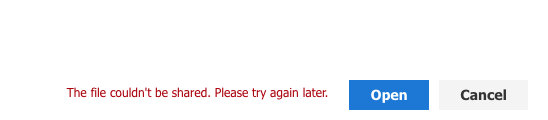
This error is present when using the JavaScript File Picker API v7.2 in Safari. The Open and Cancel buttons, both show the same behaviour. Using Safari v9.1.2, OSX El Capitan.
When the picker is opened, the following error is logged to the console:
> Blocked a frame with origin ""https://onedrive.live.com"" from accessing a frame with origin ""https://dev.onedrive.com"". The frame requesting access set ""document.domain"" to ""live.com"", but the frame being accessed did not. Both must set ""document.domain"" to the same value to allow access.
Should be noted that Safari on iOS v11.0 works as expected.
More details [here](https://stackoverflow.com/questions/45433681/onedrive-picker-api-on-safari)
",1.0,"File Picker API v7.2 doesn't work on Safari - Trying to load a file in the [Open demo](https://dev.onedrive.com/sdk/js-v72/js-picker-open.htm#open-demo) from Safari MacOS shows an error:

This error is present when using the JavaScript File Picker API v7.2 in Safari. The Open and Cancel buttons, both show the same behaviour. Using Safari v9.1.2, OSX El Capitan.
When the picker is opened, the following error is logged to the console:
> Blocked a frame with origin ""https://onedrive.live.com"" from accessing a frame with origin ""https://dev.onedrive.com"". The frame requesting access set ""document.domain"" to ""live.com"", but the frame being accessed did not. Both must set ""document.domain"" to the same value to allow access.
Should be noted that Safari on iOS v11.0 works as expected.
More details [here](https://stackoverflow.com/questions/45433681/onedrive-picker-api-on-safari)
",1,file picker api doesn t work on safari trying to load a file in the from safari macos shows an error this error is present when using the javascript file picker api in safari the open and cancel buttons both show the same behaviour using safari osx el capitan when the picker is opened the following error is logged to the console blocked a frame with origin from accessing a frame with origin the frame requesting access set document domain to live com but the frame being accessed did not both must set document domain to the same value to allow access should be noted that safari on ios works as expected more details ,1
8690,27172094289.0,IssuesEvent,2023-02-17 20:27:02,OneDrive/onedrive-api-docs,https://api.github.com/repos/OneDrive/onedrive-api-docs,closed,Add documentation for photo albums,type:enhancement area:Docs automation:Closed,"Hi there,
please add documentation for the album function in OneDrive. Because there are some issues for this point.
#468
#579
#909
Thanks to @ksmutny and his issue #909 here I have find a solution that work for me. But this was not an easy way.
I hope we can setup fast this points for the documentation:
- get a list of all Albums
- get media in an album
- create an album
- delete an album
- add media to an album",1.0,"Add documentation for photo albums - Hi there,
please add documentation for the album function in OneDrive. Because there are some issues for this point.
#468
#579
#909
Thanks to @ksmutny and his issue #909 here I have find a solution that work for me. But this was not an easy way.
I hope we can setup fast this points for the documentation:
- get a list of all Albums
- get media in an album
- create an album
- delete an album
- add media to an album",1,add documentation for photo albums hi there please add documentation for the album function in onedrive because there are some issues for this point thanks to ksmutny and his issue here i have find a solution that work for me but this was not an easy way i hope we can setup fast this points for the documentation get a list of all albums get media in an album create an album delete an album add media to an album,1
8776,27172236550.0,IssuesEvent,2023-02-17 20:34:57,OneDrive/onedrive-api-docs,https://api.github.com/repos/OneDrive/onedrive-api-docs,closed,"Custom file type icon is not correctly resized in ""Tiles"" view option",area:File Handlers Needs: Investigation automation:Closed,"#### Category
- [ ] Question
- [ ] Documentation issue
- [x] Bug
#### Expected or Desired Behavior
I have registered the following file handler:
```
{
""version"": ""2"",
""fileTypeIcon"": {
""png1x"": ""https://localhost:3000/ball.png""
},
""actions"": [
{
""type"": ""open"",
""url"": ""https://localhost:3000/open"",
""availableOn"": {
""file"": { ""extensions"": [""*.ball""] },
""web"": {}
}
}
]
}
```
When I list the files with the `.ball` extension in OneDrive folder using the `Tiles` view option I am expecting that the icon image is correctly resized in order to fill completely the region of the tile.
#### Observed Behavior
The custom icon is not resized as expected:
I've also tried adding the `png1.5x` and `png2x` keys to the `fileTypeIcon` configuration but the behavior didn't changed.
#### Steps to Reproduce
1. Register the above file handler to a specific app registration.
2. Enable the app on a OneDrive for Business account.
3. Go to OneDrive on cloud and open a folder containing the files with the `.ball` extension.
4. Switch the view option to `Tiles`.
Thank you.
",1.0,"Custom file type icon is not correctly resized in ""Tiles"" view option - #### Category
- [ ] Question
- [ ] Documentation issue
- [x] Bug
#### Expected or Desired Behavior
I have registered the following file handler:
```
{
""version"": ""2"",
""fileTypeIcon"": {
""png1x"": ""https://localhost:3000/ball.png""
},
""actions"": [
{
""type"": ""open"",
""url"": ""https://localhost:3000/open"",
""availableOn"": {
""file"": { ""extensions"": [""*.ball""] },
""web"": {}
}
}
]
}
```
When I list the files with the `.ball` extension in OneDrive folder using the `Tiles` view option I am expecting that the icon image is correctly resized in order to fill completely the region of the tile.
#### Observed Behavior
The custom icon is not resized as expected:

I've also tried adding the `png1.5x` and `png2x` keys to the `fileTypeIcon` configuration but the behavior didn't changed.
#### Steps to Reproduce
1. Register the above file handler to a specific app registration.
2. Enable the app on a OneDrive for Business account.
3. Go to OneDrive on cloud and open a folder containing the files with the `.ball` extension.
4. Switch the view option to `Tiles`.
Thank you.
",1,custom file type icon is not correctly resized in tiles view option category question documentation issue bug expected or desired behavior i have registered the following file handler version filetypeicon actions type open url availableon file extensions web when i list the files with the ball extension in onedrive folder using the tiles view option i am expecting that the icon image is correctly resized in order to fill completely the region of the tile observed behavior the custom icon is not resized as expected i ve also tried adding the and keys to the filetypeicon configuration but the behavior didn t changed steps to reproduce register the above file handler to a specific app registration enable the app on a onedrive for business account go to onedrive on cloud and open a folder containing the files with the ball extension switch the view option to tiles thank you ,1
8837,27172313723.0,IssuesEvent,2023-02-17 20:39:55,OneDrive/onedrive-api-docs,https://api.github.com/repos/OneDrive/onedrive-api-docs,closed,Unable to select folders in a Shared Library from the OneDrive JS Picker,area:Picker Needs: Investigation automation:Closed,"
#### Category
- [x] Question
- [ ] Documentation issue
- [ ] Bug
#### Expected or Desired Behavior
A user should be able to select either a folder or file in a Shared library (Private access) and shared link should be generated.
#### Observed Behavior
A user is only able to select files in a Shared library. If a folder is selected the OneDrive JS Picker throws the following error:
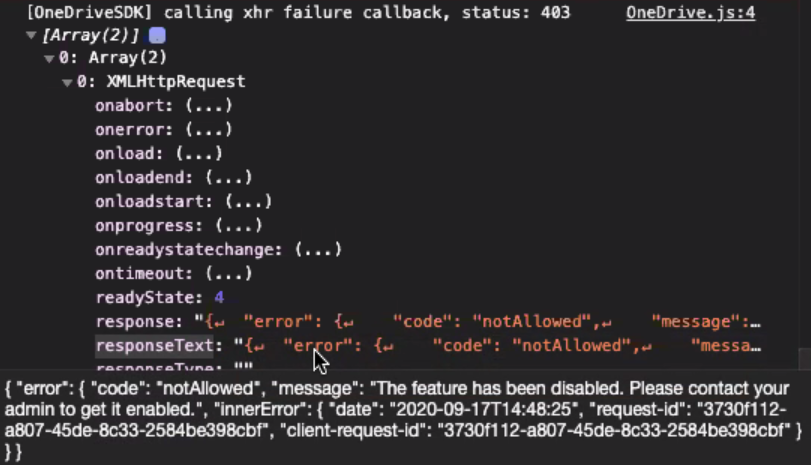
Please find the Date, request-id and SPRequestGuid in the screenshot.
What is the permission or feature referenced by this error?
#### Steps to Reproduce
1. Create a Shared Library (Private)
2. Create a folder and file
3. Access the Shared Library from the OneDrive picker
4. Select the folder
Thank you.
[ ]: http://aka.ms/onedrive-api-issues
[x]: http://aka.ms/onedrive-api-issues",1.0,"Unable to select folders in a Shared Library from the OneDrive JS Picker -
#### Category
- [x] Question
- [ ] Documentation issue
- [ ] Bug
#### Expected or Desired Behavior
A user should be able to select either a folder or file in a Shared library (Private access) and shared link should be generated.
#### Observed Behavior
A user is only able to select files in a Shared library. If a folder is selected the OneDrive JS Picker throws the following error:

Please find the Date, request-id and SPRequestGuid in the screenshot.
What is the permission or feature referenced by this error?
#### Steps to Reproduce
1. Create a Shared Library (Private)
2. Create a folder and file
3. Access the Shared Library from the OneDrive picker
4. Select the folder
Thank you.
[ ]: http://aka.ms/onedrive-api-issues
[x]: http://aka.ms/onedrive-api-issues",1,unable to select folders in a shared library from the onedrive js picker category question documentation issue bug expected or desired behavior a user should be able to select either a folder or file in a shared library private access and shared link should be generated observed behavior a user is only able to select files in a shared library if a folder is selected the onedrive js picker throws the following error please find the date request id and sprequestguid in the screenshot what is the permission or feature referenced by this error steps to reproduce create a shared library private create a folder and file access the shared library from the onedrive picker select the folder thank you ,1
8740,27172192560.0,IssuesEvent,2023-02-17 20:32:24,OneDrive/onedrive-api-docs,https://api.github.com/repos/OneDrive/onedrive-api-docs,closed,URL upload not supported for OneDrive business,type:bug area:Picker Needs: Investigation automation:Closed,"I keep receiving the 'URL upload not supported for OneDrive business' error when passing a dataUri option to OneDrive.save().
The documentation says data URI works for OneDrive business, so this error seems to counter that.
For context, I am wanting to save a .txt/.rtf file created from an online text editor to OneDrive, so I don't have access to using input type=file, I can only upload either as a URL to the .txt/.rtf file or a data URI.",1.0,"URL upload not supported for OneDrive business - I keep receiving the 'URL upload not supported for OneDrive business' error when passing a dataUri option to OneDrive.save().
The documentation says data URI works for OneDrive business, so this error seems to counter that.
For context, I am wanting to save a .txt/.rtf file created from an online text editor to OneDrive, so I don't have access to using input type=file, I can only upload either as a URL to the .txt/.rtf file or a data URI.",1,url upload not supported for onedrive business i keep receiving the url upload not supported for onedrive business error when passing a datauri option to onedrive save the documentation says data uri works for onedrive business so this error seems to counter that for context i am wanting to save a txt rtf file created from an online text editor to onedrive so i don t have access to using input type file i can only upload either as a url to the txt rtf file or a data uri ,1
8686,27172089384.0,IssuesEvent,2023-02-17 20:26:45,OneDrive/onedrive-api-docs,https://api.github.com/repos/OneDrive/onedrive-api-docs,closed,[ODB] size mismatch with onenote file,automation:Closed,"Hi all,
I found that the size meta from` GET /item/item_id` is not matched with downloaded onenote file
For example:
This is the header from ` GET /item/item_id` and the size of this item is 170
```
< HTTP/1.1 200 OK
< Cache-Control: no-cache, no-store
< Pragma: no-cache
< Content-Type: application/json; charset=utf-8
< Expires: -1
< Server: Microsoft-IIS/10.0
< Strict-Transport-Security: max-age=31536000; includeSubDomains
< X-Content-Type-Options: nosniff
< x-ms-request-id: 8bedfee3-aa68-4b17-af59-cad65b811a00
< P3P: CP=""DSP CUR OTPi IND OTRi ONL FIN""
< Set-Cookie: x-ms-gateway-slice=015; path=/; secure; HttpOnly
< Set-Cookie: stsservicecookie=ests; path=/; secure; HttpOnly
< Date: Thu, 18 Oct 2018 10:08:45 GMT
< Content-Length: 1506
```
But after I download this onenote file, the size is 10116025
And I can open the downloaded file properly via onenote 2013.
It was a bug or the ` GET /item/item_id` meta is not reliable in specific file types?
Thanks!
",1.0,"[ODB] size mismatch with onenote file - Hi all,
I found that the size meta from` GET /item/item_id` is not matched with downloaded onenote file
For example:
This is the header from ` GET /item/item_id` and the size of this item is 170
```
< HTTP/1.1 200 OK
< Cache-Control: no-cache, no-store
< Pragma: no-cache
< Content-Type: application/json; charset=utf-8
< Expires: -1
< Server: Microsoft-IIS/10.0
< Strict-Transport-Security: max-age=31536000; includeSubDomains
< X-Content-Type-Options: nosniff
< x-ms-request-id: 8bedfee3-aa68-4b17-af59-cad65b811a00
< P3P: CP=""DSP CUR OTPi IND OTRi ONL FIN""
< Set-Cookie: x-ms-gateway-slice=015; path=/; secure; HttpOnly
< Set-Cookie: stsservicecookie=ests; path=/; secure; HttpOnly
< Date: Thu, 18 Oct 2018 10:08:45 GMT
< Content-Length: 1506
```
But after I download this onenote file, the size is 10116025
And I can open the downloaded file properly via onenote 2013.
It was a bug or the ` GET /item/item_id` meta is not reliable in specific file types?
Thanks!
",1, size mismatch with onenote file hi all i found that the size meta from get item item id is not matched with downloaded onenote file for example this is the header from get item item id and the size of this item is http ok cache control no cache no store pragma no cache content type application json charset utf expires server microsoft iis strict transport security max age includesubdomains x content type options nosniff x ms request id cp dsp cur otpi ind otri onl fin set cookie x ms gateway slice path secure httponly set cookie stsservicecookie ests path secure httponly date thu oct gmt content length but after i download this onenote file the size is and i can open the downloaded file properly via onenote it was a bug or the get item item id meta is not reliable in specific file types thanks ,1
8713,27172157287.0,IssuesEvent,2023-02-17 20:30:30,OneDrive/onedrive-api-docs,https://api.github.com/repos/OneDrive/onedrive-api-docs,closed,Permission Denied when using Graph API service to call Sharepoint with an Azure AD Guest account,type:bug status:investigating automation:Closed,"My app is using Azure AD as an entry point to access both Sharepoint and website.
Good Case Scenario:
I login as an AD user, the app runs as it should. I can use both Graph Api and PNP SP to retrieve data from Sharepoint.
Issue:
If an external user (i.e. gmail, yahoo accounts) is used, the Graph Api throws permission denied error. I added the account on both the Azure AD and added it to the Sharepoint users. If I login to Sharepoint manually as an external user, the site will run perfectly fine. My guess is that the token that Graph API uses does not have the correct permissions to consume Sharepoint services. Can you please help?
#### Category
- [ ] Question
- [ ] Documentation issue
- [x] Bug
",1.0,"Permission Denied when using Graph API service to call Sharepoint with an Azure AD Guest account - My app is using Azure AD as an entry point to access both Sharepoint and website.
Good Case Scenario:
I login as an AD user, the app runs as it should. I can use both Graph Api and PNP SP to retrieve data from Sharepoint.
Issue:
If an external user (i.e. gmail, yahoo accounts) is used, the Graph Api throws permission denied error. I added the account on both the Azure AD and added it to the Sharepoint users. If I login to Sharepoint manually as an external user, the site will run perfectly fine. My guess is that the token that Graph API uses does not have the correct permissions to consume Sharepoint services. Can you please help?
#### Category
- [ ] Question
- [ ] Documentation issue
- [x] Bug
",1,permission denied when using graph api service to call sharepoint with an azure ad guest account my app is using azure ad as an entry point to access both sharepoint and website good case scenario i login as an ad user the app runs as it should i can use both graph api and pnp sp to retrieve data from sharepoint issue if an external user i e gmail yahoo accounts is used the graph api throws permission denied error i added the account on both the azure ad and added it to the sharepoint users if i login to sharepoint manually as an external user the site will run perfectly fine my guess is that the token that graph api uses does not have the correct permissions to consume sharepoint services can you please help category question documentation issue bug ,1
8645,27172033113.0,IssuesEvent,2023-02-17 20:23:41,OneDrive/onedrive-api-docs,https://api.github.com/repos/OneDrive/onedrive-api-docs,closed,Issue while setting multiSelect: false.,area:Picker automation:Closed,"```
var options = {
clientId: client_id,
action: ""share"",
multiSelect: false,
advanced: {
navigation: {
disable: true
},
endpointHint: ""api.onedrive.com"",
accessToken: access_token
},
success: successCallback,
error: errorCallback
};
OneDrive.open(options);
```
I've enable single file selection. When I choose a file but then select some other file and then I click ""Open"", I get the url of whatever I choose first. I'm using this version of the SDK - https://js.live.net/v7.2/OneDrive.js
Say I select ""Getting started with OneDrive.pdf"" and then ""File 2.pdf"" when I click open in my successCallback I get the url for ""Getting started with OneDrive.pdf"" instead of ""File 2.pdf""",1.0,"Issue while setting multiSelect: false. - ```
var options = {
clientId: client_id,
action: ""share"",
multiSelect: false,
advanced: {
navigation: {
disable: true
},
endpointHint: ""api.onedrive.com"",
accessToken: access_token
},
success: successCallback,
error: errorCallback
};
OneDrive.open(options);
```
I've enable single file selection. When I choose a file but then select some other file and then I click ""Open"", I get the url of whatever I choose first. I'm using this version of the SDK - https://js.live.net/v7.2/OneDrive.js
Say I select ""Getting started with OneDrive.pdf"" and then ""File 2.pdf"" when I click open in my successCallback I get the url for ""Getting started with OneDrive.pdf"" instead of ""File 2.pdf""",1,issue while setting multiselect false var options clientid client id action share multiselect false advanced navigation disable true endpointhint api onedrive com accesstoken access token success successcallback error errorcallback onedrive open options i ve enable single file selection when i choose a file but then select some other file and then i click open i get the url of whatever i choose first i m using this version of the sdk say i select getting started with onedrive pdf and then file pdf when i click open in my successcallback i get the url for getting started with onedrive pdf instead of file pdf ,1
8815,27172290115.0,IssuesEvent,2023-02-17 20:38:23,OneDrive/onedrive-api-docs,https://api.github.com/repos/OneDrive/onedrive-api-docs,closed,Providing params breaks PDF preview.,Needs: Attention :wave: automation:Closed,"#### Category
- [ ] Question
- [ ] Documentation issue
- [x] Bug
#### Expected or Desired Behavior
By providing paramaters in request body, we get working embed url - even preview app doesn't support the params such as ""zoom"".
#### Observed Behavior
Preview doesn't render properly. Preview app container shows, but no pdf shown. (see the image below)
Sometimes document shows 1-2 sec, and then shows the blank document.
I realized the parameter in the geturl link ""embed={""p"":1,""z"":50}""
If I remove quotation marks, preview renders. ( embed={p:1,z:50} )
#### Steps to Reproduce
Get preview link of a pdf from preview endpoint. (both V1.0 and beta)
POST /drives/{driveId}/items/{itemId}/preview
Content-type: application/json
{""zoom"":50,""page"":""1""}",1.0,"Providing params breaks PDF preview. - #### Category
- [ ] Question
- [ ] Documentation issue
- [x] Bug
#### Expected or Desired Behavior
By providing paramaters in request body, we get working embed url - even preview app doesn't support the params such as ""zoom"".
#### Observed Behavior
Preview doesn't render properly. Preview app container shows, but no pdf shown. (see the image below)
Sometimes document shows 1-2 sec, and then shows the blank document.

I realized the parameter in the geturl link ""embed={""p"":1,""z"":50}""
If I remove quotation marks, preview renders. ( embed={p:1,z:50} )
#### Steps to Reproduce
Get preview link of a pdf from preview endpoint. (both V1.0 and beta)
POST /drives/{driveId}/items/{itemId}/preview
Content-type: application/json
{""zoom"":50,""page"":""1""}",1,providing params breaks pdf preview category question documentation issue bug expected or desired behavior by providing paramaters in request body we get working embed url even preview app doesn t support the params such as zoom observed behavior preview doesn t render properly preview app container shows but no pdf shown see the image below sometimes document shows sec and then shows the blank document i realized the parameter in the geturl link embed p z if i remove quotation marks preview renders embed p z steps to reproduce get preview link of a pdf from preview endpoint both and beta post drives driveid items itemid preview content type application json zoom page ,1
8750,27172205551.0,IssuesEvent,2023-02-17 20:33:07,OneDrive/onedrive-api-docs,https://api.github.com/repos/OneDrive/onedrive-api-docs,closed,Reporting several bugs in the GraphFileBrowser react component,area:Picker Needs: Investigation automation:Closed,"
Hello,
When using the GraphFileBrowser react component I noticed the following bugs:
- The `selectionMode` is always set to `multiple` even when passing a props set to `single` or `pick`
- The `itemMode` is always set to `files` even when passing a props set to `folders`
- When trying to customize the primary button, the following error occurs inside the component code: `r is not a function`
These are the props I am passing to the GrahFileBrowser component:
[Top level props](https://i.ibb.co/2sgr552/Capture-d-e-cran-2019-09-02-a-11-34-17.png)
And this is the state of the nested component I identified with the react dev tools:
[Actual state](https://i.ibb.co/bgNscXp/Capture-d-e-cran-2019-09-02-a-11-35-57.png)
It seems like the state is hardcoded and these props are doing nothing right now.
Best regards
---
#### Détails du document
⚠ *Ne pas modifier cette section. C’est obligatoire pour docs.microsoft.com ➟ Liaison des problèmes GitHub.*
* ID: 89c1cf57-06ef-8d4a-0171-9371d2d18e0e
* Version Independent ID: 034c0e36-9028-16b4-985b-6c17f3718bae
* Content: [Selecting Files with the Microsoft File Browser SDK - OneDrive dev center](https://docs.microsoft.com/fr-fr/onedrive/developer/controls/file-pickers/react/select-files?view=odsp-graph-online#feedback)
* Content Source: [docs/controls/file-pickers/react/select-files.md](https://github.com/OneDrive/onedrive-api-docs/blob/live/docs/controls/file-pickers/react/select-files.md)
* Product: **onedrive**
* GitHub Login: @KevinTCoughlin
* Microsoft Alias: **keco**",1.0,"Reporting several bugs in the GraphFileBrowser react component -
Hello,
When using the GraphFileBrowser react component I noticed the following bugs:
- The `selectionMode` is always set to `multiple` even when passing a props set to `single` or `pick`
- The `itemMode` is always set to `files` even when passing a props set to `folders`
- When trying to customize the primary button, the following error occurs inside the component code: `r is not a function`
These are the props I am passing to the GrahFileBrowser component:
[Top level props](https://i.ibb.co/2sgr552/Capture-d-e-cran-2019-09-02-a-11-34-17.png)
And this is the state of the nested component I identified with the react dev tools:
[Actual state](https://i.ibb.co/bgNscXp/Capture-d-e-cran-2019-09-02-a-11-35-57.png)
It seems like the state is hardcoded and these props are doing nothing right now.
Best regards
---
#### Détails du document
⚠ *Ne pas modifier cette section. C’est obligatoire pour docs.microsoft.com ➟ Liaison des problèmes GitHub.*
* ID: 89c1cf57-06ef-8d4a-0171-9371d2d18e0e
* Version Independent ID: 034c0e36-9028-16b4-985b-6c17f3718bae
* Content: [Selecting Files with the Microsoft File Browser SDK - OneDrive dev center](https://docs.microsoft.com/fr-fr/onedrive/developer/controls/file-pickers/react/select-files?view=odsp-graph-online#feedback)
* Content Source: [docs/controls/file-pickers/react/select-files.md](https://github.com/OneDrive/onedrive-api-docs/blob/live/docs/controls/file-pickers/react/select-files.md)
* Product: **onedrive**
* GitHub Login: @KevinTCoughlin
* Microsoft Alias: **keco**",1,reporting several bugs in the graphfilebrowser react component hello when using the graphfilebrowser react component i noticed the following bugs the selectionmode is always set to multiple even when passing a props set to single or pick the itemmode is always set to files even when passing a props set to folders when trying to customize the primary button the following error occurs inside the component code r is not a function these are the props i am passing to the grahfilebrowser component and this is the state of the nested component i identified with the react dev tools it seems like the state is hardcoded and these props are doing nothing right now best regards détails du document ⚠ ne pas modifier cette section c’est obligatoire pour docs microsoft com ➟ liaison des problèmes github id version independent id content content source product onedrive github login kevintcoughlin microsoft alias keco ,1
8660,27172052384.0,IssuesEvent,2023-02-17 20:24:45,OneDrive/onedrive-api-docs,https://api.github.com/repos/OneDrive/onedrive-api-docs,closed,Feature Request: Disallow Use of Recycle Bin during DELETE,status:wontfix automation:Closed,"I would like to request the ability to DELETE a file permanently and without going through the Recycle Bin.
I am building a cross-platform file system (i.e. one that integrates with the operating system) that uses OneDrive as a backend storage. Currently when files are DELETE'd from OneDrive they are moved to the Recycle Bin. This is detrimental to how a file system operates.
In #84 a side question by @paya-cz was:
> Also, is there any parameter to specify to ensure the file/folder is permanently deleted, and not moved to recycle bin? For my particular application, recycle bin is pretty much useless, so I don't want to pollute that folder with a ton of files that are obsolete.
The response by @rgregg was:
> There isn't a way to delete permanently in the API right now. We're looking at ways to enable recycling bin management from the API, but one of the key elements of OneDrive is that your data is safe with us. Providing apps a way to destroy a file forever, while useful in some benign scenarios also enables it for destructive scenarios, so we have a balance to work through.
Given that almost 3 years have passed since those comments, I am wondering if the thinking of the OneDrive team has changed on this issue.
If you do no intend to provide this functionality you can mark this issue as `wontfix` or similar. In this case it would be helpful if you provided functionality to manage the Recycle Bin easily (e.g. automatically remove files older than 30 days, etc.)",1.0,"Feature Request: Disallow Use of Recycle Bin during DELETE - I would like to request the ability to DELETE a file permanently and without going through the Recycle Bin.
I am building a cross-platform file system (i.e. one that integrates with the operating system) that uses OneDrive as a backend storage. Currently when files are DELETE'd from OneDrive they are moved to the Recycle Bin. This is detrimental to how a file system operates.
In #84 a side question by @paya-cz was:
> Also, is there any parameter to specify to ensure the file/folder is permanently deleted, and not moved to recycle bin? For my particular application, recycle bin is pretty much useless, so I don't want to pollute that folder with a ton of files that are obsolete.
The response by @rgregg was:
> There isn't a way to delete permanently in the API right now. We're looking at ways to enable recycling bin management from the API, but one of the key elements of OneDrive is that your data is safe with us. Providing apps a way to destroy a file forever, while useful in some benign scenarios also enables it for destructive scenarios, so we have a balance to work through.
Given that almost 3 years have passed since those comments, I am wondering if the thinking of the OneDrive team has changed on this issue.
If you do no intend to provide this functionality you can mark this issue as `wontfix` or similar. In this case it would be helpful if you provided functionality to manage the Recycle Bin easily (e.g. automatically remove files older than 30 days, etc.)",1,feature request disallow use of recycle bin during delete i would like to request the ability to delete a file permanently and without going through the recycle bin i am building a cross platform file system i e one that integrates with the operating system that uses onedrive as a backend storage currently when files are delete d from onedrive they are moved to the recycle bin this is detrimental to how a file system operates in a side question by paya cz was also is there any parameter to specify to ensure the file folder is permanently deleted and not moved to recycle bin for my particular application recycle bin is pretty much useless so i don t want to pollute that folder with a ton of files that are obsolete the response by rgregg was there isn t a way to delete permanently in the api right now we re looking at ways to enable recycling bin management from the api but one of the key elements of onedrive is that your data is safe with us providing apps a way to destroy a file forever while useful in some benign scenarios also enables it for destructive scenarios so we have a balance to work through given that almost years have passed since those comments i am wondering if the thinking of the onedrive team has changed on this issue if you do no intend to provide this functionality you can mark this issue as wontfix or similar in this case it would be helpful if you provided functionality to manage the recycle bin easily e g automatically remove files older than days etc ,1
8887,27172369136.0,IssuesEvent,2023-02-17 20:43:24,OneDrive/onedrive-api-docs,https://api.github.com/repos/OneDrive/onedrive-api-docs,closed,When specifying requireSignin false on sharing invite API the message specified is not used.,Needs: Triage :mag: automation:Closed,"#### Category
- [ ] Question
- [ ] Documentation issue
- [x] Bug
#### Expected or Desired Behavior
When I specify a message it should appear in the email invite.
#### Observed Behavior
I found that only when requireSignin is false the message specified is not used and just the default message of ""Here's the document that xxxxxxx shared with you."" is used.
#### Steps to Reproduce
Make call to POST /me/drive/items/{item-id}/invite
```
{
""recipients"": [{
""email"": ""bvstone@xxxxx.com""
}
],
""message"": ""Here is the file!"",
""requireSignIn"": false,
""sendInvitation"": true,
""roles"": [""read""]
}
```
This will not use the message specified.
```
{
""recipients"": [{
""email"": ""bvstone@xxxxx.com""
}
],
""message"": ""Here is the file!"",
""requireSignIn"": true,
""sendInvitation"": true,
""roles"": [""read""]
}
```
This will use the message specified.
[ ]: http://aka.ms/onedrive-api-issues
[x]: http://aka.ms/onedrive-api-issue
See screenshots below:
s",1.0,"When specifying requireSignin false on sharing invite API the message specified is not used. - #### Category
- [ ] Question
- [ ] Documentation issue
- [x] Bug
#### Expected or Desired Behavior
When I specify a message it should appear in the email invite.
#### Observed Behavior
I found that only when requireSignin is false the message specified is not used and just the default message of ""Here's the document that xxxxxxx shared with you."" is used.
#### Steps to Reproduce
Make call to POST /me/drive/items/{item-id}/invite
```
{
""recipients"": [{
""email"": ""bvstone@xxxxx.com""
}
],
""message"": ""Here is the file!"",
""requireSignIn"": false,
""sendInvitation"": true,
""roles"": [""read""]
}
```
This will not use the message specified.
```
{
""recipients"": [{
""email"": ""bvstone@xxxxx.com""
}
],
""message"": ""Here is the file!"",
""requireSignIn"": true,
""sendInvitation"": true,
""roles"": [""read""]
}
```
This will use the message specified.
[ ]: http://aka.ms/onedrive-api-issues
[x]: http://aka.ms/onedrive-api-issue
See screenshots below:


s",1,when specifying requiresignin false on sharing invite api the message specified is not used category question documentation issue bug expected or desired behavior when i specify a message it should appear in the email invite observed behavior i found that only when requiresignin is false the message specified is not used and just the default message of here s the document that xxxxxxx shared with you is used steps to reproduce make call to post me drive items item id invite recipients email bvstone xxxxx com message here is the file requiresignin false sendinvitation true roles this will not use the message specified recipients email bvstone xxxxx com message here is the file requiresignin true sendinvitation true roles this will use the message specified see screenshots below s,1
8636,27172021336.0,IssuesEvent,2023-02-17 20:23:03,OneDrive/onedrive-api-docs,https://api.github.com/repos/OneDrive/onedrive-api-docs,closed,OneDrive OAuth with Graph scopes are inconsistent,status:investigating automation:Closed,"https://github.com/OneDrive/onedrive-api-docs/blob/live/docs/rest-api/getting-started/graph-oauth.md#authentication-scopes
According to the docs, the `files.read` scope should grant `read-only permission to all of a user's OneDrive files,` while the `files.read.all` scope should grant `read-only permission to all of a user's OneDrive files, including files shared with the user.`
-------------------------------------------
~~When testing the authentication flow with the `files.read` scope, the Microsoft permissions screen shows my app will `be able to open OneDrive files, including files shared with you,` which matches the description of the `files.read.all` scope.~~
When testing the authentication flow with the `files.read.all` scope, the Microsoft permissions screen shows my app will `be able to read, create, update and delete all files that you can access,` which matches the description of the `files.readwrite` scope.
------------------------------------------
edit: In the remarks [here](https://developer.microsoft.com/en-us/graph/docs/concepts/permissions_reference#files-permissions) I see that the `files.read` scope allows apps connected to personal accounts view shared files, which is probably what I was seeing. However, the `files.read.all` scope shouldn't allow write access.",1.0,"OneDrive OAuth with Graph scopes are inconsistent - https://github.com/OneDrive/onedrive-api-docs/blob/live/docs/rest-api/getting-started/graph-oauth.md#authentication-scopes
According to the docs, the `files.read` scope should grant `read-only permission to all of a user's OneDrive files,` while the `files.read.all` scope should grant `read-only permission to all of a user's OneDrive files, including files shared with the user.`
-------------------------------------------
~~When testing the authentication flow with the `files.read` scope, the Microsoft permissions screen shows my app will `be able to open OneDrive files, including files shared with you,` which matches the description of the `files.read.all` scope.~~
When testing the authentication flow with the `files.read.all` scope, the Microsoft permissions screen shows my app will `be able to read, create, update and delete all files that you can access,` which matches the description of the `files.readwrite` scope.
------------------------------------------
edit: In the remarks [here](https://developer.microsoft.com/en-us/graph/docs/concepts/permissions_reference#files-permissions) I see that the `files.read` scope allows apps connected to personal accounts view shared files, which is probably what I was seeing. However, the `files.read.all` scope shouldn't allow write access.",1,onedrive oauth with graph scopes are inconsistent according to the docs the files read scope should grant read only permission to all of a user s onedrive files while the files read all scope should grant read only permission to all of a user s onedrive files including files shared with the user when testing the authentication flow with the files read scope the microsoft permissions screen shows my app will be able to open onedrive files including files shared with you which matches the description of the files read all scope when testing the authentication flow with the files read all scope the microsoft permissions screen shows my app will be able to read create update and delete all files that you can access which matches the description of the files readwrite scope edit in the remarks i see that the files read scope allows apps connected to personal accounts view shared files which is probably what i was seeing however the files read all scope shouldn t allow write access ,1
8734,27172184727.0,IssuesEvent,2023-02-17 20:31:59,OneDrive/onedrive-api-docs,https://api.github.com/repos/OneDrive/onedrive-api-docs,closed,Inaccurate search results,status:investigating area:Search automation:Closed,"####Category
- [ ] Question
- [ ] Documentation issue
- [x] Bug
#### Expected or Desired Behavior
Using vb.net Graph API, do a driveitem search like this: client.Sites.Item(_siteID).Drive.Search(_queryText).Request().
Where _queryText equals ""human resources"", using the encapsulating quotes. I would expect it to return only those documents with the phrase ""human resources"".
#### Observed Behavior
The search returns results with ""human"" only and ""resources"" only. It is not limited to the exact phrase.
Please advise. Thank you.
",1.0,"Inaccurate search results - ####Category
- [ ] Question
- [ ] Documentation issue
- [x] Bug
#### Expected or Desired Behavior
Using vb.net Graph API, do a driveitem search like this: client.Sites.Item(_siteID).Drive.Search(_queryText).Request().
Where _queryText equals ""human resources"", using the encapsulating quotes. I would expect it to return only those documents with the phrase ""human resources"".
#### Observed Behavior
The search returns results with ""human"" only and ""resources"" only. It is not limited to the exact phrase.
Please advise. Thank you.
",1,inaccurate search results category question documentation issue bug expected or desired behavior using vb net graph api do a driveitem search like this client sites item siteid drive search querytext request where querytext equals human resources using the encapsulating quotes i would expect it to return only those documents with the phrase human resources observed behavior the search returns results with human only and resources only it is not limited to the exact phrase please advise thank you ,1
8807,27172281023.0,IssuesEvent,2023-02-17 20:37:48,OneDrive/onedrive-api-docs,https://api.github.com/repos/OneDrive/onedrive-api-docs,closed,Picker stopped working on IOS Safari 5 - 13,area:Picker Needs: Investigation automation:Closed,"#### Category
- [ ] Question
- [ ] Documentation issue
- [x] Bug
#### Quick summary
We have built a feature around one drive picker, it has been working fine for a few months but starting from End of April, iPads are not able to start the picker.
#### Expected or Desired Behavior
Picker launch and ask for login on a separate tab with after redirection.
#### Observed Behavior
Picker failed to launch and stuck on spinning circles.
#### Steps to Reproduce
Use any iPad.
1. Use the following credentials to login
- https://staging.myedapp.com/#/library/collection/organisation
- username: dev@myedapp.com
- password: password
2. Click at the OneDrive site
3. Select ""Select from OneDrive"" option
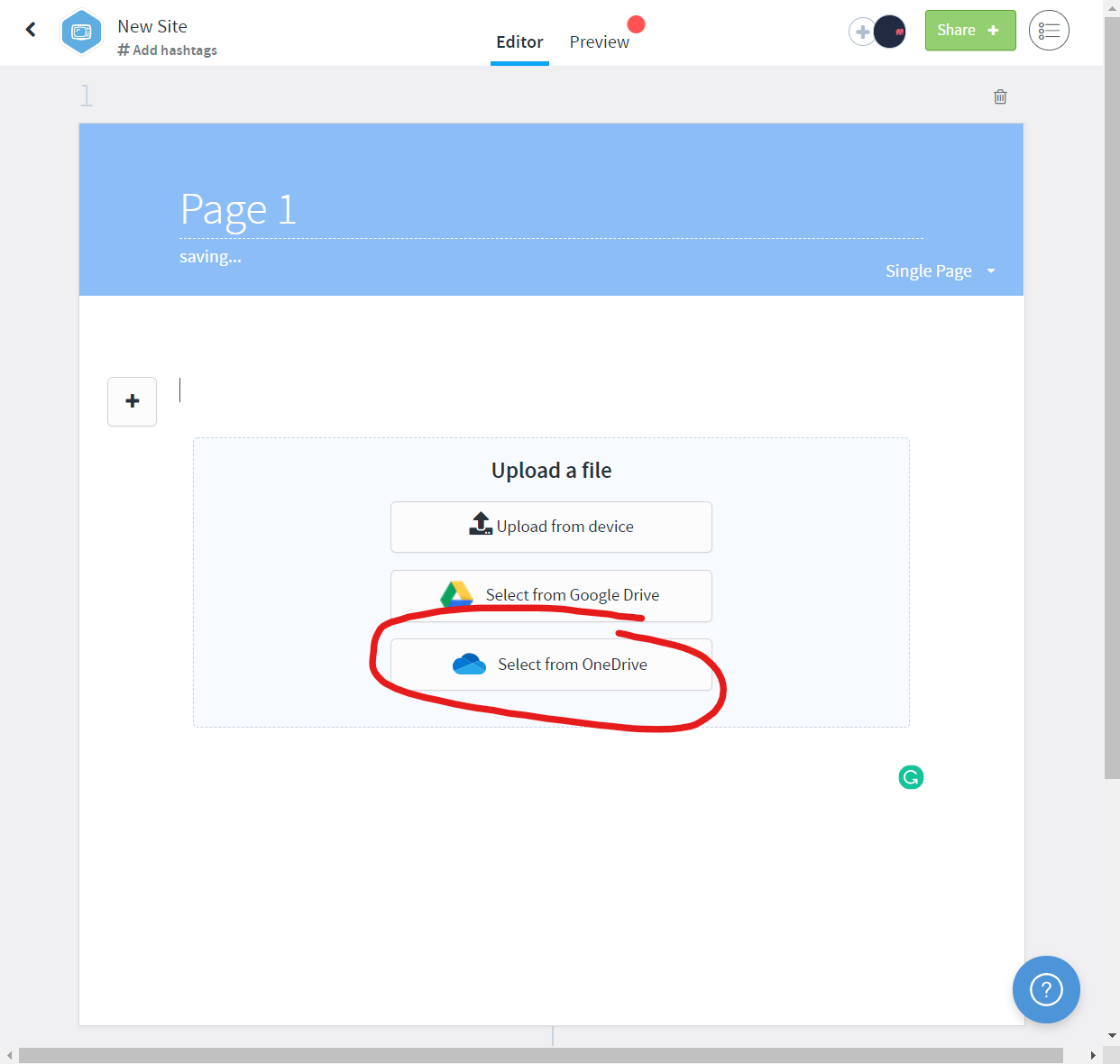
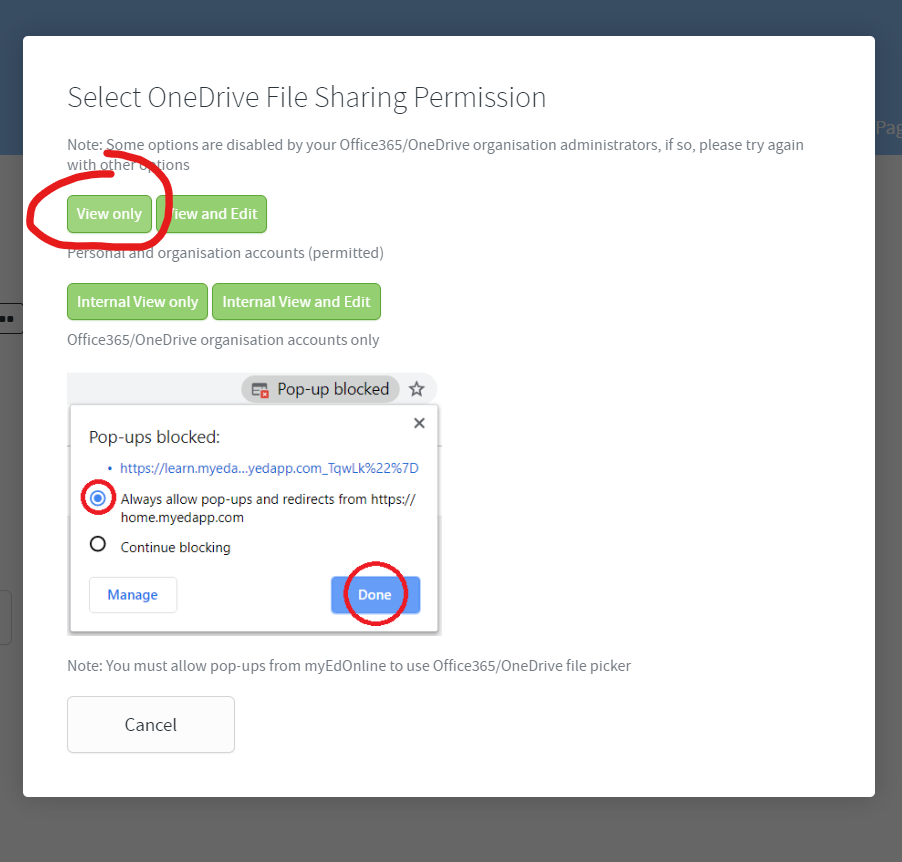
4. A popup will ask for Microsoft account login and file picking
#### Reference
Actual picker launch page
```
export class OnedrivePickerController {
static get $inject() {
return ['$scope'];
}
static get name() {
return 'onedrivePickerController';
}
constructor($scope) {
this.$scope = $scope;
}
postParent = payload => {
const parent = window.parent;
if (parent) {
parent.postMessage(payload, '*');
}
};
$onInit() {
const url_string = window.location.href;
const url = new URL(url_string);
const type = url.searchParams.get('type');
const scope = url.searchParams.get('scope');
const uniqueframeid = url.searchParams.get('uniqueframeid');
const self = this;
const odOptions = {
clientId: process.env.ONEDRIVE_CLIENT_ID,
action: 'share',
multiSelect: false,
advanced: {
createLinkParameters: { type: type, scope: scope },
},
success(response) {
self.postParent({
response: response,
uniqueframeid: uniqueframeid,
status: 'success',
});
},
cancel() {
self.postParent({
response: 'cancel',
uniqueframeid: uniqueframeid,
status: 'cancel',
});
},
error(error) {
self.postParent({
response: error,
uniqueframeid: uniqueframeid,
status: 'error',
});
},
};
try {
OneDrive.open(odOptions);
} catch (error) {
this.$scope.postParent({
response: error,
uniqueframeid: uniqueframeid,
status: 'error',
});
}
}
}
```
Consumer page
```
$scope.launchOneDrivePicker = (
settings = { type: 'edit', scope: 'anonymous' }
) => {
/**
* This page is used in an iframe bypass microsoft onedrivepicker limitation.
* - Subdomain cannot be registered infinitely
* - It also does not match root domain with different subdomains
*
* Setup up registered subdomain public page to let user select file,
* Return data via message listener
*/
const uniqueFrameId = new Date().getTime();
// for staging
const host = process.env.ENV_HOST_URL; //eslint-disable-line no-undef
const url = new URL(`${host}/#/public/onedrivefilepicker`);
url.searchParams.set('type', settings.type);
url.searchParams.set('scope', settings.scope);
url.searchParams.set('uniqueframeid', uniqueFrameId);
const link = url.toString();
const iframe = document.createElement('iframe');
iframe.setAttribute('src', link);
iframe.style.width = '0px';
iframe.style.height = '0px';
iframe.style.display = 'none';
iframe.addEventListener('windowClose', function() {
$scope.isLoading = false;
});
document.body.appendChild(iframe);
function listener(event) {
if (event.origin !== host) {
return;
}
const id = parseInt(event.data.uniqueframeid);
if (id !== uniqueFrameId) {
return;
}
const { response, status } = event.data;
switch (status) {
case 'cancel':
window.removeEventListener('message', listener);
iframe.parentNode.removeChild(iframe);
$scope.isLoading = false;
return;
case 'error':
toastService.show({
title: 'Failed to share oneDrive file',
subtitle: response,
duration: 5000,
icon: {
icon: 'icon-remove-circle',
},
});
window.removeEventListener('message', listener);
iframe.parentNode.removeChild(iframe);
$scope.isLoading = false;
return;
default:
}
switch (response.message) {
case 400:
case 403:
toastService.show({
title: 'Failed to share oneDrive file',
subtitle:
'Please try again with permitted share methods.',
duration: 5000,
icon: {
icon: 'icon-remove-circle',
},
});
$scope.isLoading = false;
return;
default:
}
// construct resource data
const file = response.value[0];
const fileName = file.name;
const fileType = $scope.getFileTypeFromOneDriveFile(file);
// NOTE: audio files can neither be embedded nor downloaded later from a url
// so we create a local resource from the original onedrive audio file
const isEmbed = $scope.hasEmbedSupport(
settings.scope,
fileType
);
const sourceType = 'onedrive' + (isEmbed ? 'embed' : '');
switch ($scope.resourceType) {
case 'audio': {
if (!SUPPORTED_AUDIO_MIME_TYPES.includes(fileType)) {
$scope.displayUnsupportedFileTypeDialog();
$scope.isLoading = false;
return;
}
const payload = {
link: file['@microsoft.graph.downloadUrl'],
type: fileType, //mimetype
title: file.name,
description: file.description,
thumbnail: '',
sourceType: sourceType,
};
$scope.createResourceFromFile(payload);
break;
}
case 'image': {
if (!SUPPORTED_IMAGE_MIME_TYPES.includes(fileType)) {
$scope.displayUnsupportedFileTypeDialog();
$scope.isLoading = false;
return;
}
const payload = {
link: file['@microsoft.graph.downloadUrl'],
type: fileType,
title: file.name,
description: file.description,
thumbnail: '',
sourceType: sourceType,
};
$scope.createResourceFromFile(payload);
break;
}
case 'video': {
const payload = {
link: file['@microsoft.graph.downloadUrl'],
type: fileType,
title: file.name,
description: file.description,
thumbnail: '',
sourceType: sourceType,
};
$scope.createResourceFromFile(payload);
break;
}
default: {
const fileShareUrl = file.permissions[0].link.webUrl; //getFileUrl(file, fileType);
$scope.filePickerCallback()({
name: fileName,
url: fileShareUrl,
type: fileType,
sourceType: sourceType,
});
}
}
window.removeEventListener('message', listener);
iframe.parentNode.removeChild(iframe);
$scope.isLoading = false;
}
window.addEventListener('message', listener, false);
};
```
Thank you for reading.
",1.0,"Picker stopped working on IOS Safari 5 - 13 - #### Category
- [ ] Question
- [ ] Documentation issue
- [x] Bug
#### Quick summary
We have built a feature around one drive picker, it has been working fine for a few months but starting from End of April, iPads are not able to start the picker.
#### Expected or Desired Behavior
Picker launch and ask for login on a separate tab with after redirection.
#### Observed Behavior
Picker failed to launch and stuck on spinning circles.

#### Steps to Reproduce
Use any iPad.
1. Use the following credentials to login
- https://staging.myedapp.com/#/library/collection/organisation
- username: dev@myedapp.com
- password: password
2. Click at the OneDrive site
3. Select ""Select from OneDrive"" option


4. A popup will ask for Microsoft account login and file picking
#### Reference
Actual picker launch page
```
export class OnedrivePickerController {
static get $inject() {
return ['$scope'];
}
static get name() {
return 'onedrivePickerController';
}
constructor($scope) {
this.$scope = $scope;
}
postParent = payload => {
const parent = window.parent;
if (parent) {
parent.postMessage(payload, '*');
}
};
$onInit() {
const url_string = window.location.href;
const url = new URL(url_string);
const type = url.searchParams.get('type');
const scope = url.searchParams.get('scope');
const uniqueframeid = url.searchParams.get('uniqueframeid');
const self = this;
const odOptions = {
clientId: process.env.ONEDRIVE_CLIENT_ID,
action: 'share',
multiSelect: false,
advanced: {
createLinkParameters: { type: type, scope: scope },
},
success(response) {
self.postParent({
response: response,
uniqueframeid: uniqueframeid,
status: 'success',
});
},
cancel() {
self.postParent({
response: 'cancel',
uniqueframeid: uniqueframeid,
status: 'cancel',
});
},
error(error) {
self.postParent({
response: error,
uniqueframeid: uniqueframeid,
status: 'error',
});
},
};
try {
OneDrive.open(odOptions);
} catch (error) {
this.$scope.postParent({
response: error,
uniqueframeid: uniqueframeid,
status: 'error',
});
}
}
}
```
Consumer page
```
$scope.launchOneDrivePicker = (
settings = { type: 'edit', scope: 'anonymous' }
) => {
/**
* This page is used in an iframe bypass microsoft onedrivepicker limitation.
* - Subdomain cannot be registered infinitely
* - It also does not match root domain with different subdomains
*
* Setup up registered subdomain public page to let user select file,
* Return data via message listener
*/
const uniqueFrameId = new Date().getTime();
// for staging
const host = process.env.ENV_HOST_URL; //eslint-disable-line no-undef
const url = new URL(`${host}/#/public/onedrivefilepicker`);
url.searchParams.set('type', settings.type);
url.searchParams.set('scope', settings.scope);
url.searchParams.set('uniqueframeid', uniqueFrameId);
const link = url.toString();
const iframe = document.createElement('iframe');
iframe.setAttribute('src', link);
iframe.style.width = '0px';
iframe.style.height = '0px';
iframe.style.display = 'none';
iframe.addEventListener('windowClose', function() {
$scope.isLoading = false;
});
document.body.appendChild(iframe);
function listener(event) {
if (event.origin !== host) {
return;
}
const id = parseInt(event.data.uniqueframeid);
if (id !== uniqueFrameId) {
return;
}
const { response, status } = event.data;
switch (status) {
case 'cancel':
window.removeEventListener('message', listener);
iframe.parentNode.removeChild(iframe);
$scope.isLoading = false;
return;
case 'error':
toastService.show({
title: 'Failed to share oneDrive file',
subtitle: response,
duration: 5000,
icon: {
icon: 'icon-remove-circle',
},
});
window.removeEventListener('message', listener);
iframe.parentNode.removeChild(iframe);
$scope.isLoading = false;
return;
default:
}
switch (response.message) {
case 400:
case 403:
toastService.show({
title: 'Failed to share oneDrive file',
subtitle:
'Please try again with permitted share methods.',
duration: 5000,
icon: {
icon: 'icon-remove-circle',
},
});
$scope.isLoading = false;
return;
default:
}
// construct resource data
const file = response.value[0];
const fileName = file.name;
const fileType = $scope.getFileTypeFromOneDriveFile(file);
// NOTE: audio files can neither be embedded nor downloaded later from a url
// so we create a local resource from the original onedrive audio file
const isEmbed = $scope.hasEmbedSupport(
settings.scope,
fileType
);
const sourceType = 'onedrive' + (isEmbed ? 'embed' : '');
switch ($scope.resourceType) {
case 'audio': {
if (!SUPPORTED_AUDIO_MIME_TYPES.includes(fileType)) {
$scope.displayUnsupportedFileTypeDialog();
$scope.isLoading = false;
return;
}
const payload = {
link: file['@microsoft.graph.downloadUrl'],
type: fileType, //mimetype
title: file.name,
description: file.description,
thumbnail: '',
sourceType: sourceType,
};
$scope.createResourceFromFile(payload);
break;
}
case 'image': {
if (!SUPPORTED_IMAGE_MIME_TYPES.includes(fileType)) {
$scope.displayUnsupportedFileTypeDialog();
$scope.isLoading = false;
return;
}
const payload = {
link: file['@microsoft.graph.downloadUrl'],
type: fileType,
title: file.name,
description: file.description,
thumbnail: '',
sourceType: sourceType,
};
$scope.createResourceFromFile(payload);
break;
}
case 'video': {
const payload = {
link: file['@microsoft.graph.downloadUrl'],
type: fileType,
title: file.name,
description: file.description,
thumbnail: '',
sourceType: sourceType,
};
$scope.createResourceFromFile(payload);
break;
}
default: {
const fileShareUrl = file.permissions[0].link.webUrl; //getFileUrl(file, fileType);
$scope.filePickerCallback()({
name: fileName,
url: fileShareUrl,
type: fileType,
sourceType: sourceType,
});
}
}
window.removeEventListener('message', listener);
iframe.parentNode.removeChild(iframe);
$scope.isLoading = false;
}
window.addEventListener('message', listener, false);
};
```
Thank you for reading.
",1,picker stopped working on ios safari category question documentation issue bug quick summary we have built a feature around one drive picker it has been working fine for a few months but starting from end of april ipads are not able to start the picker expected or desired behavior picker launch and ask for login on a separate tab with after redirection observed behavior picker failed to launch and stuck on spinning circles steps to reproduce use any ipad use the following credentials to login username dev myedapp com password password click at the onedrive site select select from onedrive option a popup will ask for microsoft account login and file picking reference actual picker launch page export class onedrivepickercontroller static get inject return static get name return onedrivepickercontroller constructor scope this scope scope postparent payload const parent window parent if parent parent postmessage payload oninit const url string window location href const url new url url string const type url searchparams get type const scope url searchparams get scope const uniqueframeid url searchparams get uniqueframeid const self this const odoptions clientid process env onedrive client id action share multiselect false advanced createlinkparameters type type scope scope success response self postparent response response uniqueframeid uniqueframeid status success cancel self postparent response cancel uniqueframeid uniqueframeid status cancel error error self postparent response error uniqueframeid uniqueframeid status error try onedrive open odoptions catch error this scope postparent response error uniqueframeid uniqueframeid status error consumer page scope launchonedrivepicker settings type edit scope anonymous this page is used in an iframe bypass microsoft onedrivepicker limitation subdomain cannot be registered infinitely it also does not match root domain with different subdomains setup up registered subdomain public page to let user select file return data via message listener const uniqueframeid new date gettime for staging const host process env env host url eslint disable line no undef const url new url host public onedrivefilepicker url searchparams set type settings type url searchparams set scope settings scope url searchparams set uniqueframeid uniqueframeid const link url tostring const iframe document createelement iframe iframe setattribute src link iframe style width iframe style height iframe style display none iframe addeventlistener windowclose function scope isloading false document body appendchild iframe function listener event if event origin host return const id parseint event data uniqueframeid if id uniqueframeid return const response status event data switch status case cancel window removeeventlistener message listener iframe parentnode removechild iframe scope isloading false return case error toastservice show title failed to share onedrive file subtitle response duration icon icon icon remove circle window removeeventlistener message listener iframe parentnode removechild iframe scope isloading false return default switch response message case case toastservice show title failed to share onedrive file subtitle please try again with permitted share methods duration icon icon icon remove circle scope isloading false return default construct resource data const file response value const filename file name const filetype scope getfiletypefromonedrivefile file note audio files can neither be embedded nor downloaded later from a url so we create a local resource from the original onedrive audio file const isembed scope hasembedsupport settings scope filetype const sourcetype onedrive isembed embed switch scope resourcetype case audio if supported audio mime types includes filetype scope displayunsupportedfiletypedialog scope isloading false return const payload link file type filetype mimetype title file name description file description thumbnail sourcetype sourcetype scope createresourcefromfile payload break case image if supported image mime types includes filetype scope displayunsupportedfiletypedialog scope isloading false return const payload link file type filetype title file name description file description thumbnail sourcetype sourcetype scope createresourcefromfile payload break case video const payload link file type filetype title file name description file description thumbnail sourcetype sourcetype scope createresourcefromfile payload break default const fileshareurl file permissions link weburl getfileurl file filetype scope filepickercallback name filename url fileshareurl type filetype sourcetype sourcetype window removeeventlistener message listener iframe parentnode removechild iframe scope isloading false window addeventlistener message listener false thank you for reading ,1
8683,27172085639.0,IssuesEvent,2023-02-17 20:26:33,OneDrive/onedrive-api-docs,https://api.github.com/repos/OneDrive/onedrive-api-docs,closed,Enable localization support for File Picker,type:enhancement area:Picker automation:Closed,"Moved from https://github.com/OfficeDev/office-ui-fabric-react/issues/5029 as we have the other picker related issues here.
@samyaktelsang commented on May 29
>In lieu of an effort to improve globalization/localization of the products that we build, 0365 and SharePoint enable us to localize our files and custom fields.
However, while using a FilePicker class, there isn't an option to provide the button's display name. It resorts to a default text such as ""Choose File"" in Chrome or ""Upload"" on Edge.
I find that this makes it hard for developers to localize text based on the users AAD context or O365 language preference settings.
If we were allowed to set the button's display name/text ourselves, then it would enable us to localize the strings in a definition file as we have standardized across our project.
Are there any plans of ensuring we can select the text that shows up on the button while using a FilePicker component ourselves? If not, could we please ensure that we can in an effort to improve globalization/localization of the products/solutions that we build.
We're tracking this issue and hope to support it soon.",1.0,"Enable localization support for File Picker - Moved from https://github.com/OfficeDev/office-ui-fabric-react/issues/5029 as we have the other picker related issues here.
@samyaktelsang commented on May 29
>In lieu of an effort to improve globalization/localization of the products that we build, 0365 and SharePoint enable us to localize our files and custom fields.
However, while using a FilePicker class, there isn't an option to provide the button's display name. It resorts to a default text such as ""Choose File"" in Chrome or ""Upload"" on Edge.
I find that this makes it hard for developers to localize text based on the users AAD context or O365 language preference settings.
If we were allowed to set the button's display name/text ourselves, then it would enable us to localize the strings in a definition file as we have standardized across our project.
Are there any plans of ensuring we can select the text that shows up on the button while using a FilePicker component ourselves? If not, could we please ensure that we can in an effort to improve globalization/localization of the products/solutions that we build.
We're tracking this issue and hope to support it soon.",1,enable localization support for file picker moved from as we have the other picker related issues here samyaktelsang commented on may in lieu of an effort to improve globalization localization of the products that we build and sharepoint enable us to localize our files and custom fields however while using a filepicker class there isn t an option to provide the button s display name it resorts to a default text such as choose file in chrome or upload on edge i find that this makes it hard for developers to localize text based on the users aad context or language preference settings if we were allowed to set the button s display name text ourselves then it would enable us to localize the strings in a definition file as we have standardized across our project are there any plans of ensuring we can select the text that shows up on the button while using a filepicker component ourselves if not could we please ensure that we can in an effort to improve globalization localization of the products solutions that we build we re tracking this issue and hope to support it soon ,1
8608,27171983593.0,IssuesEvent,2023-02-17 20:21:01,OneDrive/onedrive-api-docs,https://api.github.com/repos/OneDrive/onedrive-api-docs,closed,/drives cannot expand relationships using OData,automation:Closed,"It would be a great addition if the `/drives` endpoint could expand relationships such as `root` using OData. That is, if doing `GET /drives?select=root&expand=root` would actually return the drives and their root item information. Instead, to get the root item, we need to query `/drives` and then loop through each drive and query `/drives/{drive_id}/root`. This can slow thing down quiet a bit.
**Some context on why we need this in case there's a better way:**
My team is currently juggling both the SharePoint REST API and the OneDrive API and we would ideally want to move to the OneDrive API completely. In the meantime, we need to get both the drive IDs and their root item's SharePoint IDs (we still need these to use parts of the SharePoint REST API). Having a way to relate the drives to libraries would be ideal. However, no info returned for drives matches anything in the library counterpart (no IDs, not even names--""Documents"" vs ""Shared Documents"", ""SiteAssets"" vs ""Site Assets""--and drives do not get the sharepointIds facet). We basically need to know exactly what drive represents what library, and it seems like the only way to do this is by matching the drive root folder to the library root folder. Having to do that, it'd be nice if we could get the info on a single API call as it can otherwise be a painfully slow process.
",1.0,"/drives cannot expand relationships using OData - It would be a great addition if the `/drives` endpoint could expand relationships such as `root` using OData. That is, if doing `GET /drives?select=root&expand=root` would actually return the drives and their root item information. Instead, to get the root item, we need to query `/drives` and then loop through each drive and query `/drives/{drive_id}/root`. This can slow thing down quiet a bit.
**Some context on why we need this in case there's a better way:**
My team is currently juggling both the SharePoint REST API and the OneDrive API and we would ideally want to move to the OneDrive API completely. In the meantime, we need to get both the drive IDs and their root item's SharePoint IDs (we still need these to use parts of the SharePoint REST API). Having a way to relate the drives to libraries would be ideal. However, no info returned for drives matches anything in the library counterpart (no IDs, not even names--""Documents"" vs ""Shared Documents"", ""SiteAssets"" vs ""Site Assets""--and drives do not get the sharepointIds facet). We basically need to know exactly what drive represents what library, and it seems like the only way to do this is by matching the drive root folder to the library root folder. Having to do that, it'd be nice if we could get the info on a single API call as it can otherwise be a painfully slow process.
",1, drives cannot expand relationships using odata it would be a great addition if the drives endpoint could expand relationships such as root using odata that is if doing get drives select root expand root would actually return the drives and their root item information instead to get the root item we need to query drives and then loop through each drive and query drives drive id root this can slow thing down quiet a bit some context on why we need this in case there s a better way my team is currently juggling both the sharepoint rest api and the onedrive api and we would ideally want to move to the onedrive api completely in the meantime we need to get both the drive ids and their root item s sharepoint ids we still need these to use parts of the sharepoint rest api having a way to relate the drives to libraries would be ideal however no info returned for drives matches anything in the library counterpart no ids not even names documents vs shared documents siteassets vs site assets and drives do not get the sharepointids facet we basically need to know exactly what drive represents what library and it seems like the only way to do this is by matching the drive root folder to the library root folder having to do that it d be nice if we could get the info on a single api call as it can otherwise be a painfully slow process ,1
8866,27172346159.0,IssuesEvent,2023-02-17 20:41:57,OneDrive/onedrive-api-docs,https://api.github.com/repos/OneDrive/onedrive-api-docs,closed,Getting Invalid request on https://graph.microsoft.com/v1.0/drives/DRIVEID/items/ITEMID when DRIVEID and ITEMID is REMOTE,Needs: Triage :mag: automation:Closed,"> Thank you for reporting an issue or suggesting an enhancement. We appreciate your feedback - to help the team to understand your needs, please complete the below template to ensure we have the necessary details to assist you.
>
> _Submission Guidelines:_
> - Questions and bugs are welcome, please let us know what's on your mind.
> - If you are reporting an issue around any of the documents or articles, please provide clear reference(s) to the specific file(s) or URL('s).
> - Remember to include sufficient details and context.
> - If you have multiple issues, please submit them as separate issues so we can track resolution.
>
> _(DELETE THIS PARAGRAPH AFTER READING)_
>
#### Category
- [ ] Question
- [ ] Documentation issue
- [X ] Bug
A user that has a file ""Sharedwithme"" can use https://graph.microsoft.com/v1.0/me/drive/sharedWithMe?allowexternal=true to get a list of these files. In the respons the DriveID and ItemID of the shared item (is returned). (A)
When the user use https://graph.microsoft.com/v1.0/drives/DRIVEID/items/ITEMID with DriveID and Item id from (A) the API returns ""invalid respons"" if the item is not from the users tenant, so getting access to the file if it is external returns error
#### Expected or Desired Behavior
#### Observed Behavior
#### Steps to Reproduce
Thank you.
[ ]: http://aka.ms/onedrive-api-issues
[x]: http://aka.ms/onedrive-api-issues",1.0,"Getting Invalid request on https://graph.microsoft.com/v1.0/drives/DRIVEID/items/ITEMID when DRIVEID and ITEMID is REMOTE - > Thank you for reporting an issue or suggesting an enhancement. We appreciate your feedback - to help the team to understand your needs, please complete the below template to ensure we have the necessary details to assist you.
>
> _Submission Guidelines:_
> - Questions and bugs are welcome, please let us know what's on your mind.
> - If you are reporting an issue around any of the documents or articles, please provide clear reference(s) to the specific file(s) or URL('s).
> - Remember to include sufficient details and context.
> - If you have multiple issues, please submit them as separate issues so we can track resolution.
>
> _(DELETE THIS PARAGRAPH AFTER READING)_
>
#### Category
- [ ] Question
- [ ] Documentation issue
- [X ] Bug
A user that has a file ""Sharedwithme"" can use https://graph.microsoft.com/v1.0/me/drive/sharedWithMe?allowexternal=true to get a list of these files. In the respons the DriveID and ItemID of the shared item (is returned). (A)
When the user use https://graph.microsoft.com/v1.0/drives/DRIVEID/items/ITEMID with DriveID and Item id from (A) the API returns ""invalid respons"" if the item is not from the users tenant, so getting access to the file if it is external returns error
#### Expected or Desired Behavior
#### Observed Behavior
#### Steps to Reproduce
Thank you.
[ ]: http://aka.ms/onedrive-api-issues
[x]: http://aka.ms/onedrive-api-issues",1,getting invalid request on when driveid and itemid is remote thank you for reporting an issue or suggesting an enhancement we appreciate your feedback to help the team to understand your needs please complete the below template to ensure we have the necessary details to assist you submission guidelines questions and bugs are welcome please let us know what s on your mind if you are reporting an issue around any of the documents or articles please provide clear reference s to the specific file s or url s remember to include sufficient details and context if you have multiple issues please submit them as separate issues so we can track resolution delete this paragraph after reading category question documentation issue bug a user that has a file sharedwithme can use to get a list of these files in the respons the driveid and itemid of the shared item is returned a when the user use with driveid and item id from a the api returns invalid respons if the item is not from the users tenant so getting access to the file if it is external returns error expected or desired behavior observed behavior steps to reproduce thank you ,1
8752,27172208080.0,IssuesEvent,2023-02-17 20:33:15,OneDrive/onedrive-api-docs,https://api.github.com/repos/OneDrive/onedrive-api-docs,closed,"""ItemNotFound"" when uploading file",type:bug Needs: Attention :wave: automation:Closed,"using Graph.NET Nuget package 1.17.0 in my UWP app
### Expected behavior
I am able to upload a file to OneDrive (into the apps app folder).
### Actual behavior
An exception is thrown (see below) - but only sometimes!
I feel like it mostly (or only) happens the first time the app tries to upload something to its (newly created) app folder. It usually (but not always!) succeeds on a second attempt.
> Microsoft.Graph.ServiceException: Code: itemNotFoundMessage: Item does not existInner error at Microsoft.Graph.HttpProvider.d__19.MoveNext() + 0x5ac--- End of stack trace from previous location where exception was thrown --- at System.Runtime.ExceptionServices.ExceptionDispatchInfo.Throw() + 0x21 at System.Runtime.CompilerServices.TaskAwaiter.ThrowForNonSuccess(Task) + 0x5c at System.Runtime.CompilerServices.TaskAwaiter.HandleNonSuccessAndDebuggerNotification(Task) + 0x44 at System.Runtime.CompilerServices.TaskAwaiter.ValidateEnd(Task) + 0x1c at Microsoft.Graph.BaseRequest.d__36.MoveNext() + 0x475--- End of stack trace from previous location where exception was thrown --- at System.Runtime.ExceptionServices.ExceptionDispatchInfo.Throw() + 0x21 at System.Runtime.CompilerServices.TaskAwaiter.ThrowForNonSuccess(Task) + 0x5c at System.Runtime.CompilerServices.TaskAwaiter.HandleNonSuccessAndDebuggerNotification(Task) + 0x44 at System.Runtime.CompilerServices.TaskAwaiter.ValidateEnd(Task) + 0x1c at Microsoft.Graph.BaseRequest.d__32`1.MoveNext() + 0x12f--- End of stack trace from previous location where exception was thrown --- at System.Runtime.ExceptionServices.ExceptionDispatchInfo.Throw() + 0x21 at System.Runtime.CompilerServices.TaskAwaiter.ThrowForNonSuccess(Task) + 0x5c at System.Runtime.CompilerServices.TaskAwaiter.HandleNonSuccessAndDebuggerNotification(Task) + 0x44 at System.Runtime.CompilerServices.TaskAwaiter.ValidateEnd(Task) + 0x1c at Diarium.OneDriveHelper.d__15.MoveNext() + 0x2ad--- End of stack trace from previous location where exception was thrown --- at System.Runtime.ExceptionServices.ExceptionDispatchInfo.Throw() + 0x21 at System.Runtime.CompilerServices.TaskAwaiter.ThrowForNonSuccess(Task) + 0x5c at System.Runtime.CompilerServices.TaskAwaiter.HandleNonSuccessAndDebuggerNotification(Task) + 0x44 at System.Runtime.CompilerServices.TaskAwaiter.ValidateEnd(Task) + 0x1c at System.Runtime.CompilerServices.ConfiguredTaskAwaitable.ConfiguredTaskAwaiter.GetResult() + 0xb at Diarium.OneDriveHelper.d__1.MoveNext() + 0x150e
### Steps to reproduce the behavior
```
static async Task UploadFile(GraphServiceClient graphClient, string filePath, MemoryStream stream)
{
if (stream.Length > 4194304)
{
var session = await graphClient.Drive.Special.AppRoot.ItemWithPath(filePath).CreateUploadSession().Request().PostAsync();
await new ChunkedUploadProvider(session, graphClient, stream).UploadAsync();
}
else
{
await graphClient.Drive.Special.AppRoot.ItemWithPath(filePath).Content.Request().PutAsync(stream);
}
}
```
Issue occured on both the ""beta"" and ""v1.0"" endpoint
This issue was also raised here: https://github.com/microsoftgraph/msgraph-sdk-dotnet/issues/385",1.0,"""ItemNotFound"" when uploading file - using Graph.NET Nuget package 1.17.0 in my UWP app
### Expected behavior
I am able to upload a file to OneDrive (into the apps app folder).
### Actual behavior
An exception is thrown (see below) - but only sometimes!
I feel like it mostly (or only) happens the first time the app tries to upload something to its (newly created) app folder. It usually (but not always!) succeeds on a second attempt.
> Microsoft.Graph.ServiceException: Code: itemNotFoundMessage: Item does not existInner error at Microsoft.Graph.HttpProvider.d__19.MoveNext() + 0x5ac--- End of stack trace from previous location where exception was thrown --- at System.Runtime.ExceptionServices.ExceptionDispatchInfo.Throw() + 0x21 at System.Runtime.CompilerServices.TaskAwaiter.ThrowForNonSuccess(Task) + 0x5c at System.Runtime.CompilerServices.TaskAwaiter.HandleNonSuccessAndDebuggerNotification(Task) + 0x44 at System.Runtime.CompilerServices.TaskAwaiter.ValidateEnd(Task) + 0x1c at Microsoft.Graph.BaseRequest.d__36.MoveNext() + 0x475--- End of stack trace from previous location where exception was thrown --- at System.Runtime.ExceptionServices.ExceptionDispatchInfo.Throw() + 0x21 at System.Runtime.CompilerServices.TaskAwaiter.ThrowForNonSuccess(Task) + 0x5c at System.Runtime.CompilerServices.TaskAwaiter.HandleNonSuccessAndDebuggerNotification(Task) + 0x44 at System.Runtime.CompilerServices.TaskAwaiter.ValidateEnd(Task) + 0x1c at Microsoft.Graph.BaseRequest.d__32`1.MoveNext() + 0x12f--- End of stack trace from previous location where exception was thrown --- at System.Runtime.ExceptionServices.ExceptionDispatchInfo.Throw() + 0x21 at System.Runtime.CompilerServices.TaskAwaiter.ThrowForNonSuccess(Task) + 0x5c at System.Runtime.CompilerServices.TaskAwaiter.HandleNonSuccessAndDebuggerNotification(Task) + 0x44 at System.Runtime.CompilerServices.TaskAwaiter.ValidateEnd(Task) + 0x1c at Diarium.OneDriveHelper.d__15.MoveNext() + 0x2ad--- End of stack trace from previous location where exception was thrown --- at System.Runtime.ExceptionServices.ExceptionDispatchInfo.Throw() + 0x21 at System.Runtime.CompilerServices.TaskAwaiter.ThrowForNonSuccess(Task) + 0x5c at System.Runtime.CompilerServices.TaskAwaiter.HandleNonSuccessAndDebuggerNotification(Task) + 0x44 at System.Runtime.CompilerServices.TaskAwaiter.ValidateEnd(Task) + 0x1c at System.Runtime.CompilerServices.ConfiguredTaskAwaitable.ConfiguredTaskAwaiter.GetResult() + 0xb at Diarium.OneDriveHelper.d__1.MoveNext() + 0x150e
### Steps to reproduce the behavior
```
static async Task UploadFile(GraphServiceClient graphClient, string filePath, MemoryStream stream)
{
if (stream.Length > 4194304)
{
var session = await graphClient.Drive.Special.AppRoot.ItemWithPath(filePath).CreateUploadSession().Request().PostAsync();
await new ChunkedUploadProvider(session, graphClient, stream).UploadAsync();
}
else
{
await graphClient.Drive.Special.AppRoot.ItemWithPath(filePath).Content.Request().PutAsync(stream);
}
}
```
Issue occured on both the ""beta"" and ""v1.0"" endpoint
This issue was also raised here: https://github.com/microsoftgraph/msgraph-sdk-dotnet/issues/385",1, itemnotfound when uploading file using graph net nuget package in my uwp app expected behavior i am able to upload a file to onedrive into the apps app folder actual behavior an exception is thrown see below but only sometimes i feel like it mostly or only happens the first time the app tries to upload something to its newly created app folder it usually but not always succeeds on a second attempt microsoft graph serviceexception code itemnotfoundmessage item does not existinner error at microsoft graph httpprovider d movenext end of stack trace from previous location where exception was thrown at system runtime exceptionservices exceptiondispatchinfo throw at system runtime compilerservices taskawaiter throwfornonsuccess task at system runtime compilerservices taskawaiter handlenonsuccessanddebuggernotification task at system runtime compilerservices taskawaiter validateend task at microsoft graph baserequest d movenext end of stack trace from previous location where exception was thrown at system runtime exceptionservices exceptiondispatchinfo throw at system runtime compilerservices taskawaiter throwfornonsuccess task at system runtime compilerservices taskawaiter handlenonsuccessanddebuggernotification task at system runtime compilerservices taskawaiter validateend task at microsoft graph baserequest d movenext end of stack trace from previous location where exception was thrown at system runtime exceptionservices exceptiondispatchinfo throw at system runtime compilerservices taskawaiter throwfornonsuccess task at system runtime compilerservices taskawaiter handlenonsuccessanddebuggernotification task at system runtime compilerservices taskawaiter validateend task at diarium onedrivehelper d movenext end of stack trace from previous location where exception was thrown at system runtime exceptionservices exceptiondispatchinfo throw at system runtime compilerservices taskawaiter throwfornonsuccess task at system runtime compilerservices taskawaiter handlenonsuccessanddebuggernotification task at system runtime compilerservices taskawaiter validateend task at system runtime compilerservices configuredtaskawaitable configuredtaskawaiter getresult at diarium onedrivehelper d movenext steps to reproduce the behavior static async task uploadfile graphserviceclient graphclient string filepath memorystream stream if stream length var session await graphclient drive special approot itemwithpath filepath createuploadsession request postasync await new chunkeduploadprovider session graphclient stream uploadasync else await graphclient drive special approot itemwithpath filepath content request putasync stream issue occured on both the beta and endpoint this issue was also raised here ,1
8672,27172070840.0,IssuesEvent,2023-02-17 20:25:46,OneDrive/onedrive-api-docs,https://api.github.com/repos/OneDrive/onedrive-api-docs,closed,Rate Limiting Policy Documentation Improvements,area:Docs area:Scan Guidance automation:Closed,"We frequently see `429` error codes from the API with our application, despite performing some of the standard best practices around rate limiting:
- Making not more than 2-3 concurrent requests for a particular user
- Performing exponential backoff retry (Initial retry of 8 seconds, 5 retries)
There is some documentation of errors at https://docs.microsoft.com/en-us/onedrive/developer/rest-api/concepts/errors, but it doesn't correspond to what we see, which are errors with the body `429 TOO MANY REQUESTS`.
Some questions I have about OneDrive API Rate limiting:
- What are the limits applied to an application using the API? Are these limits based on the user/drive the request is made on behalf of, or the tenant, or the requesting IP, etc?
- To what extent are SharePoint rate limiting policies applicable to one drive, e.g. https://docs.microsoft.com/en-us/sharepoint/dev/general-development/how-to-avoid-getting-throttled-or-blocked-in-sharepoint-online#BKMK_Whycantyoujusttellmetheexactthrottlinglimits ? Is there a requirement to specify an app name, and what does that actually accomplish?
- What are best practices for an application to avoid rate limiting?
- We have observed much more extreme rate limiting between 9am and 5pm EST [1]. Is this a documented limit?
- What are the different types of rate limiting errors returned by the API. e.g., which type of rate limiting does the 429 with a body of `429 TOO MANY REQUESTS` indicate? How should one determine a time to retry after?
[1]
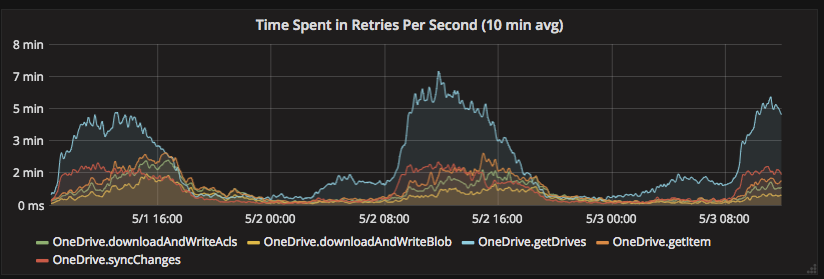
",1.0,"Rate Limiting Policy Documentation Improvements - We frequently see `429` error codes from the API with our application, despite performing some of the standard best practices around rate limiting:
- Making not more than 2-3 concurrent requests for a particular user
- Performing exponential backoff retry (Initial retry of 8 seconds, 5 retries)
There is some documentation of errors at https://docs.microsoft.com/en-us/onedrive/developer/rest-api/concepts/errors, but it doesn't correspond to what we see, which are errors with the body `429 TOO MANY REQUESTS`.
Some questions I have about OneDrive API Rate limiting:
- What are the limits applied to an application using the API? Are these limits based on the user/drive the request is made on behalf of, or the tenant, or the requesting IP, etc?
- To what extent are SharePoint rate limiting policies applicable to one drive, e.g. https://docs.microsoft.com/en-us/sharepoint/dev/general-development/how-to-avoid-getting-throttled-or-blocked-in-sharepoint-online#BKMK_Whycantyoujusttellmetheexactthrottlinglimits ? Is there a requirement to specify an app name, and what does that actually accomplish?
- What are best practices for an application to avoid rate limiting?
- We have observed much more extreme rate limiting between 9am and 5pm EST [1]. Is this a documented limit?
- What are the different types of rate limiting errors returned by the API. e.g., which type of rate limiting does the 429 with a body of `429 TOO MANY REQUESTS` indicate? How should one determine a time to retry after?
[1]

",1,rate limiting policy documentation improvements we frequently see error codes from the api with our application despite performing some of the standard best practices around rate limiting making not more than concurrent requests for a particular user performing exponential backoff retry initial retry of seconds retries there is some documentation of errors at but it doesn t correspond to what we see which are errors with the body too many requests some questions i have about onedrive api rate limiting what are the limits applied to an application using the api are these limits based on the user drive the request is made on behalf of or the tenant or the requesting ip etc to what extent are sharepoint rate limiting policies applicable to one drive e g is there a requirement to specify an app name and what does that actually accomplish what are best practices for an application to avoid rate limiting we have observed much more extreme rate limiting between and est is this a documented limit what are the different types of rate limiting errors returned by the api e g which type of rate limiting does the with a body of too many requests indicate how should one determine a time to retry after ,1
8842,27172319618.0,IssuesEvent,2023-02-17 20:40:16,OneDrive/onedrive-api-docs,https://api.github.com/repos/OneDrive/onedrive-api-docs,closed,Microsoft Login problem,ask-to:azure-active-directory ask-to:graph automation:Closed,"Hello dear all,
I am trying to develop a new module for my application for accessing OneDrive and getting file information.
Tried these two examples:
https://docs.microsoft.com/en-us/onedrive/developer/controls/file-pickers/js-v72/open-file?view=odsp-graph-online
https://github.com/microsoftgraph/msgraph-sdk-javascript
when i start the auth url:
https://login.microsoftonline.com/common/oauth2/v2.0/authorize?redirect_uri=....
and type my user - the same that i am using here, it gives me an error : ""email"" isn't in our system. Make sure you typed it correctly.
if i open directly https://login.microsoftonline.com/ and type the same - i am in..
Can somebody help me to understand what i am missing.
",1.0,"Microsoft Login problem - Hello dear all,
I am trying to develop a new module for my application for accessing OneDrive and getting file information.
Tried these two examples:
https://docs.microsoft.com/en-us/onedrive/developer/controls/file-pickers/js-v72/open-file?view=odsp-graph-online
https://github.com/microsoftgraph/msgraph-sdk-javascript
when i start the auth url:
https://login.microsoftonline.com/common/oauth2/v2.0/authorize?redirect_uri=....
and type my user - the same that i am using here, it gives me an error : ""email"" isn't in our system. Make sure you typed it correctly.
if i open directly https://login.microsoftonline.com/ and type the same - i am in..
Can somebody help me to understand what i am missing.
",1,microsoft login problem hello dear all i am trying to develop a new module for my application for accessing onedrive and getting file information tried these two examples when i start the auth url and type my user the same that i am using here it gives me an error email isn t in our system make sure you typed it correctly if i open directly and type the same i am in can somebody help me to understand what i am missing ,1
8681,27172083102.0,IssuesEvent,2023-02-17 20:26:24,OneDrive/onedrive-api-docs,https://api.github.com/repos/OneDrive/onedrive-api-docs,closed,Support fallback for localStorage unavailable in Safari Private Browsing mode,type:enhancement area:Picker automation:Closed,"There seems to be a weird issue with the iOS private browsing on Safari. When we try to launch the file picker using the v7.0 Javascript SDK, we do see the list of files and are able to make a file selection. But on clicking on ""Open"", it just loads the spinner which runs forever. This is because of an error thrown by the SDK.
This issue happens in both Mac OS Safari & iPad in private browsing only. However, this works fine in all other browsers and non-private safari browser. Attached are the screenshots of the error.
This works fine in v7.2 SDK. But we are unable to use the latest version of the SDK because of this [open bug](https://github.com/OneDrive/onedrive-api-docs/issues/891)
Is this an expected behavior or an issue with the SDK? [Here](https://pradeepshastry.github.io/onedrive/app/index.html) is a small POC where the issue can be reproduced.
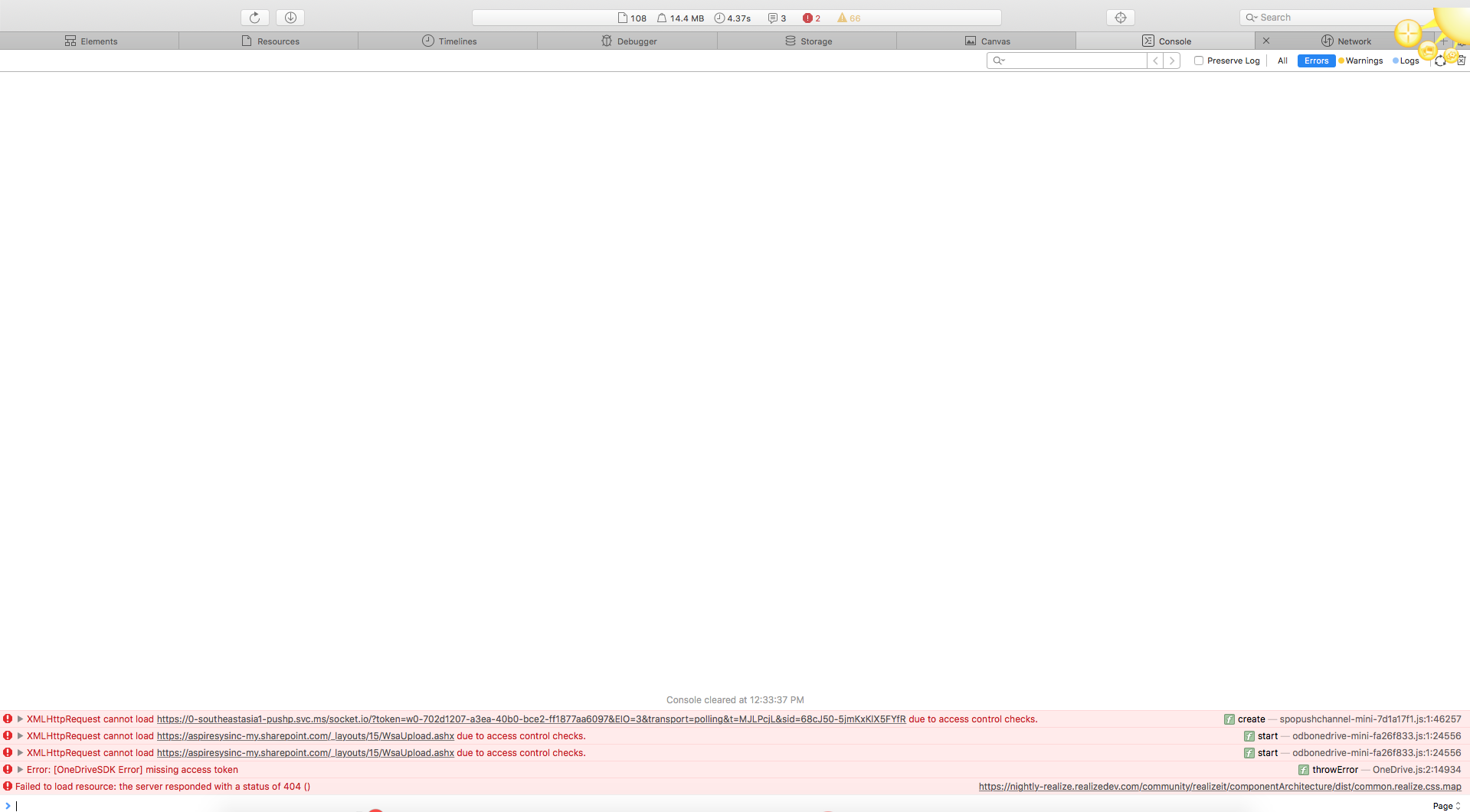
",1.0,"Support fallback for localStorage unavailable in Safari Private Browsing mode - There seems to be a weird issue with the iOS private browsing on Safari. When we try to launch the file picker using the v7.0 Javascript SDK, we do see the list of files and are able to make a file selection. But on clicking on ""Open"", it just loads the spinner which runs forever. This is because of an error thrown by the SDK.
This issue happens in both Mac OS Safari & iPad in private browsing only. However, this works fine in all other browsers and non-private safari browser. Attached are the screenshots of the error.
This works fine in v7.2 SDK. But we are unable to use the latest version of the SDK because of this [open bug](https://github.com/OneDrive/onedrive-api-docs/issues/891)
Is this an expected behavior or an issue with the SDK? [Here](https://pradeepshastry.github.io/onedrive/app/index.html) is a small POC where the issue can be reproduced.

",1,support fallback for localstorage unavailable in safari private browsing mode there seems to be a weird issue with the ios private browsing on safari when we try to launch the file picker using the javascript sdk we do see the list of files and are able to make a file selection but on clicking on open it just loads the spinner which runs forever this is because of an error thrown by the sdk this issue happens in both mac os safari ipad in private browsing only however this works fine in all other browsers and non private safari browser attached are the screenshots of the error this works fine in sdk but we are unable to use the latest version of the sdk because of this is this an expected behavior or an issue with the sdk is a small poc where the issue can be reproduced ,1
8649,27172038354.0,IssuesEvent,2023-02-17 20:23:58,OneDrive/onedrive-api-docs,https://api.github.com/repos/OneDrive/onedrive-api-docs,closed,Using external sharing with graph api,automation:Closed,"How do I use the [external sharing feature](https://techcommunity.microsoft.com/t5/OneDrive-Blog/Introducing-a-new-secure-external-sharing-experience/ba-p/112624/page/2#comments) through the [graph api](https://docs.microsoft.com/en-us/onedrive/developer/rest-api/)? I am aware of the [driveitem_invite](https://docs.microsoft.com/en-us/onedrive/developer/rest-api/api/driveitem_invite) api and I tried it with `requireSignIn: true` and `sendInvitation: true` but when the user opens the link sent in email, it asks them to login using a microsoft account.
I am looking for a way to share documents with people outside my organization so they can access it without the need to login with a microsoft account.",1.0,"Using external sharing with graph api - How do I use the [external sharing feature](https://techcommunity.microsoft.com/t5/OneDrive-Blog/Introducing-a-new-secure-external-sharing-experience/ba-p/112624/page/2#comments) through the [graph api](https://docs.microsoft.com/en-us/onedrive/developer/rest-api/)? I am aware of the [driveitem_invite](https://docs.microsoft.com/en-us/onedrive/developer/rest-api/api/driveitem_invite) api and I tried it with `requireSignIn: true` and `sendInvitation: true` but when the user opens the link sent in email, it asks them to login using a microsoft account.
I am looking for a way to share documents with people outside my organization so they can access it without the need to login with a microsoft account.",1,using external sharing with graph api how do i use the through the i am aware of the api and i tried it with requiresignin true and sendinvitation true but when the user opens the link sent in email it asks them to login using a microsoft account i am looking for a way to share documents with people outside my organization so they can access it without the need to login with a microsoft account ,1
8603,27171924903.0,IssuesEvent,2023-02-17 20:17:52,OneDrive/onedrive-api-docs,https://api.github.com/repos/OneDrive/onedrive-api-docs,closed,Request to support an OData $skip option to support virtual data lists on clients,automation:Closed,"Reported by @ericleigh007, copied from [here](https://github.com/OneDrive/onedrive-sdk-csharp/issues/43).
Though the current server paging capability can support an incremental loading capability, this doesn't support at all the case of user quickly scrolling through their photos or data in a virtual list, because scrolling can be done so quickly that any incremental loading queue can get saturated.
Random access data virtualization is what is required to support the quick scrolling scenario. Unfortunately, it looks as if the SDK and the OneDrive API don't support the OData query options (namely $skip) which would enable that.
Hopefully $skip is in the near range plan, so that we'll be able to create awesome third party apps that use the OneDrive API.
The concepts I'm describing can be found here:
https://msdn.microsoft.com/en-us/library/windows/apps/mt574120.aspx
To illustrate, let's say that a list or grid is used to show picture thumbnails. We start with a query to get the camera roll by date descending, but we only get just a few of the thousands of pictures' metadata with the first call. In fact, to remain responsive, we may want the call to get even fewer than 100 items.
```
https://api.onedrive.com/v1.0/drives('me')/items('cameraroll_id')/children?$top=100&$orderby=lastModifiedDateTime%20desc
```
Now the user scrolls very quickly to item 200, but we're still loading the previous items into the control. This might be reported to the app by the IItemsRangeInfo interface for a list and overriding the RangesChanged method..
What we need is this:
```
https://api.onedrive.com/v1.0/drives('me')/items('cameraroll_id')/children?$top=100&$orderby=lastModifiedDateTime%20desc&skip=200
```
If there is a way to enable this scenario, please let me know.
-THANKS
-e
",1.0,"Request to support an OData $skip option to support virtual data lists on clients - Reported by @ericleigh007, copied from [here](https://github.com/OneDrive/onedrive-sdk-csharp/issues/43).
Though the current server paging capability can support an incremental loading capability, this doesn't support at all the case of user quickly scrolling through their photos or data in a virtual list, because scrolling can be done so quickly that any incremental loading queue can get saturated.
Random access data virtualization is what is required to support the quick scrolling scenario. Unfortunately, it looks as if the SDK and the OneDrive API don't support the OData query options (namely $skip) which would enable that.
Hopefully $skip is in the near range plan, so that we'll be able to create awesome third party apps that use the OneDrive API.
The concepts I'm describing can be found here:
https://msdn.microsoft.com/en-us/library/windows/apps/mt574120.aspx
To illustrate, let's say that a list or grid is used to show picture thumbnails. We start with a query to get the camera roll by date descending, but we only get just a few of the thousands of pictures' metadata with the first call. In fact, to remain responsive, we may want the call to get even fewer than 100 items.
```
https://api.onedrive.com/v1.0/drives('me')/items('cameraroll_id')/children?$top=100&$orderby=lastModifiedDateTime%20desc
```
Now the user scrolls very quickly to item 200, but we're still loading the previous items into the control. This might be reported to the app by the IItemsRangeInfo interface for a list and overriding the RangesChanged method..
What we need is this:
```
https://api.onedrive.com/v1.0/drives('me')/items('cameraroll_id')/children?$top=100&$orderby=lastModifiedDateTime%20desc&skip=200
```
If there is a way to enable this scenario, please let me know.
-THANKS
-e
",1,request to support an odata skip option to support virtual data lists on clients reported by copied from though the current server paging capability can support an incremental loading capability this doesn t support at all the case of user quickly scrolling through their photos or data in a virtual list because scrolling can be done so quickly that any incremental loading queue can get saturated random access data virtualization is what is required to support the quick scrolling scenario unfortunately it looks as if the sdk and the onedrive api don t support the odata query options namely skip which would enable that hopefully skip is in the near range plan so that we ll be able to create awesome third party apps that use the onedrive api the concepts i m describing can be found here to illustrate let s say that a list or grid is used to show picture thumbnails we start with a query to get the camera roll by date descending but we only get just a few of the thousands of pictures metadata with the first call in fact to remain responsive we may want the call to get even fewer than items now the user scrolls very quickly to item but we re still loading the previous items into the control this might be reported to the app by the iitemsrangeinfo interface for a list and overriding the rangeschanged method what we need is this if there is a way to enable this scenario please let me know thanks e ,1
8876,27172357184.0,IssuesEvent,2023-02-17 20:42:38,OneDrive/onedrive-api-docs,https://api.github.com/repos/OneDrive/onedrive-api-docs,closed,Clear example missing,area:Picker Needs: Investigation automation:Closed,"
[Hello MS Team,
Could you please provide us a dedicated repo with all the requirements set in order for us to try it ?
It is kind of difficult to make it works locally.
A simple hello word page with a button that shows the React Component...
Especially for developers like me who do not use TypeScrit.
]
---
#### Document Details
⚠ *Do not edit this section. It is required for docs.microsoft.com ➟ GitHub issue linking.*
* ID: efd8a4b3-eb11-087a-2406-5979bd3931b3
* Version Independent ID: 39e9d7ef-e826-0096-2758-f6259741cd91
* Content: [Microsoft File Browser SDK (Preview) - OneDrive dev center](https://docs.microsoft.com/en-us/onedrive/developer/controls/file-pickers/react/?view=odsp-graph-online)
* Content Source: [docs/controls/file-pickers/react/index.md](https://github.com/OneDrive/onedrive-api-docs/blob/live/docs/controls/file-pickers/react/index.md)
* Product: **onedrive**
* GitHub Login: @KevinTCoughlin
* Microsoft Alias: **keco**",1.0,"Clear example missing -
[Hello MS Team,
Could you please provide us a dedicated repo with all the requirements set in order for us to try it ?
It is kind of difficult to make it works locally.
A simple hello word page with a button that shows the React Component...
Especially for developers like me who do not use TypeScrit.
]
---
#### Document Details
⚠ *Do not edit this section. It is required for docs.microsoft.com ➟ GitHub issue linking.*
* ID: efd8a4b3-eb11-087a-2406-5979bd3931b3
* Version Independent ID: 39e9d7ef-e826-0096-2758-f6259741cd91
* Content: [Microsoft File Browser SDK (Preview) - OneDrive dev center](https://docs.microsoft.com/en-us/onedrive/developer/controls/file-pickers/react/?view=odsp-graph-online)
* Content Source: [docs/controls/file-pickers/react/index.md](https://github.com/OneDrive/onedrive-api-docs/blob/live/docs/controls/file-pickers/react/index.md)
* Product: **onedrive**
* GitHub Login: @KevinTCoughlin
* Microsoft Alias: **keco**",1,clear example missing hello ms team could you please provide us a dedicated repo with all the requirements set in order for us to try it it is kind of difficult to make it works locally a simple hello word page with a button that shows the react component especially for developers like me who do not use typescrit document details ⚠ do not edit this section it is required for docs microsoft com ➟ github issue linking id version independent id content content source product onedrive github login kevintcoughlin microsoft alias keco ,1
8787,27172249006.0,IssuesEvent,2023-02-17 20:35:44,OneDrive/onedrive-api-docs,https://api.github.com/repos/OneDrive/onedrive-api-docs,closed,"Shared resource always returning scope ""users""",Needs: Attention :wave: automation:Closed,"#### Category
- [x] Question
- [ ] Documentation issue
- [ ] Bug
#### Expected or Desired Behavior
We are trying to characterize the sharing settings of a [DriveItem](https://docs.microsoft.com/en-us/onedrive/developer/rest-api/resources/driveitem?view=odsp-graph-online). The docs indicate we can check the [Shared](https://docs.microsoft.com/en-us/onedrive/developer/rest-api/resources/shared?view=odsp-graph-online) resource which should indicate if the item is shared publicly, internally, or with a select set of users.
The fact that this resource only displays one scope hints at the idea that there is some ""permission precedence"". I assume that this aligns with the exposure severity, so I would expect that the presence of a public link would cause a `""scope"": ""anonymous""` that would override any organization link or a link/direct access for a set of users.
#### Observed Behavior
It seems as if, despite any combination of permissions of the item, we are seeing the `Shared` resource _always_ contain `""scope"": ""users""`. It doesn't matter if we have a public link or an org link or both.
The only thing that presents something other than `""scope"": ""users""` is to have _no_ permissions besides the owner, in which case the `Shared` resource is omitted entirely.
We see this behavior in both v1.0 and beta. Are there any known issues with this resource currently? Is there something we are misunderstanding about how `Shared` decides permission precedence?
#### Steps to Reproduce
1. Create a new folder/file in OneDrive
2. Create a Public Link on the new item. I'm using the UI and clicking the ""Copy Link"" button along the top.
3. Verify the Permission shows up under ""Manage Access"" side panel.
4. Query `GET /me/drive/items/{item-id}/permissions` to verify that the permissions list contains two entries, the owner's direct access and the `""anonymous""` link
5. Query `GET /me/drive/items/{item-id}`. `Shared` has `""scope"": ""users""`
Thank you.
",1.0,"Shared resource always returning scope ""users"" - #### Category
- [x] Question
- [ ] Documentation issue
- [ ] Bug
#### Expected or Desired Behavior
We are trying to characterize the sharing settings of a [DriveItem](https://docs.microsoft.com/en-us/onedrive/developer/rest-api/resources/driveitem?view=odsp-graph-online). The docs indicate we can check the [Shared](https://docs.microsoft.com/en-us/onedrive/developer/rest-api/resources/shared?view=odsp-graph-online) resource which should indicate if the item is shared publicly, internally, or with a select set of users.
The fact that this resource only displays one scope hints at the idea that there is some ""permission precedence"". I assume that this aligns with the exposure severity, so I would expect that the presence of a public link would cause a `""scope"": ""anonymous""` that would override any organization link or a link/direct access for a set of users.
#### Observed Behavior
It seems as if, despite any combination of permissions of the item, we are seeing the `Shared` resource _always_ contain `""scope"": ""users""`. It doesn't matter if we have a public link or an org link or both.
The only thing that presents something other than `""scope"": ""users""` is to have _no_ permissions besides the owner, in which case the `Shared` resource is omitted entirely.
We see this behavior in both v1.0 and beta. Are there any known issues with this resource currently? Is there something we are misunderstanding about how `Shared` decides permission precedence?
#### Steps to Reproduce
1. Create a new folder/file in OneDrive
2. Create a Public Link on the new item. I'm using the UI and clicking the ""Copy Link"" button along the top.
3. Verify the Permission shows up under ""Manage Access"" side panel.
4. Query `GET /me/drive/items/{item-id}/permissions` to verify that the permissions list contains two entries, the owner's direct access and the `""anonymous""` link
5. Query `GET /me/drive/items/{item-id}`. `Shared` has `""scope"": ""users""`
Thank you.
",1,shared resource always returning scope users category question documentation issue bug expected or desired behavior we are trying to characterize the sharing settings of a the docs indicate we can check the resource which should indicate if the item is shared publicly internally or with a select set of users the fact that this resource only displays one scope hints at the idea that there is some permission precedence i assume that this aligns with the exposure severity so i would expect that the presence of a public link would cause a scope anonymous that would override any organization link or a link direct access for a set of users observed behavior it seems as if despite any combination of permissions of the item we are seeing the shared resource always contain scope users it doesn t matter if we have a public link or an org link or both the only thing that presents something other than scope users is to have no permissions besides the owner in which case the shared resource is omitted entirely we see this behavior in both and beta are there any known issues with this resource currently is there something we are misunderstanding about how shared decides permission precedence steps to reproduce create a new folder file in onedrive create a public link on the new item i m using the ui and clicking the copy link button along the top verify the permission shows up under manage access side panel query get me drive items item id permissions to verify that the permissions list contains two entries the owner s direct access and the anonymous link query get me drive items item id shared has scope users thank you ,1
8652,27172042253.0,IssuesEvent,2023-02-17 20:24:12,OneDrive/onedrive-api-docs,https://api.github.com/repos/OneDrive/onedrive-api-docs,closed,OneDrive file picker doesn't work when 'redirectUri' set to different domain for version V7.2,area:Picker automation:Closed,"I am using script version ""**v7.2**"" and options as follows:
`var options = {
clientId: '1abcxxxyyy23',
action: 'share',
multiSelect: true,
advanced: {
redirectUri: 'https://abc1.xxxxx.yyy/assets/integrations/onedrive.html'
},
success (files) {
},
error (error) {
}
}
OneDrive.open(options);`
Redirect URL contains script. Onedrive picker domain is 'https://abc.xxxxx.yyy'.
Getting error as:
> redirect uri is not in the same domain as picker sdk
Is there any other possibility that different domains can access redirect URL as specified above?",1.0,"OneDrive file picker doesn't work when 'redirectUri' set to different domain for version V7.2 - I am using script version ""**v7.2**"" and options as follows:
`var options = {
clientId: '1abcxxxyyy23',
action: 'share',
multiSelect: true,
advanced: {
redirectUri: 'https://abc1.xxxxx.yyy/assets/integrations/onedrive.html'
},
success (files) {
},
error (error) {
}
}
OneDrive.open(options);`
Redirect URL contains script. Onedrive picker domain is 'https://abc.xxxxx.yyy'.
Getting error as:
> redirect uri is not in the same domain as picker sdk
Is there any other possibility that different domains can access redirect URL as specified above?",1,onedrive file picker doesn t work when redirecturi set to different domain for version i am using script version and options as follows var options clientid action share multiselect true advanced redirecturi success files error error onedrive open options redirect url contains script onedrive picker domain is getting error as redirect uri is not in the same domain as picker sdk is there any other possibility that different domains can access redirect url as specified above ,1
8746,27172200182.0,IssuesEvent,2023-02-17 20:32:49,OneDrive/onedrive-api-docs,https://api.github.com/repos/OneDrive/onedrive-api-docs,closed,File Handler does not show actions available for all files,Needs: Attention :wave: area:File Handlers automation:Closed,"#### Category
- [ ] Question
- [ ] Documentation issue
- [x] Bug
#### Expected or Desired Behavior
I've registered the following file handler:
```
{
""type"": ""FileHandler"",
""properties"": [
{
""key"": ""version"",
""value"": ""2""
},
{
""key"": ""actions"",
""value"": ""[{\""type\"":\""custom\"",\""url\"":\""https://localhost:3000/api/compress\"",\""displayName\"":\""Compress\"",\""availableOn\"":{\""file\"":{\""extensions\"":[\""*\""]},\""folder\"":{},\""allowMultiSelect\"":true}},{\""type\"":\""custom\"",\""url\"":\""https://localhost:3000/api/compress/parent\"",\""displayName\"":\""Compress current folder\"",\""availableOn\"":{\""file\"":{\""extensions\"":[\""*\""]},\""folder\"":{}}},{\""type\"":\""custom\"",\""url\"":\""https://localhost:3000/api/open/local\"",\""displayName\"":\""Open locally\"",\""availableOn\"":{\""file\"":{\""extensions\"":[\"".linkdocument\"",\"".linkworksheet\"",\"".linkpresentation\"",\"".linkpdf\"",\"".linktext\"",\"".linkimage\"",\"".linkvideo\"",\"".linkaudio\"",\"".linkcad\"",\"".linkmsnote\"",\"".linkpsd\"",\"".linkvisio\"",\"".linkproject\"",\"".linkmail\"",\"".linkepub\"",\"".linkxml\"",\"".linkxps\"",\"".link\"",\"".zipdocument\"",\"".zipworksheet\"",\"".zippresentation\"",\"".zippdf\"",\"".ziptext\"",\"".zipimage\"",\"".zipvideo\"",\"".zipaudio\"",\"".zipcad\"",\"".zipmsnote\"",\"".zippsd\"",\"".zipvisio\"",\"".zipproject\"",\"".zipmail\"",\"".zipepub\"",\"".zipxml\"",\"".zipxps\"",\"".zip\""]}}},{\""type\"":\""custom\"",\""url\"":\""https://localhost:3000/api/share\"",\""displayName\"":\""Share\"",\""availableOn\"":{\""file\"":{\""extensions\"":[\"".linkdocument\"",\"".linkworksheet\"",\"".linkpresentation\"",\"".linkpdf\"",\"".linktext\"",\"".linkimage\"",\"".linkvideo\"",\"".linkaudio\"",\"".linkcad\"",\"".linkmsnote\"",\"".linkpsd\"",\"".linkvisio\"",\"".linkproject\"",\"".linkmail\"",\"".linkepub\"",\"".linkxml\"",\"".linkxps\"",\"".link\""]}}},{\""type\"":\""custom\"",\""url\"":\""https://localhost:3000/api/unshare\"",\""displayName\"":\""Unshare\"",\""availableOn\"":{\""file\"":{\""extensions\"":[\"".linkdocument\"",\"".linkworksheet\"",\"".linkpresentation\"",\"".linkpdf\"",\"".linktext\"",\"".linkimage\"",\"".linkvideo\"",\"".linkaudio\"",\"".linkcad\"",\"".linkmsnote\"",\"".linkpsd\"",\"".linkvisio\"",\"".linkproject\"",\"".linkmail\"",\"".linkepub\"",\"".linkxml\"",\"".linkxps\"",\"".link\""]}}},{\""type\"":\""custom\"",\""url\"":\""https://localhost:3000/api/attributes\"",\""displayName\"":\""Attributes\"",\""availableOn\"":{\""file\"":{\""extensions\"":[\"".linkdocument\"",\"".linkworksheet\"",\"".linkpresentation\"",\"".linkpdf\"",\"".linktext\"",\"".linkimage\"",\"".linkvideo\"",\"".linkaudio\"",\"".linkcad\"",\"".linkmsnote\"",\"".linkpsd\"",\"".linkvisio\"",\"".linkproject\"",\"".linkmail\"",\"".linkepub\"",\"".linkxml\"",\"".linkxps\"",\"".link\"",\"".zipdocument\"",\"".zipworksheet\"",\"".zippresentation\"",\"".zippdf\"",\"".ziptext\"",\"".zipimage\"",\"".zipvideo\"",\"".zipaudio\"",\"".zipcad\"",\"".zipmsnote\"",\"".zippsd\"",\"".zipvisio\"",\"".zipproject\"",\"".zipmail\"",\"".zipepub\"",\"".zipxml\"",\"".zipxps\"",\"".zip\""]}}},{\""type\"":\""custom\"",\""url\"":\""https://localhost:3000/api/uncompress\"",\""displayName\"":\""Uncompress\"",\""availableOn\"":{\""file\"":{\""extensions\"":[\"".linkdocument\"",\"".linkworksheet\"",\"".linkpresentation\"",\"".linkpdf\"",\"".linktext\"",\"".linkimage\"",\"".linkvideo\"",\"".linkaudio\"",\"".linkcad\"",\"".linkmsnote\"",\"".linkpsd\"",\"".linkvisio\"",\"".linkproject\"",\"".linkmail\"",\"".linkepub\"",\"".linkxml\"",\"".linkxps\"",\"".link\"",\"".zipdocument\"",\"".zipworksheet\"",\"".zippresentation\"",\"".zippdf\"",\"".ziptext\"",\"".zipimage\"",\"".zipvideo\"",\"".zipaudio\"",\"".zipcad\"",\"".zipmsnote\"",\"".zippsd\"",\"".zipvisio\"",\"".zipproject\"",\"".zipmail\"",\"".zipepub\"",\"".zipxml\"",\"".zipxps\"",\"".zip\""]},\""folder\"":{},\""allowMultiSelect\"":true}},{\""type\"":\""custom\"",\""url\"":\""https://localhost:3000/api/uncompress/parent\"",\""displayName\"":\""Uncompress current folder\"",\""availableOn\"":{\""file\"":{\""extensions\"":[\"".linkdocument\"",\"".linkworksheet\"",\"".linkpresentation\"",\"".linkpdf\"",\"".linktext\"",\"".linkimage\"",\"".linkvideo\"",\"".linkaudio\"",\"".linkcad\"",\"".linkmsnote\"",\"".linkpsd\"",\"".linkvisio\"",\"".linkproject\"",\"".linkmail\"",\"".linkepub\"",\"".linkxml\"",\"".linkxps\"",\"".link\"",\"".zipdocument\"",\"".zipworksheet\"",\"".zippresentation\"",\"".zippdf\"",\"".ziptext\"",\"".zipimage\"",\"".zipvideo\"",\"".zipaudio\"",\"".zipcad\"",\"".zipmsnote\"",\"".zippsd\"",\"".zipvisio\"",\"".zipproject\"",\"".zipmail\"",\"".zipepub\"",\"".zipxml\"",\"".zipxps\"",\"".zip\""]}}}]""
},
{
""key"": ""strings it-IT"",
""value"": ""{\""Compress\"":\""Comprimi\"",\""Compress current folder\"":\""Comprimi cartella corrente\"",\""Attributes\"":\""Attributi\"",\""Open locally\"":\""Apri localmente\"",\""Share\"":\""Condividi\"",\""Unshare\"":\""Rimuovi condivisione\"",\""Uncompress\"":\""Decomprimi\"",\""Uncompress current folder\"":\""Decomprimi cartella corrente\""}""
}
]
},
```
It includes actions available on any type of files (i.e. ""Compress"") and actions available on specific extensions (i.e. ""Share""). So I expect me the ""Compress"" action available on any extension, including files without extension.
#### Observed Behavior
The actions defined with the `availableOn\"":{\""file\"":{\""extensions\"":[\""*\""]}, ...` are not shown in the contextual menu of the user interface, the other ones are shown on the expected files.
I also tried to define the actions with `availableOn\"":{\""file\"":{\""extensions\"":{}}, ...` without any effect (assuming the refresh worked).
#### Steps to Reproduce
1. Register the above file handler to a specific app registration.
2. Enable the app on a OneDrive for Business account.
3. Go to OneDrive on cloud: select a file with a unknown extension (or without extension) and open the contextual menu.
Thank you.
",1.0,"File Handler does not show actions available for all files - #### Category
- [ ] Question
- [ ] Documentation issue
- [x] Bug
#### Expected or Desired Behavior
I've registered the following file handler:
```
{
""type"": ""FileHandler"",
""properties"": [
{
""key"": ""version"",
""value"": ""2""
},
{
""key"": ""actions"",
""value"": ""[{\""type\"":\""custom\"",\""url\"":\""https://localhost:3000/api/compress\"",\""displayName\"":\""Compress\"",\""availableOn\"":{\""file\"":{\""extensions\"":[\""*\""]},\""folder\"":{},\""allowMultiSelect\"":true}},{\""type\"":\""custom\"",\""url\"":\""https://localhost:3000/api/compress/parent\"",\""displayName\"":\""Compress current folder\"",\""availableOn\"":{\""file\"":{\""extensions\"":[\""*\""]},\""folder\"":{}}},{\""type\"":\""custom\"",\""url\"":\""https://localhost:3000/api/open/local\"",\""displayName\"":\""Open locally\"",\""availableOn\"":{\""file\"":{\""extensions\"":[\"".linkdocument\"",\"".linkworksheet\"",\"".linkpresentation\"",\"".linkpdf\"",\"".linktext\"",\"".linkimage\"",\"".linkvideo\"",\"".linkaudio\"",\"".linkcad\"",\"".linkmsnote\"",\"".linkpsd\"",\"".linkvisio\"",\"".linkproject\"",\"".linkmail\"",\"".linkepub\"",\"".linkxml\"",\"".linkxps\"",\"".link\"",\"".zipdocument\"",\"".zipworksheet\"",\"".zippresentation\"",\"".zippdf\"",\"".ziptext\"",\"".zipimage\"",\"".zipvideo\"",\"".zipaudio\"",\"".zipcad\"",\"".zipmsnote\"",\"".zippsd\"",\"".zipvisio\"",\"".zipproject\"",\"".zipmail\"",\"".zipepub\"",\"".zipxml\"",\"".zipxps\"",\"".zip\""]}}},{\""type\"":\""custom\"",\""url\"":\""https://localhost:3000/api/share\"",\""displayName\"":\""Share\"",\""availableOn\"":{\""file\"":{\""extensions\"":[\"".linkdocument\"",\"".linkworksheet\"",\"".linkpresentation\"",\"".linkpdf\"",\"".linktext\"",\"".linkimage\"",\"".linkvideo\"",\"".linkaudio\"",\"".linkcad\"",\"".linkmsnote\"",\"".linkpsd\"",\"".linkvisio\"",\"".linkproject\"",\"".linkmail\"",\"".linkepub\"",\"".linkxml\"",\"".linkxps\"",\"".link\""]}}},{\""type\"":\""custom\"",\""url\"":\""https://localhost:3000/api/unshare\"",\""displayName\"":\""Unshare\"",\""availableOn\"":{\""file\"":{\""extensions\"":[\"".linkdocument\"",\"".linkworksheet\"",\"".linkpresentation\"",\"".linkpdf\"",\"".linktext\"",\"".linkimage\"",\"".linkvideo\"",\"".linkaudio\"",\"".linkcad\"",\"".linkmsnote\"",\"".linkpsd\"",\"".linkvisio\"",\"".linkproject\"",\"".linkmail\"",\"".linkepub\"",\"".linkxml\"",\"".linkxps\"",\"".link\""]}}},{\""type\"":\""custom\"",\""url\"":\""https://localhost:3000/api/attributes\"",\""displayName\"":\""Attributes\"",\""availableOn\"":{\""file\"":{\""extensions\"":[\"".linkdocument\"",\"".linkworksheet\"",\"".linkpresentation\"",\"".linkpdf\"",\"".linktext\"",\"".linkimage\"",\"".linkvideo\"",\"".linkaudio\"",\"".linkcad\"",\"".linkmsnote\"",\"".linkpsd\"",\"".linkvisio\"",\"".linkproject\"",\"".linkmail\"",\"".linkepub\"",\"".linkxml\"",\"".linkxps\"",\"".link\"",\"".zipdocument\"",\"".zipworksheet\"",\"".zippresentation\"",\"".zippdf\"",\"".ziptext\"",\"".zipimage\"",\"".zipvideo\"",\"".zipaudio\"",\"".zipcad\"",\"".zipmsnote\"",\"".zippsd\"",\"".zipvisio\"",\"".zipproject\"",\"".zipmail\"",\"".zipepub\"",\"".zipxml\"",\"".zipxps\"",\"".zip\""]}}},{\""type\"":\""custom\"",\""url\"":\""https://localhost:3000/api/uncompress\"",\""displayName\"":\""Uncompress\"",\""availableOn\"":{\""file\"":{\""extensions\"":[\"".linkdocument\"",\"".linkworksheet\"",\"".linkpresentation\"",\"".linkpdf\"",\"".linktext\"",\"".linkimage\"",\"".linkvideo\"",\"".linkaudio\"",\"".linkcad\"",\"".linkmsnote\"",\"".linkpsd\"",\"".linkvisio\"",\"".linkproject\"",\"".linkmail\"",\"".linkepub\"",\"".linkxml\"",\"".linkxps\"",\"".link\"",\"".zipdocument\"",\"".zipworksheet\"",\"".zippresentation\"",\"".zippdf\"",\"".ziptext\"",\"".zipimage\"",\"".zipvideo\"",\"".zipaudio\"",\"".zipcad\"",\"".zipmsnote\"",\"".zippsd\"",\"".zipvisio\"",\"".zipproject\"",\"".zipmail\"",\"".zipepub\"",\"".zipxml\"",\"".zipxps\"",\"".zip\""]},\""folder\"":{},\""allowMultiSelect\"":true}},{\""type\"":\""custom\"",\""url\"":\""https://localhost:3000/api/uncompress/parent\"",\""displayName\"":\""Uncompress current folder\"",\""availableOn\"":{\""file\"":{\""extensions\"":[\"".linkdocument\"",\"".linkworksheet\"",\"".linkpresentation\"",\"".linkpdf\"",\"".linktext\"",\"".linkimage\"",\"".linkvideo\"",\"".linkaudio\"",\"".linkcad\"",\"".linkmsnote\"",\"".linkpsd\"",\"".linkvisio\"",\"".linkproject\"",\"".linkmail\"",\"".linkepub\"",\"".linkxml\"",\"".linkxps\"",\"".link\"",\"".zipdocument\"",\"".zipworksheet\"",\"".zippresentation\"",\"".zippdf\"",\"".ziptext\"",\"".zipimage\"",\"".zipvideo\"",\"".zipaudio\"",\"".zipcad\"",\"".zipmsnote\"",\"".zippsd\"",\"".zipvisio\"",\"".zipproject\"",\"".zipmail\"",\"".zipepub\"",\"".zipxml\"",\"".zipxps\"",\"".zip\""]}}}]""
},
{
""key"": ""strings it-IT"",
""value"": ""{\""Compress\"":\""Comprimi\"",\""Compress current folder\"":\""Comprimi cartella corrente\"",\""Attributes\"":\""Attributi\"",\""Open locally\"":\""Apri localmente\"",\""Share\"":\""Condividi\"",\""Unshare\"":\""Rimuovi condivisione\"",\""Uncompress\"":\""Decomprimi\"",\""Uncompress current folder\"":\""Decomprimi cartella corrente\""}""
}
]
},
```
It includes actions available on any type of files (i.e. ""Compress"") and actions available on specific extensions (i.e. ""Share""). So I expect me the ""Compress"" action available on any extension, including files without extension.
#### Observed Behavior
The actions defined with the `availableOn\"":{\""file\"":{\""extensions\"":[\""*\""]}, ...` are not shown in the contextual menu of the user interface, the other ones are shown on the expected files.
I also tried to define the actions with `availableOn\"":{\""file\"":{\""extensions\"":{}}, ...` without any effect (assuming the refresh worked).
#### Steps to Reproduce
1. Register the above file handler to a specific app registration.
2. Enable the app on a OneDrive for Business account.
3. Go to OneDrive on cloud: select a file with a unknown extension (or without extension) and open the contextual menu.
Thank you.
",1,file handler does not show actions available for all files category question documentation issue bug expected or desired behavior i ve registered the following file handler type filehandler properties key version value key actions value folder allowmultiselect true type custom url current folder availableon file extensions folder type custom url locally availableon file extensions type custom url type custom url type custom url type custom url folder allowmultiselect true type custom url current folder availableon file extensions key strings it it value compress comprimi compress current folder comprimi cartella corrente attributes attributi open locally apri localmente share condividi unshare rimuovi condivisione uncompress decomprimi uncompress current folder decomprimi cartella corrente it includes actions available on any type of files i e compress and actions available on specific extensions i e share so i expect me the compress action available on any extension including files without extension observed behavior the actions defined with the availableon file extensions are not shown in the contextual menu of the user interface the other ones are shown on the expected files i also tried to define the actions with availableon file extensions without any effect assuming the refresh worked steps to reproduce register the above file handler to a specific app registration enable the app on a onedrive for business account go to onedrive on cloud select a file with a unknown extension or without extension and open the contextual menu thank you ,1
8833,27172309260.0,IssuesEvent,2023-02-17 20:39:39,OneDrive/onedrive-api-docs,https://api.github.com/repos/OneDrive/onedrive-api-docs,closed,zoom level not working for 100%,Needs: Attention :wave: area:Previewers automation:Closed,"#### Category
- [ ] Question
- [ ] Documentation issue
- [x] Bug
#### Expected or Desired Behavior
When setting the zoom level with json parameter ""zoom"" and value ""1"" it should return a file preview with 100% zoom.
#### Observed Behavior
The zoom level does not apply.
#### Steps to Reproduce
example URL:
**POST https://graph.microsoft.com/v1.0/sites/xxxxxx-c030-475e-a498-23e6dbdf0471/drive/items/02BM7R3FHBUXUUVXYPURB3D47GORZGY3PJ/microsoft.graph.preview**
json parameters:
`{ ""zoom"": 1 }`
response:
```
{
""@odata.context"": ""https://graph.microsoft.com/v1.0/$metadata#microsoft.graph.itemPreviewInfo"",
""getUrl"": ""https://the.path.to.the.preview"",
""postParameters"": null,
""postUrl"": null
}
```
But document's zoom level is not set to 100% - see screenshot below.
Thank you.
[ ]: http://aka.ms/onedrive-api-issues
[x]: http://aka.ms/onedrive-api-issues",1.0,"zoom level not working for 100% - #### Category
- [ ] Question
- [ ] Documentation issue
- [x] Bug
#### Expected or Desired Behavior
When setting the zoom level with json parameter ""zoom"" and value ""1"" it should return a file preview with 100% zoom.
#### Observed Behavior
The zoom level does not apply.
#### Steps to Reproduce
example URL:
**POST https://graph.microsoft.com/v1.0/sites/xxxxxx-c030-475e-a498-23e6dbdf0471/drive/items/02BM7R3FHBUXUUVXYPURB3D47GORZGY3PJ/microsoft.graph.preview**
json parameters:
`{ ""zoom"": 1 }`
response:
```
{
""@odata.context"": ""https://graph.microsoft.com/v1.0/$metadata#microsoft.graph.itemPreviewInfo"",
""getUrl"": ""https://the.path.to.the.preview"",
""postParameters"": null,
""postUrl"": null
}
```
But document's zoom level is not set to 100% - see screenshot below.

Thank you.
[ ]: http://aka.ms/onedrive-api-issues
[x]: http://aka.ms/onedrive-api-issues",1,zoom level not working for category question documentation issue bug expected or desired behavior when setting the zoom level with json parameter zoom and value it should return a file preview with zoom observed behavior the zoom level does not apply steps to reproduce example url post json parameters zoom response odata context geturl postparameters null posturl null but document s zoom level is not set to see screenshot below thank you ,1
8634,27172018669.0,IssuesEvent,2023-02-17 20:22:54,OneDrive/onedrive-api-docs,https://api.github.com/repos/OneDrive/onedrive-api-docs,closed,How to test refresh token expiry for Sharepoint online and both oneDrive personal and business repositories ,automation:Closed,Ways of testing expiry of a refresh token in cloud repositories And I am in my application ,1.0,How to test refresh token expiry for Sharepoint online and both oneDrive personal and business repositories - Ways of testing expiry of a refresh token in cloud repositories And I am in my application ,1,how to test refresh token expiry for sharepoint online and both onedrive personal and business repositories ways of testing expiry of a refresh token in cloud repositories and i am in my application ,1
8629,27172012397.0,IssuesEvent,2023-02-17 20:22:33,OneDrive/onedrive-api-docs,https://api.github.com/repos/OneDrive/onedrive-api-docs,closed,UnknownError sporadically during /shares/,automation:Closed,"I'm having trouble figuring out why this error occurs sometimes. I build ""permanent"" links:
`https://api.onedrive.com/v1.0/shares/{share-id}/root/content`
Oddly, sometimes I get this:
```{'error': {'code': 'UnknownError', 'message': '', 'innerError': {'request-id': '6a0c3009-f87a-4816-8941-94e159a4991e', 'date': '2017-08-11T07:40:00'}}}```
I'm not sure how I can diagnose this. I know the access tokens are valid because I make queries before this.",1.0,"UnknownError sporadically during /shares/ - I'm having trouble figuring out why this error occurs sometimes. I build ""permanent"" links:
`https://api.onedrive.com/v1.0/shares/{share-id}/root/content`
Oddly, sometimes I get this:
```{'error': {'code': 'UnknownError', 'message': '', 'innerError': {'request-id': '6a0c3009-f87a-4816-8941-94e159a4991e', 'date': '2017-08-11T07:40:00'}}}```
I'm not sure how I can diagnose this. I know the access tokens are valid because I make queries before this.",1,unknownerror sporadically during shares i m having trouble figuring out why this error occurs sometimes i build permanent links oddly sometimes i get this error code unknownerror message innererror request id date i m not sure how i can diagnose this i know the access tokens are valid because i make queries before this ,1
8813,27172287790.0,IssuesEvent,2023-02-17 20:38:13,OneDrive/onedrive-api-docs,https://api.github.com/repos/OneDrive/onedrive-api-docs,closed,Error thrown in Js Sdk: e.data.indexOf is not a function,area:Picker Needs: Investigation automation:Closed,"### Category
- [ ] Question
- [ ] Documentation issue
- [x] Bug
#### Expected or Desired Behavior
No error should be thrown
#### Observed Behavior
As of v7.2 of the OneDrive file picker Sdk for JS, an error is thrown when invoking the `open` method:
```
OneDrive.js:4 Uncaught TypeError: e.data.indexOf is not a function
at OneDrive.js:4
```
#### Steps to Reproduce
Simply invoke the `open` method
This was mentioned already in #863
> There was also another issue of e.data.indexOf is not a function. That was fixed via adding an additional e.data.indexOf null check.
",1.0,"Error thrown in Js Sdk: e.data.indexOf is not a function - ### Category
- [ ] Question
- [ ] Documentation issue
- [x] Bug
#### Expected or Desired Behavior
No error should be thrown
#### Observed Behavior
As of v7.2 of the OneDrive file picker Sdk for JS, an error is thrown when invoking the `open` method:
```
OneDrive.js:4 Uncaught TypeError: e.data.indexOf is not a function
at OneDrive.js:4
```
#### Steps to Reproduce
Simply invoke the `open` method
This was mentioned already in #863
> There was also another issue of e.data.indexOf is not a function. That was fixed via adding an additional e.data.indexOf null check.
",1,error thrown in js sdk e data indexof is not a function category question documentation issue bug expected or desired behavior no error should be thrown observed behavior as of of the onedrive file picker sdk for js an error is thrown when invoking the open method onedrive js uncaught typeerror e data indexof is not a function at onedrive js steps to reproduce simply invoke the open method this was mentioned already in there was also another issue of e data indexof is not a function that was fixed via adding an additional e data indexof null check ,1
8676,27172076383.0,IssuesEvent,2023-02-17 20:26:03,OneDrive/onedrive-api-docs,https://api.github.com/repos/OneDrive/onedrive-api-docs,closed,[SharePoint] how to get all sites in Office 365,automation:Closed,"Hi all,
According to doc, we can get group site and root site by API
```
GET /sites/root
GET /groups/{group-id}/sites/root
```
Question 1:
If there are more than one site belongs to a group, how to get them all?

DST24, DST29 are all belongs to DST
But when using GET /groups/{group-id}/sites/root, I can only get site DST24
Question 2:
How to get sites that belongs to a user via graph or Onedrive API?

Question 3:
What is the proper way to get all sites? by SP API or graph API?
Another try for get all sites by SP API :
```
https://synologydst.sharepoint.com/_api/search/query?
querytext='contentclass:STS_Site contentclass:STS_Web'
&selectproperties='Title,Path'&rowlimit=500&StartRow=0
```
Thank you for help!
",1.0,"[SharePoint] how to get all sites in Office 365 - Hi all,
According to doc, we can get group site and root site by API
```
GET /sites/root
GET /groups/{group-id}/sites/root
```
Question 1:
If there are more than one site belongs to a group, how to get them all?

DST24, DST29 are all belongs to DST
But when using GET /groups/{group-id}/sites/root, I can only get site DST24
Question 2:
How to get sites that belongs to a user via graph or Onedrive API?

Question 3:
What is the proper way to get all sites? by SP API or graph API?
Another try for get all sites by SP API :
```
https://synologydst.sharepoint.com/_api/search/query?
querytext='contentclass:STS_Site contentclass:STS_Web'
&selectproperties='Title,Path'&rowlimit=500&StartRow=0
```
Thank you for help!
",1, how to get all sites in office hi all according to doc we can get group site and root site by api get sites root get groups group id sites root question if there are more than one site belongs to a group how to get them all are all belongs to dst but when using get groups group id sites root i can only get site question how to get sites that belongs to a user via graph or onedrive api question what is the proper way to get all sites by sp api or graph api another try for get all sites by sp api querytext contentclass sts site contentclass sts web selectproperties title path rowlimit startrow thank you for help ,1
8744,27172197553.0,IssuesEvent,2023-02-17 20:32:41,OneDrive/onedrive-api-docs,https://api.github.com/repos/OneDrive/onedrive-api-docs,closed,DriveItem Copy custom fields incorrectly copied,status:investigating automation:Closed,"Hi,
I'm trying to copy a folder from one site to another.
My site list has a custom field which is a lookup field, after calling DriveItem copy: [https://docs.microsoft.com/en-us/onedrive/developer/rest-api/api/driveitem_copy?view=odsp-graph-online](url) field values became quite weird on the target site list, on the source one of the items had this field with value and on the target all other documents had this value except the one that actually has the value on the source, it's weird but I believe something is not right with List Item Fields copy.
Please find attached the source and target folder screenshot so you can see what I'm talking about.
Can you have a look?
The capture from the request and response are here:
Request:
POST https://graph.microsoft.com/v1.0/drives/b!UWq_wnr1M0-BToTCv3wLXBlWX2IFrf5Hm2wVB1gdFqWaVoXKcZ1ITIwy8n3JdpB_/items/014TBJFKD5HMKOINVVZREYBL5MTTERDJPM/microsoft.graph.copy HTTP/1.1
Authorization: Bearer eyJ0eXAiOiJKV1QiLCJub25jZSI6IkpTVTh2N0pMQkxOTV9NczBnTkNWSTR3NlJWUWRBUmlmRUpnTFE2QkllQzgiLCJhbGciOiJSUzI1NiIsIng1dCI6InU0T2ZORlBId0VCb3NIanRyYXVPYlY4NExuWSIsImtpZCI6InU0T2ZORlBId0VCb3NIanRyYXVPYlY4NExuWSJ9.eyJhdWQiOiJodHRwczovL2dyYXBoLm1pY3Jvc29mdC5jb20vIiwiaXNzIjoiaHR0cHM6Ly9zdHMud2luZG93cy5uZXQvNGU5OWI4NWUtOWM2Mi00OGM0LThlM2UtZDBkZGE5ODgzMTc5LyIsImlhdCI6MTU2NTYzMzY0OCwibmJmIjoxNTY1NjMzNjQ4LCJleHAiOjE1NjU2Mzc1NDgsImFpbyI6IjQyRmdZQ2dMMTkxd0lqeXJYMkYzd3IycFozMHNBQT09IiwiYXBwX2Rpc3BsYXluYW1lIjoiRVBNIiwiYXBwaWQiOiIwMjBmZmZmNi1jMGIwLTRlOTItYThmYy05ZDUzNjg2YWZkZmIiLCJhcHBpZGFjciI6IjEiLCJpZHAiOiJodHRwczovL3N0cy53aW5kb3dzLm5ldC80ZTk5Yjg1ZS05YzYyLTQ4YzQtOGUzZS1kMGRkYTk4ODMxNzkvIiwib2lkIjoiNWEyY2UzMWQtZDM0Yi00OTk4LWFjMDctMDI5MDUyNGRkZDFiIiwicm9sZXMiOlsiR3JvdXAuUmVhZFdyaXRlLkFsbCIsIlNpdGVzLk1hbmFnZS5BbGwiLCJGaWxlcy5SZWFkV3JpdGUuQWxsIiwiVXNlci5SZWFkLkFsbCJdLCJzdWIiOiI1YTJjZTMxZC1kMzRiLTQ5OTgtYWMwNy0wMjkwNTI0ZGRkMWIiLCJ0aWQiOiI0ZTk5Yjg1ZS05YzYyLTQ4YzQtOGUzZS1kMGRkYTk4ODMxNzkiLCJ1dGkiOiJrYnFDckpudmprbUNycHhsSS1jN0FBIiwidmVyIjoiMS4wIiwieG1zX3RjZHQiOjE0MTY1OTE1ODF9.ggNxUFtzF6ZlisNQY7yNKtCFTZGx9mi06mOfjLjHoN4sLRYbyr0TpcLYid9eGUQyJlbDptzKqb0dkgTVUnPtfcRZCK-H3cOE1wBxWMJEf8B4QKW0X9Kd0Dx7gpHjiv4Kq52e3KoKjE7j84Ykjyx08dqLS3Zy6Aok5NXXbwGSGTRxO-2cnVeZPY2QTjIw9a89e9eB8tKCnXgLFyF1hQPu3a-PbUH8pZW52c1UuOysucv7cdwN0CWwN__MU-JVyOKjBqet8vdVS9LaFKktQDEmzzW6wZDqc4obw19Ir7GCk5WwLxWxJbAoxx10r6at9erqcLvYLbpl0gtVbqYPVy4qGg
FeatureFlag: 00000008
Content-Type: application/json
Host: graph.microsoft.com
Content-Length: 142
{""parentReference"":{""driveId"":""b!aCYXcyklIkycPqtgpnxIV85CiNX1Wz1LpzJLJPG4AIEBcyJBzyUsS6xu05kHyXt6"",""id"":""01KOR6ZB56Y2GOVW7725BZO354PWSELRRZ""}}
Response:
HTTP/1.1 202 Accepted
Cache-Control: private
Transfer-Encoding: chunked
Content-Type: text/plain
Location: https://novabase.sharepoint.com/sites/EPMTemplateGeneral/_api/v2.1/drives/b!UWq_wnr1M0-BToTCv3wLXBlWX2IFrf5Hm2wVB1gdFqWaVoXKcZ1ITIwy8n3JdpB_/operations/4b3a9e61-7a82-4a52-a8b6-1b1276e214dd?c=MXIrZnB4UFdwRlhWeUJ0WjFuM0MzblRVdis2dENHbklnNGhaWCthS2F1bz0jaHR0cHM6Ly9zcG9kYjFhbTFtMDE0cHIucXVldWUuY29yZS53aW5kb3dzLm5ldC8yNDMzcHEyMDE5MDgxMi1hMTM1ZDZiMTZjNmM0NWRmOGFhYTYwOGU4YTU1OWRkYz9zdj0yMDE3LTA3LTI5JnNpZz1HMiUyQnpqQzBnemRYSWFaZHRqbEloTlpLeFAwZ0t1YTNSNGM0ZXZ0VklIT1UlM0Qmc3Q9MjAxOS0wOC0xMVQwNyUzQTAwJTNBMDBaJnNlPTIwMTktMDktMDJUMDclM0EwMCUzQTAwWiZzcD1yYXA&v=2.0&tempauth=eyJ0eXAiOiJKV1QiLCJhbGciOiJub25lIn0.eyJhdWQiOiIwMDAwMDAwMy0wMDAwLTBmZjEtY2UwMC0wMDAwMDAwMDAwMDAvbm92YWJhc2Uuc2hhcmVwb2ludC5jb21ANGU5OWI4NWUtOWM2Mi00OGM0LThlM2UtZDBkZGE5ODgzMTc5IiwiaXNzIjoiMDAwMDAwMDMtMDAwMC0wZmYxLWNlMDAtMDAwMDAwMDAwMDAwIiwibmJmIjoiMTU2NTYzMzk1MCIsImV4cCI6IjE1NjU3MjAzNTAiLCJlbmRwb2ludHVybCI6ImMxeHg2ZmlNdlA0NHF6Y2NkMjRNMDRVMWtHS2NtY0gveGpVSVRZLzdYMW89IiwiZW5kcG9pbnR1cmxMZW5ndGgiOiI1NTYiLCJpc2xvb3BiYWNrIjoiVHJ1ZSIsImNpZCI6IlpEZzFNamxoT1dRdE9UTmtZUzAwWXpkakxXSTNOMll0WXpNMllqZGpaV0ppWm1aaiIsInZlciI6Imhhc2hlZHByb29mdG9rZW4iLCJzaXRlaWQiOiJZekppWmpaaE5URXRaalUzWVMwMFpqTXpMVGd4TkdVdE9EUmpNbUptTjJNd1lqVmoiLCJhcHBfZGlzcGxheW5hbWUiOiJFUE0iLCJuYW1laWQiOiIwMjBmZmZmNi1jMGIwLTRlOTItYThmYy05ZDUzNjg2YWZkZmJANGU5OWI4NWUtOWM2Mi00OGM0LThlM2UtZDBkZGE5ODgzMTc5Iiwicm9sZXMiOiJncm91cC53cml0ZSBhbGxzaXRlcy5tYW5hZ2UgYWxsZmlsZXMud3JpdGUgYWxscHJvZmlsZXMucmVhZCIsInR0IjoiMSIsInVzZVBlcnNpc3RlbnRDb29raWUiOm51bGx9.RlQ1QndPWjBmZGg0cEgzdVBRVzhFb1Z6VGNMTHFMbm96bWoxSFBZWitRTT0
request-id: d8529a9d-93da-4c7c-b77f-c36b7cebbffc
client-request-id: d8529a9d-93da-4c7c-b77f-c36b7cebbffc
x-ms-ags-diagnostic: {""ServerInfo"":{""DataCenter"":""UK South"",""Slice"":""SliceC"",""Ring"":""5"",""ScaleUnit"":""002"",""RoleInstance"":""AGSFE_IN_3"",""ADSiteName"":""UKS""}}
Duration: 1547.2796
Strict-Transport-Security: max-age=31536000
Date: Mon, 12 Aug 2019 18:19:09 GMT
Thanks and best regards.
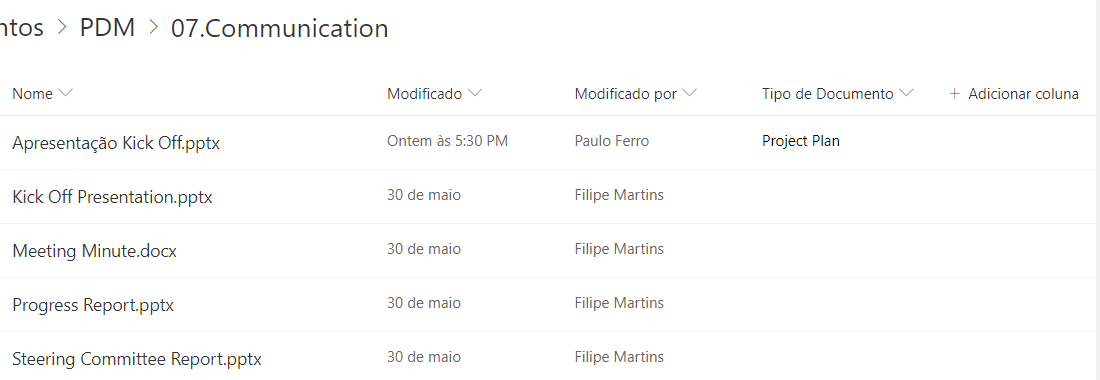
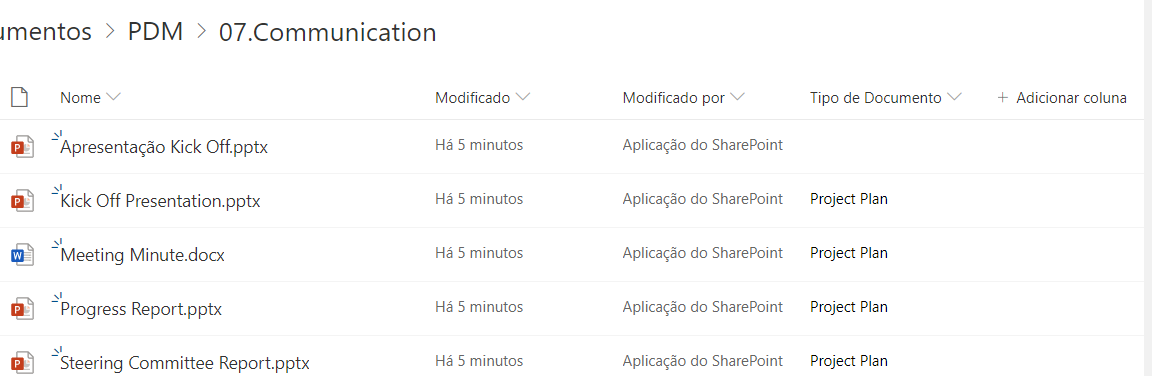
",1.0,"DriveItem Copy custom fields incorrectly copied - Hi,
I'm trying to copy a folder from one site to another.
My site list has a custom field which is a lookup field, after calling DriveItem copy: [https://docs.microsoft.com/en-us/onedrive/developer/rest-api/api/driveitem_copy?view=odsp-graph-online](url) field values became quite weird on the target site list, on the source one of the items had this field with value and on the target all other documents had this value except the one that actually has the value on the source, it's weird but I believe something is not right with List Item Fields copy.
Please find attached the source and target folder screenshot so you can see what I'm talking about.
Can you have a look?
The capture from the request and response are here:
Request:
POST https://graph.microsoft.com/v1.0/drives/b!UWq_wnr1M0-BToTCv3wLXBlWX2IFrf5Hm2wVB1gdFqWaVoXKcZ1ITIwy8n3JdpB_/items/014TBJFKD5HMKOINVVZREYBL5MTTERDJPM/microsoft.graph.copy HTTP/1.1
Authorization: Bearer eyJ0eXAiOiJKV1QiLCJub25jZSI6IkpTVTh2N0pMQkxOTV9NczBnTkNWSTR3NlJWUWRBUmlmRUpnTFE2QkllQzgiLCJhbGciOiJSUzI1NiIsIng1dCI6InU0T2ZORlBId0VCb3NIanRyYXVPYlY4NExuWSIsImtpZCI6InU0T2ZORlBId0VCb3NIanRyYXVPYlY4NExuWSJ9.eyJhdWQiOiJodHRwczovL2dyYXBoLm1pY3Jvc29mdC5jb20vIiwiaXNzIjoiaHR0cHM6Ly9zdHMud2luZG93cy5uZXQvNGU5OWI4NWUtOWM2Mi00OGM0LThlM2UtZDBkZGE5ODgzMTc5LyIsImlhdCI6MTU2NTYzMzY0OCwibmJmIjoxNTY1NjMzNjQ4LCJleHAiOjE1NjU2Mzc1NDgsImFpbyI6IjQyRmdZQ2dMMTkxd0lqeXJYMkYzd3IycFozMHNBQT09IiwiYXBwX2Rpc3BsYXluYW1lIjoiRVBNIiwiYXBwaWQiOiIwMjBmZmZmNi1jMGIwLTRlOTItYThmYy05ZDUzNjg2YWZkZmIiLCJhcHBpZGFjciI6IjEiLCJpZHAiOiJodHRwczovL3N0cy53aW5kb3dzLm5ldC80ZTk5Yjg1ZS05YzYyLTQ4YzQtOGUzZS1kMGRkYTk4ODMxNzkvIiwib2lkIjoiNWEyY2UzMWQtZDM0Yi00OTk4LWFjMDctMDI5MDUyNGRkZDFiIiwicm9sZXMiOlsiR3JvdXAuUmVhZFdyaXRlLkFsbCIsIlNpdGVzLk1hbmFnZS5BbGwiLCJGaWxlcy5SZWFkV3JpdGUuQWxsIiwiVXNlci5SZWFkLkFsbCJdLCJzdWIiOiI1YTJjZTMxZC1kMzRiLTQ5OTgtYWMwNy0wMjkwNTI0ZGRkMWIiLCJ0aWQiOiI0ZTk5Yjg1ZS05YzYyLTQ4YzQtOGUzZS1kMGRkYTk4ODMxNzkiLCJ1dGkiOiJrYnFDckpudmprbUNycHhsSS1jN0FBIiwidmVyIjoiMS4wIiwieG1zX3RjZHQiOjE0MTY1OTE1ODF9.ggNxUFtzF6ZlisNQY7yNKtCFTZGx9mi06mOfjLjHoN4sLRYbyr0TpcLYid9eGUQyJlbDptzKqb0dkgTVUnPtfcRZCK-H3cOE1wBxWMJEf8B4QKW0X9Kd0Dx7gpHjiv4Kq52e3KoKjE7j84Ykjyx08dqLS3Zy6Aok5NXXbwGSGTRxO-2cnVeZPY2QTjIw9a89e9eB8tKCnXgLFyF1hQPu3a-PbUH8pZW52c1UuOysucv7cdwN0CWwN__MU-JVyOKjBqet8vdVS9LaFKktQDEmzzW6wZDqc4obw19Ir7GCk5WwLxWxJbAoxx10r6at9erqcLvYLbpl0gtVbqYPVy4qGg
FeatureFlag: 00000008
Content-Type: application/json
Host: graph.microsoft.com
Content-Length: 142
{""parentReference"":{""driveId"":""b!aCYXcyklIkycPqtgpnxIV85CiNX1Wz1LpzJLJPG4AIEBcyJBzyUsS6xu05kHyXt6"",""id"":""01KOR6ZB56Y2GOVW7725BZO354PWSELRRZ""}}
Response:
HTTP/1.1 202 Accepted
Cache-Control: private
Transfer-Encoding: chunked
Content-Type: text/plain
Location: https://novabase.sharepoint.com/sites/EPMTemplateGeneral/_api/v2.1/drives/b!UWq_wnr1M0-BToTCv3wLXBlWX2IFrf5Hm2wVB1gdFqWaVoXKcZ1ITIwy8n3JdpB_/operations/4b3a9e61-7a82-4a52-a8b6-1b1276e214dd?c=MXIrZnB4UFdwRlhWeUJ0WjFuM0MzblRVdis2dENHbklnNGhaWCthS2F1bz0jaHR0cHM6Ly9zcG9kYjFhbTFtMDE0cHIucXVldWUuY29yZS53aW5kb3dzLm5ldC8yNDMzcHEyMDE5MDgxMi1hMTM1ZDZiMTZjNmM0NWRmOGFhYTYwOGU4YTU1OWRkYz9zdj0yMDE3LTA3LTI5JnNpZz1HMiUyQnpqQzBnemRYSWFaZHRqbEloTlpLeFAwZ0t1YTNSNGM0ZXZ0VklIT1UlM0Qmc3Q9MjAxOS0wOC0xMVQwNyUzQTAwJTNBMDBaJnNlPTIwMTktMDktMDJUMDclM0EwMCUzQTAwWiZzcD1yYXA&v=2.0&tempauth=eyJ0eXAiOiJKV1QiLCJhbGciOiJub25lIn0.eyJhdWQiOiIwMDAwMDAwMy0wMDAwLTBmZjEtY2UwMC0wMDAwMDAwMDAwMDAvbm92YWJhc2Uuc2hhcmVwb2ludC5jb21ANGU5OWI4NWUtOWM2Mi00OGM0LThlM2UtZDBkZGE5ODgzMTc5IiwiaXNzIjoiMDAwMDAwMDMtMDAwMC0wZmYxLWNlMDAtMDAwMDAwMDAwMDAwIiwibmJmIjoiMTU2NTYzMzk1MCIsImV4cCI6IjE1NjU3MjAzNTAiLCJlbmRwb2ludHVybCI6ImMxeHg2ZmlNdlA0NHF6Y2NkMjRNMDRVMWtHS2NtY0gveGpVSVRZLzdYMW89IiwiZW5kcG9pbnR1cmxMZW5ndGgiOiI1NTYiLCJpc2xvb3BiYWNrIjoiVHJ1ZSIsImNpZCI6IlpEZzFNamxoT1dRdE9UTmtZUzAwWXpkakxXSTNOMll0WXpNMllqZGpaV0ppWm1aaiIsInZlciI6Imhhc2hlZHByb29mdG9rZW4iLCJzaXRlaWQiOiJZekppWmpaaE5URXRaalUzWVMwMFpqTXpMVGd4TkdVdE9EUmpNbUptTjJNd1lqVmoiLCJhcHBfZGlzcGxheW5hbWUiOiJFUE0iLCJuYW1laWQiOiIwMjBmZmZmNi1jMGIwLTRlOTItYThmYy05ZDUzNjg2YWZkZmJANGU5OWI4NWUtOWM2Mi00OGM0LThlM2UtZDBkZGE5ODgzMTc5Iiwicm9sZXMiOiJncm91cC53cml0ZSBhbGxzaXRlcy5tYW5hZ2UgYWxsZmlsZXMud3JpdGUgYWxscHJvZmlsZXMucmVhZCIsInR0IjoiMSIsInVzZVBlcnNpc3RlbnRDb29raWUiOm51bGx9.RlQ1QndPWjBmZGg0cEgzdVBRVzhFb1Z6VGNMTHFMbm96bWoxSFBZWitRTT0
request-id: d8529a9d-93da-4c7c-b77f-c36b7cebbffc
client-request-id: d8529a9d-93da-4c7c-b77f-c36b7cebbffc
x-ms-ags-diagnostic: {""ServerInfo"":{""DataCenter"":""UK South"",""Slice"":""SliceC"",""Ring"":""5"",""ScaleUnit"":""002"",""RoleInstance"":""AGSFE_IN_3"",""ADSiteName"":""UKS""}}
Duration: 1547.2796
Strict-Transport-Security: max-age=31536000
Date: Mon, 12 Aug 2019 18:19:09 GMT
Thanks and best regards.


",1,driveitem copy custom fields incorrectly copied hi i m trying to copy a folder from one site to another my site list has a custom field which is a lookup field after calling driveitem copy url field values became quite weird on the target site list on the source one of the items had this field with value and on the target all other documents had this value except the one that actually has the value on the source it s weird but i believe something is not right with list item fields copy please find attached the source and target folder screenshot so you can see what i m talking about can you have a look the capture from the request and response are here request post http authorization bearer mu featureflag content type application json host graph microsoft com content length parentreference driveid b id response http accepted cache control private transfer encoding chunked content type text plain location request id client request id x ms ags diagnostic serverinfo datacenter uk south slice slicec ring scaleunit roleinstance agsfe in adsitename uks duration strict transport security max age date mon aug gmt thanks and best regards ,1
8809,27172283290.0,IssuesEvent,2023-02-17 20:37:56,OneDrive/onedrive-api-docs,https://api.github.com/repos/OneDrive/onedrive-api-docs,closed,Bad Request when expanding on thumbnails for driveItems delta on AAD.,area:Docs status:backlogged automation:Closed,"#### Category
- [ ] Question
- [ ] Documentation issue
- [X] Bug
#### Expected or Desired Behavior
According to https://docs.microsoft.com/en-us/graph/api/driveitem-delta?view=graph-rest-1.0&tabs=http#optional-query-parameters drive item delta queries support $expand:
> Optional query parameters
> This method supports the $select, $expand, and $top OData query parameters to customize the response.
I'm expecting this request to succeed (regardless of whether I login with my AAD or MSA account):
https://graph.microsoft.com/v1.0/me/drive/root/delta?$expand=thumbnails
#### Observed Behavior
200 for MSA and successfully returns thumbnails, 400 for AAD.
```
{
""error"": {
""code"": ""badArgument"",
""message"": ""One of the provided arguments is not acceptable."",
""innerError"": {
""request-id"": ""2a0afa55-01c4-4dd0-9c60-19a04b7ceece"",
""date"": ""2020-05-20T01:18:34""
}
}
}
```
#### Steps to Reproduce
Login with a work/school account and GET https://graph.microsoft.com/v1.0/me/drive/root/delta?$expand=thumbnails
Repro on both v1.0 and beta endpoints of Graph.
Thank you.
",1.0,"Bad Request when expanding on thumbnails for driveItems delta on AAD. - #### Category
- [ ] Question
- [ ] Documentation issue
- [X] Bug
#### Expected or Desired Behavior
According to https://docs.microsoft.com/en-us/graph/api/driveitem-delta?view=graph-rest-1.0&tabs=http#optional-query-parameters drive item delta queries support $expand:
> Optional query parameters
> This method supports the $select, $expand, and $top OData query parameters to customize the response.
I'm expecting this request to succeed (regardless of whether I login with my AAD or MSA account):
https://graph.microsoft.com/v1.0/me/drive/root/delta?$expand=thumbnails
#### Observed Behavior
200 for MSA and successfully returns thumbnails, 400 for AAD.
```
{
""error"": {
""code"": ""badArgument"",
""message"": ""One of the provided arguments is not acceptable."",
""innerError"": {
""request-id"": ""2a0afa55-01c4-4dd0-9c60-19a04b7ceece"",
""date"": ""2020-05-20T01:18:34""
}
}
}
```
#### Steps to Reproduce
Login with a work/school account and GET https://graph.microsoft.com/v1.0/me/drive/root/delta?$expand=thumbnails
Repro on both v1.0 and beta endpoints of Graph.
Thank you.
",1,bad request when expanding on thumbnails for driveitems delta on aad category question documentation issue bug expected or desired behavior according to drive item delta queries support expand optional query parameters this method supports the select expand and top odata query parameters to customize the response i m expecting this request to succeed regardless of whether i login with my aad or msa account observed behavior for msa and successfully returns thumbnails for aad error code badargument message one of the provided arguments is not acceptable innererror request id date steps to reproduce login with a work school account and get repro on both and beta endpoints of graph thank you ,1
8723,27172170624.0,IssuesEvent,2023-02-17 20:31:13,OneDrive/onedrive-api-docs,https://api.github.com/repos/OneDrive/onedrive-api-docs,closed,API is creating invalid sharing links in some folders,type:bug status:investigating automation:Closed,"#### Category
- [ ] Question
- [ ] Documentation issue
- [x] Bug
#### Expected or Desired Behavior
The API to create a sharing link should return a valid sharing link that can be accessed.
#### Observed Behavior
In some folders, when creating a Sharing Link, the generated link doesn't work. The API seems to always return the same Sharing Link but when I go to the folder and check the created Sharing Links it doesn't show any, and if I try to open the sharing link it says ""Pedimos desculpa mas algo correu mal"" which means something link ""We are sorry but something went wrong"".
I'm following this documentation: [https://docs.microsoft.com/en-us/onedrive/developer/rest-api/api/driveitem_createlink?view=odsp-graph-online](https://docs.microsoft.com/en-us/onedrive/developer/rest-api/api/driveitem_createlink?view=odsp-graph-online)
I'm using a business account.
#### Steps to Reproduce
I create request with this information:
Item Id: 01CFGODSUNRIQ5P2BMDFGJVMQTKTPUSUQJ
```
Url: https://graph.microsoft.com/v1.0/me/drive/items/01CFGODSUNRIQ5P2BMDFGJVMQTKTPUSUQJ/createLink
Body:
Format: JSON (application/json)
Content: {""type"":""edit"",""scope"":""organization""}
Headers:
Authorization: Bearer eyJ0eXAiOiJKV1QiLCJub25jZSI6Ik
Content-Type: application/json
```
Postman images for more detail:
[https://i.ibb.co/cvF1hT1/od-print-2-edited.png](https://i.ibb.co/cvF1hT1/od-print-2-edited.png)
[https://i.ibb.co/6NZkDhL/od-print-3-edited.png](https://i.ibb.co/6NZkDhL/od-print-3-edited.png)
C# Code that I also used:
```c#
public Permission CreateSharedLinkOfItem(string itemId, string type)
{
string graphUrl = $""https://graph.microsoft.com/v1.0/me/drive/items/{itemId}/createLink"";
HttpWebRequest request = WebRequest.CreateHttp(graphUrl);
request.Headers.Add(""Authorization"", ""Bearer "" + AccessToken);
request.ContentType = ""application/json"";
request.Method = ""POST"";
FolderSharedLink folderSharedLink = new FolderSharedLink
{
Scope = ""organization"",
Type = type
};
using (var streamWriter = new StreamWriter(request.GetRequestStream()))
{
string json = JsonConvert.SerializeObject(folderSharedLink);
streamWriter.Write(json);
streamWriter.Flush();
streamWriter.Close();
}
var response = request.GetResponse();
using (StreamReader reader = new StreamReader(response.GetResponseStream()))
{
return JsonConvert.DeserializeObject(reader.ReadToEnd());
}
}
```
Response:
I placed ""*"" in the response to hide some info about my company.
```json
{
""@odata.context"": ""https://graph.microsoft.com/v1.0/$metadata#permission"",
""@odata.type"": ""#microsoft.graph.permission"",
""id"": ""f29249bb-616f-4522-a1c8-84c751e20fbb"",
""roles"": [
""write""
],
""link"": {
""scope"": ""organization"",
""type"": ""edit"",
""webUrl"": ""https://spa*********-my.sharepoint.com/:f:/g/personal/fileserver_******_fr/Eo2KIdfoLBlMmrITVN9JUgkBrsp2N8CfXc2MPPLYzGoBIg""
}
}
```
If I try to open the webUrl returned it shows this:
Original text
```
Pedimos desculpa, mas algo correu mal
Sorry, you cannot access this document. Please contact the person who shared it with you.
DETALHES TÉCNICOS
Resolver problemas com o Microsoft SharePoint Foundation.
ID de Correlação: 66e6d99e-100e-0000-6aa7-446c7920d509
Data e Hora: 5/6/2019 1:19:02 AM
```
Translated text
```
We're sorry, but something went wrong.
Sorry, you can not access this document. Please contact the person who shared it with you.
TECHNICAL DETAILS
Troubleshoot issues with Microsoft SharePoint Foundation.
Correlation ID: 66e6d99e-100e-0000-6aa7-446c7920d509
Date and Time: 5/6/2019 1:19:02 AM
```
[https://i.ibb.co/R788456/od-print-4.png](https://i.ibb.co/R788456/od-print-4.png)
",1.0,"API is creating invalid sharing links in some folders - #### Category
- [ ] Question
- [ ] Documentation issue
- [x] Bug
#### Expected or Desired Behavior
The API to create a sharing link should return a valid sharing link that can be accessed.
#### Observed Behavior
In some folders, when creating a Sharing Link, the generated link doesn't work. The API seems to always return the same Sharing Link but when I go to the folder and check the created Sharing Links it doesn't show any, and if I try to open the sharing link it says ""Pedimos desculpa mas algo correu mal"" which means something link ""We are sorry but something went wrong"".
I'm following this documentation: [https://docs.microsoft.com/en-us/onedrive/developer/rest-api/api/driveitem_createlink?view=odsp-graph-online](https://docs.microsoft.com/en-us/onedrive/developer/rest-api/api/driveitem_createlink?view=odsp-graph-online)
I'm using a business account.
#### Steps to Reproduce
I create request with this information:
Item Id: 01CFGODSUNRIQ5P2BMDFGJVMQTKTPUSUQJ
```
Url: https://graph.microsoft.com/v1.0/me/drive/items/01CFGODSUNRIQ5P2BMDFGJVMQTKTPUSUQJ/createLink
Body:
Format: JSON (application/json)
Content: {""type"":""edit"",""scope"":""organization""}
Headers:
Authorization: Bearer eyJ0eXAiOiJKV1QiLCJub25jZSI6Ik
Content-Type: application/json
```
Postman images for more detail:
[https://i.ibb.co/cvF1hT1/od-print-2-edited.png](https://i.ibb.co/cvF1hT1/od-print-2-edited.png)
[https://i.ibb.co/6NZkDhL/od-print-3-edited.png](https://i.ibb.co/6NZkDhL/od-print-3-edited.png)
C# Code that I also used:
```c#
public Permission CreateSharedLinkOfItem(string itemId, string type)
{
string graphUrl = $""https://graph.microsoft.com/v1.0/me/drive/items/{itemId}/createLink"";
HttpWebRequest request = WebRequest.CreateHttp(graphUrl);
request.Headers.Add(""Authorization"", ""Bearer "" + AccessToken);
request.ContentType = ""application/json"";
request.Method = ""POST"";
FolderSharedLink folderSharedLink = new FolderSharedLink
{
Scope = ""organization"",
Type = type
};
using (var streamWriter = new StreamWriter(request.GetRequestStream()))
{
string json = JsonConvert.SerializeObject(folderSharedLink);
streamWriter.Write(json);
streamWriter.Flush();
streamWriter.Close();
}
var response = request.GetResponse();
using (StreamReader reader = new StreamReader(response.GetResponseStream()))
{
return JsonConvert.DeserializeObject(reader.ReadToEnd());
}
}
```
Response:
I placed ""*"" in the response to hide some info about my company.
```json
{
""@odata.context"": ""https://graph.microsoft.com/v1.0/$metadata#permission"",
""@odata.type"": ""#microsoft.graph.permission"",
""id"": ""f29249bb-616f-4522-a1c8-84c751e20fbb"",
""roles"": [
""write""
],
""link"": {
""scope"": ""organization"",
""type"": ""edit"",
""webUrl"": ""https://spa*********-my.sharepoint.com/:f:/g/personal/fileserver_******_fr/Eo2KIdfoLBlMmrITVN9JUgkBrsp2N8CfXc2MPPLYzGoBIg""
}
}
```
If I try to open the webUrl returned it shows this:
Original text
```
Pedimos desculpa, mas algo correu mal
Sorry, you cannot access this document. Please contact the person who shared it with you.
DETALHES TÉCNICOS
Resolver problemas com o Microsoft SharePoint Foundation.
ID de Correlação: 66e6d99e-100e-0000-6aa7-446c7920d509
Data e Hora: 5/6/2019 1:19:02 AM
```
Translated text
```
We're sorry, but something went wrong.
Sorry, you can not access this document. Please contact the person who shared it with you.
TECHNICAL DETAILS
Troubleshoot issues with Microsoft SharePoint Foundation.
Correlation ID: 66e6d99e-100e-0000-6aa7-446c7920d509
Date and Time: 5/6/2019 1:19:02 AM
```
[https://i.ibb.co/R788456/od-print-4.png](https://i.ibb.co/R788456/od-print-4.png)
",1,api is creating invalid sharing links in some folders category question documentation issue bug expected or desired behavior the api to create a sharing link should return a valid sharing link that can be accessed observed behavior in some folders when creating a sharing link the generated link doesn t work the api seems to always return the same sharing link but when i go to the folder and check the created sharing links it doesn t show any and if i try to open the sharing link it says pedimos desculpa mas algo correu mal which means something link we are sorry but something went wrong i m following this documentation i m using a business account steps to reproduce i create request with this information item id url body format json application json content type edit scope organization headers authorization bearer content type application json postman images for more detail c code that i also used c public permission createsharedlinkofitem string itemid string type string graphurl httpwebrequest request webrequest createhttp graphurl request headers add authorization bearer accesstoken request contenttype application json request method post foldersharedlink foldersharedlink new foldersharedlink scope organization type type using var streamwriter new streamwriter request getrequeststream string json jsonconvert serializeobject foldersharedlink streamwriter write json streamwriter flush streamwriter close var response request getresponse using streamreader reader new streamreader response getresponsestream return jsonconvert deserializeobject reader readtoend response i placed in the response to hide some info about my company json odata context odata type microsoft graph permission id roles write link scope organization type edit weburl if i try to open the weburl returned it shows this original text pedimos desculpa mas algo correu mal sorry you cannot access this document please contact the person who shared it with you detalhes técnicos resolver problemas com o microsoft sharepoint foundation id de correlação data e hora am translated text we re sorry but something went wrong sorry you can not access this document please contact the person who shared it with you technical details troubleshoot issues with microsoft sharepoint foundation correlation id date and time am ,1
8767,27172226341.0,IssuesEvent,2023-02-17 20:34:19,OneDrive/onedrive-api-docs,https://api.github.com/repos/OneDrive/onedrive-api-docs,closed,sha256Hash is new hashes?,area:Docs automation:Closed,"## Category
- [ ] Question
- [x] Documentation issue
- [ ] Bug
I upload file today (2019-10-07 (JST)).
`sha256Hash` is included in the upload response.
[hashes.md](https://github.com/OneDrive/onedrive-api-docs/blob/live/docs/rest-api/resources/hashes.md) doesn't include `sha256Hash`.
```
""file"":
{
""hashes"":
{
""quickXorHash"":""MbCBDmJQAwUAAAAABgAAAAAAAAA="",
""sha1Hash"":""8151459B3A925AEB86C04FDA42481042C89F4179"",
""sha256Hash"":""F27D68A65BC70B066EF0569954CF2FA3ED6C18AA7F4408C3AC834A203311DFBF""
},
""mimeType"":""application/octet-stream""
},
```
",1.0,"sha256Hash is new hashes? - ## Category
- [ ] Question
- [x] Documentation issue
- [ ] Bug
I upload file today (2019-10-07 (JST)).
`sha256Hash` is included in the upload response.
[hashes.md](https://github.com/OneDrive/onedrive-api-docs/blob/live/docs/rest-api/resources/hashes.md) doesn't include `sha256Hash`.
```
""file"":
{
""hashes"":
{
""quickXorHash"":""MbCBDmJQAwUAAAAABgAAAAAAAAA="",
""sha1Hash"":""8151459B3A925AEB86C04FDA42481042C89F4179"",
""sha256Hash"":""F27D68A65BC70B066EF0569954CF2FA3ED6C18AA7F4408C3AC834A203311DFBF""
},
""mimeType"":""application/octet-stream""
},
```
",1, is new hashes category question documentation issue bug i upload file today jst is included in the upload response doesn t include file hashes quickxorhash mbcbdmjqawuaaaaabgaaaaaaaaa mimetype application octet stream ,1
8830,27172306008.0,IssuesEvent,2023-02-17 20:39:26,OneDrive/onedrive-api-docs,https://api.github.com/repos/OneDrive/onedrive-api-docs,closed,"OneDrive picker web SDK, svg files have wrong content-type.",area:Picker Needs: Investigation automation:Closed,"I use OneDrive picker web SDK v7.2, when I try to select SVG files they have a content-type `application/octet-stream` instead of `image/svg+xml` there is a response example in the picker success method
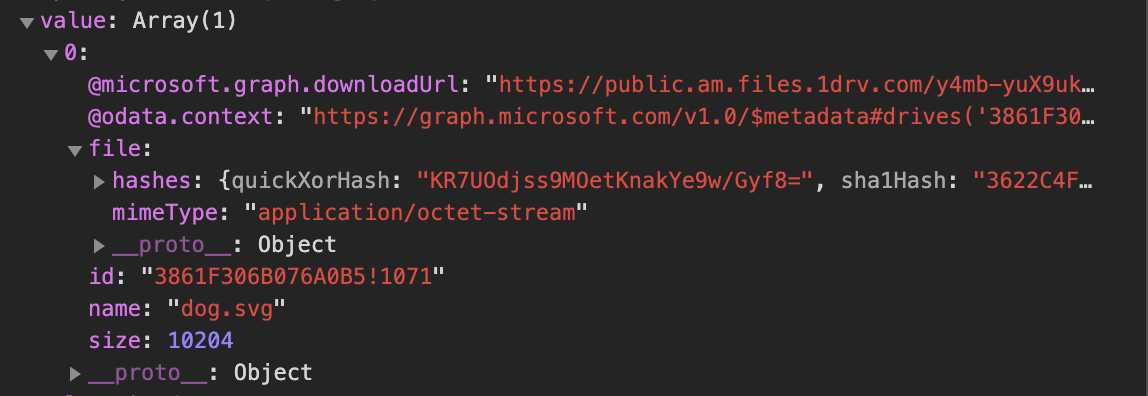
",1.0,"OneDrive picker web SDK, svg files have wrong content-type. - I use OneDrive picker web SDK v7.2, when I try to select SVG files they have a content-type `application/octet-stream` instead of `image/svg+xml` there is a response example in the picker success method

",1,onedrive picker web sdk svg files have wrong content type i use onedrive picker web sdk when i try to select svg files they have a content type application octet stream instead of image svg xml there is a response example in the picker success method ,1
8677,27172077786.0,IssuesEvent,2023-02-17 20:26:07,OneDrive/onedrive-api-docs,https://api.github.com/repos/OneDrive/onedrive-api-docs,closed,autologin in onedrive picker by passing accesstoken in odparams,area:Picker automation:Closed,"I am using OneDrive.js v7.2.
I am trying to pass accesstoken in odparams so that I dont have to login everytime -
var odOptions = {
clientId: {appId},
action: ""download"",
multiSelect: true,
advanced: {
endpointHint: ""api.onedrive.com"",
accessToken: {access token}
},
success: function(response) {
...
},
cancel: function() {
..
},
error: function(e) {
...
}
}
OneDrive.open(odOptions);
It is still asking for login everytime. As per the document - https://docs.microsoft.com/en-us/onedrive/developer/controls/file-pickers/js-v72/open-file#advanced-options
it should be supported in advanced odoptions. Please help.
",1.0,"autologin in onedrive picker by passing accesstoken in odparams - I am using OneDrive.js v7.2.
I am trying to pass accesstoken in odparams so that I dont have to login everytime -
var odOptions = {
clientId: {appId},
action: ""download"",
multiSelect: true,
advanced: {
endpointHint: ""api.onedrive.com"",
accessToken: {access token}
},
success: function(response) {
...
},
cancel: function() {
..
},
error: function(e) {
...
}
}
OneDrive.open(odOptions);
It is still asking for login everytime. As per the document - https://docs.microsoft.com/en-us/onedrive/developer/controls/file-pickers/js-v72/open-file#advanced-options
it should be supported in advanced odoptions. Please help.
",1,autologin in onedrive picker by passing accesstoken in odparams i am using onedrive js script type text javascript src i am trying to pass accesstoken in odparams so that i dont have to login everytime var odoptions clientid appid action download multiselect true advanced endpointhint api onedrive com accesstoken access token success function response cancel function error function e onedrive open odoptions it is still asking for login everytime as per the document it should be supported in advanced odoptions please help ,1
8646,27172034251.0,IssuesEvent,2023-02-17 20:23:45,OneDrive/onedrive-api-docs,https://api.github.com/repos/OneDrive/onedrive-api-docs,closed,Unable to retrieve tenant service info,status:investigating automation:Closed,"What's meaning of the following error, anybody can tell me how to solve this issuse?
{
""error"": {
""code"": ""BadRequest"",
""message"": ""Unable to retrieve tenant service info."",
""innerError"": {
""request-id"": ""59bf9f1d-f25f-4ae4-bd8a-eadb27f75e5f"",
""date"": ""2018-01-21T13:12:38""
}
}
}",1.0,"Unable to retrieve tenant service info - What's meaning of the following error, anybody can tell me how to solve this issuse?
{
""error"": {
""code"": ""BadRequest"",
""message"": ""Unable to retrieve tenant service info."",
""innerError"": {
""request-id"": ""59bf9f1d-f25f-4ae4-bd8a-eadb27f75e5f"",
""date"": ""2018-01-21T13:12:38""
}
}
}",1,unable to retrieve tenant service info what s meaning of the following error anybody can tell me how to solve this issuse error code badrequest message unable to retrieve tenant service info innererror request id date ,1
8764,27172223114.0,IssuesEvent,2023-02-17 20:34:07,OneDrive/onedrive-api-docs,https://api.github.com/repos/OneDrive/onedrive-api-docs,closed,sharepoint permissions not showing up in onedrive query,type:enhancement area:Docs automation:Closed,"#### Category
- [ ] Question
- [ ] Documentation issue
- [x] Bug
#### Expected or Desired Behavior
Sharepoint permissions not enumerated in onedrive permissions query, roles is an empty array.
#### Observed Behavior
roles for ""Team Site Visitors"" should have ""SP.Restricted View""
https://developer.microsoft.com/en-us/graph/graph-explorer?request=drives/b!W1bOyuFaoEmGFks9GquXprP3lMF-CuhEmGjXwHY-eNIv4Wg9FavCTb7rLHLC2q0w/items/01SE2NEZLTBESGWWFITRCJ73TFV3LFQ4ML/permissions&method=GET&version=v1.0&GraphUrl=https://graph.microsoft.com
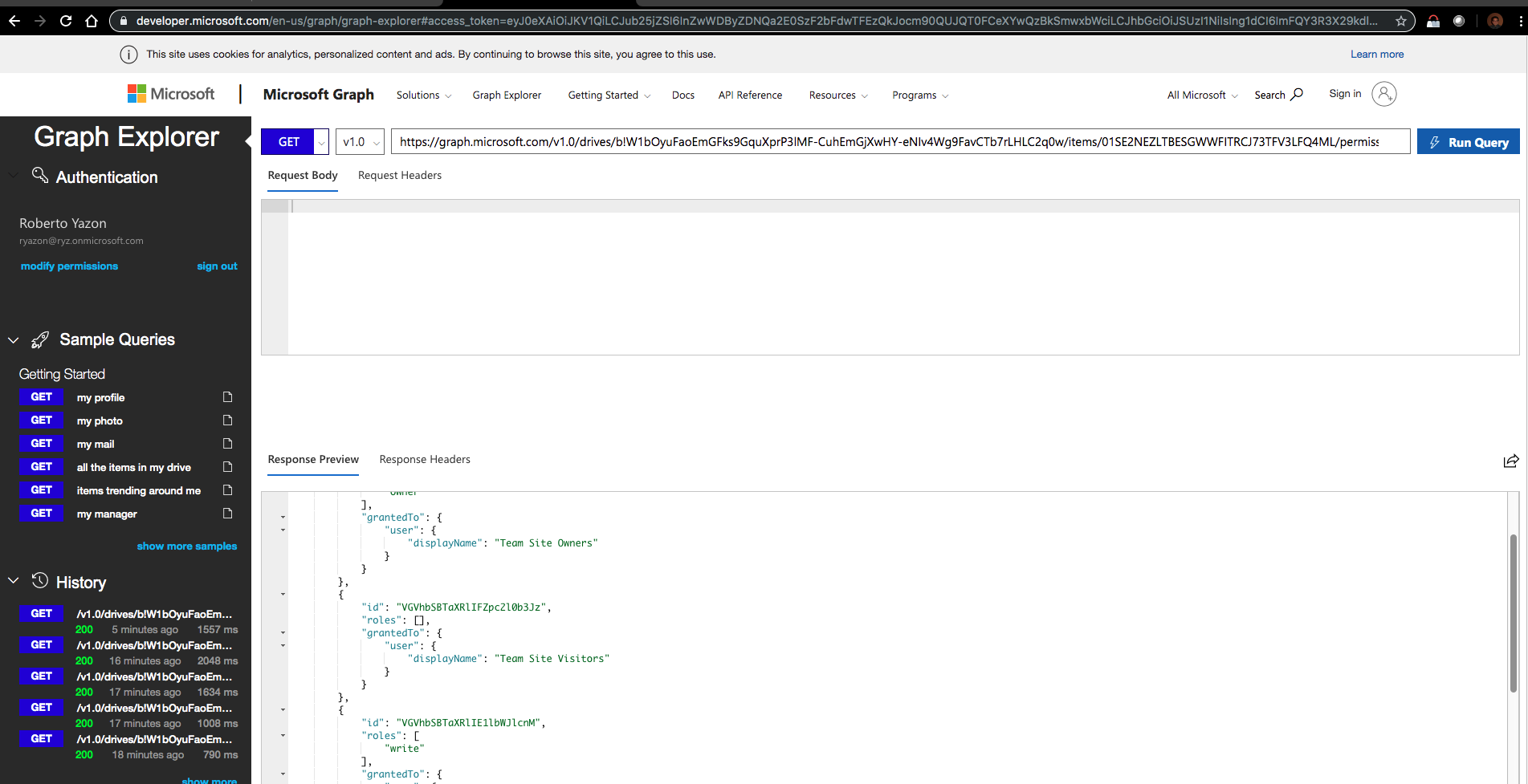
Here's the corresponding sharepoint permissions page:
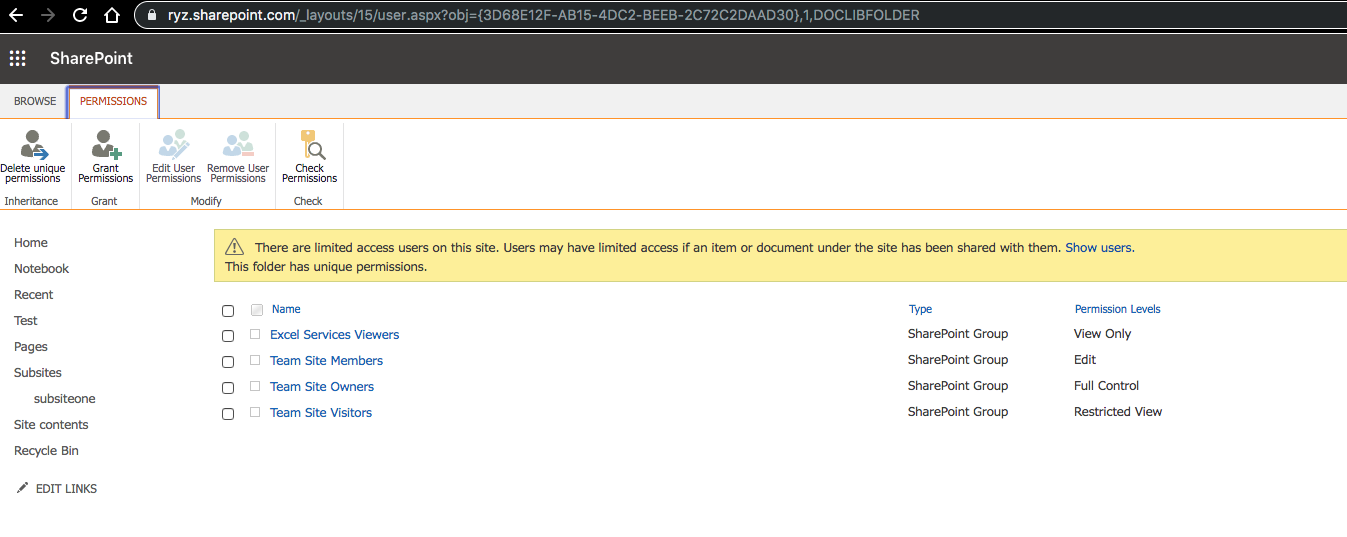
Related issue #1154.
Thank you.
",1.0,"sharepoint permissions not showing up in onedrive query - #### Category
- [ ] Question
- [ ] Documentation issue
- [x] Bug
#### Expected or Desired Behavior
Sharepoint permissions not enumerated in onedrive permissions query, roles is an empty array.
#### Observed Behavior
roles for ""Team Site Visitors"" should have ""SP.Restricted View""
https://developer.microsoft.com/en-us/graph/graph-explorer?request=drives/b!W1bOyuFaoEmGFks9GquXprP3lMF-CuhEmGjXwHY-eNIv4Wg9FavCTb7rLHLC2q0w/items/01SE2NEZLTBESGWWFITRCJ73TFV3LFQ4ML/permissions&method=GET&version=v1.0&GraphUrl=https://graph.microsoft.com

Here's the corresponding sharepoint permissions page:

Related issue #1154.
Thank you.
",1,sharepoint permissions not showing up in onedrive query category question documentation issue bug expected or desired behavior sharepoint permissions not enumerated in onedrive permissions query roles is an empty array observed behavior roles for team site visitors should have sp restricted view here s the corresponding sharepoint permissions page related issue thank you ,1
8673,27172072072.0,IssuesEvent,2023-02-17 20:25:50,OneDrive/onedrive-api-docs,https://api.github.com/repos/OneDrive/onedrive-api-docs,closed,"[ODB] ""HTTP/1.1 504 Gateway Timeout"" when uploading archives containing more than 2000 files.",automation:Closed,"If I try to upload a zip archive (1.5 MB in size) containing more than 2000 files I receive an `HTTP/1.1 504 Gateway Timeout` response.
The sequence is
1. I issue a `PUT https://graph.microsoft.com/v1.0/drive/root:/odrive/1.zip:/content` request
2. The file is completely uploaded in about 300 milliseconds
3. I receive the 504 response containing
`{
""error"": {
""code"": ""UnknownError"",
""message"": """",
""innerError"": {
""request-id"": ""7356798a-5319-4789-baf6-7f82b8455b25"",
""date"": ""2018-05-11T07:47:17""
}
}
}
`
This happens only if I use an `One Drive for Bussiness` account
If I upload an archive having the same size but a single file it works fine
Does this mean that the content of the file is scanned after upload and a large number of files causes a timeout?
What is the suggested upload sequence?
",1.0,"[ODB] ""HTTP/1.1 504 Gateway Timeout"" when uploading archives containing more than 2000 files. - If I try to upload a zip archive (1.5 MB in size) containing more than 2000 files I receive an `HTTP/1.1 504 Gateway Timeout` response.
The sequence is
1. I issue a `PUT https://graph.microsoft.com/v1.0/drive/root:/odrive/1.zip:/content` request
2. The file is completely uploaded in about 300 milliseconds
3. I receive the 504 response containing
`{
""error"": {
""code"": ""UnknownError"",
""message"": """",
""innerError"": {
""request-id"": ""7356798a-5319-4789-baf6-7f82b8455b25"",
""date"": ""2018-05-11T07:47:17""
}
}
}
`
This happens only if I use an `One Drive for Bussiness` account
If I upload an archive having the same size but a single file it works fine
Does this mean that the content of the file is scanned after upload and a large number of files causes a timeout?
What is the suggested upload sequence?
",1, http gateway timeout when uploading archives containing more than files if i try to upload a zip archive mb in size containing more than files i receive an http gateway timeout response the sequence is i issue a put request the file is completely uploaded in about milliseconds i receive the response containing error code unknownerror message innererror request id date this happens only if i use an one drive for bussiness account if i upload an archive having the same size but a single file it works fine does this mean that the content of the file is scanned after upload and a large number of files causes a timeout what is the suggested upload sequence ,1
8844,27172321900.0,IssuesEvent,2023-02-17 20:40:25,OneDrive/onedrive-api-docs,https://api.github.com/repos/OneDrive/onedrive-api-docs,closed,Create folder invalidRequest error,type:bug status:backlogged area:Throttling automation:Closed,"#### Category
- [x] Question
- [ ] Documentation issue
- [ ] Bug
Hello,
Sometimes when I request a [create folder API] encount this error, but succeed after a retry.
```
https://mydomain-my.sharepoint.com/_api/v2.0/drives/[drive_id]/items/012DOYZZW6I6H5LZMETNF2Z7TJ5MEH4ZOM/children
content_type: application/json
post_data: {""@name.conflictBehavior"":""fail"",""folder"":{},""name"":""123123""}:
```
`
400
invalidRequest
Invalid request
`
This is request infotmations:
request A:
```
Date: Mon, 19 Oct 2020 09:56:16 GMT
SPRequestGuid: 6727859f-90c3-b000-3ef9-f8b5754297fa
request-id: 6727859f-90c3-b000-3ef9-f8b5754297fa
```
request B:
```
Date: Mon, 19 Oct 2020 09:56:16 GMT
SPRequestGuid: 6727859f-40c2-b000-110c-2fc733ac3706
request-id: 6727859f-40c2-b000-110c-2fc733ac3706
```
Is it possible to know what happen here?
Thank you.",1.0,"Create folder invalidRequest error - #### Category
- [x] Question
- [ ] Documentation issue
- [ ] Bug
Hello,
Sometimes when I request a [create folder API] encount this error, but succeed after a retry.
```
https://mydomain-my.sharepoint.com/_api/v2.0/drives/[drive_id]/items/012DOYZZW6I6H5LZMETNF2Z7TJ5MEH4ZOM/children
content_type: application/json
post_data: {""@name.conflictBehavior"":""fail"",""folder"":{},""name"":""123123""}:
```
`
400
invalidRequest
Invalid request
`
This is request infotmations:
request A:
```
Date: Mon, 19 Oct 2020 09:56:16 GMT
SPRequestGuid: 6727859f-90c3-b000-3ef9-f8b5754297fa
request-id: 6727859f-90c3-b000-3ef9-f8b5754297fa
```
request B:
```
Date: Mon, 19 Oct 2020 09:56:16 GMT
SPRequestGuid: 6727859f-40c2-b000-110c-2fc733ac3706
request-id: 6727859f-40c2-b000-110c-2fc733ac3706
```
Is it possible to know what happen here?
Thank you.",1,create folder invalidrequest error category question documentation issue bug hello sometimes when i request a encount this error but succeed after a retry items children content type application json post data name conflictbehavior fail folder name invalidrequest invalid request this is request infotmations request a date mon oct gmt sprequestguid request id request b date mon oct gmt sprequestguid request id is it possible to know what happen here thank you ,1
8682,27172084351.0,IssuesEvent,2023-02-17 20:26:29,OneDrive/onedrive-api-docs,https://api.github.com/repos/OneDrive/onedrive-api-docs,closed,Can't get permissions for Microsoft Graph API Drive integration on Outlook live accounts,automation:Closed,"Hi, we are using Microsoft Graph API for uploading files for business and personal accounts.
After the account logs in, we ask for some permissions, but we don't add the one needed for OneDrive. After the user explicitly requests to upload a file we send another request for an AccessToken including all scopes until now + files.readwrite.all. This was working perfectly until (maybe) May 2018. Now it works for business accounts, but not for personal accounts.
Steps that we do:
Redirect the user to login.microsoftonline.com/common/oauth2/v2.0/authorize?client_id=...&redirect_uri=https%3A%2F%2Fmywebsite.com%2Fsignin-microsoft&response_type=code%20id_token&scope=openid%20offline_access%20profile%20email%20mail.readwrite%20mail.send%20contacts.readwrite%20calendars.readwrite%20people.read%20user.read%20files.readwrite.all&response_mode=form_post&nonce=636656...&state=CfDJ8MLMcPchE...
The user selects their account (with which they are already signed in)
They get redirected to https://login.live.com/oauth20_authorize.srf with the following sreen:
The permissions are not added for our application and we don't get any error. Here is also the response from the error page:
```
Error Info
""/pp1600/oauth20_authorize.srf?client_id=9d3c...&scope=openid+offline_access+profile+email+mail.readwrite+mail.send+contacts.readwrite+calendars.readwrite+people.read+user.read+files.readwrite.all&redirect_uri=https%3a%2f%2fmywebsite.com%2fsignin-microsoft&response_type=code+id_token&state=CfD...&response_mode=form_post&nonce=636...&x-client-Ver=5.2.0&display=host&uaid=521...&msproxy=1&issuer=mso&tenant=common&ui_locales=en-US&username=pesho...""
loginserverprotocolhandler(846)
HR=0x80041018
Method string:GET
URL:""/pp1600/oauth20_authorize.srf""
Query string:""code=5""
Server protocol:HTTP/1.1
```
After a couple of tries i actually managed to grant access to one of my accounts for the OneDrive integration. Not really sure what changed. I was just logging in and out with different Outlook accounts in Outlook and in our app. After that, i tried the same process with a different account and it failed again. Every time I was trying this I was logged with the same account on both places.
One more thing that I noticed is that before the consent was for all permissions and now the consent screen showed request only for the files permission.",1.0,"Can't get permissions for Microsoft Graph API Drive integration on Outlook live accounts - Hi, we are using Microsoft Graph API for uploading files for business and personal accounts.
After the account logs in, we ask for some permissions, but we don't add the one needed for OneDrive. After the user explicitly requests to upload a file we send another request for an AccessToken including all scopes until now + files.readwrite.all. This was working perfectly until (maybe) May 2018. Now it works for business accounts, but not for personal accounts.
Steps that we do:
Redirect the user to login.microsoftonline.com/common/oauth2/v2.0/authorize?client_id=...&redirect_uri=https%3A%2F%2Fmywebsite.com%2Fsignin-microsoft&response_type=code%20id_token&scope=openid%20offline_access%20profile%20email%20mail.readwrite%20mail.send%20contacts.readwrite%20calendars.readwrite%20people.read%20user.read%20files.readwrite.all&response_mode=form_post&nonce=636656...&state=CfDJ8MLMcPchE...
The user selects their account (with which they are already signed in)
They get redirected to https://login.live.com/oauth20_authorize.srf with the following sreen:

The permissions are not added for our application and we don't get any error. Here is also the response from the error page:
```
Error Info
""/pp1600/oauth20_authorize.srf?client_id=9d3c...&scope=openid+offline_access+profile+email+mail.readwrite+mail.send+contacts.readwrite+calendars.readwrite+people.read+user.read+files.readwrite.all&redirect_uri=https%3a%2f%2fmywebsite.com%2fsignin-microsoft&response_type=code+id_token&state=CfD...&response_mode=form_post&nonce=636...&x-client-Ver=5.2.0&display=host&uaid=521...&msproxy=1&issuer=mso&tenant=common&ui_locales=en-US&username=pesho...""
loginserverprotocolhandler(846)
HR=0x80041018
Method string:GET
URL:""/pp1600/oauth20_authorize.srf""
Query string:""code=5""
Server protocol:HTTP/1.1
```
After a couple of tries i actually managed to grant access to one of my accounts for the OneDrive integration. Not really sure what changed. I was just logging in and out with different Outlook accounts in Outlook and in our app. After that, i tried the same process with a different account and it failed again. Every time I was trying this I was logged with the same account on both places.
One more thing that I noticed is that before the consent was for all permissions and now the consent screen showed request only for the files permission.",1,can t get permissions for microsoft graph api drive integration on outlook live accounts hi we are using microsoft graph api for uploading files for business and personal accounts after the account logs in we ask for some permissions but we don t add the one needed for onedrive after the user explicitly requests to upload a file we send another request for an accesstoken including all scopes until now files readwrite all this was working perfectly until maybe may now it works for business accounts but not for personal accounts steps that we do redirect the user to login microsoftonline com common authorize client id redirect uri https com microsoft response type code token scope openid access readwrite send readwrite readwrite read read readwrite all response mode form post nonce state the user selects their account with which they are already signed in they get redirected to with the following sreen the permissions are not added for our application and we don t get any error here is also the response from the error page error info authorize srf client id scope openid offline access profile email mail readwrite mail send contacts readwrite calendars readwrite people read user read files readwrite all redirect uri https com microsoft response type code id token state cfd response mode form post nonce x client ver display host uaid msproxy issuer mso tenant common ui locales en us username pesho loginserverprotocolhandler hr method string get url authorize srf query string code server protocol http after a couple of tries i actually managed to grant access to one of my accounts for the onedrive integration not really sure what changed i was just logging in and out with different outlook accounts in outlook and in our app after that i tried the same process with a different account and it failed again every time i was trying this i was logged with the same account on both places one more thing that i noticed is that before the consent was for all permissions and now the consent screen showed request only for the files permission ,1
8874,27172354934.0,IssuesEvent,2023-02-17 20:42:30,OneDrive/onedrive-api-docs,https://api.github.com/repos/OneDrive/onedrive-api-docs,closed,Open/Cancel button disappearing from filepicker UI,area:Picker automation:Closed,"#### Category
- [ ] Question
- [ ] Documentation issue
- [x] Bug
#### Expected or Desired Behavior
Expect the open/cancel button to appear
#### Observed Behavior
It works at times and suddenly it would stop working.
It only happens in business accounts.
#### Steps to Reproduce
- Log into Microsoft by going through auth flow
- With the token obtained above, call https://graph.microsoft.com/v1.0/me?$select=mySite to get the targeted url for file picker endpointHint field.
- Call file picker open in JS SDK with obtained token and the site url.
The video below showing the problem:
https://share.getcloudapp.com/eDuj88jx
Thank you.
[ ]: http://aka.ms/onedrive-api-issues
[x]: http://aka.ms/onedrive-api-issues",1.0,"Open/Cancel button disappearing from filepicker UI - #### Category
- [ ] Question
- [ ] Documentation issue
- [x] Bug
#### Expected or Desired Behavior
Expect the open/cancel button to appear
#### Observed Behavior
It works at times and suddenly it would stop working.
It only happens in business accounts.
#### Steps to Reproduce
- Log into Microsoft by going through auth flow
- With the token obtained above, call https://graph.microsoft.com/v1.0/me?$select=mySite to get the targeted url for file picker endpointHint field.
- Call file picker open in JS SDK with obtained token and the site url.
The video below showing the problem:
https://share.getcloudapp.com/eDuj88jx
Thank you.
[ ]: http://aka.ms/onedrive-api-issues
[x]: http://aka.ms/onedrive-api-issues",1,open cancel button disappearing from filepicker ui category question documentation issue bug expected or desired behavior expect the open cancel button to appear observed behavior it works at times and suddenly it would stop working it only happens in business accounts steps to reproduce log into microsoft by going through auth flow with the token obtained above call to get the targeted url for file picker endpointhint field call file picker open in js sdk with obtained token and the site url the video below showing the problem thank you ,1
8814,27172289053.0,IssuesEvent,2023-02-17 20:38:18,OneDrive/onedrive-api-docs,https://api.github.com/repos/OneDrive/onedrive-api-docs,closed,How to get token for file handler refresh?,type:question area:Docs Needs: Attention :wave: Needs: Triage :mag: area:File Handlers automation:Closed,"How do I get the right token to refresh the file handler cache? I have tried several different tokens, but none were accepted.
Alternatively, is there now a way to do this through the Graph API? I have been able to get a token for the Graph API. Much of the documentation for file handlers seems to be out of date or redirect to less relevant sections for the newest APIs.
I am trying to add a custom file handler, but haven't found any kind of feedback from OneDrive on why it isn't appearing
---
#### Document Details
⚠ *Do not edit this section. It is required for docs.microsoft.com ➟ GitHub issue linking.*
* ID: b18ba6d3-b187-12d6-2e08-418b0746ac5b
* Version Independent ID: dd01f1c1-7e26-39e2-9e06-afd3305c65e7
* Content: [Reload OneDrive File Handlers - OneDrive dev center](https://docs.microsoft.com/en-us/onedrive/developer/file-handlers/reset-cache?view=odsp-graph-online)
* Content Source: [docs/file-handlers/reset-cache.md](https://github.com/OneDrive/onedrive-api-docs/blob/live/docs/file-handlers/reset-cache.md)
* Product: **onedrive**
* GitHub Login: @rgregg
* Microsoft Alias: **rgregg**",1.0,"How to get token for file handler refresh? - How do I get the right token to refresh the file handler cache? I have tried several different tokens, but none were accepted.
Alternatively, is there now a way to do this through the Graph API? I have been able to get a token for the Graph API. Much of the documentation for file handlers seems to be out of date or redirect to less relevant sections for the newest APIs.
I am trying to add a custom file handler, but haven't found any kind of feedback from OneDrive on why it isn't appearing
---
#### Document Details
⚠ *Do not edit this section. It is required for docs.microsoft.com ➟ GitHub issue linking.*
* ID: b18ba6d3-b187-12d6-2e08-418b0746ac5b
* Version Independent ID: dd01f1c1-7e26-39e2-9e06-afd3305c65e7
* Content: [Reload OneDrive File Handlers - OneDrive dev center](https://docs.microsoft.com/en-us/onedrive/developer/file-handlers/reset-cache?view=odsp-graph-online)
* Content Source: [docs/file-handlers/reset-cache.md](https://github.com/OneDrive/onedrive-api-docs/blob/live/docs/file-handlers/reset-cache.md)
* Product: **onedrive**
* GitHub Login: @rgregg
* Microsoft Alias: **rgregg**",1,how to get token for file handler refresh how do i get the right token to refresh the file handler cache i have tried several different tokens but none were accepted alternatively is there now a way to do this through the graph api i have been able to get a token for the graph api much of the documentation for file handlers seems to be out of date or redirect to less relevant sections for the newest apis i am trying to add a custom file handler but haven t found any kind of feedback from onedrive on why it isn t appearing document details ⚠ do not edit this section it is required for docs microsoft com ➟ github issue linking id version independent id content content source product onedrive github login rgregg microsoft alias rgregg ,1
8810,27172284423.0,IssuesEvent,2023-02-17 20:38:01,OneDrive/onedrive-api-docs,https://api.github.com/repos/OneDrive/onedrive-api-docs,closed,Search all documents in the tenant which is shared with a user: How ?,area:Search Needs: Investigation automation:Closed,"Let say the tenant organization has
- user A
- group B with A as a member
What's the best way to get ""all documents shared with A""?
I expected that ""https://graph.microsoft.com/v1.0/me/drive/search"" will do it, but it doesn't show ""documents shared with group B"" (For the record, it shows ""documents shared with user A"").
---------------------
Aside from that, is there a way to get ""all documents in the organization shared with user A including link-shared"" ?
Thanks in advance.
---
#### Document Details
⚠ *Do not edit this section. It is required for docs.microsoft.com ➟ GitHub issue linking.*
* ID: 6a094aa0-adc5-9f08-d75e-bff6c5c42b4b
* Version Independent ID: c674446f-0d55-5c4b-0d0a-bbddf184dd1b
* Content: [Search for files - OneDrive API - OneDrive dev center](https://docs.microsoft.com/en-us/onedrive/developer/rest-api/api/driveitem_search?view=odsp-graph-online#feedback)
* Content Source: [docs/rest-api/api/driveitem_search.md](https://github.com/OneDrive/onedrive-api-docs/blob/live/docs/rest-api/api/driveitem_search.md)
* Product: **onedrive**
* GitHub Login: @rgregg
* Microsoft Alias: **rgregg**",1.0,"Search all documents in the tenant which is shared with a user: How ? - Let say the tenant organization has
- user A
- group B with A as a member
What's the best way to get ""all documents shared with A""?
I expected that ""https://graph.microsoft.com/v1.0/me/drive/search"" will do it, but it doesn't show ""documents shared with group B"" (For the record, it shows ""documents shared with user A"").
---------------------
Aside from that, is there a way to get ""all documents in the organization shared with user A including link-shared"" ?
Thanks in advance.
---
#### Document Details
⚠ *Do not edit this section. It is required for docs.microsoft.com ➟ GitHub issue linking.*
* ID: 6a094aa0-adc5-9f08-d75e-bff6c5c42b4b
* Version Independent ID: c674446f-0d55-5c4b-0d0a-bbddf184dd1b
* Content: [Search for files - OneDrive API - OneDrive dev center](https://docs.microsoft.com/en-us/onedrive/developer/rest-api/api/driveitem_search?view=odsp-graph-online#feedback)
* Content Source: [docs/rest-api/api/driveitem_search.md](https://github.com/OneDrive/onedrive-api-docs/blob/live/docs/rest-api/api/driveitem_search.md)
* Product: **onedrive**
* GitHub Login: @rgregg
* Microsoft Alias: **rgregg**",1,search all documents in the tenant which is shared with a user how let say the tenant organization has user a group b with a as a member what s the best way to get all documents shared with a i expected that will do it but it doesn t show documents shared with group b for the record it shows documents shared with user a aside from that is there a way to get all documents in the organization shared with user a including link shared thanks in advance document details ⚠ do not edit this section it is required for docs microsoft com ➟ github issue linking id version independent id content content source product onedrive github login rgregg microsoft alias rgregg ,1
8832,27172308084.0,IssuesEvent,2023-02-17 20:39:34,OneDrive/onedrive-api-docs,https://api.github.com/repos/OneDrive/onedrive-api-docs,closed,'@microsoft/file-browser' package not providing share/move/search functionality.,Needs: Investigation area:File Browser automation:Closed,"'@microsoft/file-browser' package is not updated from last two year. I want the share, move and search functionality there. Do i can customize this package to extend the package functionality? Can you help me on this?",1.0,"'@microsoft/file-browser' package not providing share/move/search functionality. - '@microsoft/file-browser' package is not updated from last two year. I want the share, move and search functionality there. Do i can customize this package to extend the package functionality? Can you help me on this?",1, microsoft file browser package not providing share move search functionality microsoft file browser package is not updated from last two year i want the share move and search functionality there do i can customize this package to extend the package functionality can you help me on this ,1
8666,27172060167.0,IssuesEvent,2023-02-17 20:25:10,OneDrive/onedrive-api-docs,https://api.github.com/repos/OneDrive/onedrive-api-docs,closed,[ODB] [graph] [China] why encounter 400 when get drives,status:investigating graph automation:Closed,"Hi all,
Before a day, the operation works fine. https://microsoftgraph.chinacloudapi.cn/v1.0/users/{user_id}/drives
Suddenly, it keeps encounter this error:
```
{
""error"": {
""code"": ""BadRequest"",
""message"": ""Unable to retrieve user's mysite URL."",
""innerError"": {
""request-id"": ""9d8a3714-eaa2-4e8b-9ba0-727f0753f01d"",
""date"": ""2018-04-03T09:19:55""
}
}
}
```
I have checked the subscription and APP permission in graph API, all permission is enabled
And I have tested another APP using the same graph API permission which works fine.
Do not know what is going wrong here
Thanks you.
",1.0,"[ODB] [graph] [China] why encounter 400 when get drives - Hi all,
Before a day, the operation works fine. https://microsoftgraph.chinacloudapi.cn/v1.0/users/{user_id}/drives
Suddenly, it keeps encounter this error:
```
{
""error"": {
""code"": ""BadRequest"",
""message"": ""Unable to retrieve user's mysite URL."",
""innerError"": {
""request-id"": ""9d8a3714-eaa2-4e8b-9ba0-727f0753f01d"",
""date"": ""2018-04-03T09:19:55""
}
}
}
```
I have checked the subscription and APP permission in graph API, all permission is enabled
And I have tested another APP using the same graph API permission which works fine.
Do not know what is going wrong here
Thanks you.
",1, why encounter when get drives hi all before a day the operation works fine suddenly it keeps encounter this error error code badrequest message unable to retrieve user s mysite url innererror request id date i have checked the subscription and app permission in graph api all permission is enabled and i have tested another app using the same graph api permission which works fine do not know what is going wrong here thanks you ,1
8867,27172347275.0,IssuesEvent,2023-02-17 20:42:01,OneDrive/onedrive-api-docs,https://api.github.com/repos/OneDrive/onedrive-api-docs,closed,"Bulk exporting SharePoint online file metadata (specifically DriveItem unique id, path, filename)",Needs: Triage :mag: automation:Closed,"
#### Category
- [x] Question
- [ ] Documentation issue
- [ ] Bug
**Question**
We have existing files in a SharePoint online site that we need to integrate with the Graph API (1.0) however the calls require the DriveItem item-id value
`GET /drives/{drive-id}/items/{item-id}`
Using the OneDrive file picker ( [https://docs.microsoft.com/en-us/onedrive/developer/controls/file-pickers/js-v72/?view=odsp-graph-online](url)) it's possible to extract this id manually when selecting files.
`{
""webUrl"": null,
""value"": [{
""id"": ""01NJDWP4LK732UVFCO2ZCYLZF3QDARTUYT"",
""parentReference"": {
""driveId"": """"
},
`
However we need to be able to bulk export the item-id (and file name and path) for all files in a SharePoint online site to be able to integrate the data with an existing Graph API solution (which depends on the id value).
Looking to find out how to achieve this either from a functionality within the SharePoint online site or PowerShell script.
Thank you.
[ ]: http://aka.ms/onedrive-api-issues
[x]: http://aka.ms/onedrive-api-issues",1.0,"Bulk exporting SharePoint online file metadata (specifically DriveItem unique id, path, filename) -
#### Category
- [x] Question
- [ ] Documentation issue
- [ ] Bug
**Question**
We have existing files in a SharePoint online site that we need to integrate with the Graph API (1.0) however the calls require the DriveItem item-id value
`GET /drives/{drive-id}/items/{item-id}`
Using the OneDrive file picker ( [https://docs.microsoft.com/en-us/onedrive/developer/controls/file-pickers/js-v72/?view=odsp-graph-online](url)) it's possible to extract this id manually when selecting files.
`{
""webUrl"": null,
""value"": [{
""id"": ""01NJDWP4LK732UVFCO2ZCYLZF3QDARTUYT"",
""parentReference"": {
""driveId"": """"
},
`
However we need to be able to bulk export the item-id (and file name and path) for all files in a SharePoint online site to be able to integrate the data with an existing Graph API solution (which depends on the id value).
Looking to find out how to achieve this either from a functionality within the SharePoint online site or PowerShell script.
Thank you.
[ ]: http://aka.ms/onedrive-api-issues
[x]: http://aka.ms/onedrive-api-issues",1,bulk exporting sharepoint online file metadata specifically driveitem unique id path filename category question documentation issue bug question we have existing files in a sharepoint online site that we need to integrate with the graph api however the calls require the driveitem item id value get drives drive id items item id using the onedrive file picker url it s possible to extract this id manually when selecting files weburl null value id parentreference driveid however we need to be able to bulk export the item id and file name and path for all files in a sharepoint online site to be able to integrate the data with an existing graph api solution which depends on the id value looking to find out how to achieve this either from a functionality within the sharepoint online site or powershell script thank you ,1
8724,27172172109.0,IssuesEvent,2023-02-17 20:31:17,OneDrive/onedrive-api-docs,https://api.github.com/repos/OneDrive/onedrive-api-docs,closed,AADSTS900144: The request body must contain the following parameter: 'scope'.,area:Picker automation:Closed,"#### Category
- [ ] Question
- [ ] Documentation issue
- [x] Bug
#### Expected or Desired Behavior
Following the example here: https://docs.microsoft.com/en-us/onedrive/developer/controls/file-pickers/js-v72/open-file?view=odsp-graph-online
I'm expecting to get a file picker, but instead am getting a bizarre auth error.
#### Observed Behavior

The error is `AADSTS900144: The request body must contain the following parameter: 'scope'.`
This might have to do with the graph api expects scope, but the params for the file picker uses scopes.
#### Steps to Reproduce
- Follow the example at: https://docs.microsoft.com/en-us/onedrive/developer/controls/file-pickers/js-v72/open-file?view=odsp-graph-online
- attempt to auth
- observe
",1.0,"AADSTS900144: The request body must contain the following parameter: 'scope'. - #### Category
- [ ] Question
- [ ] Documentation issue
- [x] Bug
#### Expected or Desired Behavior
Following the example here: https://docs.microsoft.com/en-us/onedrive/developer/controls/file-pickers/js-v72/open-file?view=odsp-graph-online
I'm expecting to get a file picker, but instead am getting a bizarre auth error.
#### Observed Behavior

The error is `AADSTS900144: The request body must contain the following parameter: 'scope'.`
This might have to do with the graph api expects scope, but the params for the file picker uses scopes.
#### Steps to Reproduce
- Follow the example at: https://docs.microsoft.com/en-us/onedrive/developer/controls/file-pickers/js-v72/open-file?view=odsp-graph-online
- attempt to auth
- observe
",1, the request body must contain the following parameter scope category question documentation issue bug expected or desired behavior following the example here i m expecting to get a file picker but instead am getting a bizarre auth error observed behavior the error is the request body must contain the following parameter scope this might have to do with the graph api expects scope but the params for the file picker uses scopes steps to reproduce follow the example at attempt to auth observe ,1
8871,27172351685.0,IssuesEvent,2023-02-17 20:42:18,OneDrive/onedrive-api-docs,https://api.github.com/repos/OneDrive/onedrive-api-docs,closed,Delta API response contain items which was uploaded years ago,Needs: Triage :mag: automation:Closed,"
#### Category
- [ ] Question
- [ ] Documentation issue
- [x] Bug
For one of user's onedrive, we observe that the delta link contains a file which was created and updated more than 2 years ago. Also the item_id of that file is greater than the item_id of file which is created more recently
#### Expected or Desired Behavior
Next / Delta link should contain an item whose created time / modified time is greater than the one of its previous item
#### Observed Behavior
Next / Delta link contain an item whose item_id is for example 33455 and its created/modified time is years old and we have received another item before it on some page whose item_id was smaller than 33455 and have created/updated time of february 2021.
#### Steps to Reproduce
There is no particular steps to reproduce. This found randomly.
Is this case is known?
Thank you.
[ ]: http://aka.ms/onedrive-api-issues
[x]: http://aka.ms/onedrive-api-issues",1.0,"Delta API response contain items which was uploaded years ago -
#### Category
- [ ] Question
- [ ] Documentation issue
- [x] Bug
For one of user's onedrive, we observe that the delta link contains a file which was created and updated more than 2 years ago. Also the item_id of that file is greater than the item_id of file which is created more recently
#### Expected or Desired Behavior
Next / Delta link should contain an item whose created time / modified time is greater than the one of its previous item
#### Observed Behavior
Next / Delta link contain an item whose item_id is for example 33455 and its created/modified time is years old and we have received another item before it on some page whose item_id was smaller than 33455 and have created/updated time of february 2021.
#### Steps to Reproduce
There is no particular steps to reproduce. This found randomly.
Is this case is known?
Thank you.
[ ]: http://aka.ms/onedrive-api-issues
[x]: http://aka.ms/onedrive-api-issues",1,delta api response contain items which was uploaded years ago category question documentation issue bug for one of user s onedrive we observe that the delta link contains a file which was created and updated more than years ago also the item id of that file is greater than the item id of file which is created more recently expected or desired behavior next delta link should contain an item whose created time modified time is greater than the one of its previous item observed behavior next delta link contain an item whose item id is for example and its created modified time is years old and we have received another item before it on some page whose item id was smaller than and have created updated time of february steps to reproduce there is no particular steps to reproduce this found randomly is this case is known thank you ,1
8639,27172025487.0,IssuesEvent,2023-02-17 20:23:16,OneDrive/onedrive-api-docs,https://api.github.com/repos/OneDrive/onedrive-api-docs,closed,"Sent 1000 more request in parallel , get 500 internal error rather than get 429 or 503 code",status:investigating automation:Closed,"https://docs.microsoft.com/zh-tw/onedrive/developer/rest-api/concepts/errors
Following above docs, I want write a unit-test for cause a ""too many requests"" error in OneDrive, like below:
```
@Test
public void test() throws Exception {
int threadCount = 1000;
Callable task = new Callable() {
@Override
public Document call() throws Exception {
Timber.e(""call"");
oneDriveProvider.getDocument(""9005F332ACBDB318%2142511"");
oneDriveProvider.getDocument(""9005F332ACBDB318%2142511"");
return oneDriveProvider.getDocument(""9005F332ACBDB318%2142513"");
}
};
List> tasks = Collections.nCopies(threadCount, task);
ExecutorService executorService = Executors.newFixedThreadPool(threadCount);
List> futures = executorService.invokeAll(tasks);
List resultList = new ArrayList<>(futures.size());
for (Future future : futures) {
resultList.add(future.get());
}
assertNotNull(resultList);
}
```
I always get code is 500, message is Internal Server Error,body is {""error"":{""code"":""generalException"",""message"":""An error occurred in the data store.""}}, but I expected I can get 429 or 503 and including ""retry-after"" header in body, who can investigate this?",1.0,"Sent 1000 more request in parallel , get 500 internal error rather than get 429 or 503 code - https://docs.microsoft.com/zh-tw/onedrive/developer/rest-api/concepts/errors
Following above docs, I want write a unit-test for cause a ""too many requests"" error in OneDrive, like below:
```
@Test
public void test() throws Exception {
int threadCount = 1000;
Callable task = new Callable() {
@Override
public Document call() throws Exception {
Timber.e(""call"");
oneDriveProvider.getDocument(""9005F332ACBDB318%2142511"");
oneDriveProvider.getDocument(""9005F332ACBDB318%2142511"");
return oneDriveProvider.getDocument(""9005F332ACBDB318%2142513"");
}
};
List> tasks = Collections.nCopies(threadCount, task);
ExecutorService executorService = Executors.newFixedThreadPool(threadCount);
List> futures = executorService.invokeAll(tasks);
List resultList = new ArrayList<>(futures.size());
for (Future future : futures) {
resultList.add(future.get());
}
assertNotNull(resultList);
}
```
I always get code is 500, message is Internal Server Error,body is {""error"":{""code"":""generalException"",""message"":""An error occurred in the data store.""}}, but I expected I can get 429 or 503 and including ""retry-after"" header in body, who can investigate this?",1,sent more request in parallel get internal error rather than get or code following above docs i want write a unit test for cause a too many requests error in onedrive like below test public void test throws exception int threadcount callable task new callable override public document call throws exception timber e call onedriveprovider getdocument onedriveprovider getdocument return onedriveprovider getdocument list tasks collections ncopies threadcount task executorservice executorservice executors newfixedthreadpool threadcount list futures executorservice invokeall tasks list resultlist new arraylist futures size for future future futures resultlist add future get assertnotnull resultlist i always get code is message is internal server error body is error code generalexception message an error occurred in the data store but i expected i can get or and including retry after header in body who can investigate this ,1
8679,27172080512.0,IssuesEvent,2023-02-17 20:26:16,OneDrive/onedrive-api-docs,https://api.github.com/repos/OneDrive/onedrive-api-docs,closed,Inconsistent performance and reliability,automation:Closed,"Aside from [other undocumented limitations](https://github.com/OneDrive/onedrive-api-docs/issues/840), we are experiencing a quite unreliable behaviour when testing the OneDrive API.
We are trying to use the OneDrive API to convert Office documents to PDF, so our client first uploads the document to a temporary location, invokes the [convert content](https://developer.microsoft.com/en-us/graph/docs/api-reference/v1.0/api/driveitem_get_content_format) endpoint and then deletes the original document. We upload files below 4MiB directly and use upload sessions for documents greater than that, as per the documentation.
In our tests, we have seen a request error pattern similar to that described in #853 in the sense that request performance drop dramatically in business hours (our requests are being served by the North Europe Datacenter) and we can see lots of errors for test runs done on business hours. The very same test run done later at night produces no errors.
We are not facing `429 Too Many Requests` errors, so no throttling in our case, but just regular `503 Service Unavailable` and `504 Gateway Timeout` errors, with some occasional `500 Internal Server Error`s. No `Retry-After` header can be found in any of the error responses. We have implemented a backoff strategy for retries, but this is usually of no help.
We are trying to evaluate if the OneDrive API is suitable for our use case, but this ""business hours chaos"" thing is mind-blowing. Do you have any information on why this happens? Are any specific limitations being applied? What is the rationale behind such a decision? Are the limits applied on a per user, per tenant or per datacenter basis?",1.0,"Inconsistent performance and reliability - Aside from [other undocumented limitations](https://github.com/OneDrive/onedrive-api-docs/issues/840), we are experiencing a quite unreliable behaviour when testing the OneDrive API.
We are trying to use the OneDrive API to convert Office documents to PDF, so our client first uploads the document to a temporary location, invokes the [convert content](https://developer.microsoft.com/en-us/graph/docs/api-reference/v1.0/api/driveitem_get_content_format) endpoint and then deletes the original document. We upload files below 4MiB directly and use upload sessions for documents greater than that, as per the documentation.
In our tests, we have seen a request error pattern similar to that described in #853 in the sense that request performance drop dramatically in business hours (our requests are being served by the North Europe Datacenter) and we can see lots of errors for test runs done on business hours. The very same test run done later at night produces no errors.
We are not facing `429 Too Many Requests` errors, so no throttling in our case, but just regular `503 Service Unavailable` and `504 Gateway Timeout` errors, with some occasional `500 Internal Server Error`s. No `Retry-After` header can be found in any of the error responses. We have implemented a backoff strategy for retries, but this is usually of no help.
We are trying to evaluate if the OneDrive API is suitable for our use case, but this ""business hours chaos"" thing is mind-blowing. Do you have any information on why this happens? Are any specific limitations being applied? What is the rationale behind such a decision? Are the limits applied on a per user, per tenant or per datacenter basis?",1,inconsistent performance and reliability aside from we are experiencing a quite unreliable behaviour when testing the onedrive api we are trying to use the onedrive api to convert office documents to pdf so our client first uploads the document to a temporary location invokes the endpoint and then deletes the original document we upload files below directly and use upload sessions for documents greater than that as per the documentation in our tests we have seen a request error pattern similar to that described in in the sense that request performance drop dramatically in business hours our requests are being served by the north europe datacenter and we can see lots of errors for test runs done on business hours the very same test run done later at night produces no errors we are not facing too many requests errors so no throttling in our case but just regular service unavailable and gateway timeout errors with some occasional internal server error s no retry after header can be found in any of the error responses we have implemented a backoff strategy for retries but this is usually of no help we are trying to evaluate if the onedrive api is suitable for our use case but this business hours chaos thing is mind blowing do you have any information on why this happens are any specific limitations being applied what is the rationale behind such a decision are the limits applied on a per user per tenant or per datacenter basis ,1
8720,27172166600.0,IssuesEvent,2023-02-17 20:31:00,OneDrive/onedrive-api-docs,https://api.github.com/repos/OneDrive/onedrive-api-docs,closed,[ODB] get negative size value from a aspx file,status:investigating Needs: Attention :wave: area:Pages automation:Closed,"#### Category
- [ ] Question
- [ ] Documentation issue
- [x] Bug
Hi all,
Symptom:
1. Get file information encounter size is negative
`GET https:///_api/v2.0/drives//items/`
2. This drive is Wikipage library which is one of the document library in Share Point Online
3. Download is fine for this file.
Response:
```
""name"": ""Home.aspx"",
""file"": {
""hashes"": {
""quickXorHash"": ""YrWKTN7tmyGNyRicTMvDQltNmk0=""
},
""irmEnabled"": false,
""mimeType"": ""application/xml""
},
....
""size"": -425661
```
Header:
```
request-id →da46d69e-00c6-8000-12b2-435e588b9d2a
date →Thu, 25 Apr 2019 02:09:01 GMT
```
Thank you for further help.",1.0,"[ODB] get negative size value from a aspx file - #### Category
- [ ] Question
- [ ] Documentation issue
- [x] Bug
Hi all,
Symptom:
1. Get file information encounter size is negative
`GET https:///_api/v2.0/drives//items/`
2. This drive is Wikipage library which is one of the document library in Share Point Online
3. Download is fine for this file.
Response:
```
""name"": ""Home.aspx"",
""file"": {
""hashes"": {
""quickXorHash"": ""YrWKTN7tmyGNyRicTMvDQltNmk0=""
},
""irmEnabled"": false,
""mimeType"": ""application/xml""
},
....
""size"": -425661
```
Header:
```
request-id →da46d69e-00c6-8000-12b2-435e588b9d2a
date →Thu, 25 Apr 2019 02:09:01 GMT
```
Thank you for further help.",1, get negative size value from a aspx file category question documentation issue bug hi all symptom get file information encounter size is negative get this drive is wikipage library which is one of the document library in share point online download is fine for this file response name home aspx file hashes quickxorhash irmenabled false mimetype application xml size header request id → date →thu apr gmt thank you for further help ,1
8757,27172214258.0,IssuesEvent,2023-02-17 20:33:37,OneDrive/onedrive-api-docs,https://api.github.com/repos/OneDrive/onedrive-api-docs,closed,Does Onedrive for Business support Add a shared folder to the user's drive?,type:bug type:enhancement area:Docs automation:Closed,"I tried but got this response:
{
""error"": {
""code"": ""invalidRequest"",
""message"": ""Either 'folder' or 'file' must be provided, but not both."",
""innerError"": {
""request-id"": ""249b5674-8058-4865-a366-325d55aa9410"",
""date"": ""2019-09-20T11:14:28""
}
}
}
---
#### Document Details
⚠ *Do not edit this section. It is required for docs.microsoft.com ➟ GitHub issue linking.*
* ID: 18c4933a-ac05-cde1-69dc-89fa97449cb1
* Version Independent ID: a2bac76b-9541-6dfa-aea9-b76e7c7bbae2
* Content: [Accessing shared files and folders - OneDrive API - OneDrive dev center](https://docs.microsoft.com/en-us/onedrive/developer/rest-api/concepts/using-sharing-links?view=odsp-graph-online)
* Content Source: [docs/rest-api/concepts/using-sharing-links.md](https://github.com/OneDrive/onedrive-api-docs/blob/live/docs/rest-api/concepts/using-sharing-links.md)
* Product: **onedrive**
* GitHub Login: @rgregg
* Microsoft Alias: **rgregg**",1.0,"Does Onedrive for Business support Add a shared folder to the user's drive? - I tried but got this response:
{
""error"": {
""code"": ""invalidRequest"",
""message"": ""Either 'folder' or 'file' must be provided, but not both."",
""innerError"": {
""request-id"": ""249b5674-8058-4865-a366-325d55aa9410"",
""date"": ""2019-09-20T11:14:28""
}
}
}
---
#### Document Details
⚠ *Do not edit this section. It is required for docs.microsoft.com ➟ GitHub issue linking.*
* ID: 18c4933a-ac05-cde1-69dc-89fa97449cb1
* Version Independent ID: a2bac76b-9541-6dfa-aea9-b76e7c7bbae2
* Content: [Accessing shared files and folders - OneDrive API - OneDrive dev center](https://docs.microsoft.com/en-us/onedrive/developer/rest-api/concepts/using-sharing-links?view=odsp-graph-online)
* Content Source: [docs/rest-api/concepts/using-sharing-links.md](https://github.com/OneDrive/onedrive-api-docs/blob/live/docs/rest-api/concepts/using-sharing-links.md)
* Product: **onedrive**
* GitHub Login: @rgregg
* Microsoft Alias: **rgregg**",1,does onedrive for business support add a shared folder to the user s drive i tried but got this response error code invalidrequest message either folder or file must be provided but not both innererror request id date document details ⚠ do not edit this section it is required for docs microsoft com ➟ github issue linking id version independent id content content source product onedrive github login rgregg microsoft alias rgregg ,1
8625,27172006022.0,IssuesEvent,2023-02-17 20:22:12,OneDrive/onedrive-api-docs,https://api.github.com/repos/OneDrive/onedrive-api-docs,closed,createUploadProvider method is missing !,automation:Closed,"Hello,
i use SDK for Android :
My code:
` final` String itemPath = ""documents/file to copy.txt"";
final Option uploadOptions = new QueryOption(""@name.conflictBehavior"", ""fail"");
final int chunkSize = 640 * 1024; //must be the multiple of 320KiB
final int maxRetry = 5;
final IProgressCallback callback = new IProgressCallback() {
@Override
public void progress(long current, long max) {
}
@Override
public void success(com.onedrive.sdk.extensions.Item item) {
}
@Override
public void failure(ClientException error) {
}
};
CloudActivity.mOneDriveClient
.getDrive()
.getRoot()
.getItemWithPath(itemPath)
.getCreateSession(sessionDescriptor)
.buildRequest()
.post()
can't resolve method-------> .createUploadProvider(mOneDriveClient, input, poidOfFile, com.onedrive.sdk.extensions.Item.class)
.upload(Collections.singletonList(uploadOptions),
callback,
chunkSize,
maxRetry);`
My dependencies in my build.gradle:
> compile ('com.onedrive.sdk:onedrive-sdk-android:1.2+') {
transitive = false
}
compile ('com.google.code.gson:gson:2.3.1')
compile ('com.microsoft.services.msa:msa-auth:0.8.+')
compile ('com.microsoft.aad:adal:1.1.+')
>
I have the same issue if i try to compile the same dependencies in the new android project.
Any ideas?
Thanks
",1.0,"createUploadProvider method is missing ! - Hello,
i use SDK for Android :
My code:
` final` String itemPath = ""documents/file to copy.txt"";
final Option uploadOptions = new QueryOption(""@name.conflictBehavior"", ""fail"");
final int chunkSize = 640 * 1024; //must be the multiple of 320KiB
final int maxRetry = 5;
final IProgressCallback callback = new IProgressCallback() {
@Override
public void progress(long current, long max) {
}
@Override
public void success(com.onedrive.sdk.extensions.Item item) {
}
@Override
public void failure(ClientException error) {
}
};
CloudActivity.mOneDriveClient
.getDrive()
.getRoot()
.getItemWithPath(itemPath)
.getCreateSession(sessionDescriptor)
.buildRequest()
.post()
can't resolve method-------> .createUploadProvider(mOneDriveClient, input, poidOfFile, com.onedrive.sdk.extensions.Item.class)
.upload(Collections.singletonList(uploadOptions),
callback,
chunkSize,
maxRetry);`
My dependencies in my build.gradle:
> compile ('com.onedrive.sdk:onedrive-sdk-android:1.2+') {
transitive = false
}
compile ('com.google.code.gson:gson:2.3.1')
compile ('com.microsoft.services.msa:msa-auth:0.8.+')
compile ('com.microsoft.aad:adal:1.1.+')
>
I have the same issue if i try to compile the same dependencies in the new android project.
Any ideas?
Thanks
",1,createuploadprovider method is missing hello i use sdk for android my code final string itempath documents file to copy txt final option uploadoptions new queryoption name conflictbehavior fail final int chunksize must be the multiple of final int maxretry final iprogresscallback callback new iprogresscallback override public void progress long current long max override public void success com onedrive sdk extensions item item override public void failure clientexception error cloudactivity monedriveclient getdrive getroot getitemwithpath itempath getcreatesession sessiondescriptor buildrequest post can t resolve method createuploadprovider monedriveclient input poidoffile com onedrive sdk extensions item class upload collections singletonlist uploadoptions callback chunksize maxretry my dependencies in my build gradle compile com onedrive sdk onedrive sdk android transitive false compile com google code gson gson compile com microsoft services msa msa auth compile com microsoft aad adal i have the same issue if i try to compile the same dependencies in the new android project any ideas thanks ,1
8881,27172362517.0,IssuesEvent,2023-02-17 20:42:59,OneDrive/onedrive-api-docs,https://api.github.com/repos/OneDrive/onedrive-api-docs,closed,Add to Common Tasks,area:Docs Needs: Attention :wave: automation:Closed,"Please add an example of a Common Task for: “subscribe to changes of a folder under the App folder (not the App folder itself)”.
App folders exist on Personal OneDrive drives so we're supposed to be able to subscribe to any subfolder of the App folder, but it is neither obvious nor documented anywhere how to specify the subfolder resource in the subscription request.
---
#### Document Details
⚠ *Do not edit this section. It is required for docs.microsoft.com ➟ GitHub issue linking.*
* ID: fd45832d-84c9-36e7-5c06-77eb70e1b55a
* Version Independent ID: 0ca96ced-7304-2ea0-08fa-b2a3f22afa1a
* Content: [What is an App Folder - OneDrive API - OneDrive dev center](https://docs.microsoft.com/en-us/onedrive/developer/rest-api/concepts/special-folders-appfolder?view=odsp-graph-online)
* Content Source: [docs/rest-api/concepts/special-folders-appfolder.md](https://github.com/OneDrive/onedrive-api-docs/blob/live/docs/rest-api/concepts/special-folders-appfolder.md)
* Product: **onedrive**
* GitHub Login: @JeremyKelley
* Microsoft Alias: **JeremyKe**",1.0,"Add to Common Tasks - Please add an example of a Common Task for: “subscribe to changes of a folder under the App folder (not the App folder itself)”.
App folders exist on Personal OneDrive drives so we're supposed to be able to subscribe to any subfolder of the App folder, but it is neither obvious nor documented anywhere how to specify the subfolder resource in the subscription request.
---
#### Document Details
⚠ *Do not edit this section. It is required for docs.microsoft.com ➟ GitHub issue linking.*
* ID: fd45832d-84c9-36e7-5c06-77eb70e1b55a
* Version Independent ID: 0ca96ced-7304-2ea0-08fa-b2a3f22afa1a
* Content: [What is an App Folder - OneDrive API - OneDrive dev center](https://docs.microsoft.com/en-us/onedrive/developer/rest-api/concepts/special-folders-appfolder?view=odsp-graph-online)
* Content Source: [docs/rest-api/concepts/special-folders-appfolder.md](https://github.com/OneDrive/onedrive-api-docs/blob/live/docs/rest-api/concepts/special-folders-appfolder.md)
* Product: **onedrive**
* GitHub Login: @JeremyKelley
* Microsoft Alias: **JeremyKe**",1,add to common tasks please add an example of a common task for “subscribe to changes of a folder under the app folder not the app folder itself ” app folders exist on personal onedrive drives so we re supposed to be able to subscribe to any subfolder of the app folder but it is neither obvious nor documented anywhere how to specify the subfolder resource in the subscription request document details ⚠ do not edit this section it is required for docs microsoft com ➟ github issue linking id version independent id content content source product onedrive github login jeremykelley microsoft alias jeremyke ,1
8860,27172339624.0,IssuesEvent,2023-02-17 20:41:31,OneDrive/onedrive-api-docs,https://api.github.com/repos/OneDrive/onedrive-api-docs,closed,429 - throttledRequest errors using /createLink endpoint after creating just a few links,Needs: Investigation automation:Closed,"#### Category
- [x] Question
- [x] Documentation issue
- [ ] Bug
#### Observed Behavior
Since a while, I am getting `429 - throttledRequest` errors when creating a few read-only shared links via the `/drives/{driveId}/items/{itemId}/createLink` endpoint. It seems to be specific for _OneDrive Personal_ accounts.
```
{
""type"": ""view"",
""scope"": ""anonymous""
}
```
Here is the specific response I get
```
{
""headers"": {
""retry-after"": ""3360"",
},
""error"": {
""code"": ""accessDenied"",
""message"": ""Too Many Requests"",
""innerError"": {
""code"": ""throttledRequest"",
""date"": ""2021-02-11T09:36:01"",
""request-id"": ""a28f6f2b-b233-47a1-85dd-111da0293500"",
""client-request-id"": ""a28f6f2b-b233-47a1-85dd-111da0293500""
}
}
}
```
Generally speaking that shouldn't be an issue, however:
- I get this error if I create only 10 links in ~5 minutes time. Even if no API calls were made that day at all /for this user.
- The error is also thrown if a sharing link already exists for the file.
- The Retry-After period is set to ~ 1 hour, which makes it practically impossible to use the backoff mechanism that is implemented to prevent throttling.
Also:
- I haven't observed this issue until a few weeks ago
- I can only reproduce this for OneDrive Personal accounts.
- All other other endpoints are not throttled. So other API requests are successful when the `/createLink` request is still being throttled.
#### Steps to Reproduce
Create multiple (>10) shared read-only links via the API on a OneDrive Personal account.
#### Question
Is this behavior expected and has the throttling threshold indeed been decreased? Or is this a bug in the API itself which has been introduced?
If the limit is indeed this low, it would be a good idea to mention this in the documentation as it limits the use of this specific endpoint.
[ ]: http://aka.ms/onedrive-api-issues
[x]: http://aka.ms/onedrive-api-issues",1.0,"429 - throttledRequest errors using /createLink endpoint after creating just a few links - #### Category
- [x] Question
- [x] Documentation issue
- [ ] Bug
#### Observed Behavior
Since a while, I am getting `429 - throttledRequest` errors when creating a few read-only shared links via the `/drives/{driveId}/items/{itemId}/createLink` endpoint. It seems to be specific for _OneDrive Personal_ accounts.
```
{
""type"": ""view"",
""scope"": ""anonymous""
}
```
Here is the specific response I get
```
{
""headers"": {
""retry-after"": ""3360"",
},
""error"": {
""code"": ""accessDenied"",
""message"": ""Too Many Requests"",
""innerError"": {
""code"": ""throttledRequest"",
""date"": ""2021-02-11T09:36:01"",
""request-id"": ""a28f6f2b-b233-47a1-85dd-111da0293500"",
""client-request-id"": ""a28f6f2b-b233-47a1-85dd-111da0293500""
}
}
}
```
Generally speaking that shouldn't be an issue, however:
- I get this error if I create only 10 links in ~5 minutes time. Even if no API calls were made that day at all /for this user.
- The error is also thrown if a sharing link already exists for the file.
- The Retry-After period is set to ~ 1 hour, which makes it practically impossible to use the backoff mechanism that is implemented to prevent throttling.
Also:
- I haven't observed this issue until a few weeks ago
- I can only reproduce this for OneDrive Personal accounts.
- All other other endpoints are not throttled. So other API requests are successful when the `/createLink` request is still being throttled.
#### Steps to Reproduce
Create multiple (>10) shared read-only links via the API on a OneDrive Personal account.
#### Question
Is this behavior expected and has the throttling threshold indeed been decreased? Or is this a bug in the API itself which has been introduced?
If the limit is indeed this low, it would be a good idea to mention this in the documentation as it limits the use of this specific endpoint.
[ ]: http://aka.ms/onedrive-api-issues
[x]: http://aka.ms/onedrive-api-issues",1, throttledrequest errors using createlink endpoint after creating just a few links category question documentation issue bug observed behavior since a while i am getting throttledrequest errors when creating a few read only shared links via the drives driveid items itemid createlink endpoint it seems to be specific for onedrive personal accounts type view scope anonymous here is the specific response i get headers retry after error code accessdenied message too many requests innererror code throttledrequest date request id client request id generally speaking that shouldn t be an issue however i get this error if i create only links in minutes time even if no api calls were made that day at all for this user the error is also thrown if a sharing link already exists for the file the retry after period is set to hour which makes it practically impossible to use the backoff mechanism that is implemented to prevent throttling also i haven t observed this issue until a few weeks ago i can only reproduce this for onedrive personal accounts all other other endpoints are not throttled so other api requests are successful when the createlink request is still being throttled steps to reproduce create multiple shared read only links via the api on a onedrive personal account question is this behavior expected and has the throttling threshold indeed been decreased or is this a bug in the api itself which has been introduced if the limit is indeed this low it would be a good idea to mention this in the documentation as it limits the use of this specific endpoint ,1
8607,27171982426.0,IssuesEvent,2023-02-17 20:20:57,OneDrive/onedrive-api-docs,https://api.github.com/repos/OneDrive/onedrive-api-docs,closed,"OneDrive for Business, App Only Token, marks all uploads as ""SharePoint App""",automation:Closed,"With the OneDrive for Business API I am unable to configure the name of the user uploading the file.
I am using AppOnly token and UPN to perform the upload but there seems no way to configure the user name for the owner of the uploaded file, it is always ""SharePoint App"".
Ideally it should be the display name of the user associated with the UPN, or settable by an argument in the upload API. However we cannot event customise it in Azure to use our App's name.
This can cause confusion to users that upload files using our app and then view files in the web interface
",1.0,"OneDrive for Business, App Only Token, marks all uploads as ""SharePoint App"" - With the OneDrive for Business API I am unable to configure the name of the user uploading the file.
I am using AppOnly token and UPN to perform the upload but there seems no way to configure the user name for the owner of the uploaded file, it is always ""SharePoint App"".
Ideally it should be the display name of the user associated with the UPN, or settable by an argument in the upload API. However we cannot event customise it in Azure to use our App's name.
This can cause confusion to users that upload files using our app and then view files in the web interface
",1,onedrive for business app only token marks all uploads as sharepoint app with the onedrive for business api i am unable to configure the name of the user uploading the file i am using apponly token and upn to perform the upload but there seems no way to configure the user name for the owner of the uploaded file it is always sharepoint app ideally it should be the display name of the user associated with the upn or settable by an argument in the upload api however we cannot event customise it in azure to use our app s name this can cause confusion to users that upload files using our app and then view files in the web interface ,1
8736,27172187337.0,IssuesEvent,2023-02-17 20:32:07,OneDrive/onedrive-api-docs,https://api.github.com/repos/OneDrive/onedrive-api-docs,closed,dataLocationCode field is not available in graph API for multi geo.,area:Docs status:investigating Needs: Attention :wave: automation:Closed,"#### Category
- [ ] Question
- [ ] Documentation issue
- [x] Bug
#### Expected or Desired Behavior
With reference to https://docs.microsoft.com/en-us/sharepoint/dev/solution-guidance/multigeo-discovery
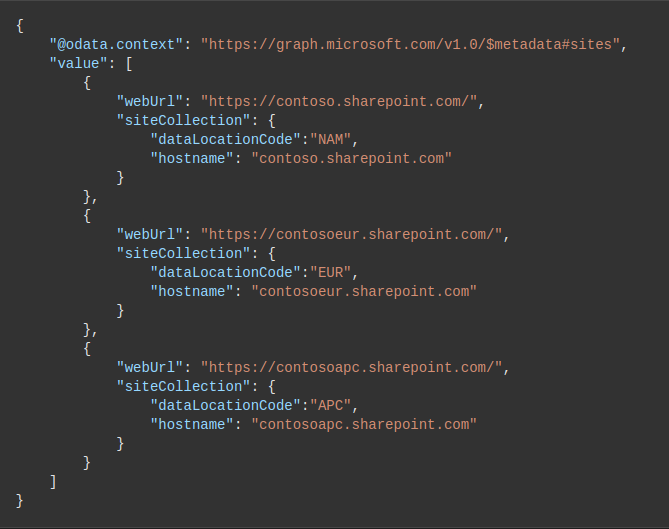
#### Observed Behavior
Missing of dataLocationCode in getting all geolocation API
URL: https://graph.microsoft.com/v1.0/sites?filter=siteCollection/root%20ne%20null&select=webUrl,siteCollection
```
{
""@odata.context"": ""https://graph.microsoft.com/v1.0/$metadata#sites"",
""value"": [
{
""webUrl"": ""https://netskopepmskopejpn.sharepoint.com/"",
""siteCollection"": {
""hostname"": ""netskopepmskopejpn.sharepoint.com"",
""root"": {}
}
},
{
""webUrl"": ""https://netskopepmskopegbr.sharepoint.com/"",
""siteCollection"": {
""hostname"": ""netskopepmskopegbr.sharepoint.com"",
""root"": {}
}
},
{
""webUrl"": ""https://netskopepmskope.sharepoint.com/"",
""siteCollection"": {
""hostname"": ""netskopepmskope.sharepoint.com"",
""root"": {}
}
},
{
""webUrl"": ""https://netskopepmskopeind.sharepoint.com/"",
""siteCollection"": {
""hostname"": ""netskopepmskopeind.sharepoint.com"",
""root"": {}
}
}
]
}
```
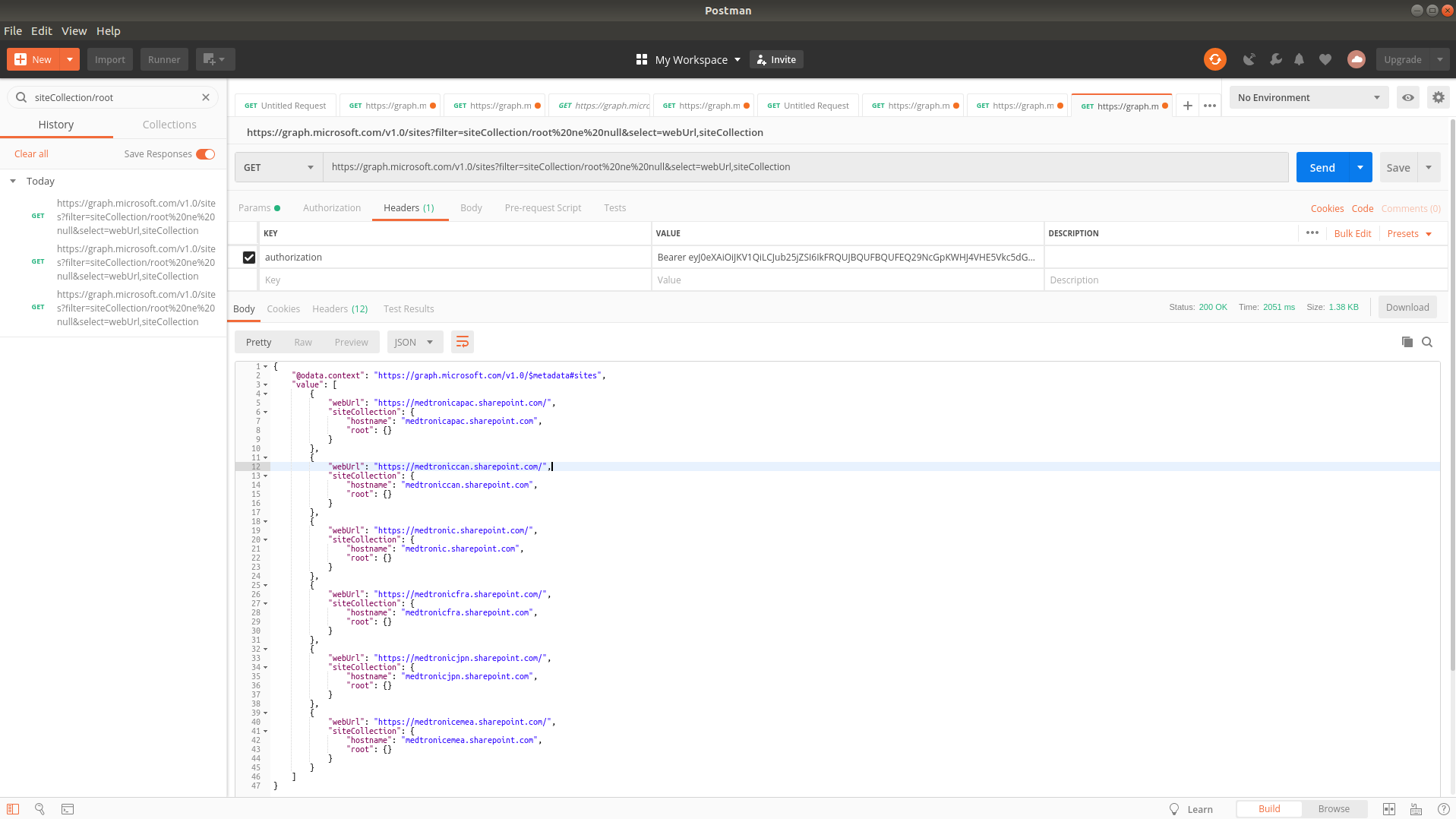
Please also provide the following response headers corresponding to your request(s):
- Date - Wed, 03 Jul 2019 06:38:47
- request-id - 566ae7b6-4852-40e3-8485-7daf9c010472
- SPRequestGuid - 1d8dec9e-c071-0000-3f4a-597faa9ba2ef
#### Steps to Reproduce
Make graph api call with graph token
url : URL: https://graph.microsoft.com/v1.0/sites?filter=siteCollection/root%20ne%20null&select=webUrl,siteCollection
Thank you.
",1.0,"dataLocationCode field is not available in graph API for multi geo. - #### Category
- [ ] Question
- [ ] Documentation issue
- [x] Bug
#### Expected or Desired Behavior
With reference to https://docs.microsoft.com/en-us/sharepoint/dev/solution-guidance/multigeo-discovery

#### Observed Behavior
Missing of dataLocationCode in getting all geolocation API
URL: https://graph.microsoft.com/v1.0/sites?filter=siteCollection/root%20ne%20null&select=webUrl,siteCollection
```
{
""@odata.context"": ""https://graph.microsoft.com/v1.0/$metadata#sites"",
""value"": [
{
""webUrl"": ""https://netskopepmskopejpn.sharepoint.com/"",
""siteCollection"": {
""hostname"": ""netskopepmskopejpn.sharepoint.com"",
""root"": {}
}
},
{
""webUrl"": ""https://netskopepmskopegbr.sharepoint.com/"",
""siteCollection"": {
""hostname"": ""netskopepmskopegbr.sharepoint.com"",
""root"": {}
}
},
{
""webUrl"": ""https://netskopepmskope.sharepoint.com/"",
""siteCollection"": {
""hostname"": ""netskopepmskope.sharepoint.com"",
""root"": {}
}
},
{
""webUrl"": ""https://netskopepmskopeind.sharepoint.com/"",
""siteCollection"": {
""hostname"": ""netskopepmskopeind.sharepoint.com"",
""root"": {}
}
}
]
}
```

Please also provide the following response headers corresponding to your request(s):
- Date - Wed, 03 Jul 2019 06:38:47
- request-id - 566ae7b6-4852-40e3-8485-7daf9c010472
- SPRequestGuid - 1d8dec9e-c071-0000-3f4a-597faa9ba2ef
#### Steps to Reproduce
Make graph api call with graph token
url : URL: https://graph.microsoft.com/v1.0/sites?filter=siteCollection/root%20ne%20null&select=webUrl,siteCollection
Thank you.
",1,datalocationcode field is not available in graph api for multi geo category question documentation issue bug expected or desired behavior with reference to observed behavior missing of datalocationcode in getting all geolocation api url odata context value weburl sitecollection hostname netskopepmskopejpn sharepoint com root weburl sitecollection hostname netskopepmskopegbr sharepoint com root weburl sitecollection hostname netskopepmskope sharepoint com root weburl sitecollection hostname netskopepmskopeind sharepoint com root please also provide the following response headers corresponding to your request s date wed jul request id sprequestguid steps to reproduce make graph api call with graph token url url thank you ,1
8828,27172303820.0,IssuesEvent,2023-02-17 20:39:17,OneDrive/onedrive-api-docs,https://api.github.com/repos/OneDrive/onedrive-api-docs,closed,Create Delta Token using datetime,type:enhancement Needs: Triage :mag: area:Delta automation:Closed,"
#### Category
- [ ] **Question**
- [ ] Documentation issue
- [ ] Bug
Is there any way to create a delta token using some datetime? because token=latest would create token using current time and we may need to have one that could be created using some old time
Thank you.
[ ]: http://aka.ms/onedrive-api-issues
[x]: http://aka.ms/onedrive-api-issues",1.0,"Create Delta Token using datetime -
#### Category
- [ ] **Question**
- [ ] Documentation issue
- [ ] Bug
Is there any way to create a delta token using some datetime? because token=latest would create token using current time and we may need to have one that could be created using some old time
Thank you.
[ ]: http://aka.ms/onedrive-api-issues
[x]: http://aka.ms/onedrive-api-issues",1,create delta token using datetime category question documentation issue bug is there any way to create a delta token using some datetime because token latest would create token using current time and we may need to have one that could be created using some old time thank you ,1
8861,27172340740.0,IssuesEvent,2023-02-17 20:41:36,OneDrive/onedrive-api-docs,https://api.github.com/repos/OneDrive/onedrive-api-docs,closed,Unicode string(japanese-string) use atob is getting error ,area:Picker Needs: Investigation automation:Closed,"#### Category
- [ ] Question
- [ ] Documentation issue
- [x] Bug
#### Expected or Desired Behavior
When using Onedriver file picker, no error decode.
#### Observed Behavior
Current version: Opening Files with the OneDrive File Picker JavaScript SDK v7.2
I get exception like
```
[OneDriveSDK] Failed due to unknown error:
0: DOMException: Failed to execute 'atob' on 'Window': The string to be decoded is not correctly encoded.
```
#### Steps to Reproduce
1. Use javascript open picker dialog with option:
```
OneDrive.open({
clientId: ""my-client-id"",
action: ""share"",
multiSelect: true,
advanced: {
redirectUri: myRedirectUri
},
success: function(data) { /* success handler */ },
cancel: function() { /* cancel handler */ },
error: function(error) { /* error handler */ }
});
```
2. Microsoft account login with the name as: `ABCD先生生03`
3. Meet the bug
Thank you.
[ ]: http://aka.ms/onedrive-api-issues
[x]: http://aka.ms/onedrive-api-issues",1.0,"Unicode string(japanese-string) use atob is getting error - #### Category
- [ ] Question
- [ ] Documentation issue
- [x] Bug
#### Expected or Desired Behavior
When using Onedriver file picker, no error decode.
#### Observed Behavior
Current version: Opening Files with the OneDrive File Picker JavaScript SDK v7.2
I get exception like
```
[OneDriveSDK] Failed due to unknown error:
0: DOMException: Failed to execute 'atob' on 'Window': The string to be decoded is not correctly encoded.
```
#### Steps to Reproduce
1. Use javascript open picker dialog with option:
```
OneDrive.open({
clientId: ""my-client-id"",
action: ""share"",
multiSelect: true,
advanced: {
redirectUri: myRedirectUri
},
success: function(data) { /* success handler */ },
cancel: function() { /* cancel handler */ },
error: function(error) { /* error handler */ }
});
```
2. Microsoft account login with the name as: `ABCD先生生03`
3. Meet the bug
Thank you.
[ ]: http://aka.ms/onedrive-api-issues
[x]: http://aka.ms/onedrive-api-issues",1,unicode string japanese string use atob is getting error category question documentation issue bug expected or desired behavior when using onedriver file picker no error decode observed behavior current version opening files with the onedrive file picker javascript sdk i get exception like failed due to unknown error domexception failed to execute atob on window the string to be decoded is not correctly encoded steps to reproduce use javascript open picker dialog with option onedrive open clientid my client id action share multiselect true advanced redirecturi myredirecturi success function data success handler cancel function cancel handler error function error error handler microsoft account login with the name as meet the bug thank you ,1
8840,27172317383.0,IssuesEvent,2023-02-17 20:40:08,OneDrive/onedrive-api-docs,https://api.github.com/repos/OneDrive/onedrive-api-docs,closed,@microsoft.graph.conflictBehavior=Replace and Rename not working for Move Item,type:bug area:Copy/Move status:backlogged automation:Closed,"- [ ] Question
- [ ] Documentation issue
- [ X] Bug
**Conflict Behaviour=replace** not working for Move Item.
Here is the Request and Response.
PATCH : https://graph.microsoft.com/v1.0/drives/b!2jIVYv-TmkuIJKAhTCyu6WeVZIBaVEpEmt_D06E9j2ZNSSz7vQgARJphpkDG4raQ/root:/Sushma/test:
{""parentReference"":{""path"":""/drive/root:/""},""@microsoft.graph.conflictBehavior"":""replace""}
Expected Behaviour : Expecting it to replace the old item with the new Item.
Observed Behaviour : {
""error"": {
""code"": ""nameAlreadyExists"",
""message"": ""Name already exists"",
""innerError"": {
""date"": ""2020-10-09T15:12:00"",
""request-id"": ""4e0d7ced-26c1-45fa-afc0-d6af2816ad94"",
""client-request-id"": ""25663889-0f88-d574-a8e7-9145af173c2d""
}
}
}
Steps to Reproduce
Try to move any folder which exists in the target folder.
**Conflict behaviour = rename**
For move Item, conflict bahaviour=rename is not working when the parentReference.path contains # symbol init. Here is the request.
**Request** :
PATCH https://graph.microsoft.com/v1.0/drives/b!2jIVYv-TmkuIJKAhTCyu6WeVZIBaVEpEmt_D06E9j2ZNSSz7vQgARJphpkDG4raQ/root:/Test%20%20%20Fo%20%20%20ld%20%20er%20NULL:
{
""parentReference"": {
""path"": ""/drive/root:/tes t with lon!@$#""
},
""@microsoft.graph.conflictBehavior"": ""rename""
}
Expected Behaviour : The folder name should be renamed.
Observed Behaviour :
{
""error"": {
""code"": ""nameAlreadyExists"",
""message"": ""Name already exists"",
""innerError"": {
""date"": ""2020-10-09T14:09:26"",
""request-id"": ""58d88027-ac70-4e2f-9a43-67a72d9e83c3"",
""client-request-id"": ""39b35266-e3a2-e954-5b71-e8dab42097fc""
}
}
}
**Note** : When i remove # from the path, the rename is working as expected.
Thank you.
[x]: http://aka.ms/onedrive-api-issues",1.0,"@microsoft.graph.conflictBehavior=Replace and Rename not working for Move Item - - [ ] Question
- [ ] Documentation issue
- [ X] Bug
**Conflict Behaviour=replace** not working for Move Item.
Here is the Request and Response.
PATCH : https://graph.microsoft.com/v1.0/drives/b!2jIVYv-TmkuIJKAhTCyu6WeVZIBaVEpEmt_D06E9j2ZNSSz7vQgARJphpkDG4raQ/root:/Sushma/test:
{""parentReference"":{""path"":""/drive/root:/""},""@microsoft.graph.conflictBehavior"":""replace""}
Expected Behaviour : Expecting it to replace the old item with the new Item.
Observed Behaviour : {
""error"": {
""code"": ""nameAlreadyExists"",
""message"": ""Name already exists"",
""innerError"": {
""date"": ""2020-10-09T15:12:00"",
""request-id"": ""4e0d7ced-26c1-45fa-afc0-d6af2816ad94"",
""client-request-id"": ""25663889-0f88-d574-a8e7-9145af173c2d""
}
}
}
Steps to Reproduce
Try to move any folder which exists in the target folder.
**Conflict behaviour = rename**
For move Item, conflict bahaviour=rename is not working when the parentReference.path contains # symbol init. Here is the request.
**Request** :
PATCH https://graph.microsoft.com/v1.0/drives/b!2jIVYv-TmkuIJKAhTCyu6WeVZIBaVEpEmt_D06E9j2ZNSSz7vQgARJphpkDG4raQ/root:/Test%20%20%20Fo%20%20%20ld%20%20er%20NULL:
{
""parentReference"": {
""path"": ""/drive/root:/tes t with lon!@$#""
},
""@microsoft.graph.conflictBehavior"": ""rename""
}
Expected Behaviour : The folder name should be renamed.
Observed Behaviour :
{
""error"": {
""code"": ""nameAlreadyExists"",
""message"": ""Name already exists"",
""innerError"": {
""date"": ""2020-10-09T14:09:26"",
""request-id"": ""58d88027-ac70-4e2f-9a43-67a72d9e83c3"",
""client-request-id"": ""39b35266-e3a2-e954-5b71-e8dab42097fc""
}
}
}
**Note** : When i remove # from the path, the rename is working as expected.
Thank you.
[x]: http://aka.ms/onedrive-api-issues",1, microsoft graph conflictbehavior replace and rename not working for move item question documentation issue bug conflict behaviour replace not working for move item here is the request and response patch parentreference path drive root microsoft graph conflictbehavior replace expected behaviour expecting it to replace the old item with the new item observed behaviour error code namealreadyexists message name already exists innererror date request id client request id steps to reproduce try to move any folder which exists in the target folder conflict behaviour rename for move item conflict bahaviour rename is not working when the parentreference path contains symbol init here is the request request patch parentreference path drive root tes t with lon microsoft graph conflictbehavior rename expected behaviour the folder name should be renamed observed behaviour error code namealreadyexists message name already exists innererror date request id client request id note when i remove from the path the rename is working as expected thank you ,1
8774,27172234327.0,IssuesEvent,2023-02-17 20:34:49,OneDrive/onedrive-api-docs,https://api.github.com/repos/OneDrive/onedrive-api-docs,closed,Embedding of Word and Excel Previews fails.,status:investigating Needs: Attention :wave: area:Previewers automation:Closed,"#### Category
- [ ] Question
- [ ] Documentation issue
- [x] Bug
#### Expected or Desired Behavior
I can embed the preview of a files stored in Onedrive into an external website.
#### Observed Behavior
The preview doesn't work for Word and Excel, while Powerpoint, PDF and images work fine!
**Word:**
The browser calls multiple times following url:
https://euc-word-view.officeapps.live.com/wv/ResReader.ashx?...
And service is always throwing a 404 exception:
`
404 - File or directory not found.
The resource you are looking for might have been removed, had its name changed, or is temporarily unavailable.
`
After a view minutes the iFrame shows following error message.

**Excel:**
I can see some timeouts during the loading thrown in the javascript file embed-mini-c903f097.js
Console output:
embed-mini-c903f097.js:1 Promise with no error callback:5
The loading stuck in the view with the Excel logo.
#### Steps to Reproduce
Load the preview information via REST API.
Extract the value of the parameter ""getUrl"" of the response and use the value to load the preview via iFrame .
Thank you.
",1.0,"Embedding of Word and Excel Previews fails. - #### Category
- [ ] Question
- [ ] Documentation issue
- [x] Bug
#### Expected or Desired Behavior
I can embed the preview of a files stored in Onedrive into an external website.
#### Observed Behavior
The preview doesn't work for Word and Excel, while Powerpoint, PDF and images work fine!
**Word:**
The browser calls multiple times following url:
https://euc-word-view.officeapps.live.com/wv/ResReader.ashx?...
And service is always throwing a 404 exception:
`
404 - File or directory not found.
The resource you are looking for might have been removed, had its name changed, or is temporarily unavailable.
`
After a view minutes the iFrame shows following error message.

**Excel:**
I can see some timeouts during the loading thrown in the javascript file embed-mini-c903f097.js
Console output:
embed-mini-c903f097.js:1 Promise with no error callback:5
The loading stuck in the view with the Excel logo.

#### Steps to Reproduce
Load the preview information via REST API.
Extract the value of the parameter ""getUrl"" of the response and use the value to load the preview via iFrame .
Thank you.
",1,embedding of word and excel previews fails category question documentation issue bug expected or desired behavior i can embed the preview of a files stored in onedrive into an external website observed behavior the preview doesn t work for word and excel while powerpoint pdf and images work fine word the browser calls multiple times following url and service is always throwing a exception file or directory not found the resource you are looking for might have been removed had its name changed or is temporarily unavailable after a view minutes the iframe shows following error message excel i can see some timeouts during the loading thrown in the javascript file embed mini js console output embed mini js promise with no error callback the loading stuck in the view with the excel logo steps to reproduce load the preview information via rest api extract the value of the parameter geturl of the response and use the value to load the preview via iframe thank you ,1
8769,27172228597.0,IssuesEvent,2023-02-17 20:34:28,OneDrive/onedrive-api-docs,https://api.github.com/repos/OneDrive/onedrive-api-docs,closed,nameConflictBehavior does not work when using sourceUri,area:Picker Needs: Investigation automation:Closed,"The nameConflictBehavior option is ignored when using OneDrive.save({...}) with sourceUri instead of the sourceInputElementId option. A similar issue was mentioned on the thread of issue #460.
- What can I do to handle nameConflictBehavior when using sourceUri?
- Is there a newer release than v7.2?
- Is there a source repository for the OneDrive.js?
- What other options are available to integrate OneDrive into a web application?
---
#### Document Details
⚠ *Do not edit this section. It is required for docs.microsoft.com ➟ GitHub issue linking.*
* ID: c613df58-666d-a413-70cf-f29d0ffb27d2
* Version Independent ID: 2521214c-fd2e-27e0-03f9-e24ca0871f97
* Content: [Save to OneDrive from JavaScript - OneDrive dev center](https://docs.microsoft.com/en-us/onedrive/developer/controls/file-pickers/js-v72/save-file?view=odsp-graph-online)
* Content Source: [docs/controls/file-pickers/js-v72/save-file.md](https://github.com/OneDrive/onedrive-api-docs/blob/live/docs/controls/file-pickers/js-v72/save-file.md)
* Product: **onedrive**
* GitHub Login: @rgregg
* Microsoft Alias: **rgregg**",1.0,"nameConflictBehavior does not work when using sourceUri - The nameConflictBehavior option is ignored when using OneDrive.save({...}) with sourceUri instead of the sourceInputElementId option. A similar issue was mentioned on the thread of issue #460.
- What can I do to handle nameConflictBehavior when using sourceUri?
- Is there a newer release than v7.2?
- Is there a source repository for the OneDrive.js?
- What other options are available to integrate OneDrive into a web application?
---
#### Document Details
⚠ *Do not edit this section. It is required for docs.microsoft.com ➟ GitHub issue linking.*
* ID: c613df58-666d-a413-70cf-f29d0ffb27d2
* Version Independent ID: 2521214c-fd2e-27e0-03f9-e24ca0871f97
* Content: [Save to OneDrive from JavaScript - OneDrive dev center](https://docs.microsoft.com/en-us/onedrive/developer/controls/file-pickers/js-v72/save-file?view=odsp-graph-online)
* Content Source: [docs/controls/file-pickers/js-v72/save-file.md](https://github.com/OneDrive/onedrive-api-docs/blob/live/docs/controls/file-pickers/js-v72/save-file.md)
* Product: **onedrive**
* GitHub Login: @rgregg
* Microsoft Alias: **rgregg**",1,nameconflictbehavior does not work when using sourceuri the nameconflictbehavior option is ignored when using onedrive save with sourceuri instead of the sourceinputelementid option a similar issue was mentioned on the thread of issue what can i do to handle nameconflictbehavior when using sourceuri is there a newer release than is there a source repository for the onedrive js what other options are available to integrate onedrive into a web application document details ⚠ do not edit this section it is required for docs microsoft com ➟ github issue linking id version independent id content content source product onedrive github login rgregg microsoft alias rgregg ,1
8770,27172229688.0,IssuesEvent,2023-02-17 20:34:32,OneDrive/onedrive-api-docs,https://api.github.com/repos/OneDrive/onedrive-api-docs,closed,Onedrive personal Hash changed?,area:Docs area:OneDrive Personal Needs: Attention :wave: automation:Closed,"I find the hashes in File facet changed recently.
Now, OneDrive Personal start to provide SHA1 and QuickXorHash without CRC32.
OneDrive for Business is still SHA1 only.
Is it true?
Will I have to change my code for this?
---
#### Document Details
⚠ *Do not edit this section. It is required for docs.microsoft.com ➟ GitHub issue linking.*
* ID: 40c044a7-71d2-b1b1-d2b3-9d014888a09e
* Version Independent ID: 08abe874-0f62-dfc9-303d-8048d5fc9b65
* Content: [OneDrive API release notes - OneDrive dev center](https://docs.microsoft.com/en-us/onedrive/developer/rest-api/getting-started/release-notes?view=odsp-graph-online)
* Content Source: [docs/rest-api/getting-started/release-notes.md](https://github.com/OneDrive/onedrive-api-docs/blob/live/docs/rest-api/getting-started/release-notes.md)
* Product: **onedrive**
* GitHub Login: @rgregg
* Microsoft Alias: **rgregg**",1.0,"Onedrive personal Hash changed? - I find the hashes in File facet changed recently.
Now, OneDrive Personal start to provide SHA1 and QuickXorHash without CRC32.
OneDrive for Business is still SHA1 only.
Is it true?
Will I have to change my code for this?
---
#### Document Details
⚠ *Do not edit this section. It is required for docs.microsoft.com ➟ GitHub issue linking.*
* ID: 40c044a7-71d2-b1b1-d2b3-9d014888a09e
* Version Independent ID: 08abe874-0f62-dfc9-303d-8048d5fc9b65
* Content: [OneDrive API release notes - OneDrive dev center](https://docs.microsoft.com/en-us/onedrive/developer/rest-api/getting-started/release-notes?view=odsp-graph-online)
* Content Source: [docs/rest-api/getting-started/release-notes.md](https://github.com/OneDrive/onedrive-api-docs/blob/live/docs/rest-api/getting-started/release-notes.md)
* Product: **onedrive**
* GitHub Login: @rgregg
* Microsoft Alias: **rgregg**",1,onedrive personal hash changed i find the hashes in file facet changed recently now onedrive personal start to provide and quickxorhash without onedrive for business is still only is it true will i have to change my code for this document details ⚠ do not edit this section it is required for docs microsoft com ➟ github issue linking id version independent id content content source product onedrive github login rgregg microsoft alias rgregg ,1
8824,27172299544.0,IssuesEvent,2023-02-17 20:39:01,OneDrive/onedrive-api-docs,https://api.github.com/repos/OneDrive/onedrive-api-docs,closed,[OneDriveSDK] Failed due to unknown error,area:Docs area:Picker status:backlogged automation:Closed,"#### Category
- [x] Question
- [ ] Documentation issue
- [ ] Bug
I'm trying to run a sample OneDrive picker. But it didn't seems to work.
#### Observed Behavior
A popup opens asking to login. As soon as I enter my email address and hit the next button. The popup closes and there is this error in the console.

#### Steps to Reproduce
Here is my `index.html` and `odcallback.html`
`index.html`
```html
```
`odcallback.html`
```html
```
Here is my app registration

Did I missed something in configuration ?
Thank you.
[ ]: http://aka.ms/onedrive-api-issues
[x]: http://aka.ms/onedrive-api-issues",1.0,"[OneDriveSDK] Failed due to unknown error - #### Category
- [x] Question
- [ ] Documentation issue
- [ ] Bug
I'm trying to run a sample OneDrive picker. But it didn't seems to work.
#### Observed Behavior
A popup opens asking to login. As soon as I enter my email address and hit the next button. The popup closes and there is this error in the console.

#### Steps to Reproduce
Here is my `index.html` and `odcallback.html`
`index.html`
```html
```
`odcallback.html`
```html
```
Here is my app registration

Did I missed something in configuration ?
Thank you.
[ ]: http://aka.ms/onedrive-api-issues
[x]: http://aka.ms/onedrive-api-issues",1, failed due to unknown error category question documentation issue bug i m trying to run a sample onedrive picker but it didn t seems to work observed behavior a popup opens asking to login as soon as i enter my email address and hit the next button the popup closes and there is this error in the console steps to reproduce here is my index html and odcallback html index html html script type text javascript src open onedrive function createpicker var odoptions clientid client id here action download multiselect true advanced redirecturi success function files console log files cancel function error function error console error error onedrive open odoptions odcallback html html script type text javascript src here is my app registration did i missed something in configuration thank you ,1
8664,27172057525.0,IssuesEvent,2023-02-17 20:25:02,OneDrive/onedrive-api-docs,https://api.github.com/repos/OneDrive/onedrive-api-docs,closed,Missing sharing link when creating a permission to a file stored in SharePoint,automation:Closed,"I am not sure if this is an issue with the documentation or I am simply misunderstanding something. I am currently attempting to manipulate the permissions of files that are stored in a SharePoint document library. When I use `/invite` to grant permission to an email address outside of the SharePoint site organization (i.e. an external user), I get the following response:
```
Success - Status Code 200
{
""@odata.context"": ""https://graph.microsoft.com/v1.0/$metadata#Collection(permission)"",
""value"": [
{
""@odata.type"": ""#microsoft.graph.permission"",
""grantedTo"": {
""user"": {
""displayName"": ""{email}""
}
},
""id"": ""{permissionId}"",
""roles"": [
""write""
]
}
]
}
```
Looking at the file permissions from SharePoint, I can see that it successfully created a share link for the provided email address that grants the requested permission. My goal is to access that share link using the Graph Api. However, the link is not provided in the response and the newly created permission is not listed when I query the file's permissions from Graph like so:
`GET https://graph.microsoft.com/v1.0/drives/{driveId}/items/{itemId}/permissions`.
Furthermore, if I request the permission using the returned permission id (`GET https://graph.microsoft.com/v1.0/drives/{driveId}/items/{itemId}/permissions/{permissionId}`), then I receive the following response:
```
{
""error"": {
""code"": ""itemNotFound"",
""message"": ""The resource could not be found."",
""innerError"": {
""request-id"": ""0efaf915-bacf-4cfc-983c-8bc3af716c34"",
""date"": ""2018-03-23T18:53:40""
}
}
}
```
I was under the impression that the response should contain a 'link' facet with the sharing url when I first create the permission and that I could access the permission after it was created via `/permissions` or `/permissions/{permissionId}`. Is this incorrect? If so, is there any way to access the share url associated with permissions created using `/invite`?",1.0,"Missing sharing link when creating a permission to a file stored in SharePoint - I am not sure if this is an issue with the documentation or I am simply misunderstanding something. I am currently attempting to manipulate the permissions of files that are stored in a SharePoint document library. When I use `/invite` to grant permission to an email address outside of the SharePoint site organization (i.e. an external user), I get the following response:
```
Success - Status Code 200
{
""@odata.context"": ""https://graph.microsoft.com/v1.0/$metadata#Collection(permission)"",
""value"": [
{
""@odata.type"": ""#microsoft.graph.permission"",
""grantedTo"": {
""user"": {
""displayName"": ""{email}""
}
},
""id"": ""{permissionId}"",
""roles"": [
""write""
]
}
]
}
```
Looking at the file permissions from SharePoint, I can see that it successfully created a share link for the provided email address that grants the requested permission. My goal is to access that share link using the Graph Api. However, the link is not provided in the response and the newly created permission is not listed when I query the file's permissions from Graph like so:
`GET https://graph.microsoft.com/v1.0/drives/{driveId}/items/{itemId}/permissions`.
Furthermore, if I request the permission using the returned permission id (`GET https://graph.microsoft.com/v1.0/drives/{driveId}/items/{itemId}/permissions/{permissionId}`), then I receive the following response:
```
{
""error"": {
""code"": ""itemNotFound"",
""message"": ""The resource could not be found."",
""innerError"": {
""request-id"": ""0efaf915-bacf-4cfc-983c-8bc3af716c34"",
""date"": ""2018-03-23T18:53:40""
}
}
}
```
I was under the impression that the response should contain a 'link' facet with the sharing url when I first create the permission and that I could access the permission after it was created via `/permissions` or `/permissions/{permissionId}`. Is this incorrect? If so, is there any way to access the share url associated with permissions created using `/invite`?",1,missing sharing link when creating a permission to a file stored in sharepoint i am not sure if this is an issue with the documentation or i am simply misunderstanding something i am currently attempting to manipulate the permissions of files that are stored in a sharepoint document library when i use invite to grant permission to an email address outside of the sharepoint site organization i e an external user i get the following response success status code odata context value odata type microsoft graph permission grantedto user displayname email id permissionid roles write looking at the file permissions from sharepoint i can see that it successfully created a share link for the provided email address that grants the requested permission my goal is to access that share link using the graph api however the link is not provided in the response and the newly created permission is not listed when i query the file s permissions from graph like so get furthermore if i request the permission using the returned permission id get then i receive the following response error code itemnotfound message the resource could not be found innererror request id bacf date i was under the impression that the response should contain a link facet with the sharing url when i first create the permission and that i could access the permission after it was created via permissions or permissions permissionid is this incorrect if so is there any way to access the share url associated with permissions created using invite ,1
8754,27172210632.0,IssuesEvent,2023-02-17 20:33:24,OneDrive/onedrive-api-docs,https://api.github.com/repos/OneDrive/onedrive-api-docs,closed,"It seems too easy to delete a folder, by mistake",type:bug status:investigating Needs: Attention :wave: automation:Closed,"It seems a folder can be deleted:
a) without giving the id for that folder specifically,
b) when the folder is not empty.
When I was developing my usage of this endpoint, I mistakenly gave the endpoint path:
""/me/drive/special/approot/items/\(itemId)""
with a DELETE REST request and that deleted my entire app folder. The itemId referred to an item in the folder, and the folder was not empty.
Thanks for your consideration.
---
#### Document Details
⚠ *Do not edit this section. It is required for docs.microsoft.com ➟ GitHub issue linking.*
* ID: 1972b81a-297f-08b6-274a-60ecda82a218
* Version Independent ID: f0da765f-de5f-e6a1-a17c-c02dcfabd3ae
* Content: [Delete a file or folder - OneDrive API - OneDrive dev center](https://docs.microsoft.com/en-us/onedrive/developer/rest-api/api/driveitem_delete?view=odsp-graph-online#feedback)
* Content Source: [docs/rest-api/api/driveitem_delete.md](https://github.com/OneDrive/onedrive-api-docs/blob/live/docs/rest-api/api/driveitem_delete.md)
* Product: **onedrive**
* GitHub Login: @rgregg
* Microsoft Alias: **rgregg**",1.0,"It seems too easy to delete a folder, by mistake - It seems a folder can be deleted:
a) without giving the id for that folder specifically,
b) when the folder is not empty.
When I was developing my usage of this endpoint, I mistakenly gave the endpoint path:
""/me/drive/special/approot/items/\(itemId)""
with a DELETE REST request and that deleted my entire app folder. The itemId referred to an item in the folder, and the folder was not empty.
Thanks for your consideration.
---
#### Document Details
⚠ *Do not edit this section. It is required for docs.microsoft.com ➟ GitHub issue linking.*
* ID: 1972b81a-297f-08b6-274a-60ecda82a218
* Version Independent ID: f0da765f-de5f-e6a1-a17c-c02dcfabd3ae
* Content: [Delete a file or folder - OneDrive API - OneDrive dev center](https://docs.microsoft.com/en-us/onedrive/developer/rest-api/api/driveitem_delete?view=odsp-graph-online#feedback)
* Content Source: [docs/rest-api/api/driveitem_delete.md](https://github.com/OneDrive/onedrive-api-docs/blob/live/docs/rest-api/api/driveitem_delete.md)
* Product: **onedrive**
* GitHub Login: @rgregg
* Microsoft Alias: **rgregg**",1,it seems too easy to delete a folder by mistake it seems a folder can be deleted a without giving the id for that folder specifically b when the folder is not empty when i was developing my usage of this endpoint i mistakenly gave the endpoint path me drive special approot items itemid with a delete rest request and that deleted my entire app folder the itemid referred to an item in the folder and the folder was not empty thanks for your consideration document details ⚠ do not edit this section it is required for docs microsoft com ➟ github issue linking id version independent id content content source product onedrive github login rgregg microsoft alias rgregg ,1
8737,27172188571.0,IssuesEvent,2023-02-17 20:32:12,OneDrive/onedrive-api-docs,https://api.github.com/repos/OneDrive/onedrive-api-docs,closed,Service returns 403 Forbidden when creating upload session to appfolder,type:bug automation:Closed,"#### Category
- [ ] Question
- [ ] Documentation issue
- [x] Bug
#### Expected or Desired Behavior
creating an upload session works without 403
#### Observed Behavior
Creating an upload session in order to upload a file to the app folder returns 403 Forbidden when the app folder does not exist yet.
""Simple item upload"" via PUT works without problems.
Also, if the app folder already exists (e.g. because it was created previously with a ""Simple item upload"") creating an upload session also works as expected
#### Steps to Reproduce
I am hitting OneDrive Personal (beta endpoint).
Requested Scopes are `Files.ReadWrite.AppFolder`
```
client-request-id: 53a479a5-1e7e-4c28-884e-d3fea39c86ff
Strict-Transport-Security: max-age=31536000
request-id: 53a479a5-1e7e-4c28-884e-d3fea39c86ff
Transfer-Encoding: chunked
x-ms-ags-diagnostic: {""ServerInfo"":{""DataCenter"":""West Europe"",""Slice"":""SliceC"",""Ring"":""5"",""ScaleUnit"":""001"",""RoleInstance"":""AGSFE_IN_30"",""ADSiteName"":""WEU""}}
Duration: 583.478
Cache-Control: private
Date: Tue, 09 Jul 2019 07:59:51 GMT
```
```
client-request-id: 3664db26-148f-49e6-b452-bc1a6f4950b5
Strict-Transport-Security: max-age=31536000
request-id: 3664db26-148f-49e6-b452-bc1a6f4950b5
Transfer-Encoding: chunked
x-ms-ags-diagnostic: {""ServerInfo"":{""DataCenter"":""West Europe"",""Slice"":""SliceC"",""Ring"":""5"",""ScaleUnit"":""001"",""RoleInstance"":""AGSFE_IN_36"",""ADSiteName"":""WEU""}}
Duration: 617.6514
Cache-Control: private
Date: Tue, 09 Jul 2019 08:01:51 GMT
```",1.0,"Service returns 403 Forbidden when creating upload session to appfolder - #### Category
- [ ] Question
- [ ] Documentation issue
- [x] Bug
#### Expected or Desired Behavior
creating an upload session works without 403
#### Observed Behavior
Creating an upload session in order to upload a file to the app folder returns 403 Forbidden when the app folder does not exist yet.
""Simple item upload"" via PUT works without problems.
Also, if the app folder already exists (e.g. because it was created previously with a ""Simple item upload"") creating an upload session also works as expected
#### Steps to Reproduce
I am hitting OneDrive Personal (beta endpoint).
Requested Scopes are `Files.ReadWrite.AppFolder`
```
client-request-id: 53a479a5-1e7e-4c28-884e-d3fea39c86ff
Strict-Transport-Security: max-age=31536000
request-id: 53a479a5-1e7e-4c28-884e-d3fea39c86ff
Transfer-Encoding: chunked
x-ms-ags-diagnostic: {""ServerInfo"":{""DataCenter"":""West Europe"",""Slice"":""SliceC"",""Ring"":""5"",""ScaleUnit"":""001"",""RoleInstance"":""AGSFE_IN_30"",""ADSiteName"":""WEU""}}
Duration: 583.478
Cache-Control: private
Date: Tue, 09 Jul 2019 07:59:51 GMT
```
```
client-request-id: 3664db26-148f-49e6-b452-bc1a6f4950b5
Strict-Transport-Security: max-age=31536000
request-id: 3664db26-148f-49e6-b452-bc1a6f4950b5
Transfer-Encoding: chunked
x-ms-ags-diagnostic: {""ServerInfo"":{""DataCenter"":""West Europe"",""Slice"":""SliceC"",""Ring"":""5"",""ScaleUnit"":""001"",""RoleInstance"":""AGSFE_IN_36"",""ADSiteName"":""WEU""}}
Duration: 617.6514
Cache-Control: private
Date: Tue, 09 Jul 2019 08:01:51 GMT
```",1,service returns forbidden when creating upload session to appfolder category question documentation issue bug expected or desired behavior creating an upload session works without observed behavior creating an upload session in order to upload a file to the app folder returns forbidden when the app folder does not exist yet simple item upload via put works without problems also if the app folder already exists e g because it was created previously with a simple item upload creating an upload session also works as expected steps to reproduce i am hitting onedrive personal beta endpoint requested scopes are files readwrite appfolder client request id strict transport security max age request id transfer encoding chunked x ms ags diagnostic serverinfo datacenter west europe slice slicec ring scaleunit roleinstance agsfe in adsitename weu duration cache control private date tue jul gmt client request id strict transport security max age request id transfer encoding chunked x ms ags diagnostic serverinfo datacenter west europe slice slicec ring scaleunit roleinstance agsfe in adsitename weu duration cache control private date tue jul gmt ,1
8884,27172365689.0,IssuesEvent,2023-02-17 20:43:11,OneDrive/onedrive-api-docs,https://api.github.com/repos/OneDrive/onedrive-api-docs,closed,OneDrive Picker not displaying Sharepoint libraries,area:Picker Needs: Investigation automation:Closed,"#### Category
- [ ] Question
- [ ] Documentation issue
- [x] Bug
#### Expected or Desired Behavior
OneDrive picker displays both the user OneDrive Folder and SharePoint Libraries
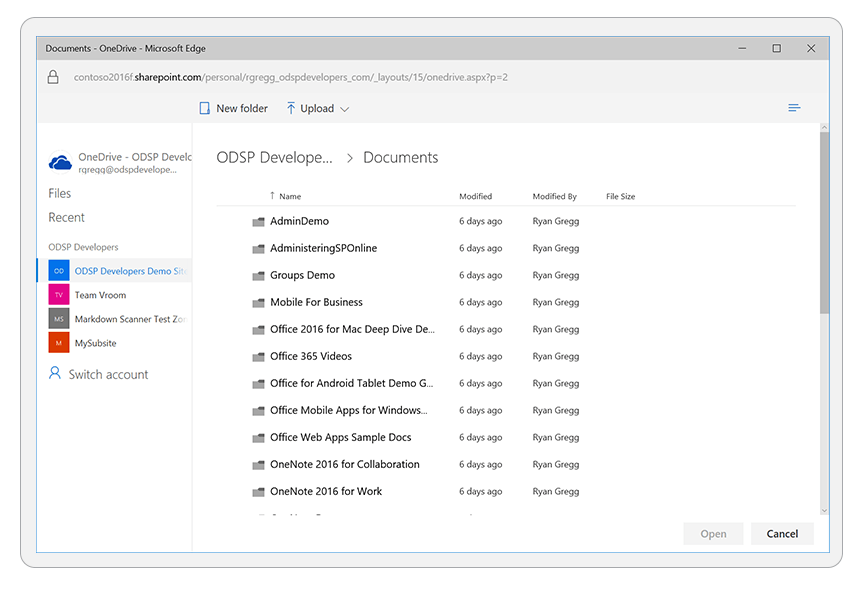
#### Observed Behavior
When opening the Picker, libraries do not show anymore. Only user files are displayed.
This was working as expected till Sep-01
#### Steps to Reproduce
N/A
[ ]: http://aka.ms/onedrive-api-issues
[x]: http://aka.ms/onedrive-api-issues",1.0,"OneDrive Picker not displaying Sharepoint libraries - #### Category
- [ ] Question
- [ ] Documentation issue
- [x] Bug
#### Expected or Desired Behavior
OneDrive picker displays both the user OneDrive Folder and SharePoint Libraries

#### Observed Behavior
When opening the Picker, libraries do not show anymore. Only user files are displayed.
This was working as expected till Sep-01
#### Steps to Reproduce
N/A
[ ]: http://aka.ms/onedrive-api-issues
[x]: http://aka.ms/onedrive-api-issues",1,onedrive picker not displaying sharepoint libraries category question documentation issue bug expected or desired behavior onedrive picker displays both the user onedrive folder and sharepoint libraries observed behavior when opening the picker libraries do not show anymore only user files are displayed this was working as expected till sep steps to reproduce n a ,1
8731,27172180889.0,IssuesEvent,2023-02-17 20:31:46,OneDrive/onedrive-api-docs,https://api.github.com/repos/OneDrive/onedrive-api-docs,closed,authentication_token in code flow?,area:Docs automation:Closed,"#### Category
- [ ] Question
- [X] Documentation issue
- [ ] Bug
https://docs.microsoft.com/en-us/onedrive/developer/rest-api/getting-started/graph-oauth?view=odsp-graph-online#response-2
The documentation for code-flow says: ""If the call is successful, the response for the POST request contains a JSON string that includes several properties including access_token, authentication_token and refresh_token if you requested the wl.offline_access scope.""
However, (1) the example of a response doesn't include authentication_token, (2) the onedrive oauth API doesn't even return authentication_token in practice for code flow.",1.0,"authentication_token in code flow? - #### Category
- [ ] Question
- [X] Documentation issue
- [ ] Bug
https://docs.microsoft.com/en-us/onedrive/developer/rest-api/getting-started/graph-oauth?view=odsp-graph-online#response-2
The documentation for code-flow says: ""If the call is successful, the response for the POST request contains a JSON string that includes several properties including access_token, authentication_token and refresh_token if you requested the wl.offline_access scope.""
However, (1) the example of a response doesn't include authentication_token, (2) the onedrive oauth API doesn't even return authentication_token in practice for code flow.",1,authentication token in code flow category question documentation issue bug the documentation for code flow says if the call is successful the response for the post request contains a json string that includes several properties including access token authentication token and refresh token if you requested the wl offline access scope however the example of a response doesn t include authentication token the onedrive oauth api doesn t even return authentication token in practice for code flow ,1
8638,27172023874.0,IssuesEvent,2023-02-17 20:23:11,OneDrive/onedrive-api-docs,https://api.github.com/repos/OneDrive/onedrive-api-docs,closed,Using custom redirect URI not working,automation:Closed,"I'm trying to use the latest file picker (v7.2) for integrating it with my helpdesk. I use custom redirect URI.
I've mentioned the redirect uri in https://apps.dev.microsoft.com same as 'https://abctest.freshdesk.com/helpdesk'. When i call initOneDrivePersonal my helpdesk gets loaded in the iframe with the url
_https://abctest.freshdesk.com/helpdesk?oauth=%7B%22clientId%22%3A%22xxxxxxxx-xxxx-xxxx-xxxx-xxxxxxxxxxxx%22%2C%22endpoint%22%3A1%2C%22scopes%22%3A%5B%22Files.ReadWrite.All%22%5D%2C%22origin%22%3A%22https%3A%2F%2Fabctest.freshdesk.com%22%2C%22redirectUri%22%3A%22https%3A%2F%2Fabctest.freshdesk.com%2Fhelpdesk%22%2C%22loginHint%22%3A%22onedriveaccount%40freshdesk.com%22%2C%22isConsumerAccount%22%3Atrue%2C%22state%22%3A%22https%3A%2F%2Fabctest.freshdesk.com_WREU4%22%7D_
```
function initOneDrivePersonal() {
let odOptions = {
clientId: 'xxxxx',
action: 'share',
multiSelect: true,
advanced: {
redirectUri: 'https://abctest.freshdesk.com/helpdesk'
},
success (files) {
console.log(files)
},
error () {
}
};
OneDrive.open(odOptions);
}
```",1.0,"Using custom redirect URI not working - I'm trying to use the latest file picker (v7.2) for integrating it with my helpdesk. I use custom redirect URI.
I've mentioned the redirect uri in https://apps.dev.microsoft.com same as 'https://abctest.freshdesk.com/helpdesk'. When i call initOneDrivePersonal my helpdesk gets loaded in the iframe with the url
_https://abctest.freshdesk.com/helpdesk?oauth=%7B%22clientId%22%3A%22xxxxxxxx-xxxx-xxxx-xxxx-xxxxxxxxxxxx%22%2C%22endpoint%22%3A1%2C%22scopes%22%3A%5B%22Files.ReadWrite.All%22%5D%2C%22origin%22%3A%22https%3A%2F%2Fabctest.freshdesk.com%22%2C%22redirectUri%22%3A%22https%3A%2F%2Fabctest.freshdesk.com%2Fhelpdesk%22%2C%22loginHint%22%3A%22onedriveaccount%40freshdesk.com%22%2C%22isConsumerAccount%22%3Atrue%2C%22state%22%3A%22https%3A%2F%2Fabctest.freshdesk.com_WREU4%22%7D_
```
function initOneDrivePersonal() {
let odOptions = {
clientId: 'xxxxx',
action: 'share',
multiSelect: true,
advanced: {
redirectUri: 'https://abctest.freshdesk.com/helpdesk'
},
success (files) {
console.log(files)
},
error () {
}
};
OneDrive.open(odOptions);
}
```",1,using custom redirect uri not working i m trying to use the latest file picker for integrating it with my helpdesk i use custom redirect uri i ve mentioned the redirect uri in same as when i call initonedrivepersonal my helpdesk gets loaded in the iframe with the url script type text javascript src function initonedrivepersonal let odoptions clientid xxxxx action share multiselect true advanced redirecturi success files console log files error onedrive open odoptions ,1
8698,27172105890.0,IssuesEvent,2023-02-17 20:27:40,OneDrive/onedrive-api-docs,https://api.github.com/repos/OneDrive/onedrive-api-docs,closed,Is there any way we can access the shared with me files in one drive using application permission in graph API??,type:enhancement automation:Closed,"## Is there any way we can access the `shared with me` files in one drive using graph API Microsoft` using application permission`?
#### Category
- [ ] Question
> it is working fine with the delegated permission but I want it using application permission.
@ https://docs.microsoft.com/en-us/onedrive/developer/rest-api/api/drive_sharedwithme?view=odsp-graph-online.
I tried this approach
```
https://graph.microsoft.com/v1.0/users/{User-Principal-Name}/drive/sharedWithMe
```
But getting a response with the values field empty.
Any Help would be highly appreciated :)
#### Expected or Desired Behavior
> As if I make a request with delegated permission it works perfectly fine and got some values in the response but same I want with application permission.
Request
```
https://graph.microsoft.com/v1.0/me/drive/sharedWithMe
```
#### Observed Behavior
>But getting a response with the values field empty.If using the application permissions
Response
```
{
""@odata.context"": ""https://graph.microsoft.com/v1.0/$metadata#Collection(driveItem)"",
""value"": []
}
```
#### Steps to Reproduce
> Please make this rquest in postman with application permissions
```
https://graph.microsoft.com/v1.0/users/{User-Principal-Name}/drive/sharedWithMe
```
Thank you.
",1.0,"Is there any way we can access the shared with me files in one drive using application permission in graph API?? - ## Is there any way we can access the `shared with me` files in one drive using graph API Microsoft` using application permission`?
#### Category
- [ ] Question
> it is working fine with the delegated permission but I want it using application permission.
@ https://docs.microsoft.com/en-us/onedrive/developer/rest-api/api/drive_sharedwithme?view=odsp-graph-online.
I tried this approach
```
https://graph.microsoft.com/v1.0/users/{User-Principal-Name}/drive/sharedWithMe
```
But getting a response with the values field empty.
Any Help would be highly appreciated :)
#### Expected or Desired Behavior
> As if I make a request with delegated permission it works perfectly fine and got some values in the response but same I want with application permission.
Request
```
https://graph.microsoft.com/v1.0/me/drive/sharedWithMe
```
#### Observed Behavior
>But getting a response with the values field empty.If using the application permissions
Response
```
{
""@odata.context"": ""https://graph.microsoft.com/v1.0/$metadata#Collection(driveItem)"",
""value"": []
}
```
#### Steps to Reproduce
> Please make this rquest in postman with application permissions
```
https://graph.microsoft.com/v1.0/users/{User-Principal-Name}/drive/sharedWithMe
```
Thank you.
",1,is there any way we can access the shared with me files in one drive using application permission in graph api is there any way we can access the shared with me files in one drive using graph api microsoft using application permission category question it is working fine with the delegated permission but i want it using application permission i tried this approach but getting a response with the values field empty any help would be highly appreciated expected or desired behavior as if i make a request with delegated permission it works perfectly fine and got some values in the response but same i want with application permission request observed behavior but getting a response with the values field empty if using the application permissions response odata context value steps to reproduce please make this rquest in postman with application permissions thank you ,1
8687,27172090618.0,IssuesEvent,2023-02-17 20:26:50,OneDrive/onedrive-api-docs,https://api.github.com/repos/OneDrive/onedrive-api-docs,closed,Renaming/moving a folder with a lot of files can time out,automation:Closed,"#### Category
- [X] Question
- [ ] Documentation issue
- [X] Bug
If a folder on OneDrive has a lot of files (it appears than several thousand is more than enough, and even several hundred makes the issue appear), a rename request will timeout on the first attempt, report several accessDenied (item is locked out for editing), but succeed eventually. The amount of retries required depends on the number of items.
The problem? The first rename request will time out after ~10seconds, and return a Bad Request 504 error. If I do not issue another rename request, the rename will not eventually appear, but even if it did, I would not know when it does without refreshing.
If the folder is large enough, the second rename will receive accessDenied 423 error, one or more times (I have seen it returned >20 times for a folder with >50K items).
#### Expected or Desired Behavior
Since a rename/move is a fairly fast operation, a fast response is expected :) And a timeout is not expected!
#### Observed Behavior
#### Steps to Reproduce
Create a folder with a LOT of subitems (need not be files, it can be 10.000 folders)
Rename the item, via API (UpdateItem API), regardless of whether the rename is a simple rename, a move, or a rename+move.
Thank you.
",1.0,"Renaming/moving a folder with a lot of files can time out - #### Category
- [X] Question
- [ ] Documentation issue
- [X] Bug
If a folder on OneDrive has a lot of files (it appears than several thousand is more than enough, and even several hundred makes the issue appear), a rename request will timeout on the first attempt, report several accessDenied (item is locked out for editing), but succeed eventually. The amount of retries required depends on the number of items.
The problem? The first rename request will time out after ~10seconds, and return a Bad Request 504 error. If I do not issue another rename request, the rename will not eventually appear, but even if it did, I would not know when it does without refreshing.
If the folder is large enough, the second rename will receive accessDenied 423 error, one or more times (I have seen it returned >20 times for a folder with >50K items).
#### Expected or Desired Behavior
Since a rename/move is a fairly fast operation, a fast response is expected :) And a timeout is not expected!
#### Observed Behavior
#### Steps to Reproduce
Create a folder with a LOT of subitems (need not be files, it can be 10.000 folders)
Rename the item, via API (UpdateItem API), regardless of whether the rename is a simple rename, a move, or a rename+move.
Thank you.
",1,renaming moving a folder with a lot of files can time out category question documentation issue bug if a folder on onedrive has a lot of files it appears than several thousand is more than enough and even several hundred makes the issue appear a rename request will timeout on the first attempt report several accessdenied item is locked out for editing but succeed eventually the amount of retries required depends on the number of items the problem the first rename request will time out after and return a bad request error if i do not issue another rename request the rename will not eventually appear but even if it did i would not know when it does without refreshing if the folder is large enough the second rename will receive accessdenied error one or more times i have seen it returned times for a folder with items expected or desired behavior since a rename move is a fairly fast operation a fast response is expected and a timeout is not expected observed behavior steps to reproduce create a folder with a lot of subitems need not be files it can be folders rename the item via api updateitem api regardless of whether the rename is a simple rename a move or a rename move thank you ,1
8806,27172279738.0,IssuesEvent,2023-02-17 20:37:43,OneDrive/onedrive-api-docs,https://api.github.com/repos/OneDrive/onedrive-api-docs,closed,AAD application scopes for OneDrive SDK are not available in Azure API now,Needs: Triage :mag: automation:Closed,"#### Category
- [ ] Question
- [x] Documentation issue
- [ ] Bug
in this doc-
docs/rest-api/getting-started/msa-oauth.md
public link-
[https://docs.microsoft.com/en-us/onedrive/developer/rest-api/getting-started/msa-oauth?view=odsp-graph-online#use-microsoft-graph](url)
The scopes are listed as -
Scope name | Description | Required
-- | -- | --
offline_access | Enables your app to work offline even when the user isn't active. This provides your app with a refresh_token that can be used to generate additional access tokens as necessary. This scope is not available for token flow. | No
onedrive.readonly | Grants read-only permission to all of a user's OneDrive files, including files shared with the user. | Yes
onedrive.readwrite | Grants read and write permission to all of a user's OneDrive files, including files shared with the user. To create sharing links, this scope is required. | Yes
onedrive.appfolder | Grants read and write permissions to a specific folder for your application. | Yes
#### Expected or Desired Change
The top of the article states that you should use the new Graph endpoints, but does not stand out at all, and doesn't indicate the deprecation of the permission scopes. We need a better banner at the top, maybe a yellowish background or something.
Thank you.
",1.0,"AAD application scopes for OneDrive SDK are not available in Azure API now - #### Category
- [ ] Question
- [x] Documentation issue
- [ ] Bug
in this doc-
docs/rest-api/getting-started/msa-oauth.md
public link-
[https://docs.microsoft.com/en-us/onedrive/developer/rest-api/getting-started/msa-oauth?view=odsp-graph-online#use-microsoft-graph](url)
The scopes are listed as -
Scope name | Description | Required
-- | -- | --
offline_access | Enables your app to work offline even when the user isn't active. This provides your app with a refresh_token that can be used to generate additional access tokens as necessary. This scope is not available for token flow. | No
onedrive.readonly | Grants read-only permission to all of a user's OneDrive files, including files shared with the user. | Yes
onedrive.readwrite | Grants read and write permission to all of a user's OneDrive files, including files shared with the user. To create sharing links, this scope is required. | Yes
onedrive.appfolder | Grants read and write permissions to a specific folder for your application. | Yes
#### Expected or Desired Change
The top of the article states that you should use the new Graph endpoints, but does not stand out at all, and doesn't indicate the deprecation of the permission scopes. We need a better banner at the top, maybe a yellowish background or something.
Thank you.
",1,aad application scopes for onedrive sdk are not available in azure api now category question documentation issue bug in this doc docs rest api getting started msa oauth md public link url the scopes are listed as scope name description required offline access enables your app to work offline even when the user isn t active this provides your app with a refresh token that can be used to generate additional access tokens as necessary this scope is not available for token flow no onedrive readonly grants read only permission to all of a user s onedrive files including files shared with the user yes onedrive readwrite grants read and write permission to all of a user s onedrive files including files shared with the user to create sharing links this scope is required yes onedrive appfolder grants read and write permissions to a specific folder for your application yes expected or desired change the top of the article states that you should use the new graph endpoints but does not stand out at all and doesn t indicate the deprecation of the permission scopes we need a better banner at the top maybe a yellowish background or something thank you ,1
8790,27172252045.0,IssuesEvent,2023-02-17 20:35:57,OneDrive/onedrive-api-docs,https://api.github.com/repos/OneDrive/onedrive-api-docs,closed,POST /me/drive/items/{itemId}/createUploadSession fails without edit permissions on parent folder.,type:bug automation:Closed,"#### Category
- [ ] Question
- [ ] Documentation issue
- [x] Bug
#### Expected or Desired Behavior
When creating a large-file upload sessions via `createSession` on a shared file within a nested folder, user should NOT have to have full control / edit permissions on the parent folder (note this bug is for nested folders, not the root).
#### Observed Behavior
When a user creates a nested folder below the OneDrive root, and does NOT grant permissions to anyone else in the organization, calls to `createSession` on a shared file contained in that folder will correctly return a 200; however upon attempting to use this upload session, callers will receive a 404 (Not Found) error stating that the upload session does not exist.
Granting permissions on the files' parent folder (tested with 'edit' and 'full' permissions) cause `createUploadSession` to begin working correctly.
It is not currently documented that these permissions are required.
#### Steps to Reproduce
* Create a nested folder below the OneDrive root.
* Do NOT grant any permissions to that folder beyond the current user (call this 'USER A')
* Create a simple file in that nested folder (i.e., Excel document).
* Grant access to that file to another user (call this 'USER B')
* Issue a call to `createUploadSession` as 'USER B'.
* Note this will return a 200 OK
* However, when attempting to use this upload session, you will receive an error.
* Granting 'full' or 'edit' permissions to 'USER B' on the containing folder will fix this issue, but it is not clear if this is required or a bug.",1.0,"POST /me/drive/items/{itemId}/createUploadSession fails without edit permissions on parent folder. - #### Category
- [ ] Question
- [ ] Documentation issue
- [x] Bug
#### Expected or Desired Behavior
When creating a large-file upload sessions via `createSession` on a shared file within a nested folder, user should NOT have to have full control / edit permissions on the parent folder (note this bug is for nested folders, not the root).
#### Observed Behavior
When a user creates a nested folder below the OneDrive root, and does NOT grant permissions to anyone else in the organization, calls to `createSession` on a shared file contained in that folder will correctly return a 200; however upon attempting to use this upload session, callers will receive a 404 (Not Found) error stating that the upload session does not exist.
Granting permissions on the files' parent folder (tested with 'edit' and 'full' permissions) cause `createUploadSession` to begin working correctly.
It is not currently documented that these permissions are required.
#### Steps to Reproduce
* Create a nested folder below the OneDrive root.
* Do NOT grant any permissions to that folder beyond the current user (call this 'USER A')
* Create a simple file in that nested folder (i.e., Excel document).
* Grant access to that file to another user (call this 'USER B')
* Issue a call to `createUploadSession` as 'USER B'.
* Note this will return a 200 OK
* However, when attempting to use this upload session, you will receive an error.
* Granting 'full' or 'edit' permissions to 'USER B' on the containing folder will fix this issue, but it is not clear if this is required or a bug.",1,post me drive items itemid createuploadsession fails without edit permissions on parent folder category question documentation issue bug expected or desired behavior when creating a large file upload sessions via createsession on a shared file within a nested folder user should not have to have full control edit permissions on the parent folder note this bug is for nested folders not the root observed behavior when a user creates a nested folder below the onedrive root and does not grant permissions to anyone else in the organization calls to createsession on a shared file contained in that folder will correctly return a however upon attempting to use this upload session callers will receive a not found error stating that the upload session does not exist granting permissions on the files parent folder tested with edit and full permissions cause createuploadsession to begin working correctly it is not currently documented that these permissions are required steps to reproduce create a nested folder below the onedrive root do not grant any permissions to that folder beyond the current user call this user a create a simple file in that nested folder i e excel document grant access to that file to another user call this user b issue a call to createuploadsession as user b note this will return a ok however when attempting to use this upload session you will receive an error granting full or edit permissions to user b on the containing folder will fix this issue but it is not clear if this is required or a bug ,1
8882,27172363511.0,IssuesEvent,2023-02-17 20:43:03,OneDrive/onedrive-api-docs,https://api.github.com/repos/OneDrive/onedrive-api-docs,closed,OneDrive File Picker not authenticating with US national cloud,area:Picker Needs: Investigation automation:Closed,"#### Category
- [ ] Question
- [ ] Documentation issue
- [x] Bug
#### Expected or Desired Behavior
A OneDrive API app has been created following the guidelines in [National cloud deployments](https://docs.microsoft.com/en-us/graph/deployments). We're using the OneDrive.js SDK to initiate a File Picker session. We should see a login popup at `https://login.microsoftonline.us/common/oauth2/v2/authorize?...` (note **.us**) and be able to login.
#### Observed Behavior
However the login popup goes to `https://login.microsoftonline.com/common/oauth2/v2.0/authorize?...` (note **.com**) with the following message:
```
Sign in
Sorry, but we’re having trouble signing you in.
AADSTS700016: Application with identifier '5b[snip]2e' was not found in the directory 'fa7[snip]e1'. This can
happen if the application has not been installed by the administrator of the tenant or consented to by any
user in the tenant. You may have sent your authentication request to the wrong tenant.
```
#### Steps to Reproduce
n/a
Thank you.
[ ]: http://aka.ms/onedrive-api-issues
[x]: http://aka.ms/onedrive-api-issues",1.0,"OneDrive File Picker not authenticating with US national cloud - #### Category
- [ ] Question
- [ ] Documentation issue
- [x] Bug
#### Expected or Desired Behavior
A OneDrive API app has been created following the guidelines in [National cloud deployments](https://docs.microsoft.com/en-us/graph/deployments). We're using the OneDrive.js SDK to initiate a File Picker session. We should see a login popup at `https://login.microsoftonline.us/common/oauth2/v2/authorize?...` (note **.us**) and be able to login.
#### Observed Behavior
However the login popup goes to `https://login.microsoftonline.com/common/oauth2/v2.0/authorize?...` (note **.com**) with the following message:
```
Sign in
Sorry, but we’re having trouble signing you in.
AADSTS700016: Application with identifier '5b[snip]2e' was not found in the directory 'fa7[snip]e1'. This can
happen if the application has not been installed by the administrator of the tenant or consented to by any
user in the tenant. You may have sent your authentication request to the wrong tenant.
```
#### Steps to Reproduce
n/a
Thank you.
[ ]: http://aka.ms/onedrive-api-issues
[x]: http://aka.ms/onedrive-api-issues",1,onedrive file picker not authenticating with us national cloud category question documentation issue bug expected or desired behavior a onedrive api app has been created following the guidelines in we re using the onedrive js sdk to initiate a file picker session we should see a login popup at note us and be able to login observed behavior however the login popup goes to note com with the following message sign in sorry but we’re having trouble signing you in application with identifier was not found in the directory this can happen if the application has not been installed by the administrator of the tenant or consented to by any user in the tenant you may have sent your authentication request to the wrong tenant steps to reproduce n a thank you ,1
8710,27172153293.0,IssuesEvent,2023-02-17 20:30:17,OneDrive/onedrive-api-docs,https://api.github.com/repos/OneDrive/onedrive-api-docs,closed,OneDrive.js and File Picker SDK support in German Cloud,type:enhancement area:Picker automation:Closed,"#### Category
- [x] Question
- [ ] Documentation issue
- [ ] Bug
I am developing an application that must work with the MS OneDrive Global Cloud and also the German Cloud.
My application requires OneDrive.js File Picker SDK.
Currently, the application works with the MS Global Cloud and I'm in the process of getting it to work with the German Cloud.
I load OneDrive.js from here for the MS Global Cloud:
https://js.live.net/v7.2/OneDrive.js
Is there a .de equivalent location for this resource?
Thanks",1.0,"OneDrive.js and File Picker SDK support in German Cloud - #### Category
- [x] Question
- [ ] Documentation issue
- [ ] Bug
I am developing an application that must work with the MS OneDrive Global Cloud and also the German Cloud.
My application requires OneDrive.js File Picker SDK.
Currently, the application works with the MS Global Cloud and I'm in the process of getting it to work with the German Cloud.
I load OneDrive.js from here for the MS Global Cloud:
https://js.live.net/v7.2/OneDrive.js
Is there a .de equivalent location for this resource?
Thanks",1,onedrive js and file picker sdk support in german cloud category question documentation issue bug i am developing an application that must work with the ms onedrive global cloud and also the german cloud my application requires onedrive js file picker sdk currently the application works with the ms global cloud and i m in the process of getting it to work with the german cloud i load onedrive js from here for the ms global cloud is there a de equivalent location for this resource thanks,1
8797,27172259965.0,IssuesEvent,2023-02-17 20:36:27,OneDrive/onedrive-api-docs,https://api.github.com/repos/OneDrive/onedrive-api-docs,closed,"driveItem does not contain shared: { ""scope"": ""users""}",area:Docs area:Scan Guidance automation:Closed,"1. Get a latest delta token with Prefer: hierarchicalsharing and Prefer: deltashowsharingchanges
2. Upload a file in a shared folder
3. Fetch the changes using the delta token with the headers Prefer: hierarchicalsharing and Prefer: deltashowsharingchanges
4. driveItem does not contain shared: { ""scope"": ""users""}
5. Fetch the Drive Item fr the uploaded file with the header Prefer: hierarchicalsharing and Prefer: deltashowsharingchanges
6. driveItem contain shared: { ""scope"": ""users""}
Expected Behavior:
driveItem in step 4 should contain shared: { ""scope"": ""users""}
",1.0,"driveItem does not contain shared: { ""scope"": ""users""} - 1. Get a latest delta token with Prefer: hierarchicalsharing and Prefer: deltashowsharingchanges
2. Upload a file in a shared folder
3. Fetch the changes using the delta token with the headers Prefer: hierarchicalsharing and Prefer: deltashowsharingchanges
4. driveItem does not contain shared: { ""scope"": ""users""}
5. Fetch the Drive Item fr the uploaded file with the header Prefer: hierarchicalsharing and Prefer: deltashowsharingchanges
6. driveItem contain shared: { ""scope"": ""users""}
Expected Behavior:
driveItem in step 4 should contain shared: { ""scope"": ""users""}
",1,driveitem does not contain shared scope users get a latest delta token with prefer hierarchicalsharing and prefer deltashowsharingchanges upload a file in a shared folder fetch the changes using the delta token with the headers prefer hierarchicalsharing and prefer deltashowsharingchanges driveitem does not contain shared scope users fetch the drive item fr the uploaded file with the header prefer hierarchicalsharing and prefer deltashowsharingchanges driveitem contain shared scope users expected behavior driveitem in step should contain shared scope users ,1
8601,27171922337.0,IssuesEvent,2023-02-17 20:17:44,OneDrive/onedrive-api-docs,https://api.github.com/repos/OneDrive/onedrive-api-docs,closed,OneDrive personal and business use same api but give different response,automation:Closed,"Hi everyone,
i have a django app that have for ambitions to sync in backend all the items i have in the drive.
For business, i call view.delta on root and i get at once all the files:
their id : item[""id""]
and their path: item[""parentReference""][""path""]
Doing the very same with personal account, assuming the same api should work the same way, but no,
there is no such item[""parentReference""][""path""] for example:
""parentReference"": {
""driveId"": ""c3b79f20e3bd7378"",
""id"": ""C3B79F20E3BD7378!103""
},
Would i be possible to harmonise the API across all the products ?
Kind regards
",1.0,"OneDrive personal and business use same api but give different response - Hi everyone,
i have a django app that have for ambitions to sync in backend all the items i have in the drive.
For business, i call view.delta on root and i get at once all the files:
their id : item[""id""]
and their path: item[""parentReference""][""path""]
Doing the very same with personal account, assuming the same api should work the same way, but no,
there is no such item[""parentReference""][""path""] for example:
""parentReference"": {
""driveId"": ""c3b79f20e3bd7378"",
""id"": ""C3B79F20E3BD7378!103""
},
Would i be possible to harmonise the API across all the products ?
Kind regards
",1,onedrive personal and business use same api but give different response hi everyone i have a django app that have for ambitions to sync in backend all the items i have in the drive for business i call view delta on root and i get at once all the files their id item and their path item doing the very same with personal account assuming the same api should work the same way but no there is no such item for example parentreference driveid id would i be possible to harmonise the api across all the products kind regards ,1
8777,27172237773.0,IssuesEvent,2023-02-17 20:35:02,OneDrive/onedrive-api-docs,https://api.github.com/repos/OneDrive/onedrive-api-docs,closed,Upload button missing from filepicker UI,area:Picker Needs: Investigation automation:Closed,"- [] Question
- [ ] Documentation issue
- [x] Bug
#### Expected or Desired Behavior
When filepicker is loaded 'Upload' should be displayed alongside 'New folder' option on top toolbar
#### Observed Behavior
NOTE: using Chrome this issue is seen every time; using Edge or Firefox the appearance of the Upload button is inconsistent - sometimes it is present as expected , other times not.
'Upload' option is missing from top toolbar

#### Steps to Reproduce
Filepicker is loaded from JS as below
`odOptions = {
clientId: ""@Startup.ClientId"",
action: ""query"",
multiSelect: true,
viewType: ""all"",
advanced: {
endpointHint: endpoint,
accessToken: token,
navigation: {
sourceTypes: ""Sites""
}
},
success: ProcessSharepointResponse
}
OneDrive.open(odOptions);`
Upload option can be forced to appear if site is selected from left hand navigation menu after picker has loaded.
Can something be changed in the options to force the Upload button to be displayed straight away
Thank you.
",1.0,"Upload button missing from filepicker UI - - [] Question
- [ ] Documentation issue
- [x] Bug
#### Expected or Desired Behavior
When filepicker is loaded 'Upload' should be displayed alongside 'New folder' option on top toolbar

#### Observed Behavior
NOTE: using Chrome this issue is seen every time; using Edge or Firefox the appearance of the Upload button is inconsistent - sometimes it is present as expected , other times not.
'Upload' option is missing from top toolbar

#### Steps to Reproduce
Filepicker is loaded from JS as below
`odOptions = {
clientId: ""@Startup.ClientId"",
action: ""query"",
multiSelect: true,
viewType: ""all"",
advanced: {
endpointHint: endpoint,
accessToken: token,
navigation: {
sourceTypes: ""Sites""
}
},
success: ProcessSharepointResponse
}
OneDrive.open(odOptions);`
Upload option can be forced to appear if site is selected from left hand navigation menu after picker has loaded.
Can something be changed in the options to force the Upload button to be displayed straight away
Thank you.
",1,upload button missing from filepicker ui question documentation issue bug expected or desired behavior when filepicker is loaded upload should be displayed alongside new folder option on top toolbar observed behavior note using chrome this issue is seen every time using edge or firefox the appearance of the upload button is inconsistent sometimes it is present as expected other times not upload option is missing from top toolbar steps to reproduce filepicker is loaded from js as below odoptions clientid startup clientid action query multiselect true viewtype all advanced endpointhint endpoint accesstoken token navigation sourcetypes sites success processsharepointresponse onedrive open odoptions upload option can be forced to appear if site is selected from left hand navigation menu after picker has loaded can something be changed in the options to force the upload button to be displayed straight away thank you ,1
8726,27172174557.0,IssuesEvent,2023-02-17 20:31:25,OneDrive/onedrive-api-docs,https://api.github.com/repos/OneDrive/onedrive-api-docs,closed,Sharepoint: Replacing Files of Specific Types Return 404,status:investigating Needs: Attention :wave: automation:Closed,"#### Category
- [ ] Question
- [ ] Documentation issue
- [x] Bug
#### Expected or Desired Behavior
After uploading a file with the API to Sharepoint, re-uploading a modified version of the file should work and should replace the previously uploaded version.
#### Observed Behavior
For files of some types (currently there have been reports for .docx and .xlsx), attempts to replace the uploaded versions get 404 instead: `{""error"":{""code"":""itemNotFound"",""message"":""The resource could not be found.""}}`
Response headers required:
```
Date: Tue, 21 May 2019 18:34:35 GMT
Request-Id: 95ddde9e-2046-0000-348a-810bf34ec6af
Sprequestguid: 95ddde9e-2046-0000-348a-810bf34ec6af
```
#### Steps to Reproduce
1. Create an Office document file (`.docx`) locally. This file should not exist on remote at this time.
1. Upload it to a Sharepoint site with requests `POST /v1.0/drives/b!{driveID}/items/{itemID}:/{filename}.docx:/createUploadSession` and `PUT {path in uploadUrl}`. The upload should succeed normally.
1. Make any changes to the local document file.
1. Re-upload the modified file using the same types of requests in step 2.
1. The server returns `200` for `createUploadSession`, but then `404` for `PUT`, with the body `{""error"":{""code"":""itemNotFound"",""message"":""The resource could not be found.""}}`.
Thank you.",1.0,"Sharepoint: Replacing Files of Specific Types Return 404 - #### Category
- [ ] Question
- [ ] Documentation issue
- [x] Bug
#### Expected or Desired Behavior
After uploading a file with the API to Sharepoint, re-uploading a modified version of the file should work and should replace the previously uploaded version.
#### Observed Behavior
For files of some types (currently there have been reports for .docx and .xlsx), attempts to replace the uploaded versions get 404 instead: `{""error"":{""code"":""itemNotFound"",""message"":""The resource could not be found.""}}`
Response headers required:
```
Date: Tue, 21 May 2019 18:34:35 GMT
Request-Id: 95ddde9e-2046-0000-348a-810bf34ec6af
Sprequestguid: 95ddde9e-2046-0000-348a-810bf34ec6af
```
#### Steps to Reproduce
1. Create an Office document file (`.docx`) locally. This file should not exist on remote at this time.
1. Upload it to a Sharepoint site with requests `POST /v1.0/drives/b!{driveID}/items/{itemID}:/{filename}.docx:/createUploadSession` and `PUT {path in uploadUrl}`. The upload should succeed normally.
1. Make any changes to the local document file.
1. Re-upload the modified file using the same types of requests in step 2.
1. The server returns `200` for `createUploadSession`, but then `404` for `PUT`, with the body `{""error"":{""code"":""itemNotFound"",""message"":""The resource could not be found.""}}`.
Thank you.",1,sharepoint replacing files of specific types return category question documentation issue bug expected or desired behavior after uploading a file with the api to sharepoint re uploading a modified version of the file should work and should replace the previously uploaded version observed behavior for files of some types currently there have been reports for docx and xlsx attempts to replace the uploaded versions get instead error code itemnotfound message the resource could not be found response headers required date tue may gmt request id sprequestguid steps to reproduce create an office document file docx locally this file should not exist on remote at this time upload it to a sharepoint site with requests post drives b driveid items itemid filename docx createuploadsession and put path in uploadurl the upload should succeed normally make any changes to the local document file re upload the modified file using the same types of requests in step the server returns for createuploadsession but then for put with the body error code itemnotfound message the resource could not be found thank you ,1
8692,27172096947.0,IssuesEvent,2023-02-17 20:27:11,OneDrive/onedrive-api-docs,https://api.github.com/repos/OneDrive/onedrive-api-docs,closed,"[OneDriveSDK] calling xhr failure callback, status: 401",area:Picker automation:Closed,"#### Category
- [ ] Question
- [ ] Documentation issue
- [x] Bug
#### Expected or Desired Behavior
Using the OneDrive JS file picker v7.2 should return a share url when an `accessToken` and `endpointHint` are provided and when the `action` is set to `share`
#### Observed Behavior
It seems like the SDK is receiving a 401 when making its request. It is logging in the browser console, provided below:
```
[OneDriveSDK] calling xhr failure callback, status: 401
// redacted XMLHttpRequest object
response: {""error"":{""innerError"":{""code"":""invalidSignature""},""code"":""unauthenticated"",""message"":""Token contains invalid signature.""}}
```
```
[OneDriveSDK] Received ajax error.
{
""errorCode"": ""webRequestFailure"",
""message"": ""HTTP error status: 401""
}
```
```
[OneDriveSDK] Failed due to unknown error:
TypeError: Cannot read property 'length' of undefined
at Object.t.shareItems (OneDrive.js:2)
at OneDrive.js:2
at OneDrive.js:10
at H (OneDrive.js:10)
at A (OneDrive.js:10)
at MutationObserver.f (OneDrive.js:10)
```
#### Steps to Reproduce
Note: secrets like `clientId`, `accessToken` and `endpointHint`, are provided by the server and are redacted in this sample.
1) Configure the OneDrive file picker with the following options:
```
var onedrive_options = {
clientId: REDACTED-PROVIDED-FROM-SERVER,
action: 'share',
multiSelect: true,
advanced: {
accessToken: REDACTED-PROVIDED-FROM-SERVER
endpointHint: REDACTED-PROVIDED-FROM-SERVER
},
success: function(data) {
console.log(data);
},
cancel: function(data) {
console.log(data);
},
error: function(e) {
console.error(e);
}
}
}
```
For convenience, here's a repo you can clone and run yourself: https://github.com/conradmuan/onedrive-bug-report-repo
2) Opening the picker works fine but after clicking on a file, the SDK logs the errors listed above.
3) This happens with OneDrive for business accounts (have not confirmed on personal accounts)
Thank you.
(cc @kevintcoughlin)
",1.0,"[OneDriveSDK] calling xhr failure callback, status: 401 - #### Category
- [ ] Question
- [ ] Documentation issue
- [x] Bug
#### Expected or Desired Behavior
Using the OneDrive JS file picker v7.2 should return a share url when an `accessToken` and `endpointHint` are provided and when the `action` is set to `share`
#### Observed Behavior
It seems like the SDK is receiving a 401 when making its request. It is logging in the browser console, provided below:
```
[OneDriveSDK] calling xhr failure callback, status: 401
// redacted XMLHttpRequest object
response: {""error"":{""innerError"":{""code"":""invalidSignature""},""code"":""unauthenticated"",""message"":""Token contains invalid signature.""}}
```
```
[OneDriveSDK] Received ajax error.
{
""errorCode"": ""webRequestFailure"",
""message"": ""HTTP error status: 401""
}
```
```
[OneDriveSDK] Failed due to unknown error:
TypeError: Cannot read property 'length' of undefined
at Object.t.shareItems (OneDrive.js:2)
at OneDrive.js:2
at OneDrive.js:10
at H (OneDrive.js:10)
at A (OneDrive.js:10)
at MutationObserver.f (OneDrive.js:10)
```
#### Steps to Reproduce
Note: secrets like `clientId`, `accessToken` and `endpointHint`, are provided by the server and are redacted in this sample.
1) Configure the OneDrive file picker with the following options:
```
var onedrive_options = {
clientId: REDACTED-PROVIDED-FROM-SERVER,
action: 'share',
multiSelect: true,
advanced: {
accessToken: REDACTED-PROVIDED-FROM-SERVER
endpointHint: REDACTED-PROVIDED-FROM-SERVER
},
success: function(data) {
console.log(data);
},
cancel: function(data) {
console.log(data);
},
error: function(e) {
console.error(e);
}
}
}
```
For convenience, here's a repo you can clone and run yourself: https://github.com/conradmuan/onedrive-bug-report-repo
2) Opening the picker works fine but after clicking on a file, the SDK logs the errors listed above.
3) This happens with OneDrive for business accounts (have not confirmed on personal accounts)
Thank you.
(cc @kevintcoughlin)
",1, calling xhr failure callback status category question documentation issue bug expected or desired behavior using the onedrive js file picker should return a share url when an accesstoken and endpointhint are provided and when the action is set to share observed behavior it seems like the sdk is receiving a when making its request it is logging in the browser console provided below calling xhr failure callback status redacted xmlhttprequest object response error innererror code invalidsignature code unauthenticated message token contains invalid signature received ajax error errorcode webrequestfailure message http error status failed due to unknown error typeerror cannot read property length of undefined at object t shareitems onedrive js at onedrive js at onedrive js at h onedrive js at a onedrive js at mutationobserver f onedrive js steps to reproduce note secrets like clientid accesstoken and endpointhint are provided by the server and are redacted in this sample configure the onedrive file picker with the following options var onedrive options clientid redacted provided from server action share multiselect true advanced accesstoken redacted provided from server endpointhint redacted provided from server success function data console log data cancel function data console log data error function e console error e for convenience here s a repo you can clone and run yourself opening the picker works fine but after clicking on a file the sdk logs the errors listed above this happens with onedrive for business accounts have not confirmed on personal accounts thank you cc kevintcoughlin ,1
8694,27172101125.0,IssuesEvent,2023-02-17 20:27:24,OneDrive/onedrive-api-docs,https://api.github.com/repos/OneDrive/onedrive-api-docs,closed,Retrieving thumbnails with a Share Link through File Picker Javascript SDK,type:question area:Picker automation:Closed,"#### Category
- [x] Question
- [x] Documentation issue
- [ ] Bug
I am not sure really if this is a bug, or something that I am missing. But I have followed the documentation for the File Picker JavaScript SDK here: https://docs.microsoft.com/en-us/onedrive/developer/controls/file-pickers/js-v72/open-file?view=odsp-graph-online and everything is working great, except that their is no thumbnails returning with the Response object
My code for creating the picker is as follows:
```
function launchOneDrivePicker(){
var odOptions = {
clientId: {oneDriveKey},
action: ""share"",
multiSelect:false,
advanced:{
redirectUri: {custom landing uri},
createLinkParameters: { type: ""view"", scope: ""anonymous"" }
},
success: function(files) { console.log(files); },
cancel: function() { /* cancel handler */ },
error: function(e) { console.log(e); },
sourceTypes: ""Sites""
};
OneDrive.open(odOptions);
}
```
I am not sure if it is because I am using my personal onedrive account for the testing or what, but the only portion I have been unable to get working is the returning of the thumbnails.
The goal that we are trying for is to allow the user to upload to/share from their OneDrive accounts and attach it to what is basically a blog article, with a thumbnail preview of the OneDrive file.
I could not find anything in the documentation pointing to what I am missing, if you could please help that would be appreciated",1.0,"Retrieving thumbnails with a Share Link through File Picker Javascript SDK - #### Category
- [x] Question
- [x] Documentation issue
- [ ] Bug
I am not sure really if this is a bug, or something that I am missing. But I have followed the documentation for the File Picker JavaScript SDK here: https://docs.microsoft.com/en-us/onedrive/developer/controls/file-pickers/js-v72/open-file?view=odsp-graph-online and everything is working great, except that their is no thumbnails returning with the Response object
My code for creating the picker is as follows:
```
function launchOneDrivePicker(){
var odOptions = {
clientId: {oneDriveKey},
action: ""share"",
multiSelect:false,
advanced:{
redirectUri: {custom landing uri},
createLinkParameters: { type: ""view"", scope: ""anonymous"" }
},
success: function(files) { console.log(files); },
cancel: function() { /* cancel handler */ },
error: function(e) { console.log(e); },
sourceTypes: ""Sites""
};
OneDrive.open(odOptions);
}
```
I am not sure if it is because I am using my personal onedrive account for the testing or what, but the only portion I have been unable to get working is the returning of the thumbnails.
The goal that we are trying for is to allow the user to upload to/share from their OneDrive accounts and attach it to what is basically a blog article, with a thumbnail preview of the OneDrive file.
I could not find anything in the documentation pointing to what I am missing, if you could please help that would be appreciated",1,retrieving thumbnails with a share link through file picker javascript sdk category question documentation issue bug i am not sure really if this is a bug or something that i am missing but i have followed the documentation for the file picker javascript sdk here and everything is working great except that their is no thumbnails returning with the response object my code for creating the picker is as follows function launchonedrivepicker var odoptions clientid onedrivekey action share multiselect false advanced redirecturi custom landing uri createlinkparameters type view scope anonymous success function files console log files cancel function cancel handler error function e console log e sourcetypes sites onedrive open odoptions i am not sure if it is because i am using my personal onedrive account for the testing or what but the only portion i have been unable to get working is the returning of the thumbnails the goal that we are trying for is to allow the user to upload to share from their onedrive accounts and attach it to what is basically a blog article with a thumbnail preview of the onedrive file i could not find anything in the documentation pointing to what i am missing if you could please help that would be appreciated,1
8858,27172337508.0,IssuesEvent,2023-02-17 20:41:23,OneDrive/onedrive-api-docs,https://api.github.com/repos/OneDrive/onedrive-api-docs,closed,ODB: OneDrive API does not report 'sharepoint links' when using /delta,Needs: Investigation automation:Closed,"#### Category
- [ ] Question
- [ ] Documentation issue
- [X] Bug
#### Expected or Desired Behavior
When querying OneDrive API /delta or other applicable API's, SharePoint links should also be returned with viable data so that the links can be used and SharePoint Sites accessed
#### Observed Behavior
Consider the following OneDrive Business top folder structure:

When the following /delta query is called:
```
https://graph.microsoft.com/v1.0/drives//items//delta?select=id,name,eTag,cTag,deleted,file,folder,root,fileSystemInfo,remoteItem,parentReference,size
```
no SharePoint Link item is returned:
```
{
""@odata.context"": ""https://graph.microsoft.com/v1.0/$metadata#Collection(driveItem)"",
""@odata.deltaLink"": ""https://graph.microsoft.com/v1.0/drives/b!bO8V7s9SSk6r7mWHpIjURotN33W1W2tEv3OXV_ReDaCtEd/items/01WIXGO5V6Y2GOREDACTED/delta?select=id%2cname%2ceTag%2ccTag%2cdeleted%2cfile%2cfolder%2croot%2cfileSystemInfo%2cremoteItem%2cparentReference%2csize&token=MzslMjM0OyUyMzE7Mzs0ZTQ3OTgyMi0xZjFkLTRhYjUtOGVjMi1hOWU0ZjUzMWYxYzA7NjM3NDY4NTYyMDc5MDAwMDAwOzEzMzY1NzY0OTslMjM7JTIzOyUyMzA"",
""value"": [
{
""@odata.type"": ""#microsoft.graph.driveItem"",
""fileSystemInfo"": {
""createdDateTime"": ""2019-12-07T15:02:58Z"",
""lastModifiedDateTime"": ""2021-01-21T20:03:18Z""
},
""folder"": {
""childCount"": 4
},
""id"": ""01WIXGO5V6Y2GOREDACTED"",
""name"": ""root"",
""parentReference"": {
""driveId"": ""b!bO8V7s9SSk6r7mWHpIjURotN33W1W2tEv3OXV_ReDaCtEd"",
""driveType"": ""business""
},
""root"": {},
""size"": 1054856683
},
{
""@odata.etag"": ""\""{46BEA6A6-4F2B-4031-BE63-3B6510A6A96B},1\"""",
""@odata.type"": ""#microsoft.graph.driveItem"",
""cTag"": ""\""c:{46BEA6A6-4F2B-4031-BE63-3B6510A6A96B},0\"""",
""eTag"": ""\""{46BEA6A6-4F2B-4031-BE63-3B6510A6A96B},1\"""",
""fileSystemInfo"": {
""createdDateTime"": ""2020-09-24T22:17:02Z"",
""lastModifiedDateTime"": ""2020-09-24T22:17:02Z""
},
""folder"": {
""childCount"": 0
},
""id"": ""01WIXGO5VGU27EMK2PGFAL4YZ3MUIKNKLL"",
""name"": ""random_files"",
""parentReference"": {
""driveId"": ""b!bO8V7s9SSk6r7mWHpIjURotN33W1W2tEv3OXV_ReDaCtEd"",
""driveType"": ""business"",
""id"": ""01WIXGO5V6Y2GOREDACTED"",
""path"": ""/drives/b!bO8V7s9SSk6r7mWHpIjURotN33W1W2tEv3OXV_ReDaCtEd/root:""
},
""size"": 184639808
},
{
""@odata.etag"": ""\""{A642CEB7-DB67-4E0B-BC06-C91A54BE5633},1\"""",
""@odata.type"": ""#microsoft.graph.driveItem"",
""cTag"": ""\""c:{A642CEB7-DB67-4E0B-BC06-C91A54BE5633},0\"""",
""eTag"": ""\""{A642CEB7-DB67-4E0B-BC06-C91A54BE5633},1\"""",
""fileSystemInfo"": {
""createdDateTime"": ""2020-09-24T22:17:53Z"",
""lastModifiedDateTime"": ""2020-09-24T22:17:53Z""
},
""folder"": {
""childCount"": 0
},
""id"": ""01WIXGO5VXZZBKMZ63BNHLYBWJDJKL4VRT"",
""name"": ""random_images"",
""parentReference"": {
""driveId"": ""b!bO8V7s9SSk6r7mWHpIjURotN33W1W2tEv3OXV_ReDaCtEd"",
""driveType"": ""business"",
""id"": ""01WIXGO5V6Y2GOREDACTED"",
""path"": ""/drives/b!bO8V7s9SSk6r7mWHpIjURotN33W1W2tEv3OXV_ReDaCtEd/root:""
},
""size"": 0
},
{
""@odata.etag"": ""\""{54CBF5F7-3668-495C-A890-A4493E87C5A7},1\"""",
""@odata.type"": ""#microsoft.graph.driveItem"",
""cTag"": ""\""c:{54CBF5F7-3668-495C-A890-A4493E87C5A7},0\"""",
""eTag"": ""\""{54CBF5F7-3668-495C-A890-A4493E87C5A7},1\"""",
""fileSystemInfo"": {
""createdDateTime"": ""2020-09-24T22:18:33Z"",
""lastModifiedDateTime"": ""2020-09-24T22:18:33Z""
},
""folder"": {
""childCount"": 0
},
""id"": ""01WIXGO5XX6XFVI2BWLRE2REFEJE7IPRNH"",
""name"": ""random_videos"",
""parentReference"": {
""driveId"": ""b!bO8V7s9SSk6r7mWHpIjURotN33W1W2tEv3OXV_ReDaCtEd"",
""driveType"": ""business"",
""id"": ""01WIXGO5V6Y2GOREDACTED"",
""path"": ""/drives/b!bO8V7s9SSk6r7mWHpIjURotN33W1W2tEv3OXV_ReDaCtEd/root:""
},
""size"": 0
}
]
}
```
#### Steps to Reproduce
1. Add a SharePoint link to 'My Files' using the 'Add shortcut to My files' function in OneDrive WebUI
2. Attempt to query OneDrive using /delta or other, and the newly created 'shortcut' to SharePoint drive is not available.
Thank you.
[ ]: http://aka.ms/onedrive-api-issues
[x]: http://aka.ms/onedrive-api-issues",1.0,"ODB: OneDrive API does not report 'sharepoint links' when using /delta - #### Category
- [ ] Question
- [ ] Documentation issue
- [X] Bug
#### Expected or Desired Behavior
When querying OneDrive API /delta or other applicable API's, SharePoint links should also be returned with viable data so that the links can be used and SharePoint Sites accessed
#### Observed Behavior
Consider the following OneDrive Business top folder structure:

When the following /delta query is called:
```
https://graph.microsoft.com/v1.0/drives//items//delta?select=id,name,eTag,cTag,deleted,file,folder,root,fileSystemInfo,remoteItem,parentReference,size
```
no SharePoint Link item is returned:
```
{
""@odata.context"": ""https://graph.microsoft.com/v1.0/$metadata#Collection(driveItem)"",
""@odata.deltaLink"": ""https://graph.microsoft.com/v1.0/drives/b!bO8V7s9SSk6r7mWHpIjURotN33W1W2tEv3OXV_ReDaCtEd/items/01WIXGO5V6Y2GOREDACTED/delta?select=id%2cname%2ceTag%2ccTag%2cdeleted%2cfile%2cfolder%2croot%2cfileSystemInfo%2cremoteItem%2cparentReference%2csize&token=MzslMjM0OyUyMzE7Mzs0ZTQ3OTgyMi0xZjFkLTRhYjUtOGVjMi1hOWU0ZjUzMWYxYzA7NjM3NDY4NTYyMDc5MDAwMDAwOzEzMzY1NzY0OTslMjM7JTIzOyUyMzA"",
""value"": [
{
""@odata.type"": ""#microsoft.graph.driveItem"",
""fileSystemInfo"": {
""createdDateTime"": ""2019-12-07T15:02:58Z"",
""lastModifiedDateTime"": ""2021-01-21T20:03:18Z""
},
""folder"": {
""childCount"": 4
},
""id"": ""01WIXGO5V6Y2GOREDACTED"",
""name"": ""root"",
""parentReference"": {
""driveId"": ""b!bO8V7s9SSk6r7mWHpIjURotN33W1W2tEv3OXV_ReDaCtEd"",
""driveType"": ""business""
},
""root"": {},
""size"": 1054856683
},
{
""@odata.etag"": ""\""{46BEA6A6-4F2B-4031-BE63-3B6510A6A96B},1\"""",
""@odata.type"": ""#microsoft.graph.driveItem"",
""cTag"": ""\""c:{46BEA6A6-4F2B-4031-BE63-3B6510A6A96B},0\"""",
""eTag"": ""\""{46BEA6A6-4F2B-4031-BE63-3B6510A6A96B},1\"""",
""fileSystemInfo"": {
""createdDateTime"": ""2020-09-24T22:17:02Z"",
""lastModifiedDateTime"": ""2020-09-24T22:17:02Z""
},
""folder"": {
""childCount"": 0
},
""id"": ""01WIXGO5VGU27EMK2PGFAL4YZ3MUIKNKLL"",
""name"": ""random_files"",
""parentReference"": {
""driveId"": ""b!bO8V7s9SSk6r7mWHpIjURotN33W1W2tEv3OXV_ReDaCtEd"",
""driveType"": ""business"",
""id"": ""01WIXGO5V6Y2GOREDACTED"",
""path"": ""/drives/b!bO8V7s9SSk6r7mWHpIjURotN33W1W2tEv3OXV_ReDaCtEd/root:""
},
""size"": 184639808
},
{
""@odata.etag"": ""\""{A642CEB7-DB67-4E0B-BC06-C91A54BE5633},1\"""",
""@odata.type"": ""#microsoft.graph.driveItem"",
""cTag"": ""\""c:{A642CEB7-DB67-4E0B-BC06-C91A54BE5633},0\"""",
""eTag"": ""\""{A642CEB7-DB67-4E0B-BC06-C91A54BE5633},1\"""",
""fileSystemInfo"": {
""createdDateTime"": ""2020-09-24T22:17:53Z"",
""lastModifiedDateTime"": ""2020-09-24T22:17:53Z""
},
""folder"": {
""childCount"": 0
},
""id"": ""01WIXGO5VXZZBKMZ63BNHLYBWJDJKL4VRT"",
""name"": ""random_images"",
""parentReference"": {
""driveId"": ""b!bO8V7s9SSk6r7mWHpIjURotN33W1W2tEv3OXV_ReDaCtEd"",
""driveType"": ""business"",
""id"": ""01WIXGO5V6Y2GOREDACTED"",
""path"": ""/drives/b!bO8V7s9SSk6r7mWHpIjURotN33W1W2tEv3OXV_ReDaCtEd/root:""
},
""size"": 0
},
{
""@odata.etag"": ""\""{54CBF5F7-3668-495C-A890-A4493E87C5A7},1\"""",
""@odata.type"": ""#microsoft.graph.driveItem"",
""cTag"": ""\""c:{54CBF5F7-3668-495C-A890-A4493E87C5A7},0\"""",
""eTag"": ""\""{54CBF5F7-3668-495C-A890-A4493E87C5A7},1\"""",
""fileSystemInfo"": {
""createdDateTime"": ""2020-09-24T22:18:33Z"",
""lastModifiedDateTime"": ""2020-09-24T22:18:33Z""
},
""folder"": {
""childCount"": 0
},
""id"": ""01WIXGO5XX6XFVI2BWLRE2REFEJE7IPRNH"",
""name"": ""random_videos"",
""parentReference"": {
""driveId"": ""b!bO8V7s9SSk6r7mWHpIjURotN33W1W2tEv3OXV_ReDaCtEd"",
""driveType"": ""business"",
""id"": ""01WIXGO5V6Y2GOREDACTED"",
""path"": ""/drives/b!bO8V7s9SSk6r7mWHpIjURotN33W1W2tEv3OXV_ReDaCtEd/root:""
},
""size"": 0
}
]
}
```
#### Steps to Reproduce
1. Add a SharePoint link to 'My Files' using the 'Add shortcut to My files' function in OneDrive WebUI
2. Attempt to query OneDrive using /delta or other, and the newly created 'shortcut' to SharePoint drive is not available.
Thank you.
[ ]: http://aka.ms/onedrive-api-issues
[x]: http://aka.ms/onedrive-api-issues",1,odb onedrive api does not report sharepoint links when using delta category question documentation issue bug expected or desired behavior when querying onedrive api delta or other applicable api s sharepoint links should also be returned with viable data so that the links can be used and sharepoint sites accessed observed behavior consider the following onedrive business top folder structure when the following delta query is called no sharepoint link item is returned odata context odata deltalink value odata type microsoft graph driveitem filesysteminfo createddatetime lastmodifieddatetime folder childcount id name root parentreference driveid b redacted drivetype business root size odata etag odata type microsoft graph driveitem ctag c etag filesysteminfo createddatetime lastmodifieddatetime folder childcount id name random files parentreference driveid b redacted drivetype business id path drives b redacted root size odata etag odata type microsoft graph driveitem ctag c etag filesysteminfo createddatetime lastmodifieddatetime folder childcount id name random images parentreference driveid b redacted drivetype business id path drives b redacted root size odata etag odata type microsoft graph driveitem ctag c etag filesysteminfo createddatetime lastmodifieddatetime folder childcount id name random videos parentreference driveid b redacted drivetype business id path drives b redacted root size steps to reproduce add a sharepoint link to my files using the add shortcut to my files function in onedrive webui attempt to query onedrive using delta or other and the newly created shortcut to sharepoint drive is not available thank you ,1
8727,27172175869.0,IssuesEvent,2023-02-17 20:31:30,OneDrive/onedrive-api-docs,https://api.github.com/repos/OneDrive/onedrive-api-docs,closed,Wrong Format in the part of error response,type:bug area:Docs automation:Closed,"format is incorrect.
What I see is:
Read the [Error Responses][error-response] topic for more info about how errors are returned. [error-response]: ../concepts/errors.md [item-resource]: ../resources/driveitem.md [folder-facet]: ../resources/folder.md
---
#### Document Details
⚠ *Do not edit this section. It is required for docs.microsoft.com ➟ GitHub issue linking.*
* ID: e8e0c33b-73b9-4086-4fa3-c54b701d9695
* Version Independent ID: 869bb2ba-3e32-36c9-7b4f-3875b6c5c277
* Content: [Create a new folder - OneDrive API - OneDrive dev center](https://docs.microsoft.com/en-us/onedrive/developer/rest-api/api/driveitem_post_children?view=odsp-graph-online#feedback)
* Content Source: [docs/rest-api/api/driveitem_post_children.md](https://github.com/OneDrive/onedrive-api-docs/blob/live/docs/rest-api/api/driveitem_post_children.md)
* Product: **onedrive**
* GitHub Login: @rgregg
* Microsoft Alias: **rgregg**",1.0,"Wrong Format in the part of error response - format is incorrect.
What I see is:
Read the [Error Responses][error-response] topic for more info about how errors are returned. [error-response]: ../concepts/errors.md [item-resource]: ../resources/driveitem.md [folder-facet]: ../resources/folder.md
---
#### Document Details
⚠ *Do not edit this section. It is required for docs.microsoft.com ➟ GitHub issue linking.*
* ID: e8e0c33b-73b9-4086-4fa3-c54b701d9695
* Version Independent ID: 869bb2ba-3e32-36c9-7b4f-3875b6c5c277
* Content: [Create a new folder - OneDrive API - OneDrive dev center](https://docs.microsoft.com/en-us/onedrive/developer/rest-api/api/driveitem_post_children?view=odsp-graph-online#feedback)
* Content Source: [docs/rest-api/api/driveitem_post_children.md](https://github.com/OneDrive/onedrive-api-docs/blob/live/docs/rest-api/api/driveitem_post_children.md)
* Product: **onedrive**
* GitHub Login: @rgregg
* Microsoft Alias: **rgregg**",1,wrong format in the part of error response format is incorrect what i see is read the topic for more info about how errors are returned concepts errors md resources driveitem md resources folder md document details ⚠ do not edit this section it is required for docs microsoft com ➟ github issue linking id version independent id content content source product onedrive github login rgregg microsoft alias rgregg ,1
8717,27172162406.0,IssuesEvent,2023-02-17 20:30:47,OneDrive/onedrive-api-docs,https://api.github.com/repos/OneDrive/onedrive-api-docs,closed,Issue with subfolder image search with graph,type:bug area:Search automation:Closed,"#### Category
- [ ] Question
- [ ] Documentation issue
- [X] Bug
#### Expected or Desired Behavior
The search within subfolders should return also images.
#### Observed Behavior
I have an issue when searching for images scoped on a subfolder and it's children. The same issue does not seem to occur when searching for text files. I've noticed this issue both on OneDrive and Teams drives.
#### Steps to Reproduce
Example: My OneDrive looks like this:
```
Root/
subdirectory/
image.png
textfile.txt
```
If I query:
`/me/drive/items/{id-of-subdirectory}/search(q='textfile')`
my result will contain the file that I'm searching for (with the addition of the subdirectory itself):
```
""value"": [
{
""id"": ""id-of-subdirectory"",
""name"": ""subdirectory""
},
{
""id"": ""id-of-textfile.txt"",
""name"": ""textfile.txt""
}
]
```
But if I query for the image:
`/me/drive/items/{id-of-subdirectory}/search(q='image')`
my result doesn't contain the image (only the subdirectory)
```
""value"": [
{
""id"": ""id-of-subdirectory"",
""name"": ""subdirectory""
}
]
```
What is the reason for why the image isn't showing up in the search result?
Is there another way to perform searching scoped to a particular subfolder and it's children?
Note: I posted this question some time ago on StackOverflow without any response:
[https://stackoverflow.com/questions/49534903/microsoft-graph-issue-with-onedrive-subfolder-image-search](https://stackoverflow.com/questions/49534903/microsoft-graph-issue-with-onedrive-subfolder-image-search)",1.0,"Issue with subfolder image search with graph - #### Category
- [ ] Question
- [ ] Documentation issue
- [X] Bug
#### Expected or Desired Behavior
The search within subfolders should return also images.
#### Observed Behavior
I have an issue when searching for images scoped on a subfolder and it's children. The same issue does not seem to occur when searching for text files. I've noticed this issue both on OneDrive and Teams drives.
#### Steps to Reproduce
Example: My OneDrive looks like this:
```
Root/
subdirectory/
image.png
textfile.txt
```
If I query:
`/me/drive/items/{id-of-subdirectory}/search(q='textfile')`
my result will contain the file that I'm searching for (with the addition of the subdirectory itself):
```
""value"": [
{
""id"": ""id-of-subdirectory"",
""name"": ""subdirectory""
},
{
""id"": ""id-of-textfile.txt"",
""name"": ""textfile.txt""
}
]
```
But if I query for the image:
`/me/drive/items/{id-of-subdirectory}/search(q='image')`
my result doesn't contain the image (only the subdirectory)
```
""value"": [
{
""id"": ""id-of-subdirectory"",
""name"": ""subdirectory""
}
]
```
What is the reason for why the image isn't showing up in the search result?
Is there another way to perform searching scoped to a particular subfolder and it's children?
Note: I posted this question some time ago on StackOverflow without any response:
[https://stackoverflow.com/questions/49534903/microsoft-graph-issue-with-onedrive-subfolder-image-search](https://stackoverflow.com/questions/49534903/microsoft-graph-issue-with-onedrive-subfolder-image-search)",1,issue with subfolder image search with graph category question documentation issue bug expected or desired behavior the search within subfolders should return also images observed behavior i have an issue when searching for images scoped on a subfolder and it s children the same issue does not seem to occur when searching for text files i ve noticed this issue both on onedrive and teams drives steps to reproduce example my onedrive looks like this root subdirectory image png textfile txt if i query me drive items id of subdirectory search q textfile my result will contain the file that i m searching for with the addition of the subdirectory itself value id id of subdirectory name subdirectory id id of textfile txt name textfile txt but if i query for the image me drive items id of subdirectory search q image my result doesn t contain the image only the subdirectory value id id of subdirectory name subdirectory what is the reason for why the image isn t showing up in the search result is there another way to perform searching scoped to a particular subfolder and it s children note i posted this question some time ago on stackoverflow without any response ,1
8732,27172182208.0,IssuesEvent,2023-02-17 20:31:50,OneDrive/onedrive-api-docs,https://api.github.com/repos/OneDrive/onedrive-api-docs,closed,RestoreVersion API seems to be Broken,Needs: Attention :wave: automation:Closed,"
#### Category
- [x] Bug
#### Expected or Desired Behavior
- When we restore a Version of a Drive Item file, then it should restore the actual version specified in the EndPoint Url instead of restoring the (currentVersion - 1) file.
https://graph.microsoft.com/v1.0/sites/{siteId}/drives/{driveId}/list/items/2244/versions/15.0/restoreVersion
#### Observed Behavior
Issue:
restoreVersion API seems to be broken. When we restore a specific version using POST, the API restoring the major version again and again instead of the actual version specified in the Url.
End Point :
https://graph.microsoft.com/v1.0/sites/{siteId}/drives/{driveId}/list/items/2244/versions/15.0/restoreVersion
Article:
https://docs.microsoft.com/en-us/graph/api/driveitemversion-restore?view=graph-rest-1.0&tabs=cs to
Note : Since the data are confidential, I am unable to share the RequestId. If its mandatory, then i need to simulate this with a separate developer account.
#### Steps to Reproduce
- Create a Excel file in Sharepoint Library
- Update the Excel file manually couple of times so that we have 4 Versions (V1,V2,V3,V4)
- Use the API to restore the Version V2.
- But it was restoring V3 instead of V2.
",1.0,"RestoreVersion API seems to be Broken -
#### Category
- [x] Bug
#### Expected or Desired Behavior
- When we restore a Version of a Drive Item file, then it should restore the actual version specified in the EndPoint Url instead of restoring the (currentVersion - 1) file.
https://graph.microsoft.com/v1.0/sites/{siteId}/drives/{driveId}/list/items/2244/versions/15.0/restoreVersion
#### Observed Behavior
Issue:
restoreVersion API seems to be broken. When we restore a specific version using POST, the API restoring the major version again and again instead of the actual version specified in the Url.
End Point :
https://graph.microsoft.com/v1.0/sites/{siteId}/drives/{driveId}/list/items/2244/versions/15.0/restoreVersion
Article:
https://docs.microsoft.com/en-us/graph/api/driveitemversion-restore?view=graph-rest-1.0&tabs=cs to
Note : Since the data are confidential, I am unable to share the RequestId. If its mandatory, then i need to simulate this with a separate developer account.
#### Steps to Reproduce
- Create a Excel file in Sharepoint Library
- Update the Excel file manually couple of times so that we have 4 Versions (V1,V2,V3,V4)
- Use the API to restore the Version V2.
- But it was restoring V3 instead of V2.
",1,restoreversion api seems to be broken category bug expected or desired behavior when we restore a version of a drive item file then it should restore the actual version specified in the endpoint url instead of restoring the currentversion file observed behavior issue restoreversion api seems to be broken when we restore a specific version using post the api restoring the major version again and again instead of the actual version specified in the url end point article to note since the data are confidential i am unable to share the requestid if its mandatory then i need to simulate this with a separate developer account steps to reproduce create a excel file in sharepoint library update the excel file manually couple of times so that we have versions use the api to restore the version but it was restoring instead of ,1
8878,27172359322.0,IssuesEvent,2023-02-17 20:42:47,OneDrive/onedrive-api-docs,https://api.github.com/repos/OneDrive/onedrive-api-docs,closed,"Missing error code ""noResolvedUsers""",type:bug area:Docs automation:Closed,"I'm trying to use the add permissions API and getting the following response:
```
""{\""error\"":{\""code\"":\""noResolvedUsers\"",\""message\"":\""One or more users could not be resolved.\"",\""innerError\"":{\""date\"":\""2021-05-06T08:52:36\"",\""request-id\"":\""f9b91ea6-17c0-4350-90f9-6c997062093c\"",\""client-request-id\"":\""f9b91ea6-17c0-4350-90f9-6c997062093c\""}}}""
```
The `code` `noResolvedUsers` is not documented anywhere that I could find. Could you explain what the issue is here?
Thanks,
George
---
#### Document Details
⚠ *Do not edit this section. It is required for docs.microsoft.com ➟ GitHub issue linking.*
* ID: 1a797cd0-efbe-b7ad-714c-eaa8cb40c260
* Version Independent ID: c6fdacf3-5dfa-7dfa-7136-8dc20c5bd1c2
* Content: [Error responses - OneDrive API - OneDrive dev center](https://docs.microsoft.com/en-us/onedrive/developer/rest-api/concepts/errors?view=odsp-graph-online)
* Content Source: [docs/rest-api/concepts/errors.md](https://github.com/OneDrive/onedrive-api-docs/blob/live/docs/rest-api/concepts/errors.md)
* Product: **onedrive**
* GitHub Login: @JeremyKelley
* Microsoft Alias: **JeremyKe**",1.0,"Missing error code ""noResolvedUsers"" - I'm trying to use the add permissions API and getting the following response:
```
""{\""error\"":{\""code\"":\""noResolvedUsers\"",\""message\"":\""One or more users could not be resolved.\"",\""innerError\"":{\""date\"":\""2021-05-06T08:52:36\"",\""request-id\"":\""f9b91ea6-17c0-4350-90f9-6c997062093c\"",\""client-request-id\"":\""f9b91ea6-17c0-4350-90f9-6c997062093c\""}}}""
```
The `code` `noResolvedUsers` is not documented anywhere that I could find. Could you explain what the issue is here?
Thanks,
George
---
#### Document Details
⚠ *Do not edit this section. It is required for docs.microsoft.com ➟ GitHub issue linking.*
* ID: 1a797cd0-efbe-b7ad-714c-eaa8cb40c260
* Version Independent ID: c6fdacf3-5dfa-7dfa-7136-8dc20c5bd1c2
* Content: [Error responses - OneDrive API - OneDrive dev center](https://docs.microsoft.com/en-us/onedrive/developer/rest-api/concepts/errors?view=odsp-graph-online)
* Content Source: [docs/rest-api/concepts/errors.md](https://github.com/OneDrive/onedrive-api-docs/blob/live/docs/rest-api/concepts/errors.md)
* Product: **onedrive**
* GitHub Login: @JeremyKelley
* Microsoft Alias: **JeremyKe**",1,missing error code noresolvedusers i m trying to use the add permissions api and getting the following response error code noresolvedusers message one or more users could not be resolved innererror date request id client request id the code noresolvedusers is not documented anywhere that i could find could you explain what the issue is here thanks george document details ⚠ do not edit this section it is required for docs microsoft com ➟ github issue linking id efbe version independent id content content source product onedrive github login jeremykelley microsoft alias jeremyke ,1
8685,27172088077.0,IssuesEvent,2023-02-17 20:26:41,OneDrive/onedrive-api-docs,https://api.github.com/repos/OneDrive/onedrive-api-docs,closed,Invite works for some users but not other organisations onedrive users,status:investigating automation:Closed,"Hi,
I am sending invites from OneDrive for Business account in the format:
https://{tenant}-my.sharepoint.com/_api/v2.0/drive/items/{item-id}/invite
with the json body of
{
""requireSignIn"":true,
""sendInvitation"":true,
""roles"":[""read""],
""recipients"":[{""email"":""someone@company.com""}],
""message"":""this is a test""
}
This works just fine for several of my test users - none of whom have a OneDrive (Business or Personal) account. The above even works if I provide a non-existing account. (By ""work"" I mean the http request does not come back with an error!)
It does not work though when the email address is for someone who has a OneDrive for Business account! The http response code is 400 and I get the json:
{
""error"": {
""code"":""invalidRequest"",
""message"":""The request is malformed or incorrect.""
}
}
I do not believe the reuqest is malformed as all I have done is change the email address and I have switched backwards and forwards all day. So is there something special I need to do for an email address that is associated with OneDrive and if so, how do I found out if an email address has a OneDrive account?
Many Thanks in Advance & Regards,
Chris
",1.0,"Invite works for some users but not other organisations onedrive users - Hi,
I am sending invites from OneDrive for Business account in the format:
https://{tenant}-my.sharepoint.com/_api/v2.0/drive/items/{item-id}/invite
with the json body of
{
""requireSignIn"":true,
""sendInvitation"":true,
""roles"":[""read""],
""recipients"":[{""email"":""someone@company.com""}],
""message"":""this is a test""
}
This works just fine for several of my test users - none of whom have a OneDrive (Business or Personal) account. The above even works if I provide a non-existing account. (By ""work"" I mean the http request does not come back with an error!)
It does not work though when the email address is for someone who has a OneDrive for Business account! The http response code is 400 and I get the json:
{
""error"": {
""code"":""invalidRequest"",
""message"":""The request is malformed or incorrect.""
}
}
I do not believe the reuqest is malformed as all I have done is change the email address and I have switched backwards and forwards all day. So is there something special I need to do for an email address that is associated with OneDrive and if so, how do I found out if an email address has a OneDrive account?
Many Thanks in Advance & Regards,
Chris
",1,invite works for some users but not other organisations onedrive users hi i am sending invites from onedrive for business account in the format with the json body of requiresignin true sendinvitation true roles recipients message this is a test this works just fine for several of my test users none of whom have a onedrive business or personal account the above even works if i provide a non existing account by work i mean the http request does not come back with an error it does not work though when the email address is for someone who has a onedrive for business account the http response code is and i get the json error code invalidrequest message the request is malformed or incorrect i do not believe the reuqest is malformed as all i have done is change the email address and i have switched backwards and forwards all day so is there something special i need to do for an email address that is associated with onedrive and if so how do i found out if an email address has a onedrive account many thanks in advance regards chris ,1
8780,27172241359.0,IssuesEvent,2023-02-17 20:35:15,OneDrive/onedrive-api-docs,https://api.github.com/repos/OneDrive/onedrive-api-docs,closed,Encoding method doesn't work with 1drv.ms links,type:enhancement area:Docs automation:Closed,"The encoding method doesn't work with those types of links.
I managed to get it working by triming everything before the s! part of the link. For examle if you have https://1drv.ms/f/s!characters, the id is s!characters;
---
#### Document Details
⚠ *Do not edit this section. It is required for docs.microsoft.com ➟ GitHub issue linking.*
* ID: 292c23a1-9aab-8349-11b2-dc6f28d54e6e
* Version Independent ID: 083a591a-6425-3408-aa2f-ace9db3c43c8
* Content: [Access shared items - OneDrive API - OneDrive dev center](https://docs.microsoft.com/en-us/onedrive/developer/rest-api/api/shares_get?view=odsp-graph-online#feedback)
* Content Source: [docs/rest-api/api/shares_get.md](https://github.com/OneDrive/onedrive-api-docs/blob/live/docs/rest-api/api/shares_get.md)
* Product: **onedrive**
* GitHub Login: @rgregg
* Microsoft Alias: **rgregg**",1.0,"Encoding method doesn't work with 1drv.ms links - The encoding method doesn't work with those types of links.
I managed to get it working by triming everything before the s! part of the link. For examle if you have https://1drv.ms/f/s!characters, the id is s!characters;
---
#### Document Details
⚠ *Do not edit this section. It is required for docs.microsoft.com ➟ GitHub issue linking.*
* ID: 292c23a1-9aab-8349-11b2-dc6f28d54e6e
* Version Independent ID: 083a591a-6425-3408-aa2f-ace9db3c43c8
* Content: [Access shared items - OneDrive API - OneDrive dev center](https://docs.microsoft.com/en-us/onedrive/developer/rest-api/api/shares_get?view=odsp-graph-online#feedback)
* Content Source: [docs/rest-api/api/shares_get.md](https://github.com/OneDrive/onedrive-api-docs/blob/live/docs/rest-api/api/shares_get.md)
* Product: **onedrive**
* GitHub Login: @rgregg
* Microsoft Alias: **rgregg**",1,encoding method doesn t work with ms links the encoding method doesn t work with those types of links i managed to get it working by triming everything before the s part of the link for examle if you have the id is s characters document details ⚠ do not edit this section it is required for docs microsoft com ➟ github issue linking id version independent id content content source product onedrive github login rgregg microsoft alias rgregg ,1
8700,27172108350.0,IssuesEvent,2023-02-17 20:27:49,OneDrive/onedrive-api-docs,https://api.github.com/repos/OneDrive/onedrive-api-docs,closed,How to update a Silverlight app now?,automation:Closed,"Once again, Microsoft dismiss a service that is still used by the users!
I wrote an app (3-4 years of work) that implement this API-service in a WP8 app. Once Windows Mobile was announced I did decided to not porting the app, because the work was too big. Now, people are still using my Silverlight-app on Windows Mobile devices but they can't access the OneDrive folder anymore for their backups.
Microsoft doesn't allow me anymore to upgrade a Silverlight app in the store.
What can I do now? Should I rewrite the app as UWP, for Windows Mobile now? Or is there a better solution?
You see how good a company is by the service. Microsoft has a miserable service, and their products are dead before they are really on the market. Even on simple APIs, there is no quality! There are some Nokia services (like OVI-maps) that are still working on the Symbian phones, and it is 2019! Why can't you just leave something like an API service until people doesn't use your product anymore?
Now, my app will get a bad reputation only because I trusted to Microsoft when I implemented your API.
---
#### Document Details
⚠ *Do not edit this section. It is required for docs.microsoft.com ➟ GitHub issue linking.*
* ID: e8535c93-aaae-ebfe-cfcb-5ebd37dd7d00
* Version Independent ID: 33863b36-3494-d437-b1fc-3e1bff634e74
* Content: [Migrating from Live SDK to Microsoft Graph - OneDrive dev center](https://docs.microsoft.com/en-us/onedrive/developer/rest-api/concepts/migrating-from-live-sdk?view=odsp-graph-online)
* Content Source: [docs/rest-api/concepts/migrating-from-live-sdk.md](https://github.com/OneDrive/onedrive-api-docs/blob/live/docs/rest-api/concepts/migrating-from-live-sdk.md)
* Product: **onedrive**
* GitHub Login: @rgregg
* Microsoft Alias: **rgregg**",1.0,"How to update a Silverlight app now? - Once again, Microsoft dismiss a service that is still used by the users!
I wrote an app (3-4 years of work) that implement this API-service in a WP8 app. Once Windows Mobile was announced I did decided to not porting the app, because the work was too big. Now, people are still using my Silverlight-app on Windows Mobile devices but they can't access the OneDrive folder anymore for their backups.
Microsoft doesn't allow me anymore to upgrade a Silverlight app in the store.
What can I do now? Should I rewrite the app as UWP, for Windows Mobile now? Or is there a better solution?
You see how good a company is by the service. Microsoft has a miserable service, and their products are dead before they are really on the market. Even on simple APIs, there is no quality! There are some Nokia services (like OVI-maps) that are still working on the Symbian phones, and it is 2019! Why can't you just leave something like an API service until people doesn't use your product anymore?
Now, my app will get a bad reputation only because I trusted to Microsoft when I implemented your API.
---
#### Document Details
⚠ *Do not edit this section. It is required for docs.microsoft.com ➟ GitHub issue linking.*
* ID: e8535c93-aaae-ebfe-cfcb-5ebd37dd7d00
* Version Independent ID: 33863b36-3494-d437-b1fc-3e1bff634e74
* Content: [Migrating from Live SDK to Microsoft Graph - OneDrive dev center](https://docs.microsoft.com/en-us/onedrive/developer/rest-api/concepts/migrating-from-live-sdk?view=odsp-graph-online)
* Content Source: [docs/rest-api/concepts/migrating-from-live-sdk.md](https://github.com/OneDrive/onedrive-api-docs/blob/live/docs/rest-api/concepts/migrating-from-live-sdk.md)
* Product: **onedrive**
* GitHub Login: @rgregg
* Microsoft Alias: **rgregg**",1,how to update a silverlight app now once again microsoft dismiss a service that is still used by the users i wrote an app years of work that implement this api service in a app once windows mobile was announced i did decided to not porting the app because the work was too big now people are still using my silverlight app on windows mobile devices but they can t access the onedrive folder anymore for their backups microsoft doesn t allow me anymore to upgrade a silverlight app in the store what can i do now should i rewrite the app as uwp for windows mobile now or is there a better solution you see how good a company is by the service microsoft has a miserable service and their products are dead before they are really on the market even on simple apis there is no quality there are some nokia services like ovi maps that are still working on the symbian phones and it is why can t you just leave something like an api service until people doesn t use your product anymore now my app will get a bad reputation only because i trusted to microsoft when i implemented your api document details ⚠ do not edit this section it is required for docs microsoft com ➟ github issue linking id aaae ebfe cfcb version independent id content content source product onedrive github login rgregg microsoft alias rgregg ,1
8847,27172325216.0,IssuesEvent,2023-02-17 20:40:37,OneDrive/onedrive-api-docs,https://api.github.com/repos/OneDrive/onedrive-api-docs,closed,404 response because of wrong API URL generated by onedrive.js (OneDrive File Picker JavaScript SDK),area:Picker Needs: Investigation automation:Closed,"Hi,
I got an issue with your OneDrive File Picker Javascript SDK (i'm using 7.2), when i use the `share` or `download` actions (it works with the `query` actions), **OneDrive.js generate wrong API URL**, mysteriously, your Javascript append to the API url the sharepoint sitename.
Here is more details of what i do and to reproduce :
Like specified in your documentation (https://docs.microsoft.com/en-us/onedrive/developer/controls/file-pickers/js-v72/open-file?view=odsp-graph-online), we can pass in `endpointHint` a SharePoint document library URL.
So i've set the URL to my shared documents sharepoint website, i'm under a french sharepoint so url is `https://mytenant.sharepoint.com/Documents%20partages/` instead of `https://mytenant.sharepoint.com/shared%20documents/`.
Everything ok, popup, then login, then the onedrive picking page:

I select one or several files, then click on ""Ouvrir"" (Open), popup close and then i got 404 error response with this error :
```
XHR GET https://mytenant.sharepoint.com/Documents%20partages/_api/v2.0/drives/b!SACSU4CwMEumL8i7GhBy_6-tGhuvB9VBhv2zaXnTBlwJEM203M0NRb0Nrb5cytGZ/items/01YGYIIS7WVLP4SNN4CNBLPC7ZUWSJ4ZJW
[HTTP/2 404 Not Found 68ms]
XHR GET https://mytenant.sharepoint.com/Documents%20partages/_api/v2.0/drives/b!SACSU4CwMEumL8i7GhBy_6-tGhuvB9VBhv2zaXnTBlwJEM203M0NRb0Nrb5cytGZ/items/01YGYIIS37VMXCKXOYE5FKUSIBZF42OTDH
[HTTP/2 404 Not Found 65ms]
[OneDriveSDK] calling xhr failure callback, status: 404
OneDrive.js:4:42959
[OneDriveSDK] Received ajax error.
OneDrive.js:4:42959
[OneDriveSDK] Failed due to unknown error:
OneDrive.js:4:42959
TypeError: a is undefined
shareItems https://js.live.net/v7.2/OneDrive.js:4
shareItems https://js.live.net/v7.2/OneDrive.js:4
o https://js.live.net/v7.2/OneDrive.js:12
H https://js.live.net/v7.2/OneDrive.js:12
A https://js.live.net/v7.2/OneDrive.js:12
f https://js.live.net/v7.2/OneDrive.js:12
```
I don't know why, but OneDrive.js generates wrong API urls, instead of generating `https://mytenant.sharepoint.com/_api/v2.0/drives/{driveId}` it generates `https://mytenant.sharepoint.com/Documents%20partages/_api/v2.0/drives/{driveId}`
The subdir `/Documents%20partages` is appended to the URI... here is a screenshot of Firefox console :

Here is my snippet:
```js
let odOptions = {
clientId: appId,
action: ""share"",
multiSelect: true,
advanced: {
endpointHint: 'https://mytenant.sharepoint.com/Documents%20partages/',
createLinkParameters: { type: ""edit"", scope: ""organization"" },
redirectUri: Routing.generate('onedrive_redirect', null, true),
},
success: function(files) {
console.log(files);
},
cancel: function() {
console.log('cancel');
},
error: function(error) {
console.log(error);
}
}
OneDrive.open(odOptions);
```
Here is the SDK version i used:
PS : i've replaced my real tenant name by `mytenant`
---
#### Document Details
⚠ *Do not edit this section. It is required for docs.microsoft.com ➟ GitHub issue linking.*
* ID: 55a64e9d-ae15-46a4-4a4d-3674972d9806
* Version Independent ID: 744d6f1a-4cde-b9aa-4003-209d1d4a527b
* Content: [Open from OneDrive in JavaScript - OneDrive dev center](https://docs.microsoft.com/en-us/onedrive/developer/controls/file-pickers/js-v72/open-file?view=odsp-graph-online#customize-capabilities)
* Content Source: [docs/controls/file-pickers/js-v72/open-file.md](https://github.com/OneDrive/onedrive-api-docs/blob/live/docs/controls/file-pickers/js-v72/open-file.md)
* Product: **onedrive**
* GitHub Login: @rgregg
* Microsoft Alias: **rgregg**",1.0,"404 response because of wrong API URL generated by onedrive.js (OneDrive File Picker JavaScript SDK) - Hi,
I got an issue with your OneDrive File Picker Javascript SDK (i'm using 7.2), when i use the `share` or `download` actions (it works with the `query` actions), **OneDrive.js generate wrong API URL**, mysteriously, your Javascript append to the API url the sharepoint sitename.
Here is more details of what i do and to reproduce :
Like specified in your documentation (https://docs.microsoft.com/en-us/onedrive/developer/controls/file-pickers/js-v72/open-file?view=odsp-graph-online), we can pass in `endpointHint` a SharePoint document library URL.
So i've set the URL to my shared documents sharepoint website, i'm under a french sharepoint so url is `https://mytenant.sharepoint.com/Documents%20partages/` instead of `https://mytenant.sharepoint.com/shared%20documents/`.
Everything ok, popup, then login, then the onedrive picking page:

I select one or several files, then click on ""Ouvrir"" (Open), popup close and then i got 404 error response with this error :
```
XHR GET https://mytenant.sharepoint.com/Documents%20partages/_api/v2.0/drives/b!SACSU4CwMEumL8i7GhBy_6-tGhuvB9VBhv2zaXnTBlwJEM203M0NRb0Nrb5cytGZ/items/01YGYIIS7WVLP4SNN4CNBLPC7ZUWSJ4ZJW
[HTTP/2 404 Not Found 68ms]
XHR GET https://mytenant.sharepoint.com/Documents%20partages/_api/v2.0/drives/b!SACSU4CwMEumL8i7GhBy_6-tGhuvB9VBhv2zaXnTBlwJEM203M0NRb0Nrb5cytGZ/items/01YGYIIS37VMXCKXOYE5FKUSIBZF42OTDH
[HTTP/2 404 Not Found 65ms]
[OneDriveSDK] calling xhr failure callback, status: 404
OneDrive.js:4:42959
[OneDriveSDK] Received ajax error.
OneDrive.js:4:42959
[OneDriveSDK] Failed due to unknown error:
OneDrive.js:4:42959
TypeError: a is undefined
shareItems https://js.live.net/v7.2/OneDrive.js:4
shareItems https://js.live.net/v7.2/OneDrive.js:4
o https://js.live.net/v7.2/OneDrive.js:12
H https://js.live.net/v7.2/OneDrive.js:12
A https://js.live.net/v7.2/OneDrive.js:12
f https://js.live.net/v7.2/OneDrive.js:12
```
I don't know why, but OneDrive.js generates wrong API urls, instead of generating `https://mytenant.sharepoint.com/_api/v2.0/drives/{driveId}` it generates `https://mytenant.sharepoint.com/Documents%20partages/_api/v2.0/drives/{driveId}`
The subdir `/Documents%20partages` is appended to the URI... here is a screenshot of Firefox console :

Here is my snippet:
```js
let odOptions = {
clientId: appId,
action: ""share"",
multiSelect: true,
advanced: {
endpointHint: 'https://mytenant.sharepoint.com/Documents%20partages/',
createLinkParameters: { type: ""edit"", scope: ""organization"" },
redirectUri: Routing.generate('onedrive_redirect', null, true),
},
success: function(files) {
console.log(files);
},
cancel: function() {
console.log('cancel');
},
error: function(error) {
console.log(error);
}
}
OneDrive.open(odOptions);
```
Here is the SDK version i used:
PS : i've replaced my real tenant name by `mytenant`
---
#### Document Details
⚠ *Do not edit this section. It is required for docs.microsoft.com ➟ GitHub issue linking.*
* ID: 55a64e9d-ae15-46a4-4a4d-3674972d9806
* Version Independent ID: 744d6f1a-4cde-b9aa-4003-209d1d4a527b
* Content: [Open from OneDrive in JavaScript - OneDrive dev center](https://docs.microsoft.com/en-us/onedrive/developer/controls/file-pickers/js-v72/open-file?view=odsp-graph-online#customize-capabilities)
* Content Source: [docs/controls/file-pickers/js-v72/open-file.md](https://github.com/OneDrive/onedrive-api-docs/blob/live/docs/controls/file-pickers/js-v72/open-file.md)
* Product: **onedrive**
* GitHub Login: @rgregg
* Microsoft Alias: **rgregg**",1, response because of wrong api url generated by onedrive js onedrive file picker javascript sdk hi i got an issue with your onedrive file picker javascript sdk i m using when i use the share or download actions it works with the query actions onedrive js generate wrong api url mysteriously your javascript append to the api url the sharepoint sitename here is more details of what i do and to reproduce like specified in your documentation we can pass in endpointhint a sharepoint document library url so i ve set the url to my shared documents sharepoint website i m under a french sharepoint so url is instead of everything ok popup then login then the onedrive picking page i select one or several files then click on ouvrir open popup close and then i got error response with this error xhr get xhr get calling xhr failure callback status onedrive js received ajax error onedrive js failed due to unknown error onedrive js typeerror a is undefined shareitems shareitems o h a f i don t know why but onedrive js generates wrong api urls instead of generating it generates the subdir documents is appended to the uri here is a screenshot of firefox console here is my snippet js let odoptions clientid appid action share multiselect true advanced endpointhint createlinkparameters type edit scope organization redirecturi routing generate onedrive redirect null true success function files console log files cancel function console log cancel error function error console log error onedrive open odoptions here is the sdk version i used script type text javascript src ps i ve replaced my real tenant name by mytenant document details ⚠ do not edit this section it is required for docs microsoft com ➟ github issue linking id version independent id content content source product onedrive github login rgregg microsoft alias rgregg ,1
8619,27171998323.0,IssuesEvent,2023-02-17 20:21:47,OneDrive/onedrive-api-docs,https://api.github.com/repos/OneDrive/onedrive-api-docs,closed,When One Drive App is installed on IOS the picker does not work.,type:bug automation:Closed,"When using the JavaScript picker on IOS safari (iPhone, iPad) it suddenly jumps out to the installed app and stops functioning. Is there a preference or any way to prevent this from happening? It is a real deal breaker. If you delete the app it works fine.",1.0,"When One Drive App is installed on IOS the picker does not work. - When using the JavaScript picker on IOS safari (iPhone, iPad) it suddenly jumps out to the installed app and stops functioning. Is there a preference or any way to prevent this from happening? It is a real deal breaker. If you delete the app it works fine.",1,when one drive app is installed on ios the picker does not work when using the javascript picker on ios safari iphone ipad it suddenly jumps out to the installed app and stops functioning is there a preference or any way to prevent this from happening it is a real deal breaker if you delete the app it works fine ,1
8675,27172074752.0,IssuesEvent,2023-02-17 20:25:58,OneDrive/onedrive-api-docs,https://api.github.com/repos/OneDrive/onedrive-api-docs,closed,OneDrive JS FilePicker in Electron error 'Cannot create property 'href' on string,type:enhancement area:Picker automation:Closed,"First off, the JS FilePicker is not listed in this repository. Any way it can get added?
When importing the OneDrive.js filepicker and following the guide, everything works as expected (except one JS error which i'll describe later). But, when opening in our Electron app, the window loads and closes throwing a js error, `Cannot create property 'href' on string`. This happens because electron's popup window sets window.location = 'onedriveUrl'. Then the script tries to update window.location.href and crashes out. I was able to fix this by dropping .href on the call in the minified script but would like to actually PR my changes.
There was also another issue of `e.data.indexOf is not a function`. That was fixed via adding an additional e.data.indexOf null check.
Would also like to get an unminified version I could fully test and propose changes to.",1.0,"OneDrive JS FilePicker in Electron error 'Cannot create property 'href' on string - First off, the JS FilePicker is not listed in this repository. Any way it can get added?
When importing the OneDrive.js filepicker and following the guide, everything works as expected (except one JS error which i'll describe later). But, when opening in our Electron app, the window loads and closes throwing a js error, `Cannot create property 'href' on string`. This happens because electron's popup window sets window.location = 'onedriveUrl'. Then the script tries to update window.location.href and crashes out. I was able to fix this by dropping .href on the call in the minified script but would like to actually PR my changes.
There was also another issue of `e.data.indexOf is not a function`. That was fixed via adding an additional e.data.indexOf null check.
Would also like to get an unminified version I could fully test and propose changes to.",1,onedrive js filepicker in electron error cannot create property href on string first off the js filepicker is not listed in this repository any way it can get added when importing the onedrive js filepicker and following the guide everything works as expected except one js error which i ll describe later but when opening in our electron app the window loads and closes throwing a js error cannot create property href on string this happens because electron s popup window sets window location onedriveurl then the script tries to update window location href and crashes out i was able to fix this by dropping href on the call in the minified script but would like to actually pr my changes there was also another issue of e data indexof is not a function that was fixed via adding an additional e data indexof null check would also like to get an unminified version i could fully test and propose changes to ,1
8706,27172147631.0,IssuesEvent,2023-02-17 20:30:00,OneDrive/onedrive-api-docs,https://api.github.com/repos/OneDrive/onedrive-api-docs,closed,The SP site selection is missing from file picker,area:Picker Needs: Attention :wave: automation:Closed,"#### Category
- [ ] Question
- [ ] Documentation issue
- [x] Bug
#### Expected or Desired Behavior
The SP site selection is missing from file picker
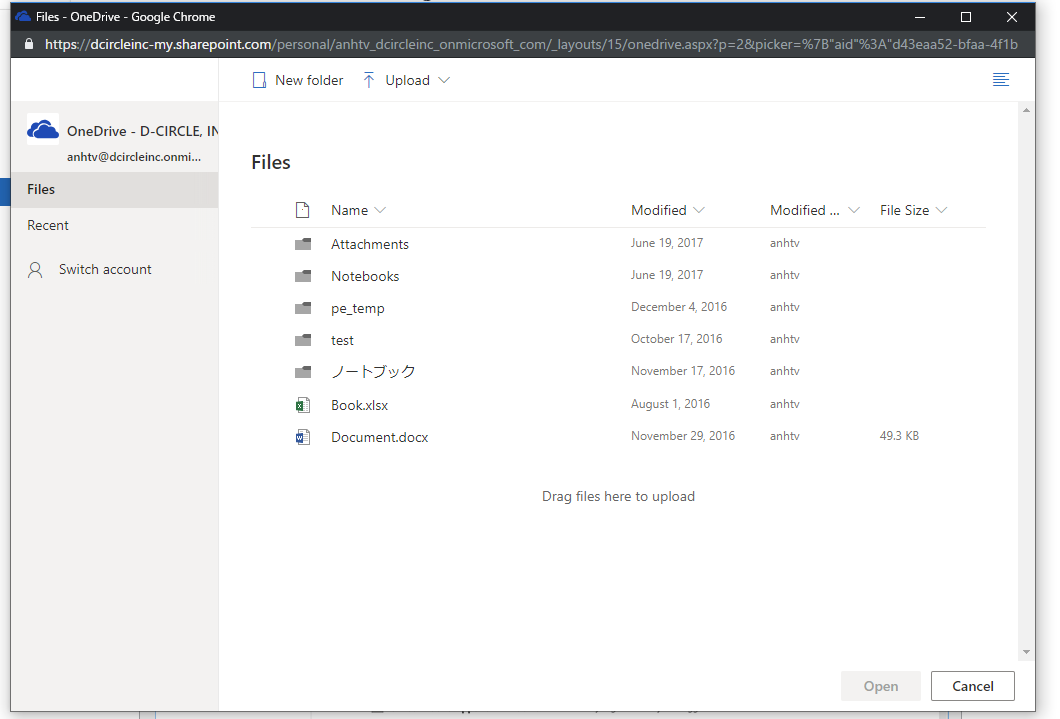
#### Observed Behavior
File picker with site selection (from sharepoint)
#### Steps to Reproduce
Got following errors
odbonedrive-mini-cfc25a4d.js:1 Refused to get unsafe header ""SPClientServiceRequestDuration""
h._onReadyStateChange @ odbonedrive-mini-cfc25a4d.js:1
14:18:40.090 odbonedrive-mini-cfc25a4d.js:1 Refused to get unsafe header ""SPRequestGuid""
h._onReadyStateChange @ odbonedrive-mini-cfc25a4d.js:1
14:18:40.090 odbonedrive-mini-cfc25a4d.js:1 Refused to get unsafe header ""SPRequestGuid""
r.getCorrelationId @ odbonedrive-mini-cfc25a4d.js:1
Thank you.
",1.0,"The SP site selection is missing from file picker - #### Category
- [ ] Question
- [ ] Documentation issue
- [x] Bug
#### Expected or Desired Behavior
The SP site selection is missing from file picker

#### Observed Behavior
File picker with site selection (from sharepoint)
#### Steps to Reproduce
Got following errors
odbonedrive-mini-cfc25a4d.js:1 Refused to get unsafe header ""SPClientServiceRequestDuration""
h._onReadyStateChange @ odbonedrive-mini-cfc25a4d.js:1
14:18:40.090 odbonedrive-mini-cfc25a4d.js:1 Refused to get unsafe header ""SPRequestGuid""
h._onReadyStateChange @ odbonedrive-mini-cfc25a4d.js:1
14:18:40.090 odbonedrive-mini-cfc25a4d.js:1 Refused to get unsafe header ""SPRequestGuid""
r.getCorrelationId @ odbonedrive-mini-cfc25a4d.js:1
Thank you.
",1,the sp site selection is missing from file picker category question documentation issue bug expected or desired behavior the sp site selection is missing from file picker observed behavior file picker with site selection from sharepoint steps to reproduce got following errors odbonedrive mini js refused to get unsafe header spclientservicerequestduration h onreadystatechange odbonedrive mini js odbonedrive mini js refused to get unsafe header sprequestguid h onreadystatechange odbonedrive mini js odbonedrive mini js refused to get unsafe header sprequestguid r getcorrelationid odbonedrive mini js thank you ,1
8697,27172104678.0,IssuesEvent,2023-02-17 20:27:36,OneDrive/onedrive-api-docs,https://api.github.com/repos/OneDrive/onedrive-api-docs,closed,Availability in OneDrive,type:question area:Docs automation:Closed,"Is this API available for OneDrive or only SharePoint?
I have been trying to use POST https://api.onedrive.com/v1.0/drives/{driveId}/items/{itemId}/preview but keep getting status 400 {""error"":{""code"":""invalidRequest"",""message"":""API not found""}}.
A similar call to the SharePoint API for OneDrive for Business account works fine.
---
#### Document Details
⚠ *Do not edit this section. It is required for docs.microsoft.com ➟ GitHub issue linking.*
* ID: abaca550-f44d-455b-ef18-a284dd222dbc
* Version Independent ID: de0dfe46-b10b-5b53-59a1-37967fe2b1ab
* Content: [Get short-lived embeddable link for preview purposes - OneDrive API - OneDrive dev center](https://docs.microsoft.com/en-us/onedrive/developer/rest-api/api/driveitem_preview?view=odsp-graph-online)
* Content Source: [docs/rest-api/api/driveitem_preview.md](https://github.com/OneDrive/onedrive-api-docs/blob/live/docs/rest-api/api/driveitem_preview.md)
* Product: **onedrive**
* GitHub Login: @kevinlam
* Microsoft Alias: **kevinlam**",1.0,"Availability in OneDrive - Is this API available for OneDrive or only SharePoint?
I have been trying to use POST https://api.onedrive.com/v1.0/drives/{driveId}/items/{itemId}/preview but keep getting status 400 {""error"":{""code"":""invalidRequest"",""message"":""API not found""}}.
A similar call to the SharePoint API for OneDrive for Business account works fine.
---
#### Document Details
⚠ *Do not edit this section. It is required for docs.microsoft.com ➟ GitHub issue linking.*
* ID: abaca550-f44d-455b-ef18-a284dd222dbc
* Version Independent ID: de0dfe46-b10b-5b53-59a1-37967fe2b1ab
* Content: [Get short-lived embeddable link for preview purposes - OneDrive API - OneDrive dev center](https://docs.microsoft.com/en-us/onedrive/developer/rest-api/api/driveitem_preview?view=odsp-graph-online)
* Content Source: [docs/rest-api/api/driveitem_preview.md](https://github.com/OneDrive/onedrive-api-docs/blob/live/docs/rest-api/api/driveitem_preview.md)
* Product: **onedrive**
* GitHub Login: @kevinlam
* Microsoft Alias: **kevinlam**",1,availability in onedrive is this api available for onedrive or only sharepoint i have been trying to use post but keep getting status error code invalidrequest message api not found a similar call to the sharepoint api for onedrive for business account works fine document details ⚠ do not edit this section it is required for docs microsoft com ➟ github issue linking id version independent id content content source product onedrive github login kevinlam microsoft alias kevinlam ,1
8863,27172342910.0,IssuesEvent,2023-02-17 20:41:44,OneDrive/onedrive-api-docs,https://api.github.com/repos/OneDrive/onedrive-api-docs,closed,offline_access scope does not work properly with js onedrive picker v7.2,area:Picker Needs: Investigation automation:Closed,"#### Category
- [ ] Question
- [ ] Documentation issue
- [x] Bug
#### Expected or Desired Behavior
Passing offline_access should be a valid scope
#### Observed Behavior
When passing offline_access to the scopes under advanced the settings the file picker will close immediately because it will error with invalid_scope.
It appears that the picker incorrectly handles offline_access. There seems to be some code where it always prepends `https://graph.microsoft.com/` to any scope passed, but https://graph.microsoft.com/offline_access is an invalid scope.
I notice that the picker automatically passes profile, openid. I would be nice if this were to also pass offline_access, or would properly support offline_access by not prepending https://graph.microsoft.com/.
I fi don't pass offline_access and this is the first time an end user needs to consent to my application they won't be prompted to consent to offline_access causing me to force another interactive flow in order to gain that consent.
#### Steps to Reproduce
```
OneDrive.save({
fileName : 'NewFile',
clientId,
action : 'query',
viewType : 'all',
nameConflictBehavior: 'rename',
advanced : {
scopes: ['Files.Read', 'Files.ReadWrite', 'offline_access']
},
);
```
[ ]: http://aka.ms/onedrive-api-issues
[x]: http://aka.ms/onedrive-api-issues",1.0,"offline_access scope does not work properly with js onedrive picker v7.2 - #### Category
- [ ] Question
- [ ] Documentation issue
- [x] Bug
#### Expected or Desired Behavior
Passing offline_access should be a valid scope
#### Observed Behavior
When passing offline_access to the scopes under advanced the settings the file picker will close immediately because it will error with invalid_scope.
It appears that the picker incorrectly handles offline_access. There seems to be some code where it always prepends `https://graph.microsoft.com/` to any scope passed, but https://graph.microsoft.com/offline_access is an invalid scope.
I notice that the picker automatically passes profile, openid. I would be nice if this were to also pass offline_access, or would properly support offline_access by not prepending https://graph.microsoft.com/.
I fi don't pass offline_access and this is the first time an end user needs to consent to my application they won't be prompted to consent to offline_access causing me to force another interactive flow in order to gain that consent.
#### Steps to Reproduce
```
OneDrive.save({
fileName : 'NewFile',
clientId,
action : 'query',
viewType : 'all',
nameConflictBehavior: 'rename',
advanced : {
scopes: ['Files.Read', 'Files.ReadWrite', 'offline_access']
},
);
```
[ ]: http://aka.ms/onedrive-api-issues
[x]: http://aka.ms/onedrive-api-issues",1,offline access scope does not work properly with js onedrive picker category question documentation issue bug expected or desired behavior passing offline access should be a valid scope observed behavior when passing offline access to the scopes under advanced the settings the file picker will close immediately because it will error with invalid scope it appears that the picker incorrectly handles offline access there seems to be some code where it always prepends to any scope passed but is an invalid scope i notice that the picker automatically passes profile openid i would be nice if this were to also pass offline access or would properly support offline access by not prepending i fi don t pass offline access and this is the first time an end user needs to consent to my application they won t be prompted to consent to offline access causing me to force another interactive flow in order to gain that consent steps to reproduce onedrive save filename newfile clientid action query viewtype all nameconflictbehavior rename advanced scopes ,1
8859,27172338640.0,IssuesEvent,2023-02-17 20:41:28,OneDrive/onedrive-api-docs,https://api.github.com/repos/OneDrive/onedrive-api-docs,closed,Downloading File - invalidRequest: One of the provided arguments is not acceptable.,Needs: Investigation automation:Closed,"#### Category
- [x] Question
- [ ] Documentation issue
- [x] Bug
For the last 48 hours, we started to notice errors when trying to download file content from OneDrive with the error `invalidRequest: One of the provided arguments is not acceptable.`
Endpoint:
`_api/v2.0/me/drive/root://content`
#### Expected or Desired Behavior
Should successfully get file content/provide more descriptive errors to investigate.
#### Observed Behavior
Details of the request sent:
1. Date = 2021-01-24T11:51:49.4295856Z
2. request-id = 9366a49f-c0bf-0000-69f5-0cc012b2212b
3. SPRequestGuid = 9366a49f-c0bf-0000-69f5-0cc012b2212b
4. Code = invalidRequest
5. Message = One of the provided arguments is not acceptable
#### Question
Can we get some assistance to check on this issue as we don't have enough information on the errors to narrow down the issue?
It's not happening to all the sharepoint instances but only to this specific instance. I'm creating this as a bug first as more occurrences is being observed.
Thank you.
",1.0,"Downloading File - invalidRequest: One of the provided arguments is not acceptable. - #### Category
- [x] Question
- [ ] Documentation issue
- [x] Bug
For the last 48 hours, we started to notice errors when trying to download file content from OneDrive with the error `invalidRequest: One of the provided arguments is not acceptable.`
Endpoint:
`_api/v2.0/me/drive/root://content`
#### Expected or Desired Behavior
Should successfully get file content/provide more descriptive errors to investigate.
#### Observed Behavior
Details of the request sent:
1. Date = 2021-01-24T11:51:49.4295856Z
2. request-id = 9366a49f-c0bf-0000-69f5-0cc012b2212b
3. SPRequestGuid = 9366a49f-c0bf-0000-69f5-0cc012b2212b
4. Code = invalidRequest
5. Message = One of the provided arguments is not acceptable
#### Question
Can we get some assistance to check on this issue as we don't have enough information on the errors to narrow down the issue?
It's not happening to all the sharepoint instances but only to this specific instance. I'm creating this as a bug first as more occurrences is being observed.
Thank you.
",1,downloading file invalidrequest one of the provided arguments is not acceptable category question documentation issue bug for the last hours we started to notice errors when trying to download file content from onedrive with the error invalidrequest one of the provided arguments is not acceptable endpoint api me drive root content expected or desired behavior should successfully get file content provide more descriptive errors to investigate observed behavior details of the request sent date request id sprequestguid code invalidrequest message one of the provided arguments is not acceptable question can we get some assistance to check on this issue as we don t have enough information on the errors to narrow down the issue it s not happening to all the sharepoint instances but only to this specific instance i m creating this as a bug first as more occurrences is being observed thank you ,1
8665,27172058755.0,IssuesEvent,2023-02-17 20:25:06,OneDrive/onedrive-api-docs,https://api.github.com/repos/OneDrive/onedrive-api-docs,closed,Ability to get ShareId when listing children?,automation:Closed,"I have several folders that have been shared using createLink - https://docs.microsoft.com/en-us/onedrive/developer/rest-api/api/driveitem_createlink
That works fine, but I'm trying to find a way to list all folders that have been shared, and I also need their shareId. Is there any way to make such query?
`https://graph.microsoft.com/v1.0/me/drive/root/children` doesn't seem to return the shareId for the shared folders, and there's no expand for permissions, shares, etc.
Any help is much appreciated. Thanks.",1.0,"Ability to get ShareId when listing children? - I have several folders that have been shared using createLink - https://docs.microsoft.com/en-us/onedrive/developer/rest-api/api/driveitem_createlink
That works fine, but I'm trying to find a way to list all folders that have been shared, and I also need their shareId. Is there any way to make such query?
`https://graph.microsoft.com/v1.0/me/drive/root/children` doesn't seem to return the shareId for the shared folders, and there's no expand for permissions, shares, etc.
Any help is much appreciated. Thanks.",1,ability to get shareid when listing children i have several folders that have been shared using createlink that works fine but i m trying to find a way to list all folders that have been shared and i also need their shareid is there any way to make such query doesn t seem to return the shareid for the shared folders and there s no expand for permissions shares etc any help is much appreciated thanks ,1
8880,27172361433.0,IssuesEvent,2023-02-17 20:42:55,OneDrive/onedrive-api-docs,https://api.github.com/repos/OneDrive/onedrive-api-docs,closed,Fail to list permission encounter 400 invalidRequest,type:bug automation:Closed,"#### Category
- [x] Question
- [ ] Documentation issue
- [ ] Bug
I request permission for some file but receive error:
```
{""error"":{""code"":""invalidRequest"",""message"":""Filter query is_overseas' or mailNickname eq 'S_SpecialAssistant' or mailNicknameq 'S_sales_B' or mailNickname eq 'S_sales_C' or mailNickname eq 'S_mmanager' or mailNickname eq 'S_sales_passistant' or mailNickname eq 'it' or mailNickname eq 'itmanager' or mailNickname eq 'S_Qualityt_manage' or mailNickname eq 'S_BD_Manager' or mailNickname eq 'S_Ament_manage' or mailNickname eq 'S_marketing_Department_manage' or ""}}
```
I have no idea about the resp, I only use simple query without options
`GET /_api/v2.0/drives/driveid/items/itemid/permissions`
And the resp header also attached
```
Cache-Control: no-cache
Content-Length: 940
Content-Security-Policy: frame-ancestors 'self' teams.microsoft.com *.teams.microsoft.com *.skype.com *.teams.microsoft.us local.teams.office.com *.powerapps.com *.yammer.com *.officeapps.live.com *.office.com *.stream.azure-test.net *.microsoftstream.com;
Content-Type: application/json
Date: Thu, 17 Jun 2021 10:01:16 GMT
Expires: -1
HTTP/1.1 400 Bad Request
MS-CV: n9K5fF8gAACfWtuc+4CzJw.0
MicrosoftSharePointTeamServices: 16.0.0.21402
NEL: {""report_to"":""network-errors"",""max_age"":86400,""success_fraction"":0.001,""failure_fraction"":1.0}
P3P: CP=""ALL IND DSP COR ADM CONo CUR CUSo IVAo IVDo PSA PSD TAI TELo OUR SAMo CNT COM INT NAV ONL PHY PRE PUR UNI""
Pragma: no-cache
Report-To: {""group"":""network-errors"",""max_age"":86400,""endpoints"":[{""url"":""https://spo.nel.measure.office.net/api/report?tenantId=0a2ee0d2-0be9-4a05-82fb-a6a8506ce7ee&destinationEndpoint=Edge-Prod-TPE30r4&frontEnd=AFD""}]}
SPIisLatency: 1
SPRequestDuration: 427
SPRequestGuid: 7cb9d29f-205f-0000-9f5a-db9cfb80b327
Strict-Transport-Security: max-age=31536000
X-Cache: CONFIG_NOCACHE
X-Content-Type-Options: nosniff
X-FRAME-OPTIONS: SAMEORIGIN
X-MS-InvokeApp: 1; RequireReadOnly
X-MSEdge-Ref: Ref A: 8202F8D72B7F4FF5ACE00E74A185D7C5 Ref B: TPE30EDGE0211 Ref C: 2021-06-17T10:01:15Z
X-Powered-By: ASP.NET
X-SharePointHealthScore: 2
X-VroomVersion: 2.0
request-id: 7cb9d29f-205f-0000-9f5a-db9cfb80b327
```
Thanks for help!",1.0,"Fail to list permission encounter 400 invalidRequest - #### Category
- [x] Question
- [ ] Documentation issue
- [ ] Bug
I request permission for some file but receive error:
```
{""error"":{""code"":""invalidRequest"",""message"":""Filter query is_overseas' or mailNickname eq 'S_SpecialAssistant' or mailNicknameq 'S_sales_B' or mailNickname eq 'S_sales_C' or mailNickname eq 'S_mmanager' or mailNickname eq 'S_sales_passistant' or mailNickname eq 'it' or mailNickname eq 'itmanager' or mailNickname eq 'S_Qualityt_manage' or mailNickname eq 'S_BD_Manager' or mailNickname eq 'S_Ament_manage' or mailNickname eq 'S_marketing_Department_manage' or ""}}
```
I have no idea about the resp, I only use simple query without options
`GET /_api/v2.0/drives/driveid/items/itemid/permissions`
And the resp header also attached
```
Cache-Control: no-cache
Content-Length: 940
Content-Security-Policy: frame-ancestors 'self' teams.microsoft.com *.teams.microsoft.com *.skype.com *.teams.microsoft.us local.teams.office.com *.powerapps.com *.yammer.com *.officeapps.live.com *.office.com *.stream.azure-test.net *.microsoftstream.com;
Content-Type: application/json
Date: Thu, 17 Jun 2021 10:01:16 GMT
Expires: -1
HTTP/1.1 400 Bad Request
MS-CV: n9K5fF8gAACfWtuc+4CzJw.0
MicrosoftSharePointTeamServices: 16.0.0.21402
NEL: {""report_to"":""network-errors"",""max_age"":86400,""success_fraction"":0.001,""failure_fraction"":1.0}
P3P: CP=""ALL IND DSP COR ADM CONo CUR CUSo IVAo IVDo PSA PSD TAI TELo OUR SAMo CNT COM INT NAV ONL PHY PRE PUR UNI""
Pragma: no-cache
Report-To: {""group"":""network-errors"",""max_age"":86400,""endpoints"":[{""url"":""https://spo.nel.measure.office.net/api/report?tenantId=0a2ee0d2-0be9-4a05-82fb-a6a8506ce7ee&destinationEndpoint=Edge-Prod-TPE30r4&frontEnd=AFD""}]}
SPIisLatency: 1
SPRequestDuration: 427
SPRequestGuid: 7cb9d29f-205f-0000-9f5a-db9cfb80b327
Strict-Transport-Security: max-age=31536000
X-Cache: CONFIG_NOCACHE
X-Content-Type-Options: nosniff
X-FRAME-OPTIONS: SAMEORIGIN
X-MS-InvokeApp: 1; RequireReadOnly
X-MSEdge-Ref: Ref A: 8202F8D72B7F4FF5ACE00E74A185D7C5 Ref B: TPE30EDGE0211 Ref C: 2021-06-17T10:01:15Z
X-Powered-By: ASP.NET
X-SharePointHealthScore: 2
X-VroomVersion: 2.0
request-id: 7cb9d29f-205f-0000-9f5a-db9cfb80b327
```
Thanks for help!",1,fail to list permission encounter invalidrequest category question documentation issue bug i request permission for some file but receive error error code invalidrequest message filter query is overseas or mailnickname eq s specialassistant or mailnicknameq s sales b or mailnickname eq s sales c or mailnickname eq s mmanager or mailnickname eq s sales passistant or mailnickname eq it or mailnickname eq itmanager or mailnickname eq s qualityt manage or mailnickname eq s bd manager or mailnickname eq s ament manage or mailnickname eq s marketing department manage or i have no idea about the resp i only use simple query without options get api drives driveid items itemid permissions and the resp header also attached cache control no cache content length content security policy frame ancestors self teams microsoft com teams microsoft com skype com teams microsoft us local teams office com powerapps com yammer com officeapps live com office com stream azure test net microsoftstream com content type application json date thu jun gmt expires http bad request ms cv microsoftsharepointteamservices nel report to network errors max age success fraction failure fraction cp all ind dsp cor adm cono cur cuso ivao ivdo psa psd tai telo our samo cnt com int nav onl phy pre pur uni pragma no cache report to group network errors max age endpoints spiislatency sprequestduration sprequestguid strict transport security max age x cache config nocache x content type options nosniff x frame options sameorigin x ms invokeapp requirereadonly x msedge ref ref a ref b ref c x powered by asp net x sharepointhealthscore x vroomversion request id thanks for help ,1
8626,27172008746.0,IssuesEvent,2023-02-17 20:22:21,OneDrive/onedrive-api-docs,https://api.github.com/repos/OneDrive/onedrive-api-docs,closed,OneDriveError: invalidRequest - ObjectHandle is Invalid,automation:Closed,"Hello:
I have been using: item = client.item(drive='me',id=fileid).request().get() to get file created time and modified time in python. A few days ago, I was still able to get the created time although I could not get the modified time from onedrive. Here is my code:
created = item.created_date_time and modified = item.last_modified_date_time
But yesterday, I started getting the OneDriveError: invalidRequest - ObjectHandle is Invalid on the item=xxx line. What am I doing wrong? Has something changed on Onedrive?",1.0,"OneDriveError: invalidRequest - ObjectHandle is Invalid - Hello:
I have been using: item = client.item(drive='me',id=fileid).request().get() to get file created time and modified time in python. A few days ago, I was still able to get the created time although I could not get the modified time from onedrive. Here is my code:
created = item.created_date_time and modified = item.last_modified_date_time
But yesterday, I started getting the OneDriveError: invalidRequest - ObjectHandle is Invalid on the item=xxx line. What am I doing wrong? Has something changed on Onedrive?",1,onedriveerror invalidrequest objecthandle is invalid hello i have been using item client item drive me id fileid request get to get file created time and modified time in python a few days ago i was still able to get the created time although i could not get the modified time from onedrive here is my code created item created date time and modified item last modified date time but yesterday i started getting the onedriveerror invalidrequest objecthandle is invalid on the item xxx line what am i doing wrong has something changed on onedrive ,1
8821,27172296248.0,IssuesEvent,2023-02-17 20:38:48,OneDrive/onedrive-api-docs,https://api.github.com/repos/OneDrive/onedrive-api-docs,closed,createUploadSession when sending a (new) file to a shared folder (400 Bad Request error),area:Docs area:DriveItem Content status:backlogged automation:Closed,"
#### Category
- [ ] Question
- [X] Documentation issue
- [X] Bug
#### Expected or Desired Behavior
When requesting a Resumeable Upload session per the documentation [here](https://docs.microsoft.com/en-us/graph/api/driveitem-createuploadsession?view=graph-rest-1.0), I am expecting to get a 200 ok, with a URL to upload the file content to.
**URL**
Per the documentation I should be able to use the following URL format:
`{{BaseURL}}/drives/{{DriveId}}/items/{{FolderId}}/createUploadSession`
**Body**
The request body should be JSON content like this:
```
{
""item"": {
""@microsoft.graph.conflictBehavior"": ""replace"",
""description"": ""description"",
""fileSize"": 1234,
""fileSystemInfo"": {
""createdDateTime"": ""2020-07-22T23:10:31"",
""lastAccessDateTime"": ""2020-07-22T23:10:31"",
""lastModifiedDateTime"": ""2020-07-22T23:10:31""
},
""name"": ""filename.txt""
},
""deferCommit"": true
}
```
In HTTP a complete request should look like this
```
POST /drives/b!Gsfre...asdOe/items/01SSGR...64FSSC/createUploadSession HTTP/1.1
Host: https://graph.microsoft.com/v1.0
Authorization: Bearer eyJ0e...TOKEN...S5lEw
Content-Type: application/json
{
""item"": {
""@microsoft.graph.conflictBehavior"": ""replace"",
""description"": ""description"",
""fileSize"": 1234,
""fileSystemInfo"": {
""createdDateTime"": ""2020-07-22T23:10:31"",
""lastAccessDateTime"": ""2020-07-22T23:10:31"",
""lastModifiedDateTime"": ""2020-07-22T23:10:31""
},
""name"": ""filename.txt""
},
""deferCommit"": true
}
```
#### Observed Behavior
What you end up with is a 400 Bad Request
```
{
""error"": {
""code"": ""invalidRequest"",
""message"": ""Invalid request"",
""innerError"": {
""date"": ""2020-07-23T00:33:44"",
""request-id"": ""d913b71b-4e21-496a-8276-545625d1b4f3""
}
}
}
```
There are ways of Getting a valid request, however they do not follow the documentation
**URL**
The URL can be fixed by adding a file name to it and some colons
`/drives/{{DriveId}}/items/{{FolderId}}:/{{FileName}}:/createUploadSession`
None of the URL formats shown in the documentation include a file name.
This may be a documentation problem or at least could be fixed by a simple change to the documentation since it doesn't really change the functionality of the API.
**Body**
The Body however is a different problem. As far as I can tell the only parameters ""item"" accepts are ""@microsoft.graph.conflictBehavior"" and ""name"". When I add any other parameters I get the 400 bad request error
Even following the exact example in the documentation results in an error
```
{
""item"": {
""@microsoft.graph.conflictBehavior"": ""rename"",
""description"": ""description"",
""fileSize"": 1234,
""name"": ""filename.txt""
}
}
```
The documentation says the ""item"" parameter can take 'driveItemUploadableProperties' which consist of ""description"", ""fileSize"", ""fileSystemInfo"", and ""name"". Adding any parameters other than ""name"" results in an error.
#### Steps to Reproduce
```
POST /drives/b!GZz...DriveId...nsBOe/items/01S...FolderId...76C:/filename.txt:/createUploadSession
Host: https://graph.microsoft.com/v1.0
Authorization: Bearer eyJ0e...TOKEN...S5lEw
Content-Type: application/json
{
""item"": {
""@microsoft.graph.conflictBehavior"": ""rename"",
""description"": ""description"",
""fileSize"": 1234,
""name"": ""filename.txt""
}
}
```
```
400 Bad Request
{
""error"": {
""code"": ""invalidRequest"",
""message"": ""Invalid request"",
""innerError"": {
""date"": ""2020-07-23T00:47:40"",
""request-id"": ""dc57eaa5-9e05-4f4e-a56f-3c0945de9287""
}
}
}
```
Thank you,
Ryan
",1.0,"createUploadSession when sending a (new) file to a shared folder (400 Bad Request error) -
#### Category
- [ ] Question
- [X] Documentation issue
- [X] Bug
#### Expected or Desired Behavior
When requesting a Resumeable Upload session per the documentation [here](https://docs.microsoft.com/en-us/graph/api/driveitem-createuploadsession?view=graph-rest-1.0), I am expecting to get a 200 ok, with a URL to upload the file content to.
**URL**
Per the documentation I should be able to use the following URL format:
`{{BaseURL}}/drives/{{DriveId}}/items/{{FolderId}}/createUploadSession`
**Body**
The request body should be JSON content like this:
```
{
""item"": {
""@microsoft.graph.conflictBehavior"": ""replace"",
""description"": ""description"",
""fileSize"": 1234,
""fileSystemInfo"": {
""createdDateTime"": ""2020-07-22T23:10:31"",
""lastAccessDateTime"": ""2020-07-22T23:10:31"",
""lastModifiedDateTime"": ""2020-07-22T23:10:31""
},
""name"": ""filename.txt""
},
""deferCommit"": true
}
```
In HTTP a complete request should look like this
```
POST /drives/b!Gsfre...asdOe/items/01SSGR...64FSSC/createUploadSession HTTP/1.1
Host: https://graph.microsoft.com/v1.0
Authorization: Bearer eyJ0e...TOKEN...S5lEw
Content-Type: application/json
{
""item"": {
""@microsoft.graph.conflictBehavior"": ""replace"",
""description"": ""description"",
""fileSize"": 1234,
""fileSystemInfo"": {
""createdDateTime"": ""2020-07-22T23:10:31"",
""lastAccessDateTime"": ""2020-07-22T23:10:31"",
""lastModifiedDateTime"": ""2020-07-22T23:10:31""
},
""name"": ""filename.txt""
},
""deferCommit"": true
}
```
#### Observed Behavior
What you end up with is a 400 Bad Request
```
{
""error"": {
""code"": ""invalidRequest"",
""message"": ""Invalid request"",
""innerError"": {
""date"": ""2020-07-23T00:33:44"",
""request-id"": ""d913b71b-4e21-496a-8276-545625d1b4f3""
}
}
}
```
There are ways of Getting a valid request, however they do not follow the documentation
**URL**
The URL can be fixed by adding a file name to it and some colons
`/drives/{{DriveId}}/items/{{FolderId}}:/{{FileName}}:/createUploadSession`
None of the URL formats shown in the documentation include a file name.
This may be a documentation problem or at least could be fixed by a simple change to the documentation since it doesn't really change the functionality of the API.
**Body**
The Body however is a different problem. As far as I can tell the only parameters ""item"" accepts are ""@microsoft.graph.conflictBehavior"" and ""name"". When I add any other parameters I get the 400 bad request error
Even following the exact example in the documentation results in an error
```
{
""item"": {
""@microsoft.graph.conflictBehavior"": ""rename"",
""description"": ""description"",
""fileSize"": 1234,
""name"": ""filename.txt""
}
}
```
The documentation says the ""item"" parameter can take 'driveItemUploadableProperties' which consist of ""description"", ""fileSize"", ""fileSystemInfo"", and ""name"". Adding any parameters other than ""name"" results in an error.
#### Steps to Reproduce
```
POST /drives/b!GZz...DriveId...nsBOe/items/01S...FolderId...76C:/filename.txt:/createUploadSession
Host: https://graph.microsoft.com/v1.0
Authorization: Bearer eyJ0e...TOKEN...S5lEw
Content-Type: application/json
{
""item"": {
""@microsoft.graph.conflictBehavior"": ""rename"",
""description"": ""description"",
""fileSize"": 1234,
""name"": ""filename.txt""
}
}
```
```
400 Bad Request
{
""error"": {
""code"": ""invalidRequest"",
""message"": ""Invalid request"",
""innerError"": {
""date"": ""2020-07-23T00:47:40"",
""request-id"": ""dc57eaa5-9e05-4f4e-a56f-3c0945de9287""
}
}
}
```
Thank you,
Ryan
",1,createuploadsession when sending a new file to a shared folder bad request error category question documentation issue bug expected or desired behavior when requesting a resumeable upload session per the documentation i am expecting to get a ok with a url to upload the file content to url per the documentation i should be able to use the following url format baseurl drives driveid items folderid createuploadsession body the request body should be json content like this item microsoft graph conflictbehavior replace description description filesize filesysteminfo createddatetime lastaccessdatetime lastmodifieddatetime name filename txt defercommit true in http a complete request should look like this post drives b gsfre asdoe items createuploadsession http host authorization bearer token content type application json item microsoft graph conflictbehavior replace description description filesize filesysteminfo createddatetime lastaccessdatetime lastmodifieddatetime name filename txt defercommit true observed behavior what you end up with is a bad request error code invalidrequest message invalid request innererror date request id there are ways of getting a valid request however they do not follow the documentation url the url can be fixed by adding a file name to it and some colons drives driveid items folderid filename createuploadsession none of the url formats shown in the documentation include a file name this may be a documentation problem or at least could be fixed by a simple change to the documentation since it doesn t really change the functionality of the api body the body however is a different problem as far as i can tell the only parameters item accepts are microsoft graph conflictbehavior and name when i add any other parameters i get the bad request error even following the exact example in the documentation results in an error item microsoft graph conflictbehavior rename description description filesize name filename txt the documentation says the item parameter can take driveitemuploadableproperties which consist of description filesize filesysteminfo and name adding any parameters other than name results in an error steps to reproduce post drives b gzz driveid nsboe items folderid filename txt createuploadsession host authorization bearer token content type application json item microsoft graph conflictbehavior rename description description filesize name filename txt bad request error code invalidrequest message invalid request innererror date request id thank you ryan ,1
8678,27172079228.0,IssuesEvent,2023-02-17 20:26:12,OneDrive/onedrive-api-docs,https://api.github.com/repos/OneDrive/onedrive-api-docs,closed,File picker doesn't show shared files,area:Picker automation:Closed,"The problem: I want to get access not only to my own OneDrive files, but to shared files also. Now I can't get them and there is the issue https://github.com/OneDrive/onedrive-api-docs/issues/733, where a similar problem is described. It is closed with ""We will put it into the backlog"" result.
Also, it is stated that there must be some information about this problem in docs, but I haven't found it :(
Looks like this is still doesn't work right now, am I right?
The picker is created with these parameters:
(
clientId: [clientId],
action: 'share',
multiSelect: true,
openInNewWindow: true,
advanced: {
redirectUri: [redirectUrl]
},
)",1.0,"File picker doesn't show shared files - The problem: I want to get access not only to my own OneDrive files, but to shared files also. Now I can't get them and there is the issue https://github.com/OneDrive/onedrive-api-docs/issues/733, where a similar problem is described. It is closed with ""We will put it into the backlog"" result.
Also, it is stated that there must be some information about this problem in docs, but I haven't found it :(
Looks like this is still doesn't work right now, am I right?
The picker is created with these parameters:
(
clientId: [clientId],
action: 'share',
multiSelect: true,
openInNewWindow: true,
advanced: {
redirectUri: [redirectUrl]
},
)",1,file picker doesn t show shared files the problem i want to get access not only to my own onedrive files but to shared files also now i can t get them and there is the issue where a similar problem is described it is closed with we will put it into the backlog result also it is stated that there must be some information about this problem in docs but i haven t found it looks like this is still doesn t work right now am i right the picker is created with these parameters clientid action share multiselect true openinnewwindow true advanced redirecturi ,1
8796,27172258993.0,IssuesEvent,2023-02-17 20:36:23,OneDrive/onedrive-api-docs,https://api.github.com/repos/OneDrive/onedrive-api-docs,closed,microsoft.graph.sharedChanged not returned in certain condition. ,area:Docs area:Scan Guidance automation:Closed,"Steps To Reproduce
1. Get The latest delta token for the user with Prefer: hierarchicalsharing and Prefer: deltashowsharingchanges
2. Create a folder with no sharing on the folder or any of its parent
3. Add a user with direct access to the the folder
4. Fetch the latest changes for the user using delta changes with Prefer: hierarchicalsharing and Prefer: deltashowsharingchanges. The drive item returned has @microsoft.graph.sharedChanged set to true
5. Remove the direct access for the user from the folder
6. Fetch the latest changes for the user using delta changes
The drive item returned in the step 6 @microsoft.graph.sharedChanged is not returned.
Expected behavior
The drive item returned in the step 6, should have @microsoft.graph.sharedChanged set to true",1.0,"microsoft.graph.sharedChanged not returned in certain condition. - Steps To Reproduce
1. Get The latest delta token for the user with Prefer: hierarchicalsharing and Prefer: deltashowsharingchanges
2. Create a folder with no sharing on the folder or any of its parent
3. Add a user with direct access to the the folder
4. Fetch the latest changes for the user using delta changes with Prefer: hierarchicalsharing and Prefer: deltashowsharingchanges. The drive item returned has @microsoft.graph.sharedChanged set to true
5. Remove the direct access for the user from the folder
6. Fetch the latest changes for the user using delta changes
The drive item returned in the step 6 @microsoft.graph.sharedChanged is not returned.
Expected behavior
The drive item returned in the step 6, should have @microsoft.graph.sharedChanged set to true",1,microsoft graph sharedchanged not returned in certain condition steps to reproduce get the latest delta token for the user with prefer hierarchicalsharing and prefer deltashowsharingchanges create a folder with no sharing on the folder or any of its parent add a user with direct access to the the folder fetch the latest changes for the user using delta changes with prefer hierarchicalsharing and prefer deltashowsharingchanges the drive item returned has microsoft graph sharedchanged set to true remove the direct access for the user from the folder fetch the latest changes for the user using delta changes the drive item returned in the step microsoft graph sharedchanged is not returned expected behavior the drive item returned in the step should have microsoft graph sharedchanged set to true,1
8781,27172242491.0,IssuesEvent,2023-02-17 20:35:19,OneDrive/onedrive-api-docs,https://api.github.com/repos/OneDrive/onedrive-api-docs,closed,"Byte Range must be multiple of 320 KiB, but the example shows uploading of 26 bytes",area:Docs automation:Closed,"In the documentation:
> **Note**: If your app splits a file into multiple byte ranges, the size of each byte range MUST be a multiple of 320 KiB (327,680 bytes). Using a fragment size that does not divide evenly by 320 KiB will result in errors committing some files.
But later:
> In this example, the app is uploading the first 26 bytes of a 128 byte file.
Am I missing something?
---
#### Document Details
⚠ *Do not edit this section. It is required for docs.microsoft.com ➟ GitHub issue linking.*
* ID: d409f771-fd62-e549-d581-aac009e79e8c
* Version Independent ID: fe646b3a-06f5-a269-47e6-b4ee693e5410
* Content: [Resumable file upload - OneDrive API - OneDrive dev center](https://docs.microsoft.com/en-us/onedrive/developer/rest-api/api/driveitem_createuploadsession?view=odsp-graph-online#feedback)
* Content Source: [docs/rest-api/api/driveitem_createuploadsession.md](https://github.com/OneDrive/onedrive-api-docs/blob/live/docs/rest-api/api/driveitem_createuploadsession.md)
* Product: **onedrive**
* GitHub Login: @rgregg
* Microsoft Alias: **rgregg**",1.0,"Byte Range must be multiple of 320 KiB, but the example shows uploading of 26 bytes - In the documentation:
> **Note**: If your app splits a file into multiple byte ranges, the size of each byte range MUST be a multiple of 320 KiB (327,680 bytes). Using a fragment size that does not divide evenly by 320 KiB will result in errors committing some files.
But later:
> In this example, the app is uploading the first 26 bytes of a 128 byte file.
Am I missing something?
---
#### Document Details
⚠ *Do not edit this section. It is required for docs.microsoft.com ➟ GitHub issue linking.*
* ID: d409f771-fd62-e549-d581-aac009e79e8c
* Version Independent ID: fe646b3a-06f5-a269-47e6-b4ee693e5410
* Content: [Resumable file upload - OneDrive API - OneDrive dev center](https://docs.microsoft.com/en-us/onedrive/developer/rest-api/api/driveitem_createuploadsession?view=odsp-graph-online#feedback)
* Content Source: [docs/rest-api/api/driveitem_createuploadsession.md](https://github.com/OneDrive/onedrive-api-docs/blob/live/docs/rest-api/api/driveitem_createuploadsession.md)
* Product: **onedrive**
* GitHub Login: @rgregg
* Microsoft Alias: **rgregg**",1,byte range must be multiple of kib but the example shows uploading of bytes in the documentation note if your app splits a file into multiple byte ranges the size of each byte range must be a multiple of kib bytes using a fragment size that does not divide evenly by kib will result in errors committing some files but later in this example the app is uploading the first bytes of a byte file am i missing something document details ⚠ do not edit this section it is required for docs microsoft com ➟ github issue linking id version independent id content content source product onedrive github login rgregg microsoft alias rgregg ,1
8622,27172002116.0,IssuesEvent,2023-02-17 20:22:00,OneDrive/onedrive-api-docs,https://api.github.com/repos/OneDrive/onedrive-api-docs,closed,FilePicker SDK needs to support File.ReadWrite.Selected scopes,type:enhancement area:Picker automation:Closed,"Instead of granting full access forever to an application to use the file picker, we should leverage the .Selected scopes to allow the app access only to the files that were selected by the user.",1.0,"FilePicker SDK needs to support File.ReadWrite.Selected scopes - Instead of granting full access forever to an application to use the file picker, we should leverage the .Selected scopes to allow the app access only to the files that were selected by the user.",1,filepicker sdk needs to support file readwrite selected scopes instead of granting full access forever to an application to use the file picker we should leverage the selected scopes to allow the app access only to the files that were selected by the user ,1
8670,27172068404.0,IssuesEvent,2023-02-17 20:25:37,OneDrive/onedrive-api-docs,https://api.github.com/repos/OneDrive/onedrive-api-docs,closed,Limits for conversion of Excel workbooks to PDF,area:Docs automation:Closed,"I am developing a service that converts Office documents to PDF by means of the OneDrive API accessed through the Graph API:
https://developer.microsoft.com/en-us/graph/docs/api-reference/v1.0/api/driveitem_get_content_format
My tests show that everything works fine except for Excel workbooks with sizes beyond 1MB (empirically obtained). When I try to convert such a workbook, I always receive a `400 Bad Request` error with a body like the one below (some line breaks inserted by me for clarity):
```
{
""error"": {
""code"":""notSupported"",
""message"":""Error from Office Service.
Url=
HttpCode= OK
ResponseHeaders=ResponseCode:
FileDownloadFailed
ErrorCode: UrlFileMaxDownloadLimitExceeded
IsExpectedFailure: True
ErrorCategory: BadRequest
ServiceID: ecc1767c-39bd-48a8-94b3-4c5c7bdde27e
OutputFormat:
ServiceRegion: NorthEurope
Date: Tue, 17 Apr 2018 22:05:00 GMT
Server: Microsoft-IIS\/8.5
X-Powered-By: ASP.NET""
}
}
```
Note this only happens with Excel files. I've done a lot of searches to find more about this limitation to no avail.
Is this just a bug? If it is, there is any plan to solve it promptly? If it is not, is there any documentation about the limits of the conversion service?
Thanks in advance, any info about this issue will be greatly appreciated.",1.0,"Limits for conversion of Excel workbooks to PDF - I am developing a service that converts Office documents to PDF by means of the OneDrive API accessed through the Graph API:
https://developer.microsoft.com/en-us/graph/docs/api-reference/v1.0/api/driveitem_get_content_format
My tests show that everything works fine except for Excel workbooks with sizes beyond 1MB (empirically obtained). When I try to convert such a workbook, I always receive a `400 Bad Request` error with a body like the one below (some line breaks inserted by me for clarity):
```
{
""error"": {
""code"":""notSupported"",
""message"":""Error from Office Service.
Url=
HttpCode= OK
ResponseHeaders=ResponseCode:
FileDownloadFailed
ErrorCode: UrlFileMaxDownloadLimitExceeded
IsExpectedFailure: True
ErrorCategory: BadRequest
ServiceID: ecc1767c-39bd-48a8-94b3-4c5c7bdde27e
OutputFormat:
ServiceRegion: NorthEurope
Date: Tue, 17 Apr 2018 22:05:00 GMT
Server: Microsoft-IIS\/8.5
X-Powered-By: ASP.NET""
}
}
```
Note this only happens with Excel files. I've done a lot of searches to find more about this limitation to no avail.
Is this just a bug? If it is, there is any plan to solve it promptly? If it is not, is there any documentation about the limits of the conversion service?
Thanks in advance, any info about this issue will be greatly appreciated.",1,limits for conversion of excel workbooks to pdf i am developing a service that converts office documents to pdf by means of the onedrive api accessed through the graph api my tests show that everything works fine except for excel workbooks with sizes beyond empirically obtained when i try to convert such a workbook i always receive a bad request error with a body like the one below some line breaks inserted by me for clarity error code notsupported message error from office service url httpcode ok responseheaders responsecode filedownloadfailed errorcode urlfilemaxdownloadlimitexceeded isexpectedfailure true errorcategory badrequest serviceid outputformat serviceregion northeurope date tue apr gmt server microsoft iis x powered by asp net note this only happens with excel files i ve done a lot of searches to find more about this limitation to no avail is this just a bug if it is there is any plan to solve it promptly if it is not is there any documentation about the limits of the conversion service thanks in advance any info about this issue will be greatly appreciated ,1
8735,27172186086.0,IssuesEvent,2023-02-17 20:32:03,OneDrive/onedrive-api-docs,https://api.github.com/repos/OneDrive/onedrive-api-docs,closed,@microsoft/file-browser: preview release status?,type:question area:Docs area:Picker automation:Closed,"What is the status of the file-browser react component? It seems to be stale for the last 9 months. Is there a road map for officially supporting this component?
---
#### Document Details
⚠ *Do not edit this section. It is required for docs.microsoft.com ➟ GitHub issue linking.*
* ID: efd8a4b3-eb11-087a-2406-5979bd3931b3
* Version Independent ID: 39e9d7ef-e826-0096-2758-f6259741cd91
* Content: [Microsoft File Browser SDK (Preview) - OneDrive dev center](https://docs.microsoft.com/en-us/onedrive/developer/controls/file-pickers/react/?view=odsp-graph-online)
* Content Source: [docs/controls/file-pickers/react/index.md](https://github.com/OneDrive/onedrive-api-docs/blob/live/docs/controls/file-pickers/react/index.md)
* Product: **onedrive**
* GitHub Login: @KevinTCoughlin
* Microsoft Alias: **keco**",1.0,"@microsoft/file-browser: preview release status? - What is the status of the file-browser react component? It seems to be stale for the last 9 months. Is there a road map for officially supporting this component?
---
#### Document Details
⚠ *Do not edit this section. It is required for docs.microsoft.com ➟ GitHub issue linking.*
* ID: efd8a4b3-eb11-087a-2406-5979bd3931b3
* Version Independent ID: 39e9d7ef-e826-0096-2758-f6259741cd91
* Content: [Microsoft File Browser SDK (Preview) - OneDrive dev center](https://docs.microsoft.com/en-us/onedrive/developer/controls/file-pickers/react/?view=odsp-graph-online)
* Content Source: [docs/controls/file-pickers/react/index.md](https://github.com/OneDrive/onedrive-api-docs/blob/live/docs/controls/file-pickers/react/index.md)
* Product: **onedrive**
* GitHub Login: @KevinTCoughlin
* Microsoft Alias: **keco**",1, microsoft file browser preview release status what is the status of the file browser react component it seems to be stale for the last months is there a road map for officially supporting this component document details ⚠ do not edit this section it is required for docs microsoft com ➟ github issue linking id version independent id content content source product onedrive github login kevintcoughlin microsoft alias keco ,1
8822,27172297389.0,IssuesEvent,2023-02-17 20:38:52,OneDrive/onedrive-api-docs,https://api.github.com/repos/OneDrive/onedrive-api-docs,closed,Discrepancy in FileHandler in OneDrive Shared Library for office extensions,status:investigating Needs: Triage :mag: area:File Handlers automation:Closed,"#### Category
- [ ] Question
- [ ] Documentation issue
- [x] Bug
#### Expected or Desired Behavior
When a FileHandler is deployed. When we click on the filename in OneDrive Shared Library either all the office extension should open in microsoft application or all the office extension should open via FileHandler (If configured for those extensions)
#### Observed Behavior
I have created a FileHandler for the file type docx and xlsx. In OneDrive Shared Library when I click on a filename of type .docx, it is opened in Microsoft Word Online. However, when I click on a filename of type .xlsx, it is opened via the FileHandler.
Thank you.",1.0,"Discrepancy in FileHandler in OneDrive Shared Library for office extensions - #### Category
- [ ] Question
- [ ] Documentation issue
- [x] Bug
#### Expected or Desired Behavior
When a FileHandler is deployed. When we click on the filename in OneDrive Shared Library either all the office extension should open in microsoft application or all the office extension should open via FileHandler (If configured for those extensions)
#### Observed Behavior
I have created a FileHandler for the file type docx and xlsx. In OneDrive Shared Library when I click on a filename of type .docx, it is opened in Microsoft Word Online. However, when I click on a filename of type .xlsx, it is opened via the FileHandler.
Thank you.",1,discrepancy in filehandler in onedrive shared library for office extensions category question documentation issue bug expected or desired behavior when a filehandler is deployed when we click on the filename in onedrive shared library either all the office extension should open in microsoft application or all the office extension should open via filehandler if configured for those extensions observed behavior i have created a filehandler for the file type docx and xlsx in onedrive shared library when i click on a filename of type docx it is opened in microsoft word online however when i click on a filename of type xlsx it is opened via the filehandler thank you ,1
8602,27171923613.0,IssuesEvent,2023-02-17 20:17:48,OneDrive/onedrive-api-docs,https://api.github.com/repos/OneDrive/onedrive-api-docs,closed,Get a ~temp_xxx file during uploading,automation:Closed,"Hi,
I'm trying to upload a 500MB file to onedriveforbusiness. I found there is a weird temp ""~temp_xxx"" comes to my space and I could do any operation on it (delete, rename, move...). If I did something to temp file, my upload session will fail.

Is it a ok to show a transfer temp on UI?
",1.0,"Get a ~temp_xxx file during uploading - Hi,
I'm trying to upload a 500MB file to onedriveforbusiness. I found there is a weird temp ""~temp_xxx"" comes to my space and I could do any operation on it (delete, rename, move...). If I did something to temp file, my upload session will fail.

Is it a ok to show a transfer temp on UI?
",1,get a temp xxx file during uploading hi i m trying to upload a file to onedriveforbusiness i found there is a weird temp temp xxx comes to my space and i could do any operation on it delete rename move if i did something to temp file my upload session will fail is it a ok to show a transfer temp on ui ,1
8696,27172103557.0,IssuesEvent,2023-02-17 20:27:32,OneDrive/onedrive-api-docs,https://api.github.com/repos/OneDrive/onedrive-api-docs,closed,`@microsoft.graph.conflictBehavior` in driveitem copy,type:bug area:Docs automation:Closed,"#### Category
- [ ] Question
- [ ] Documentation issue
- [x] Bug
#### Expected or Desired Behavior
Copying a driveitem allows for defining `@microsoft.graph.conflictBehavior` to handle conflicts, as per design according to issue #759
This should also be documented.
#### Observed Behavior
Conflicts cause `409 Conflict` response despite `@microsoft.graph.conflictBehavior`.
```
{
""error"": {
""code"": ""nameAlreadyExists"",
""message"": ""The specified item name already exists."",
""innerError"": {
""request-id"": ""{requestId}"",
""date"": ""{date}""
}
}
}
```
#### Steps to Reproduce
```
POST https://graph.microsoft.com/v1.0/users/{username}/drive/items/{itemId}/copy
{
""parentReference"": {
""driveId"": ""{driveId}"",
""id"": ""{parentItemId}""
},
""name"": ""foo"",
""@microsoft.graph.conflictBehavior"": ""rename""
}
```
^ Making this request twice will cause `409 Conflict` `nameAlreadyExists` on the second try.",1.0,"`@microsoft.graph.conflictBehavior` in driveitem copy - #### Category
- [ ] Question
- [ ] Documentation issue
- [x] Bug
#### Expected or Desired Behavior
Copying a driveitem allows for defining `@microsoft.graph.conflictBehavior` to handle conflicts, as per design according to issue #759
This should also be documented.
#### Observed Behavior
Conflicts cause `409 Conflict` response despite `@microsoft.graph.conflictBehavior`.
```
{
""error"": {
""code"": ""nameAlreadyExists"",
""message"": ""The specified item name already exists."",
""innerError"": {
""request-id"": ""{requestId}"",
""date"": ""{date}""
}
}
}
```
#### Steps to Reproduce
```
POST https://graph.microsoft.com/v1.0/users/{username}/drive/items/{itemId}/copy
{
""parentReference"": {
""driveId"": ""{driveId}"",
""id"": ""{parentItemId}""
},
""name"": ""foo"",
""@microsoft.graph.conflictBehavior"": ""rename""
}
```
^ Making this request twice will cause `409 Conflict` `nameAlreadyExists` on the second try.",1, microsoft graph conflictbehavior in driveitem copy category question documentation issue bug expected or desired behavior copying a driveitem allows for defining microsoft graph conflictbehavior to handle conflicts as per design according to issue this should also be documented observed behavior conflicts cause conflict response despite microsoft graph conflictbehavior error code namealreadyexists message the specified item name already exists innererror request id requestid date date steps to reproduce post parentreference driveid driveid id parentitemid name foo microsoft graph conflictbehavior rename making this request twice will cause conflict namealreadyexists on the second try ,1
8892,27172374372.0,IssuesEvent,2023-02-17 20:43:45,OneDrive/onedrive-api-docs,https://api.github.com/repos/OneDrive/onedrive-api-docs,closed,Add sample for copying from a specific (non-default) SharePoint document library,Needs: Triage :mag: automation:Closed,"My use case is copying files **from** a specific (**non-default**) SharePoint document library. The documentation did not help me in this regard. I propose adding something that would've helped.
I'm referring to this part of the documentation:
The sample to copy from a SharePoint site is currently only this:
`POST /sites/{siteId}/drive/items/{itemId}/copy`
This copies from the default ""Documents"" library of a SharePoint site.
Please add the sample to copy from a non-default library of a SharePoint site which would be this:
`POST /sites/{siteId}/drives/{driveId}/items/{itemId}/copy`
---
#### Document Details
⚠ *Do not edit this section. It is required for docs.microsoft.com ➟ GitHub issue linking.*
* ID: a38d3dcf-49bd-eedc-e4cf-5041af8ed7fe
* Version Independent ID: 8a3d3fed-4e6c-0592-5f7c-8105365698d8
* Content: [Copy a file or folder - OneDrive API - OneDrive dev center](https://docs.microsoft.com/en-us/onedrive/developer/rest-api/api/driveitem_copy?view=odsp-graph-online)
* Content Source: [docs/rest-api/api/driveitem_copy.md](https://github.com/OneDrive/onedrive-api-docs/blob/live/docs/rest-api/api/driveitem_copy.md)
* Product: **onedrive**
* GitHub Login: @JeremyKelley
* Microsoft Alias: **JeremyKe**",1.0,"Add sample for copying from a specific (non-default) SharePoint document library - My use case is copying files **from** a specific (**non-default**) SharePoint document library. The documentation did not help me in this regard. I propose adding something that would've helped.
I'm referring to this part of the documentation:
The sample to copy from a SharePoint site is currently only this:
`POST /sites/{siteId}/drive/items/{itemId}/copy`
This copies from the default ""Documents"" library of a SharePoint site.
Please add the sample to copy from a non-default library of a SharePoint site which would be this:
`POST /sites/{siteId}/drives/{driveId}/items/{itemId}/copy`
---
#### Document Details
⚠ *Do not edit this section. It is required for docs.microsoft.com ➟ GitHub issue linking.*
* ID: a38d3dcf-49bd-eedc-e4cf-5041af8ed7fe
* Version Independent ID: 8a3d3fed-4e6c-0592-5f7c-8105365698d8
* Content: [Copy a file or folder - OneDrive API - OneDrive dev center](https://docs.microsoft.com/en-us/onedrive/developer/rest-api/api/driveitem_copy?view=odsp-graph-online)
* Content Source: [docs/rest-api/api/driveitem_copy.md](https://github.com/OneDrive/onedrive-api-docs/blob/live/docs/rest-api/api/driveitem_copy.md)
* Product: **onedrive**
* GitHub Login: @JeremyKelley
* Microsoft Alias: **JeremyKe**",1,add sample for copying from a specific non default sharepoint document library my use case is copying files from a specific non default sharepoint document library the documentation did not help me in this regard i propose adding something that would ve helped i m referring to this part of the documentation img width alt image src the sample to copy from a sharepoint site is currently only this post sites siteid drive items itemid copy this copies from the default documents library of a sharepoint site please add the sample to copy from a non default library of a sharepoint site which would be this post sites siteid drives driveid items itemid copy document details ⚠ do not edit this section it is required for docs microsoft com ➟ github issue linking id eedc version independent id content content source product onedrive github login jeremykelley microsoft alias jeremyke ,1
8621,27172000958.0,IssuesEvent,2023-02-17 20:21:56,OneDrive/onedrive-api-docs,https://api.github.com/repos/OneDrive/onedrive-api-docs,closed,[ODB] AADSTS70000 when get refresh_token and access_token from api.office.com/discovery/,automation:Closed,"Hi,
one of my client request this POST to get refresh_token and access_token
```
https://api.office.com/discovery/
""code"" => $code,
""client_id"" => client_id,
""client_secret"" => client_secret,
""redirect_uri"" => redirect_uri,
""resource"" => ""https://api.office.com/discovery/"",
""grant_type"" => ""authorization_code""
```
but the response is
```
error = invalid_grant
&error_description =
AADSTS70000: Transmission data parser failure: Authorization Code is malformed or invalid.
Trace ID: 48298c93-4ac2-4dff-a592-f276f8ad0700
Correlation ID: c399efc2-9765-497f-b6aa-8ea61b1f4bff
Timestamp: 2017-05-10 09:31:50Z
```
However the flow is good for other users, did not encounter this before.
Could you please to advise me
thank you for help!
",1.0,"[ODB] AADSTS70000 when get refresh_token and access_token from api.office.com/discovery/ - Hi,
one of my client request this POST to get refresh_token and access_token
```
https://api.office.com/discovery/
""code"" => $code,
""client_id"" => client_id,
""client_secret"" => client_secret,
""redirect_uri"" => redirect_uri,
""resource"" => ""https://api.office.com/discovery/"",
""grant_type"" => ""authorization_code""
```
but the response is
```
error = invalid_grant
&error_description =
AADSTS70000: Transmission data parser failure: Authorization Code is malformed or invalid.
Trace ID: 48298c93-4ac2-4dff-a592-f276f8ad0700
Correlation ID: c399efc2-9765-497f-b6aa-8ea61b1f4bff
Timestamp: 2017-05-10 09:31:50Z
```
However the flow is good for other users, did not encounter this before.
Could you please to advise me
thank you for help!
",1, when get refresh token and access token from api office com discovery hi one of my client request this post to get refresh token and access token code code client id client id client secret client secret redirect uri redirect uri resource grant type authorization code but the response is error invalid grant error description transmission data parser failure authorization code is malformed or invalid trace id correlation id timestamp however the flow is good for other users did not encounter this before could you please to advise me thank you for help ,1
8627,27172009906.0,IssuesEvent,2023-02-17 20:22:25,OneDrive/onedrive-api-docs,https://api.github.com/repos/OneDrive/onedrive-api-docs,closed,Shared With Me: Graph APIs or OneDrive Business APIs,automation:Closed,"Is shared With Me should be access using graph access token or onedrive business access token.
Since after providing proper permission from azure portal, we are getting 404 error.
Any documentation available.",1.0,"Shared With Me: Graph APIs or OneDrive Business APIs - Is shared With Me should be access using graph access token or onedrive business access token.
Since after providing proper permission from azure portal, we are getting 404 error.
Any documentation available.",1,shared with me graph apis or onedrive business apis is shared with me should be access using graph access token or onedrive business access token since after providing proper permission from azure portal we are getting error any documentation available ,1
8765,27172224164.0,IssuesEvent,2023-02-17 20:34:11,OneDrive/onedrive-api-docs,https://api.github.com/repos/OneDrive/onedrive-api-docs,closed,The personal onedrive 'Hashes facet' includes quickXorHash and sha1Hash.,area:Docs automation:Closed,"#### Category
- [ ] Question
- [x] Documentation issue
- [ ] Bug
The personal onedrive 'Hashes facet' includes quickXorHash and sha1Hash.
[Remarks](https://github.com/OneDrive/onedrive-api-docs/blob/master/facets/hashes_facet.md#remarks)
> In OneDrive for Business, sha1Hash and crc32Hash are not available. In OneDrive Personal, quickXorHash is not available.
I upload file to OneDrive. The hashes included in response:
In Personal.
```
u'hashes':
{
u'quickXorHash': u'AAAAAAAAAAAAAAAAAAAAQAAAAAA=',
u'sha1Hash': u'2A492F15396A6768BCBCA016993F4B4C8B0B5307'
}
```
In Business.
```
u'hashes':
{
u'quickXorHash': u'AAAAAAAAAAAAAAAAAC0xAQAAAAA='
}
```
",1.0,"The personal onedrive 'Hashes facet' includes quickXorHash and sha1Hash. - #### Category
- [ ] Question
- [x] Documentation issue
- [ ] Bug
The personal onedrive 'Hashes facet' includes quickXorHash and sha1Hash.
[Remarks](https://github.com/OneDrive/onedrive-api-docs/blob/master/facets/hashes_facet.md#remarks)
> In OneDrive for Business, sha1Hash and crc32Hash are not available. In OneDrive Personal, quickXorHash is not available.
I upload file to OneDrive. The hashes included in response:
In Personal.
```
u'hashes':
{
u'quickXorHash': u'AAAAAAAAAAAAAAAAAAAAQAAAAAA=',
u'sha1Hash': u'2A492F15396A6768BCBCA016993F4B4C8B0B5307'
}
```
In Business.
```
u'hashes':
{
u'quickXorHash': u'AAAAAAAAAAAAAAAAAC0xAQAAAAA='
}
```
",1,the personal onedrive hashes facet includes quickxorhash and category question documentation issue bug the personal onedrive hashes facet includes quickxorhash and in onedrive for business and are not available in onedrive personal quickxorhash is not available i upload file to onedrive the hashes included in response in personal u hashes u quickxorhash u aaaaaaaaaaaaaaaaaaaaqaaaaaa u u in business u hashes u quickxorhash u ,1
8707,27172149118.0,IssuesEvent,2023-02-17 20:30:04,OneDrive/onedrive-api-docs,https://api.github.com/repos/OneDrive/onedrive-api-docs,closed,Checkin/checkout faulty response code,type:bug automation:Closed,"Upon calling checkout(graph api beta) on a file to which somebody already has called checkout through the API, the error response status code comes as 500 (""code"": ""-1, Microsoft.SharePoint.Client.UnknownError"",
""message"": ""Unknown Error"",)
instead of 409 or 423.
[Enter feedback here]
---
#### Document Details
⚠ *Do not edit this section. It is required for docs.microsoft.com ➟ GitHub issue linking.*
* ID: b1671461-eb7b-3519-f62a-2a918b4d7c30
* Version Independent ID: 8e077425-83d0-0faa-607f-b62142244110
* Content: [Check In Files - OneDrive API - OneDrive dev center](https://docs.microsoft.com/en-us/onedrive/developer/rest-api/api/driveitem_checkin?view=odsp-graph-online)
* Content Source: [docs/rest-api/api/driveitem_checkin.md](https://github.com/OneDrive/onedrive-api-docs/blob/live/docs/rest-api/api/driveitem_checkin.md)
* Product: **onedrive**
* GitHub Login: @rgregg
* Microsoft Alias: **rgregg**",1.0,"Checkin/checkout faulty response code - Upon calling checkout(graph api beta) on a file to which somebody already has called checkout through the API, the error response status code comes as 500 (""code"": ""-1, Microsoft.SharePoint.Client.UnknownError"",
""message"": ""Unknown Error"",)
instead of 409 or 423.
[Enter feedback here]
---
#### Document Details
⚠ *Do not edit this section. It is required for docs.microsoft.com ➟ GitHub issue linking.*
* ID: b1671461-eb7b-3519-f62a-2a918b4d7c30
* Version Independent ID: 8e077425-83d0-0faa-607f-b62142244110
* Content: [Check In Files - OneDrive API - OneDrive dev center](https://docs.microsoft.com/en-us/onedrive/developer/rest-api/api/driveitem_checkin?view=odsp-graph-online)
* Content Source: [docs/rest-api/api/driveitem_checkin.md](https://github.com/OneDrive/onedrive-api-docs/blob/live/docs/rest-api/api/driveitem_checkin.md)
* Product: **onedrive**
* GitHub Login: @rgregg
* Microsoft Alias: **rgregg**",1,checkin checkout faulty response code upon calling checkout graph api beta on a file to which somebody already has called checkout through the api the error response status code comes as code microsoft sharepoint client unknownerror message unknown error instead of or document details ⚠ do not edit this section it is required for docs microsoft com ➟ github issue linking id version independent id content content source product onedrive github login rgregg microsoft alias rgregg ,1
8864,27172343974.0,IssuesEvent,2023-02-17 20:41:49,OneDrive/onedrive-api-docs,https://api.github.com/repos/OneDrive/onedrive-api-docs,closed,"Unable to fetch ""@microsoft.graph.sharedChanged"" attribute when using $select clause in delta query ",Needs: Triage :mag: automation:Closed,"#### Category
- [x] Question
- [ ] Documentation issue
- [ ] Bug
We use delta query for OneDrive business and SharePoint online. Our requests include “Prefer: hierarchicalsharing” and “Prefer: deltashowsharingchanges” headers. As per documentation we receive ""@microsoft.graph.sharedChanged"":""True"" in the delta query response for items due to permission changes.
Reference : https://docs.microsoft.com/en-us/onedrive/developer/rest-api/concepts/scan-guidance?view=odsp-graph-online#scanning-permissions-hierarchies
However when we use $select clause in delta query, the delta response does not include attribute ""@microsoft.graph.sharedChanged”.
Question:
Which property should we specify in $select query to fetch the ""@microsoft.graph.sharedChanged"" attribute in delta response for an item.
Thank you.
[ ]: http://aka.ms/onedrive-api-issues
[x]: http://aka.ms/onedrive-api-issues",1.0,"Unable to fetch ""@microsoft.graph.sharedChanged"" attribute when using $select clause in delta query - #### Category
- [x] Question
- [ ] Documentation issue
- [ ] Bug
We use delta query for OneDrive business and SharePoint online. Our requests include “Prefer: hierarchicalsharing” and “Prefer: deltashowsharingchanges” headers. As per documentation we receive ""@microsoft.graph.sharedChanged"":""True"" in the delta query response for items due to permission changes.
Reference : https://docs.microsoft.com/en-us/onedrive/developer/rest-api/concepts/scan-guidance?view=odsp-graph-online#scanning-permissions-hierarchies
However when we use $select clause in delta query, the delta response does not include attribute ""@microsoft.graph.sharedChanged”.
Question:
Which property should we specify in $select query to fetch the ""@microsoft.graph.sharedChanged"" attribute in delta response for an item.
Thank you.
[ ]: http://aka.ms/onedrive-api-issues
[x]: http://aka.ms/onedrive-api-issues",1,unable to fetch microsoft graph sharedchanged attribute when using select clause in delta query category question documentation issue bug we use delta query for onedrive business and sharepoint online our requests include “prefer hierarchicalsharing” and “prefer deltashowsharingchanges” headers as per documentation we receive microsoft graph sharedchanged true in the delta query response for items due to permission changes reference however when we use select clause in delta query the delta response does not include attribute microsoft graph sharedchanged” question which property should we specify in select query to fetch the microsoft graph sharedchanged attribute in delta response for an item thank you ,1
8827,27172302750.0,IssuesEvent,2023-02-17 20:39:13,OneDrive/onedrive-api-docs,https://api.github.com/repos/OneDrive/onedrive-api-docs,closed,Editing Manifest directly,area:Docs status:backlogged automation:Closed,"Should this doc be updated since you can edit the manifest directly in the Azure portal?
---
#### Document Details
⚠ *Do not edit this section. It is required for docs.microsoft.com ➟ GitHub issue linking.*
* ID: 1ae4e030-350f-9362-de6e-ffce340b6ab8
* Version Independent ID: 19d0784a-b9cb-e2a3-23eb-8d8c1569411e
* Content: [How to: Register a file handler add-in manually - OneDrive dev center](https://docs.microsoft.com/en-us/onedrive/developer/file-handlers/register-manually?view=odsp-graph-online)
* Content Source: [docs/file-handlers/register-manually.md](https://github.com/OneDrive/onedrive-api-docs/blob/live/docs/file-handlers/register-manually.md)
* Product: **onedrive**
* GitHub Login: @rgregg
* Microsoft Alias: **rgregg**",1.0,"Editing Manifest directly - Should this doc be updated since you can edit the manifest directly in the Azure portal?
---
#### Document Details
⚠ *Do not edit this section. It is required for docs.microsoft.com ➟ GitHub issue linking.*
* ID: 1ae4e030-350f-9362-de6e-ffce340b6ab8
* Version Independent ID: 19d0784a-b9cb-e2a3-23eb-8d8c1569411e
* Content: [How to: Register a file handler add-in manually - OneDrive dev center](https://docs.microsoft.com/en-us/onedrive/developer/file-handlers/register-manually?view=odsp-graph-online)
* Content Source: [docs/file-handlers/register-manually.md](https://github.com/OneDrive/onedrive-api-docs/blob/live/docs/file-handlers/register-manually.md)
* Product: **onedrive**
* GitHub Login: @rgregg
* Microsoft Alias: **rgregg**",1,editing manifest directly should this doc be updated since you can edit the manifest directly in the azure portal document details ⚠ do not edit this section it is required for docs microsoft com ➟ github issue linking id version independent id content content source product onedrive github login rgregg microsoft alias rgregg ,1
8741,27172193798.0,IssuesEvent,2023-02-17 20:32:28,OneDrive/onedrive-api-docs,https://api.github.com/repos/OneDrive/onedrive-api-docs,closed,"Get contents error ""You cannot get the content of the current version.""",area:Docs automation:Closed,"Hi,
If you check with Graph Explorer, you can not get content data of the latest version.
So for most of files that have only 1 version, GET /drive/items/{item-id}/versions/{version-id}/content always fails
---
#### Document Details
⚠ *Do not edit this section. It is required for docs.microsoft.com ➟ GitHub issue linking.*
* ID: a5702e83-3445-5213-1840-0ccf27ed1512
* Version Independent ID: 49d186d8-c02a-4a74-95da-d8c4421b4a39
* Content: [DriveItemVersion - OneDrive API - OneDrive dev center](https://docs.microsoft.com/en-us/onedrive/developer/rest-api/resources/driveitemversion?view=odsp-graph-online)
* Content Source: [docs/rest-api/resources/driveitemversion.md](https://github.com/OneDrive/onedrive-api-docs/blob/live/docs/rest-api/resources/driveitemversion.md)
* Product: **onedrive**
* GitHub Login: @rgregg
* Microsoft Alias: **rgregg**",1.0,"Get contents error ""You cannot get the content of the current version."" - Hi,
If you check with Graph Explorer, you can not get content data of the latest version.
So for most of files that have only 1 version, GET /drive/items/{item-id}/versions/{version-id}/content always fails
---
#### Document Details
⚠ *Do not edit this section. It is required for docs.microsoft.com ➟ GitHub issue linking.*
* ID: a5702e83-3445-5213-1840-0ccf27ed1512
* Version Independent ID: 49d186d8-c02a-4a74-95da-d8c4421b4a39
* Content: [DriveItemVersion - OneDrive API - OneDrive dev center](https://docs.microsoft.com/en-us/onedrive/developer/rest-api/resources/driveitemversion?view=odsp-graph-online)
* Content Source: [docs/rest-api/resources/driveitemversion.md](https://github.com/OneDrive/onedrive-api-docs/blob/live/docs/rest-api/resources/driveitemversion.md)
* Product: **onedrive**
* GitHub Login: @rgregg
* Microsoft Alias: **rgregg**",1,get contents error you cannot get the content of the current version hi if you check with graph explorer you can not get content data of the latest version so for most of files that have only version get drive items item id versions version id content always fails document details ⚠ do not edit this section it is required for docs microsoft com ➟ github issue linking id version independent id content content source product onedrive github login rgregg microsoft alias rgregg ,1
8834,27172310319.0,IssuesEvent,2023-02-17 20:39:43,OneDrive/onedrive-api-docs,https://api.github.com/repos/OneDrive/onedrive-api-docs,closed,"Documentation of ""Request Files"" or ""Guest Link"" features API",area:Docs status:backlogged automation:Closed,"#### Category
- [x] Question
- [x] Documentation issue
- [ ] Bug
#### Expected or Desired Behavior
Finding the documentation of the API corresponding to the ""Request Files"" or ""Guest Link"" features available in OneDrive.
#### Observed Behavior
Can't find the documentation for the API corresponding to the ""Request Files"" or ""Guest Link"" features available in OneDrive.
These features open a webpage in which the user can upload files without being logged in and we would need to do the same from an app.
The webpage the links from these features open is using an API which look similar but doesn't seem to be documented.
Thank you.
[ ]: http://aka.ms/onedrive-api-issues
[x]: http://aka.ms/onedrive-api-issues",1.0,"Documentation of ""Request Files"" or ""Guest Link"" features API - #### Category
- [x] Question
- [x] Documentation issue
- [ ] Bug
#### Expected or Desired Behavior
Finding the documentation of the API corresponding to the ""Request Files"" or ""Guest Link"" features available in OneDrive.
#### Observed Behavior
Can't find the documentation for the API corresponding to the ""Request Files"" or ""Guest Link"" features available in OneDrive.
These features open a webpage in which the user can upload files without being logged in and we would need to do the same from an app.
The webpage the links from these features open is using an API which look similar but doesn't seem to be documented.
Thank you.
[ ]: http://aka.ms/onedrive-api-issues
[x]: http://aka.ms/onedrive-api-issues",1,documentation of request files or guest link features api category question documentation issue bug expected or desired behavior finding the documentation of the api corresponding to the request files or guest link features available in onedrive observed behavior can t find the documentation for the api corresponding to the request files or guest link features available in onedrive these features open a webpage in which the user can upload files without being logged in and we would need to do the same from an app the webpage the links from these features open is using an api which look similar but doesn t seem to be documented thank you ,1
8662,27172055000.0,IssuesEvent,2023-02-17 20:24:54,OneDrive/onedrive-api-docs,https://api.github.com/repos/OneDrive/onedrive-api-docs,closed,Deleting subscriptions as a whole,automation:Closed,"Currently the only way to delete a subscription is to know the access token or respond to the OneDrive server with errors.
During development (and sometimes production), this can be a annoying problem with multiple subscriptions coming back if not deleted.
Is there any plans to have a different mechanism to delete subscriptions using maybe the application token?",1.0,"Deleting subscriptions as a whole - Currently the only way to delete a subscription is to know the access token or respond to the OneDrive server with errors.
During development (and sometimes production), this can be a annoying problem with multiple subscriptions coming back if not deleted.
Is there any plans to have a different mechanism to delete subscriptions using maybe the application token?",1,deleting subscriptions as a whole currently the only way to delete a subscription is to know the access token or respond to the onedrive server with errors during development and sometimes production this can be a annoying problem with multiple subscriptions coming back if not deleted is there any plans to have a different mechanism to delete subscriptions using maybe the application token ,1
8788,27172250061.0,IssuesEvent,2023-02-17 20:35:48,OneDrive/onedrive-api-docs,https://api.github.com/repos/OneDrive/onedrive-api-docs,closed,viewType only shows folders,area:Picker Needs: Investigation automation:Closed,"OneDrive.save with the viewType param set to `files`, `folders`, or `all` only shows folders.
Is this the intended behavior or is there another way to view existing files while choosing the folder to save into?
---
#### Document Details
⚠ *Do not edit this section. It is required for docs.microsoft.com ➟ GitHub issue linking.*
* ID: c613df58-666d-a413-70cf-f29d0ffb27d2
* Version Independent ID: 2521214c-fd2e-27e0-03f9-e24ca0871f97
* Content: [Save to OneDrive from JavaScript - OneDrive dev center](https://docs.microsoft.com/en-us/onedrive/developer/controls/file-pickers/js-v72/save-file?view=odsp-graph-online#feedback)
* Content Source: [docs/controls/file-pickers/js-v72/save-file.md](https://github.com/OneDrive/onedrive-api-docs/blob/live/docs/controls/file-pickers/js-v72/save-file.md)
* Product: **onedrive**
* GitHub Login: @rgregg
* Microsoft Alias: **rgregg**",1.0,"viewType only shows folders - OneDrive.save with the viewType param set to `files`, `folders`, or `all` only shows folders.
Is this the intended behavior or is there another way to view existing files while choosing the folder to save into?
---
#### Document Details
⚠ *Do not edit this section. It is required for docs.microsoft.com ➟ GitHub issue linking.*
* ID: c613df58-666d-a413-70cf-f29d0ffb27d2
* Version Independent ID: 2521214c-fd2e-27e0-03f9-e24ca0871f97
* Content: [Save to OneDrive from JavaScript - OneDrive dev center](https://docs.microsoft.com/en-us/onedrive/developer/controls/file-pickers/js-v72/save-file?view=odsp-graph-online#feedback)
* Content Source: [docs/controls/file-pickers/js-v72/save-file.md](https://github.com/OneDrive/onedrive-api-docs/blob/live/docs/controls/file-pickers/js-v72/save-file.md)
* Product: **onedrive**
* GitHub Login: @rgregg
* Microsoft Alias: **rgregg**",1,viewtype only shows folders onedrive save with the viewtype param set to files folders or all only shows folders is this the intended behavior or is there another way to view existing files while choosing the folder to save into document details ⚠ do not edit this section it is required for docs microsoft com ➟ github issue linking id version independent id content content source product onedrive github login rgregg microsoft alias rgregg ,1
8721,27172168004.0,IssuesEvent,2023-02-17 20:31:04,OneDrive/onedrive-api-docs,https://api.github.com/repos/OneDrive/onedrive-api-docs,closed,"Invalid syntax error when clicking ""Return to the application without granting consent""",area:Picker automation:Closed,"
When a user tries to authenticate via the File Chooser to their business account, they may be prompted with the ""Need admin approval"" screen. This is fine. However, if they click the ""Return to the application without granting consent"" link it redirects to the SDK and hits the following syntax error:
`Uncaught DOMException: Failed to execute 'postMessage' on 'Window': Invalid target origin 'https%3a%2f%2fwww.REDACTED.com' in a call to 'postMessage'.`
It seems that it is redirecting using the encoded URL, when it really needs to be unencoded prior to use with the `postMessage` API. This error prevents the page from successfully posting the message back to the opening window and results in the window being stuck in a loading screen forever.
---
#### Document Details
⚠ *Do not edit this section. It is required for docs.microsoft.com ➟ GitHub issue linking.*
* ID: 55a64e9d-ae15-46a4-4a4d-3674972d9806
* Version Independent ID: 744d6f1a-4cde-b9aa-4003-209d1d4a527b
* Content: [Open from OneDrive in JavaScript - OneDrive dev center](https://docs.microsoft.com/en-us/onedrive/developer/controls/file-pickers/js-v72/open-file?view=odsp-graph-online)
* Content Source: [docs/controls/file-pickers/js-v72/open-file.md](https://github.com/OneDrive/onedrive-api-docs/blob/live/docs/controls/file-pickers/js-v72/open-file.md)
* Product: **onedrive**
* GitHub Login: @rgregg
* Microsoft Alias: **rgregg**",1.0,"Invalid syntax error when clicking ""Return to the application without granting consent"" -
When a user tries to authenticate via the File Chooser to their business account, they may be prompted with the ""Need admin approval"" screen. This is fine. However, if they click the ""Return to the application without granting consent"" link it redirects to the SDK and hits the following syntax error:
`Uncaught DOMException: Failed to execute 'postMessage' on 'Window': Invalid target origin 'https%3a%2f%2fwww.REDACTED.com' in a call to 'postMessage'.`
It seems that it is redirecting using the encoded URL, when it really needs to be unencoded prior to use with the `postMessage` API. This error prevents the page from successfully posting the message back to the opening window and results in the window being stuck in a loading screen forever.
---
#### Document Details
⚠ *Do not edit this section. It is required for docs.microsoft.com ➟ GitHub issue linking.*
* ID: 55a64e9d-ae15-46a4-4a4d-3674972d9806
* Version Independent ID: 744d6f1a-4cde-b9aa-4003-209d1d4a527b
* Content: [Open from OneDrive in JavaScript - OneDrive dev center](https://docs.microsoft.com/en-us/onedrive/developer/controls/file-pickers/js-v72/open-file?view=odsp-graph-online)
* Content Source: [docs/controls/file-pickers/js-v72/open-file.md](https://github.com/OneDrive/onedrive-api-docs/blob/live/docs/controls/file-pickers/js-v72/open-file.md)
* Product: **onedrive**
* GitHub Login: @rgregg
* Microsoft Alias: **rgregg**",1,invalid syntax error when clicking return to the application without granting consent when a user tries to authenticate via the file chooser to their business account they may be prompted with the need admin approval screen this is fine however if they click the return to the application without granting consent link it redirects to the sdk and hits the following syntax error uncaught domexception failed to execute postmessage on window invalid target origin https in a call to postmessage it seems that it is redirecting using the encoded url when it really needs to be unencoded prior to use with the postmessage api this error prevents the page from successfully posting the message back to the opening window and results in the window being stuck in a loading screen forever document details ⚠ do not edit this section it is required for docs microsoft com ➟ github issue linking id version independent id content content source product onedrive github login rgregg microsoft alias rgregg ,1
8771,27172230799.0,IssuesEvent,2023-02-17 20:34:36,OneDrive/onedrive-api-docs,https://api.github.com/repos/OneDrive/onedrive-api-docs,closed,Please add this API to Microsoft Graph API documentation.,area:Docs automation:Closed,"This API is actually part of Microsoft Graph API as well. Please add this API to Microsoft Graph API documentation.
---
#### Document Details
⚠ *Do not edit this section. It is required for docs.microsoft.com ➟ GitHub issue linking.*
* ID: 5d2ed0c6-4c40-5d52-51b9-679aed8df5d8
* Version Independent ID: 3b0f9af8-8de0-b7e7-89d6-cc150665ede4
* Content: [Enumerate sites - OneDrive dev center](https://docs.microsoft.com/en-us/onedrive/developer/rest-api/api/site_list?view=odsp-graph-online#feedback)
* Content Source: [docs/rest-api/api/site_list.md](https://github.com/OneDrive/onedrive-api-docs/blob/live/docs/rest-api/api/site_list.md)
* Product: **onedrive**
* GitHub Login: @daspek",1.0,"Please add this API to Microsoft Graph API documentation. - This API is actually part of Microsoft Graph API as well. Please add this API to Microsoft Graph API documentation.
---
#### Document Details
⚠ *Do not edit this section. It is required for docs.microsoft.com ➟ GitHub issue linking.*
* ID: 5d2ed0c6-4c40-5d52-51b9-679aed8df5d8
* Version Independent ID: 3b0f9af8-8de0-b7e7-89d6-cc150665ede4
* Content: [Enumerate sites - OneDrive dev center](https://docs.microsoft.com/en-us/onedrive/developer/rest-api/api/site_list?view=odsp-graph-online#feedback)
* Content Source: [docs/rest-api/api/site_list.md](https://github.com/OneDrive/onedrive-api-docs/blob/live/docs/rest-api/api/site_list.md)
* Product: **onedrive**
* GitHub Login: @daspek",1,please add this api to microsoft graph api documentation this api is actually part of microsoft graph api as well please add this api to microsoft graph api documentation document details ⚠ do not edit this section it is required for docs microsoft com ➟ github issue linking id version independent id content content source product onedrive github login daspek,1
8633,27172017475.0,IssuesEvent,2023-02-17 20:22:50,OneDrive/onedrive-api-docs,https://api.github.com/repos/OneDrive/onedrive-api-docs,closed,Extract file text using onedrive api,automation:Closed,"I am currently evaluating OneDrive SDK and so far I am able to connect to account (using Graph API)and download file content using stream. However, I am looking for a way to read only the text content (for indexing purpose) using the SDK for different types of files(pdf,xls,zip etc.) instead of going by the conventional approach of downloading the complete file and then extracting the text using some text extracting api and then index the file, which would be a time consuming task. I am aware that the SDK has its own search api, but it lacks ability to do complicated search like regular expression search, wildcard etc (please correct me if I am wrong). I believe One drive does its own indexing for each file which helps a user to do the basic search. So, is there any way I can get the text content of each file using the SDK?",1.0,"Extract file text using onedrive api - I am currently evaluating OneDrive SDK and so far I am able to connect to account (using Graph API)and download file content using stream. However, I am looking for a way to read only the text content (for indexing purpose) using the SDK for different types of files(pdf,xls,zip etc.) instead of going by the conventional approach of downloading the complete file and then extracting the text using some text extracting api and then index the file, which would be a time consuming task. I am aware that the SDK has its own search api, but it lacks ability to do complicated search like regular expression search, wildcard etc (please correct me if I am wrong). I believe One drive does its own indexing for each file which helps a user to do the basic search. So, is there any way I can get the text content of each file using the SDK?",1,extract file text using onedrive api i am currently evaluating onedrive sdk and so far i am able to connect to account using graph api and download file content using stream however i am looking for a way to read only the text content for indexing purpose using the sdk for different types of files pdf xls zip etc instead of going by the conventional approach of downloading the complete file and then extracting the text using some text extracting api and then index the file which would be a time consuming task i am aware that the sdk has its own search api but it lacks ability to do complicated search like regular expression search wildcard etc please correct me if i am wrong i believe one drive does its own indexing for each file which helps a user to do the basic search so is there any way i can get the text content of each file using the sdk ,1
8875,27172356070.0,IssuesEvent,2023-02-17 20:42:34,OneDrive/onedrive-api-docs,https://api.github.com/repos/OneDrive/onedrive-api-docs,closed,Create Folder is giving 404 when we use folder name with unicode characters,Needs: Attention :wave: automation:Closed,"#### Category
- [ ] Question
- [ ] Documentation issue
- [ X] Bug
While creating folder using graph api, I am observing 404 when the folder name ends with unicode chanracters.
Here is the Request URL :
https://graph.microsoft.com/v1.0/drives/b!GHbdSsDfn0etjdEUZ99tSa_C3Q1enhdNtwZJdddeTbOBncMjxs2KQo-9Gtb1j1Xc/root:/FolderForInvalidtestcases/TestUnicodeCharacter:/children
Request Body :
{
""folder"": {},
""name"": ""𝓱𝓲𝓳𝐅𝐆𝐚𝐛𝐤𝐥𝐦𝐷𝐸𝐹𝑃𝑄𝑅𝑔𝑖𝑦𝑧𝑨𝑱𝑲𝑳𝒇𝒈𝓱𝓲𝓳𝑅𝑔𝑖𝑦𝑧𝑨"",
""@microsoft.graph.conflictBehavior"": ""replace""
}
Response Headers : {
""cache-control"": ""no-cache"",
""client-request-id"": ""bdd8ae74-c7ed-95ac-db2d-47854713ab65"",
""content-type"": ""application/json"",
""request-id"": ""cdba0026-b50a-467c-a0de-290b46a5bbaa""
}
Observed Response :
{
""error"": {
""code"": ""itemNotFound"",
""message"": ""The specified item name is incompatible with a similar name on an existing item."",
""innerError"": {
""date"": ""2021-04-19T11:37:04"",
""request-id"": ""cdba0026-b50a-467c-a0de-290b46a5bbaa"",
""client-request-id"": ""bdd8ae74-c7ed-95ac-db2d-47854713ab65""
}
}
}
Expected Behaviour: As we could able to create the folder name with above unicode chars in onedrive UI, expecting it to work through API as well.
**Note** : When I give conflict Behaviour= rename, I could able to create folder using api.
Thank you.
[ X]: http://aka.ms/onedrive-api-issues
[x]: http://aka.ms/onedrive-api-issues",1.0,"Create Folder is giving 404 when we use folder name with unicode characters - #### Category
- [ ] Question
- [ ] Documentation issue
- [ X] Bug
While creating folder using graph api, I am observing 404 when the folder name ends with unicode chanracters.
Here is the Request URL :
https://graph.microsoft.com/v1.0/drives/b!GHbdSsDfn0etjdEUZ99tSa_C3Q1enhdNtwZJdddeTbOBncMjxs2KQo-9Gtb1j1Xc/root:/FolderForInvalidtestcases/TestUnicodeCharacter:/children
Request Body :
{
""folder"": {},
""name"": ""𝓱𝓲𝓳𝐅𝐆𝐚𝐛𝐤𝐥𝐦𝐷𝐸𝐹𝑃𝑄𝑅𝑔𝑖𝑦𝑧𝑨𝑱𝑲𝑳𝒇𝒈𝓱𝓲𝓳𝑅𝑔𝑖𝑦𝑧𝑨"",
""@microsoft.graph.conflictBehavior"": ""replace""
}
Response Headers : {
""cache-control"": ""no-cache"",
""client-request-id"": ""bdd8ae74-c7ed-95ac-db2d-47854713ab65"",
""content-type"": ""application/json"",
""request-id"": ""cdba0026-b50a-467c-a0de-290b46a5bbaa""
}
Observed Response :
{
""error"": {
""code"": ""itemNotFound"",
""message"": ""The specified item name is incompatible with a similar name on an existing item."",
""innerError"": {
""date"": ""2021-04-19T11:37:04"",
""request-id"": ""cdba0026-b50a-467c-a0de-290b46a5bbaa"",
""client-request-id"": ""bdd8ae74-c7ed-95ac-db2d-47854713ab65""
}
}
}
Expected Behaviour: As we could able to create the folder name with above unicode chars in onedrive UI, expecting it to work through API as well.
**Note** : When I give conflict Behaviour= rename, I could able to create folder using api.
Thank you.
[ X]: http://aka.ms/onedrive-api-issues
[x]: http://aka.ms/onedrive-api-issues",1,create folder is giving when we use folder name with unicode characters category question documentation issue bug while creating folder using graph api i am observing when the folder name ends with unicode chanracters here is the request url request body folder name 𝓱𝓲𝓳𝐅𝐆𝐚𝐛𝐤𝐥𝐦𝐷𝐸𝐹𝑃𝑄𝑅𝑔𝑖𝑦𝑧𝑨𝑱𝑲𝑳𝒇𝒈𝓱𝓲𝓳𝑅𝑔𝑖𝑦𝑧𝑨 microsoft graph conflictbehavior replace response headers cache control no cache client request id content type application json request id observed response error code itemnotfound message the specified item name is incompatible with a similar name on an existing item innererror date request id client request id expected behaviour as we could able to create the folder name with above unicode chars in onedrive ui expecting it to work through api as well note when i give conflict behaviour rename i could able to create folder using api thank you ,1
8728,27172177159.0,IssuesEvent,2023-02-17 20:31:34,OneDrive/onedrive-api-docs,https://api.github.com/repos/OneDrive/onedrive-api-docs,closed,Want to subscribe (Web Hook) to a specific folder within Drive,area:Docs automation:Closed,"I am working on a project that I want to watch my Videos/Xbox Game DVR folder for changes but every way that I try and set my resource to that I get errors like,
```
""error"":
{
""code"": ""InvalidRequest"",
""message"": ""resource '/drive/root:/Videos/Xbox Game DVR' is not supported."",
""innerError"": {
""request-id"": ""50e1eba1-660a-443b-a692-bcd0109c60f3"",
""date"": ""2019-06-03T15:32:54""
}
}
```
Is it not possible to subscribe to a specific folder because watching my entire OneDrive directory for changes seems like a lot of waste when I only really want my specific videos folder.
---
#### Document Details
⚠ *Do not edit this section. It is required for docs.microsoft.com ➟ GitHub issue linking.*
* ID: 4523605a-9b7a-86bd-ce4e-66f7413b551f
* Version Independent ID: 60c0eb4b-7da3-5ade-322b-a028325c5bd8
* Content: [Webhook Notification - OneDrive API - OneDrive dev center](https://docs.microsoft.com/en-us/onedrive/developer/rest-api/resources/webhooknotification?view=odsp-graph-online#feedback)
* Content Source: [docs/rest-api/resources/webhooknotification.md](https://github.com/OneDrive/onedrive-api-docs/blob/live/docs/rest-api/resources/webhooknotification.md)
* Product: **onedrive**
* GitHub Login: @rgregg
* Microsoft Alias: **rgregg**",1.0,"Want to subscribe (Web Hook) to a specific folder within Drive - I am working on a project that I want to watch my Videos/Xbox Game DVR folder for changes but every way that I try and set my resource to that I get errors like,
```
""error"":
{
""code"": ""InvalidRequest"",
""message"": ""resource '/drive/root:/Videos/Xbox Game DVR' is not supported."",
""innerError"": {
""request-id"": ""50e1eba1-660a-443b-a692-bcd0109c60f3"",
""date"": ""2019-06-03T15:32:54""
}
}
```
Is it not possible to subscribe to a specific folder because watching my entire OneDrive directory for changes seems like a lot of waste when I only really want my specific videos folder.
---
#### Document Details
⚠ *Do not edit this section. It is required for docs.microsoft.com ➟ GitHub issue linking.*
* ID: 4523605a-9b7a-86bd-ce4e-66f7413b551f
* Version Independent ID: 60c0eb4b-7da3-5ade-322b-a028325c5bd8
* Content: [Webhook Notification - OneDrive API - OneDrive dev center](https://docs.microsoft.com/en-us/onedrive/developer/rest-api/resources/webhooknotification?view=odsp-graph-online#feedback)
* Content Source: [docs/rest-api/resources/webhooknotification.md](https://github.com/OneDrive/onedrive-api-docs/blob/live/docs/rest-api/resources/webhooknotification.md)
* Product: **onedrive**
* GitHub Login: @rgregg
* Microsoft Alias: **rgregg**",1,want to subscribe web hook to a specific folder within drive i am working on a project that i want to watch my videos xbox game dvr folder for changes but every way that i try and set my resource to that i get errors like error code invalidrequest message resource drive root videos xbox game dvr is not supported innererror request id date is it not possible to subscribe to a specific folder because watching my entire onedrive directory for changes seems like a lot of waste when i only really want my specific videos folder document details ⚠ do not edit this section it is required for docs microsoft com ➟ github issue linking id version independent id content content source product onedrive github login rgregg microsoft alias rgregg ,1
8816,27172290996.0,IssuesEvent,2023-02-17 20:38:26,OneDrive/onedrive-api-docs,https://api.github.com/repos/OneDrive/onedrive-api-docs,closed,FileHandler not redirecting to the specified URL,area:File Handlers Needs: Investigation automation:Closed,"#### Category
- [ ] Question
- [ ] Documentation issue
- [x] Bug
#### Expected or Desired Behavior
After registering FileHandler, on click of file-name we should be redirected to the URL mentioned in the manifest. If there are multiple File Handler registered we can select them from the 3 dots menu and the expectation is we should be redirected to the corresponding URL.
#### Observed Behavior
Some times on click of file-name, a new tab is opened with empty URL. In case there are multiple FileHandlers, on click of one FileHandler the redirection is on the URL of the next FileHandler mentioned.
This is intermittent issue and gets resolved without any changes from our side.
#### Steps to Reproduce
Issue1
1. Register a FileHandler
2. After it gets reflected, click on the file-name where it is registered.
- You are redirected to an empty page.
Issue2
1. Register 2 FileHandlers, FileHandler1 and FileHandler2
2. After it gets reflected, click on 3 dots option and choose FileHandler1.
- You are redirected to FileHandler2.url
Thank you.",1.0,"FileHandler not redirecting to the specified URL - #### Category
- [ ] Question
- [ ] Documentation issue
- [x] Bug
#### Expected or Desired Behavior
After registering FileHandler, on click of file-name we should be redirected to the URL mentioned in the manifest. If there are multiple File Handler registered we can select them from the 3 dots menu and the expectation is we should be redirected to the corresponding URL.
#### Observed Behavior
Some times on click of file-name, a new tab is opened with empty URL. In case there are multiple FileHandlers, on click of one FileHandler the redirection is on the URL of the next FileHandler mentioned.
This is intermittent issue and gets resolved without any changes from our side.
#### Steps to Reproduce
Issue1
1. Register a FileHandler
2. After it gets reflected, click on the file-name where it is registered.
- You are redirected to an empty page.
Issue2
1. Register 2 FileHandlers, FileHandler1 and FileHandler2
2. After it gets reflected, click on 3 dots option and choose FileHandler1.
- You are redirected to FileHandler2.url
Thank you.",1,filehandler not redirecting to the specified url category question documentation issue bug expected or desired behavior after registering filehandler on click of file name we should be redirected to the url mentioned in the manifest if there are multiple file handler registered we can select them from the dots menu and the expectation is we should be redirected to the corresponding url observed behavior some times on click of file name a new tab is opened with empty url in case there are multiple filehandlers on click of one filehandler the redirection is on the url of the next filehandler mentioned this is intermittent issue and gets resolved without any changes from our side steps to reproduce register a filehandler after it gets reflected click on the file name where it is registered you are redirected to an empty page register filehandlers and after it gets reflected click on dots option and choose you are redirected to url thank you ,1
8843,27172320806.0,IssuesEvent,2023-02-17 20:40:21,OneDrive/onedrive-api-docs,https://api.github.com/repos/OneDrive/onedrive-api-docs,closed,Need Role mappings for roles return from graph API and roles return from _api/Web/Lists endpoint (with RoleAssignments),Needs: Attention :wave: automation:Closed,"
#### Category
- [x] Question
- If we make following API call
https://tenant.sharepoint.com/personal/user_id/_api/Web/Lists(guid'XXXXXXX')?$select=HasUniqueRoleAssignments,RoleAssignments,*&$expand=RoleAssignments/Member,RoleAssignments/RoleDefinitionBindings
- We can drive one of the following roles from the response of above API
""Limited Access"" ,
""Read"",
""Contribute"",
""Design"",
""Full Control"",
""Edit""
- But if we want to use following graph permission API
https://graph.microsoft.com/v1.0/users/user_id/drive/items/item_id/permissions
- We can only get one of the following roles from the response
read
write
sp.owner
sp.member
### Question
We want to use graph permission API. But How can we map roles from above two API calls?
",1.0,"Need Role mappings for roles return from graph API and roles return from _api/Web/Lists endpoint (with RoleAssignments) -
#### Category
- [x] Question
- If we make following API call
https://tenant.sharepoint.com/personal/user_id/_api/Web/Lists(guid'XXXXXXX')?$select=HasUniqueRoleAssignments,RoleAssignments,*&$expand=RoleAssignments/Member,RoleAssignments/RoleDefinitionBindings
- We can drive one of the following roles from the response of above API
""Limited Access"" ,
""Read"",
""Contribute"",
""Design"",
""Full Control"",
""Edit""
- But if we want to use following graph permission API
https://graph.microsoft.com/v1.0/users/user_id/drive/items/item_id/permissions
- We can only get one of the following roles from the response
read
write
sp.owner
sp.member
### Question
We want to use graph permission API. But How can we map roles from above two API calls?
",1,need role mappings for roles return from graph api and roles return from api web lists endpoint with roleassignments category question if we make following api call we can drive one of the following roles from the response of above api limited access read contribute design full control edit but if we want to use following graph permission api we can only get one of the following roles from the response read write sp owner sp member question we want to use graph permission api but how can we map roles from above two api calls ,1
8799,27172262154.0,IssuesEvent,2023-02-17 20:36:36,OneDrive/onedrive-api-docs,https://api.github.com/repos/OneDrive/onedrive-api-docs,closed,OneDrive picker redirects back to my site,area:Picker Needs: Investigation automation:Closed,"I'm using the OneDrive Picker documentation from [here](https://docs.microsoft.com/en-us/onedrive/developer/controls/file-pickers/js-v72/open-file?view=odsp-graph-online) but it doesn't work. Firstly I needed to add a redirect Url otherwise the login page that is opened says it can't log me in. Then what happens is that the page that is displayed is actually my website with an access token in the Uri:
The code I'm using is almost exactly copied from the tutorial but I'll give it here:
launchOneDrivePicker: function(){
let odOptions = {
clientId: ""redacted""
};
OneDrive.open(odOptions);
}
I think this is a config for my app but I can't figure out at all and the documentation doesn't mention this at all.",1.0,"OneDrive picker redirects back to my site - I'm using the OneDrive Picker documentation from [here](https://docs.microsoft.com/en-us/onedrive/developer/controls/file-pickers/js-v72/open-file?view=odsp-graph-online) but it doesn't work. Firstly I needed to add a redirect Url otherwise the login page that is opened says it can't log me in. Then what happens is that the page that is displayed is actually my website with an access token in the Uri:
The code I'm using is almost exactly copied from the tutorial but I'll give it here:
launchOneDrivePicker: function(){
let odOptions = {
clientId: ""redacted""
};
OneDrive.open(odOptions);
}
I think this is a config for my app but I can't figure out at all and the documentation doesn't mention this at all.",1,onedrive picker redirects back to my site i m using the onedrive picker documentation from but it doesn t work firstly i needed to add a redirect url otherwise the login page that is opened says it can t log me in then what happens is that the page that is displayed is actually my website with an access token in the uri img width alt screenshot at src the code i m using is almost exactly copied from the tutorial but i ll give it here launchonedrivepicker function let odoptions clientid redacted onedrive open odoptions i think this is a config for my app but i can t figure out at all and the documentation doesn t mention this at all ,1
8872,27172352864.0,IssuesEvent,2023-02-17 20:42:22,OneDrive/onedrive-api-docs,https://api.github.com/repos/OneDrive/onedrive-api-docs,closed,No example how to specify a personal OneDrive folder driveItem as resource when posting to subscriptions,area:Docs Needs: Attention :wave: automation:Closed,"#### Category
- [x] Question
- [x] Documentation issue
#### Expected or Desired Behavior
I have a registered application that requests permissions to read/write the approot (app folder) of a user in their personal OneDrive. The access is granted and the app can read/write various driveItems.
Based on the following info:
- Use the Microsoft Graph API to get change notifications
https://docs.microsoft.com/en-us/graph/api/resources/webhooks?view=graph-rest-1.0
- Set up notifications for changes in user data - Microsoft Graph | Microsoft Docs
https://docs.microsoft.com/en-us/graph/webhooks#supported-resources
- Create subscription - Microsoft Graph v1.0 | Microsoft Docs
https://docs.microsoft.com/en-us/graph/api/subscription-post-subscriptions?view=graph-rest-1.0&tabs=http#driveitem
**I would like to subscribe for updates to a specific folder (could be the approot folder or a subfolder), but I don't know how to specify the resource attribute.**
I am testing various ways that should work, all of which I can **GET** in MS Graph, but they don't work as resource values.
#### Observed Behavior
Subscribing to the approot folder works: **POST** subscriptions … ""resource"": ""drive/special/approot"" …
‣ {""@odata.context"": ""https://graph.microsoft.com/v1.0/$metadata#subscriptions/$entity"", ""id"": ""xxxxxxxx-xxxx-4xxx-xxxx-xxxxxxxxxxxx"", ""resource"": ""drive/special/approot"",
Subscribing to any other folder, using various values as resource fails consistently:
‣ ""message"": ""resource '/drive/root:/Apps/‹my_app_name›' is not supported."", … ""request-id"": ""04bdc07d-055a-48b4-bcd2-61a06ec8826c"",
‣ ""message"": ""resource '/drive/items/xxxxxxxxxxxxxxxx!242' is not supported."", … ""request-id"": ""0364709c-78da-4bfa-bd26-67bf41e3c8f3"",
‣ ""message"": ""resource 'drive/items/xxxxxxxxxxxxxxxx!242' is not supported."", … ""request-id"": ""d3115baa-d19a-44c2-87aa-bc643f344fed"",
[x]: http://aka.ms/onedrive-api-issues",1.0,"No example how to specify a personal OneDrive folder driveItem as resource when posting to subscriptions - #### Category
- [x] Question
- [x] Documentation issue
#### Expected or Desired Behavior
I have a registered application that requests permissions to read/write the approot (app folder) of a user in their personal OneDrive. The access is granted and the app can read/write various driveItems.
Based on the following info:
- Use the Microsoft Graph API to get change notifications
https://docs.microsoft.com/en-us/graph/api/resources/webhooks?view=graph-rest-1.0
- Set up notifications for changes in user data - Microsoft Graph | Microsoft Docs
https://docs.microsoft.com/en-us/graph/webhooks#supported-resources
- Create subscription - Microsoft Graph v1.0 | Microsoft Docs
https://docs.microsoft.com/en-us/graph/api/subscription-post-subscriptions?view=graph-rest-1.0&tabs=http#driveitem
**I would like to subscribe for updates to a specific folder (could be the approot folder or a subfolder), but I don't know how to specify the resource attribute.**
I am testing various ways that should work, all of which I can **GET** in MS Graph, but they don't work as resource values.
#### Observed Behavior
Subscribing to the approot folder works: **POST** subscriptions … ""resource"": ""drive/special/approot"" …
‣ {""@odata.context"": ""https://graph.microsoft.com/v1.0/$metadata#subscriptions/$entity"", ""id"": ""xxxxxxxx-xxxx-4xxx-xxxx-xxxxxxxxxxxx"", ""resource"": ""drive/special/approot"",
Subscribing to any other folder, using various values as resource fails consistently:
‣ ""message"": ""resource '/drive/root:/Apps/‹my_app_name›' is not supported."", … ""request-id"": ""04bdc07d-055a-48b4-bcd2-61a06ec8826c"",
‣ ""message"": ""resource '/drive/items/xxxxxxxxxxxxxxxx!242' is not supported."", … ""request-id"": ""0364709c-78da-4bfa-bd26-67bf41e3c8f3"",
‣ ""message"": ""resource 'drive/items/xxxxxxxxxxxxxxxx!242' is not supported."", … ""request-id"": ""d3115baa-d19a-44c2-87aa-bc643f344fed"",
[x]: http://aka.ms/onedrive-api-issues",1,no example how to specify a personal onedrive folder driveitem as resource when posting to subscriptions category question documentation issue expected or desired behavior i have a registered application that requests permissions to read write the approot app folder of a user in their personal onedrive the access is granted and the app can read write various driveitems based on the following info use the microsoft graph api to get change notifications set up notifications for changes in user data microsoft graph microsoft docs create subscription microsoft graph microsoft docs i would like to subscribe for updates to a specific folder could be the approot folder or a subfolder but i don t know how to specify the resource attribute i am testing various ways that should work all of which i can get in ms graph but they don t work as resource values observed behavior subscribing to the approot folder works post subscriptions … resource drive special approot … ‣ odata context id xxxxxxxx xxxx xxxx xxxxxxxxxxxx resource drive special approot subscribing to any other folder using various values as resource fails consistently ‣ message resource drive root apps ‹my app name› is not supported … request id ‣ message resource drive items xxxxxxxxxxxxxxxx is not supported … request id ‣ message resource drive items xxxxxxxxxxxxxxxx is not supported … request id ,1
8658,27172049975.0,IssuesEvent,2023-02-17 20:24:37,OneDrive/onedrive-api-docs,https://api.github.com/repos/OneDrive/onedrive-api-docs,closed,Confusing documentation around scopes,automation:Closed,"The documentation can be pretty confusing when it comes to scopes.
Take for example the [page covering][1] `/approot`. It mentions the `Files.ReadWrite.AppFolder` Graph scope in the first paragraph but switches without context to referencing `onedrive.appfolder` and `onedrive.readwrite`. Unless the reader happens to stumble upon the very last section of the [OneDrive endpoint page][2], they could become very easily confused. Even if they did read that section, they wouldn't know that `Files.ReadWrite.AppFolder` is only supported for MSAs if they looked at the remarks in the [Graph documentation][3].
It would be helpful to have some standardized Permission Scopes format. The standardization picked up by the Microsoft Graph doc set certainly isn't ideal, but it was a reasonable attempt to provide some standardization:
| Permission type | Permissions (from least to most privileged) |
| :------------------------------------- | :------------------------------------------ |
| Delegated (work or school account) | `scope 1`, `scope 2`, `etc` |
| Delegated (personal Microsoft account) | Not supported. |
| Application | `scope 1`, `scope 2`, `etc` |
Would something like this make sense?
| Permission type | Microsoft Graph | OneDrive Personal | SharePoint and OneDrive for Business |
| :-------------- | :-------------------------- | :------------------- | :----------------------------------- |
| Delegated (AAD) | `Files.ReadWrite.AppFolder` | Not Supported | `Files.ReadWrite.AppFolder` |
| Delegated (MSA) | Not Supported | `OneDrive.AppFolder` | Not Supported |
| Application | `Files.ReadWrite.AppFolder` | Not Supported | `Files.ReadWrite.AppFolder` |
[1]: https://docs.microsoft.com/en-us/onedrive/developer/rest-api/concepts/special-folders-appfolder
[2]: https://docs.microsoft.com/en-us/onedrive/developer/rest-api/concepts/direct-endpoint-differences#permissions
[3]: https://developer.microsoft.com/en-us/graph/docs/concepts/permissions_reference#remarks-5
",1.0,"Confusing documentation around scopes - The documentation can be pretty confusing when it comes to scopes.
Take for example the [page covering][1] `/approot`. It mentions the `Files.ReadWrite.AppFolder` Graph scope in the first paragraph but switches without context to referencing `onedrive.appfolder` and `onedrive.readwrite`. Unless the reader happens to stumble upon the very last section of the [OneDrive endpoint page][2], they could become very easily confused. Even if they did read that section, they wouldn't know that `Files.ReadWrite.AppFolder` is only supported for MSAs if they looked at the remarks in the [Graph documentation][3].
It would be helpful to have some standardized Permission Scopes format. The standardization picked up by the Microsoft Graph doc set certainly isn't ideal, but it was a reasonable attempt to provide some standardization:
| Permission type | Permissions (from least to most privileged) |
| :------------------------------------- | :------------------------------------------ |
| Delegated (work or school account) | `scope 1`, `scope 2`, `etc` |
| Delegated (personal Microsoft account) | Not supported. |
| Application | `scope 1`, `scope 2`, `etc` |
Would something like this make sense?
| Permission type | Microsoft Graph | OneDrive Personal | SharePoint and OneDrive for Business |
| :-------------- | :-------------------------- | :------------------- | :----------------------------------- |
| Delegated (AAD) | `Files.ReadWrite.AppFolder` | Not Supported | `Files.ReadWrite.AppFolder` |
| Delegated (MSA) | Not Supported | `OneDrive.AppFolder` | Not Supported |
| Application | `Files.ReadWrite.AppFolder` | Not Supported | `Files.ReadWrite.AppFolder` |
[1]: https://docs.microsoft.com/en-us/onedrive/developer/rest-api/concepts/special-folders-appfolder
[2]: https://docs.microsoft.com/en-us/onedrive/developer/rest-api/concepts/direct-endpoint-differences#permissions
[3]: https://developer.microsoft.com/en-us/graph/docs/concepts/permissions_reference#remarks-5
",1,confusing documentation around scopes the documentation can be pretty confusing when it comes to scopes take for example the approot it mentions the files readwrite appfolder graph scope in the first paragraph but switches without context to referencing onedrive appfolder and onedrive readwrite unless the reader happens to stumble upon the very last section of the they could become very easily confused even if they did read that section they wouldn t know that files readwrite appfolder is only supported for msas if they looked at the remarks in the it would be helpful to have some standardized permission scopes format the standardization picked up by the microsoft graph doc set certainly isn t ideal but it was a reasonable attempt to provide some standardization permission type permissions from least to most privileged delegated work or school account scope scope etc delegated personal microsoft account not supported application scope scope etc would something like this make sense permission type microsoft graph onedrive personal sharepoint and onedrive for business delegated aad files readwrite appfolder not supported files readwrite appfolder delegated msa not supported onedrive appfolder not supported application files readwrite appfolder not supported files readwrite appfolder ,1
8869,27172349487.0,IssuesEvent,2023-02-17 20:42:09,OneDrive/onedrive-api-docs,https://api.github.com/repos/OneDrive/onedrive-api-docs,closed,Getting same number of items alot of times from delta API with next link,area:Docs status:backlogged automation:Closed,"#### Category
- [ ] Question
- [ ] Documentation issue
- [x] Bug
#### Expected or Desired Behavior
if there are 500 items that had changed then i am suppose to receive at least 100+ items per page
#### Observed Behavior
I am getting 7 events per page every time with the next link. Which make me call delta API more often
This is observed for deleted file events
#### Steps to Reproduce
Not any special steps to follow.
upload bunch of files and then removed them after a while
Thank you.
[ ]: http://aka.ms/onedrive-api-issues
[x]: http://aka.ms/onedrive-api-issues",1.0,"Getting same number of items alot of times from delta API with next link - #### Category
- [ ] Question
- [ ] Documentation issue
- [x] Bug
#### Expected or Desired Behavior
if there are 500 items that had changed then i am suppose to receive at least 100+ items per page
#### Observed Behavior
I am getting 7 events per page every time with the next link. Which make me call delta API more often
This is observed for deleted file events
#### Steps to Reproduce
Not any special steps to follow.
upload bunch of files and then removed them after a while
Thank you.
[ ]: http://aka.ms/onedrive-api-issues
[x]: http://aka.ms/onedrive-api-issues",1,getting same number of items alot of times from delta api with next link category question documentation issue bug expected or desired behavior if there are items that had changed then i am suppose to receive at least items per page observed behavior i am getting events per page every time with the next link which make me call delta api more often this is observed for deleted file events steps to reproduce not any special steps to follow upload bunch of files and then removed them after a while thank you ,1
8753,27172209391.0,IssuesEvent,2023-02-17 20:33:20,OneDrive/onedrive-api-docs,https://api.github.com/repos/OneDrive/onedrive-api-docs,closed,File Handler icon and option not showing in Open menu or contextual menu in OneDrive or SharePoint,status:investigating Needs: Attention :wave: area:File Handlers automation:Closed,"


It does not show the file type icon or the app icon in default view, however details pane and preview pane do show the handler.
Here is my apps JSON from /_api/v2.0/drive/apps
`{""@odata.context"":""https://secloresi-my.sharepoint.com/_api/v2.0/$metadata#driveApps"",""value"":[{""@odata.type"":""#oneDrive.driveApp"",""@odata.id"":""https://secloresi-my.sharepoint.com/_api/v2.0/oneDrive.driveAppee360a15-2a7b-41b5-90a9-309a899eb36b"",""@odata.editLink"":""oneDrive.driveAppee360a15-2a7b-41b5-90a9-309a899eb36b"",""application"":{""id"":""d1a56703-db22-4104-a26d-53fb7e5a0025"",""displayName"":""Adobe Document Cloud""},""fileHandler"":{""fileTypeDisplayName"":""Adobe PDF for Office 365"",""fileTypeIcon"":{""png1x"":""https://dc.acrobat.com/spodpdfservices/filehandler-resources/file-handler-icon.svg""},""fileTypeIconUrl"":""https://dc.acrobat.com/spodpdfservices/filehandler-resources/file-handler-icon.svg"",""version"":2},""id"":""a0345218-04d9-4e3e-8c2c-de3117f260a7""},{""@odata.type"":""#oneDrive.driveApp"",""@odata.id"":""https://secloresi-my.sharepoint.com/_api/v2.0/oneDrive.driveAppf1510c0b-682b-4af0-b397-bf48422c2198"",""@odata.editLink"":""oneDrive.driveAppf1510c0b-682b-4af0-b397-bf48422c2198"",""application"":{""id"":""dfc90964-c451-4866-b2bf-c340ef034164"",""displayName"":""Seclore""},""fileHandler"":{""actionMenuDisplayName"":""Seclore"",""appIcon"":{""png1_5x"":""https://localhost:44362/images/ic_openwith_24px.png"",""png1x"":""https://localhost:44362/images/ic_openwith_16px.png"",""png2x"":""https://localhost:44362/images/ic_openwith_32px.png"",""svg"":""https://localhost:44362/images/ic_openwith_24px.svg""},""fileTypeDisplayName"":""Seclore Protected File"",""fileTypeIcon"":{""png1_5x"":""https://localhost:44362/images/ic_protected_24px.png"",""png1x"":""https://localhost:44362/images/ic_protected_16px.png"",""png2x"":""https://localhost:44362/images/ic_protected_32px.png"",""svg"":""https://localhost:44362/images/ic_protected_24px.svg""},""fileTypeIconUrl"":""https://localhost:44362/images/ic_protected_16px.png"",""version"":2},""id"":""56d2ac82-27e0-426f-8ba3-d44fd1d59389""}]}`
@ificator ",1.0,"File Handler icon and option not showing in Open menu or contextual menu in OneDrive or SharePoint - 


It does not show the file type icon or the app icon in default view, however details pane and preview pane do show the handler.
Here is my apps JSON from /_api/v2.0/drive/apps
`{""@odata.context"":""https://secloresi-my.sharepoint.com/_api/v2.0/$metadata#driveApps"",""value"":[{""@odata.type"":""#oneDrive.driveApp"",""@odata.id"":""https://secloresi-my.sharepoint.com/_api/v2.0/oneDrive.driveAppee360a15-2a7b-41b5-90a9-309a899eb36b"",""@odata.editLink"":""oneDrive.driveAppee360a15-2a7b-41b5-90a9-309a899eb36b"",""application"":{""id"":""d1a56703-db22-4104-a26d-53fb7e5a0025"",""displayName"":""Adobe Document Cloud""},""fileHandler"":{""fileTypeDisplayName"":""Adobe PDF for Office 365"",""fileTypeIcon"":{""png1x"":""https://dc.acrobat.com/spodpdfservices/filehandler-resources/file-handler-icon.svg""},""fileTypeIconUrl"":""https://dc.acrobat.com/spodpdfservices/filehandler-resources/file-handler-icon.svg"",""version"":2},""id"":""a0345218-04d9-4e3e-8c2c-de3117f260a7""},{""@odata.type"":""#oneDrive.driveApp"",""@odata.id"":""https://secloresi-my.sharepoint.com/_api/v2.0/oneDrive.driveAppf1510c0b-682b-4af0-b397-bf48422c2198"",""@odata.editLink"":""oneDrive.driveAppf1510c0b-682b-4af0-b397-bf48422c2198"",""application"":{""id"":""dfc90964-c451-4866-b2bf-c340ef034164"",""displayName"":""Seclore""},""fileHandler"":{""actionMenuDisplayName"":""Seclore"",""appIcon"":{""png1_5x"":""https://localhost:44362/images/ic_openwith_24px.png"",""png1x"":""https://localhost:44362/images/ic_openwith_16px.png"",""png2x"":""https://localhost:44362/images/ic_openwith_32px.png"",""svg"":""https://localhost:44362/images/ic_openwith_24px.svg""},""fileTypeDisplayName"":""Seclore Protected File"",""fileTypeIcon"":{""png1_5x"":""https://localhost:44362/images/ic_protected_24px.png"",""png1x"":""https://localhost:44362/images/ic_protected_16px.png"",""png2x"":""https://localhost:44362/images/ic_protected_32px.png"",""svg"":""https://localhost:44362/images/ic_protected_24px.svg""},""fileTypeIconUrl"":""https://localhost:44362/images/ic_protected_16px.png"",""version"":2},""id"":""56d2ac82-27e0-426f-8ba3-d44fd1d59389""}]}`
@ificator ",1,file handler icon and option not showing in open menu or contextual menu in onedrive or sharepoint it does not show the file type icon or the app icon in default view however details pane and preview pane do show the handler here is my apps json from api drive apps odata context ificator ,1
8763,27172221875.0,IssuesEvent,2023-02-17 20:34:03,OneDrive/onedrive-api-docs,https://api.github.com/repos/OneDrive/onedrive-api-docs,closed,Any plans to support adding view permission?,type:enhancement automation:Closed,"#### Category
- [x] Question
- [ ] Documentation issue
- [ ] Bug
#### Expected or Desired Behavior
Currently the roles are read and write. I'm wondering if there's any plan to support view role which could map to sharepoint view permission.
Also what's the resolution on #471?",1.0,"Any plans to support adding view permission? - #### Category
- [x] Question
- [ ] Documentation issue
- [ ] Bug
#### Expected or Desired Behavior
Currently the roles are read and write. I'm wondering if there's any plan to support view role which could map to sharepoint view permission.
Also what's the resolution on #471?",1,any plans to support adding view permission category question documentation issue bug expected or desired behavior currently the roles are read and write i m wondering if there s any plan to support view role which could map to sharepoint view permission also what s the resolution on ,1
8650,27172039757.0,IssuesEvent,2023-02-17 20:24:03,OneDrive/onedrive-api-docs,https://api.github.com/repos/OneDrive/onedrive-api-docs,closed,issue in redirect url,automation:Closed,"I was opening onedrive picker using following options:
`{
clientId: ONEDRIVE_CLIENTID,
action: 'share',
multiSelect: true,
advanced: {
redirectUri: 'abc.com/redirect/onedrive.html'
},
success (files) {
},
error () {
}
}`
I injected script(https://js.live.net/v7.2/OneDrive.js) in both onedrive picker page and redirect url page.
And I created app in 'apps.dev.microsoft.com' and didn't give redirect url. OAuth flow worked fine previously. But since yesterday I've been getting the following error,
> #error=invalid_request&
error_description=The+provided+value+for+the+input+parameter+'redirect_uri'+is+not+valid.+
The+expected+value+is+'https://login.live.com/oauth20_desktop.srf'+or+a+URL+which+matches+the+redirect+URI+registered+for+this+client+application.
Was there any changes made in script ""https://js.live.net/v7.2/OneDrive.js"" recently to cause this?
",1.0,"issue in redirect url - I was opening onedrive picker using following options:
`{
clientId: ONEDRIVE_CLIENTID,
action: 'share',
multiSelect: true,
advanced: {
redirectUri: 'abc.com/redirect/onedrive.html'
},
success (files) {
},
error () {
}
}`
I injected script(https://js.live.net/v7.2/OneDrive.js) in both onedrive picker page and redirect url page.
And I created app in 'apps.dev.microsoft.com' and didn't give redirect url. OAuth flow worked fine previously. But since yesterday I've been getting the following error,
> #error=invalid_request&
error_description=The+provided+value+for+the+input+parameter+'redirect_uri'+is+not+valid.+
The+expected+value+is+'https://login.live.com/oauth20_desktop.srf'+or+a+URL+which+matches+the+redirect+URI+registered+for+this+client+application.
Was there any changes made in script ""https://js.live.net/v7.2/OneDrive.js"" recently to cause this?
",1,issue in redirect url i was opening onedrive picker using following options clientid onedrive clientid action share multiselect true advanced redirecturi abc com redirect onedrive html success files error i injected script in both onedrive picker page and redirect url page and i created app in apps dev microsoft com and didn t give redirect url oauth flow worked fine previously but since yesterday i ve been getting the following error error invalid request error description the provided value for the input parameter redirect uri is not valid the expected value is was there any changes made in script recently to cause this ,1
8857,27172336354.0,IssuesEvent,2023-02-17 20:41:19,OneDrive/onedrive-api-docs,https://api.github.com/repos/OneDrive/onedrive-api-docs,closed,file handler bug with files with '#' character in their names,type:bug Needs: Investigation automation:Closed,"#### Category
- [ ] Question
- [ ] Documentation issue
- [x] Bug
#### Expected or Desired Behavior
proper url passed
#### Observed Behavior
(i posted same question on stackoverflow. https://stackoverflow.com/q/64365007/6097433)
I have an onedrive file handler
which runs well in most cases.
when I click file handler menu that I registered in manifest at azure management portal, from onedrive file list,
I get a request with json body contains appId, client, cultureName, domainHint, and items array.
And by sending a request to one of the url (it starts with ""https://graph.microsoft.com"") in that array with graph access token, I can get information of the file. (after here, I'll call it as ""file info api"".)
but, when the file has '#' character in it's name, file info api works differently.
if file name has only '#' characters or '#' characters followed by other characters (""##.xlsx"" or ""##test.xlsx""),
information of parent directory is responsed.
if file name has some characters except '#' character and followed by '#' characters (""test##.xlsx""),
file info api returns 302 found status code and location header direct ""https://tenant_name-my.sharepoint.com/_vti_bin/client.svc/...""
and when I send request to ""client.svc"" with same graph access token, I get 401 unauthorized response.
I think regardless of file name, file info api should return proper response and 302 found response is a bug.
Should I just wait for bugfix or is there any workaround?
#### Steps to Reproduce
1. upload files that have '#' characters in their names to onedrive.
2. open any file by file handler
Thank you.
[ ]: http://aka.ms/onedrive-api-issues
[x]: http://aka.ms/onedrive-api-issues",1.0,"file handler bug with files with '#' character in their names - #### Category
- [ ] Question
- [ ] Documentation issue
- [x] Bug
#### Expected or Desired Behavior
proper url passed
#### Observed Behavior
(i posted same question on stackoverflow. https://stackoverflow.com/q/64365007/6097433)
I have an onedrive file handler
which runs well in most cases.
when I click file handler menu that I registered in manifest at azure management portal, from onedrive file list,
I get a request with json body contains appId, client, cultureName, domainHint, and items array.
And by sending a request to one of the url (it starts with ""https://graph.microsoft.com"") in that array with graph access token, I can get information of the file. (after here, I'll call it as ""file info api"".)
but, when the file has '#' character in it's name, file info api works differently.
if file name has only '#' characters or '#' characters followed by other characters (""##.xlsx"" or ""##test.xlsx""),
information of parent directory is responsed.
if file name has some characters except '#' character and followed by '#' characters (""test##.xlsx""),
file info api returns 302 found status code and location header direct ""https://tenant_name-my.sharepoint.com/_vti_bin/client.svc/...""
and when I send request to ""client.svc"" with same graph access token, I get 401 unauthorized response.
I think regardless of file name, file info api should return proper response and 302 found response is a bug.
Should I just wait for bugfix or is there any workaround?
#### Steps to Reproduce
1. upload files that have '#' characters in their names to onedrive.
2. open any file by file handler
Thank you.
[ ]: http://aka.ms/onedrive-api-issues
[x]: http://aka.ms/onedrive-api-issues",1,file handler bug with files with character in their names category question documentation issue bug expected or desired behavior proper url passed observed behavior i posted same question on stackoverflow i have an onedrive file handler which runs well in most cases when i click file handler menu that i registered in manifest at azure management portal from onedrive file list i get a request with json body contains appid client culturename domainhint and items array and by sending a request to one of the url it starts with in that array with graph access token i can get information of the file after here i ll call it as file info api but when the file has character in it s name file info api works differently if file name has only characters or characters followed by other characters xlsx or test xlsx information of parent directory is responsed if file name has some characters except character and followed by characters test xlsx file info api returns found status code and location header direct and when i send request to client svc with same graph access token i get unauthorized response i think regardless of file name file info api should return proper response and found response is a bug should i just wait for bugfix or is there any workaround steps to reproduce upload files that have characters in their names to onedrive open any file by file handler thank you ,1
8831,27172307027.0,IssuesEvent,2023-02-17 20:39:30,OneDrive/onedrive-api-docs,https://api.github.com/repos/OneDrive/onedrive-api-docs,closed,"""optional query string parameters"" link error",area:Docs status:backlogged automation:Closed,"The link at the bottom of page does not exist and I can't find the related information.
Please fix.
---
#### Document Details
⚠ *Do not edit this section. It is required for docs.microsoft.com ➟ GitHub issue linking.*
* ID: 272714c3-6387-1c6c-c57f-3d477ca648bc
* Version Independent ID: ec2ca64c-5ddf-c6fb-73a8-9d202b7d7049
* Content: [List the contents of a folder - OneDrive API - OneDrive dev center](https://docs.microsoft.com/en-us/onedrive/developer/rest-api/api/driveitem_list_children?view=odsp-graph-online)
* Content Source: [docs/rest-api/api/driveitem_list_children.md](https://github.com/OneDrive/onedrive-api-docs/blob/live/docs/rest-api/api/driveitem_list_children.md)
* Product: **onedrive**
* GitHub Login: @rgregg
* Microsoft Alias: **rgregg**",1.0,"""optional query string parameters"" link error - The link at the bottom of page does not exist and I can't find the related information.
Please fix.
---
#### Document Details
⚠ *Do not edit this section. It is required for docs.microsoft.com ➟ GitHub issue linking.*
* ID: 272714c3-6387-1c6c-c57f-3d477ca648bc
* Version Independent ID: ec2ca64c-5ddf-c6fb-73a8-9d202b7d7049
* Content: [List the contents of a folder - OneDrive API - OneDrive dev center](https://docs.microsoft.com/en-us/onedrive/developer/rest-api/api/driveitem_list_children?view=odsp-graph-online)
* Content Source: [docs/rest-api/api/driveitem_list_children.md](https://github.com/OneDrive/onedrive-api-docs/blob/live/docs/rest-api/api/driveitem_list_children.md)
* Product: **onedrive**
* GitHub Login: @rgregg
* Microsoft Alias: **rgregg**",1, optional query string parameters link error the link at the bottom of page does not exist and i can t find the related information please fix document details ⚠ do not edit this section it is required for docs microsoft com ➟ github issue linking id version independent id content content source product onedrive github login rgregg microsoft alias rgregg ,1
8855,27172334208.0,IssuesEvent,2023-02-17 20:41:11,OneDrive/onedrive-api-docs,https://api.github.com/repos/OneDrive/onedrive-api-docs,closed,nextLink Bug in Delta API: Sync Changes,Needs: Triage :mag: automation:Closed,"When in Delta API(https://graph.microsoft.com/v1.0/me/drive/root/microsoft.graph.delta(token='someValue')?token=latest) we try to give a **top** parameter in the request we get back a list of results with the **nextLink** property that should point us to the next set of changes from the drive. But when we try to request using that link the API returns the **same set** of data again and again even though it has a new **nextLink** with a new **skipToken** every time.
This Bug is there for personal accounts. I am not sure if the same is the case with Business Accounts.
**request-id**: e2ff45b9-4b07-46ad-b56d-61f443edfc40
**client-request-id**: e2ff45b9-4b07-46ad-b56d-61f443edfc40
**Date**: Fri, 15 Jan 2021 07:36:09 GMT
---
#### Document Details
⚠ *Do not edit this section. It is required for docs.microsoft.com ➟ GitHub issue linking.*
* ID: f139d8af-bd5e-3289-daec-a101e7071fbf
* Version Independent ID: 69ddaa8b-120b-14e7-643e-dfa921d196fb
* Content: [Sync the contents of a drive - OneDrive API - OneDrive dev center](https://docs.microsoft.com/en-us/onedrive/developer/rest-api/api/driveitem_delta?view=odsp-graph-online)
* Content Source: [docs/rest-api/api/driveitem_delta.md](https://github.com/OneDrive/onedrive-api-docs/blob/live/docs/rest-api/api/driveitem_delta.md)
* Product: **onedrive**
* GitHub Login: @rgregg
* Microsoft Alias: **rgregg**",1.0,"nextLink Bug in Delta API: Sync Changes - When in Delta API(https://graph.microsoft.com/v1.0/me/drive/root/microsoft.graph.delta(token='someValue')?token=latest) we try to give a **top** parameter in the request we get back a list of results with the **nextLink** property that should point us to the next set of changes from the drive. But when we try to request using that link the API returns the **same set** of data again and again even though it has a new **nextLink** with a new **skipToken** every time.
This Bug is there for personal accounts. I am not sure if the same is the case with Business Accounts.
**request-id**: e2ff45b9-4b07-46ad-b56d-61f443edfc40
**client-request-id**: e2ff45b9-4b07-46ad-b56d-61f443edfc40
**Date**: Fri, 15 Jan 2021 07:36:09 GMT
---
#### Document Details
⚠ *Do not edit this section. It is required for docs.microsoft.com ➟ GitHub issue linking.*
* ID: f139d8af-bd5e-3289-daec-a101e7071fbf
* Version Independent ID: 69ddaa8b-120b-14e7-643e-dfa921d196fb
* Content: [Sync the contents of a drive - OneDrive API - OneDrive dev center](https://docs.microsoft.com/en-us/onedrive/developer/rest-api/api/driveitem_delta?view=odsp-graph-online)
* Content Source: [docs/rest-api/api/driveitem_delta.md](https://github.com/OneDrive/onedrive-api-docs/blob/live/docs/rest-api/api/driveitem_delta.md)
* Product: **onedrive**
* GitHub Login: @rgregg
* Microsoft Alias: **rgregg**",1,nextlink bug in delta api sync changes when in delta api we try to give a top parameter in the request we get back a list of results with the nextlink property that should point us to the next set of changes from the drive but when we try to request using that link the api returns the same set of data again and again even though it has a new nextlink with a new skiptoken every time this bug is there for personal accounts i am not sure if the same is the case with business accounts request id client request id date fri jan gmt document details ⚠ do not edit this section it is required for docs microsoft com ➟ github issue linking id daec version independent id content content source product onedrive github login rgregg microsoft alias rgregg ,1
8659,27172051112.0,IssuesEvent,2023-02-17 20:24:41,OneDrive/onedrive-api-docs,https://api.github.com/repos/OneDrive/onedrive-api-docs,closed,ODB/SPO: Add permissions for a group on a drive item ,type:bug automation:Closed,"I have been trying to add permissions for a group on a drive item following the [documentation](https://docs.microsoft.com/en-ca/onedrive/developer/rest-api/api/driveitem_invite). The [`DriveReceipient`](https://docs.microsoft.com/en-ca/onedrive/developer/rest-api/resources/driverecipient) docs say:
> When using invite to add permissions, the DriveRecipient can specify email, alias, or objectId. Only one of these values is required.*
However, sending the following request does not work:
```json
{
""requireSignIn"": true,
""sendInvitation"": false,
""roles"": [ ""read""],
""recipients"": [
{ ""objectId"": {group_guid} }
]
}
```
Response:
```
SPClientServiceRequestDuration →163
SPRequestDuration →197
SPRequestGuid →22fa509e-40dc-5000-5289-2c2e4c383d55
request-id →22fa509e-40dc-5000-5289-2c2e4c383d55
{
""error"": {
""code"": ""itemNotFound"",
""message"": ""One of the provided recipients could not be found""
}
}
```
The group GUID that I'm using is what I obtain using the Graph API `/groups` endpoint, the `id` field for the group. Using `alias: {group_name}` does not work either.
Is sharing to groups supported by the unified API? If so, what should I change to implement it properly? We're trying to move away from the SPO API and to use the unified API and this is a big blocker. Thank you.
\* by the way, it's not just that only one of these values is required, but it is required to send one and only one value (sending two will make it error--I tried adding both alias and objectId to see if the endpoint would find the group, but it didn't work).",1.0,"ODB/SPO: Add permissions for a group on a drive item - I have been trying to add permissions for a group on a drive item following the [documentation](https://docs.microsoft.com/en-ca/onedrive/developer/rest-api/api/driveitem_invite). The [`DriveReceipient`](https://docs.microsoft.com/en-ca/onedrive/developer/rest-api/resources/driverecipient) docs say:
> When using invite to add permissions, the DriveRecipient can specify email, alias, or objectId. Only one of these values is required.*
However, sending the following request does not work:
```json
{
""requireSignIn"": true,
""sendInvitation"": false,
""roles"": [ ""read""],
""recipients"": [
{ ""objectId"": {group_guid} }
]
}
```
Response:
```
SPClientServiceRequestDuration →163
SPRequestDuration →197
SPRequestGuid →22fa509e-40dc-5000-5289-2c2e4c383d55
request-id →22fa509e-40dc-5000-5289-2c2e4c383d55
{
""error"": {
""code"": ""itemNotFound"",
""message"": ""One of the provided recipients could not be found""
}
}
```
The group GUID that I'm using is what I obtain using the Graph API `/groups` endpoint, the `id` field for the group. Using `alias: {group_name}` does not work either.
Is sharing to groups supported by the unified API? If so, what should I change to implement it properly? We're trying to move away from the SPO API and to use the unified API and this is a big blocker. Thank you.
\* by the way, it's not just that only one of these values is required, but it is required to send one and only one value (sending two will make it error--I tried adding both alias and objectId to see if the endpoint would find the group, but it didn't work).",1,odb spo add permissions for a group on a drive item i have been trying to add permissions for a group on a drive item following the the docs say when using invite to add permissions the driverecipient can specify email alias or objectid only one of these values is required however sending the following request does not work json requiresignin true sendinvitation false roles recipients objectid group guid response spclientservicerequestduration → sprequestduration → sprequestguid → request id → error code itemnotfound message one of the provided recipients could not be found the group guid that i m using is what i obtain using the graph api groups endpoint the id field for the group using alias group name does not work either is sharing to groups supported by the unified api if so what should i change to implement it properly we re trying to move away from the spo api and to use the unified api and this is a big blocker thank you by the way it s not just that only one of these values is required but it is required to send one and only one value sending two will make it error i tried adding both alias and objectid to see if the endpoint would find the group but it didn t work ,1
8801,27172264339.0,IssuesEvent,2023-02-17 20:36:44,OneDrive/onedrive-api-docs,https://api.github.com/repos/OneDrive/onedrive-api-docs,closed,400 BadRequest error with multipart/related upload,Needs: Attention :wave: automation:Closed,"#### Category
- [ ] Question
- [ ] Documentation issue
- [x] Bug
#### Expected or Desired Behavior
POSTing a multipart/related request to upload a file and metadata results in a successful upload.
#### Observed Behavior
POSTing a multipart/related request to upload a file and metadata results in a 400 bad request error.
```
HTTP/1.1 400 Bad Request
Cache-Control: private
Content-Type: application/json
request-id: f9ea3434-a14a-4adc-b802-5e3759c31562
client-request-id: f9ea3434-a14a-4adc-b802-5e3759c31562
x-ms-ags-diagnostic: {""ServerInfo"":{""DataCenter"":""West US 2"",""Slice"":""SliceC"",""Ring"":""1"",""ScaleUnit"":""001"",""RoleInstance"":""AGSFE_IN_31""}}
Strict-Transport-Security: max-age=31536000
Date: Fri, 17 Apr 2020 23:16:53 GMT
Content-Length: 254
{
""error"": {
""code"": ""BadRequest"",
""message"": ""Entity only allows writes with a JSON Content-Type header."",
""innerError"": {
""request-id"": ""f9ea3434-a14a-4adc-b802-5e3759c31562"",
""date"": ""2020-04-17T23:16:54""
}
}
}
```
#### Steps to Reproduce
Here is the text view of of the request that's being made (taken from Telerik Fiddler):
```
POST https://graph.microsoft.com/v1.0/me/drive/items/root/children/ HTTP/1.1
Accept: application/json
Authorization: Bearer {token}
Content-Length: 318
Content-Type: multipart/related; boundary=""P2kAlMiG3Kb8FzP6""
Host: graph.microsoft.com
Cache-Control: no-cache
--P2kAlMiG3Kb8FzP6
Content-ID:
Content-Type: application/json
{""@content.sourceUrl"":""cid:content"",""@microsoft.graph.conflictBehavior"":""replace"",""file"":{},""name"":""test.txt""}
--P2kAlMiG3Kb8FzP6
Content-ID:
Content-Type: text/plain
1234567890ABCDEFGHIJKLMNOPQRSTUV
--P2kAlMiG3Kb8FzP6--
```
I've tried matching the request format from https://docs.microsoft.com/en-us/onedrive/developer/rest-api/api/driveitem_post_content?view=odsp-graph-online. Am I missing something?
",1.0,"400 BadRequest error with multipart/related upload - #### Category
- [ ] Question
- [ ] Documentation issue
- [x] Bug
#### Expected or Desired Behavior
POSTing a multipart/related request to upload a file and metadata results in a successful upload.
#### Observed Behavior
POSTing a multipart/related request to upload a file and metadata results in a 400 bad request error.
```
HTTP/1.1 400 Bad Request
Cache-Control: private
Content-Type: application/json
request-id: f9ea3434-a14a-4adc-b802-5e3759c31562
client-request-id: f9ea3434-a14a-4adc-b802-5e3759c31562
x-ms-ags-diagnostic: {""ServerInfo"":{""DataCenter"":""West US 2"",""Slice"":""SliceC"",""Ring"":""1"",""ScaleUnit"":""001"",""RoleInstance"":""AGSFE_IN_31""}}
Strict-Transport-Security: max-age=31536000
Date: Fri, 17 Apr 2020 23:16:53 GMT
Content-Length: 254
{
""error"": {
""code"": ""BadRequest"",
""message"": ""Entity only allows writes with a JSON Content-Type header."",
""innerError"": {
""request-id"": ""f9ea3434-a14a-4adc-b802-5e3759c31562"",
""date"": ""2020-04-17T23:16:54""
}
}
}
```
#### Steps to Reproduce
Here is the text view of of the request that's being made (taken from Telerik Fiddler):
```
POST https://graph.microsoft.com/v1.0/me/drive/items/root/children/ HTTP/1.1
Accept: application/json
Authorization: Bearer {token}
Content-Length: 318
Content-Type: multipart/related; boundary=""P2kAlMiG3Kb8FzP6""
Host: graph.microsoft.com
Cache-Control: no-cache
--P2kAlMiG3Kb8FzP6
Content-ID:
Content-Type: application/json
{""@content.sourceUrl"":""cid:content"",""@microsoft.graph.conflictBehavior"":""replace"",""file"":{},""name"":""test.txt""}
--P2kAlMiG3Kb8FzP6
Content-ID:
Content-Type: text/plain
1234567890ABCDEFGHIJKLMNOPQRSTUV
--P2kAlMiG3Kb8FzP6--
```
I've tried matching the request format from https://docs.microsoft.com/en-us/onedrive/developer/rest-api/api/driveitem_post_content?view=odsp-graph-online. Am I missing something?
",1, badrequest error with multipart related upload category question documentation issue bug expected or desired behavior posting a multipart related request to upload a file and metadata results in a successful upload observed behavior posting a multipart related request to upload a file and metadata results in a bad request error http bad request cache control private content type application json request id client request id x ms ags diagnostic serverinfo datacenter west us slice slicec ring scaleunit roleinstance agsfe in strict transport security max age date fri apr gmt content length error code badrequest message entity only allows writes with a json content type header innererror request id date steps to reproduce here is the text view of of the request that s being made taken from telerik fiddler post http accept application json authorization bearer token content length content type multipart related boundary host graph microsoft com cache control no cache content id content type application json content sourceurl cid content microsoft graph conflictbehavior replace file name test txt content id content type text plain i ve tried matching the request format from am i missing something ,1
8888,27172370243.0,IssuesEvent,2023-02-17 20:43:29,OneDrive/onedrive-api-docs,https://api.github.com/repos/OneDrive/onedrive-api-docs,closed,"Message parameter max length is 500 characters, not 2000",Needs: Triage :mag: automation:Closed,"Message parameter max length is 500 characters, not 2000
---
#### Document Details
⚠ *Do not edit this section. It is required for docs.microsoft.com ➟ GitHub issue linking.*
* ID: 20835c68-99bc-a096-f40b-ed7108712eec
* Version Independent ID: bed66be5-c472-116c-1d42-09d2e0fc65eb
* Content: [Send an invite to access an item - OneDrive API - OneDrive dev center](https://docs.microsoft.com/en-us/onedrive/developer/rest-api/api/driveitem_invite?view=odsp-graph-online#feedback)
* Content Source: [docs/rest-api/api/driveitem_invite.md](https://github.com/OneDrive/onedrive-api-docs/blob/live/docs/rest-api/api/driveitem_invite.md)
* Product: **onedrive**
* GitHub Login: @JeremyKelley
* Microsoft Alias: **JeremyKe**",1.0,"Message parameter max length is 500 characters, not 2000 - Message parameter max length is 500 characters, not 2000
---
#### Document Details
⚠ *Do not edit this section. It is required for docs.microsoft.com ➟ GitHub issue linking.*
* ID: 20835c68-99bc-a096-f40b-ed7108712eec
* Version Independent ID: bed66be5-c472-116c-1d42-09d2e0fc65eb
* Content: [Send an invite to access an item - OneDrive API - OneDrive dev center](https://docs.microsoft.com/en-us/onedrive/developer/rest-api/api/driveitem_invite?view=odsp-graph-online#feedback)
* Content Source: [docs/rest-api/api/driveitem_invite.md](https://github.com/OneDrive/onedrive-api-docs/blob/live/docs/rest-api/api/driveitem_invite.md)
* Product: **onedrive**
* GitHub Login: @JeremyKelley
* Microsoft Alias: **JeremyKe**",1,message parameter max length is characters not message parameter max length is characters not document details ⚠ do not edit this section it is required for docs microsoft com ➟ github issue linking id version independent id content content source product onedrive github login jeremykelley microsoft alias jeremyke ,1
8703,27172143824.0,IssuesEvent,2023-02-17 20:29:48,OneDrive/onedrive-api-docs,https://api.github.com/repos/OneDrive/onedrive-api-docs,closed,redirect uri is not in the same domain as picker sdk,type:enhancement area:Picker automation:Closed,"Is there any way I can bypass this client-side check? My app has some use cases in development/staging environments where the redirect domain is on a different domain from the onedrive sdk. Without some way to override this check (short of modifying the SDK code manually) it is difficult to test functionality locally.
---
#### Document Details
⚠ *Do not edit this section. It is required for docs.microsoft.com ➟ GitHub issue linking.*
* ID: 55a64e9d-ae15-46a4-4a4d-3674972d9806
* Version Independent ID: 744d6f1a-4cde-b9aa-4003-209d1d4a527b
* Content: [Open from OneDrive in JavaScript - OneDrive dev center](https://docs.microsoft.com/en-us/onedrive/developer/controls/file-pickers/js-v72/open-file?view=odsp-graph-online)
* Content Source: [docs/controls/file-pickers/js-v72/open-file.md](https://github.com/OneDrive/onedrive-api-docs/blob/live/docs/controls/file-pickers/js-v72/open-file.md)
* Product: **onedrive**
* GitHub Login: @rgregg
* Microsoft Alias: **rgregg**",1.0,"redirect uri is not in the same domain as picker sdk - Is there any way I can bypass this client-side check? My app has some use cases in development/staging environments where the redirect domain is on a different domain from the onedrive sdk. Without some way to override this check (short of modifying the SDK code manually) it is difficult to test functionality locally.
---
#### Document Details
⚠ *Do not edit this section. It is required for docs.microsoft.com ➟ GitHub issue linking.*
* ID: 55a64e9d-ae15-46a4-4a4d-3674972d9806
* Version Independent ID: 744d6f1a-4cde-b9aa-4003-209d1d4a527b
* Content: [Open from OneDrive in JavaScript - OneDrive dev center](https://docs.microsoft.com/en-us/onedrive/developer/controls/file-pickers/js-v72/open-file?view=odsp-graph-online)
* Content Source: [docs/controls/file-pickers/js-v72/open-file.md](https://github.com/OneDrive/onedrive-api-docs/blob/live/docs/controls/file-pickers/js-v72/open-file.md)
* Product: **onedrive**
* GitHub Login: @rgregg
* Microsoft Alias: **rgregg**",1,redirect uri is not in the same domain as picker sdk is there any way i can bypass this client side check my app has some use cases in development staging environments where the redirect domain is on a different domain from the onedrive sdk without some way to override this check short of modifying the sdk code manually it is difficult to test functionality locally document details ⚠ do not edit this section it is required for docs microsoft com ➟ github issue linking id version independent id content content source product onedrive github login rgregg microsoft alias rgregg ,1
8695,27172102377.0,IssuesEvent,2023-02-17 20:27:28,OneDrive/onedrive-api-docs,https://api.github.com/repos/OneDrive/onedrive-api-docs,closed,[OAuth] Is possible to migrate app from AAD or MS account to Graph?,automation:Closed,"Hi all,
Now we have three ways to get access token from One Drive service
1.graph
- APP registered in Microsoft App Registration Portal
- GET https://login.microsoftonline.com/common/oauth2/v2.0/authorize...
2.AAD
- APP registered in Azure AD
- GET GET https://login.microsoftonline.com/common/oauth2/authorize...
3.MS account (Live SDK)
- APP registered in Microsoft App Registration Portal -> The Live SDK (deprecated)
- GET https://login.live.com/oauth20_authorize.srf/... (deprecated)
We could find out that there are different apps at different location.
My question are :
1. Is possible to migrate app from AAD or MS account to Graph?
and using the existed delta token and file ids?
or we have to build a whole new Graph APP?
2. How long would the Live SDK stop working?
According to this, it was deprecated for a while
https://developer.microsoft.com/en-us/office/blogs/outlook-rest-api-v1-0-office-365-discovery-and-live-connect-api-deprecation/
Thank you.
",1.0,"[OAuth] Is possible to migrate app from AAD or MS account to Graph? - Hi all,
Now we have three ways to get access token from One Drive service
1.graph
- APP registered in Microsoft App Registration Portal
- GET https://login.microsoftonline.com/common/oauth2/v2.0/authorize...
2.AAD
- APP registered in Azure AD
- GET GET https://login.microsoftonline.com/common/oauth2/authorize...
3.MS account (Live SDK)
- APP registered in Microsoft App Registration Portal -> The Live SDK (deprecated)
- GET https://login.live.com/oauth20_authorize.srf/... (deprecated)
We could find out that there are different apps at different location.
My question are :
1. Is possible to migrate app from AAD or MS account to Graph?
and using the existed delta token and file ids?
or we have to build a whole new Graph APP?
2. How long would the Live SDK stop working?
According to this, it was deprecated for a while
https://developer.microsoft.com/en-us/office/blogs/outlook-rest-api-v1-0-office-365-discovery-and-live-connect-api-deprecation/
Thank you.
",1, is possible to migrate app from aad or ms account to graph hi all now we have three ways to get access token from one drive service graph app registered in microsoft app registration portal get aad app registered in azure ad get get ms account live sdk app registered in microsoft app registration portal the live sdk deprecated get deprecated we could find out that there are different apps at different location my question are is possible to migrate app from aad or ms account to graph and using the existed delta token and file ids or we have to build a whole new graph app how long would the live sdk stop working according to this it was deprecated for a while thank you ,1
8889,27172371305.0,IssuesEvent,2023-02-17 20:43:33,OneDrive/onedrive-api-docs,https://api.github.com/repos/OneDrive/onedrive-api-docs,closed,"Inconsistent version id-s because of ""current"" flag",Needs: Triage :mag: automation:Closed,"Hi!
I'm working on an integration of OneDrive. When I run `https://graph.microsoft.com/v1.0/me/drive/items//versions`, the latest version is marked as ""current"". In the documentation example, all the versions have specific id-s (which is something I need).
I need to be able to consistently identify versions without them changing identifiers automatically. The issue with the ""current"" flag is that when you upload a new version, the new one becomes ""current"" and the older one gets an id like ""107-70"". I work on a product that uses file versions for multiple cloud providers and I need to save a real id of the file version, because I might need to reference it later. For example:
- User uploads `image.jpg` to OneDrive. Listing its `/versions` returns us an id of ""current"".
- User performs something with this version of the image on our site. So, we have to save which version of the file was used for that job in our DB - we save ""current"".
- The user uploads a new version of `image.jpg`. Listing `/versions` now applied the ""current"" id to a whole different version of the file. And gave a new version id for the used version - something like '107-70'.
- Now, when I need a `downloadUrl` for the first version, I can't get it, because I have no way to identify it no more - I have no proper id saved. When I used the file, it was ""current"" and I didn't know of '107-70', to be able to now get it out of the versions list.
I tried to use the `lastModifiedDateTime`, because it seems to be the only option for identifying, but it's very inconsistent and unreliable. More times than not, the `lastModifiedDateTime` for the file doesn't match any of the listed versions' `lastModifiedDateTime` field. It sometimes matches `fileSystemInfo.lastModifiedDateTime` or all the timestamps are different by milliseconds, seconds or even minutes. I don't really trust that path.
Another possible solution that I can think of is using the indexes of the `/versions` list at the time of execution - versions[0], versions[1] ... versions[]. But what happens if a version gets deleted, is it possible at all? I don't see such action on the website, restoring creates a new version. Do versions expire or get deleted automatically by OneDrive? What's the max limit of versions?
Bottom line, is there a way to consistently identify versions?
Thanks in advance!
---
#### Document Details
⚠ *Do not edit this section. It is required for docs.microsoft.com ➟ GitHub issue linking.*
* ID: fc7c4436-e84b-c5d0-d6c0-f89fa4087b29
* Version Independent ID: 8cc996e9-bc65-2e6a-cb2b-a74490572aad
* Content: [List versions of a file - OneDrive API - OneDrive dev center](https://docs.microsoft.com/en-us/onedrive/developer/rest-api/api/driveitem_list_versions?view=odsp-graph-online)
* Content Source: [docs/rest-api/api/driveitem_list_versions.md](https://github.com/OneDrive/onedrive-api-docs/blob/live/docs/rest-api/api/driveitem_list_versions.md)
* Product: **onedrive**
* GitHub Login: @JeremyKelley
* Microsoft Alias: **JeremyKe**",1.0,"Inconsistent version id-s because of ""current"" flag - Hi!
I'm working on an integration of OneDrive. When I run `https://graph.microsoft.com/v1.0/me/drive/items//versions`, the latest version is marked as ""current"". In the documentation example, all the versions have specific id-s (which is something I need).
I need to be able to consistently identify versions without them changing identifiers automatically. The issue with the ""current"" flag is that when you upload a new version, the new one becomes ""current"" and the older one gets an id like ""107-70"". I work on a product that uses file versions for multiple cloud providers and I need to save a real id of the file version, because I might need to reference it later. For example:
- User uploads `image.jpg` to OneDrive. Listing its `/versions` returns us an id of ""current"".
- User performs something with this version of the image on our site. So, we have to save which version of the file was used for that job in our DB - we save ""current"".
- The user uploads a new version of `image.jpg`. Listing `/versions` now applied the ""current"" id to a whole different version of the file. And gave a new version id for the used version - something like '107-70'.
- Now, when I need a `downloadUrl` for the first version, I can't get it, because I have no way to identify it no more - I have no proper id saved. When I used the file, it was ""current"" and I didn't know of '107-70', to be able to now get it out of the versions list.
I tried to use the `lastModifiedDateTime`, because it seems to be the only option for identifying, but it's very inconsistent and unreliable. More times than not, the `lastModifiedDateTime` for the file doesn't match any of the listed versions' `lastModifiedDateTime` field. It sometimes matches `fileSystemInfo.lastModifiedDateTime` or all the timestamps are different by milliseconds, seconds or even minutes. I don't really trust that path.
Another possible solution that I can think of is using the indexes of the `/versions` list at the time of execution - versions[0], versions[1] ... versions[]. But what happens if a version gets deleted, is it possible at all? I don't see such action on the website, restoring creates a new version. Do versions expire or get deleted automatically by OneDrive? What's the max limit of versions?
Bottom line, is there a way to consistently identify versions?
Thanks in advance!
---
#### Document Details
⚠ *Do not edit this section. It is required for docs.microsoft.com ➟ GitHub issue linking.*
* ID: fc7c4436-e84b-c5d0-d6c0-f89fa4087b29
* Version Independent ID: 8cc996e9-bc65-2e6a-cb2b-a74490572aad
* Content: [List versions of a file - OneDrive API - OneDrive dev center](https://docs.microsoft.com/en-us/onedrive/developer/rest-api/api/driveitem_list_versions?view=odsp-graph-online)
* Content Source: [docs/rest-api/api/driveitem_list_versions.md](https://github.com/OneDrive/onedrive-api-docs/blob/live/docs/rest-api/api/driveitem_list_versions.md)
* Product: **onedrive**
* GitHub Login: @JeremyKelley
* Microsoft Alias: **JeremyKe**",1,inconsistent version id s because of current flag hi i m working on an integration of onedrive when i run the latest version is marked as current in the documentation example all the versions have specific id s which is something i need i need to be able to consistently identify versions without them changing identifiers automatically the issue with the current flag is that when you upload a new version the new one becomes current and the older one gets an id like i work on a product that uses file versions for multiple cloud providers and i need to save a real id of the file version because i might need to reference it later for example user uploads image jpg to onedrive listing its versions returns us an id of current user performs something with this version of the image on our site so we have to save which version of the file was used for that job in our db we save current the user uploads a new version of image jpg listing versions now applied the current id to a whole different version of the file and gave a new version id for the used version something like now when i need a downloadurl for the first version i can t get it because i have no way to identify it no more i have no proper id saved when i used the file it was current and i didn t know of to be able to now get it out of the versions list i tried to use the lastmodifieddatetime because it seems to be the only option for identifying but it s very inconsistent and unreliable more times than not the lastmodifieddatetime for the file doesn t match any of the listed versions lastmodifieddatetime field it sometimes matches filesysteminfo lastmodifieddatetime or all the timestamps are different by milliseconds seconds or even minutes i don t really trust that path another possible solution that i can think of is using the indexes of the versions list at the time of execution versions versions versions but what happens if a version gets deleted is it possible at all i don t see such action on the website restoring creates a new version do versions expire or get deleted automatically by onedrive what s the max limit of versions bottom line is there a way to consistently identify versions thanks in advance document details ⚠ do not edit this section it is required for docs microsoft com ➟ github issue linking id version independent id content content source product onedrive github login jeremykelley microsoft alias jeremyke ,1
8657,27172048791.0,IssuesEvent,2023-02-17 20:24:33,OneDrive/onedrive-api-docs,https://api.github.com/repos/OneDrive/onedrive-api-docs,closed,[ODB] How to download reference attachment at email,type:question automation:Closed,"Hi all,
I created a mail and enclosed a reference attachment.
by using graph API, I could get source url like:
```
https://synologydst-my.sharepoint.com/:u:/g/personal/joyceb_synologydst_onmicrosoft_com/EQBS3ojp0l5JmvY1PQdY2LsBY4M0DJ41LeDIMUPSgQreYA
```
and then redirect to a previewer
click download, the url is:
```
https://synologydst-my.sharepoint.com/personal/joyceb_synologydst_onmicrosoft_com/_layouts/15/download.aspx?SourceUrl=%2Fpersonal%2Fjoyceb_synologydst_onmicrosoft_com%2FDocuments%2FRef%20attachment%2Fnormal%2FEffectiveCpp%20Ch1_item1_4%2Epdf
```
I want to know it is possible to download files like this by onedrive api?
Thanks,
Joe
",1.0,"[ODB] How to download reference attachment at email - Hi all,
I created a mail and enclosed a reference attachment.
by using graph API, I could get source url like:
```
https://synologydst-my.sharepoint.com/:u:/g/personal/joyceb_synologydst_onmicrosoft_com/EQBS3ojp0l5JmvY1PQdY2LsBY4M0DJ41LeDIMUPSgQreYA
```
and then redirect to a previewer

click download, the url is:
```
https://synologydst-my.sharepoint.com/personal/joyceb_synologydst_onmicrosoft_com/_layouts/15/download.aspx?SourceUrl=%2Fpersonal%2Fjoyceb_synologydst_onmicrosoft_com%2FDocuments%2FRef%20attachment%2Fnormal%2FEffectiveCpp%20Ch1_item1_4%2Epdf
```
I want to know it is possible to download files like this by onedrive api?
Thanks,
Joe
",1, how to download reference attachment at email hi all i created a mail and enclosed a reference attachment by using graph api i could get source url like and then redirect to a previewer click download the url is i want to know it is possible to download files like this by onedrive api thanks joe ,1
8886,27172367912.0,IssuesEvent,2023-02-17 20:43:20,OneDrive/onedrive-api-docs,https://api.github.com/repos/OneDrive/onedrive-api-docs,closed,JS Filepicker - Error code 103,area:Picker automation:Closed,"#### Category
- [ ] Question
- [ ] Documentation issue
- [x] Bug
#### Expected or Desired Behavior
Using one drive's file picker should work the first time authentication happens.
#### Observed Behavior
I'm using the file picker's library as described here https://docs.microsoft.com/en-us/onedrive/developer/controls/file-pickers/js-v72/open-file?view=odsp-graph-online
The integration works *unless* an new login happens on the file picker window, ie:
- File picker is launched from our app
- File picker opens in a new window and a user/password prompts shows up
- File picker ends up in a window like:

when the error happens the filepicker has triggered request like:
https://skyapi.onedrive.live.com/API/2/GetUpgradeOptions
https://skyapi.onedrive.live.com/API/2/GetWorkProgress?type=itemCop
https://skyapi.onedrive.live.com/API/2/GetUserInfo
that fail with a 500 error code and a body similar to:
```{""HttpStatusCode"":200,""RetryAfterHeader"":null,""error"":{""code"":103,""debugMessage"":""The given canary was not valid."",""isExpected"":true,""stackTrace"":""2cd93cdad92489bf1:rqMllmk9O+YCCj7GvLBFcSgaeqkROeJFNYsMYbrDd6p2TjkTllMVgyIu9tAHUnQlzqF7bB4sZyrfjSkRre0WaA4Dafa7FyIwTJQFvrpdxXenpRDyYk3n55jv5UpkpSUnYWgdZsEAfktdEUkmHdMVFZyMOCPNB3UtJ+nMrGfRYkX9mjxGVur8eV0PuhpXhiQxLysvDySYF2blAuuwRRU3Mp+HNhtrpGtoCfNZeU8il7lPBFhoSfCcVbPylCnJPBxo0mmVRR6Cz5fMoWyhLqTG8hguQv\/ShCkLO0DmeDtUBR5\/Bu6GIqqrYT7rW5Hfurepm9cf7r9tWPT94lfTs7S5S+cMZCu8AqielwEGp1U082TnEujoMUi9X5PiKEZwXOwSuu+p9VlncVI+\/13YEhcMeAxMod0bbGL6XmKXiZQH++r1eXrFZUl\/GmWQXrkmq6Y1pIj+VvkXAYAfl4aB3\/yCaLD6oZOok\/PkBDMm0xqvffFV83QGcpCKrHxRREv1uwEh3ERoDuhKiBcZ6cHBh+xDa31xVsGH0pDTFgAM88F94YM5ifdU2yV1WIibB+lbgVaNo8pxZydvPkdSSYgON4Qa1a160sv7u35yEFe5LgYjXqPsWLvkm+\/wLT\/9rGq09xo5gpfUhQGrX9tMnykkOLyXTzJu\/Lj9IHWy32YRuNGD4MQhxmYU6YqVNA==""}}```
Note that the same API requests are made by the filepicker when it works but they return 200 codes instead.
- Starting over (which will not prompt for user/password) will not trigger the error
- When the error is present, just refreshing the windows ""fixes it""
- Signing out of the microsoft account after this, will make the error re-appear.
#### Steps to Reproduce
The minimal HTML page which I can triggered the error is similar to:
```
```
Thank you.",1.0,"JS Filepicker - Error code 103 - #### Category
- [ ] Question
- [ ] Documentation issue
- [x] Bug
#### Expected or Desired Behavior
Using one drive's file picker should work the first time authentication happens.
#### Observed Behavior
I'm using the file picker's library as described here https://docs.microsoft.com/en-us/onedrive/developer/controls/file-pickers/js-v72/open-file?view=odsp-graph-online
The integration works *unless* an new login happens on the file picker window, ie:
- File picker is launched from our app
- File picker opens in a new window and a user/password prompts shows up
- File picker ends up in a window like:

when the error happens the filepicker has triggered request like:
https://skyapi.onedrive.live.com/API/2/GetUpgradeOptions
https://skyapi.onedrive.live.com/API/2/GetWorkProgress?type=itemCop
https://skyapi.onedrive.live.com/API/2/GetUserInfo
that fail with a 500 error code and a body similar to:
```{""HttpStatusCode"":200,""RetryAfterHeader"":null,""error"":{""code"":103,""debugMessage"":""The given canary was not valid."",""isExpected"":true,""stackTrace"":""2cd93cdad92489bf1:rqMllmk9O+YCCj7GvLBFcSgaeqkROeJFNYsMYbrDd6p2TjkTllMVgyIu9tAHUnQlzqF7bB4sZyrfjSkRre0WaA4Dafa7FyIwTJQFvrpdxXenpRDyYk3n55jv5UpkpSUnYWgdZsEAfktdEUkmHdMVFZyMOCPNB3UtJ+nMrGfRYkX9mjxGVur8eV0PuhpXhiQxLysvDySYF2blAuuwRRU3Mp+HNhtrpGtoCfNZeU8il7lPBFhoSfCcVbPylCnJPBxo0mmVRR6Cz5fMoWyhLqTG8hguQv\/ShCkLO0DmeDtUBR5\/Bu6GIqqrYT7rW5Hfurepm9cf7r9tWPT94lfTs7S5S+cMZCu8AqielwEGp1U082TnEujoMUi9X5PiKEZwXOwSuu+p9VlncVI+\/13YEhcMeAxMod0bbGL6XmKXiZQH++r1eXrFZUl\/GmWQXrkmq6Y1pIj+VvkXAYAfl4aB3\/yCaLD6oZOok\/PkBDMm0xqvffFV83QGcpCKrHxRREv1uwEh3ERoDuhKiBcZ6cHBh+xDa31xVsGH0pDTFgAM88F94YM5ifdU2yV1WIibB+lbgVaNo8pxZydvPkdSSYgON4Qa1a160sv7u35yEFe5LgYjXqPsWLvkm+\/wLT\/9rGq09xo5gpfUhQGrX9tMnykkOLyXTzJu\/Lj9IHWy32YRuNGD4MQhxmYU6YqVNA==""}}```
Note that the same API requests are made by the filepicker when it works but they return 200 codes instead.
- Starting over (which will not prompt for user/password) will not trigger the error
- When the error is present, just refreshing the windows ""fixes it""
- Signing out of the microsoft account after this, will make the error re-appear.
#### Steps to Reproduce
The minimal HTML page which I can triggered the error is similar to:
```
```
Thank you.",1,js filepicker error code category question documentation issue bug expected or desired behavior using one drive s file picker should work the first time authentication happens observed behavior i m using the file picker s library as described here the integration works unless an new login happens on the file picker window ie file picker is launched from our app file picker opens in a new window and a user password prompts shows up file picker ends up in a window like when the error happens the filepicker has triggered request like that fail with a error code and a body similar to httpstatuscode retryafterheader null error code debugmessage the given canary was not valid isexpected true stacktrace wlt note that the same api requests are made by the filepicker when it works but they return codes instead starting over which will not prompt for user password will not trigger the error when the error is present just refreshing the windows fixes it signing out of the microsoft account after this will make the error re appear steps to reproduce the minimal html page which i can triggered the error is similar to script type text javascript src function launchonedrivepicker const filepickeroptions clientid action share multiselect false viewtype files the type of item that can be selected onedrive open filepickeroptions one drive thank you ,1
8609,27171984861.0,IssuesEvent,2023-02-17 20:21:05,OneDrive/onedrive-api-docs,https://api.github.com/repos/OneDrive/onedrive-api-docs,closed,validationToken actual request not camelCase,automation:Closed,"Using aws lambda with API gateway, I was attempting handling a validation request for a webhook and received an all lower case query string of 'validationtoken' in a response from OneDrive server, whereas the docs at https://dev.onedrive.com/webhooks/webhook-validation.htm indicate I should be expecting 'validationToken' as a camel-case query string. Would have submitted a pull request myself, except for: a) I haven't had any other confirmation that others are having the problem, and b) I need some hand-holding about the pull-request etiquette before wading in to this.
POST Request: https://api.onedrive.com/v1.0/drive/root:/{insert path here}:/subscriptions?access_token=abc/easyas/123
Body: {
""notificationUrl"": ""https://tricky.url/validation"",
""expirationDateTime"": ""2016-12-31T11:23:00.000Z""
}
Response:
querystring: { validationtoken: 'UQe-zq5k90S5JFxKGFGgtQ' } +...
",1.0,"validationToken actual request not camelCase - Using aws lambda with API gateway, I was attempting handling a validation request for a webhook and received an all lower case query string of 'validationtoken' in a response from OneDrive server, whereas the docs at https://dev.onedrive.com/webhooks/webhook-validation.htm indicate I should be expecting 'validationToken' as a camel-case query string. Would have submitted a pull request myself, except for: a) I haven't had any other confirmation that others are having the problem, and b) I need some hand-holding about the pull-request etiquette before wading in to this.
POST Request: https://api.onedrive.com/v1.0/drive/root:/{insert path here}:/subscriptions?access_token=abc/easyas/123
Body: {
""notificationUrl"": ""https://tricky.url/validation"",
""expirationDateTime"": ""2016-12-31T11:23:00.000Z""
}
Response:
querystring: { validationtoken: 'UQe-zq5k90S5JFxKGFGgtQ' } +...
",1,validationtoken actual request not camelcase using aws lambda with api gateway i was attempting handling a validation request for a webhook and received an all lower case query string of validationtoken in a response from onedrive server whereas the docs at indicate i should be expecting validationtoken as a camel case query string would have submitted a pull request myself except for a i haven t had any other confirmation that others are having the problem and b i need some hand holding about the pull request etiquette before wading in to this post request path here subscriptions access token abc easyas body notificationurl expirationdatetime response querystring validationtoken uqe ,1
8702,27172110956.0,IssuesEvent,2023-02-17 20:27:57,OneDrive/onedrive-api-docs,https://api.github.com/repos/OneDrive/onedrive-api-docs,closed,"Search requires caller to have access to ""context site""",type:bug status:investigating automation:Closed,"An issue was discovered with the search API requiring the caller to have access to the ""context site"". This generally means the ""root site"" since most calls are made like:
https://graph.microsoft.com/v1.0/sites/mydomaine.sharepoint.com,uuid1,uuid2
**_Original Report_**
@ificator hi Brad, I'm using the `Delegated Permissions` and search does not work anymore for me. 2 weeks ago it worked properly (but I used at that time `App Permissions`). As we want to scope our rights to specific user we changed to Delegated.
We requested these permissions `offline_access Sites.ReadWrite.All` and so far all other API calls work properly (list files in the site, upload file, change meta data, ...) but search does not.
I also tried with https://developer.microsoft.com/graph/graph-explorer/ directly but no luck.
Works : https://graph.microsoft.com/v1.0/me/drive/root/search(q='a')
Does not : https://graph.microsoft.com/v1.0/sites/mydomaine.sharepoint.com,uuid1,uuid2/lists/uuid3/drive/root/microsoft.graph.search(q='Document')
Regarding uuids I'm pretty sure they are correct because I can do other things with the path (like browse items).
Is there a chance something is broken regarding search functionality (eg. https://docs.microsoft.com/en-us/graph/api/driveitem-search?view=graph-rest-1.0) ?
If not any hint?
Keep good work on Graph API.
_I searched on stackoverflow too : https://stackoverflow.com/questions/52446307/does-microsoft-graph-api-search-work-when-using-app-only-token
https://stackoverflow.com/questions/52446307/does-microsoft-graph-api-search-work-when-using-app-only-token_
_Originally posted by @laguiz in https://github.com/OneDrive/onedrive-api-docs/issues/893#issuecomment-463709544_",1.0,"Search requires caller to have access to ""context site"" - An issue was discovered with the search API requiring the caller to have access to the ""context site"". This generally means the ""root site"" since most calls are made like:
https://graph.microsoft.com/v1.0/sites/mydomaine.sharepoint.com,uuid1,uuid2
**_Original Report_**
@ificator hi Brad, I'm using the `Delegated Permissions` and search does not work anymore for me. 2 weeks ago it worked properly (but I used at that time `App Permissions`). As we want to scope our rights to specific user we changed to Delegated.
We requested these permissions `offline_access Sites.ReadWrite.All` and so far all other API calls work properly (list files in the site, upload file, change meta data, ...) but search does not.
I also tried with https://developer.microsoft.com/graph/graph-explorer/ directly but no luck.
Works : https://graph.microsoft.com/v1.0/me/drive/root/search(q='a')
Does not : https://graph.microsoft.com/v1.0/sites/mydomaine.sharepoint.com,uuid1,uuid2/lists/uuid3/drive/root/microsoft.graph.search(q='Document')
Regarding uuids I'm pretty sure they are correct because I can do other things with the path (like browse items).
Is there a chance something is broken regarding search functionality (eg. https://docs.microsoft.com/en-us/graph/api/driveitem-search?view=graph-rest-1.0) ?
If not any hint?
Keep good work on Graph API.
_I searched on stackoverflow too : https://stackoverflow.com/questions/52446307/does-microsoft-graph-api-search-work-when-using-app-only-token
https://stackoverflow.com/questions/52446307/does-microsoft-graph-api-search-work-when-using-app-only-token_
_Originally posted by @laguiz in https://github.com/OneDrive/onedrive-api-docs/issues/893#issuecomment-463709544_",1,search requires caller to have access to context site an issue was discovered with the search api requiring the caller to have access to the context site this generally means the root site since most calls are made like original report ificator hi brad i m using the delegated permissions and search does not work anymore for me weeks ago it worked properly but i used at that time app permissions as we want to scope our rights to specific user we changed to delegated we requested these permissions offline access sites readwrite all and so far all other api calls work properly list files in the site upload file change meta data but search does not i also tried with directly but no luck works does not regarding uuids i m pretty sure they are correct because i can do other things with the path like browse items is there a chance something is broken regarding search functionality eg if not any hint keep good work on graph api i searched on stackoverflow too originally posted by laguiz in ,1
8848,27172326269.0,IssuesEvent,2023-02-17 20:40:41,OneDrive/onedrive-api-docs,https://api.github.com/repos/OneDrive/onedrive-api-docs,closed,Create subscription fails: Status Code: Forbidden; Reason: Access denied,Needs: Investigation area:Webhooks automation:Closed,"#### Category
- [x] Question
- [ ] Documentation issue
- [ ] Bug
#### Expected or Desired Behavior
Subscription successfully created
#### Observed Behavior
The server successfully sent back verification, but the response to create the subscription showed an error. Of course, the server never gets the resource change notification
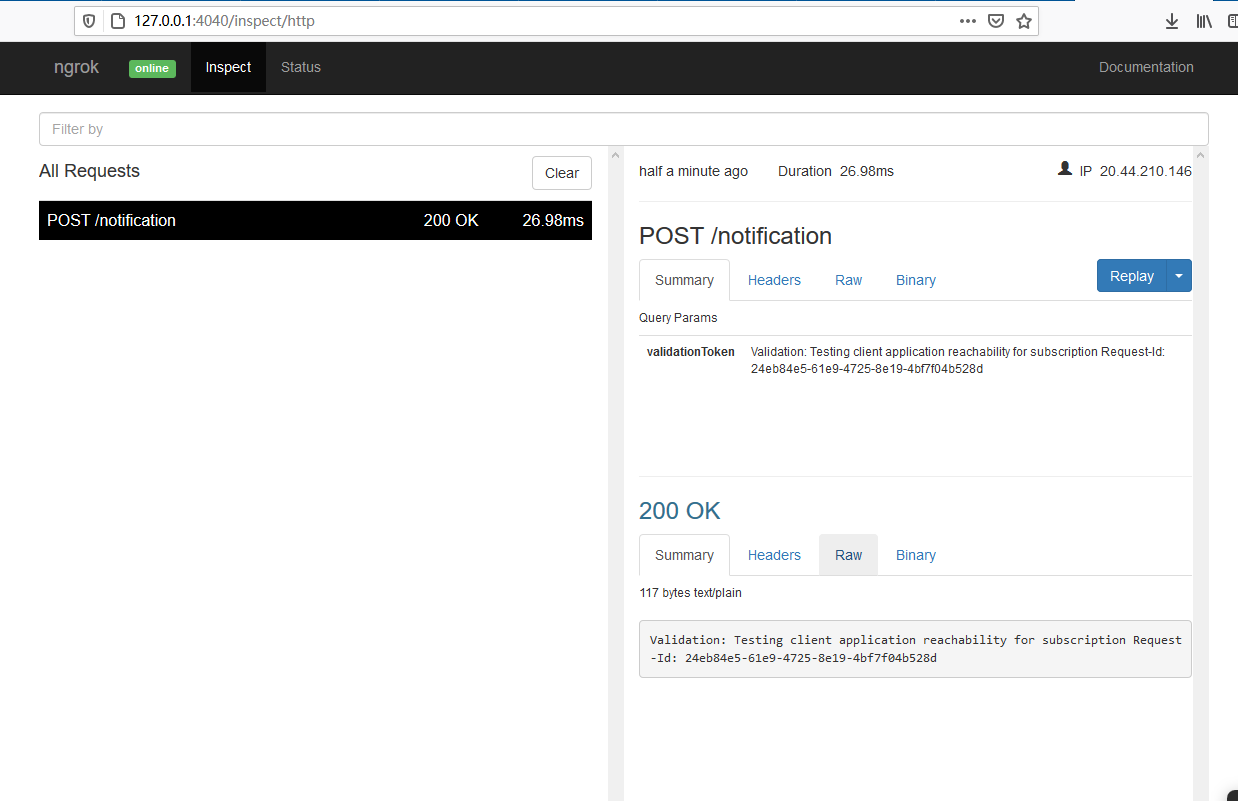
```
{
""error"": {
""code"": ""ExtensionError"",
""message"": ""Operation: Create; Exception: [Status Code: Forbidden; Reason: Access denied]"",
""innerError"": {
""date"": ""2020-11-19T07:28:27"",
""request-id"": ""24eb84e5-61e9-4725-8e19-4bf7f04b528d"",
""client-request-id"": ""24eb84e5-61e9-4725-8e19-4bf7f04b528d""
}
}
}
```
#### Steps to Reproduce
```
import requests
headers = {
'Authorization': 'Bearer my_token_here_login_as_app'
}
json = {
""changeType"": ""updated"",
""notificationUrl"": ""https://b9e2eae74621.ngrok.io/notification"",
""resource"": ""/users/my_id_here/drive/root"",
""expirationDateTime"": ""2020-11-19T18:23:45.9356913Z"",
""clientState"": ""secretClientValue"",
""latestSupportedTlsVersion"": ""v1_2""
}
subscription_api = ""https://graph.microsoft.com/v1.0/subscriptions""
resp = requests.post(subscription_api, headers=headers, json=json)
print(resp.text)
```
Configured permissions
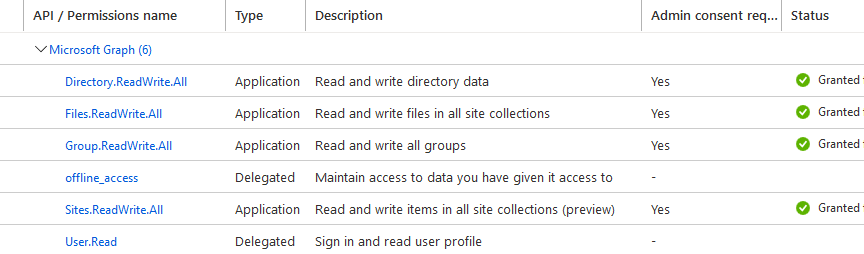
Thank you.",1.0,"Create subscription fails: Status Code: Forbidden; Reason: Access denied - #### Category
- [x] Question
- [ ] Documentation issue
- [ ] Bug
#### Expected or Desired Behavior
Subscription successfully created
#### Observed Behavior
The server successfully sent back verification, but the response to create the subscription showed an error. Of course, the server never gets the resource change notification

```
{
""error"": {
""code"": ""ExtensionError"",
""message"": ""Operation: Create; Exception: [Status Code: Forbidden; Reason: Access denied]"",
""innerError"": {
""date"": ""2020-11-19T07:28:27"",
""request-id"": ""24eb84e5-61e9-4725-8e19-4bf7f04b528d"",
""client-request-id"": ""24eb84e5-61e9-4725-8e19-4bf7f04b528d""
}
}
}
```
#### Steps to Reproduce
```
import requests
headers = {
'Authorization': 'Bearer my_token_here_login_as_app'
}
json = {
""changeType"": ""updated"",
""notificationUrl"": ""https://b9e2eae74621.ngrok.io/notification"",
""resource"": ""/users/my_id_here/drive/root"",
""expirationDateTime"": ""2020-11-19T18:23:45.9356913Z"",
""clientState"": ""secretClientValue"",
""latestSupportedTlsVersion"": ""v1_2""
}
subscription_api = ""https://graph.microsoft.com/v1.0/subscriptions""
resp = requests.post(subscription_api, headers=headers, json=json)
print(resp.text)
```
Configured permissions

Thank you.",1,create subscription fails status code forbidden reason access denied category question documentation issue bug expected or desired behavior subscription successfully created observed behavior the server successfully sent back verification but the response to create the subscription showed an error of course the server never gets the resource change notification error code extensionerror message operation create exception innererror date request id client request id steps to reproduce import requests headers authorization bearer my token here login as app json changetype updated notificationurl resource users my id here drive root expirationdatetime clientstate secretclientvalue latestsupportedtlsversion subscription api resp requests post subscription api headers headers json json print resp text configured permissions thank you ,1
8671,27172069610.0,IssuesEvent,2023-02-17 20:25:41,OneDrive/onedrive-api-docs,https://api.github.com/repos/OneDrive/onedrive-api-docs,closed,How to properly open the Javascript file picker?,area:Picker automation:Closed,"I am following this guide: https://docs.microsoft.com/en-us/onedrive/developer/controls/file-pickers/js-v72/open-file
What I need to get after clicking ""Open"" in the filepicker, is the file UID and the file name. That's it.
This is what I'm trying:
1)
```
function launchOneDrivePicker(){
var odOptions = {
clientId: c_onedrive_client_id,
action: ""query"",
multiSelect: false,
advanced: {
redirectUri: c_onedrive_redirect_uri,
endpointHint: c_onedrive_endpoint_hint,
navigation: {
disable: true
}
},
success: onedriveSuccess,
cancel: onedriveCancel,
error: onedriveError
};
OneDrive.open(odOptions);
}
```
When the ```launchOneDrivePicker()``` is called, the filepicker popup comes up, I am requested to login with my microsoft credentials, there is no request back to the ```redirectUri```, no oauth token, etc.
After I select a file and click ""Open"" in the file picker, the ```onedriveSuccess``` function is called with a ```files``` argument, and only the file UID.
So, this works fine, however, I also need the file name, so I try this:
2)
```
function launchOneDrivePicker(){
var odOptions = {
clientId: c_onedrive_client_id,
action: ""query"",
multiSelect: false,
advanced: {
queryParameters: ""select=id,name"",
redirectUri: c_onedrive_redirect_uri,
endpointHint: c_onedrive_endpoint_hint,
navigation: {
disable: true
}
},
success: onedriveSuccess,
cancel: onedriveCancel,
error: onedriveError
};
OneDrive.open(odOptions);
}
```
Once I add the ```queryParameters```, calling ```launchOneDrivePicker()``` will now start an oauth negotiation by issuing a request to ```redirectUri```. After authorizing and getting an access token, I have this:
```
function launchOneDrivePicker(){
var odOptions = {
clientId: c_onedrive_client_id,
action: ""query"",
multiSelect: false,
advanced: {
queryParameters: ""select=id,name"",
accessToken: ""ACCESS-TOKEN-HERE"",
redirectUri: c_onedrive_redirect_uri,
endpointHint: c_onedrive_endpoint_hint,
navigation: {
disable: true
}
},
success: onedriveSuccess,
cancel: onedriveCancel,
error: onedriveError
};
OneDrive.open(odOptions);
}
```
And when calling ```launchOneDrivePicker()``` opens the file picker just fine. However, after selecting a file, and clicking ""Open"", the ```onedriveSuccess``` function gets called, but the first argument says ""HTTP error status: 401""
Also, in the browser dev tools console, I'm seeing:
```
[OneDriveSDK] calling xhr failure callback, status: 401
[OneDriveSDK] Received ajax error.
```
I also tried adding ```scopes```, so the full code would look like this:
```
function launchOneDrivePicker(){
var odOptions = {
clientId: c_onedrive_client_id,
action: ""query"",
multiSelect: false,
scopes: ""user.read files.read files.read.all sites.read.all"",
advanced: {
queryParameters: ""select=id,name"",
accessToken: ""ACCESS-TOKEN-HERE"",
redirectUri: c_onedrive_redirect_uri,
endpointHint: c_onedrive_endpoint_hint,
navigation: {
disable: true
}
},
success: onedriveSuccess,
cancel: onedriveCancel,
error: onedriveError
};
OneDrive.open(odOptions);
}
```
however this doesn't seem to make any difference...
Am I doing something wrong here? Any help would be appreciated",1.0,"How to properly open the Javascript file picker? - I am following this guide: https://docs.microsoft.com/en-us/onedrive/developer/controls/file-pickers/js-v72/open-file
What I need to get after clicking ""Open"" in the filepicker, is the file UID and the file name. That's it.
This is what I'm trying:
1)
```
function launchOneDrivePicker(){
var odOptions = {
clientId: c_onedrive_client_id,
action: ""query"",
multiSelect: false,
advanced: {
redirectUri: c_onedrive_redirect_uri,
endpointHint: c_onedrive_endpoint_hint,
navigation: {
disable: true
}
},
success: onedriveSuccess,
cancel: onedriveCancel,
error: onedriveError
};
OneDrive.open(odOptions);
}
```
When the ```launchOneDrivePicker()``` is called, the filepicker popup comes up, I am requested to login with my microsoft credentials, there is no request back to the ```redirectUri```, no oauth token, etc.
After I select a file and click ""Open"" in the file picker, the ```onedriveSuccess``` function is called with a ```files``` argument, and only the file UID.
So, this works fine, however, I also need the file name, so I try this:
2)
```
function launchOneDrivePicker(){
var odOptions = {
clientId: c_onedrive_client_id,
action: ""query"",
multiSelect: false,
advanced: {
queryParameters: ""select=id,name"",
redirectUri: c_onedrive_redirect_uri,
endpointHint: c_onedrive_endpoint_hint,
navigation: {
disable: true
}
},
success: onedriveSuccess,
cancel: onedriveCancel,
error: onedriveError
};
OneDrive.open(odOptions);
}
```
Once I add the ```queryParameters```, calling ```launchOneDrivePicker()``` will now start an oauth negotiation by issuing a request to ```redirectUri```. After authorizing and getting an access token, I have this:
```
function launchOneDrivePicker(){
var odOptions = {
clientId: c_onedrive_client_id,
action: ""query"",
multiSelect: false,
advanced: {
queryParameters: ""select=id,name"",
accessToken: ""ACCESS-TOKEN-HERE"",
redirectUri: c_onedrive_redirect_uri,
endpointHint: c_onedrive_endpoint_hint,
navigation: {
disable: true
}
},
success: onedriveSuccess,
cancel: onedriveCancel,
error: onedriveError
};
OneDrive.open(odOptions);
}
```
And when calling ```launchOneDrivePicker()``` opens the file picker just fine. However, after selecting a file, and clicking ""Open"", the ```onedriveSuccess``` function gets called, but the first argument says ""HTTP error status: 401""
Also, in the browser dev tools console, I'm seeing:
```
[OneDriveSDK] calling xhr failure callback, status: 401
[OneDriveSDK] Received ajax error.
```
I also tried adding ```scopes```, so the full code would look like this:
```
function launchOneDrivePicker(){
var odOptions = {
clientId: c_onedrive_client_id,
action: ""query"",
multiSelect: false,
scopes: ""user.read files.read files.read.all sites.read.all"",
advanced: {
queryParameters: ""select=id,name"",
accessToken: ""ACCESS-TOKEN-HERE"",
redirectUri: c_onedrive_redirect_uri,
endpointHint: c_onedrive_endpoint_hint,
navigation: {
disable: true
}
},
success: onedriveSuccess,
cancel: onedriveCancel,
error: onedriveError
};
OneDrive.open(odOptions);
}
```
however this doesn't seem to make any difference...
Am I doing something wrong here? Any help would be appreciated",1,how to properly open the javascript file picker i am following this guide what i need to get after clicking open in the filepicker is the file uid and the file name that s it this is what i m trying function launchonedrivepicker var odoptions clientid c onedrive client id action query multiselect false advanced redirecturi c onedrive redirect uri endpointhint c onedrive endpoint hint navigation disable true success onedrivesuccess cancel onedrivecancel error onedriveerror onedrive open odoptions when the launchonedrivepicker is called the filepicker popup comes up i am requested to login with my microsoft credentials there is no request back to the redirecturi no oauth token etc after i select a file and click open in the file picker the onedrivesuccess function is called with a files argument and only the file uid so this works fine however i also need the file name so i try this function launchonedrivepicker var odoptions clientid c onedrive client id action query multiselect false advanced queryparameters select id name redirecturi c onedrive redirect uri endpointhint c onedrive endpoint hint navigation disable true success onedrivesuccess cancel onedrivecancel error onedriveerror onedrive open odoptions once i add the queryparameters calling launchonedrivepicker will now start an oauth negotiation by issuing a request to redirecturi after authorizing and getting an access token i have this function launchonedrivepicker var odoptions clientid c onedrive client id action query multiselect false advanced queryparameters select id name accesstoken access token here redirecturi c onedrive redirect uri endpointhint c onedrive endpoint hint navigation disable true success onedrivesuccess cancel onedrivecancel error onedriveerror onedrive open odoptions and when calling launchonedrivepicker opens the file picker just fine however after selecting a file and clicking open the onedrivesuccess function gets called but the first argument says http error status also in the browser dev tools console i m seeing calling xhr failure callback status received ajax error i also tried adding scopes so the full code would look like this function launchonedrivepicker var odoptions clientid c onedrive client id action query multiselect false scopes user read files read files read all sites read all advanced queryparameters select id name accesstoken access token here redirecturi c onedrive redirect uri endpointhint c onedrive endpoint hint navigation disable true success onedrivesuccess cancel onedrivecancel error onedriveerror onedrive open odoptions however this doesn t seem to make any difference am i doing something wrong here any help would be appreciated,1
8804,27172277542.0,IssuesEvent,2023-02-17 20:37:35,OneDrive/onedrive-api-docs,https://api.github.com/repos/OneDrive/onedrive-api-docs,closed,Search for Sites is listed twice in the Tasks,area:Docs status:backlogged automation:Closed,"Search for sites:
```
Search for sites GET /sites?search={query}
```
is listed twice. You can remove the bottom one.
---
#### Document Details
⚠ *Do not edit this section. It is required for docs.microsoft.com ➟ GitHub issue linking.*
* ID: 69875418-5ba8-85d2-6839-9f3931191cb6
* Version Independent ID: fdc7ade0-67f3-ae4f-a8c0-bea73de49104
* Content: [Site - OneDrive API - OneDrive dev center](https://docs.microsoft.com/en-us/onedrive/developer/rest-api/resources/site?view=odsp-graph-online)
* Content Source: [docs/rest-api/resources/site.md](https://github.com/OneDrive/onedrive-api-docs/blob/live/docs/rest-api/resources/site.md)
* Product: **onedrive**
* GitHub Login: @rgregg
* Microsoft Alias: **rgregg**",1.0,"Search for Sites is listed twice in the Tasks - Search for sites:
```
Search for sites GET /sites?search={query}
```
is listed twice. You can remove the bottom one.
---
#### Document Details
⚠ *Do not edit this section. It is required for docs.microsoft.com ➟ GitHub issue linking.*
* ID: 69875418-5ba8-85d2-6839-9f3931191cb6
* Version Independent ID: fdc7ade0-67f3-ae4f-a8c0-bea73de49104
* Content: [Site - OneDrive API - OneDrive dev center](https://docs.microsoft.com/en-us/onedrive/developer/rest-api/resources/site?view=odsp-graph-online)
* Content Source: [docs/rest-api/resources/site.md](https://github.com/OneDrive/onedrive-api-docs/blob/live/docs/rest-api/resources/site.md)
* Product: **onedrive**
* GitHub Login: @rgregg
* Microsoft Alias: **rgregg**",1,search for sites is listed twice in the tasks search for sites search for sites get sites search query is listed twice you can remove the bottom one document details ⚠ do not edit this section it is required for docs microsoft com ➟ github issue linking id version independent id content content source product onedrive github login rgregg microsoft alias rgregg ,1
8632,27172016172.0,IssuesEvent,2023-02-17 20:22:46,OneDrive/onedrive-api-docs,https://api.github.com/repos/OneDrive/onedrive-api-docs,closed,Resuming upload session results in 400 Upload session not found,type:bug area:OneDrive Personal automation:Closed,"Sometimes I have 503 response while uploading a file. I use a resumable upload, so after such response I just try to resume upload session. In most cases session resumes successfully and the file upload continues. But sometimes I recieve 400 response when I try to resume the session.
I want to understade what am I doing wrong. Maybe it is a bug?
Here is a truncated and simplified Fiddler log. Let [FILE_CONTENT] be file content of the specifyed length and [UPLOAD_URL] be the url returned from POST request.
### Creating upload session
request
> POST https://api.onedrive.com/v1.0/drive/root:/92_32/stress/_stress_od_fiddled/1-2017%20September%2008%20(11.42)_full/.Index/20000/.i/11757.txt.i:/upload.createSession HTTP/1.1
>
> {""item"":{""@name.conflictBehavior"":""replace"",""name"":""11757.txt.i""}}
reponse
> HTTP/1.1 200 OK
>
> {""@odata.context"":""https://api.onedrive.com/v1.0/$metadata#oneDrive.uploadSession"",""uploadUrl"":""[UPLOAD_URL]"",""expirationDateTime"":""2017-09-15T05:49:22.733Z"",""nextExpectedRanges"":[""0-""]}
### Upload a file
request
> PUT [UPLOAD_URL] HTTP/1.1
> Content-Range: bytes 0-173/174
> Content-Length: 174
>
> [FILE_CONTENT]
response
> HTTP/1.1 503 Service Unavailable
>
> {""error"":{""code"":""serviceNotAvailable"",""message"":""Service is temporarily unavailable""}}
### Asking about upload state
request
> GET [UPLOAD_URL] HTTP/1.1
response
> HTTP/1.1 200 OK
>
> {""expirationDateTime"":""2017-09-15T05:49:22.733Z"",""nextExpectedRanges"":[]}
### Continue uploading file
request
> PUT [UPLOAD_URL] HTTP/1.1
> Content-Range: bytes 0-173/174
> Content-Length: 174
>
> [FILE_CONTENT]
response
> HTTP/1.1 400 Bad Request
>
> {""error"":{""code"":""itemNotFound"",""message"":""Upload session not found"",""innererror"":{""code"":""uploadSessionNotFound""}}}
",1.0,"Resuming upload session results in 400 Upload session not found - Sometimes I have 503 response while uploading a file. I use a resumable upload, so after such response I just try to resume upload session. In most cases session resumes successfully and the file upload continues. But sometimes I recieve 400 response when I try to resume the session.
I want to understade what am I doing wrong. Maybe it is a bug?
Here is a truncated and simplified Fiddler log. Let [FILE_CONTENT] be file content of the specifyed length and [UPLOAD_URL] be the url returned from POST request.
### Creating upload session
request
> POST https://api.onedrive.com/v1.0/drive/root:/92_32/stress/_stress_od_fiddled/1-2017%20September%2008%20(11.42)_full/.Index/20000/.i/11757.txt.i:/upload.createSession HTTP/1.1
>
> {""item"":{""@name.conflictBehavior"":""replace"",""name"":""11757.txt.i""}}
reponse
> HTTP/1.1 200 OK
>
> {""@odata.context"":""https://api.onedrive.com/v1.0/$metadata#oneDrive.uploadSession"",""uploadUrl"":""[UPLOAD_URL]"",""expirationDateTime"":""2017-09-15T05:49:22.733Z"",""nextExpectedRanges"":[""0-""]}
### Upload a file
request
> PUT [UPLOAD_URL] HTTP/1.1
> Content-Range: bytes 0-173/174
> Content-Length: 174
>
> [FILE_CONTENT]
response
> HTTP/1.1 503 Service Unavailable
>
> {""error"":{""code"":""serviceNotAvailable"",""message"":""Service is temporarily unavailable""}}
### Asking about upload state
request
> GET [UPLOAD_URL] HTTP/1.1
response
> HTTP/1.1 200 OK
>
> {""expirationDateTime"":""2017-09-15T05:49:22.733Z"",""nextExpectedRanges"":[]}
### Continue uploading file
request
> PUT [UPLOAD_URL] HTTP/1.1
> Content-Range: bytes 0-173/174
> Content-Length: 174
>
> [FILE_CONTENT]
response
> HTTP/1.1 400 Bad Request
>
> {""error"":{""code"":""itemNotFound"",""message"":""Upload session not found"",""innererror"":{""code"":""uploadSessionNotFound""}}}
",1,resuming upload session results in upload session not found sometimes i have response while uploading a file i use a resumable upload so after such response i just try to resume upload session in most cases session resumes successfully and the file upload continues but sometimes i recieve response when i try to resume the session i want to understade what am i doing wrong maybe it is a bug here is a truncated and simplified fiddler log let be file content of the specifyed length and be the url returned from post request creating upload session request post http item name conflictbehavior replace name txt i reponse http ok odata context expirationdatetime nextexpectedranges upload a file request put http content range bytes content length response http service unavailable error code servicenotavailable message service is temporarily unavailable asking about upload state request get http response http ok expirationdatetime nextexpectedranges continue uploading file request put http content range bytes content length response http bad request error code itemnotfound message upload session not found innererror code uploadsessionnotfound ,1
8641,27172027983.0,IssuesEvent,2023-02-17 20:23:25,OneDrive/onedrive-api-docs,https://api.github.com/repos/OneDrive/onedrive-api-docs,closed,Receiving a HTTP 409 Conflict response when trying to rename a file with OneDrive Personal,status:investigating automation:Closed,"Hi,
We have a OneDrive Personal user who receives a *HTTP/1.1 409 Conflict* error when our application is trying to rename any file (and set its last modified timestamp) it has just finished uploading to the server.
Below are the request and response packets:
```
PATCH /v1.0/drive/items/B0E7B9973C67B12B!466303 HTTP/1.1
Content-Type: application/json; charset=UTF-8
Content-Length: 105
Authorization: Bearer xxxxxxxxx
Host: api.onedrive.com
Accept: text/html,application/xhtml+xml,application/xml;q=0.9,*/*;q=0.8
User-Agent: Mozilla/3.0 (compatible; Indy Library)
{""name"":""Annual Privacy Notice.doc"",""fileSystemInfo"":{""lastModifiedDateTime"":""2011-02-22T12:34:08.560Z""}}
HTTP/1.1 409 Conflict
Content-Length: 90
Content-Type: application/json
P3P: CP=""BUS CUR CONo FIN IVDo ONL OUR PHY SAMo TELo""
X-MSNSERVER: BN2BAPF0E7098F2
Strict-Transport-Security: max-age=31536000; includeSubDomains
X-QosStats: {""ApiId"":0,""ResultType"":2,""SourcePropertyId"":0,""TargetPropertyId"":42}
X-ThrowSite: 0bfa.2610
X-AsmVersion: UNKNOWN; 19.88.1204.2027
X-MSEdge-Ref: Ref A: 06167BAFEC674796B238B7670371BEA9 Ref B: ATAEDGE0622 Ref C: 2018-01-06T18:09:57Z
Date: Sat, 06 Jan 2018 18:09:57 GMT
{""error"":{""code"":""resourceModified"",""message"":""ETag does not match current item's value""}}
```
As you can see It's clear that we don't provide any ETag along with the request. We have tried to reproduce this on our side using different accounts but it always works as expected.
We are suspecting the problem is particular to this user's account so maybe you can tell us why it fails.
Thanks,
",1.0,"Receiving a HTTP 409 Conflict response when trying to rename a file with OneDrive Personal - Hi,
We have a OneDrive Personal user who receives a *HTTP/1.1 409 Conflict* error when our application is trying to rename any file (and set its last modified timestamp) it has just finished uploading to the server.
Below are the request and response packets:
```
PATCH /v1.0/drive/items/B0E7B9973C67B12B!466303 HTTP/1.1
Content-Type: application/json; charset=UTF-8
Content-Length: 105
Authorization: Bearer xxxxxxxxx
Host: api.onedrive.com
Accept: text/html,application/xhtml+xml,application/xml;q=0.9,*/*;q=0.8
User-Agent: Mozilla/3.0 (compatible; Indy Library)
{""name"":""Annual Privacy Notice.doc"",""fileSystemInfo"":{""lastModifiedDateTime"":""2011-02-22T12:34:08.560Z""}}
HTTP/1.1 409 Conflict
Content-Length: 90
Content-Type: application/json
P3P: CP=""BUS CUR CONo FIN IVDo ONL OUR PHY SAMo TELo""
X-MSNSERVER: BN2BAPF0E7098F2
Strict-Transport-Security: max-age=31536000; includeSubDomains
X-QosStats: {""ApiId"":0,""ResultType"":2,""SourcePropertyId"":0,""TargetPropertyId"":42}
X-ThrowSite: 0bfa.2610
X-AsmVersion: UNKNOWN; 19.88.1204.2027
X-MSEdge-Ref: Ref A: 06167BAFEC674796B238B7670371BEA9 Ref B: ATAEDGE0622 Ref C: 2018-01-06T18:09:57Z
Date: Sat, 06 Jan 2018 18:09:57 GMT
{""error"":{""code"":""resourceModified"",""message"":""ETag does not match current item's value""}}
```
As you can see It's clear that we don't provide any ETag along with the request. We have tried to reproduce this on our side using different accounts but it always works as expected.
We are suspecting the problem is particular to this user's account so maybe you can tell us why it fails.
Thanks,
",1,receiving a http conflict response when trying to rename a file with onedrive personal hi we have a onedrive personal user who receives a http conflict error when our application is trying to rename any file and set its last modified timestamp it has just finished uploading to the server below are the request and response packets patch drive items http content type application json charset utf content length authorization bearer xxxxxxxxx host api onedrive com accept text html application xhtml xml application xml q q user agent mozilla compatible indy library name annual privacy notice doc filesysteminfo lastmodifieddatetime http conflict content length content type application json cp bus cur cono fin ivdo onl our phy samo telo x msnserver strict transport security max age includesubdomains x qosstats apiid resulttype sourcepropertyid targetpropertyid x throwsite x asmversion unknown x msedge ref ref a ref b ref c date sat jan gmt error code resourcemodified message etag does not match current item s value as you can see it s clear that we don t provide any etag along with the request we have tried to reproduce this on our side using different accounts but it always works as expected we are suspecting the problem is particular to this user s account so maybe you can tell us why it fails thanks ,1
8617,27171995734.0,IssuesEvent,2023-02-17 20:21:39,OneDrive/onedrive-api-docs,https://api.github.com/repos/OneDrive/onedrive-api-docs,closed,When will GET /drive doesn't have display name?,automation:Closed,"Hi,
I have a user that have empty display_name from GET /drive api
```
{
""status"": {
""state"": ""active""
},
""quota"": {
""used"": 1948188471,
""deleted"": 8834994,
""storagePlans"": {
""upgradeAvailable"": true
},
""state"": ""normal"",
""total"": 16106127360,
""remaining"": 14157938889
},
""@odata.context"": ""https://api.onedrive.com/v1.0/$metadata#drives/$entity"",
""owner"": {
""user"": {
""displayName"": """",
""id"": ""{userid}""
}
},
""driveType"": ""personal"",
""id"": ""{userid}""
}
```
and I tried old GET /v5.0/me api
```
{
""first_name"": null,
""last_name"": null,
""name"": null,
""locale"": null,
""gender"": null,
""id"": ""{userid}"",
""emails"": {
""personal"": null,
""account"": null,
""preferred"": null,
""business"": null
}
}
```
most informations are empty, is it normal? how can I get correct information for this account?
thanks.
",1.0,"When will GET /drive doesn't have display name? - Hi,
I have a user that have empty display_name from GET /drive api
```
{
""status"": {
""state"": ""active""
},
""quota"": {
""used"": 1948188471,
""deleted"": 8834994,
""storagePlans"": {
""upgradeAvailable"": true
},
""state"": ""normal"",
""total"": 16106127360,
""remaining"": 14157938889
},
""@odata.context"": ""https://api.onedrive.com/v1.0/$metadata#drives/$entity"",
""owner"": {
""user"": {
""displayName"": """",
""id"": ""{userid}""
}
},
""driveType"": ""personal"",
""id"": ""{userid}""
}
```
and I tried old GET /v5.0/me api
```
{
""first_name"": null,
""last_name"": null,
""name"": null,
""locale"": null,
""gender"": null,
""id"": ""{userid}"",
""emails"": {
""personal"": null,
""account"": null,
""preferred"": null,
""business"": null
}
}
```
most informations are empty, is it normal? how can I get correct information for this account?
thanks.
",1,when will get drive doesn t have display name hi i have a user that have empty display name from get drive api status state active quota used deleted storageplans upgradeavailable true state normal total remaining odata context owner user displayname id userid drivetype personal id userid and i tried old get me api first name null last name null name null locale null gender null id userid emails personal null account null preferred null business null most informations are empty is it normal how can i get correct information for this account thanks ,1
8786,27172247914.0,IssuesEvent,2023-02-17 20:35:40,OneDrive/onedrive-api-docs,https://api.github.com/repos/OneDrive/onedrive-api-docs,closed,OneDrive personal: files filter name with startsWith returns odata.nextLink for single result,area:OneDrive Personal Needs: Attention :wave: automation:Closed,"I have replaced actual drive id and folder id with placeholders. You should be able to see the actual
values if you look at the requests (I have put in request ids wherever applicable)
1. GET https://graph.microsoft.com/beta/drives//items//children?$filter=startswith(name,'402048677745')
request-id: d8cd752a-9cb6-4fad-a00d-3532ded47f49
2. Actual Result:
{
""@odata.context"": ""https://graph.microsoft.com/beta/$metadata#drives('')/items('')/children"",
""@odata.count"": 245,
""@odata.nextLink"": ""https://graph.microsoft.com/beta/drives//items//children?$filter=startswith(name%2c%27402048677745%27)&$skiptoken=MjAx"",
""value"": []
}
3. When i follow @odata.nextLink I get the expected result
`GET https://graph.microsoft.com/beta/drives//items//children?$filter=startswith(name,'402048677745')&$skiptoken=MjAx`
request-id: 46571704-8922-4fcc-88c6-ef6709f6792f
{
""@odata.context"": ""https://graph.microsoft.com/beta/$metadata#drives('')/items('')/children"",
""@odata.count"": 245,
""value"": [
{
""@microsoft.graph.downloadUrl"": """",
""createdDateTime"": ""2020-01-29T01:03:46.967Z"",
""id"": """",
""lastModifiedDateTime"": ""2020-01-29T01:26:02.827Z"",
""name"": ""402048677745_orig.jpg"",
""webUrl"": ""<1drv.ms url>"",
""size"": 252817,
}
]
}
**Expected result:**
@odata.count is wrong. Should be 1
Since filter actually returns a single item, the result should have value and no @odata.nextLink
This may be a recent regression, was working last week (I did have less than 200 items in the folder then). I use startsWith filter since equal doesn't seem to work.",1.0,"OneDrive personal: files filter name with startsWith returns odata.nextLink for single result - I have replaced actual drive id and folder id with placeholders. You should be able to see the actual
values if you look at the requests (I have put in request ids wherever applicable)
1. GET https://graph.microsoft.com/beta/drives//items//children?$filter=startswith(name,'402048677745')
request-id: d8cd752a-9cb6-4fad-a00d-3532ded47f49
2. Actual Result:
{
""@odata.context"": ""https://graph.microsoft.com/beta/$metadata#drives('')/items('')/children"",
""@odata.count"": 245,
""@odata.nextLink"": ""https://graph.microsoft.com/beta/drives//items//children?$filter=startswith(name%2c%27402048677745%27)&$skiptoken=MjAx"",
""value"": []
}
3. When i follow @odata.nextLink I get the expected result
`GET https://graph.microsoft.com/beta/drives//items//children?$filter=startswith(name,'402048677745')&$skiptoken=MjAx`
request-id: 46571704-8922-4fcc-88c6-ef6709f6792f
{
""@odata.context"": ""https://graph.microsoft.com/beta/$metadata#drives('')/items('')/children"",
""@odata.count"": 245,
""value"": [
{
""@microsoft.graph.downloadUrl"": """",
""createdDateTime"": ""2020-01-29T01:03:46.967Z"",
""id"": """",
""lastModifiedDateTime"": ""2020-01-29T01:26:02.827Z"",
""name"": ""402048677745_orig.jpg"",
""webUrl"": ""<1drv.ms url>"",
""size"": 252817,
}
]
}
**Expected result:**
@odata.count is wrong. Should be 1
Since filter actually returns a single item, the result should have value and no @odata.nextLink
This may be a recent regression, was working last week (I did have less than 200 items in the folder then). I use startsWith filter since equal doesn't seem to work.",1,onedrive personal files filter name with startswith returns odata nextlink for single result i have replaced actual drive id and folder id with placeholders you should be able to see the actual values if you look at the requests i have put in request ids wherever applicable get request id actual result odata context odata count odata nextlink value when i follow odata nextlink i get the expected result get request id odata context odata count value microsoft graph downloadurl createddatetime id lastmodifieddatetime name orig jpg weburl size expected result odata count is wrong should be since filter actually returns a single item the result should have value and no odata nextlink this may be a recent regression was working last week i did have less than items in the folder then i use startswith filter since equal doesn t seem to work ,1
8792,27172254471.0,IssuesEvent,2023-02-17 20:36:06,OneDrive/onedrive-api-docs,https://api.github.com/repos/OneDrive/onedrive-api-docs,closed,[Bug] - Searching for items a user can access in one drive,type:enhancement status:investigating automation:Closed,"Following API is returning result only in my drive, files present in folder shared with me are not returned.
https://docs.microsoft.com/en-us/onedrive/developer/rest-api/api/driveitem_search?view=odsp-graph-online#searching-for-items-a-user-can-access",1.0,"[Bug] - Searching for items a user can access in one drive - Following API is returning result only in my drive, files present in folder shared with me are not returned.
https://docs.microsoft.com/en-us/onedrive/developer/rest-api/api/driveitem_search?view=odsp-graph-online#searching-for-items-a-user-can-access",1, searching for items a user can access in one drive following api is returning result only in my drive files present in folder shared with me are not returned ,1
8708,27172150585.0,IssuesEvent,2023-02-17 20:30:09,OneDrive/onedrive-api-docs,https://api.github.com/repos/OneDrive/onedrive-api-docs,closed,File count not correct in the GET /drive api,area:Docs automation:Closed,"We are using ""GET /drive"" api specified in this document.
https://docs.microsoft.com/en-us/onedrive/developer/rest-api/api/drive_get?view=odsp-graph-online
From the documentation we see that the drive resource details are returned as specified by
https://docs.microsoft.com/en-us/onedrive/developer/rest-api/resources/drive?view=odsp-graph-online
We see the quota block returned as a response.
""quota"": {
""deleted"": 187917,
""fileCount"": 192,
""remaining"": 1099509515764,
""state"": ""normal"",
""total"": 1099511627776,
""used"": 82688
}
The fileCount is not specified in this document
https://docs.microsoft.com/en-us/onedrive/developer/rest-api/resources/drive?view=odsp-graph-online.
The file count that we see in this response does not match with that of the total number of files in onedrive.
In case if this is not the total file count, what is this file count number representing.
Date Fri, 26 Feb 2019 21:43:21 GMT
request-id f816c79e-c0dd-0000-271b-647373b23a1b
SPRequestGuid f816c79e-c0dd-0000-271b-647373b23a1b",1.0,"File count not correct in the GET /drive api - We are using ""GET /drive"" api specified in this document.
https://docs.microsoft.com/en-us/onedrive/developer/rest-api/api/drive_get?view=odsp-graph-online
From the documentation we see that the drive resource details are returned as specified by
https://docs.microsoft.com/en-us/onedrive/developer/rest-api/resources/drive?view=odsp-graph-online
We see the quota block returned as a response.
""quota"": {
""deleted"": 187917,
""fileCount"": 192,
""remaining"": 1099509515764,
""state"": ""normal"",
""total"": 1099511627776,
""used"": 82688
}
The fileCount is not specified in this document
https://docs.microsoft.com/en-us/onedrive/developer/rest-api/resources/drive?view=odsp-graph-online.
The file count that we see in this response does not match with that of the total number of files in onedrive.
In case if this is not the total file count, what is this file count number representing.
Date Fri, 26 Feb 2019 21:43:21 GMT
request-id f816c79e-c0dd-0000-271b-647373b23a1b
SPRequestGuid f816c79e-c0dd-0000-271b-647373b23a1b",1,file count not correct in the get drive api we are using get drive api specified in this document from the documentation we see that the drive resource details are returned as specified by we see the quota block returned as a response quota deleted filecount remaining state normal total used the filecount is not specified in this document the file count that we see in this response does not match with that of the total number of files in onedrive in case if this is not the total file count what is this file count number representing date fri feb gmt request id sprequestguid ,1
8873,27172353875.0,IssuesEvent,2023-02-17 20:42:26,OneDrive/onedrive-api-docs,https://api.github.com/repos/OneDrive/onedrive-api-docs,closed,Duplicate/skipped items in paginated directory queries,Needs: Attention :wave: automation:Closed,"#### Category
- [ ] Question
- [ ] Documentation issue
- [x] Bug
#### Expected or Desired Behavior
* When querying the contents of a OneDrive directory, each item should be returned exactly once.
#### Observed Behavior
* Pairs of files whose names differ by a 0 preceding a string of decimal digits (*e.g.* `a1b`, `a01b`) do not have a consistent sort order. Sometimes the filename with the leading 0 comes first, sometimes second.
* If such a pair of files happens to span a pagination boundary, one file may be duplicated in the list and the other file omitted.
#### Steps to Reproduce
Here are request logs from a real-world example where the bug was observed: [rclone.log](https://gist.githubusercontent.com/nickgaya/6d8c325f9602c893f5bc7e100a411a69/raw/1af438b920c52444c60819f728b660d74422b6be/rclone.log). In this example, the directory contained two files called `d06b` and `d6b`. The request logs show that `d06b` was returned twice, in two consecutive paginated requests, while the file `d6b` was not returned at all.
Note that this bug occurs intermittently and I have not found a way to reliably reproduce it in isolation. The following steps are designed to create conditions where the bug may occur, but in practice I have not been able to trigger the bug by this method. There may be some internal details of the system that influence the likelihood of the bug occurring.
1. Create a directory containing files whose filenames differ by leading 0s as described above. The following bash script will generate 1024 such files:
mkdir test
for f in a{1,01}a{1,01}a{1,01}a{1,01}a{1,01}a{1,01}a{1,01}a{1,01}a{1,01}a{1,01}a; do
echo 'test' >test/${f}
done
2. Upload the test directory to OneDrive
3. Query the directory contents via the API using the `top` parameter to limit the number of results, and use the `@odata.nextLink` property of the results to retrieve the full list of files.
4. Verify whether all files are present in the list of results.",1.0,"Duplicate/skipped items in paginated directory queries - #### Category
- [ ] Question
- [ ] Documentation issue
- [x] Bug
#### Expected or Desired Behavior
* When querying the contents of a OneDrive directory, each item should be returned exactly once.
#### Observed Behavior
* Pairs of files whose names differ by a 0 preceding a string of decimal digits (*e.g.* `a1b`, `a01b`) do not have a consistent sort order. Sometimes the filename with the leading 0 comes first, sometimes second.
* If such a pair of files happens to span a pagination boundary, one file may be duplicated in the list and the other file omitted.
#### Steps to Reproduce
Here are request logs from a real-world example where the bug was observed: [rclone.log](https://gist.githubusercontent.com/nickgaya/6d8c325f9602c893f5bc7e100a411a69/raw/1af438b920c52444c60819f728b660d74422b6be/rclone.log). In this example, the directory contained two files called `d06b` and `d6b`. The request logs show that `d06b` was returned twice, in two consecutive paginated requests, while the file `d6b` was not returned at all.
Note that this bug occurs intermittently and I have not found a way to reliably reproduce it in isolation. The following steps are designed to create conditions where the bug may occur, but in practice I have not been able to trigger the bug by this method. There may be some internal details of the system that influence the likelihood of the bug occurring.
1. Create a directory containing files whose filenames differ by leading 0s as described above. The following bash script will generate 1024 such files:
mkdir test
for f in a{1,01}a{1,01}a{1,01}a{1,01}a{1,01}a{1,01}a{1,01}a{1,01}a{1,01}a{1,01}a; do
echo 'test' >test/${f}
done
2. Upload the test directory to OneDrive
3. Query the directory contents via the API using the `top` parameter to limit the number of results, and use the `@odata.nextLink` property of the results to retrieve the full list of files.
4. Verify whether all files are present in the list of results.",1,duplicate skipped items in paginated directory queries category question documentation issue bug expected or desired behavior when querying the contents of a onedrive directory each item should be returned exactly once observed behavior pairs of files whose names differ by a preceding a string of decimal digits e g do not have a consistent sort order sometimes the filename with the leading comes first sometimes second if such a pair of files happens to span a pagination boundary one file may be duplicated in the list and the other file omitted steps to reproduce here are request logs from a real world example where the bug was observed in this example the directory contained two files called and the request logs show that was returned twice in two consecutive paginated requests while the file was not returned at all note that this bug occurs intermittently and i have not found a way to reliably reproduce it in isolation the following steps are designed to create conditions where the bug may occur but in practice i have not been able to trigger the bug by this method there may be some internal details of the system that influence the likelihood of the bug occurring create a directory containing files whose filenames differ by leading as described above the following bash script will generate such files mkdir test for f in a a a a a a a a a a a do echo test test f done upload the test directory to onedrive query the directory contents via the api using the top parameter to limit the number of results and use the odata nextlink property of the results to retrieve the full list of files verify whether all files are present in the list of results ,1
8716,27172161098.0,IssuesEvent,2023-02-17 20:30:42,OneDrive/onedrive-api-docs,https://api.github.com/repos/OneDrive/onedrive-api-docs,closed,OneDrive File Picker JavaScript SDK v7.2: Unable to specify target library or root folder when opening onedrive file picker,area:Picker Needs: Attention :wave: automation:Closed,"I use OneDrive File Picker JavaScript SDK v7.2.
The user is already authenticated and has a token (auth end point: https://login.microsoftonline.com/common/oauth2/v2.0/authorize).
I want to open the file picker for a given team/group drive (and a specific folder in that drive).
Documentation says it is possible with the following parameters:
(https://docs.microsoft.com/en-us/onedrive/developer/controls/file-pickers/js-v72/open-file?view=odsp-graph-online)
entryLocation: {
sharePoint: {
sitePath: ""THE-SITE-PATH"",
listPath: ""THE-LIST-PATH"",
itemPath: ""THE-ITEM-PATH""
}
However, those parameters are not explained and there is no example.
I searched for examples but did not find. I only found unanswered questions.
See also unanswered question here:
https://github.com/OneDrive/onedrive-api-docs/issues/862
With Graph API, I can get Sharepoint Ids, with requests like:
/groups/1c68e6bb-20bf-4b94-9d13-14379993801e/drive/root?select=sharepointIds
The result is:
listId: ""8943d039-cbea-4873-8c7b-e92f34487386""
listItemUniqueId: ""cc7b91b3-b9f1-4c00-86e2-1b5128362b63""
siteId: ""1732760a-ac4a-40a0-b1cc-d3777acbb659""
siteUrl: ""https://msdarwino.sharepoint.com/sites/team0""
webId: ""da3ef5ea-1699-450e-9e5d-59beaa12acac""
How can I use this result to fill sitePath, listPah and itemPath?
I just want to open the picker for this team/group, which seems something very basic.
Regards,
Laurent
---
#### Document Details
⚠ *Do not edit this section. It is required for docs.microsoft.com ➟ GitHub issue linking.*
* ID: 55a64e9d-ae15-46a4-4a4d-3674972d9806
* Version Independent ID: 744d6f1a-4cde-b9aa-4003-209d1d4a527b
* Content: [Open from OneDrive in JavaScript - OneDrive dev center](https://docs.microsoft.com/en-us/onedrive/developer/controls/file-pickers/js-v72/open-file?view=odsp-graph-online#feedback)
* Content Source: [docs/controls/file-pickers/js-v72/open-file.md](https://github.com/OneDrive/onedrive-api-docs/blob/live/docs/controls/file-pickers/js-v72/open-file.md)
* Product: **onedrive**
* GitHub Login: @rgregg
* Microsoft Alias: **rgregg**",1.0,"OneDrive File Picker JavaScript SDK v7.2: Unable to specify target library or root folder when opening onedrive file picker - I use OneDrive File Picker JavaScript SDK v7.2.
The user is already authenticated and has a token (auth end point: https://login.microsoftonline.com/common/oauth2/v2.0/authorize).
I want to open the file picker for a given team/group drive (and a specific folder in that drive).
Documentation says it is possible with the following parameters:
(https://docs.microsoft.com/en-us/onedrive/developer/controls/file-pickers/js-v72/open-file?view=odsp-graph-online)
entryLocation: {
sharePoint: {
sitePath: ""THE-SITE-PATH"",
listPath: ""THE-LIST-PATH"",
itemPath: ""THE-ITEM-PATH""
}
However, those parameters are not explained and there is no example.
I searched for examples but did not find. I only found unanswered questions.
See also unanswered question here:
https://github.com/OneDrive/onedrive-api-docs/issues/862
With Graph API, I can get Sharepoint Ids, with requests like:
/groups/1c68e6bb-20bf-4b94-9d13-14379993801e/drive/root?select=sharepointIds
The result is:
listId: ""8943d039-cbea-4873-8c7b-e92f34487386""
listItemUniqueId: ""cc7b91b3-b9f1-4c00-86e2-1b5128362b63""
siteId: ""1732760a-ac4a-40a0-b1cc-d3777acbb659""
siteUrl: ""https://msdarwino.sharepoint.com/sites/team0""
webId: ""da3ef5ea-1699-450e-9e5d-59beaa12acac""
How can I use this result to fill sitePath, listPah and itemPath?
I just want to open the picker for this team/group, which seems something very basic.
Regards,
Laurent
---
#### Document Details
⚠ *Do not edit this section. It is required for docs.microsoft.com ➟ GitHub issue linking.*
* ID: 55a64e9d-ae15-46a4-4a4d-3674972d9806
* Version Independent ID: 744d6f1a-4cde-b9aa-4003-209d1d4a527b
* Content: [Open from OneDrive in JavaScript - OneDrive dev center](https://docs.microsoft.com/en-us/onedrive/developer/controls/file-pickers/js-v72/open-file?view=odsp-graph-online#feedback)
* Content Source: [docs/controls/file-pickers/js-v72/open-file.md](https://github.com/OneDrive/onedrive-api-docs/blob/live/docs/controls/file-pickers/js-v72/open-file.md)
* Product: **onedrive**
* GitHub Login: @rgregg
* Microsoft Alias: **rgregg**",1,onedrive file picker javascript sdk unable to specify target library or root folder when opening onedrive file picker i use onedrive file picker javascript sdk the user is already authenticated and has a token auth end point i want to open the file picker for a given team group drive and a specific folder in that drive documentation says it is possible with the following parameters entrylocation sharepoint sitepath the site path listpath the list path itempath the item path however those parameters are not explained and there is no example i searched for examples but did not find i only found unanswered questions see also unanswered question here with graph api i can get sharepoint ids with requests like groups drive root select sharepointids the result is listid cbea listitemuniqueid siteid siteurl webid how can i use this result to fill sitepath listpah and itempath i just want to open the picker for this team group which seems something very basic regards laurent document details ⚠ do not edit this section it is required for docs microsoft com ➟ github issue linking id version independent id content content source product onedrive github login rgregg microsoft alias rgregg ,1
8759,27172216630.0,IssuesEvent,2023-02-17 20:33:45,OneDrive/onedrive-api-docs,https://api.github.com/repos/OneDrive/onedrive-api-docs,closed,Web URL is null,area:Picker Needs: Investigation automation:Closed,"Hi,
I am using file picker to get the folder destination:
var odOptions = {
clientId: ""My-ID"",
action: ""query"",
multiSelect: true,success: function (files) { console.debug(files); },
cancel: function () { /* cancel handler */ },
error: function (error) { /* error handler */ }
};
OneDrive.open(odOptions);
On success, response object does not have a valid WebURL.
here is my response object:
`{webUrl: null, value: Array(1), accessToken: ""eyJ0eXAiOiJKV1Q...""
apiEndpoint: ""https://graph.microsoft.com/v1.0/""
value: Array(1)
0:
endpoint: ""https://messageware-my.sharepoint.com/_api/v2.0""
id: ""01ZRARHNIWEUQDARCYGJHLXDLQTS2J7WasQE""
parentReference: {driveId: ""b!k2-bw-uKOUqrdasr_5De2ZN2LBz7xVLLFNntYe-yMgeRPxmyS3bhxVQImtrt2qET_O""}
sharePoint: {uniqueId: ""30202516-5844-4e32-bb8d-709cb49fda04"", listId: ""{B7249BF1-1C6E-4055-89AD-AEDDAA113FCE}""}
__proto__: Object
length: 1
__proto__: Array(0)
webUrl: null
__proto__: Object`
And here is the response object from [docs](https://docs.microsoft.com/en-us/onedrive/developer/controls/file-pickers/js-v72/open-file?view=odsp-graph-online#4-handling-the-picker-response-object).
Let me also mention that it behaves the same for file&folder picking.
So my question is what are the potential reasons that can cause webURL to be null?",1.0,"Web URL is null - Hi,
I am using file picker to get the folder destination:
var odOptions = {
clientId: ""My-ID"",
action: ""query"",
multiSelect: true,success: function (files) { console.debug(files); },
cancel: function () { /* cancel handler */ },
error: function (error) { /* error handler */ }
};
OneDrive.open(odOptions);
On success, response object does not have a valid WebURL.
here is my response object:
`{webUrl: null, value: Array(1), accessToken: ""eyJ0eXAiOiJKV1Q...""
apiEndpoint: ""https://graph.microsoft.com/v1.0/""
value: Array(1)
0:
endpoint: ""https://messageware-my.sharepoint.com/_api/v2.0""
id: ""01ZRARHNIWEUQDARCYGJHLXDLQTS2J7WasQE""
parentReference: {driveId: ""b!k2-bw-uKOUqrdasr_5De2ZN2LBz7xVLLFNntYe-yMgeRPxmyS3bhxVQImtrt2qET_O""}
sharePoint: {uniqueId: ""30202516-5844-4e32-bb8d-709cb49fda04"", listId: ""{B7249BF1-1C6E-4055-89AD-AEDDAA113FCE}""}
__proto__: Object
length: 1
__proto__: Array(0)
webUrl: null
__proto__: Object`
And here is the response object from [docs](https://docs.microsoft.com/en-us/onedrive/developer/controls/file-pickers/js-v72/open-file?view=odsp-graph-online#4-handling-the-picker-response-object).
Let me also mention that it behaves the same for file&folder picking.
So my question is what are the potential reasons that can cause webURL to be null?",1,web url is null hi i am using file picker to get the folder destination var odoptions clientid my id action query multiselect true success function files console debug files cancel function cancel handler error function error error handler onedrive open odoptions on success response object does not have a valid weburl here is my response object weburl null value array accesstoken apiendpoint value array endpoint id parentreference driveid b bw ukouqrdasr o sharepoint uniqueid listid proto object length proto array weburl null proto object and here is the response object from let me also mention that it behaves the same for file folder picking so my question is what are the potential reasons that can cause weburl to be null ,1
8642,27172029319.0,IssuesEvent,2023-02-17 20:23:29,OneDrive/onedrive-api-docs,https://api.github.com/repos/OneDrive/onedrive-api-docs,closed,FileSize is not matching when downloading for some users,type:bug automation:Closed,"When i requesting microsoft graph url For getting the File Info
Request URI :- https://graph.microsoft.com/v1.0/me/drive/items/fileId
its returning the file size in JSON response with ""size"": 17410 (in KB).
But when i am trying to download the same file with
Request URI :-https://graph.microsoft.com/v1.0/me/drive/items/fileId/content
then its giving Input Stream then i am storing in my local system.
its giving different ""size"" 14267 (in Kb)
At last its not giving for all files its only for particular user i am getting.
",1.0,"FileSize is not matching when downloading for some users - When i requesting microsoft graph url For getting the File Info
Request URI :- https://graph.microsoft.com/v1.0/me/drive/items/fileId
its returning the file size in JSON response with ""size"": 17410 (in KB).
But when i am trying to download the same file with
Request URI :-https://graph.microsoft.com/v1.0/me/drive/items/fileId/content
then its giving Input Stream then i am storing in my local system.
its giving different ""size"" 14267 (in Kb)
At last its not giving for all files its only for particular user i am getting.
",1,filesize is not matching when downloading for some users when i requesting microsoft graph url for getting the file info request uri its returning the file size in json response with size in kb but when i am trying to download the same file with request uri then its giving input stream then i am storing in my local system its giving different size in kb at last its not giving for all files its only for particular user i am getting ,1
8613,27171990511.0,IssuesEvent,2023-02-17 20:21:23,OneDrive/onedrive-api-docs,https://api.github.com/repos/OneDrive/onedrive-api-docs,closed,best way to get basic Collaboration event notifications,type:enhancement automation:Closed,"Graph APIs lack basic support when they seem to work once in a while. Then there are so called management activity APIs which no one seem to use because they hardly ever work.
Any other choice other than asking customers to migrate away from Onedrive.",1.0,"best way to get basic Collaboration event notifications - Graph APIs lack basic support when they seem to work once in a while. Then there are so called management activity APIs which no one seem to use because they hardly ever work.
Any other choice other than asking customers to migrate away from Onedrive.",1,best way to get basic collaboration event notifications graph apis lack basic support when they seem to work once in a while then there are so called management activity apis which no one seem to use because they hardly ever work any other choice other than asking customers to migrate away from onedrive ,1
8747,27172201581.0,IssuesEvent,2023-02-17 20:32:54,OneDrive/onedrive-api-docs,https://api.github.com/repos/OneDrive/onedrive-api-docs,closed,How to figure out resource path?,area:Docs Needs: Attention :wave: automation:Closed,"Hi, I can't seem to figure out the resource path. I want to subscribe to a file in a subfolder and I tried several variations as follows:
1. /me/drive/root/{subfolder}/{file}
2. /drives/{drive-id}/root/{subfolder}/{file}
etc.
I either get ""resource --- not supported"" or bad request errors. I could not subscribe to just the subfolders either. If I use the path only till root, it seems to work.
Is subfolder and file subscription not supported?
---
#### Document Details
⚠ *Do not edit this section. It is required for docs.microsoft.com ➟ GitHub issue linking.*
* ID: f0409421-4fe0-6f2b-1a68-e7bb707cb51e
* Version Independent ID: 5c43e484-ba8e-48d1-0501-c75a6d35e38c
* Content: [Create a webhook subscription - OneDrive API - OneDrive dev center](https://docs.microsoft.com/en-us/onedrive/developer/rest-api/api/subscription_post_subscriptions?view=odsp-graph-online)
* Content Source: [docs/rest-api/api/subscription_post_subscriptions.md](https://github.com/OneDrive/onedrive-api-docs/blob/live/docs/rest-api/api/subscription_post_subscriptions.md)
* Product: **onedrive**
* GitHub Login: @rgregg
* Microsoft Alias: **rgregg**",1.0,"How to figure out resource path? - Hi, I can't seem to figure out the resource path. I want to subscribe to a file in a subfolder and I tried several variations as follows:
1. /me/drive/root/{subfolder}/{file}
2. /drives/{drive-id}/root/{subfolder}/{file}
etc.
I either get ""resource --- not supported"" or bad request errors. I could not subscribe to just the subfolders either. If I use the path only till root, it seems to work.
Is subfolder and file subscription not supported?
---
#### Document Details
⚠ *Do not edit this section. It is required for docs.microsoft.com ➟ GitHub issue linking.*
* ID: f0409421-4fe0-6f2b-1a68-e7bb707cb51e
* Version Independent ID: 5c43e484-ba8e-48d1-0501-c75a6d35e38c
* Content: [Create a webhook subscription - OneDrive API - OneDrive dev center](https://docs.microsoft.com/en-us/onedrive/developer/rest-api/api/subscription_post_subscriptions?view=odsp-graph-online)
* Content Source: [docs/rest-api/api/subscription_post_subscriptions.md](https://github.com/OneDrive/onedrive-api-docs/blob/live/docs/rest-api/api/subscription_post_subscriptions.md)
* Product: **onedrive**
* GitHub Login: @rgregg
* Microsoft Alias: **rgregg**",1,how to figure out resource path hi i can t seem to figure out the resource path i want to subscribe to a file in a subfolder and i tried several variations as follows me drive root subfolder file drives drive id root subfolder file etc i either get resource not supported or bad request errors i could not subscribe to just the subfolders either if i use the path only till root it seems to work is subfolder and file subscription not supported document details ⚠ do not edit this section it is required for docs microsoft com ➟ github issue linking id version independent id content content source product onedrive github login rgregg microsoft alias rgregg ,1
8680,27172081826.0,IssuesEvent,2023-02-17 20:26:20,OneDrive/onedrive-api-docs,https://api.github.com/repos/OneDrive/onedrive-api-docs,closed,OneDrive File Picker v7.2 doesn't finish to load the picker into PWA,area:Picker status:investigating automation:Closed,"Over the browser the function using the filepicker for access to oneDrive works well, but when I open the same functionality from the PWA, after complete the authentication process on the new window, it's stopped and only show me the loading spinner_grey_40_transparent.gif.
I'm using for make the pwa https://www.pwabuilder.com/ recommended for Microsoft.
I'm using OneDrive File Picker v7.2.
```
var odOptions = {
clientId: CLIENTID,
action: ""query"",
multiSelect: false,
advanced: {
redirectUri: ""https://SERVER/onedriveredirect.html""
},
success: folderPickSuccess,
progress: function(p) { },
cancel: function() { },
error: function(e) { console.log('ERROR');}
};
onedriveapi.save(odOptions);
```
https://SERVER/onedriveredirect.html
```
```
The redirectUri was added to redirect URLs after authentication permitted as platforms web.",1.0,"OneDrive File Picker v7.2 doesn't finish to load the picker into PWA - Over the browser the function using the filepicker for access to oneDrive works well, but when I open the same functionality from the PWA, after complete the authentication process on the new window, it's stopped and only show me the loading spinner_grey_40_transparent.gif.
I'm using for make the pwa https://www.pwabuilder.com/ recommended for Microsoft.
I'm using OneDrive File Picker v7.2.
```
var odOptions = {
clientId: CLIENTID,
action: ""query"",
multiSelect: false,
advanced: {
redirectUri: ""https://SERVER/onedriveredirect.html""
},
success: folderPickSuccess,
progress: function(p) { },
cancel: function() { },
error: function(e) { console.log('ERROR');}
};
onedriveapi.save(odOptions);
```
https://SERVER/onedriveredirect.html
```
```
The redirectUri was added to redirect URLs after authentication permitted as platforms web.",1,onedrive file picker doesn t finish to load the picker into pwa over the browser the function using the filepicker for access to onedrive works well but when i open the same functionality from the pwa after complete the authentication process on the new window it s stopped and only show me the loading spinner grey transparent gif i m using for make the pwa recommended for microsoft i m using onedrive file picker var odoptions clientid clientid action query multiselect false advanced redirecturi success folderpicksuccess progress function p cancel function error function e console log error onedriveapi save odoptions script type text javascript src the redirecturi was added to redirect urls after authentication permitted as platforms web ,1
8778,27172239039.0,IssuesEvent,2023-02-17 20:35:06,OneDrive/onedrive-api-docs,https://api.github.com/repos/OneDrive/onedrive-api-docs,closed,[ODB] resume upload fail to upload exist onenote files,type:bug automation:Closed,"
#### Category
- [ ] Question
- [ ] Documentation issue
- [x] Bug
When I use create session to upload onenote file like:
- Open Notebook.onetoc2
- s2.one
it responded:
```
Cache-Control: no-cache
Content-Type: application/json;odata.metadata=minimal;odata.streaming=true;IEEE754Compatible=false;charset=utf-8
Date: Thu, 21 Nov 2019 02:52:14 GMT
Expires: -1
HTTP/1.1 500 Internal Server Error
MS-CV: nxngy2DgAKDID78/l11NhA.0
MicrosoftSharePointTeamServices: 16.0.0.19506
ODATA-VERSION: 4.0
P3P: CP=""ALL IND DSP COR ADM CONo CUR CUSo IVAo IVDo PSA PSD TAI TELo OUR SAMo CNT COM INT NAV ONL PHY PRE PUR UNI""
Pragma: no-cache
SPClientServiceRequestDuration: 406
SPRequestGuid: cbe0199f-e060-a000-c80f-bf3f975d4d84
Strict-Transport-Security: max-age=31536000
Transfer-Encoding: chunked
X-AspNet-Version: 4.0.30319
X-Content-Type-Options: nosniff
X-FRAME-OPTIONS: SAMEORIGIN
X-MS-InvokeApp: 1; RequireReadOnly
X-MSEdge-Ref: Ref A: 5C305FFB91A54ADB95A0C5BCE6BCEB64 Ref B: HK2EDGE1122 Ref C: 2019-11-21T02:52:14Z
X-Powered-By: ASP.NET
X-SP-SERVERSTATE: ReadOnly=0
X-SharePointHealthScore: 6
request-id: cbe0199f-e060-a000-c80f-bf3f975d4d84
body :{""error"":{""code"":""generalException"",""message"":""An unspecified error has occurred.""}}
http_code :500
```
But these files work fine with simple upload API, and both resume upload and simple upload APIs work properly in ODP.
Thank you.
",1.0,"[ODB] resume upload fail to upload exist onenote files -
#### Category
- [ ] Question
- [ ] Documentation issue
- [x] Bug
When I use create session to upload onenote file like:
- Open Notebook.onetoc2
- s2.one
it responded:
```
Cache-Control: no-cache
Content-Type: application/json;odata.metadata=minimal;odata.streaming=true;IEEE754Compatible=false;charset=utf-8
Date: Thu, 21 Nov 2019 02:52:14 GMT
Expires: -1
HTTP/1.1 500 Internal Server Error
MS-CV: nxngy2DgAKDID78/l11NhA.0
MicrosoftSharePointTeamServices: 16.0.0.19506
ODATA-VERSION: 4.0
P3P: CP=""ALL IND DSP COR ADM CONo CUR CUSo IVAo IVDo PSA PSD TAI TELo OUR SAMo CNT COM INT NAV ONL PHY PRE PUR UNI""
Pragma: no-cache
SPClientServiceRequestDuration: 406
SPRequestGuid: cbe0199f-e060-a000-c80f-bf3f975d4d84
Strict-Transport-Security: max-age=31536000
Transfer-Encoding: chunked
X-AspNet-Version: 4.0.30319
X-Content-Type-Options: nosniff
X-FRAME-OPTIONS: SAMEORIGIN
X-MS-InvokeApp: 1; RequireReadOnly
X-MSEdge-Ref: Ref A: 5C305FFB91A54ADB95A0C5BCE6BCEB64 Ref B: HK2EDGE1122 Ref C: 2019-11-21T02:52:14Z
X-Powered-By: ASP.NET
X-SP-SERVERSTATE: ReadOnly=0
X-SharePointHealthScore: 6
request-id: cbe0199f-e060-a000-c80f-bf3f975d4d84
body :{""error"":{""code"":""generalException"",""message"":""An unspecified error has occurred.""}}
http_code :500
```
But these files work fine with simple upload API, and both resume upload and simple upload APIs work properly in ODP.
Thank you.
",1, resume upload fail to upload exist onenote files category question documentation issue bug when i use create session to upload onenote file like open notebook one it responded cache control no cache content type application json odata metadata minimal odata streaming true false charset utf date thu nov gmt expires http internal server error ms cv microsoftsharepointteamservices odata version cp all ind dsp cor adm cono cur cuso ivao ivdo psa psd tai telo our samo cnt com int nav onl phy pre pur uni pragma no cache spclientservicerequestduration sprequestguid strict transport security max age transfer encoding chunked x aspnet version x content type options nosniff x frame options sameorigin x ms invokeapp requirereadonly x msedge ref ref a ref b ref c x powered by asp net x sp serverstate readonly x sharepointhealthscore request id body error code generalexception message an unspecified error has occurred http code but these files work fine with simple upload api and both resume upload and simple upload apis work properly in odp thank you ,1
8669,27172064154.0,IssuesEvent,2023-02-17 20:25:23,OneDrive/onedrive-api-docs,https://api.github.com/repos/OneDrive/onedrive-api-docs,closed,Issues with picker redirecting to App and back to browser on mobile,area:Picker Needs: Attention :wave: automation:Closed,"I have the picker (v7.2) working nicely from desktop browsers. However, when using it on from an android phone where the app is installed I see the following happen :
1. A popup opens as normal
2. The popup redirects to the app
3. The app refuses to open the link and displays an error offering to redirect to a browser
4. Opening in the browser will then show the picker. However, the ""success"" callback is then broken, and is not called when a file is selected. (even cancelling just leaves the picker hanging there)
App error message :

Options for the picker :
` clientId: oneDriveInit.clientId,
action: ""download"",
multiSelect: false,
openInNewWindow: true,
advanced: {
redirectUri: oneDriveInit.uri,
},
`",1.0,"Issues with picker redirecting to App and back to browser on mobile - I have the picker (v7.2) working nicely from desktop browsers. However, when using it on from an android phone where the app is installed I see the following happen :
1. A popup opens as normal
2. The popup redirects to the app
3. The app refuses to open the link and displays an error offering to redirect to a browser
4. Opening in the browser will then show the picker. However, the ""success"" callback is then broken, and is not called when a file is selected. (even cancelling just leaves the picker hanging there)
App error message :

Options for the picker :
` clientId: oneDriveInit.clientId,
action: ""download"",
multiSelect: false,
openInNewWindow: true,
advanced: {
redirectUri: oneDriveInit.uri,
},
`",1,issues with picker redirecting to app and back to browser on mobile i have the picker working nicely from desktop browsers however when using it on from an android phone where the app is installed i see the following happen a popup opens as normal the popup redirects to the app the app refuses to open the link and displays an error offering to redirect to a browser opening in the browser will then show the picker however the success callback is then broken and is not called when a file is selected even cancelling just leaves the picker hanging there app error message options for the picker clientid onedriveinit clientid action download multiselect false openinnewwindow true advanced redirecturi onedriveinit uri ,1
8817,27172292118.0,IssuesEvent,2023-02-17 20:38:31,OneDrive/onedrive-api-docs,https://api.github.com/repos/OneDrive/onedrive-api-docs,closed,Preview getURL doesn't show CSV,area:Previewers Needs: Investigation automation:Closed,"#### Category
- [ ] Question
- [ ] Documentation issue
- [x] Bug
#### Expected or Desired Behavior
A preview of the CSV file is shown, when the user navigates to ""getUrl"" in the response of POST request to ""/drives/{driveId}/items/{itemId}/preview"".
#### Observed Behavior
We get an error message in preview as below. This happens both in iframe and in browser, and for both semicolon separated and comma separated csv file.
#### Steps to Reproduce
1. POST request to : https://graph.microsoft.com/v1.0/drives/{driveId}/items/{itemId}/preview
2. Navigate to ""getUrl"" in the response.
(example of response)
{""@odata.context"":""https://graph.microsoft.com/v1.0/$metadata#microsoft.graph.itemPreviewInfo"",
**""getUrl"":""https://{tenant}/sites/{sitename}/_layouts/15/embed.aspx?uniqueId={uniqueId}&access_token={access_token}"",**
""postParameters"":null,
""postUrl"":null}
",1.0,"Preview getURL doesn't show CSV - #### Category
- [ ] Question
- [ ] Documentation issue
- [x] Bug
#### Expected or Desired Behavior
A preview of the CSV file is shown, when the user navigates to ""getUrl"" in the response of POST request to ""/drives/{driveId}/items/{itemId}/preview"".
#### Observed Behavior
We get an error message in preview as below. This happens both in iframe and in browser, and for both semicolon separated and comma separated csv file.

#### Steps to Reproduce
1. POST request to : https://graph.microsoft.com/v1.0/drives/{driveId}/items/{itemId}/preview
2. Navigate to ""getUrl"" in the response.
(example of response)
{""@odata.context"":""https://graph.microsoft.com/v1.0/$metadata#microsoft.graph.itemPreviewInfo"",
**""getUrl"":""https://{tenant}/sites/{sitename}/_layouts/15/embed.aspx?uniqueId={uniqueId}&access_token={access_token}"",**
""postParameters"":null,
""postUrl"":null}
",1,preview geturl doesn t show csv category question documentation issue bug expected or desired behavior a preview of the csv file is shown when the user navigates to geturl in the response of post request to drives driveid items itemid preview observed behavior we get an error message in preview as below this happens both in iframe and in browser and for both semicolon separated and comma separated csv file steps to reproduce post request to navigate to geturl in the response example of response odata context geturl postparameters null posturl null ,1
8631,27172014959.0,IssuesEvent,2023-02-17 20:22:42,OneDrive/onedrive-api-docs,https://api.github.com/repos/OneDrive/onedrive-api-docs,closed,One drive for business api Search file or folder with name,automation:Closed,"i want to search a file or folder based on its name only.
It is mentioned that the query text is used to search for items. Values may be matched across several fields including filename, metadata, and file content.
I used filter as well like this
/_api/v2.0/me/drive/items/01Z54FA3E**********2XOG2FQOJ5/search(q='u')?filter=contains(name,'u')
but it still return other items as well.
Is it possible to search based on name only?",1.0,"One drive for business api Search file or folder with name - i want to search a file or folder based on its name only.
It is mentioned that the query text is used to search for items. Values may be matched across several fields including filename, metadata, and file content.
I used filter as well like this
/_api/v2.0/me/drive/items/01Z54FA3E**********2XOG2FQOJ5/search(q='u')?filter=contains(name,'u')
but it still return other items as well.
Is it possible to search based on name only?",1,one drive for business api search file or folder with name i want to search a file or folder based on its name only it is mentioned that the query text is used to search for items values may be matched across several fields including filename metadata and file content i used filter as well like this api me drive items search q u filter contains name u but it still return other items as well is it possible to search based on name only ,1
8803,27172276336.0,IssuesEvent,2023-02-17 20:37:30,OneDrive/onedrive-api-docs,https://api.github.com/repos/OneDrive/onedrive-api-docs,closed,"i want to get user share library list,but i can't find any way to do it ",Needs: Attention :wave: automation:Closed,"
- [ ] Question
i want to get user share library list,but i can't find any way to do it, can you help me?
Thank you.
",1.0,"i want to get user share library list,but i can't find any way to do it -
- [ ] Question
i want to get user share library list,but i can't find any way to do it, can you help me?
Thank you.
",1,i want to get user share library list but i can t find any way to do it question i want to get user share library list but i can t find any way to do it can you help me thank you ,1
8820,27172295144.0,IssuesEvent,2023-02-17 20:38:43,OneDrive/onedrive-api-docs,https://api.github.com/repos/OneDrive/onedrive-api-docs,closed,Preview url of PDF does not work in Office Add-in / Edge ,area:Previewers Needs: Investigation automation:Closed,"- [ ] Question
- [ ] Documentation issue
- [x] Bug
#### Expected or Desired Behavior
We can see the preview of a pdf when we navigate to the preview link in at least Chrome, Internet Explorer, Edge (both older ver. and chronium Edge) and Firefox, as long as access_token is valid.
#### Observed Behavior
In Edge and in Office add-in for Windows 10 ver. >= 1903 / Office 365 ver >= 16.0.11629, the preview doesn't show up.
Occasionally, the link works and shows preview once, but only once.
We get ""Hmm... looks like this file doesn't have a preview we can show you"" message.
When we open the link in Chrome, Internet Explorer and Firefox, the preview shows up without any problem.
(Opened in Edge)
(Opened in Chrome)
(In Console in Edge)

#### Steps to Reproduce
POST request to : https://graph.microsoft.com/v1.0/drives/{driveId}/items/{itemId}/preview
Navigate to ""getUrl"" in the response in Edge.
If the link works, open an another tab, and open the link again.
(Edge version used)
Microsoft Edge 44.18362.449.0
Microsoft EdgeHTML 18.18362
(example of response)
{""@odata.context"":""https://graph.microsoft.com/v1.0/$metadata#microsoft.graph.itemPreviewInfo"",
""getUrl"":""https://{tenant}/sites/{sitename}/_layouts/15/embed.aspx?uniqueId={uniqueId}&access_token={access_token}"",
""postParameters"":null,
""postUrl"":null}
",1.0,"Preview url of PDF does not work in Office Add-in / Edge - - [ ] Question
- [ ] Documentation issue
- [x] Bug
#### Expected or Desired Behavior
We can see the preview of a pdf when we navigate to the preview link in at least Chrome, Internet Explorer, Edge (both older ver. and chronium Edge) and Firefox, as long as access_token is valid.
#### Observed Behavior
In Edge and in Office add-in for Windows 10 ver. >= 1903 / Office 365 ver >= 16.0.11629, the preview doesn't show up.
Occasionally, the link works and shows preview once, but only once.
We get ""Hmm... looks like this file doesn't have a preview we can show you"" message.
When we open the link in Chrome, Internet Explorer and Firefox, the preview shows up without any problem.
(Opened in Edge)

(Opened in Chrome)

(In Console in Edge)

#### Steps to Reproduce
POST request to : https://graph.microsoft.com/v1.0/drives/{driveId}/items/{itemId}/preview
Navigate to ""getUrl"" in the response in Edge.
If the link works, open an another tab, and open the link again.
(Edge version used)
Microsoft Edge 44.18362.449.0
Microsoft EdgeHTML 18.18362
(example of response)
{""@odata.context"":""https://graph.microsoft.com/v1.0/$metadata#microsoft.graph.itemPreviewInfo"",
""getUrl"":""https://{tenant}/sites/{sitename}/_layouts/15/embed.aspx?uniqueId={uniqueId}&access_token={access_token}"",
""postParameters"":null,
""postUrl"":null}
",1,preview url of pdf does not work in office add in edge question documentation issue bug expected or desired behavior we can see the preview of a pdf when we navigate to the preview link in at least chrome internet explorer edge both older ver and chronium edge and firefox as long as access token is valid observed behavior in edge and in office add in for windows ver office ver the preview doesn t show up occasionally the link works and shows preview once but only once we get hmm looks like this file doesn t have a preview we can show you message when we open the link in chrome internet explorer and firefox the preview shows up without any problem opened in edge opened in chrome in console in edge steps to reproduce post request to navigate to geturl in the response in edge if the link works open an another tab and open the link again edge version used microsoft edge microsoft edgehtml example of response odata context geturl postparameters null posturl null ,1
8795,27172257820.0,IssuesEvent,2023-02-17 20:36:19,OneDrive/onedrive-api-docs,https://api.github.com/repos/OneDrive/onedrive-api-docs,closed,It confuses me when I copy a folder and monitor the copy progress,type:bug area:Copy/Move automation:Closed,"I copy a folder to some place, the monitor url shows the copy is completed, but in fact it is far from finishing. How can I know the real progress of a folder clone?
---
#### Document Details
⚠ *Do not edit this section. It is required for docs.microsoft.com ➟ GitHub issue linking.*
* ID: a38d3dcf-49bd-eedc-e4cf-5041af8ed7fe
* Version Independent ID: 8a3d3fed-4e6c-0592-5f7c-8105365698d8
* Content: [Copy a file or folder - OneDrive API - OneDrive dev center](https://docs.microsoft.com/en-us/onedrive/developer/rest-api/api/driveitem_copy?view=odsp-graph-online)
* Content Source: [docs/rest-api/api/driveitem_copy.md](https://github.com/OneDrive/onedrive-api-docs/blob/live/docs/rest-api/api/driveitem_copy.md)
* Product: **onedrive**
* GitHub Login: @rgregg
* Microsoft Alias: **rgregg**",1.0,"It confuses me when I copy a folder and monitor the copy progress - I copy a folder to some place, the monitor url shows the copy is completed, but in fact it is far from finishing. How can I know the real progress of a folder clone?
---
#### Document Details
⚠ *Do not edit this section. It is required for docs.microsoft.com ➟ GitHub issue linking.*
* ID: a38d3dcf-49bd-eedc-e4cf-5041af8ed7fe
* Version Independent ID: 8a3d3fed-4e6c-0592-5f7c-8105365698d8
* Content: [Copy a file or folder - OneDrive API - OneDrive dev center](https://docs.microsoft.com/en-us/onedrive/developer/rest-api/api/driveitem_copy?view=odsp-graph-online)
* Content Source: [docs/rest-api/api/driveitem_copy.md](https://github.com/OneDrive/onedrive-api-docs/blob/live/docs/rest-api/api/driveitem_copy.md)
* Product: **onedrive**
* GitHub Login: @rgregg
* Microsoft Alias: **rgregg**",1,it confuses me when i copy a folder and monitor the copy progress i copy a folder to some place the monitor url shows the copy is completed but in fact it is far from finishing how can i know the real progress of a folder clone document details ⚠ do not edit this section it is required for docs microsoft com ➟ github issue linking id eedc version independent id content content source product onedrive github login rgregg microsoft alias rgregg ,1
8791,27172253104.0,IssuesEvent,2023-02-17 20:36:01,OneDrive/onedrive-api-docs,https://api.github.com/repos/OneDrive/onedrive-api-docs,closed,Feature Request: Get path in parentReference from search result,type:enhancement automation:Closed,"We're using OneDrive for Business.
When searching for files in Graph API, the `parentReference` does not include the path string. Is there any reason for this limitation?
Example:
`GET https://graph.microsoft.com/v1.0/me/drive/root/search(q='finance')?select=name,parentReference`
returns
```
{
""@odata.type"": ""#microsoft.graph.driveItem"",
""name"": ""CR-227 Product Overview.pptx"",
""parentReference"": {
""driveId"": ""b!-RIj2DuyvEyV1T4NlOaMHk8XkS_I8MdFlUCq1BlcjgmhRfAj3-Z8RY2VpuvV_tpd"",
""driveType"": ""business"",
""id"": ""01BYE5RZ6TAJHXA5GMWZB2HDLD7SNEXFFU""
}
},
```
Another way would be to $expand the parentReference, but I had no luck.
`https://graph.microsoft.com/v1.0/me/drive/root/search(q='coffee')$expand=parentReference`
produces a 400 BadRequest",1.0,"Feature Request: Get path in parentReference from search result - We're using OneDrive for Business.
When searching for files in Graph API, the `parentReference` does not include the path string. Is there any reason for this limitation?
Example:
`GET https://graph.microsoft.com/v1.0/me/drive/root/search(q='finance')?select=name,parentReference`
returns
```
{
""@odata.type"": ""#microsoft.graph.driveItem"",
""name"": ""CR-227 Product Overview.pptx"",
""parentReference"": {
""driveId"": ""b!-RIj2DuyvEyV1T4NlOaMHk8XkS_I8MdFlUCq1BlcjgmhRfAj3-Z8RY2VpuvV_tpd"",
""driveType"": ""business"",
""id"": ""01BYE5RZ6TAJHXA5GMWZB2HDLD7SNEXFFU""
}
},
```
Another way would be to $expand the parentReference, but I had no luck.
`https://graph.microsoft.com/v1.0/me/drive/root/search(q='coffee')$expand=parentReference`
produces a 400 BadRequest",1,feature request get path in parentreference from search result we re using onedrive for business when searching for files in graph api the parentreference does not include the path string is there any reason for this limitation example get returns odata type microsoft graph driveitem name cr product overview pptx parentreference driveid b tpd drivetype business id another way would be to expand the parentreference but i had no luck produces a badrequest,1
8637,27172022681.0,IssuesEvent,2023-02-17 20:23:07,OneDrive/onedrive-api-docs,https://api.github.com/repos/OneDrive/onedrive-api-docs,closed,"File picker ""Open"" button is diabled when current folder contains only one file.",automation:Closed,"The OneDrive file picker dialog's ""Open"" button is disabled when a file is selected and that file is the only file within that folder. But after I manually uploaded a file to that folder and selected the same file again, the ""Open"" became enabled.
P.S.: Options I used here (omitting other irrelevant parameters) - `{ action: 'query', multiSelect: false }`",1.0,"File picker ""Open"" button is diabled when current folder contains only one file. - The OneDrive file picker dialog's ""Open"" button is disabled when a file is selected and that file is the only file within that folder. But after I manually uploaded a file to that folder and selected the same file again, the ""Open"" became enabled.
P.S.: Options I used here (omitting other irrelevant parameters) - `{ action: 'query', multiSelect: false }`",1,file picker open button is diabled when current folder contains only one file the onedrive file picker dialog s open button is disabled when a file is selected and that file is the only file within that folder but after i manually uploaded a file to that folder and selected the same file again the open became enabled p s options i used here omitting other irrelevant parameters action query multiselect false ,1
8865,27172345056.0,IssuesEvent,2023-02-17 20:41:53,OneDrive/onedrive-api-docs,https://api.github.com/repos/OneDrive/onedrive-api-docs,closed,Need Rest API for Microsoft.sharepoint.splistitementitycollection.getbyid,Needs: Triage :mag: automation:Closed,"
#### Category
- [x] Question
- [ ] Documentation issue
- [ ] Bug
#### Question
We have tried but couldn't find Rest API for Microsoft.sharepoint.splistitementitycollection.getbyid. So We need the REST API so that we can use this method by web.
Thanks
Thank you.
[ ]: http://aka.ms/onedrive-api-issues
[x]: http://aka.ms/onedrive-api-issues",1.0,"Need Rest API for Microsoft.sharepoint.splistitementitycollection.getbyid -
#### Category
- [x] Question
- [ ] Documentation issue
- [ ] Bug
#### Question
We have tried but couldn't find Rest API for Microsoft.sharepoint.splistitementitycollection.getbyid. So We need the REST API so that we can use this method by web.
Thanks
Thank you.
[ ]: http://aka.ms/onedrive-api-issues
[x]: http://aka.ms/onedrive-api-issues",1,need rest api for microsoft sharepoint splistitementitycollection getbyid category question documentation issue bug question we have tried but couldn t find rest api for microsoft sharepoint splistitementitycollection getbyid so we need the rest api so that we can use this method by web thanks thank you ,1
8883,27172364595.0,IssuesEvent,2023-02-17 20:43:07,OneDrive/onedrive-api-docs,https://api.github.com/repos/OneDrive/onedrive-api-docs,closed,Support react 17 for @microsoft/file-browser,area:Picker automation:Closed,"#### Category
- [ ] Question
- [ ] Documentation issue
- [x] Bug
#### Expected or Desired Behavior
Using `@microsoft/file-browser` should work with `react@17.0.17`.
#### Observed Behavior
```
npm ERR! Found: @types/react@17.0.17
npm ERR! node_modules/@types/react
npm ERR! dev @types/react@""^17.0.12"" from the root project
npm ERR! peer @types/react@""*"" from @microsoft/file-browser@1.0.0-preview.0
npm ERR! node_modules/@microsoft/file-browser
npm ERR! @microsoft/file-browser@""*"" from the root project
npm ERR! 1 more (@types/react-dom)
npm ERR!
npm ERR! Could not resolve dependency:
npm ERR! peer @types/react@""^0.14.x || ^15.x || ^16.x"" from @uifabric/utilities@5.34.3
npm ERR! node_modules/@uifabric/utilities
npm ERR! peer @uifabric/utilities@""^5.34.1"" from @microsoft/file-browser@1.0.0-preview.0
npm ERR! node_modules/@microsoft/file-browser
npm ERR! @microsoft/file-browser@""*"" from the root project
npm ERR!
npm ERR! Fix the upstream dependency conflict, or retry
npm ERR! this command with --force, or --legacy-peer-deps
npm ERR! to accept an incorrect (and potentially broken) dependency resolution.
```
#### Steps to Reproduce
Use `react@17.0.17` with `@microsoft/file-browser`.",1.0,"Support react 17 for @microsoft/file-browser - #### Category
- [ ] Question
- [ ] Documentation issue
- [x] Bug
#### Expected or Desired Behavior
Using `@microsoft/file-browser` should work with `react@17.0.17`.
#### Observed Behavior
```
npm ERR! Found: @types/react@17.0.17
npm ERR! node_modules/@types/react
npm ERR! dev @types/react@""^17.0.12"" from the root project
npm ERR! peer @types/react@""*"" from @microsoft/file-browser@1.0.0-preview.0
npm ERR! node_modules/@microsoft/file-browser
npm ERR! @microsoft/file-browser@""*"" from the root project
npm ERR! 1 more (@types/react-dom)
npm ERR!
npm ERR! Could not resolve dependency:
npm ERR! peer @types/react@""^0.14.x || ^15.x || ^16.x"" from @uifabric/utilities@5.34.3
npm ERR! node_modules/@uifabric/utilities
npm ERR! peer @uifabric/utilities@""^5.34.1"" from @microsoft/file-browser@1.0.0-preview.0
npm ERR! node_modules/@microsoft/file-browser
npm ERR! @microsoft/file-browser@""*"" from the root project
npm ERR!
npm ERR! Fix the upstream dependency conflict, or retry
npm ERR! this command with --force, or --legacy-peer-deps
npm ERR! to accept an incorrect (and potentially broken) dependency resolution.
```
#### Steps to Reproduce
Use `react@17.0.17` with `@microsoft/file-browser`.",1,support react for microsoft file browser category question documentation issue bug expected or desired behavior using microsoft file browser should work with react observed behavior npm err found types react npm err node modules types react npm err dev types react from the root project npm err peer types react from microsoft file browser preview npm err node modules microsoft file browser npm err microsoft file browser from the root project npm err more types react dom npm err npm err could not resolve dependency npm err peer types react x x x from uifabric utilities npm err node modules uifabric utilities npm err peer uifabric utilities from microsoft file browser preview npm err node modules microsoft file browser npm err microsoft file browser from the root project npm err npm err fix the upstream dependency conflict or retry npm err this command with force or legacy peer deps npm err to accept an incorrect and potentially broken dependency resolution steps to reproduce use react with microsoft file browser ,1
8784,27172245688.0,IssuesEvent,2023-02-17 20:35:32,OneDrive/onedrive-api-docs,https://api.github.com/repos/OneDrive/onedrive-api-docs,closed,OneDrive filepicker unauthorized_client error in localhost,area:Picker Needs: Investigation automation:Closed,"#### Category
- [x] Question
- [ ] Documentation issue
- [ ] Bug
#### Expected or Desired Behavior
It should allow authentication
#### Observed Behavior
- I created App in Azure Active Directory as suggested [here](https://docs.microsoft.com/en-us/onedrive/developer/controls/file-pickers/js-v72/index?view=odsp-graph-online#setting-up).
- Entered 2 RedirectUris in the Azure Active Directory App - `https://localhost:4200` (for local testing) and `https://something.com` for live application.
- After which when I execute the following code in localhost:
```
pick = (): Promise => {
var deffered = new Deferred();
var odOptions = {
clientId: this.appId,
action: ""query"",
multiSelect: true,
advanced: {
redirectUri: ""https://localhost:4200""
},
success: (files) => {
deffered.resolve(files);
},
cancel: () => {
deffered.reject(""cancel"");
},
error: (error) => {
deffered.reject(error);
}
}
OneDrive.open(odOptions);
return deffered.promise;
};
```
I get an error saying `unauthorized_client`. How do I resolve this?
",1.0,"OneDrive filepicker unauthorized_client error in localhost - #### Category
- [x] Question
- [ ] Documentation issue
- [ ] Bug
#### Expected or Desired Behavior
It should allow authentication
#### Observed Behavior
- I created App in Azure Active Directory as suggested [here](https://docs.microsoft.com/en-us/onedrive/developer/controls/file-pickers/js-v72/index?view=odsp-graph-online#setting-up).
- Entered 2 RedirectUris in the Azure Active Directory App - `https://localhost:4200` (for local testing) and `https://something.com` for live application.
- After which when I execute the following code in localhost:
```
pick = (): Promise => {
var deffered = new Deferred();
var odOptions = {
clientId: this.appId,
action: ""query"",
multiSelect: true,
advanced: {
redirectUri: ""https://localhost:4200""
},
success: (files) => {
deffered.resolve(files);
},
cancel: () => {
deffered.reject(""cancel"");
},
error: (error) => {
deffered.reject(error);
}
}
OneDrive.open(odOptions);
return deffered.promise;
};
```
I get an error saying `unauthorized_client`. How do I resolve this?
",1,onedrive filepicker unauthorized client error in localhost category question documentation issue bug expected or desired behavior it should allow authentication observed behavior i created app in azure active directory as suggested entered redirecturis in the azure active directory app for local testing and for live application after which when i execute the following code in localhost pick promise var deffered new deferred var odoptions clientid this appid action query multiselect true advanced redirecturi success files deffered resolve files cancel deffered reject cancel error error deffered reject error onedrive open odoptions return deffered promise i get an error saying unauthorized client how do i resolve this ,1
8653,27172043532.0,IssuesEvent,2023-02-17 20:24:16,OneDrive/onedrive-api-docs,https://api.github.com/repos/OneDrive/onedrive-api-docs,closed,Invalid request - provided id is not suitable for the current host error when requesting a site,type:bug graph automation:Closed,"When requesting drives for a site for a particular tenant, I'm encountering an error that states the provided id is not suitable for the current host.
Here is the flow I am following:
1) Search for site and get its id:
```
https://graph.microsoft.com/v1.0/sites?search=portal4
```
Response:
```
{
""@odata.context"": ""https://graph.microsoft.com/v1.0/$metadata#sites"",
""value"": [
{
""createdDateTime"": ""2010-04-16T18:56:54Z"",
""description"": ""Workspace for all internal volunteer projects"",
""id"": ""seattleworks1org-portal4.sharepoint.com,2b7b00f7-987c-4b2a-b5e2-7a2b99c94d1d,22d63cbc-a320-44db-8c94-521b944203fe"",
""lastModifiedDateTime"": ""0001-01-01T08:00:00Z"",
""name"": ""seattleworks1org-portal4.sharepoint.com"",
""webUrl"": ""https://seattleworks1org-portal4.sharepoint.com"",
""root"": {},
""siteCollection"": {
""hostname"": ""seattleworks1org-portal4.sharepoint.com""
},
""displayName"": ""Capacity Building Volunteers""
}
]
}
```
```
client-request-id →df6ae32c-ce9c-4741-8415-ae6d188c8520
request-id →df6ae32c-ce9c-4741-8415-ae6d188c8520
x-ms-ags-diagnostic →{""ServerInfo"":{""DataCenter"":""East US"",""Slice"":""SliceA"",""Ring"":""5"",""ScaleUnit"":""001"",""Host"":""AGSFE_IN_23"",""ADSiteName"":""EST""}}
```
Now i'll take the id ""seattleworks1org-portal4.sharepoint.com,2b7b00f7-987c-4b2a-b5e2-7a2b99c94d1d,22d63cbc-a320-44db-8c94-521b944203fe"" and request it.
```
GET Request to:
https://graph.microsoft.com/v1.0/sites/seattleworks1org-portal4.sharepoint.com,2b7b00f7-987c-4b2a-b5e2-7a2b99c94d1d,22d63cbc-a320-44db-8c94-521b944203fe
```
Returns:
```
{
""error"": {
""code"": ""invalidRequest"",
""message"": ""Provided id is not suitable for the current host"",
""innerError"": {
""request-id"": ""ae9cb469-a0de-41fd-85b1-30eaca281d1b"",
""date"": ""2018-02-01T14:39:11""
}
}
}
```
An sp request id is not returned with this call.
The response headers include:
```
client-request-id →ae9cb469-a0de-41fd-85b1-30eaca281d1b
request-id →ae9cb469-a0de-41fd-85b1-30eaca281d1b
x-ms-ags-diagnostic →{""ServerInfo"":{""DataCenter"":""East US"",""Slice"":""SliceA"",""Ring"":""2"",""ScaleUnit"":""000"",""Host"":""AGSFE_IN_1"",""ADSiteName"":""EST""}}
```
I'm following docs here:
https://docs.microsoft.com/en-us/onedrive/developer/rest-api/api/site_get
Is this a data problem on the backend?
",1.0,"Invalid request - provided id is not suitable for the current host error when requesting a site - When requesting drives for a site for a particular tenant, I'm encountering an error that states the provided id is not suitable for the current host.
Here is the flow I am following:
1) Search for site and get its id:
```
https://graph.microsoft.com/v1.0/sites?search=portal4
```
Response:
```
{
""@odata.context"": ""https://graph.microsoft.com/v1.0/$metadata#sites"",
""value"": [
{
""createdDateTime"": ""2010-04-16T18:56:54Z"",
""description"": ""Workspace for all internal volunteer projects"",
""id"": ""seattleworks1org-portal4.sharepoint.com,2b7b00f7-987c-4b2a-b5e2-7a2b99c94d1d,22d63cbc-a320-44db-8c94-521b944203fe"",
""lastModifiedDateTime"": ""0001-01-01T08:00:00Z"",
""name"": ""seattleworks1org-portal4.sharepoint.com"",
""webUrl"": ""https://seattleworks1org-portal4.sharepoint.com"",
""root"": {},
""siteCollection"": {
""hostname"": ""seattleworks1org-portal4.sharepoint.com""
},
""displayName"": ""Capacity Building Volunteers""
}
]
}
```
```
client-request-id →df6ae32c-ce9c-4741-8415-ae6d188c8520
request-id →df6ae32c-ce9c-4741-8415-ae6d188c8520
x-ms-ags-diagnostic →{""ServerInfo"":{""DataCenter"":""East US"",""Slice"":""SliceA"",""Ring"":""5"",""ScaleUnit"":""001"",""Host"":""AGSFE_IN_23"",""ADSiteName"":""EST""}}
```
Now i'll take the id ""seattleworks1org-portal4.sharepoint.com,2b7b00f7-987c-4b2a-b5e2-7a2b99c94d1d,22d63cbc-a320-44db-8c94-521b944203fe"" and request it.
```
GET Request to:
https://graph.microsoft.com/v1.0/sites/seattleworks1org-portal4.sharepoint.com,2b7b00f7-987c-4b2a-b5e2-7a2b99c94d1d,22d63cbc-a320-44db-8c94-521b944203fe
```
Returns:
```
{
""error"": {
""code"": ""invalidRequest"",
""message"": ""Provided id is not suitable for the current host"",
""innerError"": {
""request-id"": ""ae9cb469-a0de-41fd-85b1-30eaca281d1b"",
""date"": ""2018-02-01T14:39:11""
}
}
}
```
An sp request id is not returned with this call.
The response headers include:
```
client-request-id →ae9cb469-a0de-41fd-85b1-30eaca281d1b
request-id →ae9cb469-a0de-41fd-85b1-30eaca281d1b
x-ms-ags-diagnostic →{""ServerInfo"":{""DataCenter"":""East US"",""Slice"":""SliceA"",""Ring"":""2"",""ScaleUnit"":""000"",""Host"":""AGSFE_IN_1"",""ADSiteName"":""EST""}}
```
I'm following docs here:
https://docs.microsoft.com/en-us/onedrive/developer/rest-api/api/site_get
Is this a data problem on the backend?
",1,invalid request provided id is not suitable for the current host error when requesting a site when requesting drives for a site for a particular tenant i m encountering an error that states the provided id is not suitable for the current host here is the flow i am following search for site and get its id response odata context value createddatetime description workspace for all internal volunteer projects id sharepoint com lastmodifieddatetime name sharepoint com weburl root sitecollection hostname sharepoint com displayname capacity building volunteers client request id → request id → x ms ags diagnostic → serverinfo datacenter east us slice slicea ring scaleunit host agsfe in adsitename est now i ll take the id sharepoint com and request it get request to returns error code invalidrequest message provided id is not suitable for the current host innererror request id date an sp request id is not returned with this call the response headers include client request id → request id → x ms ags diagnostic → serverinfo datacenter east us slice slicea ring scaleunit host agsfe in adsitename est i m following docs here is this a data problem on the backend ,1
8610,27171986377.0,IssuesEvent,2023-02-17 20:21:10,OneDrive/onedrive-api-docs,https://api.github.com/repos/OneDrive/onedrive-api-docs,closed,Can't get sharing and download links in one query,automation:Closed,"I am trying to update our application to allow users to share files - when the user selects a file, our application will get the share URL, so other users can open the URL to view, and also a (content) download URL, so we can index the text and store it for searching contents. Currently, the _Link Type_ only allows one of three values (i.e. 'share','download','query'). We need a way to get both a share and download link. I looked at ways to, after getting a share link, make a subsequent request to get the download link but I can't find a way to do that without having the user go through two permssions prompts.
For more of an explanation, please see [this question on stack overflow](http://stackoverflow.com/questions/39494851/how-can-i-get-share-and-download-links-from-onedrive-api/39495428?noredirect=1#comment66347724_39495428).
",1.0,"Can't get sharing and download links in one query - I am trying to update our application to allow users to share files - when the user selects a file, our application will get the share URL, so other users can open the URL to view, and also a (content) download URL, so we can index the text and store it for searching contents. Currently, the _Link Type_ only allows one of three values (i.e. 'share','download','query'). We need a way to get both a share and download link. I looked at ways to, after getting a share link, make a subsequent request to get the download link but I can't find a way to do that without having the user go through two permssions prompts.
For more of an explanation, please see [this question on stack overflow](http://stackoverflow.com/questions/39494851/how-can-i-get-share-and-download-links-from-onedrive-api/39495428?noredirect=1#comment66347724_39495428).
",1,can t get sharing and download links in one query i am trying to update our application to allow users to share files when the user selects a file our application will get the share url so other users can open the url to view and also a content download url so we can index the text and store it for searching contents currently the link type only allows one of three values i e share download query we need a way to get both a share and download link i looked at ways to after getting a share link make a subsequent request to get the download link but i can t find a way to do that without having the user go through two permssions prompts for more of an explanation please see ,1
8623,27172003448.0,IssuesEvent,2023-02-17 20:22:04,OneDrive/onedrive-api-docs,https://api.github.com/repos/OneDrive/onedrive-api-docs,closed,[ODBxGRAPH] how to auto enable Onedrive Business,automation:Closed,"related to https://github.com/OneDrive/onedrive-api-docs/issues/629
I found that if I want to use Onedrive by graph API.
It need two step after adding a new user at admin center
1. user log-in and initial his onedrive business, and then the onedrive will be provisioned.
2. admin center > users > active user > choose one user > onedrive setting
> Access > dbclick Access , now the admin have permission to use the user's onedirve by graph API.
The step 1 seems to be reasonable.
But how about the step 2, is here anyway to auto enable the permission all users?
Or the admin should follow the steps below to enable all users manually?
Thank you for help!
",1.0,"[ODBxGRAPH] how to auto enable Onedrive Business - related to https://github.com/OneDrive/onedrive-api-docs/issues/629
I found that if I want to use Onedrive by graph API.
It need two step after adding a new user at admin center
1. user log-in and initial his onedrive business, and then the onedrive will be provisioned.
2. admin center > users > active user > choose one user > onedrive setting
> Access > dbclick Access , now the admin have permission to use the user's onedirve by graph API.
The step 1 seems to be reasonable.
But how about the step 2, is here anyway to auto enable the permission all users?
Or the admin should follow the steps below to enable all users manually?
Thank you for help!
",1, how to auto enable onedrive business related to i found that if i want to use onedrive by graph api it need two step after adding a new user at admin center user log in and initial his onedrive business and then the onedrive will be provisioned admin center users active user choose one user onedrive setting access dbclick access now the admin have permission to use the user s onedirve by graph api the step seems to be reasonable but how about the step is here anyway to auto enable the permission all users or the admin should follow the steps below to enable all users manually thank you for help ,1
8748,27172202846.0,IssuesEvent,2023-02-17 20:32:59,OneDrive/onedrive-api-docs,https://api.github.com/repos/OneDrive/onedrive-api-docs,closed,validationtoken should be in camelcase,area:Docs status:backlogged automation:Closed,"validationtoken does not work but validationToken works.
---
#### Document Details
⚠ *Do not edit this section. It is required for docs.microsoft.com ➟ GitHub issue linking.*
* ID: bf7e0127-2978-8f38-8c14-1fc2057ef486
* Version Independent ID: a2a95bdb-b166-afb9-6fa3-5c9b0416c05c
* Content: [Validating webhook subscriptions - OneDrive API - OneDrive dev center](https://docs.microsoft.com/en-us/onedrive/developer/rest-api/concepts/webhook-receiver-validation-request?view=odsp-graph-online)
* Content Source: [docs/rest-api/concepts/webhook-receiver-validation-request.md](https://github.com/OneDrive/onedrive-api-docs/blob/live/docs/rest-api/concepts/webhook-receiver-validation-request.md)
* Product: **onedrive**
* GitHub Login: @rgregg
* Microsoft Alias: **rgregg**",1.0,"validationtoken should be in camelcase - validationtoken does not work but validationToken works.
---
#### Document Details
⚠ *Do not edit this section. It is required for docs.microsoft.com ➟ GitHub issue linking.*
* ID: bf7e0127-2978-8f38-8c14-1fc2057ef486
* Version Independent ID: a2a95bdb-b166-afb9-6fa3-5c9b0416c05c
* Content: [Validating webhook subscriptions - OneDrive API - OneDrive dev center](https://docs.microsoft.com/en-us/onedrive/developer/rest-api/concepts/webhook-receiver-validation-request?view=odsp-graph-online)
* Content Source: [docs/rest-api/concepts/webhook-receiver-validation-request.md](https://github.com/OneDrive/onedrive-api-docs/blob/live/docs/rest-api/concepts/webhook-receiver-validation-request.md)
* Product: **onedrive**
* GitHub Login: @rgregg
* Microsoft Alias: **rgregg**",1,validationtoken should be in camelcase validationtoken does not work but validationtoken works document details ⚠ do not edit this section it is required for docs microsoft com ➟ github issue linking id version independent id content content source product onedrive github login rgregg microsoft alias rgregg ,1
8630,27172013643.0,IssuesEvent,2023-02-17 20:22:37,OneDrive/onedrive-api-docs,https://api.github.com/repos/OneDrive/onedrive-api-docs,closed,Graph Search doesn't return same results on different directory levels,automation:Closed,"I'm using the search endpoint:
`https://graph.microsoft.com/v1.0/drive/items/{item-id}/search(q='*.mp3')?filter=audio ne null`
What I've noticed is that if the `item-id` which is directory, returns different number of results depending on the depth.
```
dir1
dir2
dir3
*.mp3
```
If I query from `dir2` I am able to get all the expected results. However, on a higher level, the results are truncated. There is also no `nextLink` for me to page through the results. The truncated results are significantly less.",1.0,"Graph Search doesn't return same results on different directory levels - I'm using the search endpoint:
`https://graph.microsoft.com/v1.0/drive/items/{item-id}/search(q='*.mp3')?filter=audio ne null`
What I've noticed is that if the `item-id` which is directory, returns different number of results depending on the depth.
```
dir1
dir2
dir3
*.mp3
```
If I query from `dir2` I am able to get all the expected results. However, on a higher level, the results are truncated. There is also no `nextLink` for me to page through the results. The truncated results are significantly less.",1,graph search doesn t return same results on different directory levels i m using the search endpoint ne null what i ve noticed is that if the item id which is directory returns different number of results depending on the depth if i query from i am able to get all the expected results however on a higher level the results are truncated there is also no nextlink for me to page through the results the truncated results are significantly less ,1
8616,27171994576.0,IssuesEvent,2023-02-17 20:21:35,OneDrive/onedrive-api-docs,https://api.github.com/repos/OneDrive/onedrive-api-docs,closed,provision a user's OneDrive by requesting the root folder of the drive from Microsoft Graph,automation:Closed,"According to a commit from a few days ago, it is possible to provision a user's OneDrive if the user doesn't already have one
https://github.com/OneDrive/onedrive-api-docs/commit/49dd4ab6d891022d3f9055b675d033d6c97177a9#diff-ec2bf10c5c4e9921fc21cb5e452ab0a1R86
>In some cases a work/school user may not have a `mySite` value returned.
This occurs when the account has not created their OneDrive for Business yet.
In this scenario, your app will need to use Microsoft Graph to provision the user's OneDrive by requesting the root folder of the drive from Microsoft Graph.
I'm trying to find out what this call is. I'm trying various combitations of GET and POST on `/users//drive/root`, but with no luck. Do you mind sharing?
",1.0,"provision a user's OneDrive by requesting the root folder of the drive from Microsoft Graph - According to a commit from a few days ago, it is possible to provision a user's OneDrive if the user doesn't already have one
https://github.com/OneDrive/onedrive-api-docs/commit/49dd4ab6d891022d3f9055b675d033d6c97177a9#diff-ec2bf10c5c4e9921fc21cb5e452ab0a1R86
>In some cases a work/school user may not have a `mySite` value returned.
This occurs when the account has not created their OneDrive for Business yet.
In this scenario, your app will need to use Microsoft Graph to provision the user's OneDrive by requesting the root folder of the drive from Microsoft Graph.
I'm trying to find out what this call is. I'm trying various combitations of GET and POST on `/users//drive/root`, but with no luck. Do you mind sharing?
",1,provision a user s onedrive by requesting the root folder of the drive from microsoft graph according to a commit from a few days ago it is possible to provision a user s onedrive if the user doesn t already have one in some cases a work school user may not have a mysite value returned this occurs when the account has not created their onedrive for business yet in this scenario your app will need to use microsoft graph to provision the user s onedrive by requesting the root folder of the drive from microsoft graph i m trying to find out what this call is i m trying various combitations of get and post on users drive root but with no luck do you mind sharing ,1
8714,27172158505.0,IssuesEvent,2023-02-17 20:30:34,OneDrive/onedrive-api-docs,https://api.github.com/repos/OneDrive/onedrive-api-docs,closed,MSGraph Drive search returning all driveitems in the drive,status:investigating area:Search automation:Closed,"#### Category
- [ ] Question
- [ ] Documentation issue
- [x] Bug
Search appears to be broken since 2019-04-03T18:36Z
#### Expected or Desired Behavior
Search results should contain only relevant results.
eg. `drives/{driveid}/root/search(q='test')` should respond with only files or folders that match the search term.
#### Observed Behavior
Search results contain what appears to be every driveitem in the drive.
Here's a sample of a good request from earlier on the 3rd April (I've sanitised it)
```
GET : drives/[[REDACTED]]/root/search(q='testfile.txt')
//HEADERS
Content-Type = application/json; charset=utf-8
Authorization = REDACTED
//BODY
{
""$select"":""id,name,file""
}
//END
RESPONSE 200 : 483ms
//HEADERS
Cache-Control = private
request-id = a4140979-8c86-41f8-b197-a1b02feb74bf
Status_Code = 200
Http_Version = HTTP/1.1
Explanation = OK
Strict-Transport-Security = max-age=31536000
Connection = close
Transfer-Encoding = chunked
Date = Wed, 03 Apr 2019 16:44:13 GMT
Content-Type = application/json;odata.metadata=minimal;odata.streaming=true;IEEE754Compatible=false;charset=utf-8
Vary = Accept-Encoding
OData-Version = 4.0
x-ms-ags-diagnostic = {""ServerInfo"":{""DataCenter"":""UK South"",""Slice"":""SliceC"",""Ring"":""4"",""ScaleUnit"":""000"",""RoleInstance"":""AGSFE_IN_1"",""ADSiteName"":""UKS""}}
client-request-id = a4140979-8c86-41f8-b197-a1b02feb74bf
Duration = 411.1817
//BODY
{
""@odata.context"":""https://graph.microsoft.com/v1.0/$metadata#Collection(driveItem)"",
""value"":[
{
""@odata.type"":""#microsoft.graph.driveItem"",
""id"":""[[REDACTED]]"",
""name"":""testfile.txt"",
""file"":{
""mimeType"":""application/octet-stream""
}
}
]
}
//END
```
Here's the same request after the problem started.
```
GET : drives/[[REDACTED]]/root/search(q='testfile.txt')
//HEADERS
Content-Type = application/json; charset=utf-8
Authorization = REDACTED
//BODY
{
""$select"":""id,name,file""
}
//END
RESPONSE 200 : 671ms
//HEADERS
Cache-Control = private
request-id = 96015ad0-3a5b-46aa-80f4-f6d6d2c903ea
Status_Code = 200
Http_Version = HTTP/1.1
Explanation = OK
Strict-Transport-Security = max-age=31536000
Connection = close
Transfer-Encoding = chunked
Date = Thu, 04 Apr 2019 08:30:11 GMT
Content-Type = application/json;odata.metadata=minimal;odata.streaming=true;IEEE754Compatible=false;charset=utf-8
Vary = Accept-Encoding
OData-Version = 4.0
x-ms-ags-diagnostic = {""ServerInfo"":{""DataCenter"":""UK South"",""Slice"":""SliceC"",""Ring"":""5"",""ScaleUnit"":""002"",""RoleInstance"":""AGSFE_IN_1"",""ADSiteName"":""UKS""}}
client-request-id = 96015ad0-3a5b-46aa-80f4-f6d6d2c903ea
Duration = 631.8379
//BODY
{
""@odata.context"":""https://graph.microsoft.com/v1.0/$metadata#Collection(driveItem)"",
""@odata.nextLink"":""https://graph.microsoft.com/v1.0/drives/[[REDACTED]]/root/search(q='testfile.txt')?$select=id%2cname%2cfile&$skiptoken=[[REDACTED]]"",
""value"":[
{
""@odata.type"":""#microsoft.graph.driveItem"",
""id"":""[[REDACTED]]"",
""name"":""Other""
},
{
""@odata.type"":""#microsoft.graph.driveItem"",
""id"":""[[REDACTED]]"",
""name"":""Sample file""
},
{
""@odata.type"":""#microsoft.graph.driveItem"",
""id"":""[[REDACTED]]"",
""name"":""Business Contacts""
},
{
""@odata.type"":""#microsoft.graph.driveItem"",
""id"":""[[REDACTED]]"",
""name"":""Training""
},
{
""@odata.type"":""#microsoft.graph.driveItem"",
""id"":""[[REDACTED]]"",
""name"":""testfolders""
},
{
""@odata.type"":""#microsoft.graph.driveItem"",
""id"":""[[REDACTED]]"",
""name"":""DD""
},
{
""@odata.type"":""#microsoft.graph.driveItem"",
""id"":""[[REDACTED]]"",
""name"":""Club""
},
{
""@odata.type"":""#microsoft.graph.driveItem"",
""id"":""[[REDACTED]]"",
""name"":""Calendar 2019.pdf"",
""file"":{
""mimeType"":""application/pdf""
}
},
{
""@odata.type"":""#microsoft.graph.driveItem"",
""id"":""[[REDACTED]]"",
""name"":""Quick Start Guide.pdf"",
""file"":{
""mimeType"":""application/pdf""
}
},
{
""@odata.type"":""#microsoft.graph.driveItem"",
""id"":""[[REDACTED]]"",
""name"":""Onboarding.pdf"",
""file"":{
""mimeType"":""application/pdf""
}
},
{
""@odata.type"":""#microsoft.graph.driveItem"",
""id"":""[[REDACTED]]"",
""name"":""Offices""
},
{
""@odata.type"":""#microsoft.graph.driveItem"",
""id"":""[[REDACTED]]"",
""name"":""Office 1""
},
{
""@odata.type"":""#microsoft.graph.driveItem"",
""id"":""[[REDACTED]]"",
""name"":""Data""
},
{
""@odata.type"":""#microsoft.graph.driveItem"",
""id"":""[[REDACTED]]"",
""name"":""Sprints""
},
{
""@odata.type"":""#microsoft.graph.driveItem"",
""id"":""[[REDACTED]]"",
""name"":""Meeting Minutes""
},
{
""@odata.type"":""#microsoft.graph.driveItem"",
""id"":""[[REDACTED]]"",
""name"":""Reports""
},
{
""@odata.type"":""#microsoft.graph.driveItem"",
""id"":""[[REDACTED]]"",
""name"":""IT""
},
{
""@odata.type"":""#microsoft.graph.driveItem"",
""id"":""[[REDACTED]]"",
""name"":""General Documentation""
},
{
""@odata.type"":""#microsoft.graph.driveItem"",
""id"":""[[REDACTED]]"",
""name"":""Marketing""
},
{
""@odata.type"":""#microsoft.graph.driveItem"",
""id"":""[[REDACTED]]"",
""name"":""Video demos""
},
{
""@odata.type"":""#microsoft.graph.driveItem"",
""id"":""[[REDACTED]]"",
""name"":""Training""
},
{
""@odata.type"":""#microsoft.graph.driveItem"",
""id"":""[[REDACTED]]"",
""name"":""Others""
},
{
""@odata.type"":""#microsoft.graph.driveItem"",
""id"":""[[REDACTED]]"",
""name"":""Scripts""
},
{
""@odata.type"":""#microsoft.graph.driveItem"",
""id"":""[[REDACTED]]"",
""name"":""testfolder""
},
{
""@odata.type"":""#microsoft.graph.driveItem"",
""id"":""[[REDACTED]]"",
""name"":""Emma""
},
{
""@odata.type"":""#microsoft.graph.driveItem"",
""id"":""[[REDACTED]]"",
""name"":""Offices""
},
{
""@odata.type"":""#microsoft.graph.driveItem"",
""id"":""[[REDACTED]]"",
""name"":""Offices""
},
{
""@odata.type"":""#microsoft.graph.driveItem"",
""id"":""[[REDACTED]]"",
""name"":""Update September 2018.pdf"",
""file"":{
""mimeType"":""application/pdf""
}
},
{
""@odata.type"":""#microsoft.graph.driveItem"",
""id"":""[[REDACTED]]"",
""name"":""Office 2""
},
{
""@odata.type"":""#microsoft.graph.driveItem"",
""id"":""[[REDACTED]]"",
""name"":""Office 3""
},
{
""@odata.type"":""#microsoft.graph.driveItem"",
""id"":""[[REDACTED]]"",
""name"":""Office 4""
},
{
""@odata.type"":""#microsoft.graph.driveItem"",
""id"":""[[REDACTED]]"",
""name"":""Office 5""
},
{
""@odata.type"":""#microsoft.graph.driveItem"",
""id"":""[[REDACTED]]"",
""name"":""Office 6""
},
{
""@odata.type"":""#microsoft.graph.driveItem"",
""id"":""[[REDACTED]]"",
""name"":""Meeting Minutes.pdf"",
""file"":{
""mimeType"":""application/pdf""
}
},
{
""@odata.type"":""#microsoft.graph.driveItem"",
""id"":""[[REDACTED]]"",
""name"":""Release Notes for Users""
},
{
""@odata.type"":""#microsoft.graph.driveItem"",
""id"":""[[REDACTED]]"",
""name"":""Presentation""
}
And so on ...
]
}
//END
```
#### Steps to Reproduce
This can be reproduced by pasting the query into the Graph Explorer.
",1.0,"MSGraph Drive search returning all driveitems in the drive - #### Category
- [ ] Question
- [ ] Documentation issue
- [x] Bug
Search appears to be broken since 2019-04-03T18:36Z
#### Expected or Desired Behavior
Search results should contain only relevant results.
eg. `drives/{driveid}/root/search(q='test')` should respond with only files or folders that match the search term.
#### Observed Behavior
Search results contain what appears to be every driveitem in the drive.
Here's a sample of a good request from earlier on the 3rd April (I've sanitised it)
```
GET : drives/[[REDACTED]]/root/search(q='testfile.txt')
//HEADERS
Content-Type = application/json; charset=utf-8
Authorization = REDACTED
//BODY
{
""$select"":""id,name,file""
}
//END
RESPONSE 200 : 483ms
//HEADERS
Cache-Control = private
request-id = a4140979-8c86-41f8-b197-a1b02feb74bf
Status_Code = 200
Http_Version = HTTP/1.1
Explanation = OK
Strict-Transport-Security = max-age=31536000
Connection = close
Transfer-Encoding = chunked
Date = Wed, 03 Apr 2019 16:44:13 GMT
Content-Type = application/json;odata.metadata=minimal;odata.streaming=true;IEEE754Compatible=false;charset=utf-8
Vary = Accept-Encoding
OData-Version = 4.0
x-ms-ags-diagnostic = {""ServerInfo"":{""DataCenter"":""UK South"",""Slice"":""SliceC"",""Ring"":""4"",""ScaleUnit"":""000"",""RoleInstance"":""AGSFE_IN_1"",""ADSiteName"":""UKS""}}
client-request-id = a4140979-8c86-41f8-b197-a1b02feb74bf
Duration = 411.1817
//BODY
{
""@odata.context"":""https://graph.microsoft.com/v1.0/$metadata#Collection(driveItem)"",
""value"":[
{
""@odata.type"":""#microsoft.graph.driveItem"",
""id"":""[[REDACTED]]"",
""name"":""testfile.txt"",
""file"":{
""mimeType"":""application/octet-stream""
}
}
]
}
//END
```
Here's the same request after the problem started.
```
GET : drives/[[REDACTED]]/root/search(q='testfile.txt')
//HEADERS
Content-Type = application/json; charset=utf-8
Authorization = REDACTED
//BODY
{
""$select"":""id,name,file""
}
//END
RESPONSE 200 : 671ms
//HEADERS
Cache-Control = private
request-id = 96015ad0-3a5b-46aa-80f4-f6d6d2c903ea
Status_Code = 200
Http_Version = HTTP/1.1
Explanation = OK
Strict-Transport-Security = max-age=31536000
Connection = close
Transfer-Encoding = chunked
Date = Thu, 04 Apr 2019 08:30:11 GMT
Content-Type = application/json;odata.metadata=minimal;odata.streaming=true;IEEE754Compatible=false;charset=utf-8
Vary = Accept-Encoding
OData-Version = 4.0
x-ms-ags-diagnostic = {""ServerInfo"":{""DataCenter"":""UK South"",""Slice"":""SliceC"",""Ring"":""5"",""ScaleUnit"":""002"",""RoleInstance"":""AGSFE_IN_1"",""ADSiteName"":""UKS""}}
client-request-id = 96015ad0-3a5b-46aa-80f4-f6d6d2c903ea
Duration = 631.8379
//BODY
{
""@odata.context"":""https://graph.microsoft.com/v1.0/$metadata#Collection(driveItem)"",
""@odata.nextLink"":""https://graph.microsoft.com/v1.0/drives/[[REDACTED]]/root/search(q='testfile.txt')?$select=id%2cname%2cfile&$skiptoken=[[REDACTED]]"",
""value"":[
{
""@odata.type"":""#microsoft.graph.driveItem"",
""id"":""[[REDACTED]]"",
""name"":""Other""
},
{
""@odata.type"":""#microsoft.graph.driveItem"",
""id"":""[[REDACTED]]"",
""name"":""Sample file""
},
{
""@odata.type"":""#microsoft.graph.driveItem"",
""id"":""[[REDACTED]]"",
""name"":""Business Contacts""
},
{
""@odata.type"":""#microsoft.graph.driveItem"",
""id"":""[[REDACTED]]"",
""name"":""Training""
},
{
""@odata.type"":""#microsoft.graph.driveItem"",
""id"":""[[REDACTED]]"",
""name"":""testfolders""
},
{
""@odata.type"":""#microsoft.graph.driveItem"",
""id"":""[[REDACTED]]"",
""name"":""DD""
},
{
""@odata.type"":""#microsoft.graph.driveItem"",
""id"":""[[REDACTED]]"",
""name"":""Club""
},
{
""@odata.type"":""#microsoft.graph.driveItem"",
""id"":""[[REDACTED]]"",
""name"":""Calendar 2019.pdf"",
""file"":{
""mimeType"":""application/pdf""
}
},
{
""@odata.type"":""#microsoft.graph.driveItem"",
""id"":""[[REDACTED]]"",
""name"":""Quick Start Guide.pdf"",
""file"":{
""mimeType"":""application/pdf""
}
},
{
""@odata.type"":""#microsoft.graph.driveItem"",
""id"":""[[REDACTED]]"",
""name"":""Onboarding.pdf"",
""file"":{
""mimeType"":""application/pdf""
}
},
{
""@odata.type"":""#microsoft.graph.driveItem"",
""id"":""[[REDACTED]]"",
""name"":""Offices""
},
{
""@odata.type"":""#microsoft.graph.driveItem"",
""id"":""[[REDACTED]]"",
""name"":""Office 1""
},
{
""@odata.type"":""#microsoft.graph.driveItem"",
""id"":""[[REDACTED]]"",
""name"":""Data""
},
{
""@odata.type"":""#microsoft.graph.driveItem"",
""id"":""[[REDACTED]]"",
""name"":""Sprints""
},
{
""@odata.type"":""#microsoft.graph.driveItem"",
""id"":""[[REDACTED]]"",
""name"":""Meeting Minutes""
},
{
""@odata.type"":""#microsoft.graph.driveItem"",
""id"":""[[REDACTED]]"",
""name"":""Reports""
},
{
""@odata.type"":""#microsoft.graph.driveItem"",
""id"":""[[REDACTED]]"",
""name"":""IT""
},
{
""@odata.type"":""#microsoft.graph.driveItem"",
""id"":""[[REDACTED]]"",
""name"":""General Documentation""
},
{
""@odata.type"":""#microsoft.graph.driveItem"",
""id"":""[[REDACTED]]"",
""name"":""Marketing""
},
{
""@odata.type"":""#microsoft.graph.driveItem"",
""id"":""[[REDACTED]]"",
""name"":""Video demos""
},
{
""@odata.type"":""#microsoft.graph.driveItem"",
""id"":""[[REDACTED]]"",
""name"":""Training""
},
{
""@odata.type"":""#microsoft.graph.driveItem"",
""id"":""[[REDACTED]]"",
""name"":""Others""
},
{
""@odata.type"":""#microsoft.graph.driveItem"",
""id"":""[[REDACTED]]"",
""name"":""Scripts""
},
{
""@odata.type"":""#microsoft.graph.driveItem"",
""id"":""[[REDACTED]]"",
""name"":""testfolder""
},
{
""@odata.type"":""#microsoft.graph.driveItem"",
""id"":""[[REDACTED]]"",
""name"":""Emma""
},
{
""@odata.type"":""#microsoft.graph.driveItem"",
""id"":""[[REDACTED]]"",
""name"":""Offices""
},
{
""@odata.type"":""#microsoft.graph.driveItem"",
""id"":""[[REDACTED]]"",
""name"":""Offices""
},
{
""@odata.type"":""#microsoft.graph.driveItem"",
""id"":""[[REDACTED]]"",
""name"":""Update September 2018.pdf"",
""file"":{
""mimeType"":""application/pdf""
}
},
{
""@odata.type"":""#microsoft.graph.driveItem"",
""id"":""[[REDACTED]]"",
""name"":""Office 2""
},
{
""@odata.type"":""#microsoft.graph.driveItem"",
""id"":""[[REDACTED]]"",
""name"":""Office 3""
},
{
""@odata.type"":""#microsoft.graph.driveItem"",
""id"":""[[REDACTED]]"",
""name"":""Office 4""
},
{
""@odata.type"":""#microsoft.graph.driveItem"",
""id"":""[[REDACTED]]"",
""name"":""Office 5""
},
{
""@odata.type"":""#microsoft.graph.driveItem"",
""id"":""[[REDACTED]]"",
""name"":""Office 6""
},
{
""@odata.type"":""#microsoft.graph.driveItem"",
""id"":""[[REDACTED]]"",
""name"":""Meeting Minutes.pdf"",
""file"":{
""mimeType"":""application/pdf""
}
},
{
""@odata.type"":""#microsoft.graph.driveItem"",
""id"":""[[REDACTED]]"",
""name"":""Release Notes for Users""
},
{
""@odata.type"":""#microsoft.graph.driveItem"",
""id"":""[[REDACTED]]"",
""name"":""Presentation""
}
And so on ...
]
}
//END
```
#### Steps to Reproduce
This can be reproduced by pasting the query into the Graph Explorer.
",1,msgraph drive search returning all driveitems in the drive category question documentation issue bug search appears to be broken since expected or desired behavior search results should contain only relevant results eg drives driveid root search q test should respond with only files or folders that match the search term observed behavior search results contain what appears to be every driveitem in the drive here s a sample of a good request from earlier on the april i ve sanitised it get drives root search q testfile txt headers content type application json charset utf authorization redacted body select id name file end response headers cache control private request id status code http version http explanation ok strict transport security max age connection close transfer encoding chunked date wed apr gmt content type application json odata metadata minimal odata streaming true false charset utf vary accept encoding odata version x ms ags diagnostic serverinfo datacenter uk south slice slicec ring scaleunit roleinstance agsfe in adsitename uks client request id duration body odata context value odata type microsoft graph driveitem id name testfile txt file mimetype application octet stream end here s the same request after the problem started get drives root search q testfile txt headers content type application json charset utf authorization redacted body select id name file end response headers cache control private request id status code http version http explanation ok strict transport security max age connection close transfer encoding chunked date thu apr gmt content type application json odata metadata minimal odata streaming true false charset utf vary accept encoding odata version x ms ags diagnostic serverinfo datacenter uk south slice slicec ring scaleunit roleinstance agsfe in adsitename uks client request id duration body odata context odata nextlink root search q testfile txt select id skiptoken value odata type microsoft graph driveitem id name other odata type microsoft graph driveitem id name sample file odata type microsoft graph driveitem id name business contacts odata type microsoft graph driveitem id name training odata type microsoft graph driveitem id name testfolders odata type microsoft graph driveitem id name dd odata type microsoft graph driveitem id name club odata type microsoft graph driveitem id name calendar pdf file mimetype application pdf odata type microsoft graph driveitem id name quick start guide pdf file mimetype application pdf odata type microsoft graph driveitem id name onboarding pdf file mimetype application pdf odata type microsoft graph driveitem id name offices odata type microsoft graph driveitem id name office odata type microsoft graph driveitem id name data odata type microsoft graph driveitem id name sprints odata type microsoft graph driveitem id name meeting minutes odata type microsoft graph driveitem id name reports odata type microsoft graph driveitem id name it odata type microsoft graph driveitem id name general documentation odata type microsoft graph driveitem id name marketing odata type microsoft graph driveitem id name video demos odata type microsoft graph driveitem id name training odata type microsoft graph driveitem id name others odata type microsoft graph driveitem id name scripts odata type microsoft graph driveitem id name testfolder odata type microsoft graph driveitem id name emma odata type microsoft graph driveitem id name offices odata type microsoft graph driveitem id name offices odata type microsoft graph driveitem id name update september pdf file mimetype application pdf odata type microsoft graph driveitem id name office odata type microsoft graph driveitem id name office odata type microsoft graph driveitem id name office odata type microsoft graph driveitem id name office odata type microsoft graph driveitem id name office odata type microsoft graph driveitem id name meeting minutes pdf file mimetype application pdf odata type microsoft graph driveitem id name release notes for users odata type microsoft graph driveitem id name presentation and so on end steps to reproduce this can be reproduced by pasting the query into the graph explorer ,1
8851,27172329551.0,IssuesEvent,2023-02-17 20:40:54,OneDrive/onedrive-api-docs,https://api.github.com/repos/OneDrive/onedrive-api-docs,closed,ODP Regression: OneDrive Graph API /delta deltaLink response is malformed,Needs: Triage :mag: automation:Closed,"#### Category
- [ ] Question
- [ ] Documentation issue
- [X] Bug
#### Expected or Desired Behavior
The deltaLink should return the correct data
#### Observed Behavior
For the last 24hr's ODP deltaLink response from the OneDrive API is malformed.
When calling /delta, the deltaLink is responding as per the following example:
```
[DEBUG] deltaLink: https://graph.microsoft.com/v1.0/drives('66d53be8a5056eca')/items('66D53BE8A5056ECA!101')/microsoft.graph.delta(token='aTE09NjM3NDI5NzI5OTI.....
```
Previously, this would respond as:
```
[DEBUG] deltaLink: https://graph.microsoft.com/v1.0/drives/66d53be8a5056eca/items/66D53BE8A5056ECA!101/delta?select=id%2cname%2ceTag%2ccTag%2cdeleted%2cfile%2
```
This means that the OneDrive Personal /delta and associated deltaLink response cannot be consumed or used. When attempting to use the bad deltaLink URL as provided by the API, it generates the following:
```
ERROR: OneDrive returned an error with the following message:
Error Message: HTTP request returned status code 400 (Bad Request)
Error Reason: Invalid API or resource
Error Date: 2020-12-08T04:17:18
Error Request ID: d704a5a7-35ff-472b-97d9-208f4f3286e2
```
**Full Example:**
```
[DEBUG] Attempting query 'changes = onedrive.viewChangesByItemId(driveId, idToQuery, deltaLink)'
[DEBUG] driveId: 66d53be8a5056eca
[DEBUG] idToQuery: 66D53BE8A5056ECA!101
[DEBUG] Previous deltaLink: https://graph.microsoft.com/v1.0/drives/66d53be8a5056eca/items/66D53BE8A5056ECA!101/delta?select=id%2cname%2ceTag%2ccTag%2cdeleted%2cfile%2cfolder%2croot%2cfileSystemInfo%2cremoteItem%2cparentReference%2csize&$skiptoken=aTE09...redacted
[DEBUG] Request URL = https://graph.microsoft.com/v1.0/drives/66d53be8a5056eca/items/66D53BE8A5056ECA!101/delta?select=id%2cname%2ceTag%2ccTag%2cdeleted%2cfile%2cfolder%2croot%2cfileSystemInfo%2cremoteItem%2cparentReference%2csize&$skiptoken=aTE09...redacted
[DEBUG] Query 'changes = onedrive.viewChangesByItemId(driveId, idToQuery, deltaLink)' performed successfully
[DEBUG] OneDrive API /delta response: {""@odata.context"":""https:\/\/graph.microsoft.com\/v1.0\/$metadata#Collection(driveItem)"",""@odata.deltaLink"":""https:\/\/graph.microsoft.com\/v1.0\/drives('66d53be8a5056eca')\/items('66D53BE8A5056ECA!101')\/microsoft.graph.delta(token='aTE09...redacted')?select=id%2cname%2ceTag%2ccTag%2cdeleted%2cfile%2cfolder%2croot%2cfileSystemInfo%2cremoteItem%2cparentReference%2csize&$skiptoken=aTE09...redacted"",""value"":[{""@odata.type"":""#microsoft.graph.driveItem"",""cTag"":""adDo2NkQ1M0JFOEE1MDU2RUNBITEwMS42Mzc0Mjk3Mjk5MjE4MDAwMDA"",""eTag"":""aNjZENTNCRThBNTA1NkVDQSExMDEuMQ"",""fileSystemInfo"":{""createdDateTime"":""2018-06-06T20:45:24.436Z"",""lastModifiedDateTime"":""2019-04-24T07:09:31.29Z""},""folder"":{""childCount"":0,""view"":{""sortBy"":""takenOrCreatedDateTime"",""sortOrder"":""ascending"",""viewType"":""thumbnails""}},""id"":""66D53BE8A5056ECA!101"",""name"":""root"",""parentReference"":{""driveId"":""66d53be8a5056eca"",""driveType"":""personal"",""id"":""66D53BE8A5056ECA!0"",""path"":""\/drive\/root:""},""root"":{},""size"":421686}]}
```
#### Steps to Reproduce
1. Perform a /delta query for OneDrive Personal Accounts
2. Analyse the /delta response
Currently this *only* impacts OneDrive Personal Accounts. OneDrive Business Accounts are not impacted
[ ]: http://aka.ms/onedrive-api-issues
[x]: http://aka.ms/onedrive-api-issues",1.0,"ODP Regression: OneDrive Graph API /delta deltaLink response is malformed - #### Category
- [ ] Question
- [ ] Documentation issue
- [X] Bug
#### Expected or Desired Behavior
The deltaLink should return the correct data
#### Observed Behavior
For the last 24hr's ODP deltaLink response from the OneDrive API is malformed.
When calling /delta, the deltaLink is responding as per the following example:
```
[DEBUG] deltaLink: https://graph.microsoft.com/v1.0/drives('66d53be8a5056eca')/items('66D53BE8A5056ECA!101')/microsoft.graph.delta(token='aTE09NjM3NDI5NzI5OTI.....
```
Previously, this would respond as:
```
[DEBUG] deltaLink: https://graph.microsoft.com/v1.0/drives/66d53be8a5056eca/items/66D53BE8A5056ECA!101/delta?select=id%2cname%2ceTag%2ccTag%2cdeleted%2cfile%2
```
This means that the OneDrive Personal /delta and associated deltaLink response cannot be consumed or used. When attempting to use the bad deltaLink URL as provided by the API, it generates the following:
```
ERROR: OneDrive returned an error with the following message:
Error Message: HTTP request returned status code 400 (Bad Request)
Error Reason: Invalid API or resource
Error Date: 2020-12-08T04:17:18
Error Request ID: d704a5a7-35ff-472b-97d9-208f4f3286e2
```
**Full Example:**
```
[DEBUG] Attempting query 'changes = onedrive.viewChangesByItemId(driveId, idToQuery, deltaLink)'
[DEBUG] driveId: 66d53be8a5056eca
[DEBUG] idToQuery: 66D53BE8A5056ECA!101
[DEBUG] Previous deltaLink: https://graph.microsoft.com/v1.0/drives/66d53be8a5056eca/items/66D53BE8A5056ECA!101/delta?select=id%2cname%2ceTag%2ccTag%2cdeleted%2cfile%2cfolder%2croot%2cfileSystemInfo%2cremoteItem%2cparentReference%2csize&$skiptoken=aTE09...redacted
[DEBUG] Request URL = https://graph.microsoft.com/v1.0/drives/66d53be8a5056eca/items/66D53BE8A5056ECA!101/delta?select=id%2cname%2ceTag%2ccTag%2cdeleted%2cfile%2cfolder%2croot%2cfileSystemInfo%2cremoteItem%2cparentReference%2csize&$skiptoken=aTE09...redacted
[DEBUG] Query 'changes = onedrive.viewChangesByItemId(driveId, idToQuery, deltaLink)' performed successfully
[DEBUG] OneDrive API /delta response: {""@odata.context"":""https:\/\/graph.microsoft.com\/v1.0\/$metadata#Collection(driveItem)"",""@odata.deltaLink"":""https:\/\/graph.microsoft.com\/v1.0\/drives('66d53be8a5056eca')\/items('66D53BE8A5056ECA!101')\/microsoft.graph.delta(token='aTE09...redacted')?select=id%2cname%2ceTag%2ccTag%2cdeleted%2cfile%2cfolder%2croot%2cfileSystemInfo%2cremoteItem%2cparentReference%2csize&$skiptoken=aTE09...redacted"",""value"":[{""@odata.type"":""#microsoft.graph.driveItem"",""cTag"":""adDo2NkQ1M0JFOEE1MDU2RUNBITEwMS42Mzc0Mjk3Mjk5MjE4MDAwMDA"",""eTag"":""aNjZENTNCRThBNTA1NkVDQSExMDEuMQ"",""fileSystemInfo"":{""createdDateTime"":""2018-06-06T20:45:24.436Z"",""lastModifiedDateTime"":""2019-04-24T07:09:31.29Z""},""folder"":{""childCount"":0,""view"":{""sortBy"":""takenOrCreatedDateTime"",""sortOrder"":""ascending"",""viewType"":""thumbnails""}},""id"":""66D53BE8A5056ECA!101"",""name"":""root"",""parentReference"":{""driveId"":""66d53be8a5056eca"",""driveType"":""personal"",""id"":""66D53BE8A5056ECA!0"",""path"":""\/drive\/root:""},""root"":{},""size"":421686}]}
```
#### Steps to Reproduce
1. Perform a /delta query for OneDrive Personal Accounts
2. Analyse the /delta response
Currently this *only* impacts OneDrive Personal Accounts. OneDrive Business Accounts are not impacted
[ ]: http://aka.ms/onedrive-api-issues
[x]: http://aka.ms/onedrive-api-issues",1,odp regression onedrive graph api delta deltalink response is malformed category question documentation issue bug expected or desired behavior the deltalink should return the correct data observed behavior for the last s odp deltalink response from the onedrive api is malformed when calling delta the deltalink is responding as per the following example deltalink previously this would respond as deltalink this means that the onedrive personal delta and associated deltalink response cannot be consumed or used when attempting to use the bad deltalink url as provided by the api it generates the following error onedrive returned an error with the following message error message http request returned status code bad request error reason invalid api or resource error date error request id full example attempting query changes onedrive viewchangesbyitemid driveid idtoquery deltalink driveid idtoquery previous deltalink request url query changes onedrive viewchangesbyitemid driveid idtoquery deltalink performed successfully onedrive api delta response odata context https graph microsoft com metadata collection driveitem odata deltalink https graph microsoft com drives items microsoft graph delta token redacted select id skiptoken redacted value steps to reproduce perform a delta query for onedrive personal accounts analyse the delta response currently this only impacts onedrive personal accounts onedrive business accounts are not impacted ,1
8711,27172154646.0,IssuesEvent,2023-02-17 20:30:21,OneDrive/onedrive-api-docs,https://api.github.com/repos/OneDrive/onedrive-api-docs,closed,File Handler does not show custom actions on folders,status:investigating Needs: Attention :wave: automation:Closed,"#### Category
- [x] Question
- [ ] Documentation issue
- [x] Bug
#### Expected or Desired Behavior
I've configured the file handler manifest as described in the [reference](https://docs.microsoft.com/en-us/onedrive/developer/file-handlers/define-actions?view=odsp-graph-online#properties) by setting a custom action with the `folder` attribute set to `{}`, in order to enable the action on folders.
Precisely, the action packaged in my manifest is similar to the following one:
```
{
""type"": ""custom"",
""url"": ""https://localhost:3000/api/something"",
""displayName"": ""Do something"",
""shortDisplayName"": ""Do"",
""icon"": {
""png1x"": ""https://localhost:3000/icon.png""
},
""availableOn"": {
""file"": { ""extensions"": [""*""] },
""folder"": {},
""allowMultiSelect"": true,
""web"": {}
}
}
```
#### Observed Behavior
The action is shown by OneDrive only on files, not on folders.
#### Steps to Reproduce
1. [Register](https://docs.microsoft.com/en-us/onedrive/developer/file-handlers/register-manually?view=odsp-graph-online) a file handler with a custom action supporting folders to a specific app registration.
2. Enable the app on a OneDrive for Business account.
3. Go to OneDrive on cloud: selecting files the action is available, selecting folders it is not.
Thanks.",1.0,"File Handler does not show custom actions on folders - #### Category
- [x] Question
- [ ] Documentation issue
- [x] Bug
#### Expected or Desired Behavior
I've configured the file handler manifest as described in the [reference](https://docs.microsoft.com/en-us/onedrive/developer/file-handlers/define-actions?view=odsp-graph-online#properties) by setting a custom action with the `folder` attribute set to `{}`, in order to enable the action on folders.
Precisely, the action packaged in my manifest is similar to the following one:
```
{
""type"": ""custom"",
""url"": ""https://localhost:3000/api/something"",
""displayName"": ""Do something"",
""shortDisplayName"": ""Do"",
""icon"": {
""png1x"": ""https://localhost:3000/icon.png""
},
""availableOn"": {
""file"": { ""extensions"": [""*""] },
""folder"": {},
""allowMultiSelect"": true,
""web"": {}
}
}
```
#### Observed Behavior
The action is shown by OneDrive only on files, not on folders.
#### Steps to Reproduce
1. [Register](https://docs.microsoft.com/en-us/onedrive/developer/file-handlers/register-manually?view=odsp-graph-online) a file handler with a custom action supporting folders to a specific app registration.
2. Enable the app on a OneDrive for Business account.
3. Go to OneDrive on cloud: selecting files the action is available, selecting folders it is not.
Thanks.",1,file handler does not show custom actions on folders category question documentation issue bug expected or desired behavior i ve configured the file handler manifest as described in the by setting a custom action with the folder attribute set to in order to enable the action on folders precisely the action packaged in my manifest is similar to the following one type custom url displayname do something shortdisplayname do icon availableon file extensions folder allowmultiselect true web observed behavior the action is shown by onedrive only on files not on folders steps to reproduce a file handler with a custom action supporting folders to a specific app registration enable the app on a onedrive for business account go to onedrive on cloud selecting files the action is available selecting folders it is not thanks ,1
8604,27171926244.0,IssuesEvent,2023-02-17 20:17:56,OneDrive/onedrive-api-docs,https://api.github.com/repos/OneDrive/onedrive-api-docs,closed,Search wildcards - all items in and under a folder,automation:Closed,"Hi,
I'm trying to do some item reporting and the documentation is not clear on the syntax of wildcard usage (it's not mentioned actually) I basically want to do the following:
https://api.onedrive.com/v1.0/drive/root/view.search?q=*
However this (weirdly) returns a result set containing ""asterix"" in the name?? Is that intentional or am I just going mad?
Thanks,
",1.0,"Search wildcards - all items in and under a folder - Hi,
I'm trying to do some item reporting and the documentation is not clear on the syntax of wildcard usage (it's not mentioned actually) I basically want to do the following:
https://api.onedrive.com/v1.0/drive/root/view.search?q=*
However this (weirdly) returns a result set containing ""asterix"" in the name?? Is that intentional or am I just going mad?
Thanks,
",1,search wildcards all items in and under a folder hi i m trying to do some item reporting and the documentation is not clear on the syntax of wildcard usage it s not mentioned actually i basically want to do the following however this weirdly returns a result set containing asterix in the name is that intentional or am i just going mad thanks ,1
8868,27172348301.0,IssuesEvent,2023-02-17 20:42:05,OneDrive/onedrive-api-docs,https://api.github.com/repos/OneDrive/onedrive-api-docs,closed,unable to override action permission scopes,area:Picker Needs: Investigation automation:Closed,"I cannot seem to override the scope permission through the onedrive sdk picker login
my object is
```
let odOptions = {
clientId: oneDriveApplicationId,
action: ""share"",
advanced: {
scopes: [
""openid"",
""profile"",
""User.Read"",
""Files.ReadWrite"",
""Files.ReadWrite.All"",
],
},
```
I know Action: share has ""Files.ReadWrite"", ""Files.ReadWrite.All"", predefined but i cannot seem to add other scopes, I need it to match my msal login flow so it doesnt need to request access twice.
Error -
ation+%27d3plotviewer-app%27+asked+for+scope+%27Files.ReadWrite.All.All%27+that+doesn%27t+exist+on+the+resource+%2700000003-0000-0000-c000-000000000000%27.+Contact+the+app+vendor.%0d%0aTrace+ID%3a+a27b1a4f-6528-42bc-9a88-8a8d341a0900%0d%0aCorrelation+ID%3a+8cf507ac-9522-42fa-8d1b-382472a41387%0d%0aTimestamp%3a+2021-03-26+09%3a25%3a16Z&state=http%3a%2f%2flocalhost%3a8080_mvAfH
API permissions
For some reason I can override the scopes but it wont allow me to add File permissions
```
let odOptions = {
clientId: oneDriveApplicationId,
action: ""share"",
advanced: {
scopes: [
""openid"",
""profile"",
""User.Read"",
// ""Files.ReadWrite"",
// ""Files.ReadWrite.All"",
],
},
```
works but I lost Files permissions",1.0,"unable to override action permission scopes - I cannot seem to override the scope permission through the onedrive sdk picker login
my object is
```
let odOptions = {
clientId: oneDriveApplicationId,
action: ""share"",
advanced: {
scopes: [
""openid"",
""profile"",
""User.Read"",
""Files.ReadWrite"",
""Files.ReadWrite.All"",
],
},
```
I know Action: share has ""Files.ReadWrite"", ""Files.ReadWrite.All"", predefined but i cannot seem to add other scopes, I need it to match my msal login flow so it doesnt need to request access twice.
Error -
ation+%27d3plotviewer-app%27+asked+for+scope+%27Files.ReadWrite.All.All%27+that+doesn%27t+exist+on+the+resource+%2700000003-0000-0000-c000-000000000000%27.+Contact+the+app+vendor.%0d%0aTrace+ID%3a+a27b1a4f-6528-42bc-9a88-8a8d341a0900%0d%0aCorrelation+ID%3a+8cf507ac-9522-42fa-8d1b-382472a41387%0d%0aTimestamp%3a+2021-03-26+09%3a25%3a16Z&state=http%3a%2f%2flocalhost%3a8080_mvAfH
API permissions
For some reason I can override the scopes but it wont allow me to add File permissions
```
let odOptions = {
clientId: oneDriveApplicationId,
action: ""share"",
advanced: {
scopes: [
""openid"",
""profile"",
""User.Read"",
// ""Files.ReadWrite"",
// ""Files.ReadWrite.All"",
],
},
```
works but I lost Files permissions",1,unable to override action permission scopes i cannot seem to override the scope permission through the onedrive sdk picker login my object is let odoptions clientid onedriveapplicationid action share advanced scopes openid profile user read files readwrite files readwrite all i know action share has files readwrite files readwrite all predefined but i cannot seem to add other scopes i need it to match my msal login flow so it doesnt need to request access twice error ation app asked for scope readwrite all all that doesn exist on the resource contact the app vendor id id state http mvafh api permissions img width alt screenshot at src for some reason i can override the scopes but it wont allow me to add file permissions let odoptions clientid onedriveapplicationid action share advanced scopes openid profile user read files readwrite files readwrite all works but i lost files permissions,1
8751,27172206776.0,IssuesEvent,2023-02-17 20:33:11,OneDrive/onedrive-api-docs,https://api.github.com/repos/OneDrive/onedrive-api-docs,closed,Inconsistent response when using GET /drives/{drive-id}/items/{item-id}/delta of a Shared Folder,Needs: Attention :wave: automation:Closed,"It appears that depending on the 'age' of a folder / shared folder, this will depend on what information is returned when using the /delta API call.
**Example 1:**
```
{
""@odata.context"": ""https://graph.microsoft.com/v1.0/$metadata#drives('bc7d88ec1f539dcf')/items/$entity"",
""cTag"": ""adDpCQzdEODhFQzFGNTM5RENGITEyODguNjM3MDMwNDkxNzUwMDAwMDAw"",
""eTag"": ""aQkM3RDg4RUMxRjUzOURDRiExMjg4LjI"",
""fileSystemInfo"": {
""createdDateTime"": ""2019-01-14T18:54:43.266Z"",
""lastModifiedDateTime"": ""2019-04-24T03:47:22.53Z""
},
""folder"": {
""childCount"": 5,
""view"": {
""sortBy"": ""takenOrCreatedDateTime"",
""sortOrder"": ""ascending"",
""viewType"": ""thumbnails""
}
},
""id"": ""BC7D88EC1F539DCF!1288"",
""name"": ""shared"",
""parentReference"": {
""driveId"": ""bc7d88ec1f539dcf"",
""driveType"": ""personal""
},
""size"": 30422431
}
```
**Example 2:**
```
{
""@odata.context"": ""https://graph.microsoft.com/v1.0/$metadata#drives('d8c0cbad315ff555')/items/$entity"",
""cTag"": ""adDpEOEMwQ0JBRDMxNUZGNTU1ITk0MDUuNjM3MDI4NDQ2MTg4NzcwMDAw"",
""eTag"": ""aRDhDMENCQUQzMTVGRjU1NSE5NDA1LjE"",
""fileSystemInfo"": {
""createdDateTime"": ""2017-12-11T06:31:24.02Z"",
""lastModifiedDateTime"": ""2018-12-30T10:14:29.566Z""
},
""folder"": {
""childCount"": 25,
""view"": {
""sortBy"": ""takenOrCreatedDateTime"",
""sortOrder"": ""ascending"",
""viewType"": ""thumbnails""
}
},
""id"": ""D8C0CBAD315FF555!9405"",
""name"": ""Aquaculture"",
""parentReference"": {
""driveId"": ""d8c0cbad315ff555"",
""driveType"": ""personal"",
""id"": ""D8C0CBAD315FF555!9441"",
""name"": ""Gardening"",
""path"": ""/drives/d8c0cbad315ff555/items/D8C0CBAD315FF555!8769:/Gardening""
},
""size"": 532686383
}
```
Note the difference - in the `parentReference` object, there is the follow as additional:
```
""id"": ""D8C0CBAD315FF555!9441"",
""name"": ""Gardening"",
""path"": ""/drives/d8c0cbad315ff555/items/D8C0CBAD315FF555!8769:/Gardening""
```
What API response is correct - Example 1 or Example 2?
#### Category
- [X] Question
- [ ] Documentation issue
- [X] Bug
#### Expected or Desired Behavior
The API response to be the same each and every time
#### Observed Behavior
See above - extra (or missing) data depending on what should actually be returned
#### Steps to Reproduce
Make a call similar to the following:
```
https://graph.microsoft.com/v1.0/drives/bc7d88ec1f539dcf/items/BC7D88EC1F539DCF!1288/delta?select=id,name,eTag,cTag,deleted,file,folder,root,fileSystemInfo,remoteItem,parentReference,size
```
This is the call that returned example 1 above",1.0,"Inconsistent response when using GET /drives/{drive-id}/items/{item-id}/delta of a Shared Folder - It appears that depending on the 'age' of a folder / shared folder, this will depend on what information is returned when using the /delta API call.
**Example 1:**
```
{
""@odata.context"": ""https://graph.microsoft.com/v1.0/$metadata#drives('bc7d88ec1f539dcf')/items/$entity"",
""cTag"": ""adDpCQzdEODhFQzFGNTM5RENGITEyODguNjM3MDMwNDkxNzUwMDAwMDAw"",
""eTag"": ""aQkM3RDg4RUMxRjUzOURDRiExMjg4LjI"",
""fileSystemInfo"": {
""createdDateTime"": ""2019-01-14T18:54:43.266Z"",
""lastModifiedDateTime"": ""2019-04-24T03:47:22.53Z""
},
""folder"": {
""childCount"": 5,
""view"": {
""sortBy"": ""takenOrCreatedDateTime"",
""sortOrder"": ""ascending"",
""viewType"": ""thumbnails""
}
},
""id"": ""BC7D88EC1F539DCF!1288"",
""name"": ""shared"",
""parentReference"": {
""driveId"": ""bc7d88ec1f539dcf"",
""driveType"": ""personal""
},
""size"": 30422431
}
```
**Example 2:**
```
{
""@odata.context"": ""https://graph.microsoft.com/v1.0/$metadata#drives('d8c0cbad315ff555')/items/$entity"",
""cTag"": ""adDpEOEMwQ0JBRDMxNUZGNTU1ITk0MDUuNjM3MDI4NDQ2MTg4NzcwMDAw"",
""eTag"": ""aRDhDMENCQUQzMTVGRjU1NSE5NDA1LjE"",
""fileSystemInfo"": {
""createdDateTime"": ""2017-12-11T06:31:24.02Z"",
""lastModifiedDateTime"": ""2018-12-30T10:14:29.566Z""
},
""folder"": {
""childCount"": 25,
""view"": {
""sortBy"": ""takenOrCreatedDateTime"",
""sortOrder"": ""ascending"",
""viewType"": ""thumbnails""
}
},
""id"": ""D8C0CBAD315FF555!9405"",
""name"": ""Aquaculture"",
""parentReference"": {
""driveId"": ""d8c0cbad315ff555"",
""driveType"": ""personal"",
""id"": ""D8C0CBAD315FF555!9441"",
""name"": ""Gardening"",
""path"": ""/drives/d8c0cbad315ff555/items/D8C0CBAD315FF555!8769:/Gardening""
},
""size"": 532686383
}
```
Note the difference - in the `parentReference` object, there is the follow as additional:
```
""id"": ""D8C0CBAD315FF555!9441"",
""name"": ""Gardening"",
""path"": ""/drives/d8c0cbad315ff555/items/D8C0CBAD315FF555!8769:/Gardening""
```
What API response is correct - Example 1 or Example 2?
#### Category
- [X] Question
- [ ] Documentation issue
- [X] Bug
#### Expected or Desired Behavior
The API response to be the same each and every time
#### Observed Behavior
See above - extra (or missing) data depending on what should actually be returned
#### Steps to Reproduce
Make a call similar to the following:
```
https://graph.microsoft.com/v1.0/drives/bc7d88ec1f539dcf/items/BC7D88EC1F539DCF!1288/delta?select=id,name,eTag,cTag,deleted,file,folder,root,fileSystemInfo,remoteItem,parentReference,size
```
This is the call that returned example 1 above",1,inconsistent response when using get drives drive id items item id delta of a shared folder it appears that depending on the age of a folder shared folder this will depend on what information is returned when using the delta api call example odata context ctag etag filesysteminfo createddatetime lastmodifieddatetime folder childcount view sortby takenorcreateddatetime sortorder ascending viewtype thumbnails id name shared parentreference driveid drivetype personal size example odata context ctag etag filesysteminfo createddatetime lastmodifieddatetime folder childcount view sortby takenorcreateddatetime sortorder ascending viewtype thumbnails id name aquaculture parentreference driveid drivetype personal id name gardening path drives items gardening size note the difference in the parentreference object there is the follow as additional id name gardening path drives items gardening what api response is correct example or example category question documentation issue bug expected or desired behavior the api response to be the same each and every time observed behavior see above extra or missing data depending on what should actually be returned steps to reproduce make a call similar to the following this is the call that returned example above,1
8620,27171999668.0,IssuesEvent,2023-02-17 20:21:52,OneDrive/onedrive-api-docs,https://api.github.com/repos/OneDrive/onedrive-api-docs,closed,Expected refresh token not returned with offline_access scope?,automation:Closed,"Documentation - https://dev.onedrive.com/auth/graph_oauth.htm
Scopes 'offline_access files.read.all'
EndPoint 'https://login.microsoftonline.com/common/oauth2/v2.0/authorize'
I'm passing the above scope however I am not being returned a refresh token only an access token in the oAuth Callback URL.
I'm not sure what I'm missing - I've checked the application has Microsoft Graph Permissions
'offline_access'
",1.0,"Expected refresh token not returned with offline_access scope? - Documentation - https://dev.onedrive.com/auth/graph_oauth.htm
Scopes 'offline_access files.read.all'
EndPoint 'https://login.microsoftonline.com/common/oauth2/v2.0/authorize'
I'm passing the above scope however I am not being returned a refresh token only an access token in the oAuth Callback URL.
I'm not sure what I'm missing - I've checked the application has Microsoft Graph Permissions
'offline_access'
",1,expected refresh token not returned with offline access scope documentation scopes offline access files read all endpoint i m passing the above scope however i am not being returned a refresh token only an access token in the oauth callback url i m not sure what i m missing i ve checked the application has microsoft graph permissions offline access ,1
8693,27172098322.0,IssuesEvent,2023-02-17 20:27:15,OneDrive/onedrive-api-docs,https://api.github.com/repos/OneDrive/onedrive-api-docs,closed,[Question] Reuse authorization codes in Azure Active Directory authentication,automation:Closed,"Hi all,
Recently, Azure AD apps make some updates:
https://docs.microsoft.com/en-us/azure/active-directory/develop/reference-breaking-changes#october-2018
It might follows:
https://openid.net/specs/openid-connect-core-1_0.html#TokenRequestValidation
- 3.1.3.2. Token Request Validation
- **If possible, verify that the Authorization Code has not been previously used.**
But according to this article:
https://docs.microsoft.com/zh-tw/onedrive/developer/rest-api/getting-started/aad-oauth?view=odsp-graph-online
In most cases, the OneDrive for Business API endpoint URL will not be known. To discovery the endpoint URL, you need to make a call to the Office 365 Discovery API.
In my understanding, I have to use the same code to request two resources:
1.https://api.office.com/discovery/
2.https://XXX-my.sharepoint.com/
If I want to finish this oath flow in one user authentication.
Do you have any idea and suggestion with this? or I just misunderstand the updates.
Thank you for help.
",1.0,"[Question] Reuse authorization codes in Azure Active Directory authentication - Hi all,
Recently, Azure AD apps make some updates:
https://docs.microsoft.com/en-us/azure/active-directory/develop/reference-breaking-changes#october-2018
It might follows:
https://openid.net/specs/openid-connect-core-1_0.html#TokenRequestValidation
- 3.1.3.2. Token Request Validation
- **If possible, verify that the Authorization Code has not been previously used.**
But according to this article:
https://docs.microsoft.com/zh-tw/onedrive/developer/rest-api/getting-started/aad-oauth?view=odsp-graph-online
In most cases, the OneDrive for Business API endpoint URL will not be known. To discovery the endpoint URL, you need to make a call to the Office 365 Discovery API.
In my understanding, I have to use the same code to request two resources:
1.https://api.office.com/discovery/
2.https://XXX-my.sharepoint.com/
If I want to finish this oath flow in one user authentication.
Do you have any idea and suggestion with this? or I just misunderstand the updates.
Thank you for help.
",1, reuse authorization codes in azure active directory authentication hi all recently azure ad apps make some updates it might follows token request validation if possible verify that the authorization code has not been previously used but according to this article in most cases the onedrive for business api endpoint url will not be known to discovery the endpoint url you need to make a call to the office discovery api in my understanding i have to use the same code to request two resources if i want to finish this oath flow in one user authentication do you have any idea and suggestion with this or i just misunderstand the updates thank you for help ,1
8783,27172244653.0,IssuesEvent,2023-02-17 20:35:28,OneDrive/onedrive-api-docs,https://api.github.com/repos/OneDrive/onedrive-api-docs,closed,Missing icons and menu items in custom file handler,type:bug status:investigating area:File Handlers automation:Closed,"#### Category
- [ ] Question
- [ ] Documentation issue
- [x] Bug
#### Expected or Desired Behavior
My company is using a custom file handler registered with the [file handler integration api](https://docs.microsoft.com/en-us/onedrive/developer/file-handlers/?view=odsp-graph-online).
Recently the custom menu items are not shown anymore in the contextual menu of OneDrive/SharePoint web interfaces, and the custom icons are not applied.
#### Observed Behavior
I see the handler properly registered on Azure:
```
GET /_api/v2.0/drive/apps?select=*,promoted&expand=actions
{
""@odata.context"": ""https://-my.sharepoint.com/_api/v2.0/$metadata#driveApps"",
""value"": [
{
""@odata.type"": ""#oneDrive.driveApp"",
""@odata.id"": ""https://-my.sharepoint.com/_api/v2.0/oneDrive.driveApp314eedad-aeb3-445f-bd4f-f1dd84f39035"",
""@odata.editLink"": ""oneDrive.driveApp314eedad-aeb3-445f-bd4f-f1dd84f39035"",
""application"": {
""id"": ""94097542-d2db-4568-a7b9-ac7f4fab4f1b"",
""displayName"": """"
},
""fileHandler"": {
""fileTypeDisplayName"": """",
""fileTypeIcon"": {
""png1x"": ""https://localhost:3000/images/itemtypes/96/default.png"",
""png2x"": ""https://localhost:3000/images/itemtypes/96/default.png""
},
""fileTypeIconUrl"": ""https://localhost:3000/images/itemtypes/96/default.png"",
""version"": 2
},
""id"": ""42aecef6-775f-54a7-b3b9-a3a07644fc1b"",
""actions@odata.navigationLink"": ""oneDrive.driveApp314eedad-aeb3-445f-bd4f-f1dd84f39035/actions"",
""actions"": [
{
""@odata.type"": ""#oneDrive.driveAppAction"",
""@odata.id"": ""https://-my.sharepoint.com/_api/v2.0/oneDrive.driveAppAction1033e7d9-99e9-4b6f-af35-0c28a59290ee"",
""@odata.editLink"": ""oneDrive.driveAppAction1033e7d9-99e9-4b6f-af35-0c28a59290ee"",
""availableOn"": {
""file"": {
""extensions"": [
"".ab1"",
"".ab2""
]
},
""web"": {},
""allowMultiSelect"": false
},
""type"": ""open"",
""url"": ""https://localhost:3000/api/open""
}
]
},
...
```
We haven't updated these manifests recently, it seems the OneDrive web interface now is broken for some reason.
However the actions are loaded because they are shown in the file preview:
But the contextual menu does not contain them, moreover the custom icons are not applied:
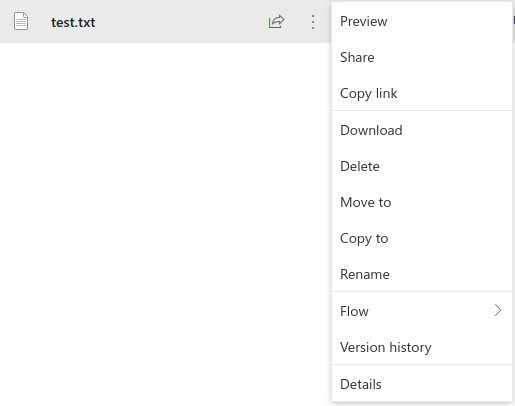
Please give us some feedback,
Thanks.
",1.0,"Missing icons and menu items in custom file handler - #### Category
- [ ] Question
- [ ] Documentation issue
- [x] Bug
#### Expected or Desired Behavior
My company is using a custom file handler registered with the [file handler integration api](https://docs.microsoft.com/en-us/onedrive/developer/file-handlers/?view=odsp-graph-online).
Recently the custom menu items are not shown anymore in the contextual menu of OneDrive/SharePoint web interfaces, and the custom icons are not applied.
#### Observed Behavior
I see the handler properly registered on Azure:
```
GET /_api/v2.0/drive/apps?select=*,promoted&expand=actions
{
""@odata.context"": ""https://-my.sharepoint.com/_api/v2.0/$metadata#driveApps"",
""value"": [
{
""@odata.type"": ""#oneDrive.driveApp"",
""@odata.id"": ""https://-my.sharepoint.com/_api/v2.0/oneDrive.driveApp314eedad-aeb3-445f-bd4f-f1dd84f39035"",
""@odata.editLink"": ""oneDrive.driveApp314eedad-aeb3-445f-bd4f-f1dd84f39035"",
""application"": {
""id"": ""94097542-d2db-4568-a7b9-ac7f4fab4f1b"",
""displayName"": """"
},
""fileHandler"": {
""fileTypeDisplayName"": """",
""fileTypeIcon"": {
""png1x"": ""https://localhost:3000/images/itemtypes/96/default.png"",
""png2x"": ""https://localhost:3000/images/itemtypes/96/default.png""
},
""fileTypeIconUrl"": ""https://localhost:3000/images/itemtypes/96/default.png"",
""version"": 2
},
""id"": ""42aecef6-775f-54a7-b3b9-a3a07644fc1b"",
""actions@odata.navigationLink"": ""oneDrive.driveApp314eedad-aeb3-445f-bd4f-f1dd84f39035/actions"",
""actions"": [
{
""@odata.type"": ""#oneDrive.driveAppAction"",
""@odata.id"": ""https://-my.sharepoint.com/_api/v2.0/oneDrive.driveAppAction1033e7d9-99e9-4b6f-af35-0c28a59290ee"",
""@odata.editLink"": ""oneDrive.driveAppAction1033e7d9-99e9-4b6f-af35-0c28a59290ee"",
""availableOn"": {
""file"": {
""extensions"": [
"".ab1"",
"".ab2""
]
},
""web"": {},
""allowMultiSelect"": false
},
""type"": ""open"",
""url"": ""https://localhost:3000/api/open""
}
]
},
...
```
We haven't updated these manifests recently, it seems the OneDrive web interface now is broken for some reason.
However the actions are loaded because they are shown in the file preview:

But the contextual menu does not contain them, moreover the custom icons are not applied:

Please give us some feedback,
Thanks.
",1,missing icons and menu items in custom file handler category question documentation issue bug expected or desired behavior my company is using a custom file handler registered with the recently the custom menu items are not shown anymore in the contextual menu of onedrive sharepoint web interfaces and the custom icons are not applied observed behavior i see the handler properly registered on azure get api drive apps select promoted expand actions odata context value odata type onedrive driveapp odata id odata editlink onedrive application id displayname filehandler filetypedisplayname filetypeicon filetypeiconurl version id actions odata navigationlink onedrive actions actions odata type onedrive driveappaction odata id odata editlink onedrive availableon file extensions web allowmultiselect false type open url we haven t updated these manifests recently it seems the onedrive web interface now is broken for some reason however the actions are loaded because they are shown in the file preview but the contextual menu does not contain them moreover the custom icons are not applied please give us some feedback thanks ,1
8661,27172053778.0,IssuesEvent,2023-02-17 20:24:50,OneDrive/onedrive-api-docs,https://api.github.com/repos/OneDrive/onedrive-api-docs,closed,Is there a minimum required version of OpenSSL to be able to use the Onedrive API? ,automation:Closed,"We have a OneDrive app, written in PHP, which was working fine, until we recently noticed that on one of our customers machine after **successfully** uploading some chunks via the large file upload, we were getting a ""curl_exec() failed: SSL_write() returned SYSCALL, errno = 32"" error on a random chunk and the upload was failing. After some research I found an issue similar to ours only for another Cloud service providers API and the solution was to upgrade from OpenSSL v1.0.1 to OpenSSL v1.0.2. Hence my question. Is there a minimum required version of OpenSSL to be able to use the Onedrive API? ",1.0,"Is there a minimum required version of OpenSSL to be able to use the Onedrive API? - We have a OneDrive app, written in PHP, which was working fine, until we recently noticed that on one of our customers machine after **successfully** uploading some chunks via the large file upload, we were getting a ""curl_exec() failed: SSL_write() returned SYSCALL, errno = 32"" error on a random chunk and the upload was failing. After some research I found an issue similar to ours only for another Cloud service providers API and the solution was to upgrade from OpenSSL v1.0.1 to OpenSSL v1.0.2. Hence my question. Is there a minimum required version of OpenSSL to be able to use the Onedrive API? ",1,is there a minimum required version of openssl to be able to use the onedrive api we have a onedrive app written in php which was working fine until we recently noticed that on one of our customers machine after successfully uploading some chunks via the large file upload we were getting a curl exec failed ssl write returned syscall errno error on a random chunk and the upload was failing after some research i found an issue similar to ours only for another cloud service providers api and the solution was to upgrade from openssl to openssl hence my question is there a minimum required version of openssl to be able to use the onedrive api ,1
8772,27172231959.0,IssuesEvent,2023-02-17 20:34:41,OneDrive/onedrive-api-docs,https://api.github.com/repos/OneDrive/onedrive-api-docs,closed,How to show more navigation locations,area:Picker Needs: Investigation automation:Closed,"When using the regular one drive UI I can see the following navigation folder on the left pane:
How do i get these same locations to show up in the file pickers? All i am able to get is the ""Files"" navigation.
Is these even available? Based on the documentation there seems to be settings for this under ""advanced/navigation"", but there are no concrete examples that i can find. I tried some of the items mentioned in the docs but to no avail.
```JSON
advanced: {
navigation: {
sourceTypes: [`OneDrive`, `Recent`, `Shared`, `Sites`]
}
}
```
The critical one for our users is the `Shared` item. Without this navigation the picker is not nearly as useful
---
#### Document Details
⚠ *Do not edit this section. It is required for docs.microsoft.com ➟ GitHub issue linking.*
* ID: 55a64e9d-ae15-46a4-4a4d-3674972d9806
* Version Independent ID: 744d6f1a-4cde-b9aa-4003-209d1d4a527b
* Content: [Open from OneDrive in JavaScript - OneDrive dev center](https://docs.microsoft.com/en-us/onedrive/developer/controls/file-pickers/js-v72/open-file?view=odsp-graph-online)
* Content Source: [docs/controls/file-pickers/js-v72/open-file.md](https://github.com/OneDrive/onedrive-api-docs/blob/live/docs/controls/file-pickers/js-v72/open-file.md)
* Product: **onedrive**
* GitHub Login: @rgregg
* Microsoft Alias: **rgregg**",1.0,"How to show more navigation locations - When using the regular one drive UI I can see the following navigation folder on the left pane:

How do i get these same locations to show up in the file pickers? All i am able to get is the ""Files"" navigation.
Is these even available? Based on the documentation there seems to be settings for this under ""advanced/navigation"", but there are no concrete examples that i can find. I tried some of the items mentioned in the docs but to no avail.
```JSON
advanced: {
navigation: {
sourceTypes: [`OneDrive`, `Recent`, `Shared`, `Sites`]
}
}
```
The critical one for our users is the `Shared` item. Without this navigation the picker is not nearly as useful
---
#### Document Details
⚠ *Do not edit this section. It is required for docs.microsoft.com ➟ GitHub issue linking.*
* ID: 55a64e9d-ae15-46a4-4a4d-3674972d9806
* Version Independent ID: 744d6f1a-4cde-b9aa-4003-209d1d4a527b
* Content: [Open from OneDrive in JavaScript - OneDrive dev center](https://docs.microsoft.com/en-us/onedrive/developer/controls/file-pickers/js-v72/open-file?view=odsp-graph-online)
* Content Source: [docs/controls/file-pickers/js-v72/open-file.md](https://github.com/OneDrive/onedrive-api-docs/blob/live/docs/controls/file-pickers/js-v72/open-file.md)
* Product: **onedrive**
* GitHub Login: @rgregg
* Microsoft Alias: **rgregg**",1,how to show more navigation locations when using the regular one drive ui i can see the following navigation folder on the left pane how do i get these same locations to show up in the file pickers all i am able to get is the files navigation is these even available based on the documentation there seems to be settings for this under advanced navigation but there are no concrete examples that i can find i tried some of the items mentioned in the docs but to no avail json advanced navigation sourcetypes the critical one for our users is the shared item without this navigation the picker is not nearly as useful document details ⚠ do not edit this section it is required for docs microsoft com ➟ github issue linking id version independent id content content source product onedrive github login rgregg microsoft alias rgregg ,1
8805,27172278654.0,IssuesEvent,2023-02-17 20:37:39,OneDrive/onedrive-api-docs,https://api.github.com/repos/OneDrive/onedrive-api-docs,closed,Upload large file The uploaded fragment is not contiguous with the last one,Needs: Triage :mag: automation:Closed,"1st session uploaded. 2nd session never though I am sending the expected range. Please let me know what's this issue here?
array(2) {
[""postBody""]=>
object(GuzzleHttp\Psr7\Stream)#6 (7) {
[""stream"":""GuzzleHttp\Psr7\Stream"":private]=>
resource(8) of type (stream)
[""size"":""GuzzleHttp\Psr7\Stream"":private]=>
NULL
[""seekable"":""GuzzleHttp\Psr7\Stream"":private]=>
bool(true)
[""readable"":""GuzzleHttp\Psr7\Stream"":private]=>
bool(true)
[""writable"":""GuzzleHttp\Psr7\Stream"":private]=>
bool(true)
[""uri"":""GuzzleHttp\Psr7\Stream"":private]=>
string(10) ""php://temp""
[""customMetadata"":""GuzzleHttp\Psr7\Stream"":private]=>
array(0) {
}
}
[""headers""]=>
array(2) {
[""Content-Length""]=>
int(5242880)
[""Content-Range""]=>
string(23) ""bytes 0-5242879/8255206""
}
}
array(2) {
[""expirationDateTime""]=>
string(24) ""2020-05-10T14:46:37.498Z""
[""nextExpectedRanges""]=>
array(1) {
[0]=>
string(15) ""5242880-8255205""
}
}
array(2) {
[""postBody""]=>
object(GuzzleHttp\Psr7\Stream)#6 (7) {
[""stream"":""GuzzleHttp\Psr7\Stream"":private]=>
resource(22) of type (stream)
[""size"":""GuzzleHttp\Psr7\Stream"":private]=>
NULL
[""seekable"":""GuzzleHttp\Psr7\Stream"":private]=>
bool(true)
[""readable"":""GuzzleHttp\Psr7\Stream"":private]=>
bool(true)
[""writable"":""GuzzleHttp\Psr7\Stream"":private]=>
bool(true)
[""uri"":""GuzzleHttp\Psr7\Stream"":private]=>
string(10) ""php://temp""
[""customMetadata"":""GuzzleHttp\Psr7\Stream"":private]=>
array(0) {
}
}
[""headers""]=>
array(2) {
[""Content-Length""]=>
int(3012326)
[""Content-Range""]=>
string(29) ""bytes 5242880-8255205/8255206""
}
}
string(1205) ""Client error: `PUT https://api.onedrive.com/rup/8653f7cfbe8f5ceb/eyJSZXNvdXJjZUlEIjoiODY1M0Y3Q0ZCRThGNUNFQiE4NjY5OSIsIlJlbGF0aW9uc2hpcE5hbWUiOiJzY3JyLm1vdiJ9/4my5v0-oqYXPv_hIdc3LcYaZJmfyvixEPQnqsKNodbUEAg5I91U1oB6afvzKdyUR6tmCQqDheoU59dkBmUdAlU4vesGELKuDp0BEmcEJIEOnQ/eyJuYW1lIjoic2Nyci5tb3YiLCJkZXNjcmlwdGlvbiI6IiIsIkBuYW1lLmNvbmZsaWN0QmVoYXZpb3IiOiJyZW5hbWUifQ/4wFN_ylnu7E1H-7J8S9Sh4gYzKzPUSIPD_CFEzV3NwkfR77b34G4TxFmNADPppVdbwKcmdvGRuGTEMAaeHUH6esnnFBBCHnDVJkP7Afl00dAdbF0ffTpbaPCXc6OZo7Hc6Ym43ZoD3e1bGbfEOmFSpKX7zz--Sv7V-v_57h4qSxX3AkHCSfFGeMv0faDEIQBeOMnZkf-_ADQUymncGvALpUXTWz4n7tNX4TzVLCUGgyGYI-jLQfoxk_1DUNhwByC2sNgkfD9ss2YERJBmfzw2BvIs2sA-B3ACyBT1r0CoShk_FR-Z7ko6wMbfYEcpJLnXkAEZQxEj_aMMuNggCOnGhIzdQny76alEcorHkLXICYfeowfFYD1j40Pmrfb8oKEQoJb8d8tUBv835BGBRkoS9MbywWDmrG0yw-T3rdXKQ0FjDTI0qAfj4-YXdbaXNipjV0dS6Y9FpUfXChiz11anqIlAIlPHaxQN9Y0RITv8acnG0OVJzzaCNFBL4YtBA48Wv_SoXQaTv_A87i8DbVE7GuMOMYOI68rF6aoeZ7QFtIlJrSP4r4zaux5OINkTaVyvYQLNlH7Bqb6ofpaAGuT5X2Sq4SvEEz0LNv8trsT6v75iLTzX5SSvMoi13J3XYRCHk` resulted in a `416 Requested Range Not Satisfiable` response:
{""error"":{""code"":""invalidRange"",""message"":""The uploaded fragment is not contiguous with the last one."",""innererror"":{""co (truncated...)
""
int(416)
",1.0,"Upload large file The uploaded fragment is not contiguous with the last one - 1st session uploaded. 2nd session never though I am sending the expected range. Please let me know what's this issue here?
array(2) {
[""postBody""]=>
object(GuzzleHttp\Psr7\Stream)#6 (7) {
[""stream"":""GuzzleHttp\Psr7\Stream"":private]=>
resource(8) of type (stream)
[""size"":""GuzzleHttp\Psr7\Stream"":private]=>
NULL
[""seekable"":""GuzzleHttp\Psr7\Stream"":private]=>
bool(true)
[""readable"":""GuzzleHttp\Psr7\Stream"":private]=>
bool(true)
[""writable"":""GuzzleHttp\Psr7\Stream"":private]=>
bool(true)
[""uri"":""GuzzleHttp\Psr7\Stream"":private]=>
string(10) ""php://temp""
[""customMetadata"":""GuzzleHttp\Psr7\Stream"":private]=>
array(0) {
}
}
[""headers""]=>
array(2) {
[""Content-Length""]=>
int(5242880)
[""Content-Range""]=>
string(23) ""bytes 0-5242879/8255206""
}
}
array(2) {
[""expirationDateTime""]=>
string(24) ""2020-05-10T14:46:37.498Z""
[""nextExpectedRanges""]=>
array(1) {
[0]=>
string(15) ""5242880-8255205""
}
}
array(2) {
[""postBody""]=>
object(GuzzleHttp\Psr7\Stream)#6 (7) {
[""stream"":""GuzzleHttp\Psr7\Stream"":private]=>
resource(22) of type (stream)
[""size"":""GuzzleHttp\Psr7\Stream"":private]=>
NULL
[""seekable"":""GuzzleHttp\Psr7\Stream"":private]=>
bool(true)
[""readable"":""GuzzleHttp\Psr7\Stream"":private]=>
bool(true)
[""writable"":""GuzzleHttp\Psr7\Stream"":private]=>
bool(true)
[""uri"":""GuzzleHttp\Psr7\Stream"":private]=>
string(10) ""php://temp""
[""customMetadata"":""GuzzleHttp\Psr7\Stream"":private]=>
array(0) {
}
}
[""headers""]=>
array(2) {
[""Content-Length""]=>
int(3012326)
[""Content-Range""]=>
string(29) ""bytes 5242880-8255205/8255206""
}
}
string(1205) ""Client error: `PUT https://api.onedrive.com/rup/8653f7cfbe8f5ceb/eyJSZXNvdXJjZUlEIjoiODY1M0Y3Q0ZCRThGNUNFQiE4NjY5OSIsIlJlbGF0aW9uc2hpcE5hbWUiOiJzY3JyLm1vdiJ9/4my5v0-oqYXPv_hIdc3LcYaZJmfyvixEPQnqsKNodbUEAg5I91U1oB6afvzKdyUR6tmCQqDheoU59dkBmUdAlU4vesGELKuDp0BEmcEJIEOnQ/eyJuYW1lIjoic2Nyci5tb3YiLCJkZXNjcmlwdGlvbiI6IiIsIkBuYW1lLmNvbmZsaWN0QmVoYXZpb3IiOiJyZW5hbWUifQ/4wFN_ylnu7E1H-7J8S9Sh4gYzKzPUSIPD_CFEzV3NwkfR77b34G4TxFmNADPppVdbwKcmdvGRuGTEMAaeHUH6esnnFBBCHnDVJkP7Afl00dAdbF0ffTpbaPCXc6OZo7Hc6Ym43ZoD3e1bGbfEOmFSpKX7zz--Sv7V-v_57h4qSxX3AkHCSfFGeMv0faDEIQBeOMnZkf-_ADQUymncGvALpUXTWz4n7tNX4TzVLCUGgyGYI-jLQfoxk_1DUNhwByC2sNgkfD9ss2YERJBmfzw2BvIs2sA-B3ACyBT1r0CoShk_FR-Z7ko6wMbfYEcpJLnXkAEZQxEj_aMMuNggCOnGhIzdQny76alEcorHkLXICYfeowfFYD1j40Pmrfb8oKEQoJb8d8tUBv835BGBRkoS9MbywWDmrG0yw-T3rdXKQ0FjDTI0qAfj4-YXdbaXNipjV0dS6Y9FpUfXChiz11anqIlAIlPHaxQN9Y0RITv8acnG0OVJzzaCNFBL4YtBA48Wv_SoXQaTv_A87i8DbVE7GuMOMYOI68rF6aoeZ7QFtIlJrSP4r4zaux5OINkTaVyvYQLNlH7Bqb6ofpaAGuT5X2Sq4SvEEz0LNv8trsT6v75iLTzX5SSvMoi13J3XYRCHk` resulted in a `416 Requested Range Not Satisfiable` response:
{""error"":{""code"":""invalidRange"",""message"":""The uploaded fragment is not contiguous with the last one."",""innererror"":{""co (truncated...)
""
int(416)
",1,upload large file the uploaded fragment is not contiguous with the last one session uploaded session never though i am sending the expected range please let me know what s this issue here array object guzzlehttp stream resource of type stream null bool true bool true bool true string php temp array array int string bytes array string array string array object guzzlehttp stream resource of type stream null bool true bool true bool true string php temp array array int string bytes string client error put resulted in a requested range not satisfiable response error code invalidrange message the uploaded fragment is not contiguous with the last one innererror co truncated int ,1
8849,27172327386.0,IssuesEvent,2023-02-17 20:40:45,OneDrive/onedrive-api-docs,https://api.github.com/repos/OneDrive/onedrive-api-docs,closed,SDK handling of percent encoding & Unclear or deprecated code samples,area:Docs status:backlogged automation:Closed,"In lieu of [this issue resolution](https://github.com/microsoftgraph/msgraph-sdk-java/issues/259), I think the documentation section for Android development should be updated with a note that percent encoding is automatically handled for Java SDK versions 2.1.0 and up.
For the .NET section: [the .NET sdk has built percent encoding into itself](https://github.com/microsoftgraph/msgraph-sdk-dotnet/pull/572). That PR was merged into master [here](https://github.com/microsoftgraph/msgraph-sdk-dotnet/pull/771), which was released in its [sdk version 3.15.0](https://github.com/microsoftgraph/msgraph-sdk-dotnet/releases/tag/3.15.0). Those using a lower version could use [`UriBuilder.Uri.OriginalString`](https://docs.microsoft.com/en-us/dotnet/api/system.uri.originalstring), which is a little magical since the original string is given to the Uri constructor by the UriBuilder. That approach can probably be replaced with [`Uri.EscapeDataString`](https://docs.microsoft.com/en-us/dotnet/api/system.uri.escapedatastring).
At the JavaScript section, the `escape` function is being recommended by the code sample, but `escape()` is [currently pending deprecation](https://developer.mozilla.org/en-US/docs/Web/JavaScript/Reference/Global_Objects/escape). [`encodeURIComponent`](https://developer.mozilla.org/en-US/docs/Web/JavaScript/Reference/Global_Objects/encodeURIComponent) is recommended to be used in its place, and it seems to meet all the encoding criteria required by the Graph API.
It's worth aligning with the SDK teams to establish procedures for updating Microsoft docs so that the SDK capabilities and the Microsoft docs don't fall out of sync. A lack of consistency can create a frustrating and confusing user experience, especially when trying to read documentation to find out why something isn't working.
---
#### Document Details
⚠ *Do not edit this section. It is required for docs.microsoft.com ➟ GitHub issue linking.*
* ID: 82a1091f-ac3f-0b89-dad1-230ffe642eeb
* Version Independent ID: c71b093b-db90-b85d-6208-52a3ddde5e40
* Content: [How to address resources - OneDrive API - OneDrive dev center](https://docs.microsoft.com/en-us/onedrive/developer/rest-api/concepts/addressing-driveitems?view=odsp-graph-online)
* Content Source: [docs/rest-api/concepts/addressing-driveitems.md](https://github.com/OneDrive/onedrive-api-docs/blob/live/docs/rest-api/concepts/addressing-driveitems.md)
* Product: **onedrive**
* GitHub Login: @rgregg
* Microsoft Alias: **rgregg**",1.0,"SDK handling of percent encoding & Unclear or deprecated code samples - In lieu of [this issue resolution](https://github.com/microsoftgraph/msgraph-sdk-java/issues/259), I think the documentation section for Android development should be updated with a note that percent encoding is automatically handled for Java SDK versions 2.1.0 and up.
For the .NET section: [the .NET sdk has built percent encoding into itself](https://github.com/microsoftgraph/msgraph-sdk-dotnet/pull/572). That PR was merged into master [here](https://github.com/microsoftgraph/msgraph-sdk-dotnet/pull/771), which was released in its [sdk version 3.15.0](https://github.com/microsoftgraph/msgraph-sdk-dotnet/releases/tag/3.15.0). Those using a lower version could use [`UriBuilder.Uri.OriginalString`](https://docs.microsoft.com/en-us/dotnet/api/system.uri.originalstring), which is a little magical since the original string is given to the Uri constructor by the UriBuilder. That approach can probably be replaced with [`Uri.EscapeDataString`](https://docs.microsoft.com/en-us/dotnet/api/system.uri.escapedatastring).
At the JavaScript section, the `escape` function is being recommended by the code sample, but `escape()` is [currently pending deprecation](https://developer.mozilla.org/en-US/docs/Web/JavaScript/Reference/Global_Objects/escape). [`encodeURIComponent`](https://developer.mozilla.org/en-US/docs/Web/JavaScript/Reference/Global_Objects/encodeURIComponent) is recommended to be used in its place, and it seems to meet all the encoding criteria required by the Graph API.
It's worth aligning with the SDK teams to establish procedures for updating Microsoft docs so that the SDK capabilities and the Microsoft docs don't fall out of sync. A lack of consistency can create a frustrating and confusing user experience, especially when trying to read documentation to find out why something isn't working.
---
#### Document Details
⚠ *Do not edit this section. It is required for docs.microsoft.com ➟ GitHub issue linking.*
* ID: 82a1091f-ac3f-0b89-dad1-230ffe642eeb
* Version Independent ID: c71b093b-db90-b85d-6208-52a3ddde5e40
* Content: [How to address resources - OneDrive API - OneDrive dev center](https://docs.microsoft.com/en-us/onedrive/developer/rest-api/concepts/addressing-driveitems?view=odsp-graph-online)
* Content Source: [docs/rest-api/concepts/addressing-driveitems.md](https://github.com/OneDrive/onedrive-api-docs/blob/live/docs/rest-api/concepts/addressing-driveitems.md)
* Product: **onedrive**
* GitHub Login: @rgregg
* Microsoft Alias: **rgregg**",1,sdk handling of percent encoding unclear or deprecated code samples in lieu of i think the documentation section for android development should be updated with a note that percent encoding is automatically handled for java sdk versions and up for the net section that pr was merged into master which was released in its those using a lower version could use which is a little magical since the original string is given to the uri constructor by the uribuilder that approach can probably be replaced with at the javascript section the escape function is being recommended by the code sample but escape is is recommended to be used in its place and it seems to meet all the encoding criteria required by the graph api it s worth aligning with the sdk teams to establish procedures for updating microsoft docs so that the sdk capabilities and the microsoft docs don t fall out of sync a lack of consistency can create a frustrating and confusing user experience especially when trying to read documentation to find out why something isn t working document details ⚠ do not edit this section it is required for docs microsoft com ➟ github issue linking id version independent id content content source product onedrive github login rgregg microsoft alias rgregg ,1
8743,27172196348.0,IssuesEvent,2023-02-17 20:32:37,OneDrive/onedrive-api-docs,https://api.github.com/repos/OneDrive/onedrive-api-docs,closed,FilePicker in IOS 9.3.5 does not work.,area:Picker Needs: Investigation automation:Closed,"#### Category
- [ ] Question
- [ ] Documentation issue
- [x] Bug? Possible?
#### Expected or Desired Behavior
File Picker SDK for JavaScript - OneDrive - OneDrive dev center | Microsoft Docs
https://docs.microsoft.com/en-us/onedrive/developer/controls/file-pickers/js-v72/?view=odsp-graph-online
I have a customer that is using the OneDrive File Picker for JS.
Customer said that this does not work on IOS 9.3.5 with the latest Safari browser, or Chrome.
This works just fine on 12.4.
Question: Do you know if there is any limitation around the IOS version? Do you believe we can do something here? Maybe an ICM for a specific team or something?
#### Observed Behavior

In IOS 9.3.5 customer will get the message attached.
Customer said this worked fine up until April 2019.
#### Steps to Reproduce
Cannot reproduce as I don't have access to an IOS 9.3.5
I'll attach the Fiddler traces later.
Thank you.
",1.0,"FilePicker in IOS 9.3.5 does not work. - #### Category
- [ ] Question
- [ ] Documentation issue
- [x] Bug? Possible?
#### Expected or Desired Behavior
File Picker SDK for JavaScript - OneDrive - OneDrive dev center | Microsoft Docs
https://docs.microsoft.com/en-us/onedrive/developer/controls/file-pickers/js-v72/?view=odsp-graph-online
I have a customer that is using the OneDrive File Picker for JS.
Customer said that this does not work on IOS 9.3.5 with the latest Safari browser, or Chrome.
This works just fine on 12.4.
Question: Do you know if there is any limitation around the IOS version? Do you believe we can do something here? Maybe an ICM for a specific team or something?
#### Observed Behavior

In IOS 9.3.5 customer will get the message attached.
Customer said this worked fine up until April 2019.
#### Steps to Reproduce
Cannot reproduce as I don't have access to an IOS 9.3.5
I'll attach the Fiddler traces later.
Thank you.
",1,filepicker in ios does not work category question documentation issue bug possible expected or desired behavior file picker sdk for javascript onedrive onedrive dev center microsoft docs i have a customer that is using the onedrive file picker for js customer said that this does not work on ios with the latest safari browser or chrome this works just fine on question do you know if there is any limitation around the ios version do you believe we can do something here maybe an icm for a specific team or something observed behavior in ios customer will get the message attached customer said this worked fine up until april steps to reproduce cannot reproduce as i don t have access to an ios i ll attach the fiddler traces later thank you ,1
8742,27172195020.0,IssuesEvent,2023-02-17 20:32:33,OneDrive/onedrive-api-docs,https://api.github.com/repos/OneDrive/onedrive-api-docs,closed,File Handler action to support Teams integration,type:enhancement area:File Handlers automation:Closed,"
Currently you can create the predefined newfile/open/preview file handlers or a custom handler. I currently have open and preview implemented. When i click on my custom file type in Microsoft Teams. I get the following error:
`Hmm… looks like this file doesn't have a preview we can show you.`
Is it possible to create a file handler that gives preview functionality inside Teams similar to the office products?
---
#### Document Details
⚠ *Do not edit this section. It is required for docs.microsoft.com ➟ GitHub issue linking.*
* ID: 815ef941-29d7-1864-6be3-f533dd62da00
* Version Independent ID: 1d566c70-e679-caf2-312a-27aa5e2cc62e
* Content: [Add custom actions to files - OneDrive - OneDrive dev center](https://docs.microsoft.com/en-us/onedrive/developer/file-handlers/define-actions?view=odsp-graph-online)
* Content Source: [docs/file-handlers/define-actions.md](https://github.com/OneDrive/onedrive-api-docs/blob/live/docs/file-handlers/define-actions.md)
* Product: **onedrive**
* GitHub Login: @rgregg
* Microsoft Alias: **rgregg**",1.0,"File Handler action to support Teams integration -
Currently you can create the predefined newfile/open/preview file handlers or a custom handler. I currently have open and preview implemented. When i click on my custom file type in Microsoft Teams. I get the following error:
`Hmm… looks like this file doesn't have a preview we can show you.`
Is it possible to create a file handler that gives preview functionality inside Teams similar to the office products?
---
#### Document Details
⚠ *Do not edit this section. It is required for docs.microsoft.com ➟ GitHub issue linking.*
* ID: 815ef941-29d7-1864-6be3-f533dd62da00
* Version Independent ID: 1d566c70-e679-caf2-312a-27aa5e2cc62e
* Content: [Add custom actions to files - OneDrive - OneDrive dev center](https://docs.microsoft.com/en-us/onedrive/developer/file-handlers/define-actions?view=odsp-graph-online)
* Content Source: [docs/file-handlers/define-actions.md](https://github.com/OneDrive/onedrive-api-docs/blob/live/docs/file-handlers/define-actions.md)
* Product: **onedrive**
* GitHub Login: @rgregg
* Microsoft Alias: **rgregg**",1,file handler action to support teams integration currently you can create the predefined newfile open preview file handlers or a custom handler i currently have open and preview implemented when i click on my custom file type in microsoft teams i get the following error hmm… looks like this file doesn t have a preview we can show you is it possible to create a file handler that gives preview functionality inside teams similar to the office products document details ⚠ do not edit this section it is required for docs microsoft com ➟ github issue linking id version independent id content content source product onedrive github login rgregg microsoft alias rgregg ,1
8701,27172109624.0,IssuesEvent,2023-02-17 20:27:53,OneDrive/onedrive-api-docs,https://api.github.com/repos/OneDrive/onedrive-api-docs,closed,Error: The folders couldn't be shared. Please try again later.,area:Picker Needs: Attention :wave: automation:Closed,"I am using a private One Drive account to test the picker, but I get the error as per the title. I assume the problem lies in the permissions of the app, so I tried granting following:
Application Permissions: Files.ReadWrite.all and Sites.ReadWrite.all
Delegated Permissions: Files.ReadWrite.all, Sites.ReadWrite.all and Users.Read
I also created a shared folder, but no success. I am able to create a new folder, but not to upload a file.
---
#### Document Details
⚠ *Do not edit this section. It is required for docs.microsoft.com ➟ GitHub issue linking.*
* ID: c613df58-666d-a413-70cf-f29d0ffb27d2
* Version Independent ID: 2521214c-fd2e-27e0-03f9-e24ca0871f97
* Content: [Save to OneDrive from JavaScript - OneDrive dev center](https://docs.microsoft.com/en-us/onedrive/developer/controls/file-pickers/js-v72/save-file?view=odsp-graph-online)
* Content Source: [docs/controls/file-pickers/js-v72/save-file.md](https://github.com/OneDrive/onedrive-api-docs/blob/live/docs/controls/file-pickers/js-v72/save-file.md)
* Product: **onedrive**
* GitHub Login: @rgregg
* Microsoft Alias: **rgregg**",1.0,"Error: The folders couldn't be shared. Please try again later. - I am using a private One Drive account to test the picker, but I get the error as per the title. I assume the problem lies in the permissions of the app, so I tried granting following:
Application Permissions: Files.ReadWrite.all and Sites.ReadWrite.all
Delegated Permissions: Files.ReadWrite.all, Sites.ReadWrite.all and Users.Read
I also created a shared folder, but no success. I am able to create a new folder, but not to upload a file.
---
#### Document Details
⚠ *Do not edit this section. It is required for docs.microsoft.com ➟ GitHub issue linking.*
* ID: c613df58-666d-a413-70cf-f29d0ffb27d2
* Version Independent ID: 2521214c-fd2e-27e0-03f9-e24ca0871f97
* Content: [Save to OneDrive from JavaScript - OneDrive dev center](https://docs.microsoft.com/en-us/onedrive/developer/controls/file-pickers/js-v72/save-file?view=odsp-graph-online)
* Content Source: [docs/controls/file-pickers/js-v72/save-file.md](https://github.com/OneDrive/onedrive-api-docs/blob/live/docs/controls/file-pickers/js-v72/save-file.md)
* Product: **onedrive**
* GitHub Login: @rgregg
* Microsoft Alias: **rgregg**",1,error the folders couldn t be shared please try again later i am using a private one drive account to test the picker but i get the error as per the title i assume the problem lies in the permissions of the app so i tried granting following application permissions files readwrite all and sites readwrite all delegated permissions files readwrite all sites readwrite all and users read i also created a shared folder but no success i am able to create a new folder but not to upload a file document details ⚠ do not edit this section it is required for docs microsoft com ➟ github issue linking id version independent id content content source product onedrive github login rgregg microsoft alias rgregg ,1
8611,27171987721.0,IssuesEvent,2023-02-17 20:21:14,OneDrive/onedrive-api-docs,https://api.github.com/repos/OneDrive/onedrive-api-docs,closed,"OneDrive for Business API search: cannot search by filename using filter & search results missing property ""path""",automation:Closed,"I have two problems:
1. I can not search by filename using the filter function, such as ""_?q=searchwrod&name eq 'searchword'_"".
2. The results miss the property ""_path_"" contained in property ""_parentReference_"".
",1.0,"OneDrive for Business API search: cannot search by filename using filter & search results missing property ""path"" - I have two problems:
1. I can not search by filename using the filter function, such as ""_?q=searchwrod&name eq 'searchword'_"".
2. The results miss the property ""_path_"" contained in property ""_parentReference_"".
",1,onedrive for business api search cannot search by filename using filter search results missing property path i have two problems i can not search by filename using the filter function such as q searchwrod name eq searchword the results miss the property path contained in property parentreference ,1
8823,27172298482.0,IssuesEvent,2023-02-17 20:38:57,OneDrive/onedrive-api-docs,https://api.github.com/repos/OneDrive/onedrive-api-docs,closed,Typo in driveitem_upload_url?view=odsp-graph-online,area:Docs status:backlogged automation:Closed,"
-typo word ""SERVICE""
There is a typo in
https://docs.microsoft.com/en-us/onedrive/developer/rest-api/api/driveitem_upload_url?view=odsp-graph-online#request-body
Note that when the ***serivce*** downloads.
---
#### Document Details
⚠ *Do not edit this section. It is required for docs.microsoft.com ➟ GitHub issue linking.*
* ID: 42443681-dd86-ce0c-587f-2336f965ebaf
* Version Independent ID: abcbaeba-560b-661d-0127-5c44d9089915
* Content: [Upload from a URL - OneDrive API - OneDrive dev center](https://docs.microsoft.com/en-us/onedrive/developer/rest-api/api/driveitem_upload_url?view=odsp-graph-online)
* Content Source: [docs/rest-api/api/driveitem_upload_url.md](https://github.com/OneDrive/onedrive-api-docs/blob/live/docs/rest-api/api/driveitem_upload_url.md)
* Product: **onedrive**
* GitHub Login: @rgregg
* Microsoft Alias: **rgregg**",1.0,"Typo in driveitem_upload_url?view=odsp-graph-online -
-typo word ""SERVICE""
There is a typo in
https://docs.microsoft.com/en-us/onedrive/developer/rest-api/api/driveitem_upload_url?view=odsp-graph-online#request-body
Note that when the ***serivce*** downloads.
---
#### Document Details
⚠ *Do not edit this section. It is required for docs.microsoft.com ➟ GitHub issue linking.*
* ID: 42443681-dd86-ce0c-587f-2336f965ebaf
* Version Independent ID: abcbaeba-560b-661d-0127-5c44d9089915
* Content: [Upload from a URL - OneDrive API - OneDrive dev center](https://docs.microsoft.com/en-us/onedrive/developer/rest-api/api/driveitem_upload_url?view=odsp-graph-online)
* Content Source: [docs/rest-api/api/driveitem_upload_url.md](https://github.com/OneDrive/onedrive-api-docs/blob/live/docs/rest-api/api/driveitem_upload_url.md)
* Product: **onedrive**
* GitHub Login: @rgregg
* Microsoft Alias: **rgregg**",1,typo in driveitem upload url view odsp graph online typo word service there is a typo in note that when the serivce downloads document details ⚠ do not edit this section it is required for docs microsoft com ➟ github issue linking id version independent id abcbaeba content content source product onedrive github login rgregg microsoft alias rgregg ,1
8793,27172255569.0,IssuesEvent,2023-02-17 20:36:10,OneDrive/onedrive-api-docs,https://api.github.com/repos/OneDrive/onedrive-api-docs,closed,404 ItemNotFound using Upload Sessions,type:bug area:DriveItem Content automation:Closed,"# Bug Report
## Prerequisites
- [X ] Can you reproduce the problem?
- [X ] Are you running the latest version?
- [ X] Are you reporting to the correct repository?
- [ ] Did you perform a cursory search?
For more information, see the `CONTRIBUTING` guide.
## Description
If one of my users shares a file from their one drive to another user with write permissions, but does not share the folder the file is contained then anything time the uploadUrl from a createUploadSession is used they receive a 404 ""ItemNotFound"". This includes trying to delete the uploadsession.
If using the standard upload for small files <4MB these scenarios work fine. If the user shares the folder that the file is contained then the upload sessions seem to work as expected.
My suspicion is that an upload session is simply creating a temporary file to upload to, but when that temporary file is created the permissions are not transferred from the original file, hence being invisible(404) to all users other than the users who have access to the parent folder.
**Console Errors:** [Is there any console error]
**Screenshots:** [If applicable, add screenshots to help explain your problem]
## Steps to Reproduce
1. Share file from one user to another that is contained within a folder
2. Have the other user attempt to upload new content to the file using an upload session
**Expected behavior:**
Using the uploadUrl works
**Actual behavior:**
Anytime the uploadUrl is used even trying to delete the upload url the server responds with 404 ItemNotFound",1.0,"404 ItemNotFound using Upload Sessions - # Bug Report
## Prerequisites
- [X ] Can you reproduce the problem?
- [X ] Are you running the latest version?
- [ X] Are you reporting to the correct repository?
- [ ] Did you perform a cursory search?
For more information, see the `CONTRIBUTING` guide.
## Description
If one of my users shares a file from their one drive to another user with write permissions, but does not share the folder the file is contained then anything time the uploadUrl from a createUploadSession is used they receive a 404 ""ItemNotFound"". This includes trying to delete the uploadsession.
If using the standard upload for small files <4MB these scenarios work fine. If the user shares the folder that the file is contained then the upload sessions seem to work as expected.
My suspicion is that an upload session is simply creating a temporary file to upload to, but when that temporary file is created the permissions are not transferred from the original file, hence being invisible(404) to all users other than the users who have access to the parent folder.
**Console Errors:** [Is there any console error]
**Screenshots:** [If applicable, add screenshots to help explain your problem]
## Steps to Reproduce
1. Share file from one user to another that is contained within a folder
2. Have the other user attempt to upload new content to the file using an upload session
**Expected behavior:**
Using the uploadUrl works
**Actual behavior:**
Anytime the uploadUrl is used even trying to delete the upload url the server responds with 404 ItemNotFound",1, itemnotfound using upload sessions bug report prerequisites can you reproduce the problem are you running the latest version are you reporting to the correct repository did you perform a cursory search for more information see the contributing guide description if one of my users shares a file from their one drive to another user with write permissions but does not share the folder the file is contained then anything time the uploadurl from a createuploadsession is used they receive a itemnotfound this includes trying to delete the uploadsession if using the standard upload for small files these scenarios work fine if the user shares the folder that the file is contained then the upload sessions seem to work as expected my suspicion is that an upload session is simply creating a temporary file to upload to but when that temporary file is created the permissions are not transferred from the original file hence being invisible to all users other than the users who have access to the parent folder console errors screenshots steps to reproduce share file from one user to another that is contained within a folder have the other user attempt to upload new content to the file using an upload session expected behavior using the uploadurl works actual behavior anytime the uploadurl is used even trying to delete the upload url the server responds with itemnotfound,1
8890,27172372319.0,IssuesEvent,2023-02-17 20:43:37,OneDrive/onedrive-api-docs,https://api.github.com/repos/OneDrive/onedrive-api-docs,closed,"No documentation for ""secureSharingInvalidRequest"" error response code",Needs: Triage :mag: automation:Closed,"#### Category
- [x] Question
- [x] Documentation issue
- [ ] Bug
#### Missing Documentation
I have received the following response from the One Drive API:
```
{
""error"": {
""code"": ""invalidRequest"",
""message"": ""Some users in the request cannot be invited securely."",
""innerError"": {
""code"": ""secureSharingInvalidRequest"",
""date"": ""2022-01-31T12:47:14"",
""request-id"": ""c51608f5-8452-4ffe-85f5-aa69b511f498"",
""client-request-id"": ""c51608f5-8452-4ffe-85f5-aa69b511f498""
}
}
}
```
This is from calling the following URL:
`https://graph.microsoft.com/v1.0//drives/#{one_drive_drive_id}/items/#{folder_id)/invite`
with body:
```
{
""requireSignIn"": true,
""sendInvitation"": false,
""roles"": ""read"",
""recipients"": [
""#{recipient_email}""
]
}
```
I can't find any documentation on how to resolve this or actually what the issue means. Can you help?
Cheers,
George",1.0,"No documentation for ""secureSharingInvalidRequest"" error response code - #### Category
- [x] Question
- [x] Documentation issue
- [ ] Bug
#### Missing Documentation
I have received the following response from the One Drive API:
```
{
""error"": {
""code"": ""invalidRequest"",
""message"": ""Some users in the request cannot be invited securely."",
""innerError"": {
""code"": ""secureSharingInvalidRequest"",
""date"": ""2022-01-31T12:47:14"",
""request-id"": ""c51608f5-8452-4ffe-85f5-aa69b511f498"",
""client-request-id"": ""c51608f5-8452-4ffe-85f5-aa69b511f498""
}
}
}
```
This is from calling the following URL:
`https://graph.microsoft.com/v1.0//drives/#{one_drive_drive_id}/items/#{folder_id)/invite`
with body:
```
{
""requireSignIn"": true,
""sendInvitation"": false,
""roles"": ""read"",
""recipients"": [
""#{recipient_email}""
]
}
```
I can't find any documentation on how to resolve this or actually what the issue means. Can you help?
Cheers,
George",1,no documentation for securesharinginvalidrequest error response code category question documentation issue bug missing documentation i have received the following response from the one drive api error code invalidrequest message some users in the request cannot be invited securely innererror code securesharinginvalidrequest date request id client request id this is from calling the following url with body requiresignin true sendinvitation false roles read recipients recipient email i can t find any documentation on how to resolve this or actually what the issue means can you help cheers george,1
8738,27172189951.0,IssuesEvent,2023-02-17 20:32:16,OneDrive/onedrive-api-docs,https://api.github.com/repos/OneDrive/onedrive-api-docs,closed,URL 2048 character limit is being exceeded.,status:investigating area:File Handlers automation:Closed,"""The URLs returned in the items collection may be very long (but less than the maximum URL length of 2048 characters)."" This doesn't appear to be the case, my in-production app is occasionally getting URLs that are in excess of this (2105 characters long in one instance) and is failing to call the MS Graph API with a HTTP 400 response.
---
#### Document Details
⚠ *Do not edit this section. It is required for docs.microsoft.com ➟ GitHub issue linking.*
* ID: 54125c13-f269-89ae-ca8f-b37f2b049c00
* Version Independent ID: 71319f9d-c785-ee02-de6e-718b81bea58c
* Content: [Integrate with OneDrive file handlers - OneDrive dev center](https://docs.microsoft.com/en-us/onedrive/developer/file-handlers/?view=odsp-graph-online#feedback)
* Content Source: [docs/file-handlers/index.md](https://github.com/OneDrive/onedrive-api-docs/blob/live/docs/file-handlers/index.md)
* Product: **onedrive**
* GitHub Login: @rgregg
* Microsoft Alias: **rgregg**",1.0,"URL 2048 character limit is being exceeded. - ""The URLs returned in the items collection may be very long (but less than the maximum URL length of 2048 characters)."" This doesn't appear to be the case, my in-production app is occasionally getting URLs that are in excess of this (2105 characters long in one instance) and is failing to call the MS Graph API with a HTTP 400 response.
---
#### Document Details
⚠ *Do not edit this section. It is required for docs.microsoft.com ➟ GitHub issue linking.*
* ID: 54125c13-f269-89ae-ca8f-b37f2b049c00
* Version Independent ID: 71319f9d-c785-ee02-de6e-718b81bea58c
* Content: [Integrate with OneDrive file handlers - OneDrive dev center](https://docs.microsoft.com/en-us/onedrive/developer/file-handlers/?view=odsp-graph-online#feedback)
* Content Source: [docs/file-handlers/index.md](https://github.com/OneDrive/onedrive-api-docs/blob/live/docs/file-handlers/index.md)
* Product: **onedrive**
* GitHub Login: @rgregg
* Microsoft Alias: **rgregg**",1,url character limit is being exceeded the urls returned in the items collection may be very long but less than the maximum url length of characters this doesn t appear to be the case my in production app is occasionally getting urls that are in excess of this characters long in one instance and is failing to call the ms graph api with a http response document details ⚠ do not edit this section it is required for docs microsoft com ➟ github issue linking id version independent id content content source product onedrive github login rgregg microsoft alias rgregg ,1
8654,27172044718.0,IssuesEvent,2023-02-17 20:24:20,OneDrive/onedrive-api-docs,https://api.github.com/repos/OneDrive/onedrive-api-docs,closed,description property of baseItem,area:Docs automation:Closed,"The documentation of baseItem is not clear whether ""description"" is a property or not:
https://github.com/OneDrive/onedrive-api-docs/blob/live/docs/rest-api/resources/baseItem.md
The example (JSON representation) shows it as a property but it is no listed in the Properties table.",1.0,"description property of baseItem - The documentation of baseItem is not clear whether ""description"" is a property or not:
https://github.com/OneDrive/onedrive-api-docs/blob/live/docs/rest-api/resources/baseItem.md
The example (JSON representation) shows it as a property but it is no listed in the Properties table.",1,description property of baseitem the documentation of baseitem is not clear whether description is a property or not the example json representation shows it as a property but it is no listed in the properties table ,1
8877,27172358238.0,IssuesEvent,2023-02-17 20:42:43,OneDrive/onedrive-api-docs,https://api.github.com/repos/OneDrive/onedrive-api-docs,closed,In angular js onedrive V7.2 is not working,area:Picker Needs: Investigation automation:Closed,"When i onedrive V7.2 in angularjs then i could not be getting onedrive screen after access token screen, but the same flow is working in onedrive V7.0",1.0,"In angular js onedrive V7.2 is not working - When i onedrive V7.2 in angularjs then i could not be getting onedrive screen after access token screen, but the same flow is working in onedrive V7.0",1,in angular js onedrive is not working when i onedrive in angularjs then i could not be getting onedrive screen after access token screen but the same flow is working in onedrive ,1
8800,27172263235.0,IssuesEvent,2023-02-17 20:36:40,OneDrive/onedrive-api-docs,https://api.github.com/repos/OneDrive/onedrive-api-docs,closed,one drive graph api permission call does not return inheritedFrom field for grantedToUsers,Needs: Attention :wave: area:Sharing and Permissions automation:Closed,"Steps to Reproduce
1. Create a folder (say folderA)
2. Share the folder directly with a user (say user 1@domain.com)
3. Create a link for a specific user (say user2@domain.com)
4. Create a child folder (say folderB) under folderA
5. fetch permissions for folderB using the API https://graph.microsoft.com//beta/users//drive/items//permissions
6. Two permission are returned
1. with grantedToIdentities and inheritedFrom
2. with grantedTo but no inheritedFrom
Expected Behavior:
In Step 6 both the permissions should have inheritedFrom.",1.0,"one drive graph api permission call does not return inheritedFrom field for grantedToUsers - Steps to Reproduce
1. Create a folder (say folderA)
2. Share the folder directly with a user (say user 1@domain.com)
3. Create a link for a specific user (say user2@domain.com)
4. Create a child folder (say folderB) under folderA
5. fetch permissions for folderB using the API https://graph.microsoft.com//beta/users//drive/items//permissions
6. Two permission are returned
1. with grantedToIdentities and inheritedFrom
2. with grantedTo but no inheritedFrom
Expected Behavior:
In Step 6 both the permissions should have inheritedFrom.",1,one drive graph api permission call does not return inheritedfrom field for grantedtousers steps to reproduce create a folder say foldera share the folder directly with a user say user domain com create a link for a specific user say domain com create a child folder say folderb under foldera fetch permissions for folderb using the api two permission are returned with grantedtoidentities and inheritedfrom with grantedto but no inheritedfrom expected behavior in step both the permissions should have inheritedfrom ,1
8656,27172047450.0,IssuesEvent,2023-02-17 20:24:28,OneDrive/onedrive-api-docs,https://api.github.com/repos/OneDrive/onedrive-api-docs,closed,[ODB] How to create an item sharing link with grantedToIdentities,type:question automation:Closed,"Hi,
I create a shared link to a file like this:
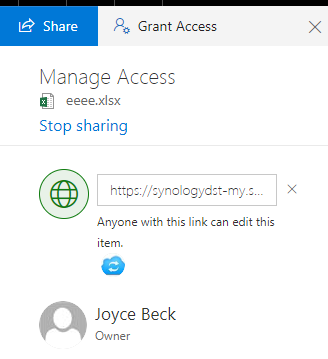
The response of permissions is
```
{
""@odata.type"": ""#oneDrive.permission"",
""@odata.id"": ""https://synologydst-my.sharepoint.com/personal/joyceb_synologydst_onmicrosoft_com/_api/v2.0/drives/b!cz12r4BFEkSuezNMij8SMQ_c8wNP8ypBgKoglc7-nwa61WJH-vSGSJdIkLi6aOR_/items/012DOYZZXO4UTTXSF4SVE2OVE3OLUJW56Q/permissions/OEJBNjA4Q0MtN0Q2MC00RjEzLUEyNzItOEIzQUI5M0ZCOEQ3"",
""@odata.editLink"": ""drives/b!cz12r4BFEkSuezNMij8SMQ_c8wNP8ypBgKoglc7-nwa61WJH-vSGSJdIkLi6aOR_/items/012DOYZZXO4UTTXSF4SVE2OVE3OLUJW56Q/permissions/OEJBNjA4Q0MtN0Q2MC00RjEzLUEyNzItOEIzQUI5M0ZCOEQ3"",
""expirationDateTime"": ""0001-01-01T00:00:00Z"",
""grantedToIdentities"": [
{
""application"": null,
""group"": null,
""user"": {
""email"": ""jackiel@synologydst.onmicrosoft.com"",
""id"": ""71111e6a-323f-49fc-8900-c6c536536578"",
""displayName"": ""Jackie Lee"",
""self"": null,
""userPrincipalName"": null
}
}
],
""id"": ""OEJBNjA4Q0MtN0Q2MC00RjEzLUEyNzItOEIzQUI5M0ZCOEQ3"",
""roles"": [
""write""
],
""link"": {
""scope"": ""anonymous"",
""type"": ""edit"",
""webUrl"": ""https://synologydst-my.sharepoint.com/:x:/g/personal/joyceb_synologydst_onmicrosoft_com/Ee7lJzvIvJVJp1Sbcuibd9ABRuYZ-lHafQyCxMANfb17ZA""
}
}
```
But I can not find the corresponding document to restore or create this in this page
https://docs.microsoft.com/zh-tw/onedrive/developer/rest-api/api/driveitem_createlink
Could you give me any information about this?
Thanks,
Joe
",1.0,"[ODB] How to create an item sharing link with grantedToIdentities - Hi,
I create a shared link to a file like this:

The response of permissions is
```
{
""@odata.type"": ""#oneDrive.permission"",
""@odata.id"": ""https://synologydst-my.sharepoint.com/personal/joyceb_synologydst_onmicrosoft_com/_api/v2.0/drives/b!cz12r4BFEkSuezNMij8SMQ_c8wNP8ypBgKoglc7-nwa61WJH-vSGSJdIkLi6aOR_/items/012DOYZZXO4UTTXSF4SVE2OVE3OLUJW56Q/permissions/OEJBNjA4Q0MtN0Q2MC00RjEzLUEyNzItOEIzQUI5M0ZCOEQ3"",
""@odata.editLink"": ""drives/b!cz12r4BFEkSuezNMij8SMQ_c8wNP8ypBgKoglc7-nwa61WJH-vSGSJdIkLi6aOR_/items/012DOYZZXO4UTTXSF4SVE2OVE3OLUJW56Q/permissions/OEJBNjA4Q0MtN0Q2MC00RjEzLUEyNzItOEIzQUI5M0ZCOEQ3"",
""expirationDateTime"": ""0001-01-01T00:00:00Z"",
""grantedToIdentities"": [
{
""application"": null,
""group"": null,
""user"": {
""email"": ""jackiel@synologydst.onmicrosoft.com"",
""id"": ""71111e6a-323f-49fc-8900-c6c536536578"",
""displayName"": ""Jackie Lee"",
""self"": null,
""userPrincipalName"": null
}
}
],
""id"": ""OEJBNjA4Q0MtN0Q2MC00RjEzLUEyNzItOEIzQUI5M0ZCOEQ3"",
""roles"": [
""write""
],
""link"": {
""scope"": ""anonymous"",
""type"": ""edit"",
""webUrl"": ""https://synologydst-my.sharepoint.com/:x:/g/personal/joyceb_synologydst_onmicrosoft_com/Ee7lJzvIvJVJp1Sbcuibd9ABRuYZ-lHafQyCxMANfb17ZA""
}
}
```
But I can not find the corresponding document to restore or create this in this page
https://docs.microsoft.com/zh-tw/onedrive/developer/rest-api/api/driveitem_createlink
Could you give me any information about this?
Thanks,
Joe
",1, how to create an item sharing link with grantedtoidentities hi i create a shared link to a file like this the response of permissions is odata type onedrive permission odata id odata editlink drives b items permissions expirationdatetime grantedtoidentities application null group null user email jackiel synologydst onmicrosoft com id displayname jackie lee self null userprincipalname null id roles write link scope anonymous type edit weburl but i can not find the corresponding document to restore or create this in this page could you give me any information about this thanks joe ,1
8704,27172145032.0,IssuesEvent,2023-02-17 20:29:52,OneDrive/onedrive-api-docs,https://api.github.com/repos/OneDrive/onedrive-api-docs,closed,Get Embed Links for OneDrive for Business,type:question area:Docs automation:Closed,"#### Category
- [x] Question
- [ ] Documentation issue
- [ ] Bug
#### Expected or Desired Behavior
When calling the createLink endpoint I would expect to retrieve the embed link on both OneDrive Versions (Personal and Business), but when using the Business version an error is returned.
`POST: https://graph.microsoft.com/v1.0/me/drive/items/{id}/createLink`
```
{
""type"": ""embed""
}
```
Expected Result:
```
HTTP/1.1 201 Created
Content-Type: application/json
{
""id"": ""123ABC"",
""roles"": [""read""],
""link"": {
""type"": ""embed"",
""webHtml"": """",
""webUrl"": ""https://onedrive.live.com/..."",
""application"": {
""id"": ""1234"",
""displayName"": ""Sample Application""
},
}
}
```
#### Observed Behavior
Actual Result:
```
400 - Bad Request
{
""error"": {
""code"": ""invalidRequest"",
""message"": ""Link type must be either 'edit' or 'view'."",
""innerError"": {
""request-id"": ""99f6c0b2-dae0-4958-bfa6-51100f96ff16"",
""date"": ""2019-03-01T08:58:42""
}
}
}
```
I know that the documentation lays out that this feature isn't available for the Business version, but will this be added anytime in the future or not?
[Note: Embed links are only supported for OneDrive personal.](https://docs.microsoft.com/en-us/graph/api/driveitem-createlink?view=graph-rest-1.0)
",1.0,"Get Embed Links for OneDrive for Business - #### Category
- [x] Question
- [ ] Documentation issue
- [ ] Bug
#### Expected or Desired Behavior
When calling the createLink endpoint I would expect to retrieve the embed link on both OneDrive Versions (Personal and Business), but when using the Business version an error is returned.
`POST: https://graph.microsoft.com/v1.0/me/drive/items/{id}/createLink`
```
{
""type"": ""embed""
}
```
Expected Result:
```
HTTP/1.1 201 Created
Content-Type: application/json
{
""id"": ""123ABC"",
""roles"": [""read""],
""link"": {
""type"": ""embed"",
""webHtml"": """",
""webUrl"": ""https://onedrive.live.com/..."",
""application"": {
""id"": ""1234"",
""displayName"": ""Sample Application""
},
}
}
```
#### Observed Behavior
Actual Result:
```
400 - Bad Request
{
""error"": {
""code"": ""invalidRequest"",
""message"": ""Link type must be either 'edit' or 'view'."",
""innerError"": {
""request-id"": ""99f6c0b2-dae0-4958-bfa6-51100f96ff16"",
""date"": ""2019-03-01T08:58:42""
}
}
}
```
I know that the documentation lays out that this feature isn't available for the Business version, but will this be added anytime in the future or not?
[Note: Embed links are only supported for OneDrive personal.](https://docs.microsoft.com/en-us/graph/api/driveitem-createlink?view=graph-rest-1.0)
",1,get embed links for onedrive for business category question documentation issue bug expected or desired behavior when calling the createlink endpoint i would expect to retrieve the embed link on both onedrive versions personal and business but when using the business version an error is returned post type embed expected result http created content type application json id roles link type embed webhtml iframe src weburl application id displayname sample application observed behavior actual result bad request error code invalidrequest message link type must be either edit or view innererror request id date i know that the documentation lays out that this feature isn t available for the business version but will this be added anytime in the future or not ,1
8624,27172004769.0,IssuesEvent,2023-02-17 20:22:08,OneDrive/onedrive-api-docs,https://api.github.com/repos/OneDrive/onedrive-api-docs,closed,Promise being overwritten by SDK,automation:Closed,"Hi there!
I'm testing out integrating the [OneDrive JS File Picker SDK](https://js.live.net/v7.2/OneDrive.js) `v7.2` with our web app. Unfortunately, if I import it directly, it apparently overwrites `Promise` and breaks functionality that we have written in already. Do you have any suggestions around this or have plans to fix it? Thanks!
",1.0,"Promise being overwritten by SDK - Hi there!
I'm testing out integrating the [OneDrive JS File Picker SDK](https://js.live.net/v7.2/OneDrive.js) `v7.2` with our web app. Unfortunately, if I import it directly, it apparently overwrites `Promise` and breaks functionality that we have written in already. Do you have any suggestions around this or have plans to fix it? Thanks!
",1,promise being overwritten by sdk hi there i m testing out integrating the with our web app unfortunately if i import it directly it apparently overwrites promise and breaks functionality that we have written in already do you have any suggestions around this or have plans to fix it thanks ,1
8718,27172163695.0,IssuesEvent,2023-02-17 20:30:50,OneDrive/onedrive-api-docs,https://api.github.com/repos/OneDrive/onedrive-api-docs,closed,[ODB] 503 serviceNotAvailable when get siteUrl,automation:Closed,"#### Category
- [x] Question
- [ ] Documentation issue
- [ ] Bug
Hi all,
I change my OAuth flow to request GRAPH DRIVE API in order to get the onedrive endpoint.
`https://graph.microsoft.com/v1.0/me/drive/sharepointIds/siteUrl`
However, this API failed with following error:
```
http code 503
{
""error"": {
""code"": ""serviceNotAvailable"",
""message"": ""Service unavailable"",
""innerError"": {
""request-id"": ""b3d019b0-f262-44f1-929f-2843e2bc57f9"",
""date"": ""2019-04-16T11:48:44""
}
}
}
```
But this API works fine with user info part.
`https://graph.microsoft.com/v1.0/me`
Clue 1: This API have little chance to be successful, most time is broken.
Clue 2: Some of my client feedback they enabled the MFA (Multi-Factor Authentication), it might be related.
Is possible that we can fix in client part of it would be a server-side problem?
Thank you.
",1.0,"[ODB] 503 serviceNotAvailable when get siteUrl - #### Category
- [x] Question
- [ ] Documentation issue
- [ ] Bug
Hi all,
I change my OAuth flow to request GRAPH DRIVE API in order to get the onedrive endpoint.
`https://graph.microsoft.com/v1.0/me/drive/sharepointIds/siteUrl`
However, this API failed with following error:
```
http code 503
{
""error"": {
""code"": ""serviceNotAvailable"",
""message"": ""Service unavailable"",
""innerError"": {
""request-id"": ""b3d019b0-f262-44f1-929f-2843e2bc57f9"",
""date"": ""2019-04-16T11:48:44""
}
}
}
```
But this API works fine with user info part.
`https://graph.microsoft.com/v1.0/me`
Clue 1: This API have little chance to be successful, most time is broken.
Clue 2: Some of my client feedback they enabled the MFA (Multi-Factor Authentication), it might be related.
Is possible that we can fix in client part of it would be a server-side problem?
Thank you.
",1, servicenotavailable when get siteurl category question documentation issue bug hi all i change my oauth flow to request graph drive api in order to get the onedrive endpoint however this api failed with following error http code error code servicenotavailable message service unavailable innererror request id date but this api works fine with user info part clue this api have little chance to be successful most time is broken clue some of my client feedback they enabled the mfa multi factor authentication it might be related is possible that we can fix in client part of it would be a server side problem thank you ,1
8862,27172341839.0,IssuesEvent,2023-02-17 20:41:40,OneDrive/onedrive-api-docs,https://api.github.com/repos/OneDrive/onedrive-api-docs,closed,Auth skipping (with accessToken) does not work on the OneDrive FilePicker javascript sdk (v7.2),area:Picker automation:Closed,"#### Category
- [ ] Question
- [ ] Documentation issue
- [x] Bug
#### Expected or Desired Behavior
OneDrive file picker should open directly on the user files when accessToken is specified in the advanced options object.
#### Observed Behavior
I want to open the OneDrive file picker bypassing the Auth part by providing an accessToken, as intendend in the [documentation](https://docs.microsoft.com/en-us/onedrive/developer/controls/file-pickers/js-v72/open-file?view=odsp-graph-online#advanced-options).
So in the advance object I put the accessToken I already got in an other part of my app, I know the accessToken is valid because I can make working calls on the Graph API with it. As long as I use the Microsoft Graph API i shouldn't precise an endpointHint in the same advance object.
I tried first without specifying endpointHint, then I put _api.onedrive.com_, then directly the personal SharePoint endpoint for this account. None of this worked.
Also I tried to with and without specifying the loginHint and also the isConsumerAccount property.
Everytime the filepicker pop-up opens on the auth form but I want it to show directyly the file picker.
#### Steps to Reproduce
Follow the steps on this [documentation page](https://docs.microsoft.com/en-us/onedrive/developer/controls/file-pickers/js-v72/open-file?view=odsp-graph-online) and specify a valid accessToken in the advanced object.",1.0,"Auth skipping (with accessToken) does not work on the OneDrive FilePicker javascript sdk (v7.2) - #### Category
- [ ] Question
- [ ] Documentation issue
- [x] Bug
#### Expected or Desired Behavior
OneDrive file picker should open directly on the user files when accessToken is specified in the advanced options object.
#### Observed Behavior
I want to open the OneDrive file picker bypassing the Auth part by providing an accessToken, as intendend in the [documentation](https://docs.microsoft.com/en-us/onedrive/developer/controls/file-pickers/js-v72/open-file?view=odsp-graph-online#advanced-options).
So in the advance object I put the accessToken I already got in an other part of my app, I know the accessToken is valid because I can make working calls on the Graph API with it. As long as I use the Microsoft Graph API i shouldn't precise an endpointHint in the same advance object.
I tried first without specifying endpointHint, then I put _api.onedrive.com_, then directly the personal SharePoint endpoint for this account. None of this worked.
Also I tried to with and without specifying the loginHint and also the isConsumerAccount property.
Everytime the filepicker pop-up opens on the auth form but I want it to show directyly the file picker.
#### Steps to Reproduce
Follow the steps on this [documentation page](https://docs.microsoft.com/en-us/onedrive/developer/controls/file-pickers/js-v72/open-file?view=odsp-graph-online) and specify a valid accessToken in the advanced object.",1,auth skipping with accesstoken does not work on the onedrive filepicker javascript sdk category question documentation issue bug expected or desired behavior onedrive file picker should open directly on the user files when accesstoken is specified in the advanced options object observed behavior i want to open the onedrive file picker bypassing the auth part by providing an accesstoken as intendend in the so in the advance object i put the accesstoken i already got in an other part of my app i know the accesstoken is valid because i can make working calls on the graph api with it as long as i use the microsoft graph api i shouldn t precise an endpointhint in the same advance object i tried first without specifying endpointhint then i put api onedrive com then directly the personal sharepoint endpoint for this account none of this worked also i tried to with and without specifying the loginhint and also the isconsumeraccount property everytime the filepicker pop up opens on the auth form but i want it to show directyly the file picker steps to reproduce follow the steps on this and specify a valid accesstoken in the advanced object ,1